Page 455 of 821
385
3-4. Using the hands-free phone system (for mobile phones)
3
Interior features
Security and system setup
nSecurity setting items and operation procedures
To enter the menu for each function, follow the steps below using a
voice command or :
lSetting or changing the PIN (Personal Identification Number)
1. “Setup” → 2. “Security” → 3. “Set PIN”
lLocking the phone book
1. “Setup” → 2. “Security” → 3. “Phonebook Lock (Phbk Lock)”
lUnlocking the phone book
1. “Setup” → 2. “Security” → 3. “Phonebook Unlock (Phbk
Unlock)”
nSystem setup items and operation procedures
To enter the menu for each function, follow the steps below using
:
lSetting voice guidance volume
1. “Setup” → 2. “System Setup” → 3. “Guidance Vol”
lDisplaying the Bluetooth® device address and name
1. “Setup” → 2. “System Setup” → 3. “Device Name”
lInitializing the system
1. “Setup” → 2. “System Setup” → 3. “Initialize”
Page 456 of 821
386
3-4. Using the hands-free phone system (for mobile phones)
Setting or changing the PIN
nSetting a PIN
Select “Set PIN” using a voice command or .
Enter a PIN using a voice command or .
When using , input the code 1 digit at a time.
nChanging the PIN
Select “Set PIN” using a voice command or .
Enter the registered PIN using a voice command or .
Enter a new PIN using a voice command or .
When using , input the code 1 digit at a time.
Locking or unlocking the phone book
Select “Phonebook Lock (Phbk Lock)” or “Phonebook Unlock
(Phbk Unlock)” using a voice command or .
STEP1
STEP2
STEP1
STEP2
STEP3
STEP1
Page 457 of 821
387
3-4. Using the hands-free phone system (for mobile phones)
3
Interior features
Input the PIN by either of the following methods and select “Con-
firm” using a voice command or :
a. Press the talk switch and say the registered PIN.
b. Input a new PIN using .
Setting voice guidance volume
Select “Guidance Vol” using .
Change the voice guidance volume.
To decrease the volume: Turn counterclockwise.
To increase the volume: Turn clockwise.
Displaying the Bluetooth® device address and name
Select “Device Name” using .
Turn to display the Bluetooth® device address and name.
Select “Go Back” using to return to “System Setup”.
STEP2
STEP1
STEP2
STEP1
STEP2
STEP3
Page 458 of 821
388
3-4. Using the hands-free phone system (for mobile phones)
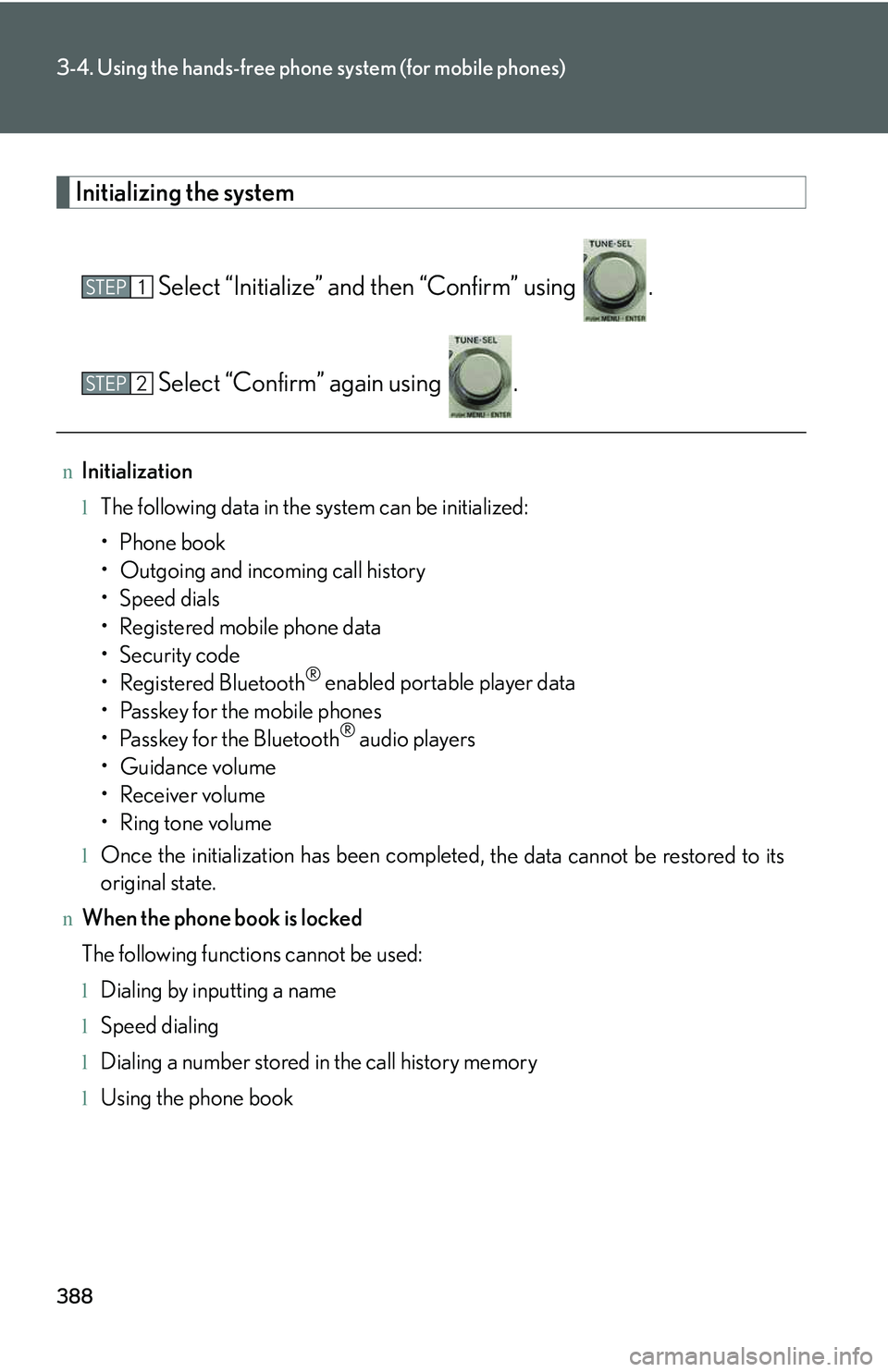
Initializing the system
Select “Initialize” and then “Confirm” using .
Select “Confirm” again using .
nInitialization
lThe following data in the system can be initialized:
Page 459 of 821
389
3-4. Using the hands-free phone system (for mobile phones)
3
Interior features
Using the phone book
Adding a new phone number
The following methods can be used to add a new phone number:
lInputting a phone number using a voice command
lTransferring data from the mobile phone
lInputting a phone number using
lSelecting a phone number from outgoing or incoming call history
To enter the menu for each function, follow the steps below using a
voice command or :
lAdding a new phone number
1. “Phonebook” → 2. “Add Entry”
lChanging the registered name in the phone book
1. “Phonebook” → 2. “Change Name”
lListing the registered data
1. “Phonebook” → 2. “List Names”
lSetting speed dials
1. “Phonebook” → 2. “Set Speed Dial (Speed Dial)”
lDeleting the registered data
1. “Phonebook” → 2. “Delete Entry”
lDeleting speed dials
1. “Phonebook” → 2. “Delete Speed Dial (Del Spd Dial)”
Page 460 of 821
390
3-4. Using the hands-free phone system (for mobile phones)
nAdding procedure
Select “Add Entry” using a voice command or .
Use one of the following methods to input a telephone number:
Inputting a telephone number using a voice command:
STEP2-1 Select “By Voice” using a voice command or .
STEP2-2 Press the talk switch, say the desired number, and
select “Confirm” using a voice command.
Transferring data from the mobile phone:
STEP2-1 Select “By Phone” and then “Confirm” using a voice
command or .
STEP2-2 Transfer the data from the mobile phone.
Refer to the manual that comes with the mobile phone for
the details of transferring data.
STEP2-3 Select the data to be registered by either of the follow-
ing methods:
a. Say “Previous” or “Next” until the desired data is dis-
played, and select “Confirm” using a voice com-
mand.
b. Select the desired data using .
STEP1
STEP2
Page 461 of 821
391
3-4. Using the hands-free phone system (for mobile phones)
3
Interior features
Inputting a phone number using :
STEP2-1 Select “Manual Input” using .
STEP2-2 Input a phone number using , and press
again.
Input the phone number 1 digit at a time.
Selecting a phone number from outgoing or incoming call history:
STEP2-1 Select “Call History” using a voice command or .
STEP2-2 Select “Outgoing” or “Incoming” using a voice com-
mand or .
STEP2-3 Select the data to be registered by either of the follow-
ing methods:
a. Say “Previous” or “Go back” until the desired data is
displayed, and select “Confirm” using a voice com-
mand.
b. Select the desired data using .
Page 462 of 821
392
3-4. Using the hands-free phone system (for mobile phones)
Select the name to be registered by either of the following meth-
ods, and select “Confirm” using a voice command or :
a. Press the talk switch and say the desired name.
b. Select “Record Name” using , and say the desired
name.
Select “Confirm” using a voice command or .
In , selecting “Set Speed Dial (Speed Dial)” instead of “Con-
firm” registers the newly added phone number as a speed dial.
Changing the registered name in the phone book
Select “Change Name” using a voice command or .
Pattern A
Select the name to be changed by either of the following meth-
ods, and select “Confirm” using a voice command or :
a. Press the talk switch, say the desired name.
b. Press the talk switch, and say “List Names”. When the desired
name is read aloud, press the talk switch.
Pattern B
Select the desired name to be changed using .
STEP3
STEP4
STEP4
STEP1
STEP2
STEP2