Page 209 of 563

Interior features3
207
ES350_U
3-3. Using the Bluetooth®
audio system
Bluetooth
® audio system .... 262
Using the Bluetooth
®
audio system ......................... 265
Operating a Bluetooth
®
enabled portable player .... 270
Setting up a Bluetooth
®
enabled portable player .... 273
Bluetooth
® audio system
setup ....................................... 280
3-4. Using the hands-free system (for mobile phone)
Hands-free system for mobile phones ....................... 281
Using the hands-free system
(for mobile phone).............. 285
Making a phone call .............. 293
Setting a mobile phone........ 298
Security and system setup ....................................... 303
Using the phone book........... 307
3-5. Using the interior lights Interior lights list ...................... 314
• Interior lights ......................... 316
• Personal lights ....................... 316 3-6. Using the storage
features
List of storage features.......... 317
• Glove box ............................... 318
• Console box .......................... 319
• Overhead console.............. 320
• Cup holders ........................... 321
• Auxiliary box ........................ 323
3-7. Other interior features Sun visors ................................. 324
Vanity mirror ........................... 325
Clock ......................................... 326
Ashtray ..................................... 327
Cigarette lighter .................... 328
Power outlet ............................ 329
Seat heaters ............................ 330
Seat heaters and ventilators ............................. 332
Armrest .................................... 334
Rear sunshade ........................ 335
Extended trunk....................... 337
Coat hooks .............................. 338
Floor mat .................................. 339
Trunk features .......................... 341
Garage door opener ............ 343
Compass .................................. 349
Safety Connect ...................... 353
Page 226 of 563

224
3-2. Using the audio system
ES350_U
■If the satellite radio does not operate normally
If a problem occurs with the XM
® tuner, a message will appear on the display. Refer
to the table below to identify the problem, and take the suggested corrective action.
“ANTENNA”
The XM® antenna is not connected. Check whether
the XM® antenna cable is attached securely.
There is a short-circuit in the antenna or the surround-
ing antenna cable. See a Lexus certified dealer.
“UNAUTH”
You have not subscribed to the XM® Satellite Radio.
The radio is being updated with the latest encryption
code. Contact the XM
® Satellite Radio for subscrip-
tion information. When a contract is canceled, you can
choose the “CH000” and all free-to-air channels.
The premium channel you selected is not authorized.
Wait for about 2 seconds until the radio returns to the
previous channel or “CH001”. If it does not change
automatically, select another channel. If you want to lis-
ten to the premium channel, contact the XM
® Satellite
Radio.
“NO SIGNAL”
The XM® signal is too weak at the current location.
Wait until your vehicle reaches a location with a stron-
ger signal.
“LOAD ING”The unit is acquiring audio or program information.
Wait until the unit has received the information.
“OFF AIR”The channel you selected is not broadcasting any pro-
gramming. Select another channel.
“-----”
There is no song/program title or artist name/feature
associated with the channel at that time. No action
needed.
Page 283 of 563
281
3
Interior features
ES350_U
3-4. Using the hands-free system (for mobile phone)
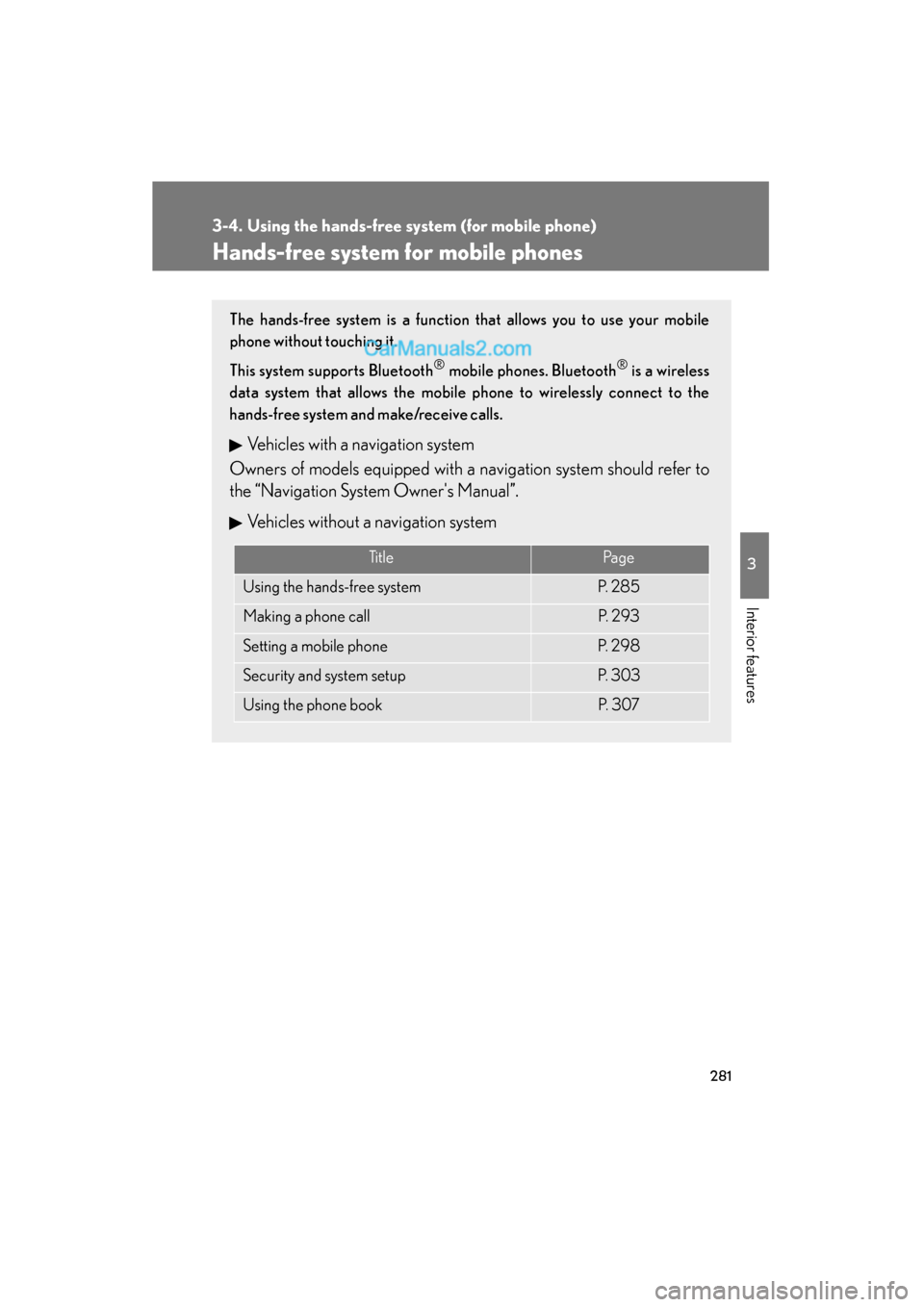
Hands-free system for mobile phones
The hands-free system is a function that allows you to use your mobile
phone without touching it.
This system supports Bluetooth
® mobile phones. Bluetooth® is a wireless
data system that allows the mobile phone to wirelessly connect to the
hands-free system and make/receive calls.
Vehicles with a navigation system
Owners of models equipped with a navigation system should refer to
the “Navigation System Owner's Manual”.
Vehicles without a navigation system
Ti t l ePa g e
Using the hands-free systemP. 2 8 5
Making a phone callP. 2 9 3
Setting a mobile phoneP. 2 9 8
Security and system setupP. 3 0 3
Using the phone bookP. 3 0 7
Page 292 of 563
290
3-4. Using the hands-free system (for mobile phone)
ES350_U
“Setup”
“Security”
“Set PIN”Setting a PIN code
“Phbk Lock”Locking the phone book
“Phbk Unlock”Unlocking the phone book
“Phone
Setup”
“Pair Phone”Setting a mobile phone to be
used
“Connect”Selecting a mobile phone to be
used
“Change Name”Changing a registered name of
a mobile phone
“List Names”Listing the registered mobile
phones
“Set Passkey”Changing the passkey
“Delete Phone”Deleting a registered mobile
phone
“System
Setup”
“Guidance Vol”Setting voice guidance volume
“Device Name”Displaying the Bluetooth®
device address and name
“Initialize”Initialization the system
First menuSecond menuThird menuOperation detail
Page 305 of 563
303
3-4. Using the hands-free system (for mobile phone)
3
Interior features
ES350_U
Security and system setup
■Security setting items an d operation procedures
To enter the menu for each function, follow the steps below using a
voice command or :
●Setting or changing the PIN (Personal Identification Number)
1. “Setup” → 2. “Security” → 3. “Set PIN”
● Locking the phone book
1. “Setup” → 2. “Security” → 3. “Phonebook Lock (Phbk Lock)”
● Unlocking the phone book
1. “Setup” → 2. “Security” → 3. “Phonebook Unlock (Phbk
Unlock)”
■ System setup items and operation procedure
To enter the menu for each function, follow the steps below using
:
● Setting voice guidance volume
1. “Setup” → 2. “System Setup” → 3. “Guidance Vol”
● Displaying the Bluetooth
® device address and name
1. “Setup” → 2. “System Setup” → 3. “Device Name”
● Initializing the system
1. “Setup” → 2. “System Setup” → 3. “Initialize”
Page 308 of 563
306
3-4. Using the hands-free system (for mobile phone)
ES350_U
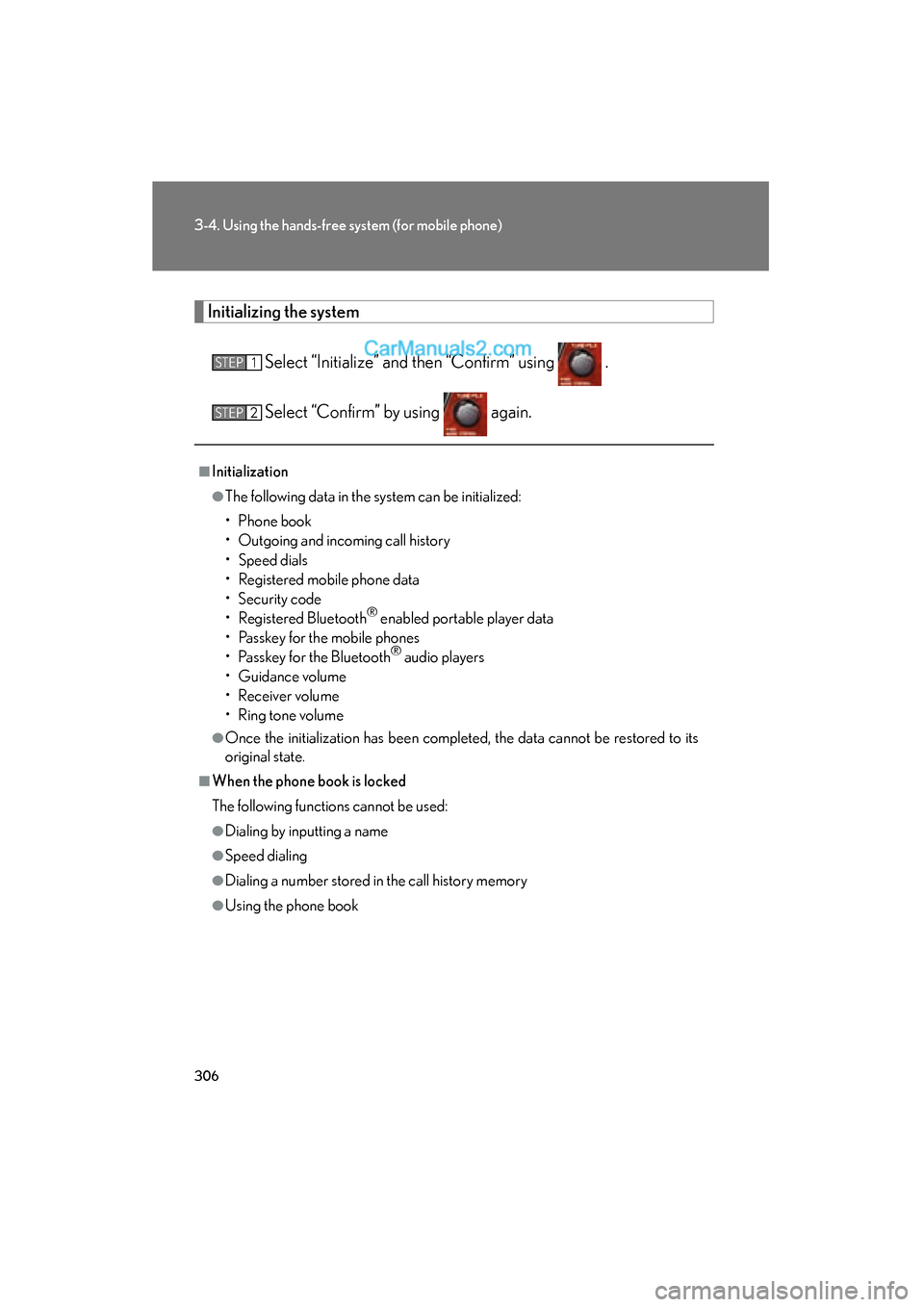
Initializing the system
Select “Initialize” and then “Confirm” using .
Select “Confirm” by using again.
■Initialization
●The following data in the system can be initialized:
• Phone book
• Outgoing and incoming call history
• Speed dials
• Registered mobile phone data
• Security code
• Registered Bluetooth
® enabled portable player data
• Passkey for the mobile phones
• Passkey for the Bluetooth
® audio players
• Guidance volume
• Receiver volume
• Ring tone volume
●Once the initialization has been completed, the data cannot be restored to its
original state.
■When the phone book is locked
The following functions cannot be used:
●Dialing by inputting a name
●Speed dialing
●Dialing a number stored in the call history memory
●Using the phone book
STEP1
STEP2
Page 341 of 563
339
3-7. Other interior features
3
Interior features
ES350_U
Floor mat
CAUTION
Observe the following precautions.
Failure to do so may cause the driver's floor mat to slip, possibly interfering with the
pedals while driving. An unexpectedly high speed may result or it may become diffi-
cult to stop the vehicle, leading to a serious accident.
■When installing the driver's floor mat
●Do not use floor mats designed for other models or different model year vehicles,
even if they are Lexus Genuine floor mats.
●Only use floor mats designed for the driver's seat.
●Always install the floor mat securely using the retaining hooks (clips) provided.
●Do not use two or more floor mats on top of each other.
●Do not place the floor mat bottom-side up or upside-down.
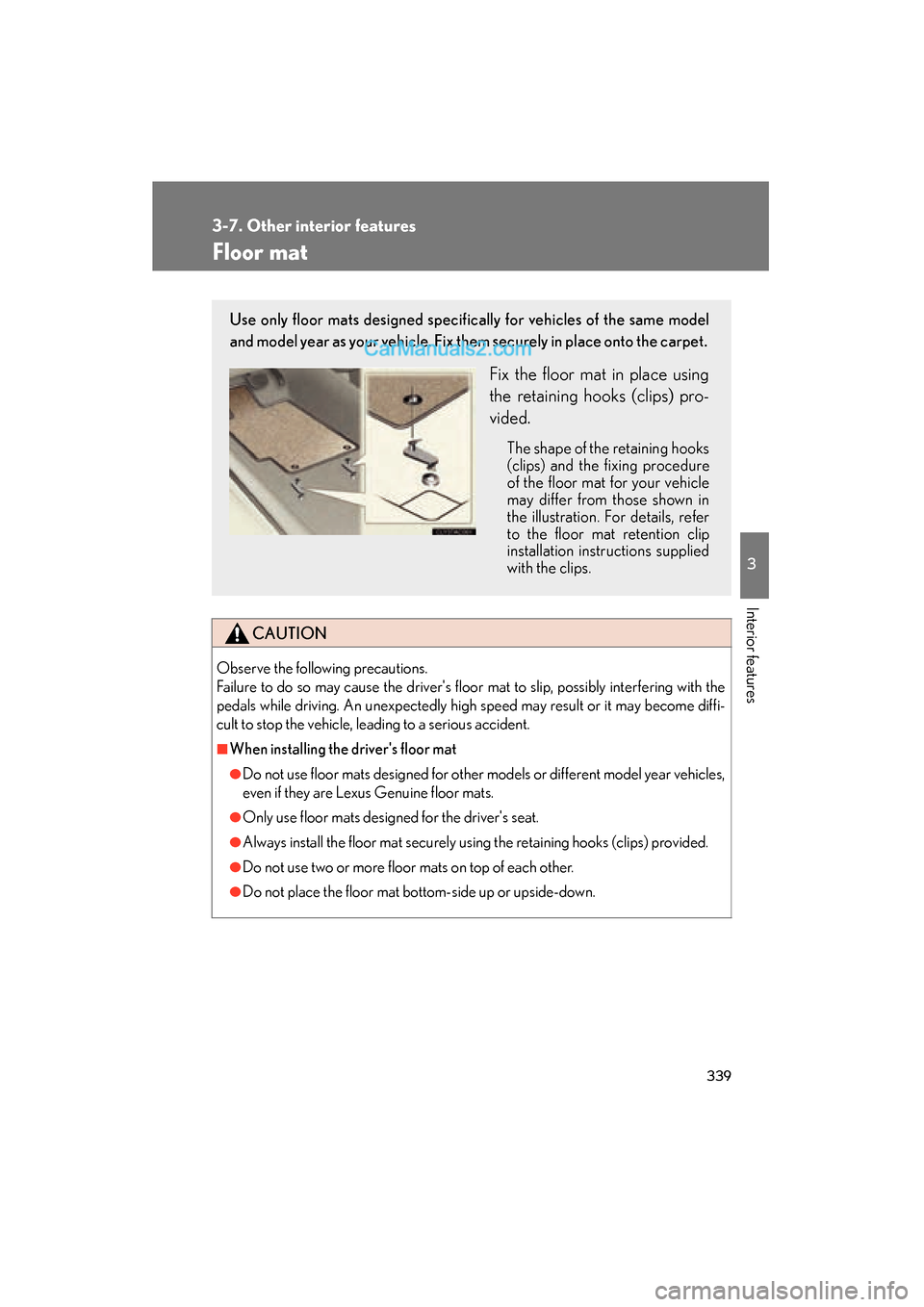
Use only floor mats designed specifically for vehicles of the same model
and model year as your vehicle. Fix them securely in place onto the carpet.
Fix the floor mat in place using
the retaining hooks (clips) pro-
vided.
The shape of the retaining hooks
(clips) and the fixing procedure
of the floor mat for your vehicle
may differ from those shown in
the illustration. For details, refer
to the floor mat retention clip
installation instructions supplied
with the clips.
Page 342 of 563
340
3-7. Other interior features
ES350_U
CAUTION
■Before driving
●Check that the floor mat is securely fixed in
the correct place with all the provided
retaining hooks (clips). Be especially care-
ful to perform this check after cleaning the
floor.
●With the engine stopped and the shift lever
in P, fully depress each pedal to the floor to
make sure it does not interfere with the
floor mat.