Page 332 of 587
11. Blower Control
There are seven blower speeds, the blower speed in-
creases as you move the control to the right from the
lowest blower setting. Performing this function will
cause the ATC to switch into manual mode.
12. Climate Control OFF Button
Press and release this button to turn the Climate Control
OFF
13. Mode Control Button
Press and release to select between Modes (Panel, Bi-
Level, Floor, Mix). Performing this function will cause the
ATC to switch into manual mode.
14. SYNC Button
Press and release to control the temperature setting for
both zones from the driver temperature control.15. Driver Temperature Control Down Button
Provides the driver with independent temperature con-
trol. Push the button for cooler temperature settings.
16. Driver Temperature Control Up Button
Provides the driver with independent temperature con-
trol. Push the button for warmer temperature settings.
Automatic Operation
1. Press the AUTO button on the Automatic Temperature
Control (ATC) Panel.
2. Next, adjust the temperature you would like the
system to maintain by adjusting the driver and front
passenger temperature control buttons. Once the desired
temperature is displayed, the system will achieve and
automatically maintain that comfort level.
330 UNDERSTANDING YOUR INSTRUMENT PANEL
Page 333 of 587

3. When the system is set up for your comfort level, it is
not necessary to change the settings. You will experience
the greatest efficiency by simply allowing the system to
function automatically.
NOTE:
•It is not necessary to move the temperature settings for
cold or hot vehicles. The system automatically adjusts
the temperature, mode and fan speed to provide
comfort as quickly as possible.
•The temperature can be displayed in U.S. or Metric
units by selecting the US/M customer-programmable
feature. Refer to the “Electronic Vehicle Information
Center (EVIC) — Customer-Programmable Features
(SETUP)” in this section of the manual.
To provide you with maximum comfort in the Automatic
mode, during cold start-ups the blower fan will remain
on low until the engine warms up. The blower will
increase in speed and transition into Auto mode.
Manual Operation
This system offers a full complement of manual override
features.
NOTE: Each of these features operate independently
from each other. If any one feature is controlled manually,
temperature control will continue to operate automati-
cally.
There are seven fixed blower speeds.
Use the outer dial control to regulate
the amount of air forced through the
system in any mode you select. The
blower speed increases as you move
the control clockwise and decreases
when you move the control counter-
clockwise.
Blower Control
4
UNDERSTANDING YOUR INSTRUMENT PANEL 331
Page 334 of 587
The blower fan speed can be set to any fixed speed by
adjusting the blower control outer dial. The fan will now
operate at a fixed speed until additional speeds are
selected. This allows the front occupants to control the
volume of air circulated in the vehicle and cancel the
Auto mode.
The operator can also select the direction of the airflow
by selecting one of the following positions.
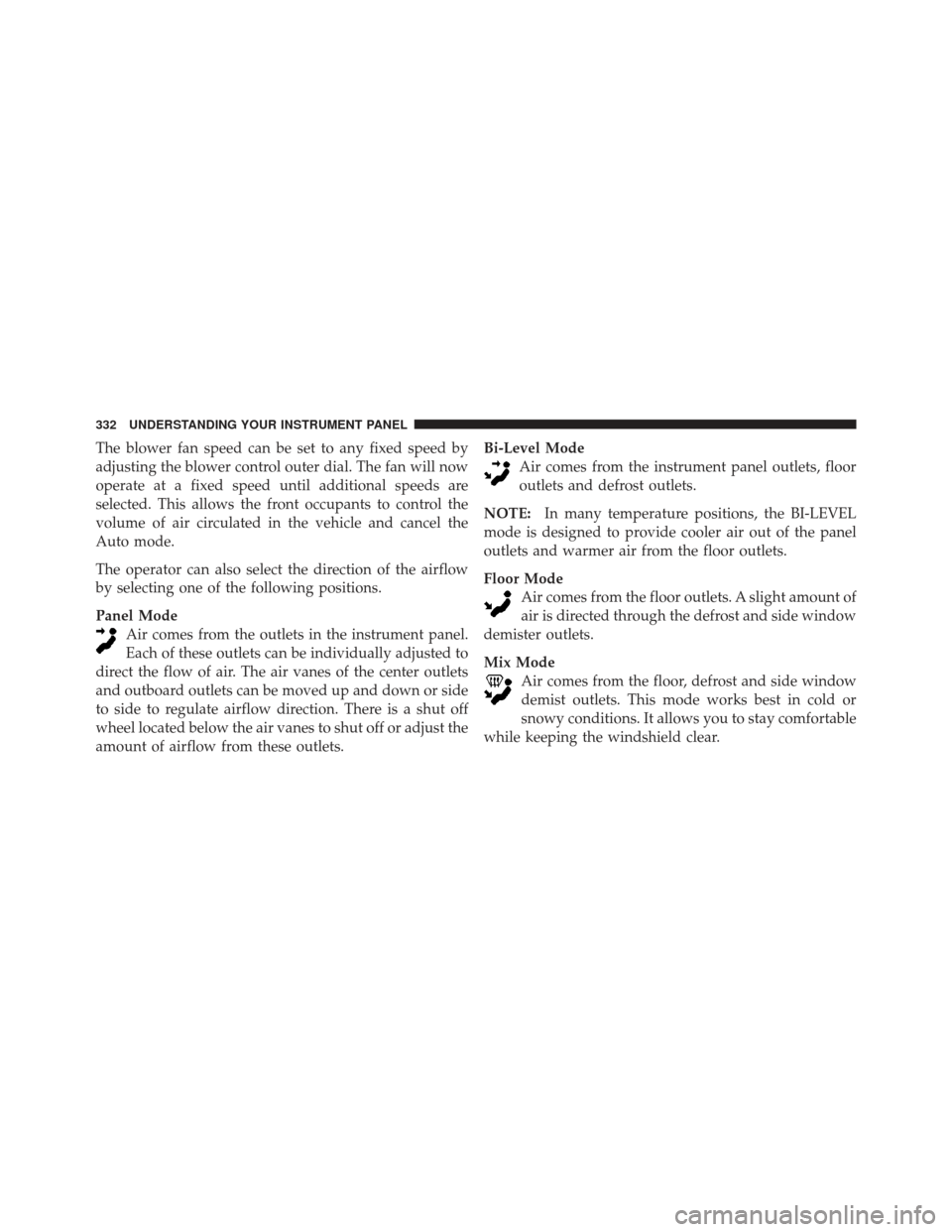
Panel ModeAir comes from the outlets in the instrument panel.
Each of these outlets can be individually adjusted to
direct the flow of air. The air vanes of the center outlets
and outboard outlets can be moved up and down or side
to side to regulate airflow direction. There is a shut off
wheel located below the air vanes to shut off or adjust the
amount of airflow from these outlets. Bi-Level Mode
Air comes from the instrument panel outlets, floor
outlets and defrost outlets.
NOTE: In many temperature positions, the BI-LEVEL
mode is designed to provide cooler air out of the panel
outlets and warmer air from the floor outlets.
Floor Mode Air comes from the floor outlets. A slight amount of
air is directed through the defrost and side window
demister outlets.
Mix Mode Air comes from the floor, defrost and side window
demist outlets. This mode works best in cold or
snowy conditions. It allows you to stay comfortable
while keeping the windshield clear.
332 UNDERSTANDING YOUR INSTRUMENT PANEL
Page 335 of 587
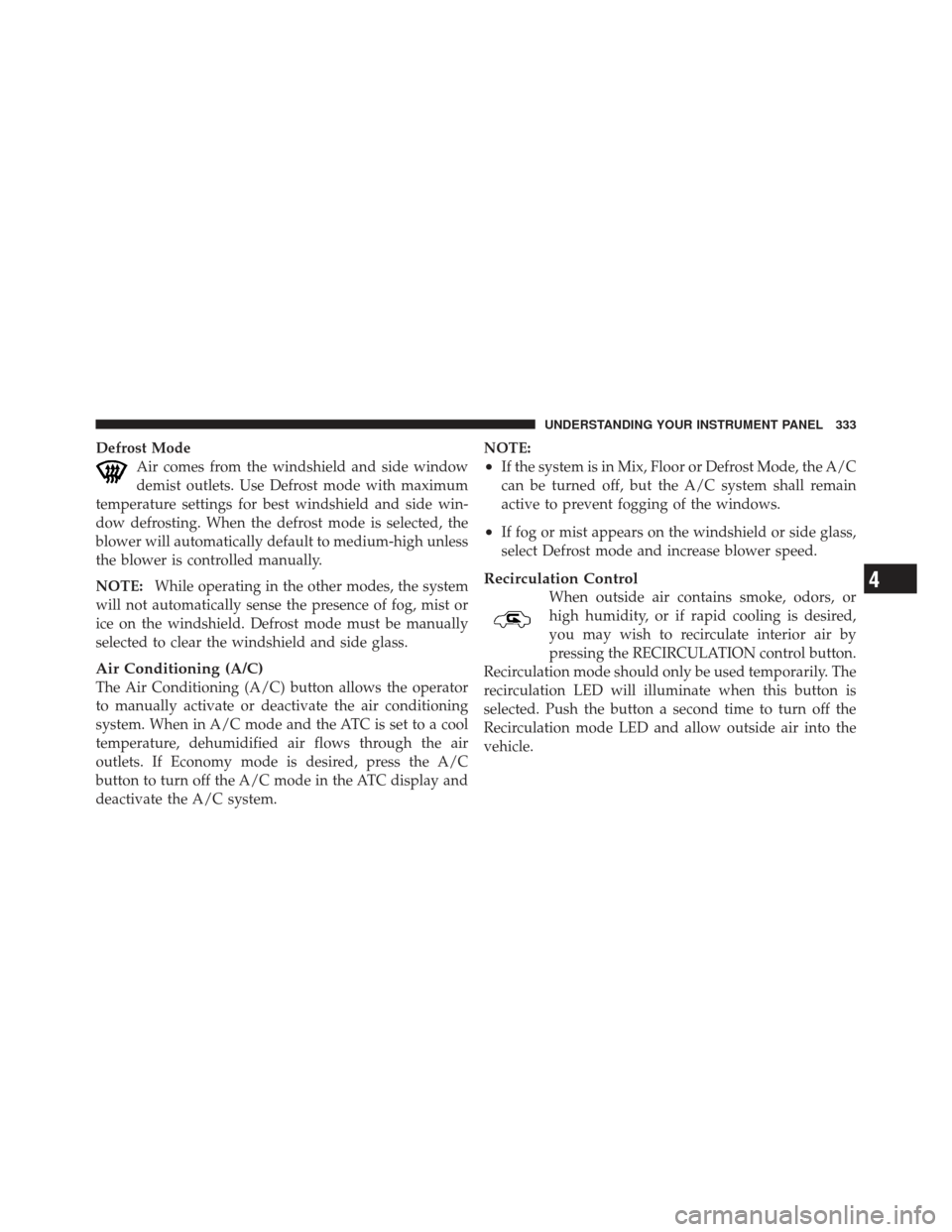
Defrost ModeAir comes from the windshield and side window
demist outlets. Use Defrost mode with maximum
temperature settings for best windshield and side win-
dow defrosting. When the defrost mode is selected, the
blower will automatically default to medium-high unless
the blower is controlled manually.
NOTE: While operating in the other modes, the system
will not automatically sense the presence of fog, mist or
ice on the windshield. Defrost mode must be manually
selected to clear the windshield and side glass.
Air Conditioning (A/C)
The Air Conditioning (A/C) button allows the operator
to manually activate or deactivate the air conditioning
system. When in A/C mode and the ATC is set to a cool
temperature, dehumidified air flows through the air
outlets. If Economy mode is desired, press the A/C
button to turn off the A/C mode in the ATC display and
deactivate the A/C system. NOTE:
•If the system is in Mix, Floor or Defrost Mode, the A/C
can be turned off, but the A/C system shall remain
active to prevent fogging of the windows.
•If fog or mist appears on the windshield or side glass,
select Defrost mode and increase blower speed.
Recirculation Control
When outside air contains smoke, odors, or
high humidity, or if rapid cooling is desired,
you may wish to recirculate interior air by
pressing the RECIRCULATION control button.
Recirculation mode should only be used temporarily. The
recirculation LED will illuminate when this button is
selected. Push the button a second time to turn off the
Recirculation mode LED and allow outside air into the
vehicle.4
UNDERSTANDING YOUR INSTRUMENT PANEL 333
Page 336 of 587
NOTE:In cold weather, use of Recirculation mode may
lead to excessive window fogging. The Recirculation
mode is not allowed in the Floor/Defrost Mix and
Defrost modes to improve window clearing operation.
Recirculation will be disabled automatically if these
modes are selected.
Operating Tips
Window Fogging
Windows will fog on the inside when the humidity inside
the vehicle is high. This often occurs in mild or cool
temperatures when it’s rainy or humid. In most cases,
turning the air conditioning (pressing the A/C button) on
will clear the fog. Adjust the temperature control, air
direction, and blower speed to maintain comfort. As the temperature gets colder, it may be necessary to
direct air onto the windshield. Adjust the temperature
control and blower speed to maintain comfort. Higher
blower speeds will reduce fogging. Interior fogging on
the windshield can be quickly removed by selecting the
DEFROST mode.
Regular cleaning of the inside of the windows with a
non-filming cleaning solution (vinegar and water works
very well) will help prevent contaminates (cigarette
smoke, perfumes, etc.) from sticking to the windows.
Contaminates increase the rate of window fogging.
334 UNDERSTANDING YOUR INSTRUMENT PANEL
Page 337 of 587
Summer Operation
NOTE:In some cases during high temperature trailer
tow operation the Air Conditioning system performance
may be reduced. This is to help protect the engine from
overheating during the high load condition.
Your air conditioning system is also equipped with an
automatic recirculation system. When the system senses
a heavy load or high heat conditions, it may use partial
Recirculation A/C mode to provide additional comfort.
Winter Operation
When operating the system during the winter months,
make sure the air intake, located directly in front of the
windshield, is free of ice, slush, snow, or other obstructions.
Vacation Storage
Anytime you store your vehicle, or keep it out of service
(i.e. vacation) for two weeks or more, run the air condi-
tioning system at idle for about five minutes in the fresh
air and high blower setting. This will ensure adequate
system lubrication to minimize the possibility of com-
pressor damage when the system is started again.
4
UNDERSTANDING YOUR INSTRUMENT PANEL 335
Page 338 of 587
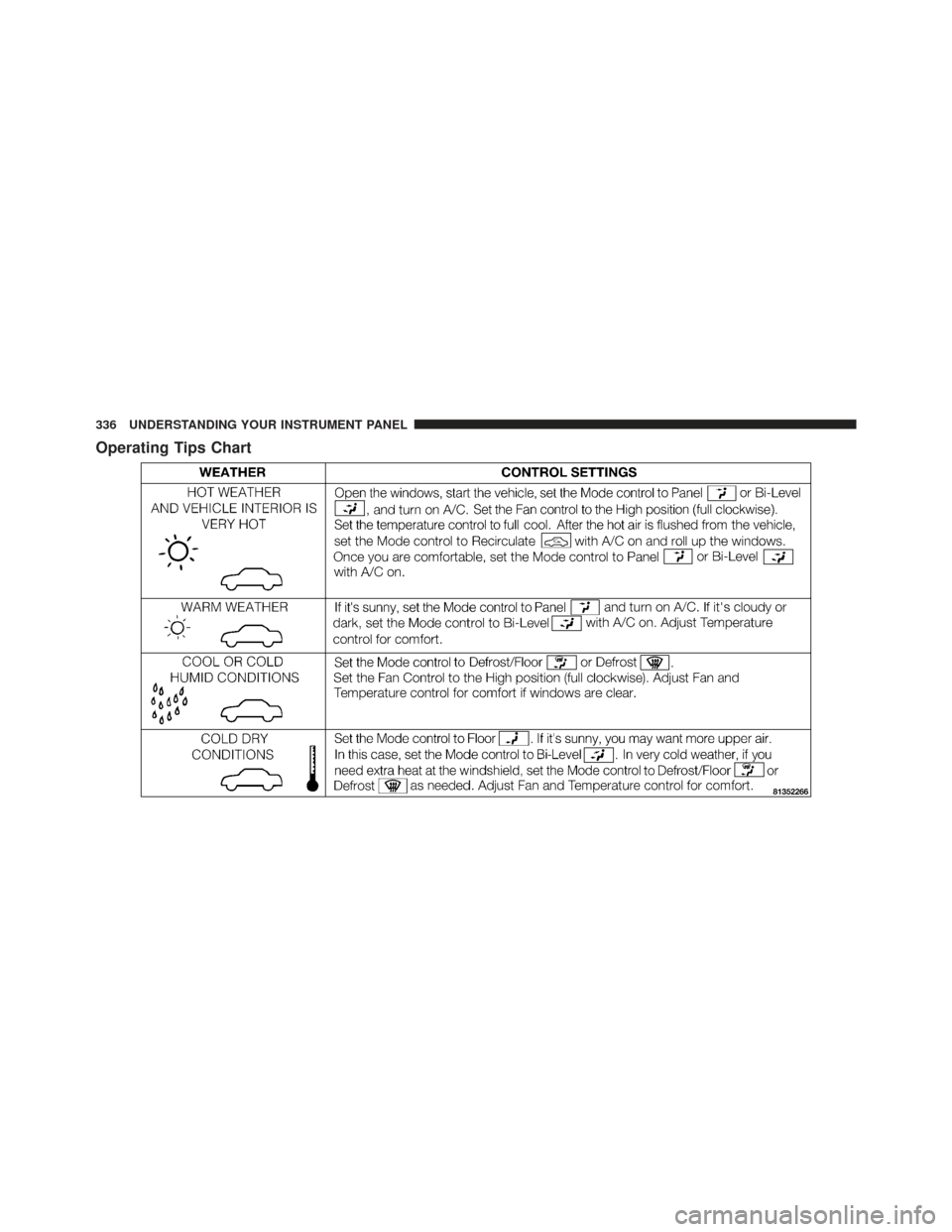
Operating Tips Chart
336 UNDERSTANDING YOUR INSTRUMENT PANEL
Page 362 of 587
4WD LOW
This range is for low speed four-wheel drive. It locks the
front and rear driveshafts together and forces the front
and rear wheels to rotate at the same speed. It provides
additional traction and maximum pulling power for
loose, slippery road surfaces only. Do not exceed 25 mph
(40 km/h).
NOTE:Refer to “Selec-Terrain� – If Equipped” for
further information on the various positions and their
intended usages.
Shifting Procedures
4WDHIto4WDLOW
With the vehicle at speeds of 0 to 3 mph (0 to 5 km/h), the
ignition switch in the ON position or the engine running,
shift the transmission into NEUTRAL, and press the
“4WD LOW” button once on the transfer case switch. The
“4WD LOW” indicator light in the instrument cluster
will begin to flash and remain on solid when the shift is
complete. NOTE:If shift conditions/interlocks are not met, or a
transfer case motor temperature protection condition ex-
ists, a “For 4x4 Low Slow Below 3 MPH or 5 KPH Put
Trans in N Press 4 Low” message will flash from the
Electronic Vehicle Information Center (EVIC). Refer to
“Electronic Vehicle Information Center (EVIC)” in “Under-
standing Your Instrument Panel” for further information.
Transfer Case Switch
360 STARTING AND OPERATING