Page 260 of 403
537
Driving your vehicle
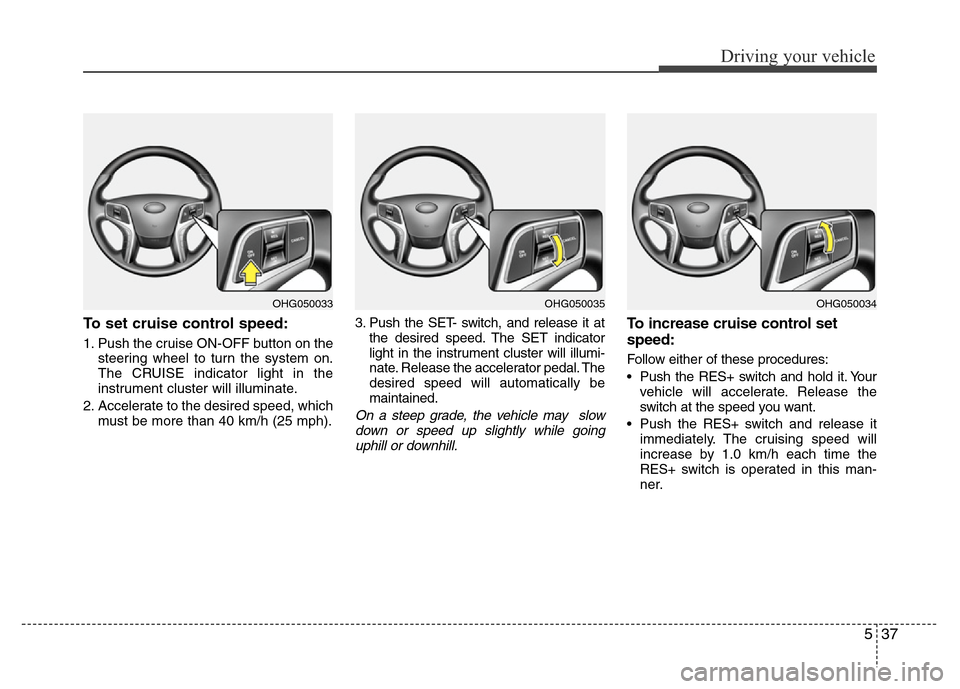
To set cruise control speed:
1. Push the cruise ON-OFF button on the
steering wheel to turn the system on.
The CRUISE indicator light in the
instrument cluster will illuminate.
2. Accelerate to the desired speed, which
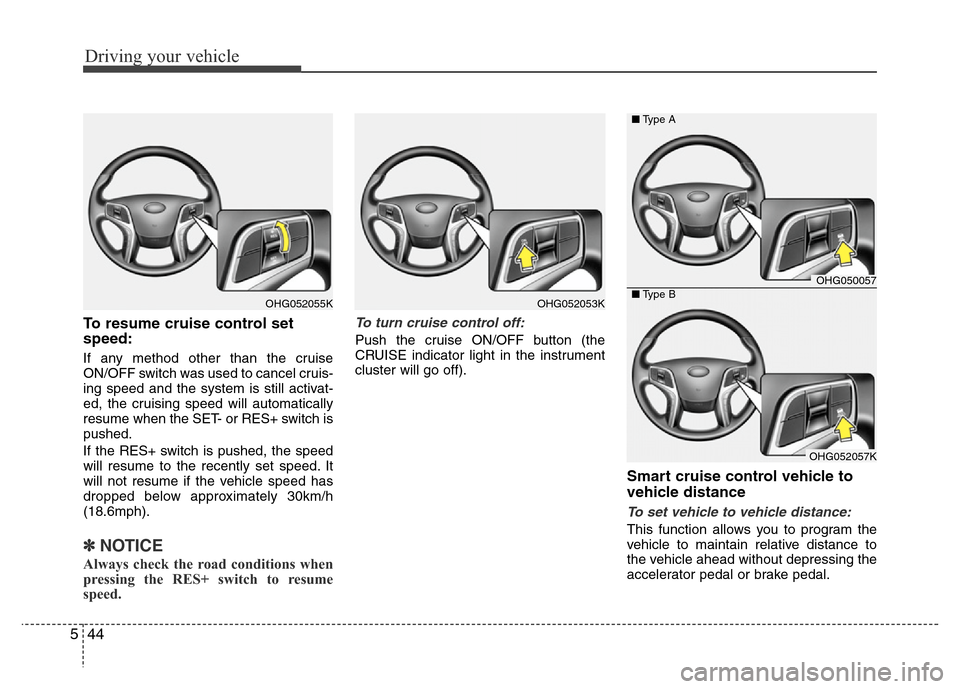
must be more than 40 km/h (25 mph).3. Push the SET- switch, and release it at
the desired speed. The SET indicator
light in the instrument cluster will illumi-
nate. Release the accelerator pedal. The
desired speed will automatically be
maintained.
On a steep grade, the vehicle may slow
down or speed up slightly while going
uphill or downhill.
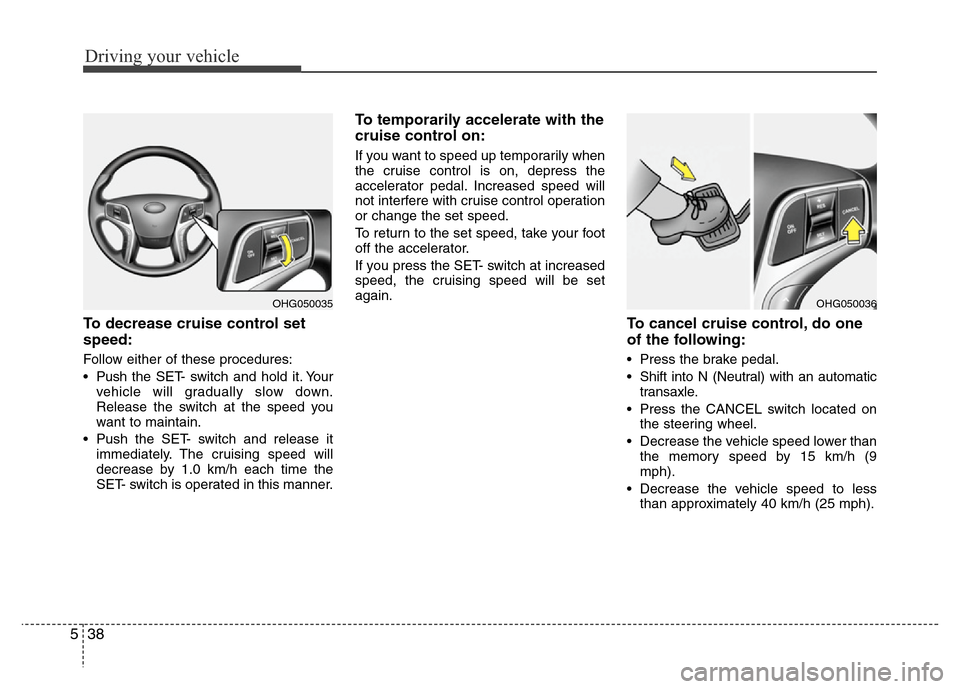
To increase cruise control set
speed:
Follow either of these procedures:
• Push the RES+ switch and hold it. Your
vehicle will accelerate. Release the
switch at the speed you want.
• Push the RES+ switch and release it
immediately. The cruising speed will
increase by 1.0 km/h each time the
RES+ switch is operated in this man-
ner.
OHG050035OHG050034OHG050033
Page 261 of 403
Driving your vehicle
38 5
To decrease cruise control set
speed:
Follow either of these procedures:
• Pushthe SET- switch and hold it. Your
vehicle will gradually slow down.
Release the switch at the speed you
want to maintain.
• Push the SET- switch and release it
immediately. The cruising speed will
decrease by 1.0 km/h each time the
SET- switch is operated in this manner.
To temporarily accelerate with the
cruise control on:
If you want to speed up temporarily when
the cruise control is on, depress the
accelerator pedal. Increased speed will
not interfere with cruise control operation
or change the set speed.
To return to the set speed, take your foot
off the accelerator.
If you press the SET- switch at increased
speed, the cruising speed will be set
again.
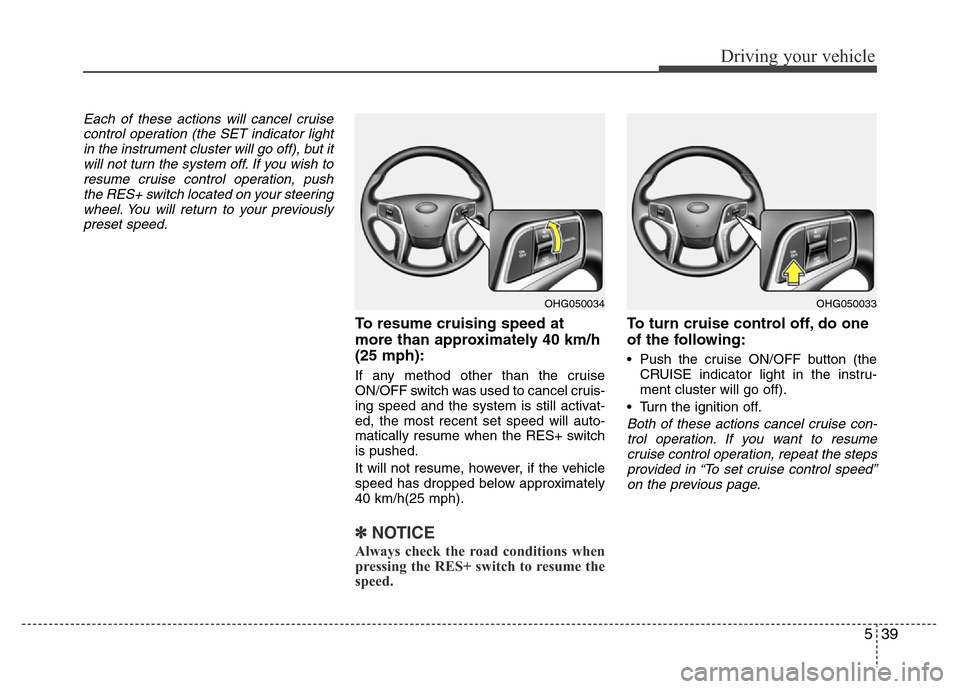
To cancel cruise control, do one
of the following:
• Press the brake pedal.
• Shift into N (Neutral) with an automatic
transaxle.
• Press the CANCEL switch located on
the steering wheel.
• Decrease the vehicle speed lower than
the memory speed by 15 km/h (9
mph).
• Decrease the vehicle speed to less
than approximately 40 km/h (25 mph).
OHG050036OHG050035
Page 262 of 403
539
Driving your vehicle
Each of these actions will cancel cruise
control operation (the SET indicator light
in the instrument cluster will go off), but it
will not turn the system off. If you wish to
resume cruise control operation, push
the RES+ switch located on your steering
wheel. You will return to your previously
preset speed.
To resume cruising speed at
more than approximately 40 km/h
(25 mph):
If any method other than the cruise
ON/OFF switch was used to cancel cruis-
ing speed and the system is still activat-
ed, the most recent set speed will auto-
matically resume when the RES+ switch
is pushed.
It will not resume, however, if the vehicle
speed has dropped below approximately
40 km/h(25 mph).
✽NOTICE
Always check the road conditions when
pressing the RES+ switch to resume the
speed.
To turn cruise control off, do one
of the following:
• Push the cruise ON/OFF button (the
CRUISE indicator light in the instru-
ment cluster will go off).
• Turn the ignition off.
Both of these actions cancel cruise con-
trol operation. If you want to resume
cruise control operation, repeat the steps
provided in “To set cruise control speed”
on the previous page.
OHG050034OHG050033
Page 264 of 403
541
Driving your vehicle
Smart cruise control speed
To set cruise control speed:
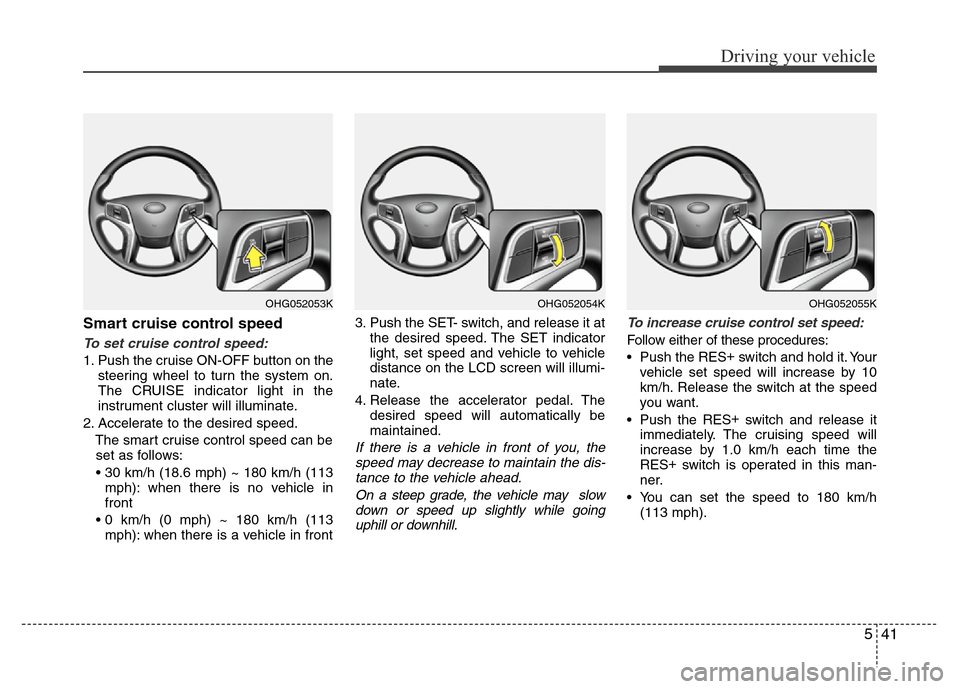
1. Push the cruise ON-OFF button on the
steering wheel to turn the system on.
The CRUISE indicator light in the
instrument cluster will illuminate.
2. Accelerate to the desired speed.
The smart cruise control speed can be
set as follows:
• 30 km/h (18.6 mph) ~ 180 km/h (113
mph): when there is no vehicle in
front
• 0 km/h (0 mph) ~ 180 km/h (113
mph): when there is a vehicle in front3. Push the SET- switch, and release it at
the desired speed. The SET indicator
light, set speed and vehicle to vehicle
distance on the LCD screen will illumi-
nate.
4. Release the accelerator pedal. The
desired speed will automatically be
maintained.
If there is a vehicle in front of you, the
speed may decrease to maintain the dis-
tance to the vehicle ahead.
On a steep grade, the vehicle may slow
down or speed up slightly while going
uphill or downhill.To increase cruise control set speed:
Follow either of these procedures:
• Push the RES+
switch and hold it. Your
vehicle set speed will increase by 10
km/h. Release the switch at the speed
you want.
• Push the RES+
switch and release it
immediately. The cruising speed will
increase by 1.0 km/h each time the
RES+
switch is operated in this man-
ner.
• You can set the speed to 180 km/h
(113 mph).
OHG052054KOHG052053KOHG052055K
Page 265 of 403
Driving your vehicle
42 5
To decrease the crusie control set
speed:
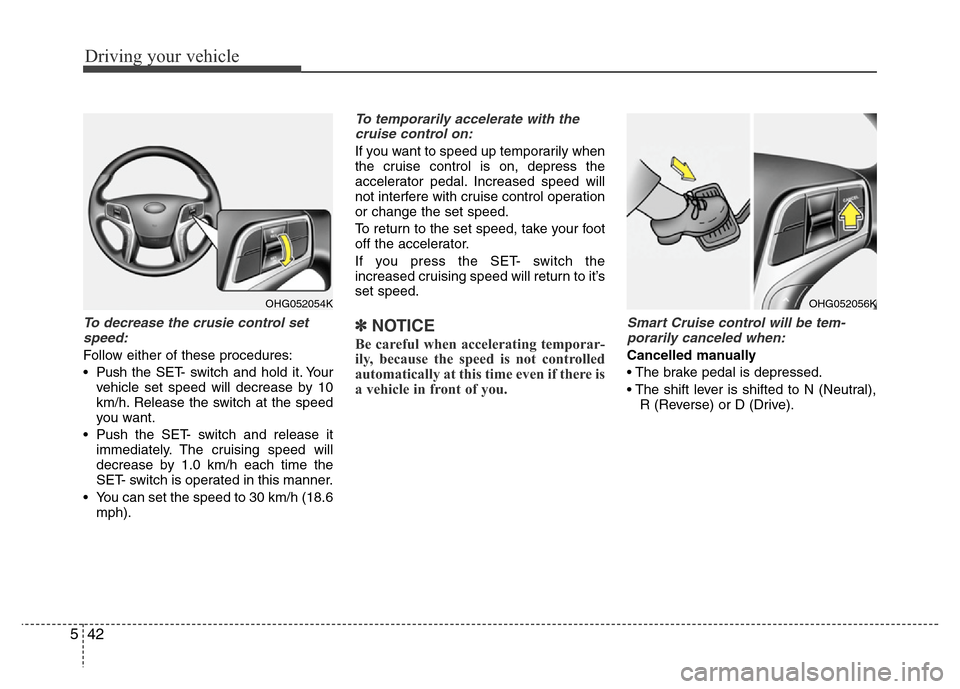
Follow either of these procedures:
• Pushthe SET- switch and hold it. Your
vehicle set speed will decrease by 10
km/h. Release the switch at the speed
you want.
• Push the SET- switch and release it
immediately. The cruising speed will
decrease by 1.0 km/h each time the
SET- switch is operated in this manner.
• You can set the speed to 30 km/h (18.6
mph).
To temporarily accelerate with the
cruise control on:
If you want to speed up temporarily when
the cruise control is on, depress the
accelerator pedal. Increased speed will
not interfere with cruise control operation
or change the set speed.
To return to the set speed, take your foot
off the accelerator.
If you press the SET- switch the
increased cruising speed will return to it’s
set speed.
✽NOTICE
Be careful when accelerating temporar-
ily, because the speed is not controlled
automatically at this time even if there is
a vehicle in front of you.
Smart Cruise control will be tem-
porarily canceled when:
Cancelled manually
• The brake pedal is depressed.
• The shift lever is shifted to N (Neutral),
R (Reverse) or D (Drive).
OHG052054KOHG052056K
Page 266 of 403

543
Driving your vehicle
Cancelled automatically
• The driver's door is opened.
• The EPB (electronic parking brake) is
applied.
• The vehicle speed is over 180km/h
(113mph)
• The vehicle stops on a steep incline.
• The ESP or ABS is operating.
• The ESP is turned off.
• The sensor or the cover is dirty or
blocked with foreign matter.
• The vehicle stops and go repeatedly for
a long period of time.
• The driver starts driving by depressing
the accelerator pedal or pushing the
RES+ switch if a vehicle stops far away
ahead of the your vehicle.• The accelerator pedal is continuously
depressed for more than 1 minute.
Each of these actions will cancel the
smart cruise control operation. (The
SET indicator, set speed and vehicle to
vehicle distance on the LCD display
will go off.)
In a condition the smart cruise control
is cancelled automatically, the smart
cruise control will not resume even
though the RES+ or SET- switch is
pushed. Also, the EPB (electronic
parking brake) will be applied.
If the system is cancelled, the warning
chime will sound and a message will
appear for a few seconds. You must
adjust the vehicle speed, as well as the
distance to the vehicle ahead by
depressing the accelerator or brake
pedal.
Always check the road conditions. Do not
rely on the warning chime.
OHG051080L
CAUTION
If the smart cruise control is can-
celled by other than the reasons
mentioned, have the system checked
by an authorized HYUNDAI dealer.
Page 267 of 403
Driving your vehicle
44 5
To resume cruise control set
speed:
If any method other than the cruise
ON/OFF switch was used to cancel cruis-
ing speed and the system is still activat-
ed, the cruising speed will automatically
resume when the SET- or RES+ switch is
pushed.
If the RES+ switch is pushed, the speed
will resume to the recently set speed. It
will not resume if the vehicle speed has
dropped below approximately 30km/h
(18.6mph).
✽NOTICE
Always check the road conditions when
pressing the RES+ switch to resume
speed.
To turn cruise control off:
Push the cruise ON/OFF button (the
CRUISE indicator light in the instrument
cluster will go off).
Smart cruise control vehicle to
vehicle distance
To set vehicle to vehicle distance:
This function allows you to program the
vehicle to maintain relative distance to
the vehicle ahead without depressing the
accelerator pedal or brake pedal.
OHG052053KOHG052055K
OHG050057
OHG052057K ■Type A
■Type B
Page 268 of 403
545
Driving your vehicle
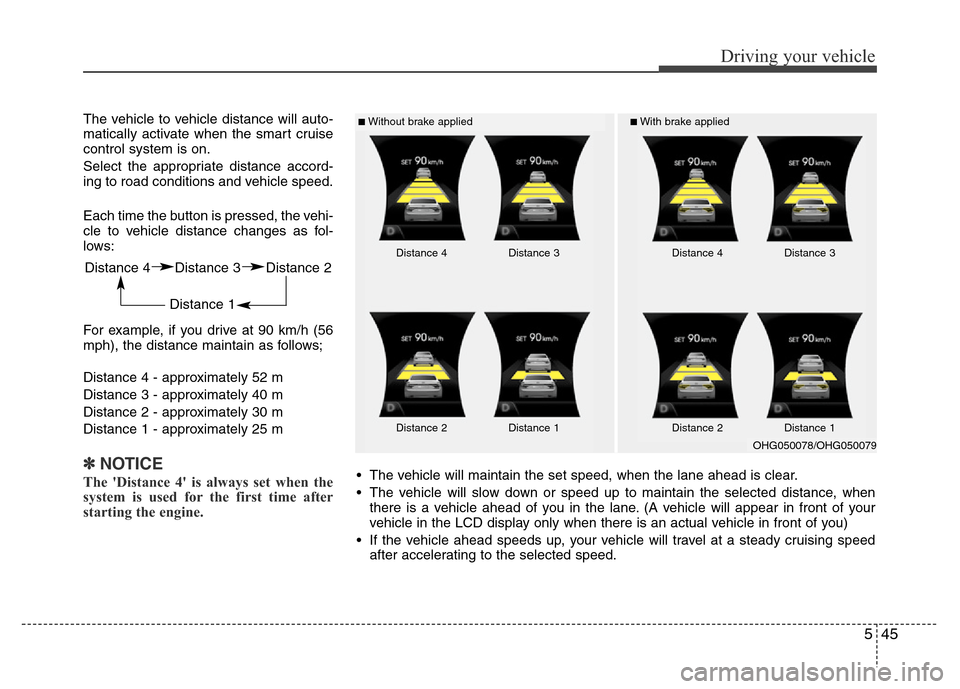
The vehicle to vehicle distance will auto-
matically activate when the smart cruise
control system is on.
Select the appropriate distance accord-
ing to road conditions and vehicle speed.
Each time the button is pressed, the vehi-
cle to vehicle distance changes as fol-
lows:
For example, if you drive at 90 km/h (56
mph), the distance maintain as follows;
Distance 4 - approximately 52 m
Distance 3 - approximately 40 m
Distance 2 - approximately 30 m
Distance 1 - approximately 25 m
✽NOTICE
The 'Distance 4' is always set when the
system is used for the first time after
starting the engine.
■Without brake applied■With brake applied
Distance 4 Distance 3 Distance 2
Distance 1
Distance 4 Distance 3
Distance 2 Distance 1Distance 4 Distance 3
Distance 2 Distance 1
• The vehicle will maintain the set speed, when the lane ahead is clear.
• The vehicle will slow down or speed up to maintain the selected distance, when
there is a vehicle ahead of you in the lane. (A vehicle will appear in front of your
vehicle in the LCD display only when there is an actual vehicle in front of you)
• If the vehicle ahead speeds up, your vehicle will travel at a steady cruising speed
after accelerating to the selected speed.
OHG050078/OHG050079