Page 182 of 574
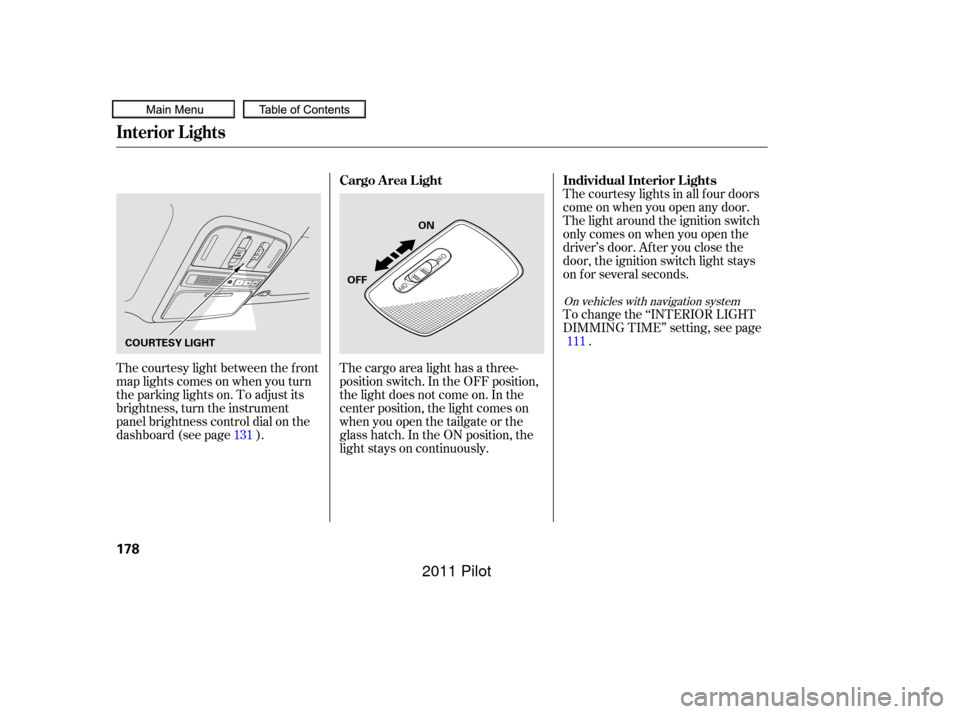
The courtesy light between the f ront
map lights comes on when you turn
the parking lights on. To adjust its
brightness, turn the instrument
panel brightness control dial on the
dashboard (see page ).The courtesy lights in all f our doors
come on when you open any door.
The light around the ignition switch
only comes on when you open the
driver’s door. Af ter you close the
door, the ignition switch light stays
on f or several seconds.
To change the ‘‘INTERIOR LIGHT
DIMMING TIME’’ setting, see page
.
The cargo area light has a three-
position switch. In the OFF position,
the light does not come on. In the
center position, the light comes on
when you open the tailgate or the
glass hatch. In the ON position, the
light stays on continuously.
131 111
On vehicles with navigation system
Individual Interior L ights
Cargo Area Light
Interior Lights
178
ON
OFF
COURTESY LIGHT
10/01/26 18:53:51 31SZA620_183
2011 Pilot
Page 190 of 574
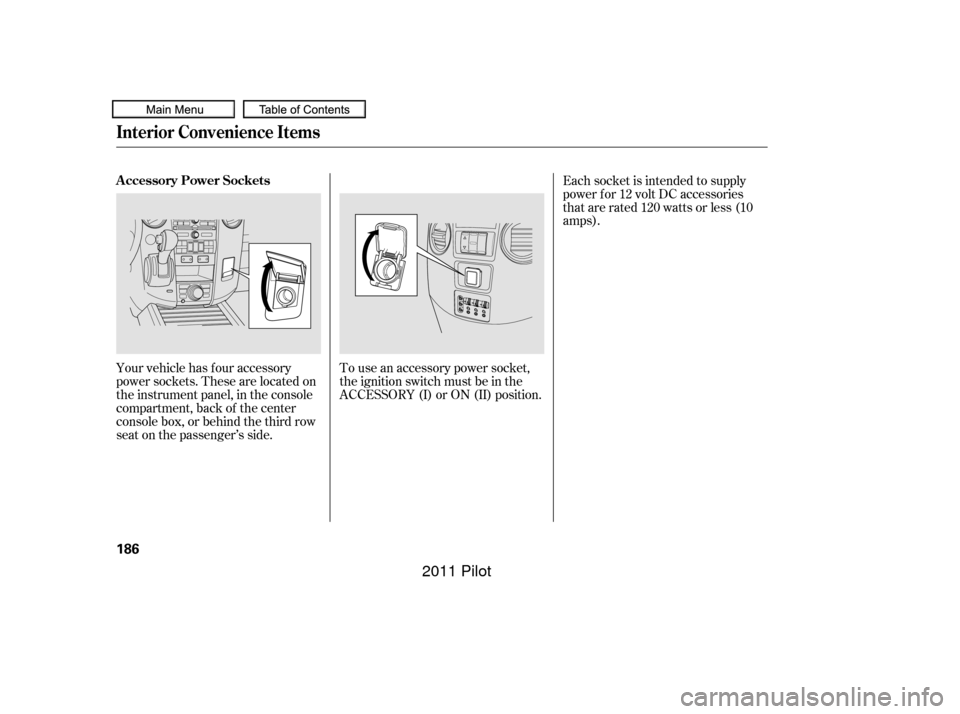
Your vehicle has four accessory
power sockets. These are located on
the instrument panel, in the console
compartment, back of the center
console box, or behind the third row
seat on the passenger’s side.To use an accessory power socket,
the ignition switch must be in the
ACCESSORY (I) or ON (II) position.Each socket is intended to supply
power f or 12 volt DC accessories
that are rated 120 watts or less (10
amps).
Interior Convenience Items
A ccessory Power Sockets
186
10/01/26 18:55:01 31SZA620_191
2011 Pilot
Page 191 of 574
CONT INUED
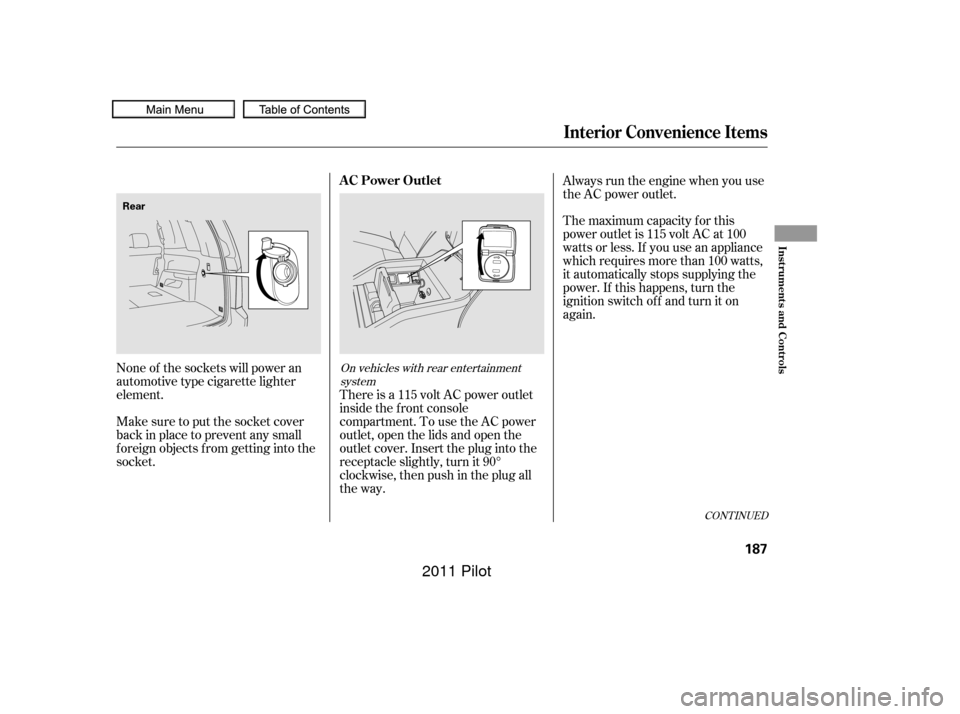
There is a 115 volt AC power outlet
inside the f ront console
compartment. To use the AC power
outlet, open the lids and open the
outlet cover. Insert the plug into the
receptacle slightly, turn it 90°
clockwise, then push in the plug all
the way.
None of the sockets will power an
automotive type cigarette lighter
element. Always run the engine when you use
the AC power outlet.
The maximum capacity f or this
power outlet is 115 volt AC at 100
watts or less. If you use an appliance
which requires more than 100 watts,
it automatically stops supplying the
power. If this happens, turn the
ignition switch of f and turn it on
again.
Make sure to put the socket cover
back in place to prevent any small
foreign objects from getting into the
socket.
On vehicles with rear entertainment system
Interior Convenience Items
AC Power Outlet
Inst rument s and Cont rols
187
Rear
10/01/26 18:55:10 31SZA620_192
2011 Pilot
Page 205 of 574

When you press a f an control button,
the fan is taken out of AUTO mode. When you set the temperature to its
lower limit ( ) or its upper limit
( ), the system runs at f ull
cooling or heating only. It does not
regulate the interior temperature.In the Auto mode, the vehicle’s
interior temperature is
independently regulated f or the
driver, f ront passenger, and rear
passengers according to each
adjusted temperature. The system
also regulates each temperature
basedontheinformationof the
sunlight sensor and the sun’s
position which is updated
automatically by the navigation’s
global positioning system (GPS). For
example, if the driver’s side of the
vehicle is getting too much sun, the
system will adjust to a lower
temperature.When you turn the ignition switch to
the ON (II) position, the temperature
of the rear passenger compartment
is synchronized to the driver’s side
set temperature. You will see SYNC
on the system display of the rear
control panel. Changing the
temperature of the rear passenger
compartment takes the system out
of synchronized mode. This causes
thewordSYNCinthedisplaytogo
out and displays the rear
temperature in the f ront display.
When you turn the ignition switch to
the ON (II) position and see LOCK
on the system display of the f ront
and rear control panels, the
temperature of the rear passenger
compartment is not synchronized to
the driver’s side set temperature.
On vehicles with navigation system
RR (Rear) L ock But t on
Climate Control System
Features
201
10/01/26 18:57:42 31SZA620_206
2011 Pilot
Page 215 of 574
�µ
�µ �µ
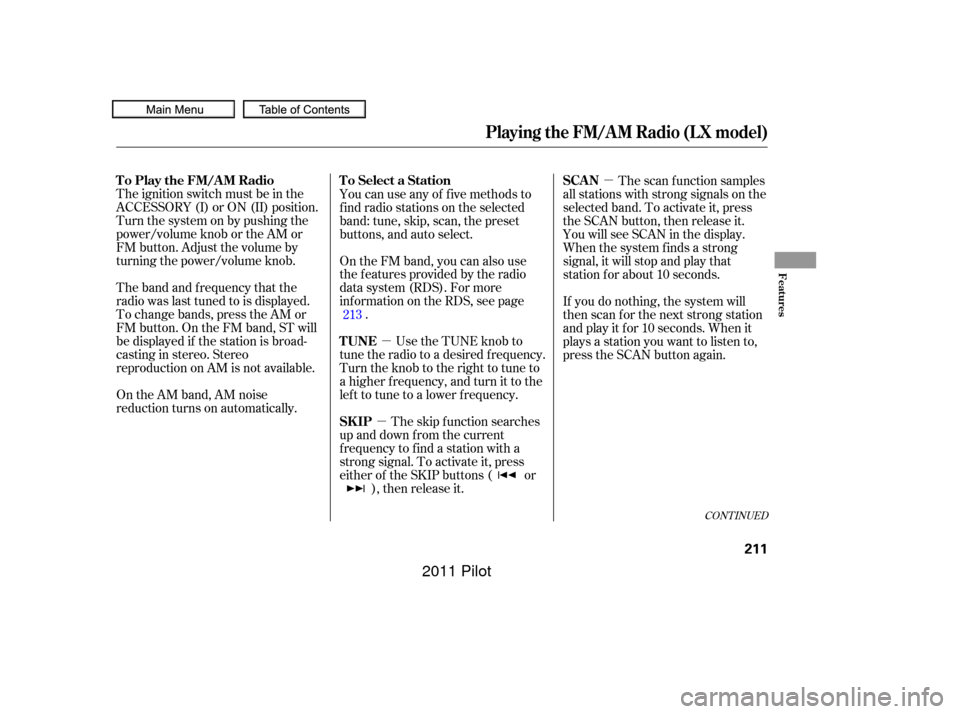
The ignition switch must be in the
ACCESSORY (I) or ON (II) position.
Turn the system on by pushing the
power/volume knob or the AM or
FM button. Adjust the volume by
turning the power/volume knob.
The band and f requency that the
radio was last tuned to is displayed.
To change bands, press the AM or
FM button. On the FM band, ST will
be displayed if the station is broad-
castinginstereo.Stereo
reproduction on AM is not available.
On the AM band, AM noise
reduction turns on automatically. You can use any of f ive methods to
f ind radio stations on the selected
band: tune, skip, scan, the preset
buttons, and auto select.
On the FM band, you can also use
the f eatures provided by the radio
data system (RDS). For more
inf ormation on the RDS, see page
.
Use the TUNE knob to
tune the radio to a desired f requency.
Turn the knob to the right to tune to
a higher f requency, and turn it to the
lef t to tune to a lower f requency.
The skip f unction searches
up and down f rom the current
f requency to f ind a station with a
strong signal. To activate it, press
either of the SKIP buttons ( or ), then release it. The scan f unction samples
all stations with strong signals on the
selected band. To activate it, press
the SCAN button, then release it.
You will see SCAN in the display.
When the system finds a strong
signal, it will stop and play that
station f or about 10 seconds.
If you do nothing, the system will
then scan f or the next strong station
and play it f or 10 seconds. When it
plays a station you want to listen to,
press the SCAN button again.
213
CONT INUED
To Select a Station
To Play the FM/AM Radio
TUNE
SK IPSCAN
Playing the FM/AM Radio (LX model)
Features
211
10/01/26 18:59:30 31SZA620_216
2011 Pilot
Page 223 of 574
�µ �µ
�µ �µ
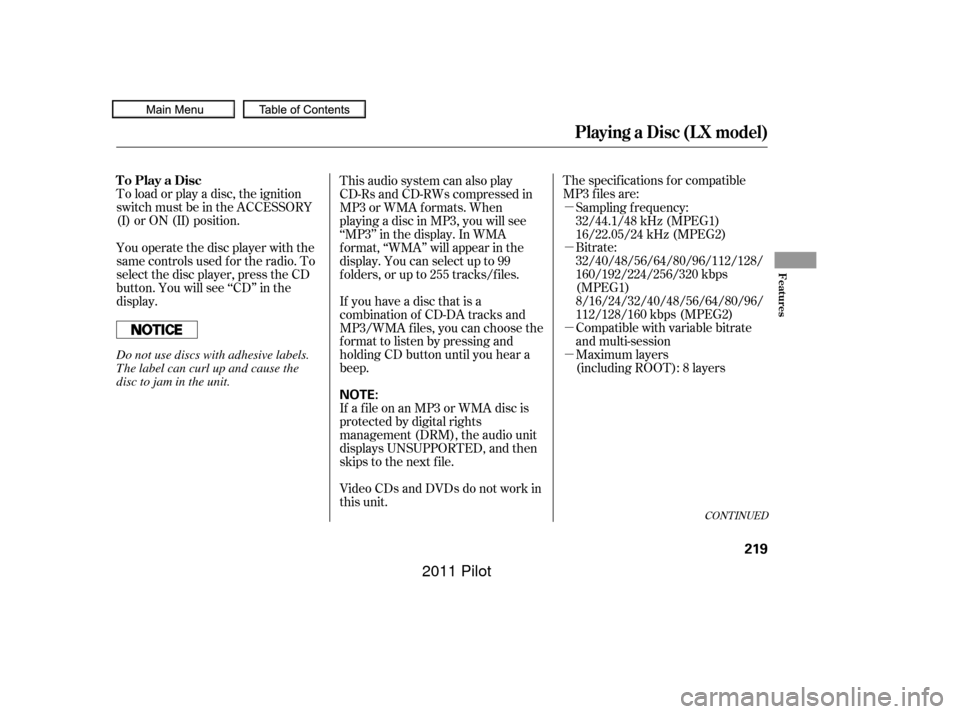
To load or play a disc, the ignition
switch must be in the ACCESSORY
(I) or ON (II) position. The specif ications f or compatible
MP3 f iles are:
Bitrate:
32/40/48/56/64/80/96/112/128/
160/192/224/256/320 kbps
(MPEG1)
8/16/24/32/40/48/56/64/80/96/
112/128/160 kbps (MPEG2)
Compatible with variable bitrate
and multi-session
Maximum layers
(including ROOT): 8 layers
This audio system can also play
CD-Rs and CD-RWs compressed in
MP3 or WMA f ormats. When
playing a disc in MP3, you will see
‘‘MP3’’ in the display. In WMA
f ormat, ‘‘WMA’’ will appear in the
display. You can select up to 99
f olders, or up to 255 tracks/f iles.
You operate the disc player with the
same controls used f or the radio. To
select the disc player, press the CD
button. You will see ‘‘CD’’ in the
display. Sampling f requency:
32/44.1/48 kHz (MPEG1)
16/22.05/24 kHz (MPEG2)
If you have a disc that is a
combination of CD-DA tracks and
MP3/WMA f iles, you can choose the
f ormat to listen by pressing and
holding CD button until you hear a
beep.
If a f ile on an MP3 or WMA disc is
protected by digital rights
management (DRM), the audio unit
displays UNSUPPORTED, and then
skips to the next f ile.
Video CDs and DVDs do not work in
this unit.
CONT INUED
To Play a Disc
Playing a Disc (L X model)
Features
219
NOTE:
Do not use discs with adhesive labels.
The label can curl up and cause the
disc to jam in the unit.
10/01/26 19:00:49 31SZA620_224
2011 Pilot
Page 228 of 574
If you turn the system of f while a
disc is playing, either with the
power/volume knob or by turning
of f the ignition switch, the disc will
stay in the drive. When you turn the
system back on, the disc will begin
playing where it lef t of f .
For inf ormation on how to handle
and protect compact discs, see page.
Press the eject button ( ) to
remove the disc. If you eject the disc,
but do not remove it f rom the slot,
the system will automatically reload
the disc af ter 10 seconds and begin
playing.
You can also eject the disc when the
ignition switch is of f .
To play the radio when a disc is
playing, press the AM or FM button.
Press the CD button again to switch
back to the disc player.
285
Protecting Discs
To Stop Playing a Disc
Playing a Disc (L X model)
224
10/01/26 19:01:39 31SZA620_229
2011 Pilot
Page 230 of 574

Most audio system f unctions can be
controlled by standard buttons, bars,
and knobs. In addition, you can
access some f unctions by using the
selector knob on the audio system.The knob turns lef t and right. Use it
to scroll through lists, or to make
selections or adjustments to a list or
menu item on the display. When you
make a selection, push the center of
the selector (ENTER) to go to that
selection.
When the audio system is in XM
Radio mode or playing discs, pushing
the selector (ENTER) knob switches
the display between the normal
display and the extended display.
The extended display has three
segments to display the detailed
inf ormation.
Pressing the MENU button again
will also cancel the menu display
mode. To select any setting such as the
clock, sound adjusting, or the
compass, press the MENU button.
To use any audio system f unction,
the ignition switch must be in the
ACCESSORY (I) or ON (II) position.
You can select the item by turning
the selector knob. To go back to the
previous display, press the RETURN
button.
Selector K nob
Menu Display
Audio System (EX and EX-L models)
226
SELECTOR
KNOBMENU
BUTTON
RETURN
BUTTON
Without rear entertainment system
10/01/26 19:02:00 31SZA620_231
2011 Pilot