Page 437 of 722
Appearance
Disp Adjust, PERSONAL SURROUND, Appearance, and Language
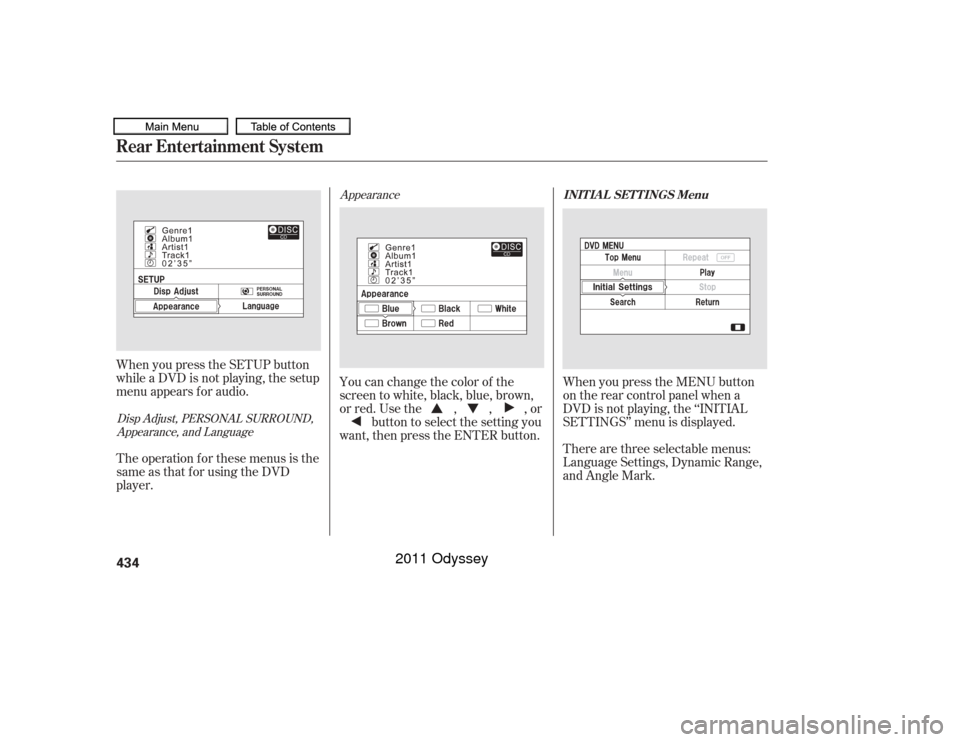
When you press the SETUP button
while a DVD is not playing, the setup
menu appears f or audio.
The operation f or these menus is the
same as that for using the DVD
player. You can change the color of the
screen to white, black, blue, brown,
or red. Use the , , , or
button to select the setting you
want, then press the ENTER button. There are three selectable menus:
Language Settings, Dynamic Range,
and Angle Mark. When you press the MENU button
on the rear control panel when a
DVD is not playing, the ‘‘INITIAL
SETTINGS’’ menu is displayed.
INIT IA L SET T INGS Menu
Rear Entertainment System434
10/07/19 15:54:07 31TK8600_439
2011 Odyssey
Page 438 of 722
�Ý�Û
�Û�Ý Menu Language
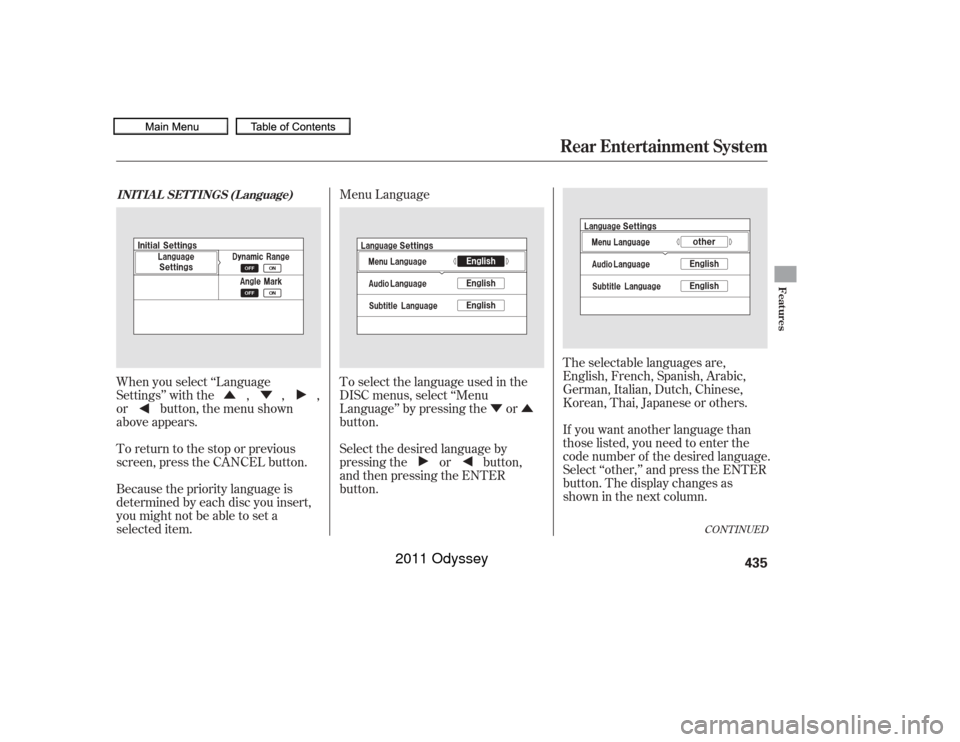
When you select ‘‘Language
Settings’’ with the , , ,
or button, the menu shown
above appears.
To return to the stop or previous
screen, press the CANCEL button.
Because the priority language is
determined by each disc you insert,
you might not be able to set a
selected item. To select the language used in the
DISC menus, select ‘‘Menu
Language’’ by pressing the or
button.
Select the desired language by
pressing the or button,
andthenpressingtheENTER
button.
The selectable languages are,
English, French, Spanish, Arabic,
German, Italian, Dutch, Chinese,
Korean, Thai, Japanese or others.
If you want another language than
those listed, you need to enter the
code number of the desired language.
Select ‘‘other,’’ and press the ENTER
button. The display changes as
showninthenextcolumn.
CONT INUED
INIT IA L SET T INGS (L anguage)
Rear Entertainment System
Features
435
10/07/17 10:32:33 31TK8600_440
2011 Odyssey
Page 439 of 722
�Û�Ý
�Û�Ý
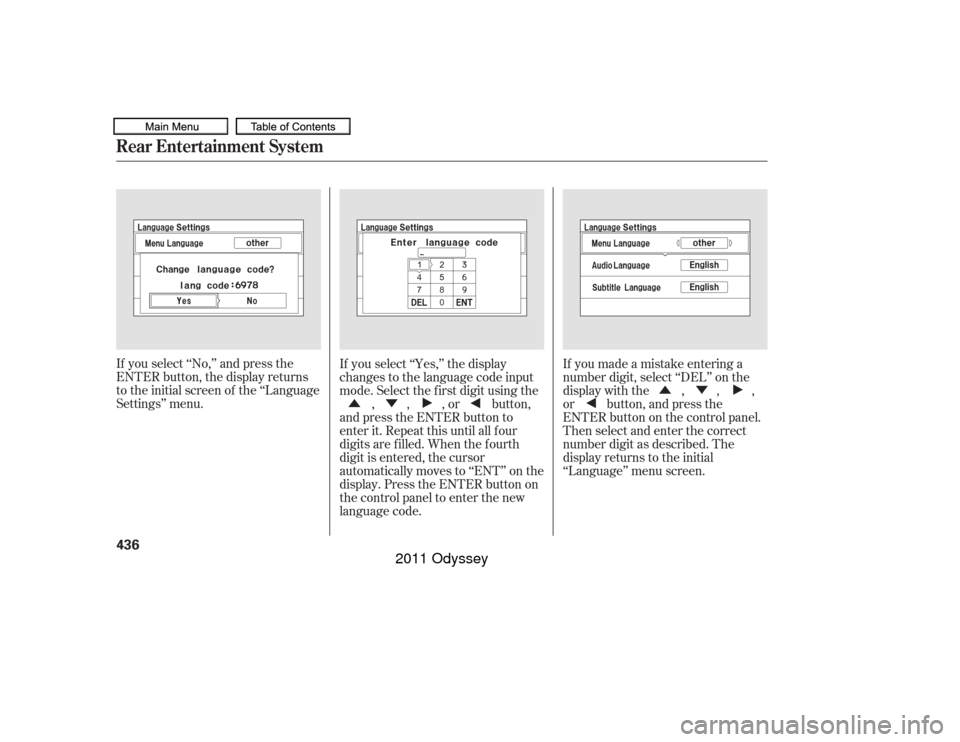
If you select ‘‘No,’’ and press the
ENTER button, the display returns
to the initial screen of the ‘‘Language
Settings’’ menu. If you select ‘‘Yes,’’ the display
changes to the language code input
mode. Select the f irst digit using the
, , , or button,
and press the ENTER button to
enter it. Repeat this until all four
digits are f illed. When the f ourth
digit is entered, the cursor
automatically moves to ‘‘ENT’’ on the
display. Press the ENTER button on
the control panel to enter the new
language code. If you made a mistake entering a
number digit, select ‘‘DEL’’ on the
display with the , , ,
or button, and press the
ENTERbuttononthecontrolpanel.
Then select and enter the correct
number digit as described. The
display returns to the initial
‘‘Language’’ menu screen.
Rear Entertainment System436
10/07/17 10:32:40 31TK8600_441
2011 Odyssey
Page 458 of 722
�Ý�Û
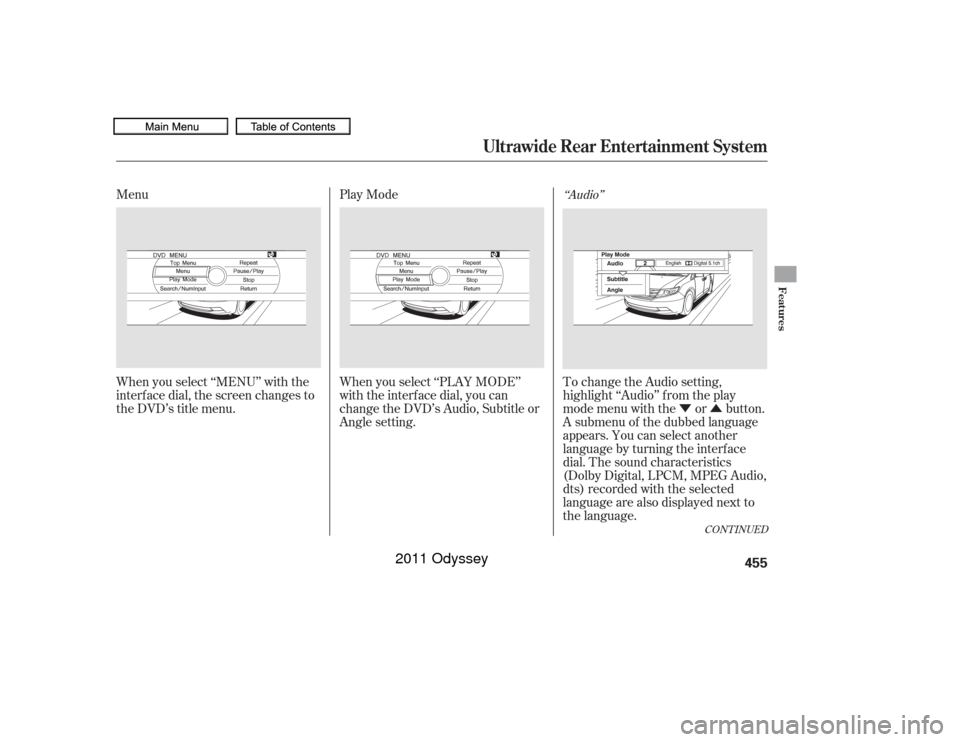
Menu
Play Mode
When you select ‘‘MENU’’ with the
interf ace dial, the screen changes to
the DVD’s title menu. When you select ‘‘PLAY MODE’’
with the interface dial, you can
change the DVD’s Audio, Subtitle or
Angle setting. To change the Audio setting,
highlight ‘‘Audio’’ f rom the play
mode menu with the or button.
A submenu of the dubbed language
appears. You can select another
language by turning the interf ace
dial. The sound characteristics
(Dolby Digital, LPCM, MPEG Audio,
dts) recorded with the selected
language are also displayed next to
the language.
‘‘Audio’’
CONT INUED
Ultrawide Rear Entertainment System
Features
455
10/07/17 10:35:16 31TK8600_460
2011 Odyssey
Page 459 of 722
�Ý�Û�Ý�Û
‘‘Subtitle’’ ‘‘Angle’’
The selectable languages vary f rom
DVD to DVD, and this f eature may
notbeavailableonsomeDVDs.
To go back to play, press the MENU
or CANCEL button.
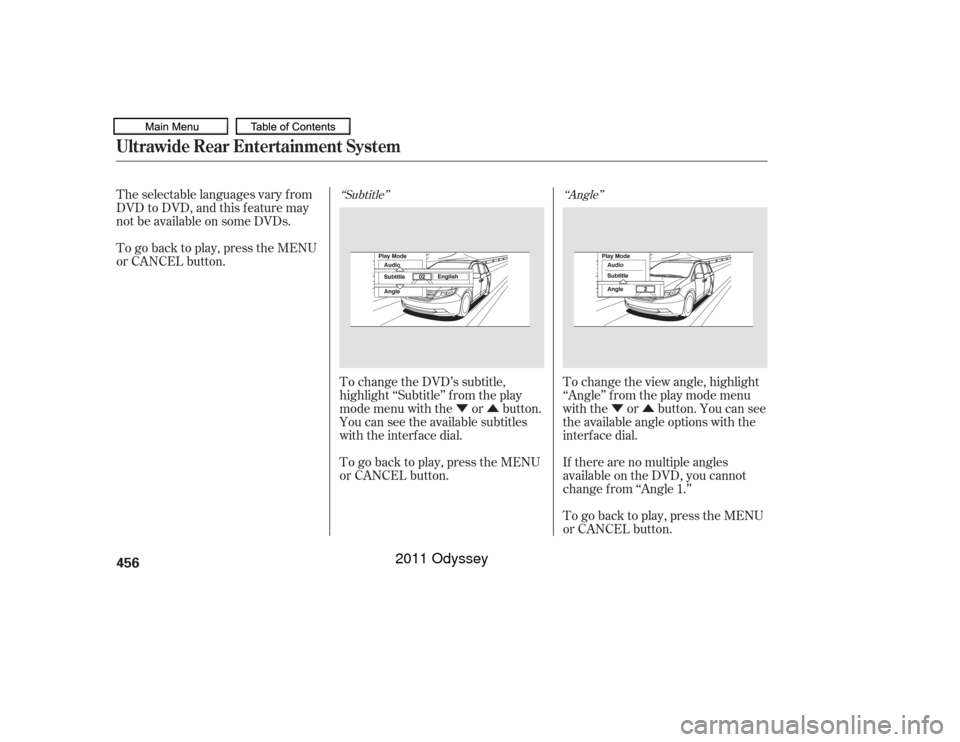
To change the DVD’s subtitle,
highlight ‘‘Subtitle’’ f rom the play
mode menu with the or button.
You can see the available subtitles
with the interface dial.
To go back to play, press the MENU
or CANCEL button. To change the view angle, highlight
‘‘Angle’’ f rom the play mode menu
with the or button. You can see
the available angle options with the
interf ace dial.
If there are no multiple angles
available on the DVD, you cannot
change f rom ‘‘Angle 1.’’
To go back to play, press the MENU
or CANCEL button.Ultrawide Rear Entertainment System456
10/07/17 10:35:24 31TK8600_461
2011 Odyssey
Page 461 of 722
Repeat
Rotate the interface dial to select
each number, then press the ENTER
button. Press the button when
you have finished inputting the
number. If you want to delete a
number, press the button.
To go back to the DVD screen, press
the MENU or CANCEL button or
select RETURN and press the
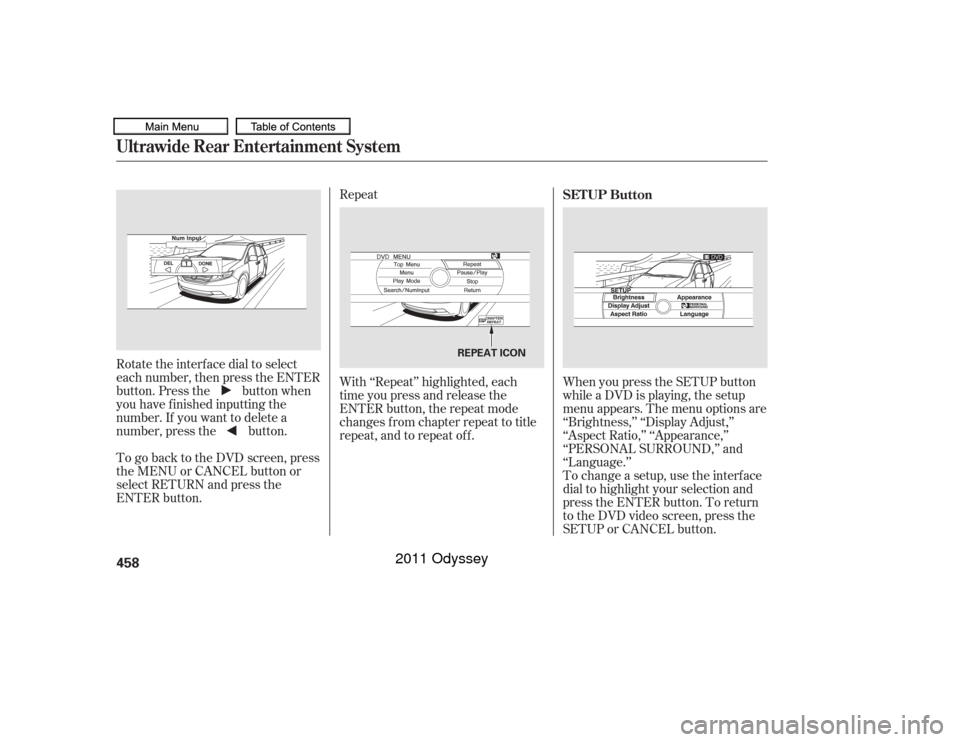
ENTER button. With ‘‘Repeat’’ highlighted, each
time you press and release the
ENTER button, the repeat mode
changes from chapter repeat to title
repeat, and to repeat of f .
When you press the SETUP button
while a DVD is playing, the setup
menu appears. The menu options are
‘‘Brightness,’’ ‘‘Display Adjust,’’
‘‘Aspect Ratio,’’ ‘‘Appearance,’’
‘‘PERSONAL SURROUND,’’ and
‘‘Language.’’
To change a setup, use the interf ace
dial to highlight your selection and
press the ENTER button. To return
to the DVD video screen, press the
SETUP or CANCEL button. SETUP Button
Ultrawide Rear Entertainment System458
REPEAT ICON
10/07/17 10:35:43 31TK8600_463
2011 Odyssey
Page 466 of 722
CONT INUED
Select ‘‘Music,’’ ‘‘Cinema,’’ or ‘‘Voice’’
by turning the interf ace dial, and
enter your selection by pressing the
ENTER button.
If you select ‘‘Of f ,’’ there will be no
special sound ef f ect.Language
You can change the display language
to English, French, or Spanish.
Rotate the interface dial to the
setting you want, then press the
ENTER button.
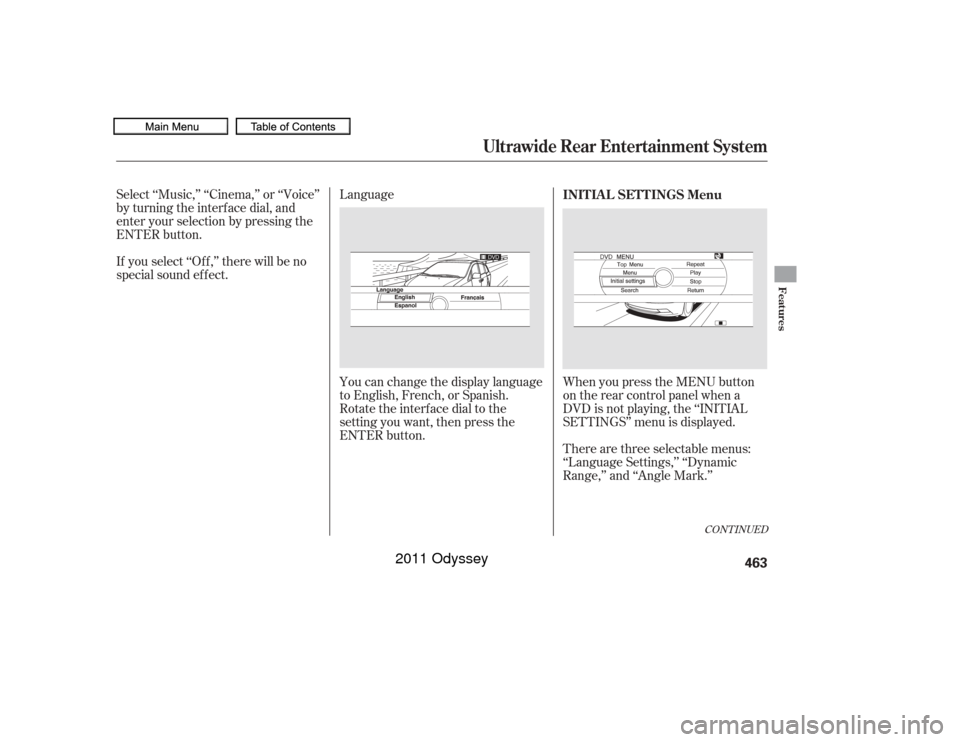
There are three selectable menus:
‘‘Language Settings,’’ ‘‘Dynamic
Range,’’ and ‘‘Angle Mark.’’ When you press the MENU button
on the rear control panel when a
DVD is not playing, the ‘‘INITIAL
SETTINGS’’ menu is displayed. INIT IA L SET T INGS Menu
Ultrawide Rear Entertainment System
Features
463
10/07/17 10:36:22 31TK8600_468
2011 Odyssey
Page 467 of 722
�Ý�Û
To select the language used in the
DISC menus, select ‘‘Menu
Language’’ by pressing the or
button.
Select the desired language by
turning the interf ace dial, and then
pressing the ENTER button.
Because the priority language is
determined by each disc you insert,
you might not be able to set a
selected item. To return to the stop or previous
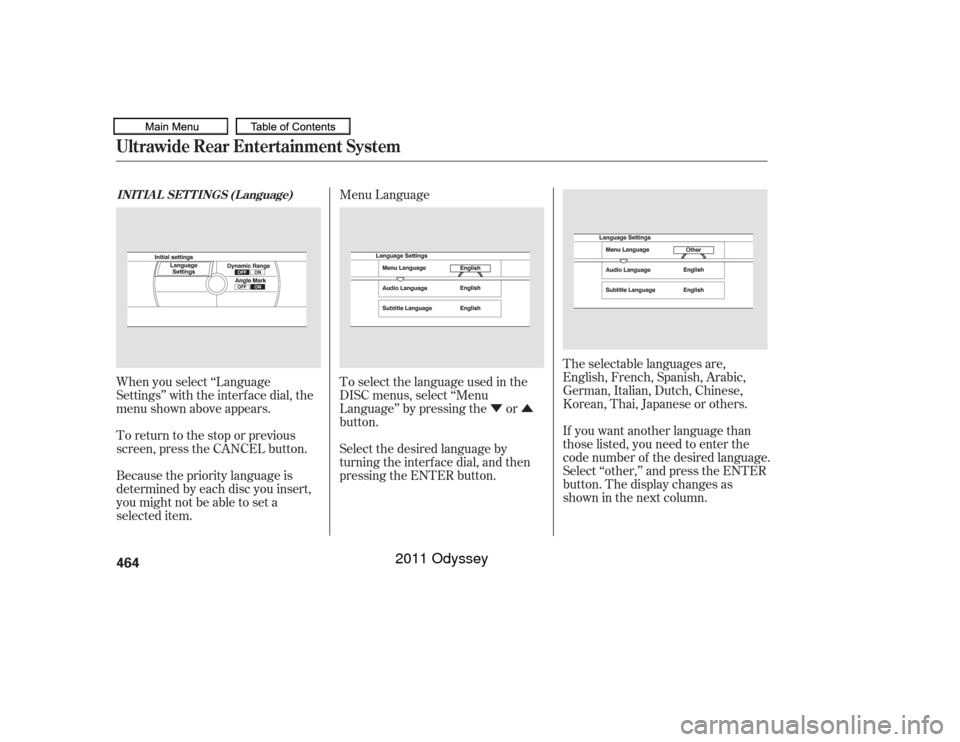
screen, press the CANCEL button. When you select ‘‘Language
Settings’’ with the interf ace dial, the
menu shown above appears. Menu Language
The selectable languages are,
English, French, Spanish, Arabic,
German, Italian, Dutch, Chinese,
Korean, Thai, Japanese or others.
If you want another language than
those listed, you need to enter the
code number of the desired language.
Select ‘‘other,’’ and press the ENTER
button. The display changes as
showninthenextcolumn.
INIT IA L SET T INGS (L anguage)Ultrawide Rear Entertainment System464
10/07/17 10:36:32 31TK8600_469
2011 Odyssey