Page 117 of 497
Canada and 060 for Mexico). The number dialed may
not be applicable with the available mobile service and
area.
•If supported, this number may be programmable on
some systems. To do this, press the
button and
say “Setup”, followed by “Emergency”.
•The Uconnect™ Phone does slightly lower your
chances of successfully making a phone call as to that
for the mobile phone directly.
WARNING!
To use your Uconnect™ Phone System in an emer-
gency, your mobile phone must be:
•turned on,
•paired to the Uconnect™ System,
•and have network coverage.
Towing Assistance
If you need towing assistance:
•Press thebutton to begin.
•After the “Ready” prompt and the following beep, say
“Towing Assistance”.
NOTE:
•The towing assistance number dialed is based on the
country where the vehicle is purchased (1-800-528-
2069 for the U.S., 1-877-213-4525 for Canada, 55-14-
3454 for Mexico City and 1-800-712-3040 for outside
Mexico City in Mexico). Please refer to the 24-Hour
“Towing Assistance” coverage details on the DVD in
the Warranty Information Booklet and the 24-Hour
Towing Assistance references.
•If supported, this number may be programmable on
some systems. To do this, press the
button and
say “Setup”, followed by “Towing Assistance”.
114 UNDERSTANDING THE FEATURES OF YOUR VEHICLE
Page 118 of 497

Paging
To learn how to page, refer to “Working with Automated
Systems”. Paging works properly except for pagers of
certain companies, which time out a little too soon to
work properly with the Uconnect™ Phone.
Voice Mail Calling
To learn how to access your voice mail, refer to “Working
with Automated Systems”.
Working With Automated Systems
This method is used in instances where one generally has
to press numbers on the mobile phone keypad while
navigating through an automated telephone system.
You can use your Uconnect™ Phone to access a voice
mail system or an automated service, such as a paging
service or automated customer service line. Some ser-
vices require immediate response selection. In some
instances, that may be too quick for use of the
Uconnect™ Phone.When calling a number with your Uconnect™ Phone that
normally requires you to enter in a touch-tone sequence
on your mobile phone keypad, you can press the
button and say the sequence you wish to enter, followed
by the word “Send”. For example, if required to enter
your PIN followed with a pound, (3746#),youcan
press the
button and say, “3746#Send”. Saying
a number, or sequence of numbers, followed by “Send”,
is also to be used for navigating through an automated
customer service center menu structure, and to leave a
number on a pager.
You can also send stored Uconnect™ phonebook entries
as tones for fast and easy access to voice mail and pager
entries. To use this feature, dial the number you wish to
call and then press the
button and say, “Send.” The
system will prompt you to enter the name or number and
say the name of the phonebook entry you wish to send.
3
UNDERSTANDING THE FEATURES OF YOUR VEHICLE 115
Page 146 of 497
NOTE:
•The head restraints should only be removed by quali-
fied technicians, for service purposes only. If either of
the head restraints require removal, see your autho-
rized dealer.
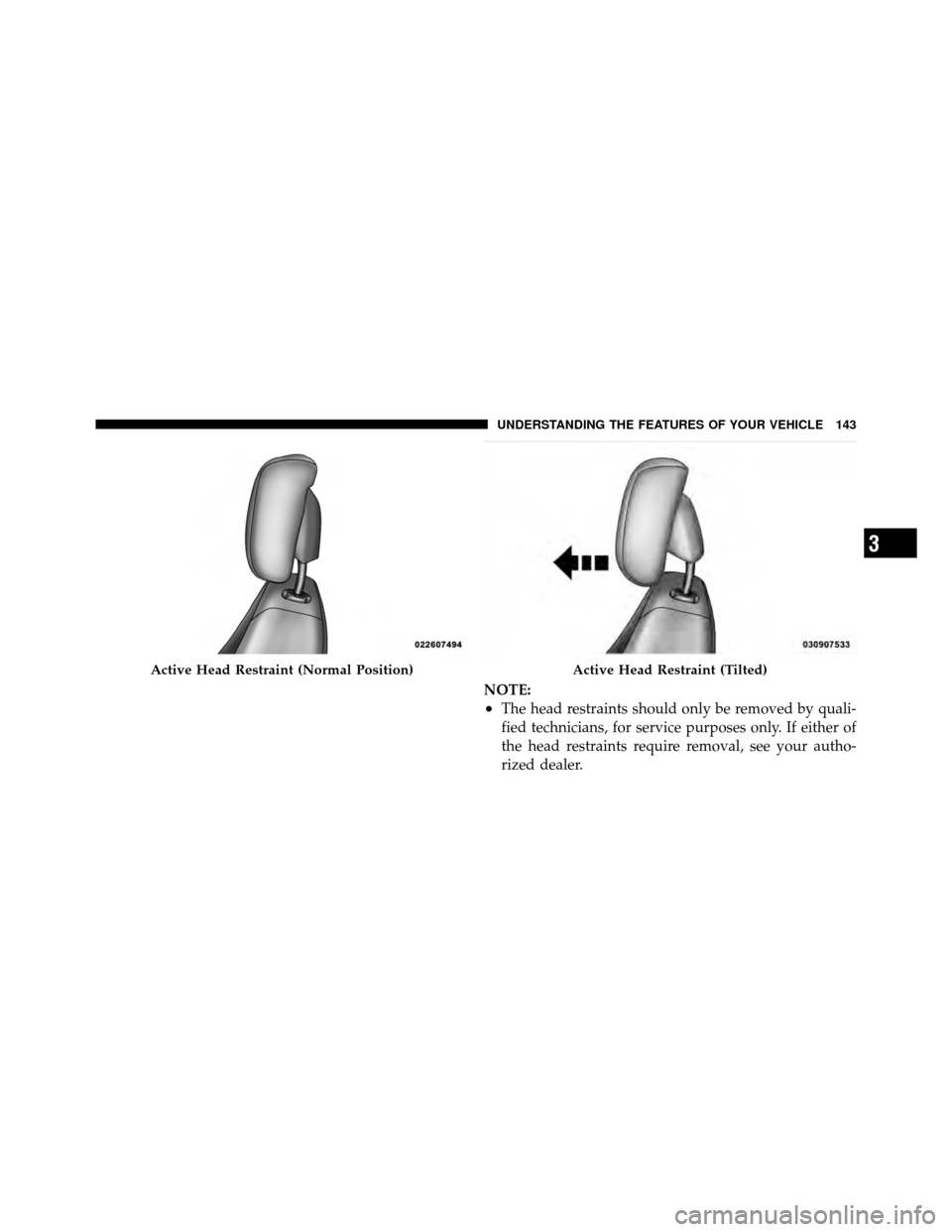
Active Head Restraint (Normal Position)Active Head Restraint (Tilted)
3
UNDERSTANDING THE FEATURES OF YOUR VEHICLE 143
Page 148 of 497
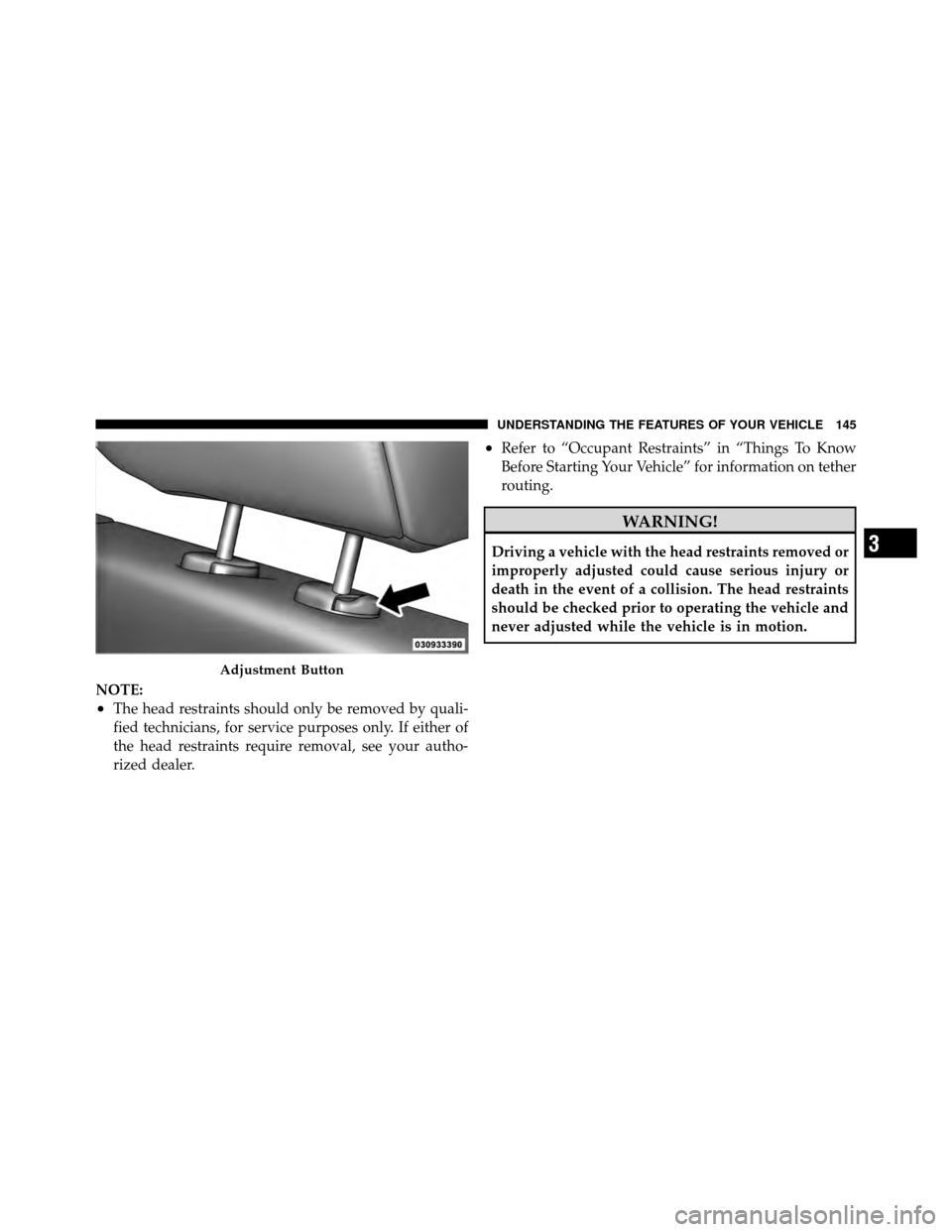
NOTE:
•The head restraints should only be removed by quali-
fied technicians, for service purposes only. If either of
the head restraints require removal, see your autho-
rized dealer.
•Refer to “Occupant Restraints” in “Things To Know
Before Starting Your Vehicle” for information on tether
routing.
WARNING!
Driving a vehicle with the head restraints removed or
improperly adjusted could cause serious injury or
death in the event of a collision. The head restraints
should be checked prior to operating the vehicle and
never adjusted while the vehicle is in motion.
Adjustment Button
3
UNDERSTANDING THE FEATURES OF YOUR VEHICLE 145
Page 167 of 497

•Jackhammers, large trucks, and other vibrations could
affect the performance of ParkSense�.
•When you turn ParkSense�off, the instrument cluster
will display “PARK ASSIST DISABLED.” Further-
more, once you turn ParkSense� off, it remains off
until you turn it on again, even if you cycle the ignition
key.
•When you move the shift lever to the REVERSE
position and ParkSense� is turned off, a single chime
will sound once per ignition cycle and the instrument
cluster will display “PARK ASSIST DISABLED.”
•ParkSense�, when on, will MUTE the radio when it is
sounding a tone.
•If a ParkSense� system malfunction occurs, a single
chime will sound once per ignition cycle. In addition,
the Electronic Vehicle Information Center (EVIC) will
display “SERVICE PARK ASSIST SYSTEM” and the LED in the ParkSense�
Rear Park Assist switch will
illuminate. If this occurs after making sure the rear
bumper is free of snow, ice, mud, dirt and debris, see
your authorized dealer for service.
CAUTION!
•ParkSense� is only a parking aid and it is unable
to recognize every obstacle, including small ob-
stacles. Parking curbs might be temporarily de-
tected or not detected at all. Obstacles located
above or below the sensors will not be detected
when they are in close proximity.
•The vehicle must be driven slowly when using
ParkSense� to be able to stop in time when the
obstacle is detected. It is recommended that the
driver looks over his/her shoulder when using
ParkSense�.
(Continued)
164 UNDERSTANDING THE FEATURES OF YOUR VEHICLE
Page 171 of 497

WARNING DISPLAY DISTANCES
DISPLAY LED OBSTACLE DISTANCE FROM: LED COLOR AUDIBLE SIGNALREAR CORNERS REAR CENTER
Inner LED 79 in (200 cm)Yellow Sounds for
12second
1st LED 51 in (130 cm) Yellow None
2nd LED 45 in (115 cm) Yellow None 3rd LED 31.5 in (80 cm) 39 in (100 cm) Yellow None4th LED 25.5 in (65 cm) 33.5 in (85 cm) Yellow None
5th LED 20 in (50 cm) 28 in (70 cm) Yellow None
6th LED 16 in (40 cm) 20 in (50 cm) Red Intermittent
7th LED 6 in (15 cm) 12 in (30 cm) Red Continuous
Service ParkSense� Rear Park Assist
When the ParkSense� Rear Park Assist System is defec-
tive, the instrument cluster will actuate a single chime,
once per ignition cycle, and it will display the “SERVICE
PARK ASSIST SYSTEM” message. Refer to “Electronic
Vehicle Information Center (EVIC)” in “Understanding
Your Instrument Panel” for further information. When the shift lever is moved to REVERSE and the system has
detected a faulted condition, the EVIC will display the
“SERVICE PARK ASSIST SYSTEM” message for as long
as the vehicle is in REVERSE. Under this condition
ParkSense�
will not operate.
168 UNDERSTANDING THE FEATURES OF YOUR VEHICLE
Page 172 of 497
If “SERVICE PARK ASSIST SYSTEM” appears in the
Electronic Vehicle Information Center (EVIC) after mak-
ing sure the rear fascia/bumper is clean and clear of
snow, ice, mud, dirt, or other obstruction, see your
authorized dealer.
GARAGE DOOR OPENER — IF EQUIPPED
HomeLink�replaces up to three remote controls (hand-
held transmitters) that operate devices such as garage
door openers, motorized gates, lighting or home security
systems. The HomeLink� unit operates off your vehicle’s
battery.
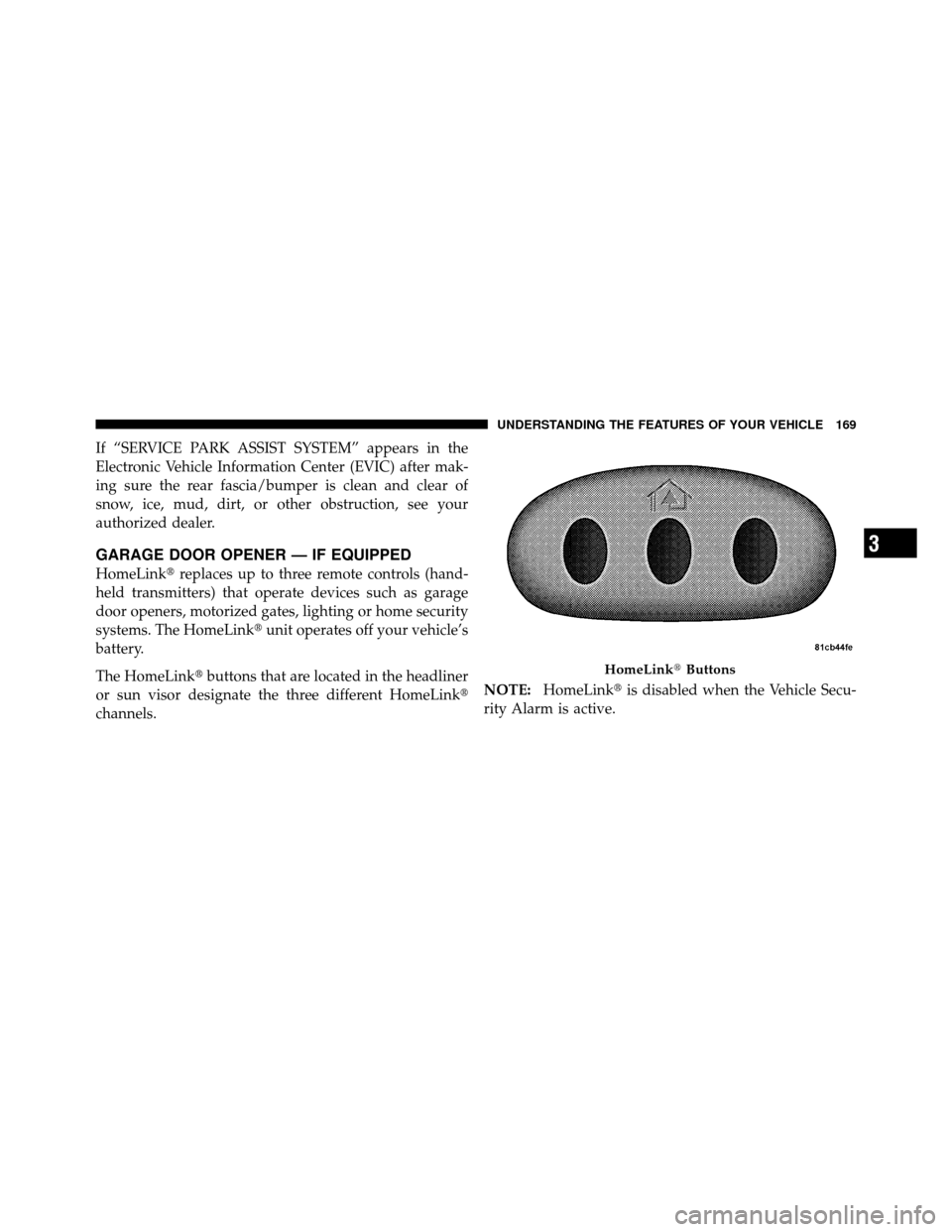
The HomeLink� buttons that are located in the headliner
or sun visor designate the three different HomeLink�
channels. NOTE:
HomeLink� is disabled when the Vehicle Secu-
rity Alarm is active.
HomeLink� Buttons
3
UNDERSTANDING THE FEATURES OF YOUR VEHICLE 169
Page 201 of 497

INSTRUMENT CLUSTER DESCRIPTIONS
1. Fuel Gauge
The fuel gauge shows level of fuel in tank when ignition
switch is in the ON/RUN position.
2. Fuel Door ReminderThis symbol indicates the side of the vehicle
where the fuel cap is located.
3. Temperature Gauge
The temperature gauge shows engine coolant tempera-
ture. Any reading within the normal range indicates that
the engine cooling system is operating satisfactorily. The gauge pointer will likely indicate a higher tempera-
ture when driving in hot weather, up mountain grades,
or when towing a trailer. It should not be allowed to
exceed the upper limits of the normal operating range.
CAUTION!
Driving with a hot engine cooling system could
damage your vehicle. If the temperature gauge reads
“H” pull over and stop the vehicle. Idle the vehicle
with the air conditioner turned off until the pointer
drops back into the normal range. If the pointer
remains on the “H” and you hear continuous chimes,
turn the engine off immediately and call an autho-
rized dealership for service.
198 UNDERSTANDING YOUR INSTRUMENT PANEL