Black plate (55,1)Chevrolet HHR Owner Manual - 2011
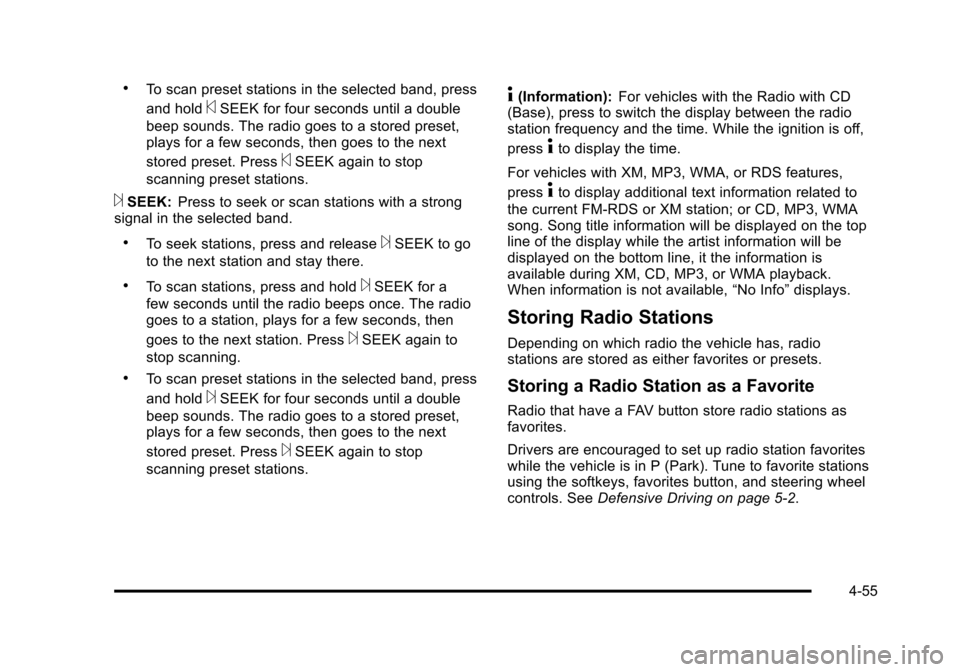
.To scan preset stations in the selected band, press
and hold
©SEEK for four seconds until a double
beep sounds. The radio goes to a stored preset,
plays for a few seconds, then goes to the next
stored preset. Press
©SEEK again to stop
scanning preset stations.
¨SEEK: Press to seek or scan stations with a strong
signal in the selected band.
.To seek stations, press and release¨SEEK to go
to the next station and stay there.
.To scan stations, press and hold¨SEEK for a
few seconds until the radio beeps once. The radio
goes to a station, plays for a few seconds, then
goes to the next station. Press
¨SEEK again to
stop scanning.
.To scan preset stations in the selected band, press
and hold
¨SEEK for four seconds until a double
beep sounds. The radio goes to a stored preset,
plays for a few seconds, then goes to the next
stored preset. Press
¨SEEK again to stop
scanning preset stations.
4(Information): For vehicles with the Radio with CD
(Base), press to switch the display between the radio
station frequency and the time. While the ignition is off,
press
4to display the time.
For vehicles with XM, MP3, WMA, or RDS features,
press
4to display additional text information related to
the current FM-RDS or XM station; or CD, MP3, WMA
song. Song title information will be displayed on the top
line of the display while the artist information will be
displayed on the bottom line, it the information is
available during XM, CD, MP3, or WMA playback.
When information is not available, “No Info”displays.
Storing Radio Stations
Depending on which radio the vehicle has, radio
stations are stored as either favorites or presets.
Storing a Radio Station as a Favorite
Radio that have a FAV button store radio stations as
favorites.
Drivers are encouraged to set up radio station favorites
while the vehicle is in P (Park). Tune to favorite stations
using the softkeys, favorites button, and steering wheel
controls. See Defensive Driving on page 5‑2.
4-55
Black plate (63,1)Chevrolet HHR Owner Manual - 2011
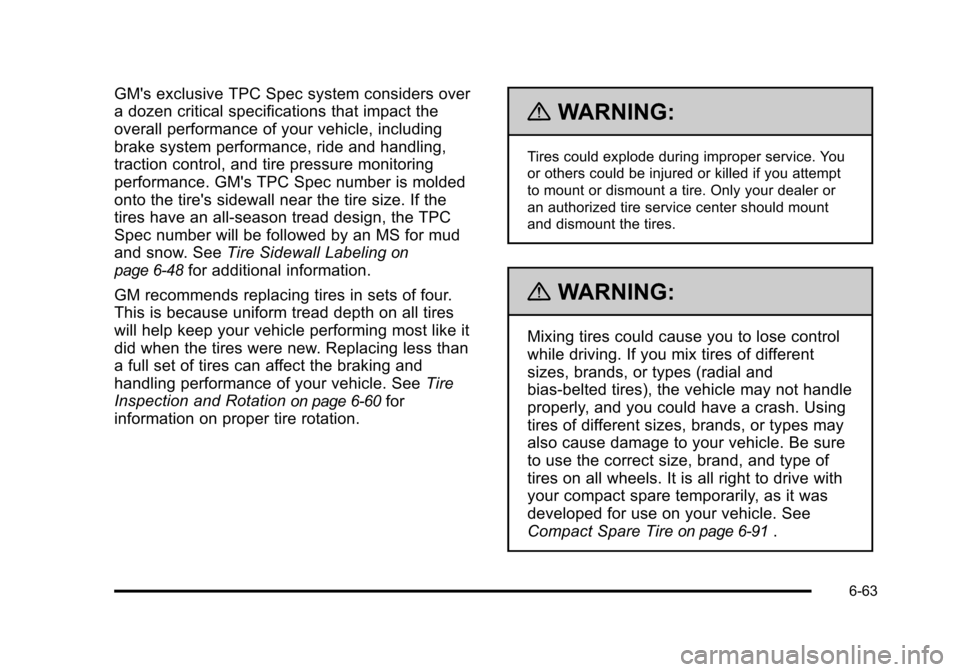
GM's exclusive TPC Spec system considers over
a dozen critical specifications that impact the
overall performance of your vehicle, including
brake system performance, ride and handling,
traction control, and tire pressure monitoring
performance. GM's TPC Spec number is molded
onto the tire's sidewall near the tire size. If the
tires have an all‐season tread design, the TPC
Spec number will be followed by an MS for mud
and snow. SeeTire Sidewall Labeling
on
page 6‑48
for additional information.
GM recommends replacing tires in sets of four.
This is because uniform tread depth on all tires
will help keep your vehicle performing most like it
did when the tires were new. Replacing less than
a full set of tires can affect the braking and
handling performance of your vehicle. See Tire
Inspection and Rotation
on page 6‑60for
information on proper tire rotation.
{WARNING:
Tires could explode during improper service. You
or others could be injured or killed if you attempt
to mount or dismount a tire. Only your dealer or
an authorized tire service center should mount
and dismount the tires.
{WARNING:
Mixing tires could cause you to lose control
while driving. If you mix tires of different
sizes, brands, or types (radial and
bias-belted tires), the vehicle may not handle
properly, and you could have a crash. Using
tires of different sizes, brands, or types may
also cause damage to your vehicle. Be sure
to use the correct size, brand, and type of
tires on all wheels. It is all right to drive with
your compact spare temporarily, as it was
developed for use on your vehicle. See
Compact Spare Tire
on page 6‑91.
6-63