2011 CHEVROLET HHR check engine
[x] Cancel search: check enginePage 184 of 430
Black plate (28,1)Chevrolet HHR Owner Manual - 2011
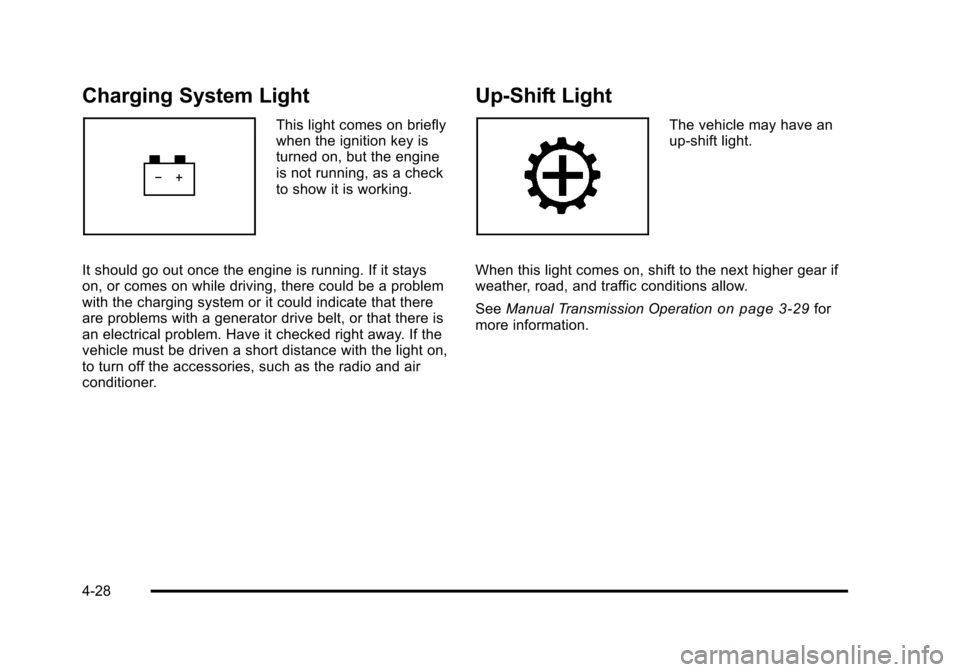
Charging System Light
This light comes on briefly
when the ignition key is
turned on, but the engine
is not running, as a check
to show it is working.
It should go out once the engine is running. If it stays
on, or comes on while driving, there could be a problem
with the charging system or it could indicate that there
are problems with a generator drive belt, or that there is
an electrical problem. Have it checked right away. If the
vehicle must be driven a short distance with the light on,
to turn off the accessories, such as the radio and air
conditioner.
Up-Shift Light
The vehicle may have an
up-shift light.
When this light comes on, shift to the next higher gear if
weather, road, and traffic conditions allow.
See Manual Transmission Operation
on page 3‑29for
more information.
4-28
Page 186 of 430
Black plate (30,1)Chevrolet HHR Owner Manual - 2011
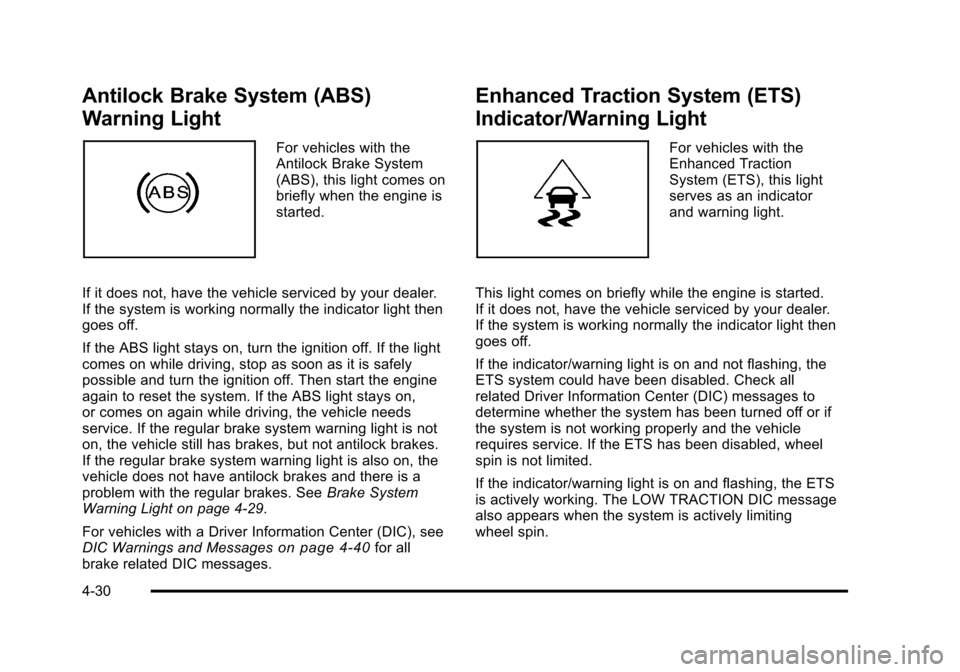
Antilock Brake System (ABS)
Warning Light
For vehicles with the
Antilock Brake System
(ABS), this light comes on
briefly when the engine is
started.
If it does not, have the vehicle serviced by your dealer.
If the system is working normally the indicator light then
goes off.
If the ABS light stays on, turn the ignition off. If the light
comes on while driving, stop as soon as it is safely
possible and turn the ignition off. Then start the engine
again to reset the system. If the ABS light stays on,
or comes on again while driving, the vehicle needs
service. If the regular brake system warning light is not
on, the vehicle still has brakes, but not antilock brakes.
If the regular brake system warning light is also on, the
vehicle does not have antilock brakes and there is a
problem with the regular brakes. See Brake System
Warning Light on page 4‑29.
For vehicles with a Driver Information Center (DIC), see
DIC Warnings and Messages
on page 4‑40for all
brake related DIC messages.
Enhanced Traction System (ETS)
Indicator/Warning Light
For vehicles with the
Enhanced Traction
System (ETS), this light
serves as an indicator
and warning light.
This light comes on briefly while the engine is started.
If it does not, have the vehicle serviced by your dealer.
If the system is working normally the indicator light then
goes off.
If the indicator/warning light is on and not flashing, the
ETS system could have been disabled. Check all
related Driver Information Center (DIC) messages to
determine whether the system has been turned off or if
the system is not working properly and the vehicle
requires service. If the ETS has been disabled, wheel
spin is not limited.
If the indicator/warning light is on and flashing, the ETS
is actively working. The LOW TRACTION DIC message
also appears when the system is actively limiting
wheel spin.
4-30
Page 187 of 430
Black plate (31,1)Chevrolet HHR Owner Manual - 2011
SeeEnhanced Traction System (ETS)on page 5‑10andDIC Warnings and Messageson page 4‑40for
more information.
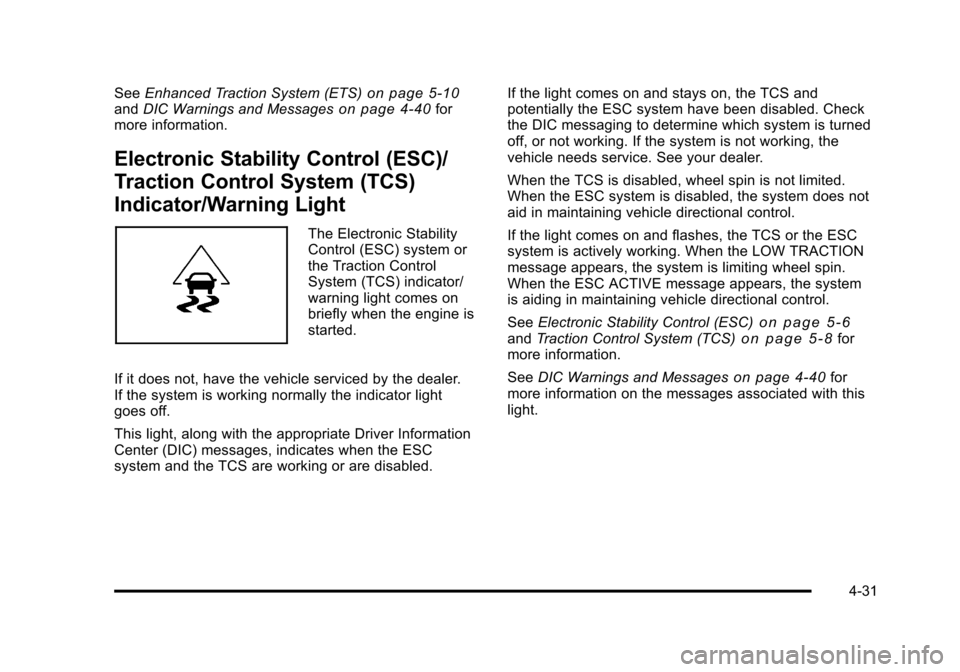
Electronic Stability Control (ESC)/
Traction Control System (TCS)
Indicator/Warning Light
The Electronic Stability
Control (ESC) system or
the Traction Control
System (TCS) indicator/
warning light comes on
briefly when the engine is
started.
If it does not, have the vehicle serviced by the dealer.
If the system is working normally the indicator light
goes off.
This light, along with the appropriate Driver Information
Center (DIC) messages, indicates when the ESC
system and the TCS are working or are disabled. If the light comes on and stays on, the TCS and
potentially the ESC system have been disabled. Check
the DIC messaging to determine which system is turned
off, or not working. If the system is not working, the
vehicle needs service. See your dealer.
When the TCS is disabled, wheel spin is not limited.
When the ESC system is disabled, the system does not
aid in maintaining vehicle directional control.
If the light comes on and flashes, the TCS or the ESC
system is actively working. When the LOW TRACTION
message appears, the system is limiting wheel spin.
When the ESC ACTIVE message appears, the system
is aiding in maintaining vehicle directional control.
See
Electronic Stability Control (ESC)
on page 5‑6andTraction Control System (TCS)on page 5‑8for
more information.
See DIC Warnings and Messages
on page 4‑40for
more information on the messages associated with this
light.
4-31
Page 189 of 430
Black plate (33,1)Chevrolet HHR Owner Manual - 2011
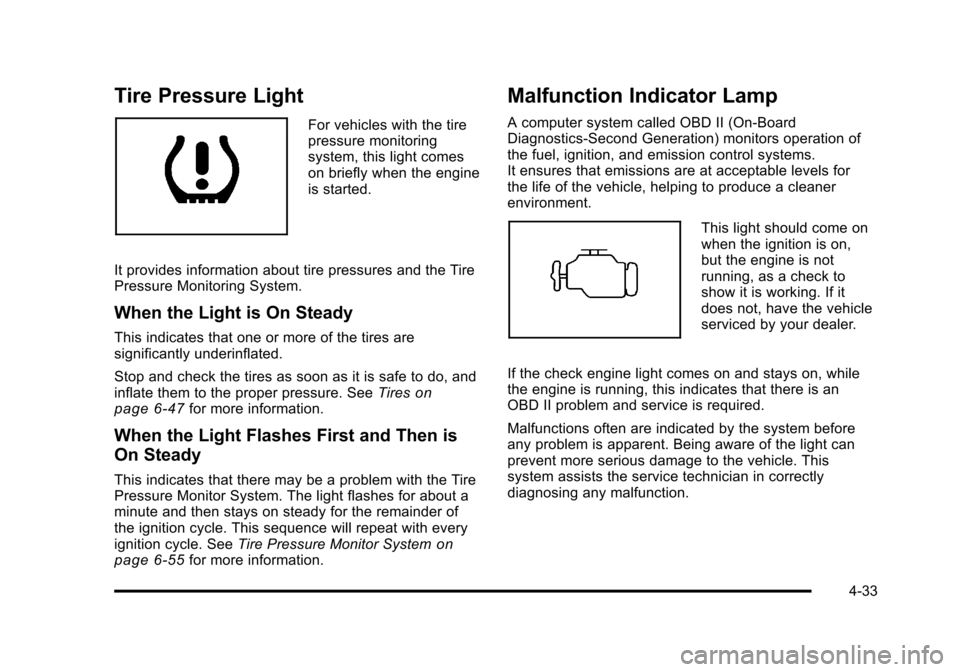
Tire Pressure Light
For vehicles with the tire
pressure monitoring
system, this light comes
on briefly when the engine
is started.
It provides information about tire pressures and the Tire
Pressure Monitoring System.
When the Light is On Steady
This indicates that one or more of the tires are
significantly underinflated.
Stop and check the tires as soon as it is safe to do, and
inflate them to the proper pressure. See Tires
on
page 6‑47for more information.
When the Light Flashes First and Then is
On Steady
This indicates that there may be a problem with the Tire
Pressure Monitor System. The light flashes for about a
minute and then stays on steady for the remainder of
the ignition cycle. This sequence will repeat with every
ignition cycle. See Tire Pressure Monitor System
on
page 6‑55for more information.
Malfunction Indicator Lamp
A computer system called OBD II (On-Board
Diagnostics-Second Generation) monitors operation of
the fuel, ignition, and emission control systems.
It ensures that emissions are at acceptable levels for
the life of the vehicle, helping to produce a cleaner
environment.
This light should come on
when the ignition is on,
but the engine is not
running, as a check to
show it is working. If it
does not, have the vehicle
serviced by your dealer.
If the check engine light comes on and stays on, while
the engine is running, this indicates that there is an
OBD II problem and service is required.
Malfunctions often are indicated by the system before
any problem is apparent. Being aware of the light can
prevent more serious damage to the vehicle. This
system assists the service technician in correctly
diagnosing any malfunction.
4-33
Page 191 of 430
Black plate (35,1)Chevrolet HHR Owner Manual - 2011
.Make sure to fuel the vehicle with quality fuel. Poor
fuel quality causes the engine not to run as
efficiently as designed and can cause: stalling after
start-up, stalling when the vehicle is changed into
gear, misfiring, hesitation on acceleration,
or stumbling on acceleration. These conditions
might go away once the engine is warmed up.
If one or more of these conditions occurs, change
the fuel brand used. It will require at least one full
tank of the proper fuel to turn the light off.
SeeGasoline Octane on page 6‑6.
If none of the above have made the light turn off, your
dealer can check the vehicle. The dealer has the proper
test equipment and diagnostic tools to fix any
mechanical or electrical problems that might have
developed.
Emissions Inspection and Maintenance
Programs
Some state/provincial and local governments may have
programs to inspect the on-vehicle emission control
equipment For the inspection, the emission system test
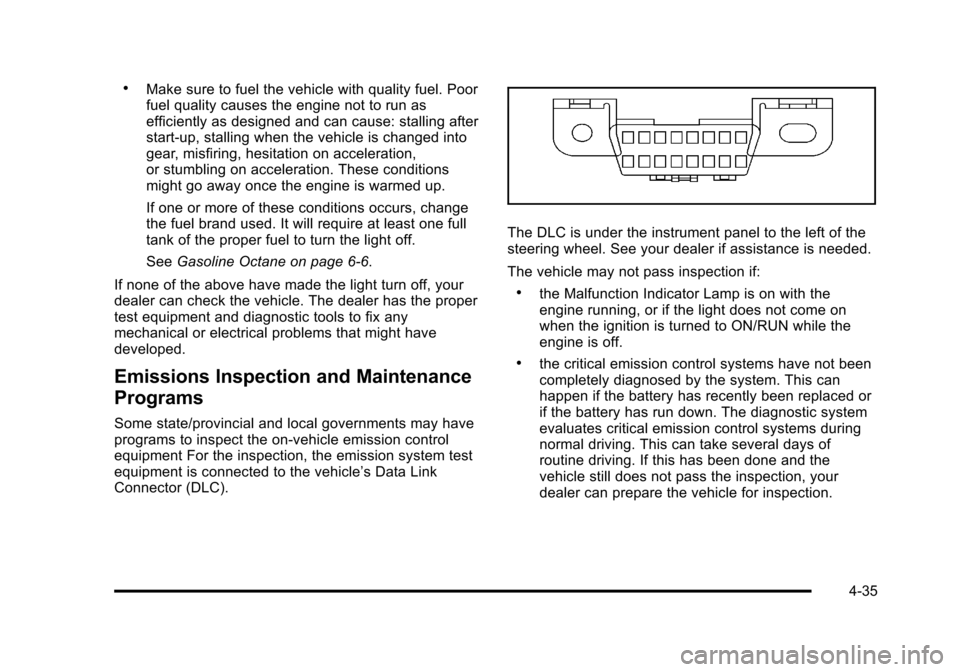
equipment is connected to the vehicle’s Data Link
Connector (DLC).
The DLC is under the instrument panel to the left of the
steering wheel. See your dealer if assistance is needed.
The vehicle may not pass inspection if:
.the Malfunction Indicator Lamp is on with the
engine running, or if the light does not come on
when the ignition is turned to ON/RUN while the
engine is off.
.the critical emission control systems have not been
completely diagnosed by the system. This can
happen if the battery has recently been replaced or
if the battery has run down. The diagnostic system
evaluates critical emission control systems during
normal driving. This can take several days of
routine driving. If this has been done and the
vehicle still does not pass the inspection, your
dealer can prepare the vehicle for inspection.
4-35
Page 192 of 430
Black plate (36,1)Chevrolet HHR Owner Manual - 2011
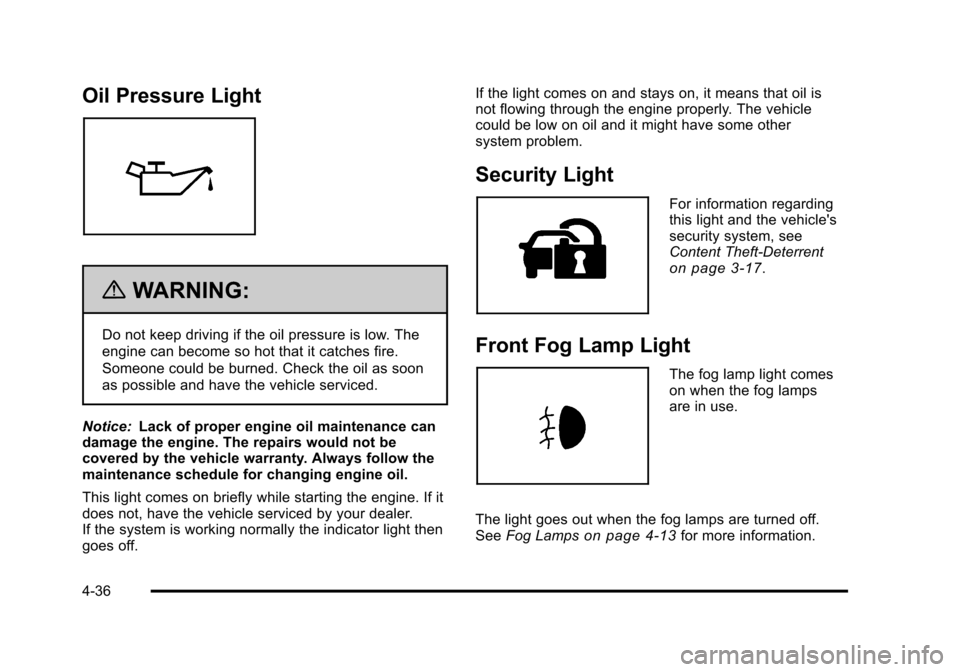
Oil Pressure Light
{WARNING:
Do not keep driving if the oil pressure is low. The
engine can become so hot that it catches fire.
Someone could be burned. Check the oil as soon
as possible and have the vehicle serviced.
Notice: Lack of proper engine oil maintenance can
damage the engine. The repairs would not be
covered by the vehicle warranty. Always follow the
maintenance schedule for changing engine oil.
This light comes on briefly while starting the engine. If it
does not, have the vehicle serviced by your dealer.
If the system is working normally the indicator light then
goes off. If the light comes on and stays on, it means that oil is
not flowing through the engine properly. The vehicle
could be low on oil and it might have some other
system problem.
Security Light
For information regarding
this light and the vehicle's
security system, see
Content Theft-Deterrent
on page 3‑17.
Front Fog Lamp Light
The fog lamp light comes
on when the fog lamps
are in use.
The light goes out when the fog lamps are turned off.
See Fog Lamps
on page 4‑13for more information.
4-36
Page 196 of 430
Black plate (40,1)Chevrolet HHR Owner Manual - 2011
AV (Average) SPEED
Press the information button until AV SPEED displays.
This mode shows the vehicle's average speed in miles
per hour (mph) or kilometers per hour (km/h).
To reset the average vehicle speed, press and hold the
reset button while AV SPEED is displayed.
OIL LIFE
Press the information button until OIL LIFE displays.
The engine oil life system shows an estimate of the oil's
remaining useful life. It shows 100% when the system is
reset after an oil change. It alerts you to change the oil
on a schedule consistent with your driving conditions.
In addition to the engine oil life system monitoring the
oil life, additional maintenance is recommended in the
Maintenance Schedule in this manual. SeeEngine Oil
on page 6‑16andScheduled Maintenanceon
page 7‑3.
Always reset the engine oil life system after an oil
change. See “How to Reset the Engine Oil Life System”
under Engine Oil Life System on page 6‑19.
COOLANT
Press the information button until COOLANT displays.
This mode shows the temperature of the engine coolant
in either degrees Fahrenheit (°F) or degrees
Celsius (°C).
Tire Pressure
If your vehicle has a Tire Pressure Monitor System
(TPMS), the pressure for each tire can be viewed in the
DIC. The tire pressure is shown in either pounds per
square inch (psi) or kilopascals (kPa). Press the
information button until LF ## PSI (kPa) ## RF displays
for the front tires. Press the information button again
until LR ## PSI (kPa) ## RR displays for the rear tires.
If a low tire pressure condition is detected by the
system while driving, a message advising you to check
the tire pressure appears in the display. See Inflation -
Tire Pressure
on page 6‑54and DIC Warnings and
Messageson page 4‑40for more information.
DIC Warnings and Messages
These messages appear if there is a problem detected
in one of your vehicle's systems.
A message clears when the vehicle's condition is no
longer present. To acknowledge a message and clear it
from the display, press and hold any of the DIC buttons.
If the condition is still present, the warning message
comes back on the next time the vehicle is turned off
and back on. With most messages, a warning chime
sounds when the message displays. Your vehicle may
have other warning messages.
4-40
Page 197 of 430
Black plate (41,1)Chevrolet HHR Owner Manual - 2011
AUTO (Automatic) LIGHTS OFF
This message displays if the automatic headlamp
system is disabled with the headlamp switch. See
Automatic Headlamp System
on page 4‑13for more
information.
AUTO (Automatic) LIGHTS ON
This message displays if the automatic headlamp
system is enabled with the headlamp switch. See
Automatic Headlamp System
on page 4‑13for more
information.
BRAKE FLUID
This message displays, while the ignition is on, when
the brake fluid level is low. The brake system warning
light on the instrument panel cluster also comes on.
See Brake System Warning Light
on page 4‑29for
more information. Have the brake system serviced by
your dealer as soon as possible.
CHANGE OIL SOON
This message displays when the life of the engine oil
has expired and it should be changed.
When this message is acknowledged and cleared from
the display, the engine oil life system must still be reset
separately. See Engine Oil Life System
on page 6‑19andScheduled Maintenanceon page 7‑3for more
information.
CHECK GAS CAP
This message displays if the fuel cap has not been fully
tightened. Recheck the fuel cap to make sure that it is
on properly. A few driving trips with the cap properly
installed should turn the message off.
COOLING MODE ON
This message may display on some vehicles. Under
severe conditions, hot ambient temperatures, steep
grades, and towing, your vehicle may experience more
transmission shifting. This is temporary and normal
under these conditions. This does not require engine or
transmission service.
CRUISE ENGAGED
This message displays when the cruise control system
is active. See Cruise Controlon page 4‑8for more
information.
DOOR AJAR
This message displays if one or more of the vehicle's
doors are open. Make sure that the door(s) are closed
completely.
ENGINE DISABLED
This message displays if the starting of the engine is
disabled. Have your vehicle serviced by your dealer
immediately.
4-41