2011 CHEVROLET CRUZE door lock
[x] Cancel search: door lockPage 147 of 394
Black plate (35,1)Chevrolet Cruze Owner Manual - 2011
Instruments and Controls 5-35
Entering the Personalization
Menus
1. Press CONFIG to access theConfiguration Settings menu.
2. Turn the MENU or MENU/SEL knob to highlight Vehicle
Settings. Press the CONFIG
button until Vehicle is highlighted
on vehicles with navigation
system only.
3. Press the center of the MENU or MENU/SEL knob to select the
Vehicle Settings menu. Key myst
be in the run position.
The following list of menu items will
be available:
.Climate and Air Quality
.Comfort and Convenience
.Collision/Detection Systems
.Languages
.Lighting
.Power Door Locks
.Remote Locking, Unlocking,
Starting
.Return to Factory Settings
Turn the MENU or MENU/SEL knob
to highlight the menu. Press the
knob to select it. Each of the menus
is detailed in the following
information.
Vehicles with a Navigation system
will display a check mark to indicate
this feature is on.
Climate and Air Quality
If equipped, select the Climate and
Air Quality menu and the following
will be displayed:
.Auto Fan Speed
.Air Quality Sensor
.Remote Start Auto Heat Seats
.Auto Defog
.Auto Rear Defog Auto Fan Speed
This will allow you to select the
automatic fan speed. This feature
sets the climate control fan speed to
maintain the interior temperature.
Press the MENU or MENU/SEL
knob when Auto Fan Speed is
highlighted to open the menu. Turn
the knob to highlight High, Medium,
or Low. Press the BACK button to
confirm the selection and move
back to the last menu.
Air Quality Sensor
This will allow you to select whether
the system will operate at high or
low sensitivity. Only vehicles with
the automatic climate control will
have this option.
Press the MENU or MENU/SEL
knob when Air Quality Sensor is
highlighted to open the menu. Turn
the knob to highlight High Sensitivity
or Low Sensitivity. Press the BACK
button to confirm the selection and
move back to the last menu.
Page 149 of 394
Black plate (37,1)Chevrolet Cruze Owner Manual - 2011
Instruments and Controls 5-37
Languages
Select the Language menu and the
following will be displayed:
.English
.Francais
.Espanol
Turn the MENU or MENU/SEL knob
to select the language. Press BACK
to return to the last menu.
Lighting
Select the Lighting menu and the
following will be displayed:
.Exit Lighting
.Vehicle Locator Lights
Exit Lighting
This allows the selection of how
long the exterior lamps stay on
when leaving the vehicle when it is
dark outside. Press the MENU or MENU/SEL
knob when Exit Lighting is
highlighted. Turn the knob to select
Off, 30 Seconds, 1 Minute,
or 2 Minutes. Press the BACK
button to confirm and go back to the
last menu.
Vehicle Locator Lights
This allows the vehicle locator lights
to be turned on or off. When on, the
head lamps and back up lamps will
flash when the keb fob unbutton
K
is pressed.
Press the MENU or MENU/SEL
knob when Vehicle Locator Lights is
highlighted to open the menu. Turn
the MENU or MENU/SEL knob to
highlight On or Off. Press MENU or
MENU/SEL to select On or Off.
Press the BACK button to confirm
the selection and move back to the
last menu.
Power Door Locks
Select Power Door Locks and the
following will be displayed:
.Auto Door Unlock
.Delayed Door Lock
.Unlocked Door Anti Lock Out
.Auto Door Lock
Auto Door Unlock
This allows selection of which of the
doors will automatically unlock when
the vehicle is shifted into P (Park).
Press the MENU or MENU/SEL
knob when Auto Door Unlock is
highlighted. Turn the knob to select
All Doors, Driver Door, or Off. Press
the knob to confirm and go back to
the last menu.
Page 150 of 394
Black plate (38,1)Chevrolet Cruze Owner Manual - 2011
5-38 Instruments and Controls
Delayed Door Lock
When on, this feature will delay
the locking of the doors until
five seconds after the last door is
closed. You will hear three chimes
to signal delayed locking is in use.
Press either the power lock button
or the lock button on the RKE
transmitter twice to override the
delayed locking feature and
immediately lock all of the doors.
Press the MENU or MENU/SEL
knob when Delayed Door Lock is
highlighted to select On or Off.
Press BACK to return to the
last menu.
Unlocked Door Anti Lock Out
When on, all doors will lock. The
driver door will then unlock if door
locking is requested while the
drivers door is open and disables
Delayed Door Lock feature.Even when this feature is off, the
driver is protected from accidental
lockouts when the key is in the
ignition.
If Off is selected, the Delayed Door
Lock feature may be enabled
through an additional menu
selection.
Press the MENU or MENU/SEL
knob when Unlocked Door Anti Lock
Out is highlighted to select On or
Off. Press BACK to return to the
last menu.
Auto Door Lock
This allows selection of which of the
doors will automatically lock when
the vehicle is shifted into P (Park).
Press the MENU or MENU/SEL
knob when Auto Door Lock is
highlighted. Turn the knob to select
On or Off. Press the knob to confirm
and go back to the last menu.Remote Locking, Unlocking,
Starting
Select Remote Locking, Unlocking,
Starting and the following will be
displayed (depending on system):
.Remote Lock Feedback
.Door Unlock or Remote
Door Lock
.Remote Unlock Light Feedback
.Remote Start
Remote Lock Feedback
This allows selection of what type of
feedback is given when locking the
vehicle with the RKE transmitter.
Press the MENU or MENU/SEL
knob when Remote Lock Feedback
is highlighted. Turn the knob to
select Lights and Horn, Lights Only,
Horn Only, or Off. Press the knob to
confirm and go back to the
last menu.
Page 151 of 394
Black plate (39,1)Chevrolet Cruze Owner Manual - 2011
Instruments and Controls 5-39
Door Unlock or Remote Door Lock
This allows selection of which doors
will unlock when pressing the unlock
button on the RKE transmitter.
Press the MENU or MENU/SEL
knob when Door Unlock is
highlighted. Turn the knob to select
All Doors or Driver Door Only. When
set to Driver Door Only, the driver
door will unlock the first time the
unlock button is pressed and all
doors will unlock when the button is
pressed a second time. When set to
All Doors, all of the doors will unlock
at the first press of the unlock
button. Press the knob to confirm
and go back to the last menu.Remote Unlock Light Feedback
If equipped, this allows selection of
what type of feedback is given when
unlocking the vehicle with the RKE
transmitter.
Press the MENU or MENU/SEL
knob when Remote Unlock Light
Feedback is highlighted. Turn the
knob to select On or Off. Press the
knob to confirm and go back to the
last menu.
Remote Start
If equipped, this allows selection to
turn on or off Remote Start.
Press the MENU or MENU/SEL
knob when Remote Start is
highlighted. Turn the knob to select
On or Off. Press the knob to confirm
and go back to the last menu.Return to Factory Settings
Select Return to Factory Settings to
return all vehicle personalization to
the default settings. Turn the knob
to select Yes or No. Press the knob
to confirm and go back to the
last menu.
Page 199 of 394
Black plate (7,1)Chevrolet Cruze Owner Manual - 2011
Climate Controls 8-7
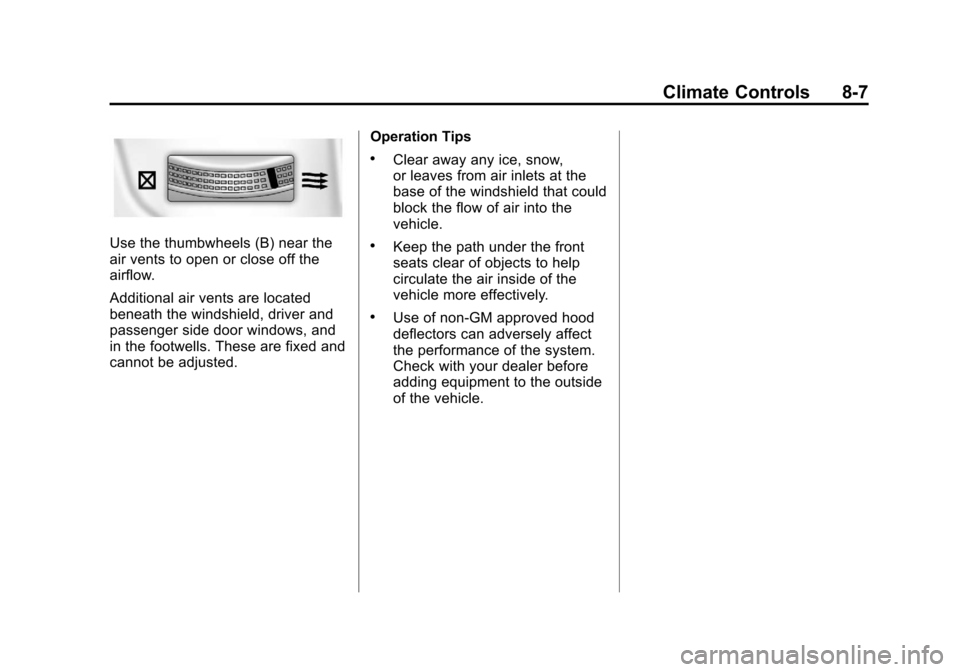
Use the thumbwheels (B) near the
air vents to open or close off the
airflow.
Additional air vents are located
beneath the windshield, driver and
passenger side door windows, and
in the footwells. These are fixed and
cannot be adjusted.Operation Tips
.Clear away any ice, snow,
or leaves from air inlets at the
base of the windshield that could
block the flow of air into the
vehicle.
.Keep the path under the front
seats clear of objects to help
circulate the air inside of the
vehicle more effectively.
.Use of non‐GM approved hood
deflectors can adversely affect
the performance of the system.
Check with your dealer before
adding equipment to the outside
of the vehicle.
Page 213 of 394

Black plate (13,1)Chevrolet Cruze Owner Manual - 2011
Driving and Operating 9-13
Tire and Loading Information
Label
Label Example
A vehicle-specific Tire and
Loading Information label is
attached to the vehicle center
pillar (B-pillar). With the driver
door open, you will find the label
attached below the door lock
post. The Tire and Loading
Information label shows the
number of occupant seatingpositions (A), and the maximum
vehicle capacity weight (B) in
kilograms and pounds.
The Tire and Loading
Information label also shows the
tire size of the original
equipment tires (C) and the
recommended cold tire inflation
pressures (D). For more
information on tires and inflation
see
Tires on page 10‑42 and
Tire Pressure on page 10‑50.
There is also important loading
information on the Certification
label. It tells you the Gross
Vehicle Weight Rating (GVWR)
and the Gross Axle Weight
Rating (GAWR) for the front and
rear axle; see “Certification
Label” later in this section. Steps for Determining Correct
Load Limit
1.Locate the statement
“The
combined weight of
occupants and cargo should
never exceed XXX kg or
XXX lbs” on your vehicle's
placard.
2.Determine the combined
weight of the driver and
passengers that will be riding
in your vehicle.
3.Subtract the combined
weight of the driver and
passengers from XXX kg or
XXX lbs.
Page 219 of 394
Black plate (19,1)Chevrolet Cruze Owner Manual - 2011
Driving and Operating 9-19
{WARNING
Turning off the vehicle while
moving may cause loss of power
assist in the brake and steering
systems and disable the airbags.
While driving, only shut the
vehicle off in an emergency.
5. If the vehicle must be shut off while driving, turn the ignition to
ACC/ACCESSORY.
The ignition switch can bind in the
LOCK/OFF position with the wheels
turned off center. If this happens,
move the steering wheel from right
to left while turning the key to ACC/
ACCESSORY. If this does not work,
then the vehicle needs service.
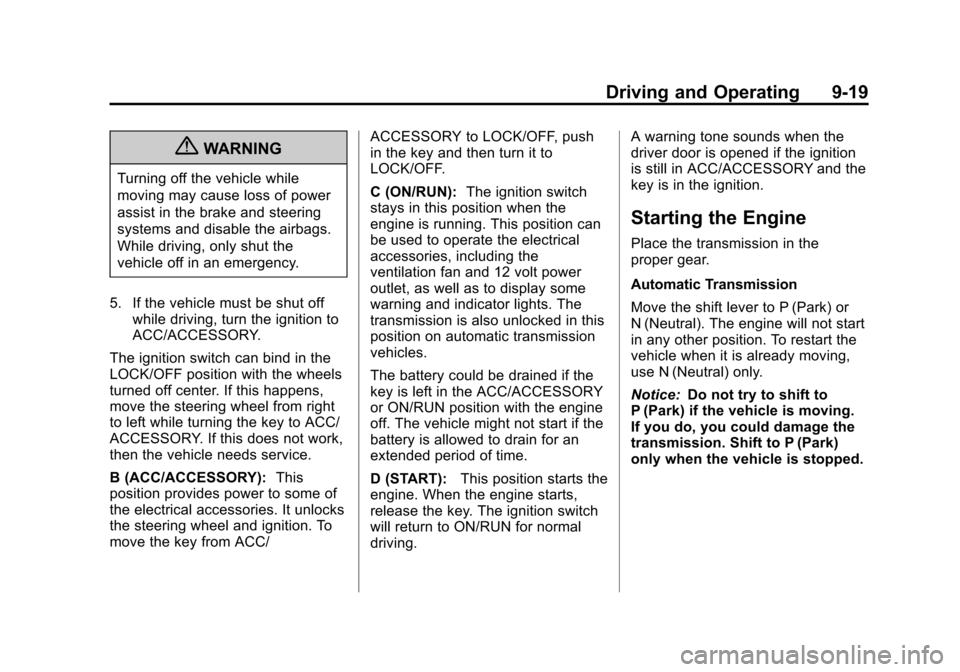
B (ACC/ACCESSORY): This
position provides power to some of
the electrical accessories. It unlocks
the steering wheel and ignition. To
move the key from ACC/ ACCESSORY to LOCK/OFF, push
in the key and then turn it to
LOCK/OFF.
C (ON/RUN):
The ignition switch
stays in this position when the
engine is running. This position can
be used to operate the electrical
accessories, including the
ventilation fan and 12 volt power
outlet, as well as to display some
warning and indicator lights. The
transmission is also unlocked in this
position on automatic transmission
vehicles.
The battery could be drained if the
key is left in the ACC/ACCESSORY
or ON/RUN position with the engine
off. The vehicle might not start if the
battery is allowed to drain for an
extended period of time.
D (START): This position starts the
engine. When the engine starts,
release the key. The ignition switch
will return to ON/RUN for normal
driving. A warning tone sounds when the
driver door is opened if the ignition
is still in ACC/ACCESSORY and the
key is in the ignition.
Starting the Engine
Place the transmission in the
proper gear.
Automatic Transmission
Move the shift lever to P (Park) or
N (Neutral). The engine will not start
in any other position. To restart the
vehicle when it is already moving,
use N (Neutral) only.
Notice:
Do not try to shift to
P (Park) if the vehicle is moving.
If you do, you could damage the
transmission. Shift to P (Park)
only when the vehicle is stopped.
Page 222 of 394
Black plate (22,1)Chevrolet Cruze Owner Manual - 2011
9-22 Driving and Operating
Retained Accessory
Power (RAP)
These vehicle accessories may be
used for up to 10 minutes after the
engine is turned off:
.Audio System
.Power Windows
.Sunroof
The power windows and sunroof will
continue to work for up to
10 minutes or until any door is
opened. The radio will work when
the key is in ON/RUN or ACC/
ACCESSORY. Once the key is
turned from ON/RUN to LOCK/OFF,
the radio will continue to work for
10 minutes, or until the driver door is
opened or the key is removed from
the ignition.
Shifting Into Park
(Automatic Transmission)
{WARNING
It can be dangerous to get out of
the vehicle if the shift lever is not
fully in P (Park) with the parking
brake firmly set. The vehicle can
roll. If you have left the engine
running, the vehicle can move
suddenly. You or others could be
injured. To be sure the vehicle will
not move, even when you are on
fairly level ground, use the steps
that follow. If you are pulling a
trailer, see Driving Characteristics
and Towing Tips on page 9‑46.
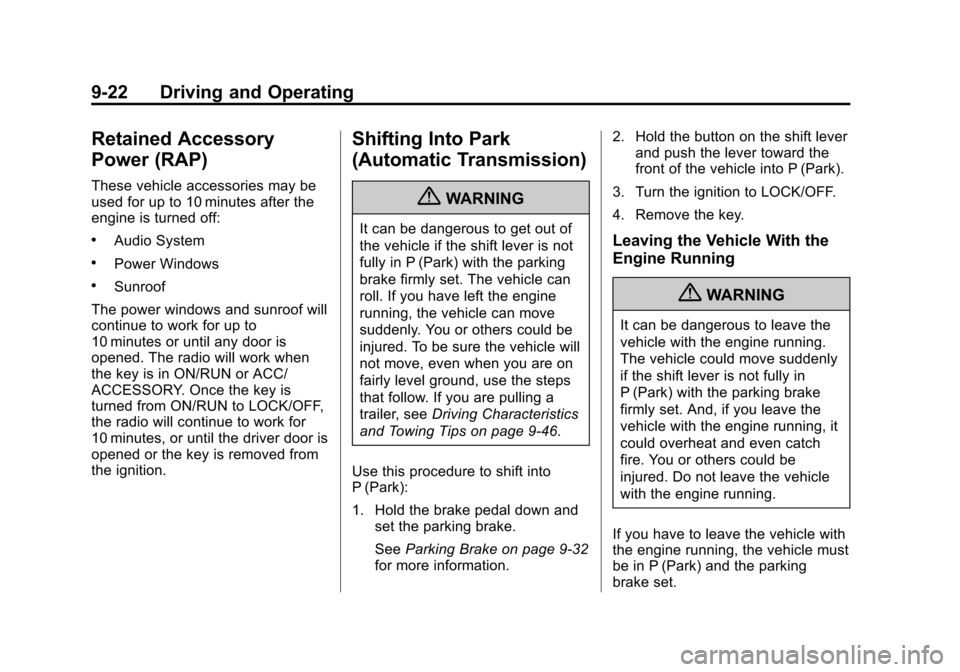
Use this procedure to shift into
P (Park):
1. Hold the brake pedal down and set the parking brake.
See Parking Brake on page 9‑32
for more information. 2. Hold the button on the shift lever
and push the lever toward the
front of the vehicle into P (Park).
3. Turn the ignition to LOCK/OFF.
4. Remove the key.Leaving the Vehicle With the
Engine Running
{WARNING
It can be dangerous to leave the
vehicle with the engine running.
The vehicle could move suddenly
if the shift lever is not fully in
P (Park) with the parking brake
firmly set. And, if you leave the
vehicle with the engine running, it
could overheat and even catch
fire. You or others could be
injured. Do not leave the vehicle
with the engine running.
If you have to leave the vehicle with
the engine running, the vehicle must
be in P (Park) and the parking
brake set.