2011 CADILLAC STS steering
[x] Cancel search: steeringPage 272 of 528
Black plate (86,1)Cadillac STS Owner Manual - 2011
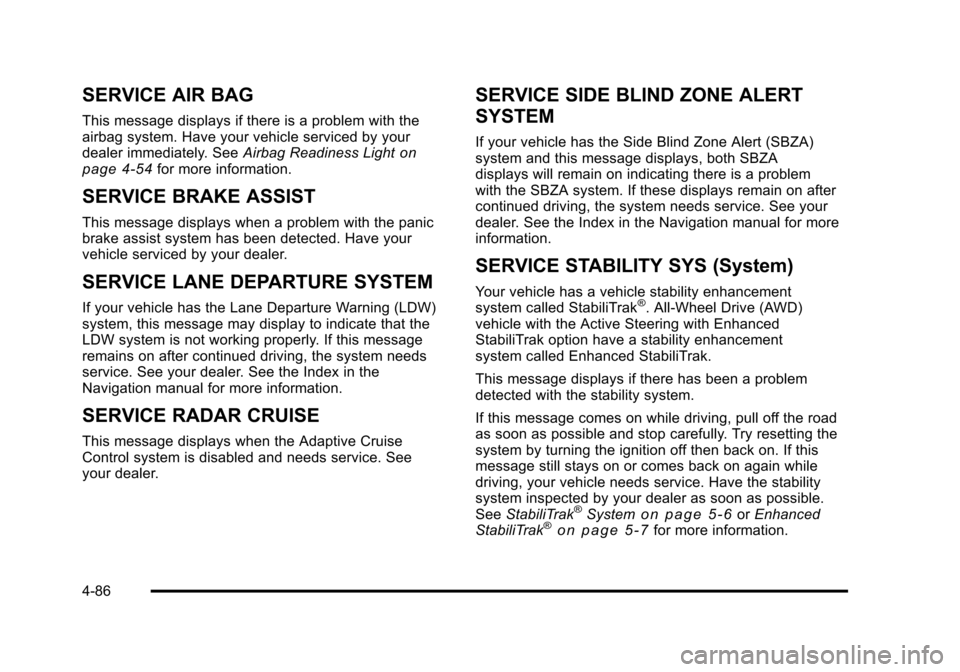
SERVICE AIR BAG
This message displays if there is a problem with the
airbag system. Have your vehicle serviced by your
dealer immediately. SeeAirbag Readiness Light
on
page 4‑54for more information.
SERVICE BRAKE ASSIST
This message displays when a problem with the panic
brake assist system has been detected. Have your
vehicle serviced by your dealer.
SERVICE LANE DEPARTURE SYSTEM
If your vehicle has the Lane Departure Warning (LDW)
system, this message may display to indicate that the
LDW system is not working properly. If this message
remains on after continued driving, the system needs
service. See your dealer. See the Index in the
Navigation manual for more information.
SERVICE RADAR CRUISE
This message displays when the Adaptive Cruise
Control system is disabled and needs service. See
your dealer.
SERVICE SIDE BLIND ZONE ALERT
SYSTEM
If your vehicle has the Side Blind Zone Alert (SBZA)
system and this message displays, both SBZA
displays will remain on indicating there is a problem
with the SBZA system. If these displays remain on after
continued driving, the system needs service. See your
dealer. See the Index in the Navigation manual for more
information.
SERVICE STABILITY SYS (System)
Your vehicle has a vehicle stability enhancement
system called StabiliTrak®. All-Wheel Drive (AWD)
vehicle with the Active Steering with Enhanced
StabiliTrak option have a stability enhancement
system called Enhanced StabiliTrak.
This message displays if there has been a problem
detected with the stability system.
If this message comes on while driving, pull off the road
as soon as possible and stop carefully. Try resetting the
system by turning the ignition off then back on. If this
message still stays on or comes back on again while
driving, your vehicle needs service. Have the stability
system inspected by your dealer as soon as possible.
See StabiliTrak
®Systemon page 5‑6orEnhanced
StabiliTrak®on page 5‑7for more information.
4-86
Page 273 of 528

Black plate (87,1)Cadillac STS Owner Manual - 2011
For vehicles with the Active Steering with Enhanced
StabiliTrak option, in some cases when the SERVICE
STABILITY SYS message is displayed, a larger degree
of steering wheel input at low vehicle speeds and a
smaller degree of steering wheel input at higher vehicle
speeds may be required.
SERVICE STEERING SYS (System)
Your vehicle has a speed variable assist steering
system. Your All-Wheel Drive (AWD) vehicle may have
the Active Steering with Enhanced StabiliTrak option.
See“Active Steering” underSteering on page 5‑11.
This message displays if a problem is detected with the
speed variable assist steering system or the Active
Steering system. When this message is displayed, you
may notice that the effort required to steer the vehicle
increases or feels heavier, but you will still be able to
steer the vehicle. See Steering
on page 5‑11for more
information. Have the steering system inspected by
your dealer as soon as possible. If the SERVICE STEERING SYS message appears
because the Active Steering system needs service,
normal power steering is still operational. However,
compared to Active Steering, normal power steering
requires a larger degree of steering wheel input at low
vehicle speeds and a smaller degree of steering wheel
input at high vehicle speeds. The center position of the
steering wheel may be different. You may continue to
drive your vehicle with normal power steering, but have
the steering system inspected by your dealer as soon
as possible.
If the Active Steering system needs service, the system
may be operating in the Stability Secure Mode and the
STABILITY SECURE MODE message will display. See
Enhanced StabiliTrak
®on page 5‑7.
When certain steering faults are present, the vehicle
speed may be limited. If vehicle speed is limited, the
SPEED LIMITED TO XXX message will display. See
“Active Steering” underSteering on page 5‑11.
4-87
Page 274 of 528

Black plate (88,1)Cadillac STS Owner Manual - 2011
SERVICE SUSPENSION SYS (System)
This message displays when the suspension system is
not operating properly. Have your vehicle serviced by
your dealer.
If your All-Wheel Drive (AWD) vehicle has the Active
Steering with Enhanced StabiliTrak option and the
suspension system needs service, the Enhanced
StabiliTrak system may be operating in the Stability
Secure Mode and the STABILITY SECURE MODE
message will display. SeeEnhanced StabiliTrak
®on
page 5‑7.
SERVICE TIRE MONITOR
This message displays if a part on the Tire Pressure
Monitor System (TPMS) is not working properly. The tire
pressure light also flashes and then remains on during
the same ignition cycle. See Tire Pressure Light
on
page 4‑62. Several conditions may cause this message
to appear. See Tire Pressure Monitor Operationon
page 6‑62for more information. If the warning comes
on and stays on, there may be a problem with the
TPMS. See your dealer.
SERVICE THEFT SYSTEM
This message displays when there is a problem with the
hood open and closed switches. The switches may
need to be replaced. When this message is displayed,
the theft-deterrent system will still be protecting the
interior of the vehicle, however, the hood area will not
be protected at this time. Also, the remote start function
will not work when this message appears. See your
dealer for service.
SERVICE TRANSMISSION
This message displays when there is a problem with
the transmission. Have your vehicle serviced by your
dealer.
SERVICE VEHICLE SOON
This message displays when a non-emissions related
malfunction occurs. Have your vehicle serviced by your
dealer as soon as possible.
4-88
Page 275 of 528

Black plate (89,1)Cadillac STS Owner Manual - 2011
SIDE BLIND ZONE ALERT
SYSTEM OFF
If your vehicle has the Side Blind Zone Alert (SBZA)
system, this message displays when the SBZA system
has been turned off. SeeSide Blind Zone Alert (SBZA)
on page 3‑44andDIC Operation and Displayson
page 4‑70for more information.
SIDE BLIND ZONE SYSTEM
UNAVAILABLE
If your vehicle has the Side Blind Zone Alert (SBZA)
system, this message displays when the SBZA system
is disabled because the sensor is blocked and cannot
detect vehicles in your blind zone. The sensor may be
blocked by mud, dirt, snow, ice, or slush. This message
may also display during heavy rain or due to road spray.
Your vehicle does not need service. For cleaning
instructions, see Washing Your Vehicle
on page 6‑109.
See Side Blind Zone Alert (SBZA)on page 3‑44for
more information.
SPEED LIMIT: XXX MPH (KM/H)
This message displays when the Speed Alert has
been turned on through the DIC Information Menu
and the vehicle is at or above the speed limit. See
DIC Operation and Displays
on page 4‑70for more
information.
SPEED LIMITED TO XXX
This message displays when the vehicle speed is
limited to XXX, mph in English mode and km/h in Metric
mode, because the vehicle detects a problem in the
steering, stability control, or suspension system. Have
your vehicle serviced by your dealer.
STABILITY SECURE MODE
If your All-Wheel Drive (AWD) vehicle has the Active
Steering with Enhanced StabiliTrak option, this
message displays when the stability control system
is in the secure mode. Stability Secure Mode is set
automatically when certain system faults or vehicle
conditions are detected. When the Stability Secure
Mode is activated, the stability control system will not
respond to driver requests to change the stability mode
until the next ignition cycle or until the vehicle condition
or fault is returned to normal. See Enhanced
StabiliTrak
®on page 5‑7for more information.
4-89
Page 277 of 528

Black plate (91,1)Cadillac STS Owner Manual - 2011
STABILITY TOURING MODE
If your All-Wheel Drive (AWD) vehicle has the Active
Steering with Enhanced StabiliTrak option, this
message displays when the Stability Touring Mode is
re-activated by using the traction control button after:
.Driving in the Stability Competitive Mode.
.The stability control system is turned off by the
driver.
This message may also display after exiting STABILITY
SECURE MODE when certain system faults or vehicle
conditions have been cleared. See Enhanced
StabiliTrak
®on page 5‑7.
STARTING DISABLED THEFT
PROBLEM
This message displays when incorrect conditions exist
within the theft-deterrent system. See your dealer for
service.
STARTING DISABLED THROTTLE
PROBLEM
This message displays when your vehicle's throttle
system is not functioning properly. Have your vehicle
serviced by your dealer.
THEFT ATTEMPTED
This symbol appears
with this message.
This message displays if the theft-deterrent system has
detected a break-in attempt while you were away from
your vehicle.
TRACTION ACTIVE
This message displays when the Traction Control
System (TCS) is actively limiting wheel spin. Slippery
road conditions may exist if this message is displayed,
so adjust your driving accordingly. The message stays
on for a few seconds after the TCS stops limiting wheel
spin. See Traction Control System (TCS)
on page 5‑9for more information.
4-91
Page 300 of 528

Black plate (114,1)Cadillac STS Owner Manual - 2011
Bluetooth Controls
Use the buttons located on the steering wheel to
operate the Bluetooth system. SeeAudio Steering
Wheel Controls
on page 4‑124for more information.
b g(Push to Talk) : Press to answer incoming calls,
to confirm system information, and to start voice
recognition.
Pairing
A Bluetooth cell phone must be paired to the Bluetooth
system and then connected to the vehicle before it can
be used. See your cell phone manufacturer's user guide
for Bluetooth functions before pairing the cell phone. If a Bluetooth phone is not connected, calls will be made
using OnStar
®Hands‐Free Calling, if available. Refer
to the OnStar Owner's Guide for more information.
Pairing Information
.Up to five cell phones can be paired to the
Bluetooth system.
.The pairing process is disabled when the vehicle is
moving.
.Pairing only needs to be completed once, unless
the pairing information on the cell phone changes
or the cell phone is deleted from the system.
.Only one paired cell phone can be connected to
the Bluetooth system at a time.
.If multiple paired cell phones are within range
of the system, the system connects to the first
available paired cell phone in the order that they
were first paired to the system. To connect to a
different paired phone, see “Connecting to a
Different Phone” later in this section.
Pairing a Phone
1. Press and holdbgfor two seconds.
2. Say “Bluetooth.”
3. Say “Pair.”The system responds with instructions
and a four‐digit Personal Identification Number
(PIN). The PIN is used in Step 5.
4. Start the pairing process on the cell phone that you want to pair. For help with this process, see your
cell phone manufacturer's user guide.
5. Locate the device named “Your Vehicle”in the list
on the cell phone. Follow the instructions on the
cell phone to enter the PIN number that was
provided in Step 3. After the PIN is successfully
entered, the system prompts you to provide a
name for the paired cell phone. This name will be
used to indicate which phones are paired and
connected to the vehicle. See “Listing All Paired
and Connected Phones” later in this section for
more information.
6. Repeat Steps 1 through 5 to pair additional phones.
4-114
Page 309 of 528
Black plate (123,1)Cadillac STS Owner Manual - 2011
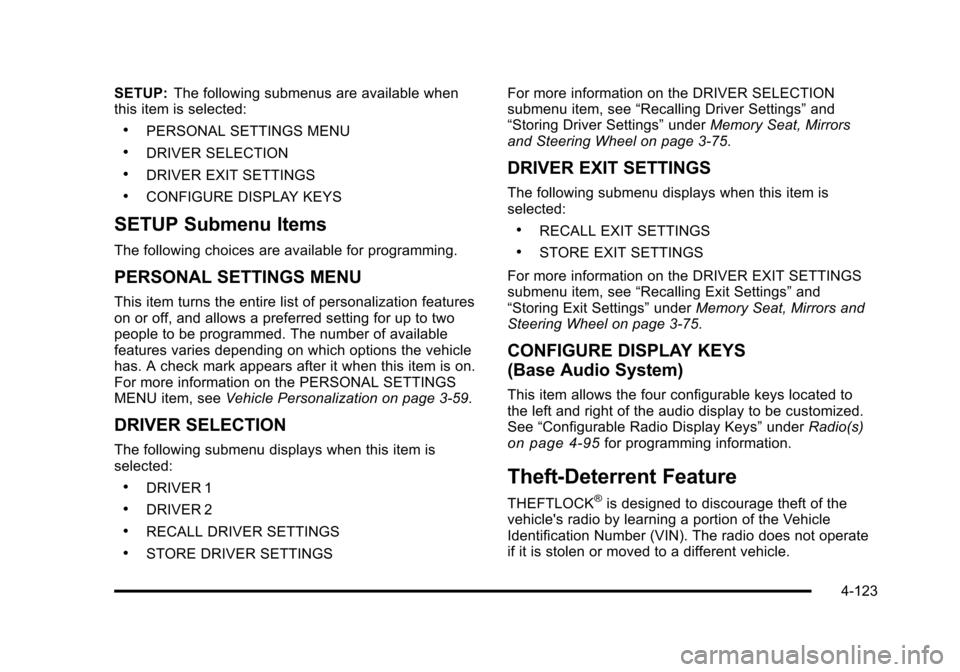
SETUP:The following submenus are available when
this item is selected:
.PERSONAL SETTINGS MENU
.DRIVER SELECTION
.DRIVER EXIT SETTINGS
.CONFIGURE DISPLAY KEYS
SETUP Submenu Items
The following choices are available for programming.
PERSONAL SETTINGS MENU
This item turns the entire list of personalization features
on or off, and allows a preferred setting for up to two
people to be programmed. The number of available
features varies depending on which options the vehicle
has. A check mark appears after it when this item is on.
For more information on the PERSONAL SETTINGS
MENU item, see Vehicle Personalization on page 3‑59.
DRIVER SELECTION
The following submenu displays when this item is
selected:
.DRIVER 1
.DRIVER 2
.RECALL DRIVER SETTINGS
.STORE DRIVER SETTINGS For more information on the DRIVER SELECTION
submenu item, see
“Recalling Driver Settings” and
“Storing Driver Settings” underMemory Seat, Mirrors
and Steering Wheel on page 3‑75.
DRIVER EXIT SETTINGS
The following submenu displays when this item is
selected:
.RECALL EXIT SETTINGS
.STORE EXIT SETTINGS
For more information on the DRIVER EXIT SETTINGS
submenu item, see “Recalling Exit Settings” and
“Storing Exit Settings” underMemory Seat, Mirrors and
Steering Wheel on page 3‑75.
CONFIGURE DISPLAY KEYS
(Base Audio System)
This item allows the four configurable keys located to
the left and right of the audio display to be customized.
See “Configurable Radio Display Keys” underRadio(s)
on page 4‑95for programming information.
Theft-Deterrent Feature
THEFTLOCK®is designed to discourage theft of the
vehicle's radio by learning a portion of the Vehicle
Identification Number (VIN). The radio does not operate
if it is stolen or moved to a different vehicle.
4-123
Page 310 of 528

Black plate (124,1)Cadillac STS Owner Manual - 2011
Audio Steering Wheel Controls
The vehicle has audio steering wheel controls and they
could differ depending on the vehicle’s options.
Some audio controls can be adjusted at the steering
wheel.
¨SEEK©:Press to go to the next or previous radio
station with a strong signal in the selected band while
listening to the radio.
Press
¨or©to go to the next or previous track while a
CD is playing,
SRCE (Source): Press to select between AM, FM,
XM™, or CD.
SCAN: Press and hold to scan radio stations, the radio
goes to the next strongest station in the selected band,
plays for a few seconds, then goes to the next station.
Press SCAN again to stop scanning.
y z(Previous/Next): Press to go to the next or
previous radio station stored as a favorite while listening
to the radio.
Press
yorzto go to the next or previous track while
a CD is playing.
+
e− (Volume): Press to increase or to decrease the
volume.
4-124