2011 BMW 3 SERIES buttons
[x] Cancel search: buttonsPage 193 of 325

3. "Category"
4.Select the Unsubscribed Channels cate‐
gory.
5.Select the desired channel.
The phone number and an electronic serial
number, ESN, are displayed.
6.Call the phone number to have the channel
enabled.
You can unsubscribe from the channels again
via this phone number.
Unsubscribing from channels
1."Radio"
2."Satellite radio"
3."Options" Open.
4."Manage subscription"
5.The phone number and an electronic serial
number, ESN, are displayed.
6.Call Sirius to unsubscribe from the chan‐
nels.
Selecting channels
You can only listen to enabled channels.
The selected channel is stored for the remote
control currently in use.
Via iDrive
1."Radio"
2."Satellite radio"
3.Select "All channels" or the desired cate‐
gory.
4.Select the desired channel.
Via the buttons on the center console
Press the button.
The next channel is selected.
Seite 193
RadioEntertainment
193Online Edition for Part no. 01 40 2 608 633 - 11 09 490
Page 194 of 325

Via direct channel entry
1."Radio"
2."Satellite radio"
3. "Set channel"
4.Turn the controller until the desired channel
is reached and press the controller.
Storing a channel
1."Radio"
2."Satellite radio"
3.If necessary, open "All channels" or the de‐
sired category.
4.Select the desired channel.
5.Press the controller again.
6.Press the controller again to confirm the
highlighted channel.
7.Select the desired memory location.
The channels are stored for the remote control
currently in use.
With navigation system: the stations can also be
stored on the programmable memory buttons,
refer to page 21.
Changing the list view
The list view changes every time the first symbol
on the navigation bar is pressed.
Information on the channel is displayed.
Symbol Meaning
Channel name
Artist
Track
Selecting a category
1."Radio"
2."Satellite radio"
3. "Category"
4.Select the desired category.
Timeshift
Approx. one hour of the program being broad‐
cast on the channel currently being listened to
is stored in a buffer. Prerequisite: the signal must
be available.
The stored audio track can be played with a de‐
lay following the live broadcast. When the buffer
is full, the older tracks are overwritten. The buf‐
fer is cleared when a new channel is selected.
Opening the timeshift function
1."Radio"
2."Satellite radio"
3. "Replay - Time shift"
▷The red arrow shows the current playback
position.
▷The time difference to the live broadcast is
displayed next to the buffer bar.
For live transmissions: "live".
Seite 194
EntertainmentRadio
194Online Edition for Part no. 01 40 2 608 633 - 11 09 490
Page 197 of 325

Stored stations
General information
It is possible to store up to 40 stations.
Calling up a station
1."Radio"
2."Presets"
3.Select the desired station.
Storing a station
The station currently selected is stored.
1."Radio"
2."Presets"
3."Store station"
4.Select the desired memory location.
The list of stored stations is stored for the re‐
mote control currently in use.
With navigation system and telephone: The sta‐
tions can also be stored on the programmable
memory buttons, refer to page 21.
Without navigation system and
telephone: On radio station buttons
1.Select the desired station.
2. Press the desired button for more
than 2 seconds.
In order to call up a stored station, briefly press
corresponding button.
Deleting a station
1."Radio"
2."Presets"
3.Select the desired station.
4."Options" Open.
5."Delete entry"
Seite 197
RadioEntertainment
197Online Edition for Part no. 01 40 2 608 633 - 11 09 490
Page 198 of 325

CD/multimedia
Vehicle equipment
All standard, country-specific and optional
equipment that is offered in the model series is
described in this chapter. Therefore, equipment
is also described that is not available in a vehicle,
e. g., because of the selected optional equip‐
ment or country variant. This also applies for
safety-related functions and systems.
Controls
1Change entertainment sources
2Volume, on/off
3Programmable memory buttons or radio
station buttons
4Change station/track
5Eject CD/DVD
6CD/DVD drive
7Change wave band
Sound output
Switching on/off
When the ignition is switched off: press ON/OFF
button on the radio.
Muting
When the ignition is switched on or the engine
is running: press the ON/OFF button on the
radio.
CD/DVD
Playback
Loading the CD/DVD player
Insert the CD/DVD with the printed side up.
Playback begins automatically.
Reading can take a few minutes with com‐
pressed audio files.
Starting playback
A CD/DVD is located in the CD/DVD player or
DVD changer.
1."CD/Multimedia"
2."CD/DVD"
3.Select the desired CD or DVD.
Symbol Meaning
CD/DVD player
... DVD changer
Seite 198
EntertainmentCD/multimedia
198Online Edition for Part no. 01 40 2 608 633 - 11 09 490
Page 202 of 325
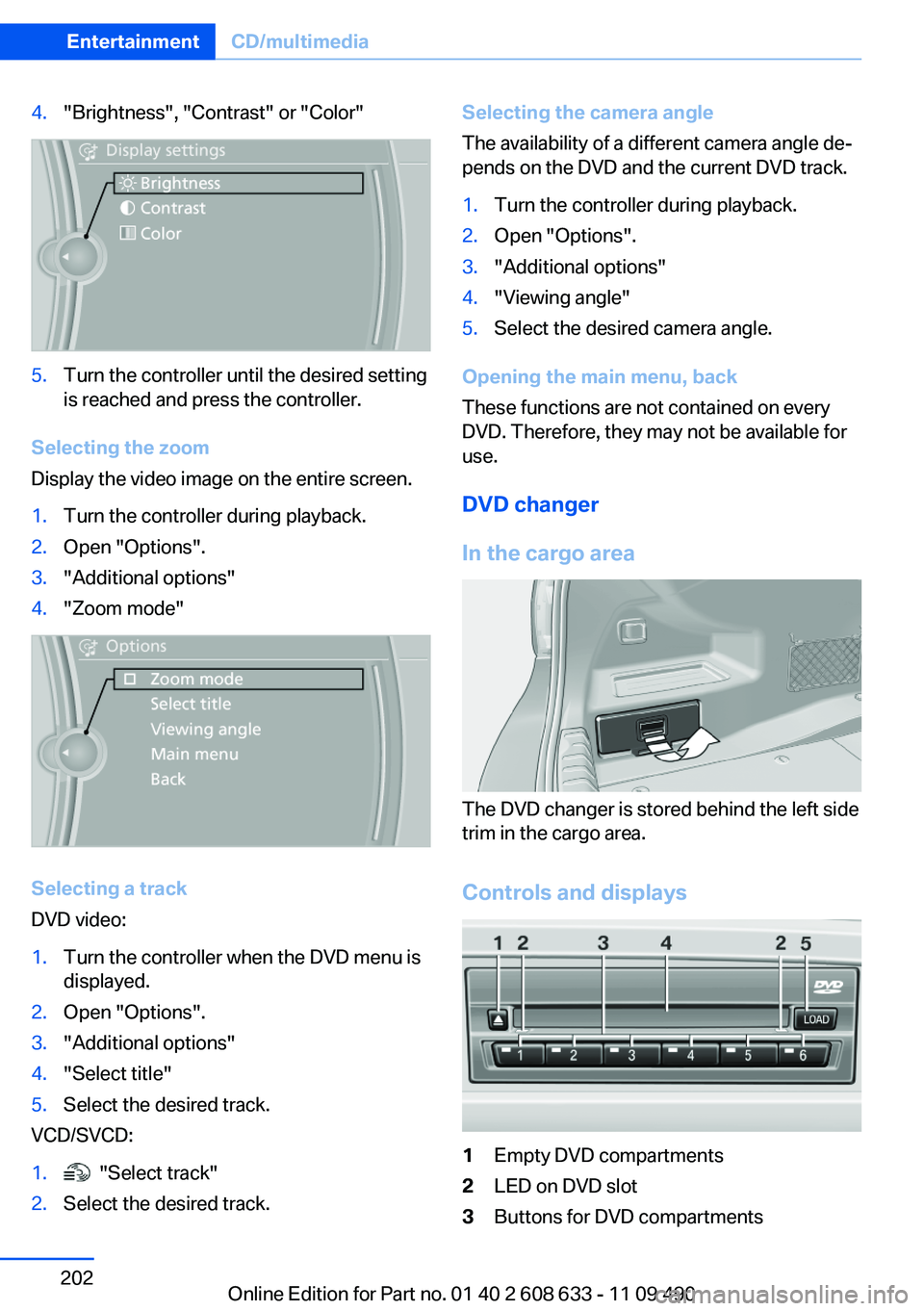
4."Brightness", "Contrast" or "Color"
5.Turn the controller until the desired setting
is reached and press the controller.
Selecting the zoom
Display the video image on the entire screen.
1.Turn the controller during playback.
2.Open "Options".
3."Additional options"
4."Zoom mode"
Selecting a track
DVD video:
1.Turn the controller when the DVD menu is
displayed.
2.Open "Options".
3."Additional options"
4."Select title"
5.Select the desired track.
VCD/SVCD:
1. "Select track"
2.Select the desired track.
Selecting the camera angle
The availability of a different camera angle de‐
pends on the DVD and the current DVD track.
1.Turn the controller during playback.
2.Open "Options".
3."Additional options"
4."Viewing angle"
5.Select the desired camera angle.
Opening the main menu, back
These functions are not contained on every
DVD. Therefore, they may not be available for
use.
DVD changer
In the cargo area
The DVD changer is stored behind the left side
trim in the cargo area.
Controls and displays
1Empty DVD compartments
2LED on DVD slot
3Buttons for DVD compartments
Seite 202
EntertainmentCD/multimedia
202Online Edition for Part no. 01 40 2 608 633 - 11 09 490
Page 203 of 325

4DVD slot
5Fill DVD compartments
Filling the DVD compartments
individually
1. Press the button.
The LED on the first empty compartment
flashes.
2.Select another compartment if necessary.
3.Wait for the LEDs on the DVD slot to flash.
4.Insert a single CD or DVD in the middle.
The CD/DVD is drawn in automatically and
placed into the selected compartment.
Sliding in CDs/DVDs
Do not insert the CD/DVD until the LEDs
on the DVD slot are flashing; otherwise, the CD/
DVD or the DVD changer could be damaged.
Do not continue to push on the CD/DVD; this
may cause it to jam and prevent it from being
able to eject again.◀
Filling all empty DVD compartments
1. Hold the button down.
The LEDs on the empty CD compartments
flash.
2.Wait for the LEDs on the DVD slot to begin
flashing and then insert each CD or DVD into
the center of the slot.
The CDs/DVDs are drawn in automatically
and placed into the vacant compartments.
Sliding in CDs/DVDs
Do not insert the CD/DVD until the LEDs
on the DVD slot are flashing; otherwise, the CD/
DVD or the DVD changer could be damaged.
Do not continue to push on the CD/DVD; this
may cause it to jam and prevent it from being
able to eject again.◀
After they are inserted, it may take several mi‐
nutes for the CDs/DVDs to be read in.
Removing a single CD/DVD
1. Press the button.
2.Select the DVD compartment.
The CD/DVD is partially ejected.
3.Remove the CD/DVD.
Removing all CDs/DVDs
1. Hold the button down.
2.Remove the CDs/DVDs.
Malfunctions
If the LEDs on the DVD slot and on the com‐
partments are flashing rapidly, a malfunction has
occurred.
To eliminate the malfunction:
1.Press one of the following buttons:
▷
▷
The CD/DVD last inserted is ejected.
2.Remove the CD/DVD.
The DVD changer is functional again after the
LEDs stop flashing rapidly.
Audio playback
The audio track of a DVD can be played back
even if video playback is not possible in the ve‐
hicle.
Only the main film without the previews or extras
can be played back.
Starting playback
A DVD is located in the DVD changer.
1."CD/Multimedia"
2."CD/DVD"
Seite 203
CD/multimediaEntertainment
203Online Edition for Part no. 01 40 2 608 633 - 11 09 490
Page 216 of 325

Playback menu
Depending on the particular device, some of the
functions may not be available.
Symbol Function
Next track
Fast forward: press and hold the
symbol.
Previous music track
Reverse: press and hold the symbol.
Disconnecting the audio connection
1."CD/Multimedia"
2."Bluetooth® (audio)"
3.Highlight the desired device.
4.Open "Options".
5."Configure phone"
6."Audio"
7."OK"
Unpairing a device
1."CD/Multimedia"
2."Bluetooth® (audio)"
3.If necessary, "Bluetooth® audio".
4.Highlight the device that is to be unpaired.
5.Open "Options".
6."Remove phone from list"
What to do if...
Information on suitable devices can be found at
www.bmwusa.com/bluetooth.
Suitable mobile phones, refer to page 228.
The device is not supported by the vehicle.
▷Perform a software update, refer to
page 217, if needed.
The device could not be paired or connected.
▷Do the Bluetooth passkeys on the device
and the vehicle match? Enter the same
passkey on the device and via iDrive.
▷Did it take longer than 30 seconds to enter
the passkey? Repeat the pairing procedure.
▷Are too many Bluetooth devices connected
to the device or vehicle? Delete connections
with other devices if necessary.
▷Is the mobile phone in power-save mode or
does it have only a limited remaining battery
life? Charge the mobile phone in the snap-
in adapter or via the charging cable.
▷Depending on the mobile phone, it is possi‐
ble that only one device can be connected
to the vehicle. Unpair the connected device
from the vehicle and pair and connect only
one device.
▷The device no longer reacts? Switch the de‐
vice off and on again.
▷Repeat the pairing procedure.
Music cannot be played back.
▷Start the program for playing back music
data on the device and select a track on the
device if necessary.
▷Switch the radio off and on again.
Music files can only be played back softly.
▷Adjust the volume settings on the device.
Playback is disturbed when buttons are pressed
or by other messages on the device.
▷Switch off the button tones and other signal
tones on the device.
Playback is interrupted by a telephone call or
traffic bulletin and is not resumed automatically.
▷Switch the radio off and on again.
Playback is not possible if the mobile phone is
connected both via Bluetooth Audio and via the
Seite 216
EntertainmentCD/multimedia
216Online Edition for Part no. 01 40 2 608 633 - 11 09 490
Page 220 of 325

Business mobile phone preparation
package
Vehicle equipment
All standard, country-specific and optional
equipment that is offered in the model series is
described in this chapter. Therefore, equipment
is also described that is not available in a vehicle,
e. g., because of the selected optional equip‐
ment or country variant. This also applies for
safety-related functions and systems.
At a glance
The concept
After the mobile phone is paired once with the
vehicle, the mobile phone can be operated via
iDrive, the steering wheel buttons and via voice-
activated command.
A paired mobile phone is automatically detected
as soon as it is located inside the vehicle, when
the ignition is switched on.
Up to four mobile phones can be paired.
Certain functions may need to be enabled by the
mobile service provider.
Using the mobile phone while driving
Make entries only when traffic and road
conditions allow. Do not hold the mobile phone
in your hand while you are driving; use the
hands-free system instead. If you do not ob‐
serve this precaution, you can endanger the ve‐
hicle occupants and other road users.◀
Approved mobile phones
Details on which mobile phones and external
devices with a Bluetooth interface are sup‐
ported by the mobile phone preparation pack‐
age can be obtained at www.bmwusa.com/blue‐
tooth.
Displaying the vehicle identification
number and software part number
The vehicle identification number and software
part number are needed to determine which mo‐
bile phones are supported by the mobile phone
preparation package. The software version of
the mobile phone may also be required.
1."Telephone"
2.Open "Options".
3."Bluetooth® info"
4."Display system information"
These approved mobile phones with a certain
software version, support the vehicle functions
described below.
Malfunctions may occur with other mobile
phones or software versions.
Do not operate a mobile phone that is connected
to the vehicle on the mobile phone keypad, as
this may lead to a malfunction.
Notes
At high temperatures, the charge function of the
mobile phone can be limited where appropriate
and the functions are no longer executed.
When the mobile phone is used via the vehicle,
heed the operating manual of the mobile phone.
Pairing/unpairing the mobile
phone
General information
The following functions are available:
▷Use of a mobile phone as a telephone.
Functions supported by the mobile phone are
shown as a symbol during pairing.
White symbol: the function is active.
Seite 220
CommunicationBusiness mobile phone preparation package
220Online Edition for Part no. 01 40 2 608 633 - 11 09 490