Page 148 of 538
148 2-2. Instrument cluster
Odometer/trip meter/instrument panel light control and trip meter
reset button
Switches between odometer and trip meter displays. Pressing and
holding the button will reset the trip meter when the trip meter is being
displayed. To adjust the brightness of the instrument panel light, turn
the button. ( P. 150)
Automatic transmission shift position indicator lights
P. 138
Automatic transmission shift range display
P. 138
Page 149 of 538
149
2-2. Instrument cluster
2
When driving
Vehicles without multi-information display
The following gauges, meters and displays illuminate when the
engine switch is in the “ON” position. Engine coolant temperature gauge
Displays the engine coolant temperature.
Tachometer
Displays the engine speed in revolutions per minute.
Speedometer
Displays the vehicle speed.
Fuel gauge
Displays the quantity of fuel remaining in the tank.
Odometer/trip meter/instrument p anel light control and trip meter
reset button
Switches between odometer and trip meter displays. Pressing and
holding the button will reset the trip meter when the trip meter is being
displayed. To adjust the brightness of the instrument panel light, turn
the button. ( P. 150)
Page 150 of 538

150 2-2. Instrument cluster
Instrument panel light controlThe brightness of the instrument panel lights can be adjusted.
Darker
Brighter
When the headlight switch is
turned to on, the brightness
will be reduced slightly unless
the control dial is turned fully
clockwise.
Odometer, trip meter and outside temperature display
Odometer: Displays the total distance the vehicle has been driven.
Trip meter: Displays the distance the vehicle has been driven since the
meter was last reset. Trip meters A and B can be used to record and
display different distances independently.
Outside temperature: Displays the outside temperature.
Automatic transmission shift position indicator lights
P. 138
Automatic transmission shift range display
P. 138
NOTICE
■To prevent damage to the engine and its components
●Do not let the indicator needle of the tachometer enter the red zone, which
indicates the maximum engine speed.
● The engine may be overheating if the engine coolant temperature gauge is
in the red zone (H). In this case, immediately stop the vehicle in a safe
place, and check the engine after it has cooled completely. (
P. 475)
Page 151 of 538
151
2-2. Instrument cluster
2
When driving
Indicators and warning lights
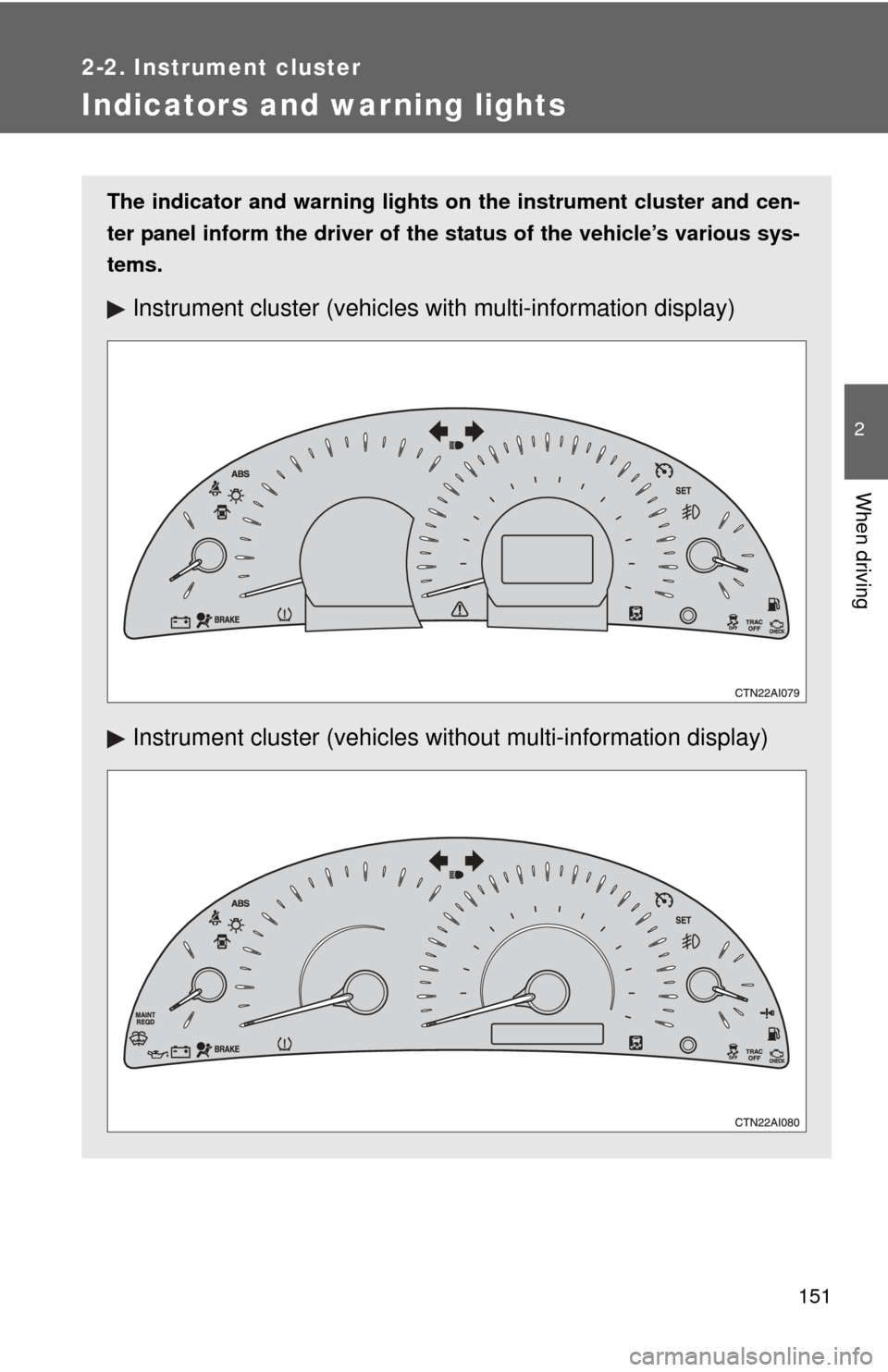
The indicator and warning lights on the instrument cluster and cen-
ter panel inform the driver of the status of the vehicle’s various sys-
tems.
Instrument cluster (vehicles with multi-information display)
Instrument cluster (vehicles without multi-information display)
Page 155 of 538
155
2-2. Instrument cluster
2
When driving
Multi-information display
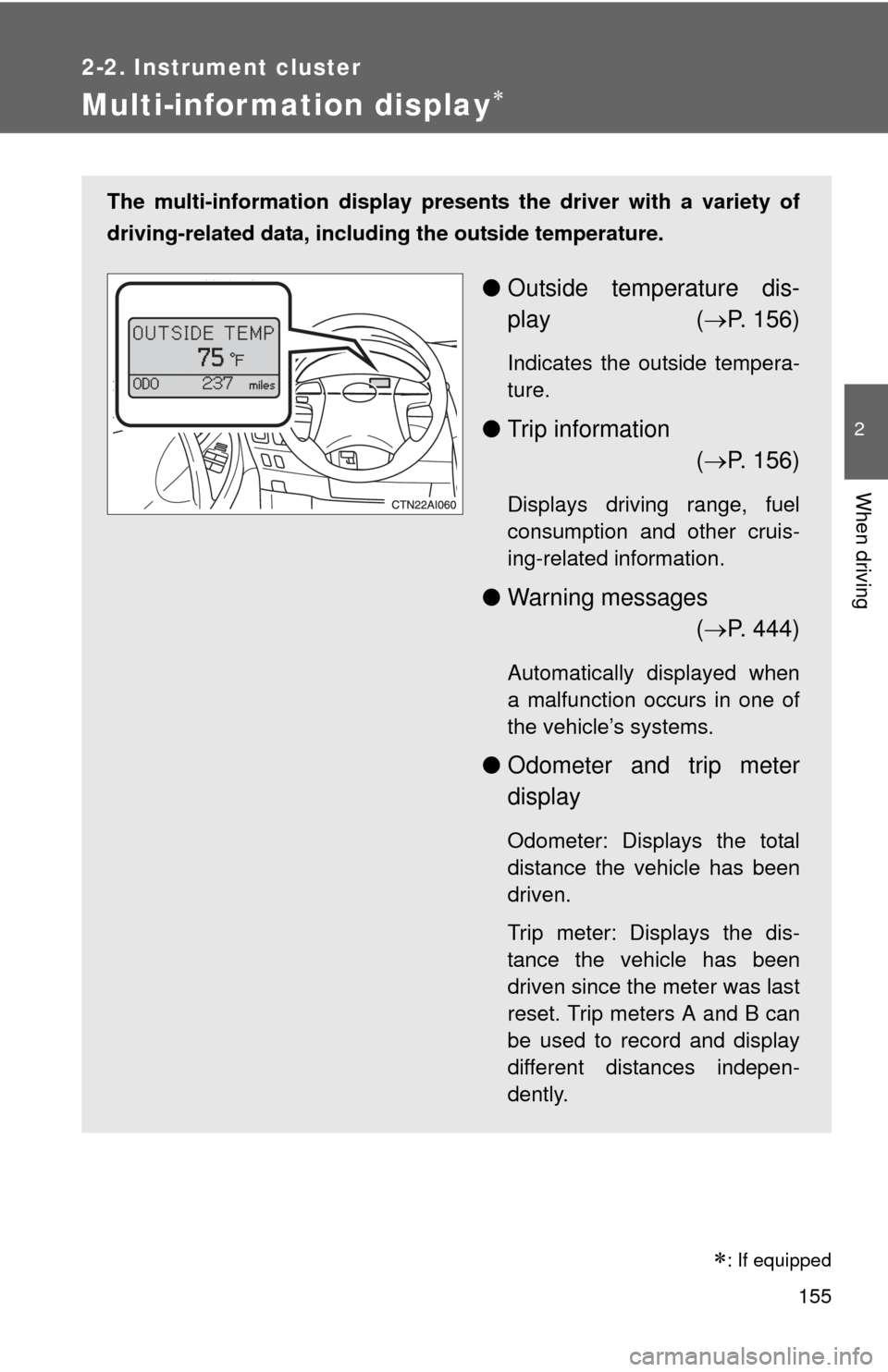
The multi-information display presents the driver with a variety of
driving-related data, includ ing the outside temperature.
●Outside temperature dis-
play ( P. 156)
Indicates the outside tempera-
ture.
● Trip information
( P. 156)
Displays driving range, fuel
consumption and other cruis-
ing-related information.
● Warning messages
( P. 444)
Automatically displayed when
a malfunction occurs in one of
the vehicle’s systems.
● Odometer and trip meter
display
Odometer: Displays the total
distance the vehicle has been
driven.
Trip meter: Displays the dis-
tance the vehicle has been
driven since the meter was last
reset. Trip meters A and B can
be used to record and display
different distances indepen-
dently.
: If equipped
Page 156 of 538
156 2-2. Instrument cluster
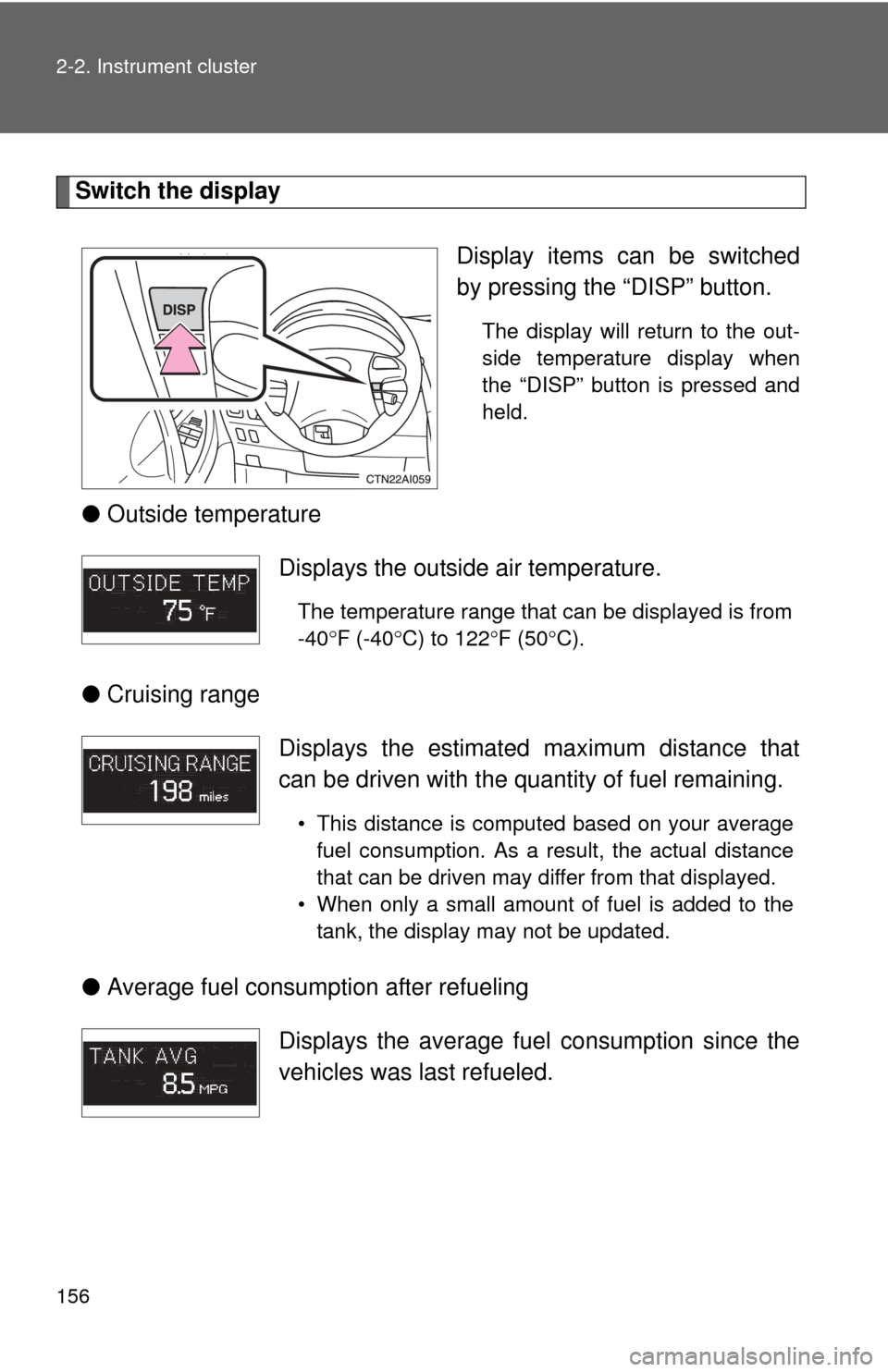
Switch the displayDisplay items can be switched
by pressing the “DISP” button.
The display will return to the out-
side temperature display when
the “DISP” button is pressed and
held.
●Outside temperature
● Cruising range
● Average fuel consumption after refueling
Displays the outside air temperature.
The temperature range that can be displayed is from
-40 F (-40 C) to 122 F (50 C).
Displays the estimated maximum distance that
can be driven with the quantity of fuel remaining.
• This distance is computed based on your average
fuel consumption. As a result, the actual distance
that can be driven may differ from that displayed.
• When only a small amount of fuel is added to the tank, the display may not be updated.
Displays the average fuel consumption since the
vehicles was last refueled.
Page 157 of 538
157
2-2. Instrument cluster
2
When driving
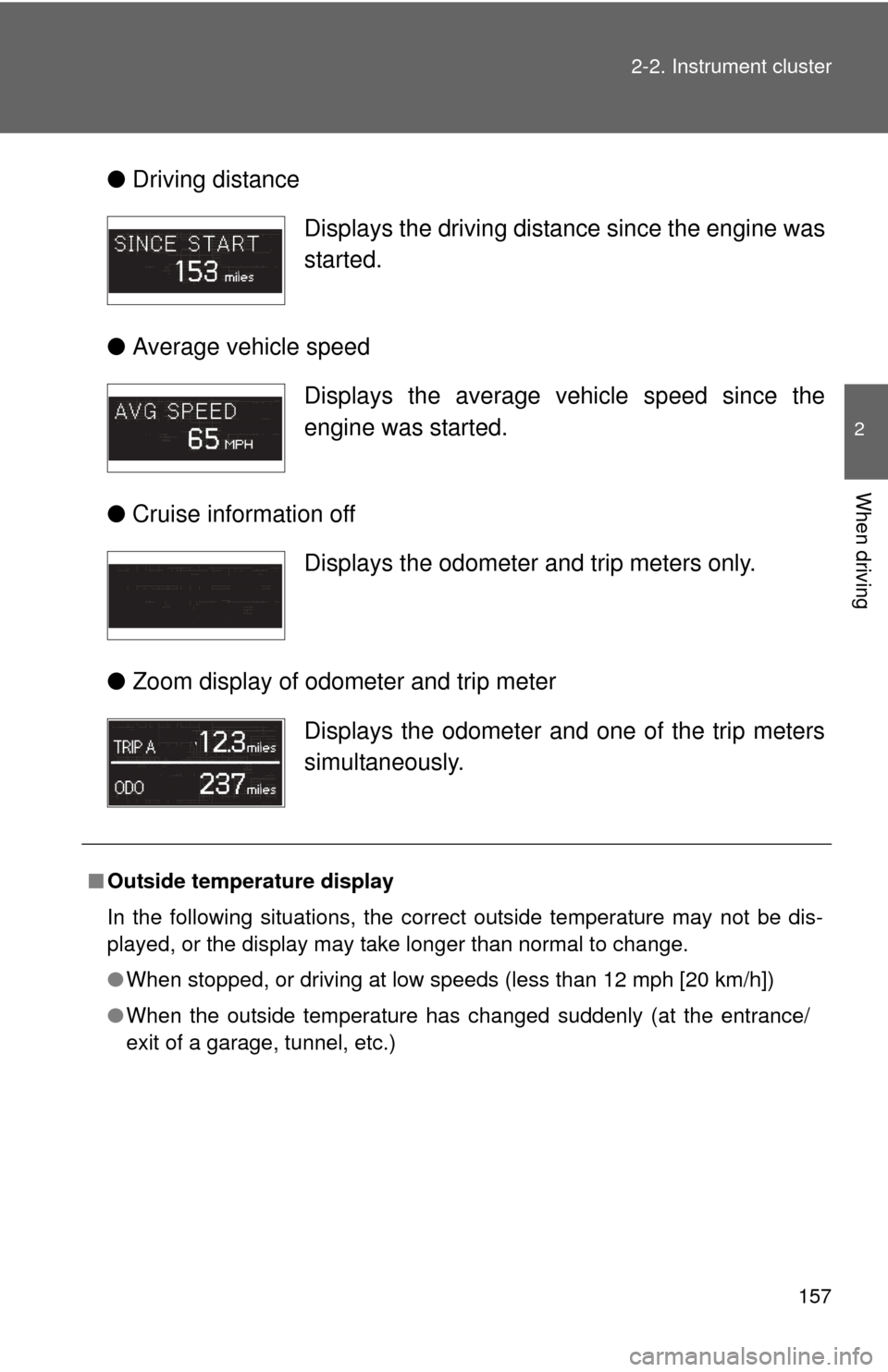
●
Driving distance
● Average vehicle speed
● Cruise information off
● Zoom display of odometer and trip meter
Displays the driving distance since the engine was
started.
Displays the average vehicle speed since the
engine was started.
Displays the odometer and trip meters only.
Displays the odometer and one of the trip meters
simultaneously.
■Outside temperature display
In the following situations, the correct outside temperature may not be dis-
played, or the display may take longer than normal to change.
●When stopped, or driving at low speeds (less than 12 mph [20 km/h])
● When the outside temperature has changed suddenly (at the entrance/
exit of a garage, tunnel, etc.)
Page 158 of 538
158 2-2. Instrument cluster
NOTICE
■The multi-information disp lay at low temperatures
Allow the interior of the vehicle to warm up before using the liquid crystal
information display. At extremely low temperatures, the information display
monitor may respond slowly, and display changes may be delayed.