Page 252 of 476
252 3-3. Using the hands-free system (for cellular phone)
AVALON_U (OM41437U)■
Using a short cut key
First menuSecond
menuOperation detail
Dial “XXX (name)”
Dialing a number registered
in the phone book
Phone book add
entry
Adding a new number
Phone book change
name
Changing a name of a phone
number in the phone book
Phone book delete
entry
Deleting phone book data
Phone book set
speed dial
Registering speed dial
Phone book delete
speed dial
Deleting speed dial
Phonebook Phonebook Unlock Unlocking the phone book
Phonebook Lock Locking the phone book
Page 264 of 476
264
3-3. Using the hands-free system (for cellular phone)
AVALON_U (OM41437U)
Security and system setup
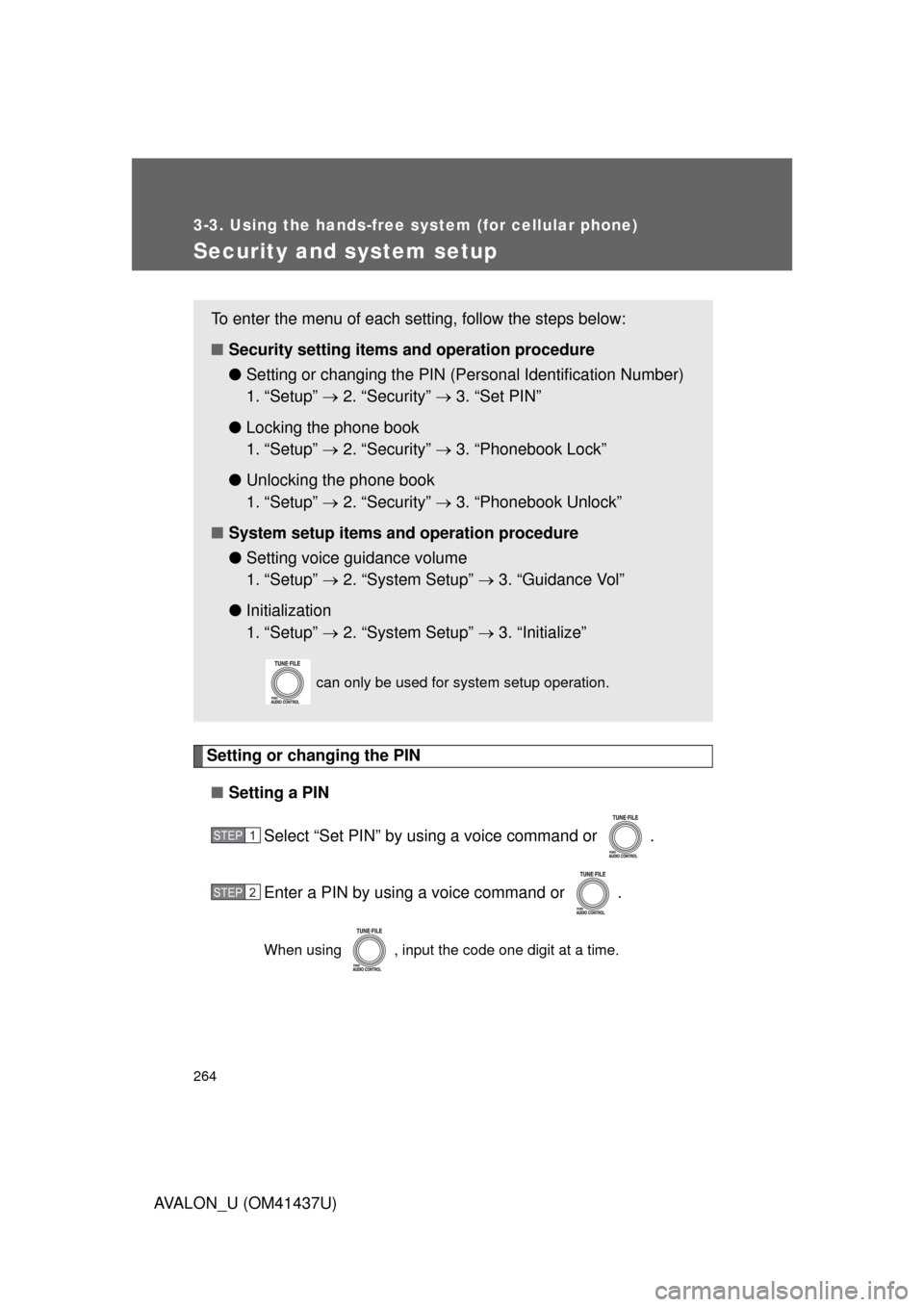
Setting or changing the PIN■ Setting a PIN
Select “Set PIN” by using a voice command or .
Enter a PIN by using a voice command or .
When using , input the code one digit at a time.
To enter the menu of each setting, follow the steps below:
■Security setting items and operation procedure
● Setting or changing t he PIN (Personal Identification Number)
1. “Setup” 2. “Security” 3. “Set PIN”
● Locking the phone book
1. “Setup” 2. “Security” 3. “Phonebook Lock”
● Unlocking the phone book
1. “Setup” 2. “Security” 3. “Phonebook Unlock”
■ System setup items and operation procedure
●Setting voice guidance volume
1. “Setup” 2. “System Setup” 3. “Guidance Vol”
● Initialization
1. “Setup” 2. “System Setup” 3. “Initialize”
can only be used for system setup operation.
STEP1
STEP2
Page 265 of 476
265
3-3. Using the hands-free
system (for cellular phone)
3
Interior features
AVALON_U (OM41437U)■
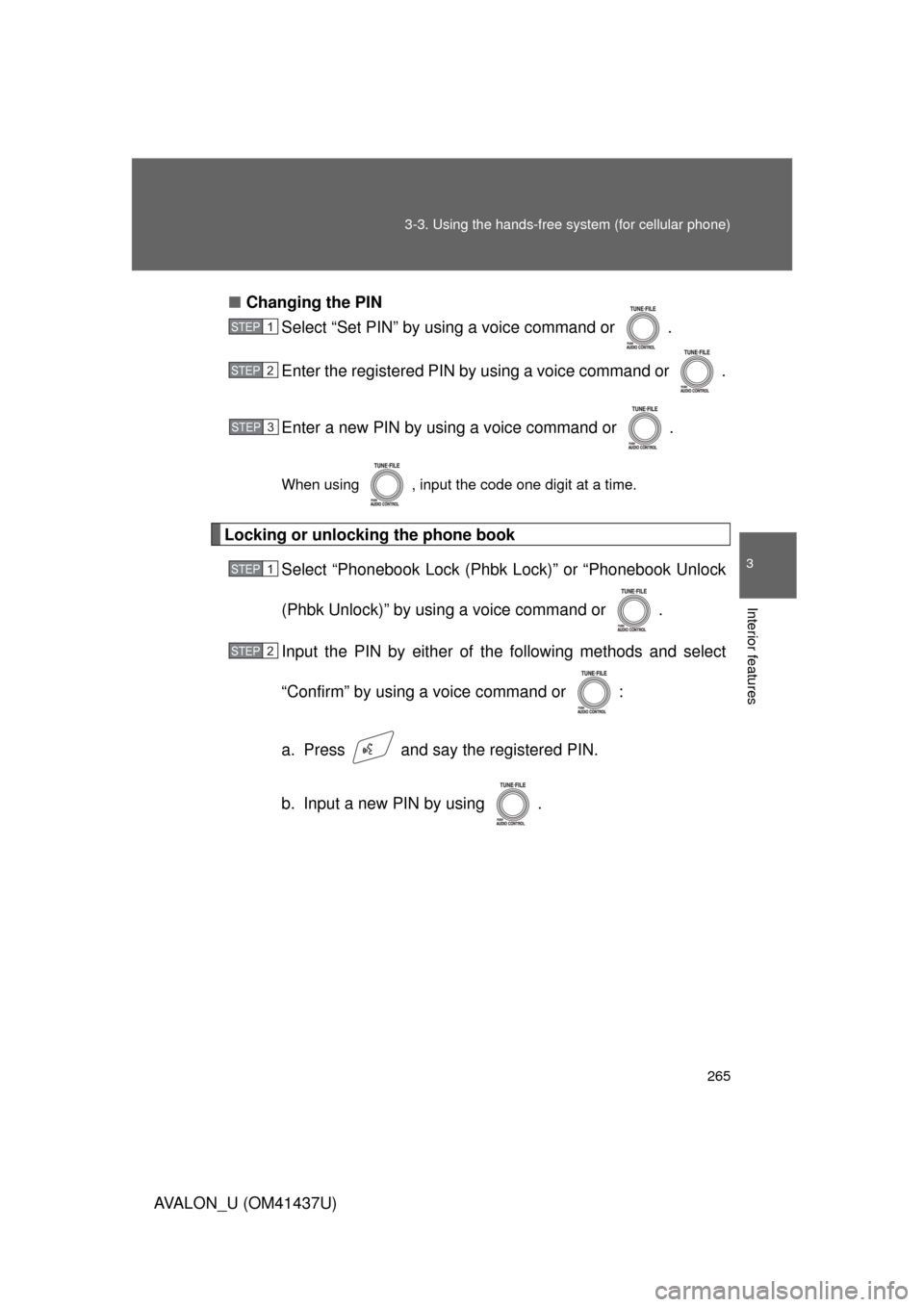
Changing the PIN
Select “Set PIN” by using a voice command or .
Enter the registered PIN by using a voice command or .
Enter a new PIN by using a voice command or .
When using , input the code one digit at a time.
Locking or unlocking the phone book
Select “Phonebook Lock (Phbk Lock)” or “Phonebook Unlock
(Phbk Unlock)” by using a voice command or .
Input the PIN by either of the following methods and select
“Confirm” by using a voice command or :
a. Press and say the registered PIN.
b. Input a new PIN by using .
STEP1
STEP2
STEP3
STEP1
STEP2
Page 266 of 476
266 3-3. Using the hands-free system (for cellular phone)
AVALON_U (OM41437U)
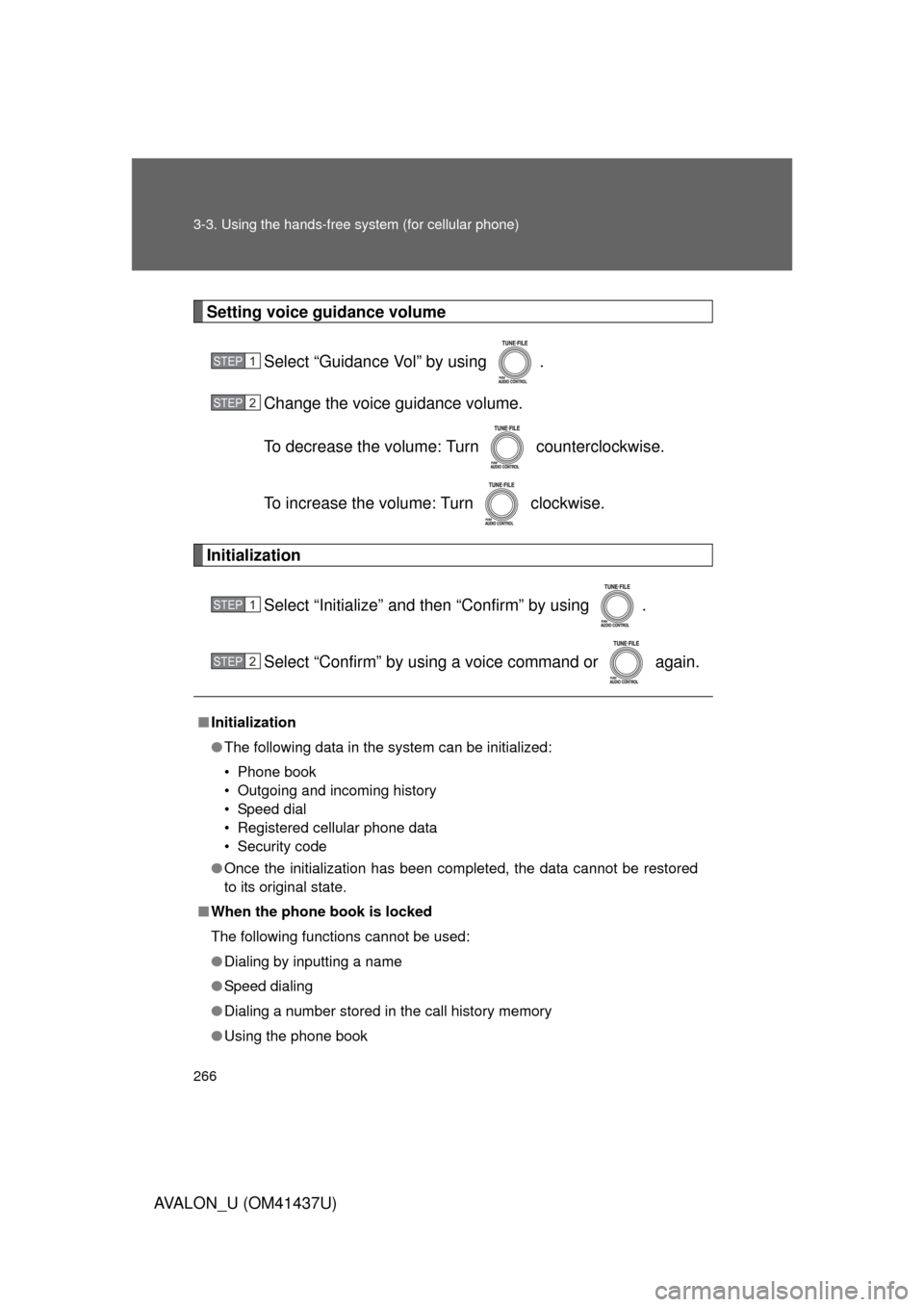
Setting voice guidance volumeSelect “Guidance Vol” by using .
Change the voice guidance volume.
To decrease the volume: Turn counterclockwise.
To increase the volume: Turn clockwise.
Initialization
Select “Initialize” and then “Confirm” by using .
Select “Confirm” by using a voice command or again.
■Initialization
● The following data in the system can be initialized:
• Phone book
• Outgoing and incoming history
• Speed dial
• Registered cellular phone data
• Security code
● Once the initialization has been completed, the data cannot be restored
to its original state.
■ When the phone book is locked
The following functions cannot be used:
● Dialing by inputting a name
● Speed dialing
● Dialing a number stored in the call history memory
● Using the phone book
STEP1
STEP2
STEP1
STEP2
Page 275 of 476
275
3
Interior features
AVALON_U (OM41437U)
3-4. Using the interior lights
Interior lights list
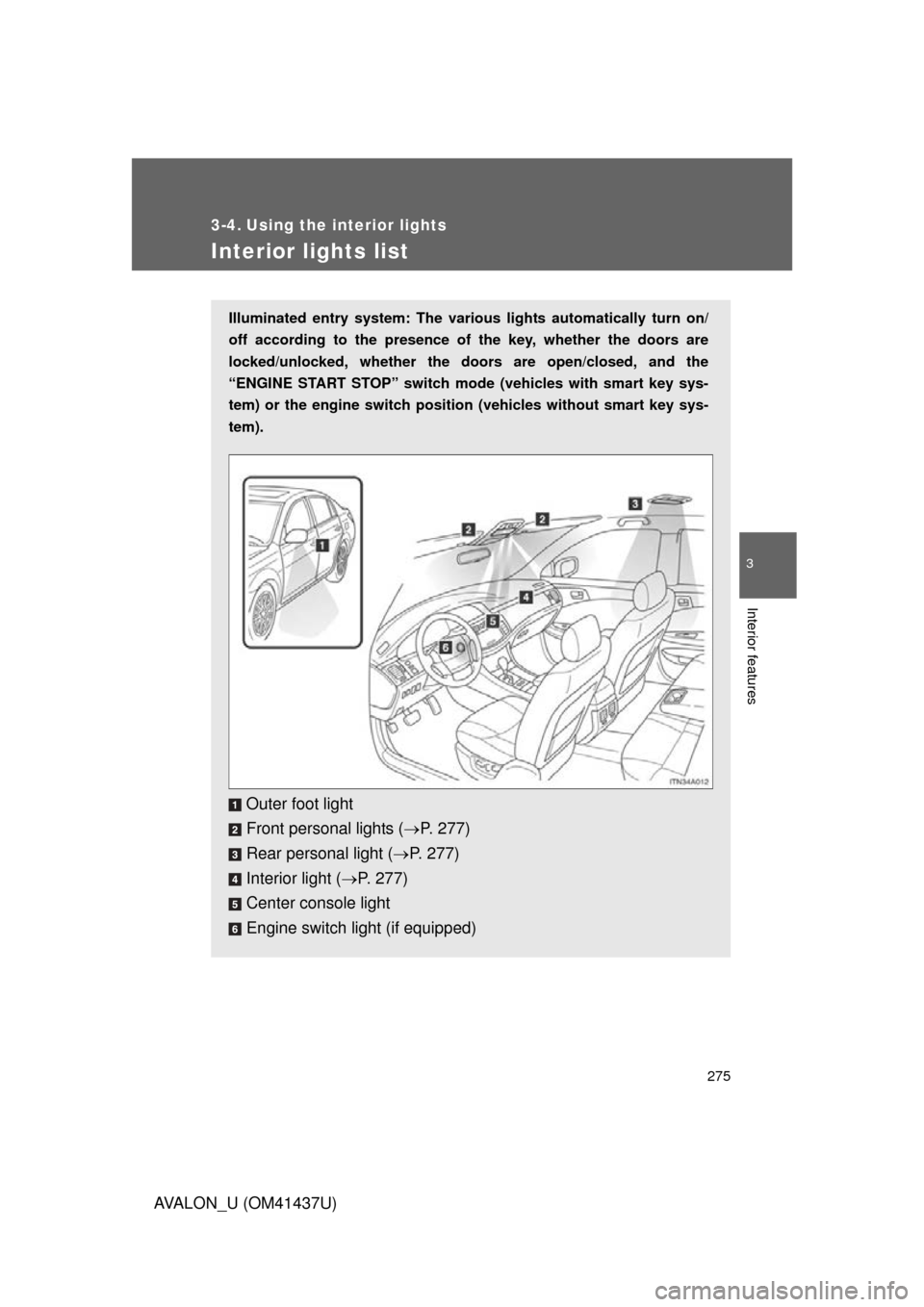
Illuminated entry system: The various lights automatically turn on/
off according to the presence of the key, whether the doors are
locked/unlocked, whether the doors are open/closed, and the
“ENGINE START STOP” switch mode (vehicles with smart key sys-
tem) or the engine switch position (vehicles without smart key sys-
tem).
Outer foot light
Front personal lights ( P. 277)
Rear personal light ( P. 277)
Interior light ( P. 277)
Center console light
Engine switch light (if equipped)
Page 279 of 476
279
3-5. Using the
storage features
3
Interior features
AVALON_U (OM41437U)
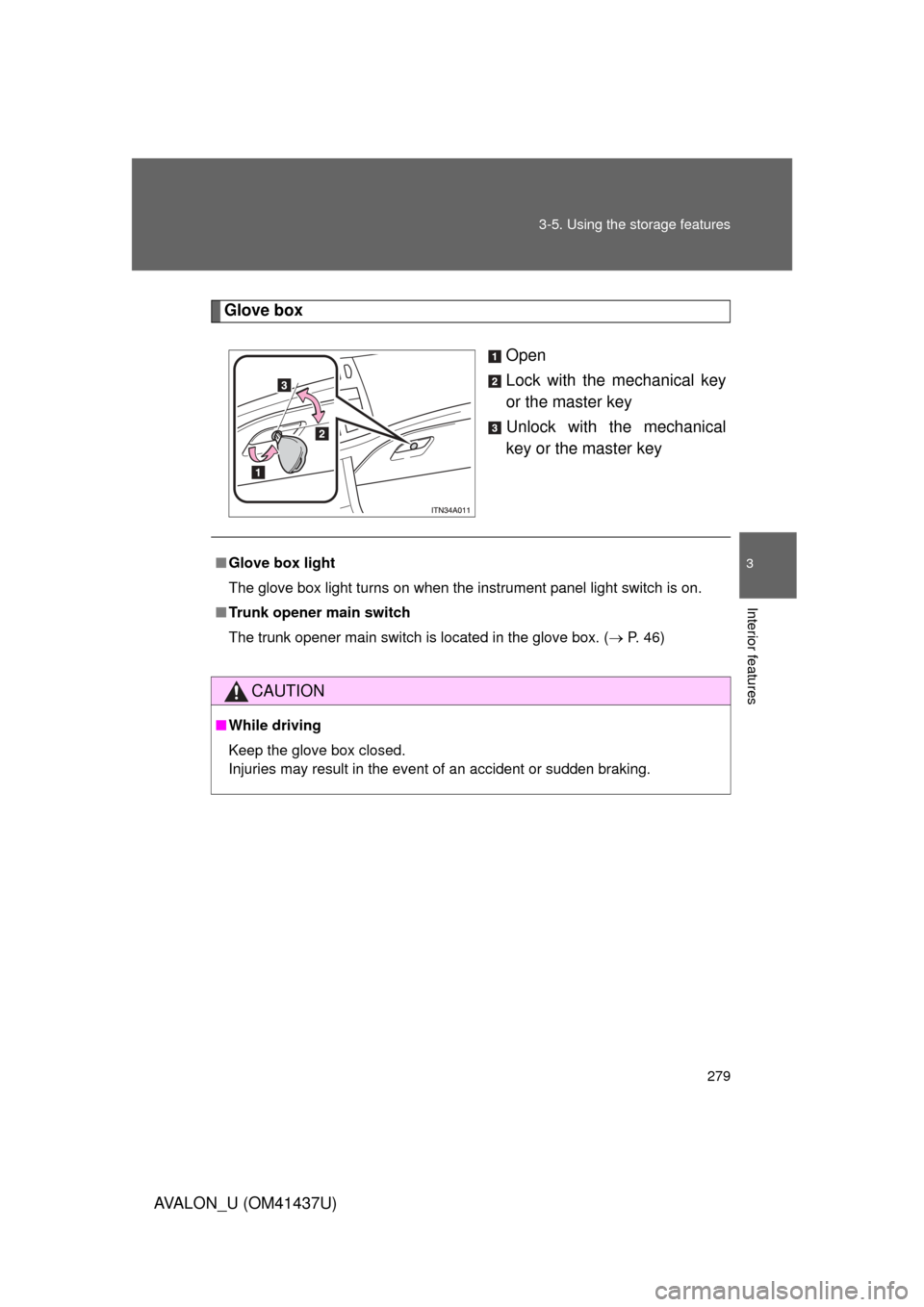
Glove box
Open
Lock with the mechanical key
or the master key
Unlock with the mechanical
key or the master key
■Glove box light
The glove box light turns on when the instrument panel light switch is on.
■ Trunk opener main switch
The trunk opener main switch is located in the glove box. ( P. 46)
CAUTION
■While driving
Keep the glove box closed.
Injuries may result in the event of an accident or sudden braking.
Page 288 of 476
288
3-6. Other interior features
AVALON_U (OM41437U)
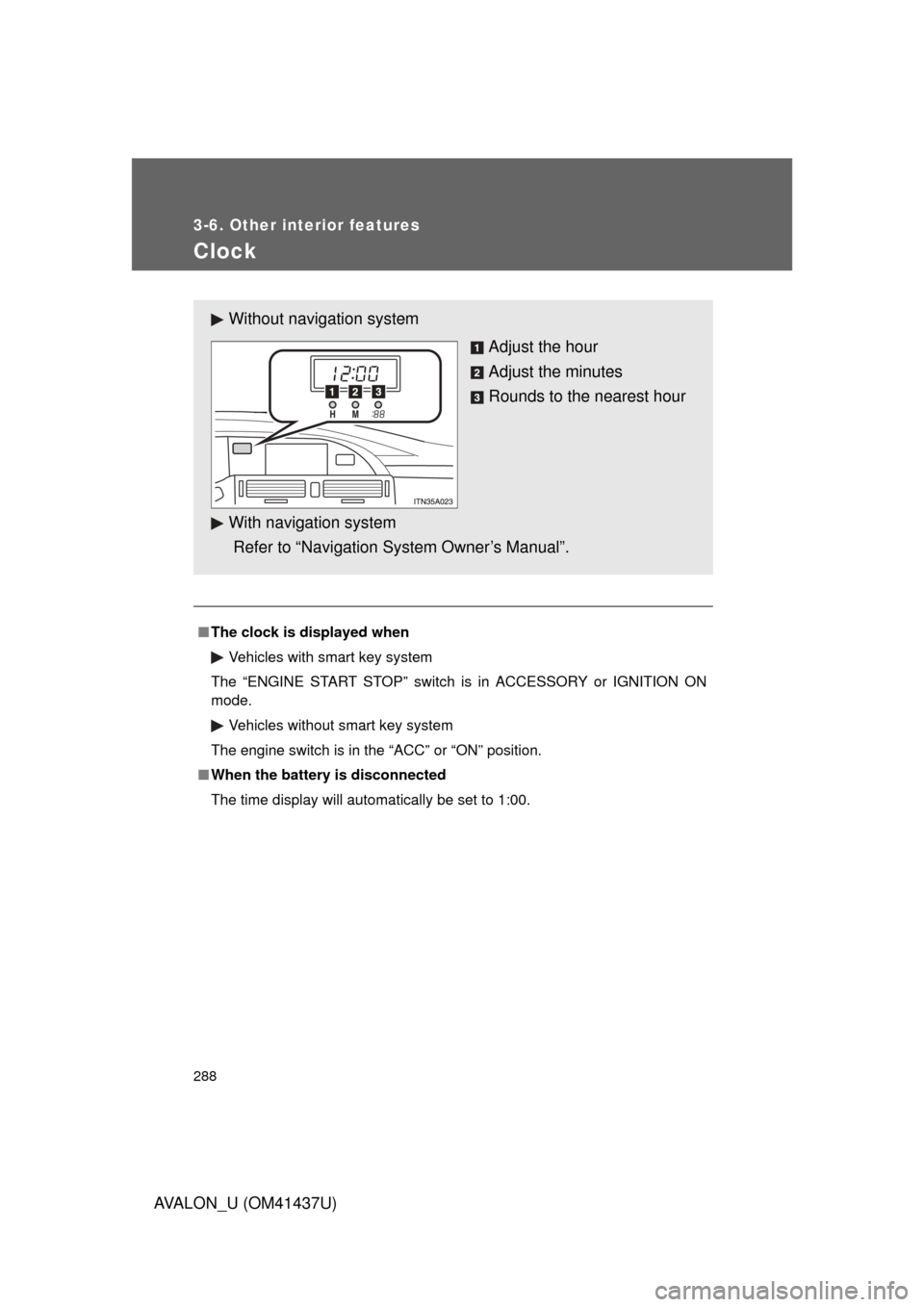
Clock
■The clock is displayed when
Vehicles with smart key system
The “ENGINE START STOP” switch is in ACCESSORY or IGNITION ON
mode. Vehicles without smart key system
The engine switch is in the “ACC” or “ON” position.
■ When the battery is disconnected
The time display will automatically be set to 1:00.
Without navig ation system
Adjust the hour
Adjust the minutes
Rounds to the nearest hour
With navigation system
Refer to “Navigation System Owner’s Manual”.
Page 293 of 476
293
3-6. Other interior features
3
Interior features
AVALON_U (OM41437U)
Seat heaters/ventilators
: If equipped
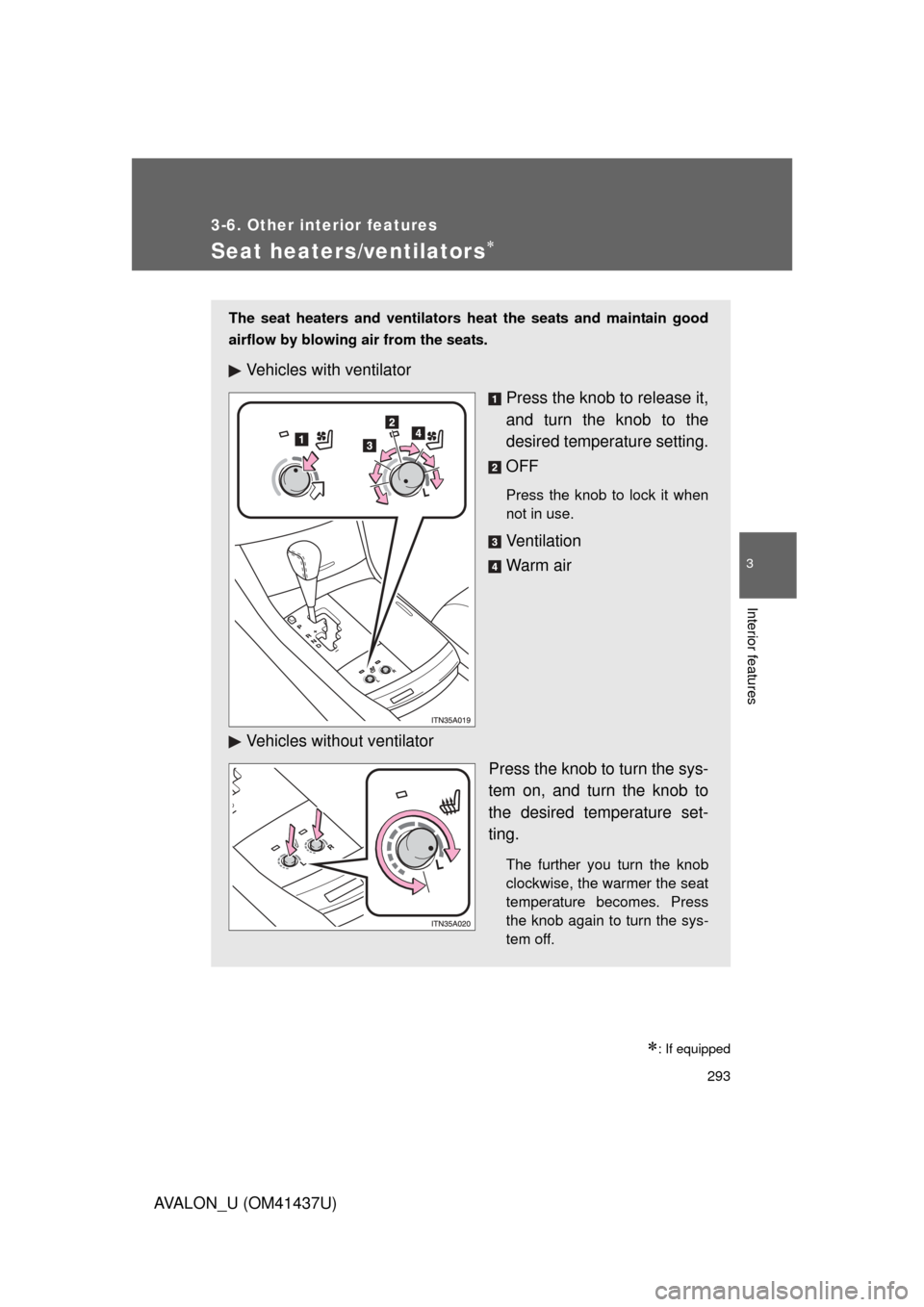
The seat heaters and ventilators heat the seats and maintain good
airflow by blowing air from the seats.
Vehicles with ventilatorPress the knob to release it,
and turn the knob to the
desired temperature setting.
OFF
Press the knob to lock it when
not in use.
Ve n t i l a t i o n
Warm air
Vehicles without ventilator Press the knob to turn the sys-
tem on, and turn the knob to
the desired temperature set-
ting.
The further you turn the knob
clockwise, the warmer the seat
temperature becomes. Press
the knob again to turn the sys-
tem off.