Page 35 of 67
4. Scroll using/on the
touchscreen until ‘Provider’ appears.
Candidate lists
SYNC�is equipped with an advanced voice recognition system which can
perform a multitude of tasks. For example, SYNC�’s voice recognition
system will ask for clarification if it does not have a high level of
confidence in what was spoken. The level of feedback which SYNC�
provides can be adjusted. You can choose a higher level of verbal
prompts for more guidance or you can choose to simply hear the
prompts when the system needs direction.
To access:
1. Press the PHONE hard button.
2. Select the ‘Settings’ tab on the
touchscreen.
3. Press ‘Advanced’.
4. Scroll using
/on the
touchscreen and select ‘Candidate
Lists’.
5. Select ‘On’ for a higher level of
voice interaction or ‘Off’ to turn off
the voice prompts.
Candidate List
Candidate List
SYNC�phone features (if equipped)
34SeeEnd User License Agreementat the end of this book
2010 SYNC/MGM(mgm)
Supplement(supplement), 1st Printing
USA(fus)
Page 36 of 67

Returning to the factory default settings
SYNC�allows you to return to its factory default settings. This selection
will not erase your downloaded phone book/call history, text messages,
etc. If you wish to erase all information, refer toPerforming a master
resetin the following section.
To access:
1. Press the PHONE hard button.
2. Select the ‘Settings’ tab on the
touchscreen.
3. Select ‘Advanced’.
4. Scroll using
/on the
touchscreen and select ‘Factory
Defaults’.
5. SYNC�will ask you to confirm
your selection. Press YES and the
system will confirm ‘Factory
Defaults Reset’.
Performing a master reset
Performing a master reset will not only return all preference settings to
the factory defaults, but it will also completely erase all phone book, call
history and text messages previously downloaded to SYNC�. To access:
1. Press the PHONE hard button.
Candidate List
SYNC�phone features (if equipped)
35SeeEnd User License Agreementat the end of this book
2010 SYNC/MGM(mgm)
Supplement(supplement), 1st Printing
USA(fus)
Page 37 of 67
2. Select the ‘Settings’ tab on the
touchscreen.
3. Select ‘Advanced’.
4. Scroll using
/on the
touchscreen and select ‘Master
Reset’.
5. SYNC�will ask you to confirm.
Press YES to continue.
SYNC�will confirm when the
master reset is complete.
Installing a new application
You can download new software applications (if available) and then load
the desired applications onto SYNC�through your USB port. Please refer
to www.SyncMyRide.com for more information.
To install any downloaded software:
1. Press the PHONE hard button.
2. Select the ‘Settings’ tab on the
touchscreen.
3. Select ‘Advanced’.
SYNC�phone features (if equipped)
36SeeEnd User License Agreementat the end of this book
2010 SYNC/MGM(mgm)
Supplement(supplement), 1st Printing
USA(fus)
Page 38 of 67
4. Scroll using/on the
touchscreen and select ‘Install’.
Follow the prompts.
Accessing SYNC�system information
To access SYNC�system information:
1. Press the PHONE hard button.
2. Select the ‘Settings’ tab on the
touchscreen.
3. Select ‘Advanced’.
4. Scroll using
/on the
touchscreen and select ‘System
Information’.
SYNC�phone features (if equipped)
37SeeEnd User License Agreementat the end of this book
2010 SYNC/MGM(mgm)
Supplement(supplement), 1st Printing
USA(fus)
Page 39 of 67
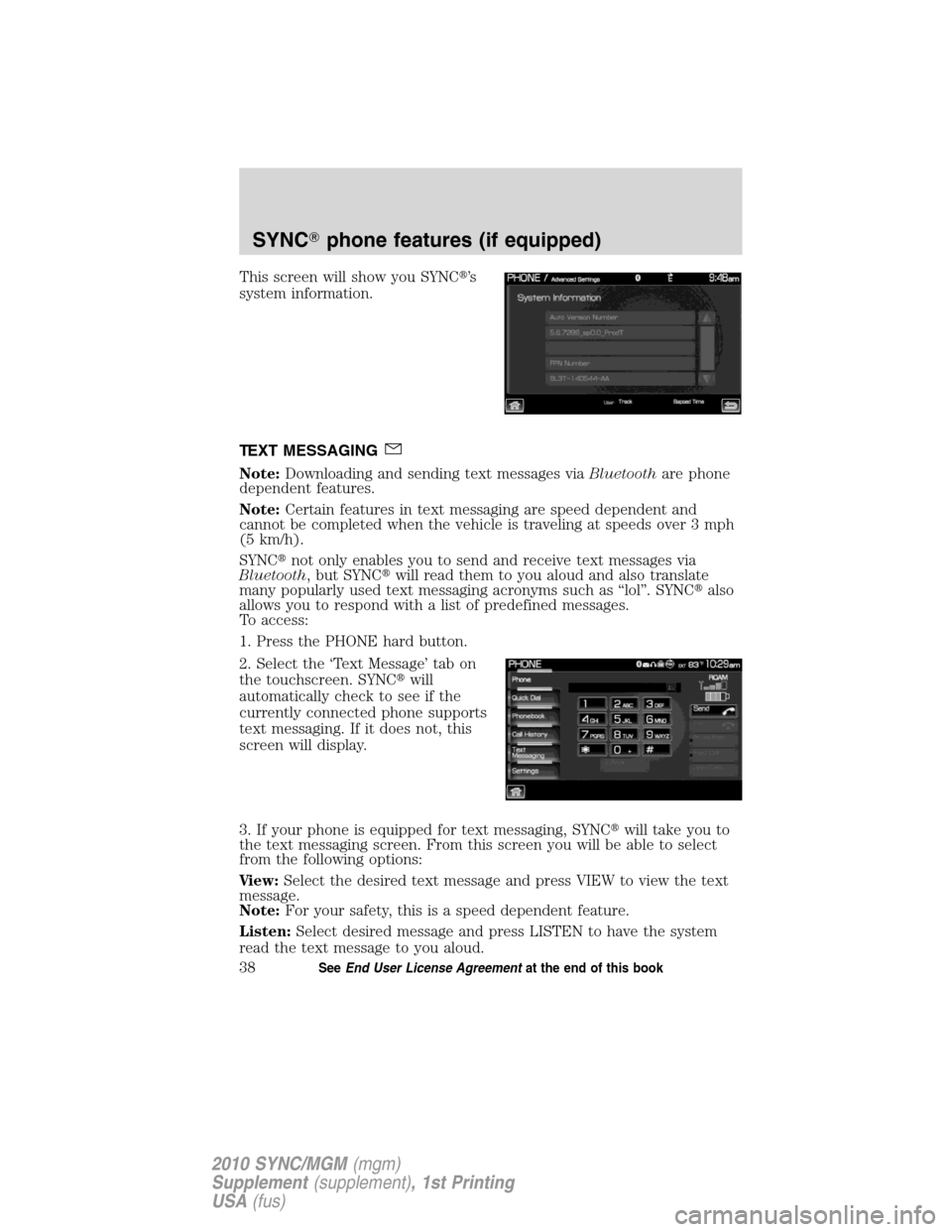
This screen will show you SYNC�’s
system information.
TEXT MESSAGING
Note:Downloading and sending text messages viaBluetoothare phone
dependent features.
Note:Certain features in text messaging are speed dependent and
cannot be completed when the vehicle is traveling at speeds over 3 mph
(5 km/h).
SYNC�not only enables you to send and receive text messages via
Bluetooth, but SYNC�will read them to you aloud and also translate
many popularly used text messaging acronyms such as “lol”. SYNC�also
allows you to respond with a list of predefined messages.
To access:
1. Press the PHONE hard button.
2. Select the ‘Text Message’ tab on
the touchscreen. SYNC�will
automatically check to see if the
currently connected phone supports
text messaging. If it does not, this
screen will display.
3. If your phone is equipped for text messaging, SYNC�will take you to
the text messaging screen. From this screen you will be able to select
from the following options:
View:Select the desired text message and press VIEW to view the text
message.
Note:For your safety, this is a speed dependent feature.
Listen:Select desired message and press LISTEN to have the system
read the text message to you aloud.
SYNC�phone features (if equipped)
38SeeEnd User License Agreementat the end of this book
2010 SYNC/MGM(mgm)
Supplement(supplement), 1st Printing
USA(fus)
Page 40 of 67

Compose:Select to compose a new text message.
Note:For your safety, this is a speed dependent feature.
Delete All:Select to delete all text messages from SYNC�.
Note:This will not delete all messages from yourBluetoothenabled
cellular phone.
Download:If your phone supports downloading text messages via
Bluetoothwireless technology, you can download your unread text
messages to SYNC�.
Note:SYNC�does not download read text messages from your phone.
Receiving an incoming text message
When there is an incoming text message, an audible tone will sound and
the screen will display a pop up with the caller name and ID if supported
by your phone.
Press ‘View’ to view the text message.
Press ‘Listen’ for SYNC�to read the message to you aloud.
Press ‘Reply’ to send a reply text message.
Press ‘Dial’ to call the contact.
Press ‘Cancel’ to exit the screen.
From the ‘View’ screen, you can then choose to:
•Listenas SYNC�reads the message to you aloud.
•Composeyour own message.
Note:This is a speed dependent feature.
•Replyto the message.
Note:This is a speed dependent feature.
•Forwardthe text message to someone in your phone book or to a
phone number.
Note:This is a speed dependent feature.
Sending a text message
Note:Sending text messages viaBluetoothis a phone dependent
feature.
Note:This is a speed dependent feature and cannot be completed when
the vehicle is traveling at speeds over 3 mph (5 km/h).
1. Press the PHONE hard button.
SYNC�phone features (if equipped)
39SeeEnd User License Agreementat the end of this book
2010 SYNC/MGM(mgm)
Supplement(supplement), 1st Printing
USA(fus)
Page 41 of 67
2. Select the ‘Text Message’ tab on
the touchscreen.
3. Press ‘Compose’.
4. Scroll using
/on the
touchscreen to cycle through a list
of 15 predefined text messages you
can send from SYNC�.
•Can’t talk right now
•Call me
•Call you later
•Be there in 10 minutes
•Be there in 20 minutes
•Ye s
•No
•Why?
•Thanks
•Where R you?
•I need more directions
•I love you
•Too funny
•Can’t wait to see you
•I’m stuck in traffic
SYNC�phone features (if equipped)
40SeeEnd User License Agreementat the end of this book
2010 SYNC/MGM(mgm)
Supplement(supplement), 1st Printing
USA(fus)
Page 42 of 67

5. Select the desired text message. In addition to your text, the message
will also contain a signature of : “This message was sent from myFord,
Lincoln or Mercuryvehicle.”
6. Press
Recipients. SYNC�will now allow you to choose to whom
you would like to send your text message.
Note:Only one recipient per text message is allowed.
7. Press ‘Phone Book’ to access your
phone book listings. Press
/
to cycle through the contacts. Press
the desired contact and press
Send.
Note:For quicker browsing, SYNC�will only make available the quick
sort buttons for the respective downloaded phone book contacts.
Press ‘Phone Number’ to send your
text message to a phone number
(which is not listed with a contact
in your phone book/call history).
Use the dial pad to manually enter
the desired number. Once the
number is entered, press
Send.
SYNC�will ask you to confirm. Press
Send.
Forwarding a text message
Note:Forwarding text messages viaBluetoothis a phone dependent
feature.
Note:This is a speed dependent feature and cannot be completed when
the vehicle is traveling at speeds over 3 mph (5 km/h).
1. Press the PHONE hard button.
SYNC�phone features (if equipped)
41SeeEnd User License Agreementat the end of this book
2010 SYNC/MGM(mgm)
Supplement(supplement), 1st Printing
USA(fus)


