2010 FORD MUSTANG reset
[x] Cancel search: resetPage 24 of 318

Halo light
Turns the halo lighting around the gauges on or off.
1. To turn the halo lighting on or
off, select this function from the
SETUP MENU.
2. Press and hold RESET to turn
the feature ON or OFF.
Ambient light
Turns the ambient lighting on or off. Ambient lighting provides accent
lighting in various locations such as footwell areas, cup holders and the
center console bin.
1. To turn the ambient lighting on or
off, select this function from the
SETUP MENU.
2. Press and hold RESET to turn
the feature ON or OFF.
Ambient light dim
Changes the intensity of the ambient lighting.
1. To change the intensity of the
ambient lighting, select this function
from the SETUP MENU.
2. Press RESET to choose: low,
medium, high or auto.
Gauge color, Ambient color, Halo color
Gauge color:The instrument cluster gauges are backlit with white
backlighting when the headlamps are off. When the headlamps are on,
you can select one of the preset colors for the nighttime gauge
backlighting or create up to three custom colors using the MyColor™
feature.
Note:A gauge in a warning condition will be lit red when the headlamps
are on.
Ambient color:You can select one of the preset colors for ambient
lighting or create up to three custom colors using the MyColor™ feature.
Halo color:You can select one of the preset colors for halo lighting or
create up to three custom colors using the MyColor™ feature.
Note:Headlamps or parklamps must be on to set up colors.
2010 05+ Mustang(197)
Owners Guide, 1st Printing
USA(fus)
Instrument Cluster
24
Page 25 of 318

To choose colors for the gauges, halo color or ambient lighting do the
following:
1. Press SETUP to reach the GAUGE COLOR, AMBIENT COLOR, or
HALO COLOR menu.
2. Press RESET to scroll through the following color options:
•Ice Blue
•White
•Green
•Purple
•Blue
•Orange
•Red
•My color 1, 2, 3 (SeeSet my colorfollowing to save personalized color
combinations)
Set my color 1, 2, 3 (saving your own colors)
Apart from the preset colors, you can create your own color by adjusting
the levels of the three primary colors (Red, Green, and Blue) through
the MyColor™ feature to achieve any of 125 different combinations. You
can save up to three custom colors in MyColor™.
To enter the MyColor™ adjust mode, do the following (vehicle must be
stationary):
1. Press and hold RESET for three
seconds at the MyColor 1, 2 or 3
menu option to reach the MyColor™
adjust mode.
2. Press SETUP to scroll through
the Red (R), Green (G), Blue (B) and Exit options.
3. Press RESET to blend in more of the color being adjusted.
4. To save and exit, hold RESET for three seconds when prompted.
Pressing RESET for less than three seconds will cycle back through the
colors.
2010 05+ Mustang(197)
Owners Guide, 1st Printing
USA(fus)
Instrument Cluster
25
Page 26 of 318

Units (English/Metric)
1. Select this function from the
SETUP menu for the current units
to be displayed.
2. Press RESET to change from
English to Metric.
Autolamp
This feature keeps your headlights on for up to three minutes after the
ignition is switched off.
1. To disable/enable the autolamp
delay feature, select this function
from the SETUP control for the
current display mode.
2. Press RESET to select the new
Autolamp delay values of 0, 10, 20,
30, 60, 90, 120 or 180 seconds.
Autolock
This feature automatically locks all vehicle doors when the vehicle is
shifted into any gear, putting the vehicle in motion.
1. To disable/enable the autolock
feature, select this function from the
SETUP MENU.
2. Press RESET to turn autolock ON
or OFF.
Autounlock
This feature automatically unlocks all vehicle doors when the driver’s
door is opened within 10 minutes of the ignition being turned off.
1. To disable/enable the autounlock
feature, select this function from the
SETUP MENU.
2. Press and hold RESET to turn
the autounlock ON or OFF.
2010 05+ Mustang(197)
Owners Guide, 1st Printing
USA(fus)
Instrument Cluster
26
Page 27 of 318

Language
1. Select this function from the
SETUP menu for the current
language to be displayed.
2. Waiting four seconds or pressing
the RESET control cycles the
message center through each of the
language choices.
Selectable languages are English, Spanish, or French.
3. Press and hold the RESET
control for two seconds to set the
language choice.
Info menu
This control displays the following
control displays:
•TripAorB
•Distance to Empty
•Average Fuel Economy
•Instantaneous Fuel Economy (MPG)
•Fuel Used
•Timer
•Average Speed
•Blank Display
Odometer/Trip odometer
Refer toGaugesin this chapter.
2010 05+ Mustang(197)
Owners Guide, 1st Printing
USA(fus)
Instrument Cluster
27
Page 28 of 318

Distance to empty (DTE)
Selecting this function from the
INFO menu estimates approximately
how far you can drive with the fuel
remaining in your tank under
normal driving conditions.
Remember to turn the ignition off
when refueling to allow this feature to correctly detect the added fuel.
The DTE function will display LOW FUEL LEVEL when you have
approximately 50 miles (80 km), to empty. If you reset this warning
message, it will return at approximately 25 miles (40 km), 10 miles
(16 km) and 0 miles (0 km) miles to empty.
DTE is calculated using a running average fuel economy, which is based
on your recent driving history of 500 miles (800 km). This value is not
the same as the average fuel economy display. The running average fuel
economy is reinitialized to a factory default value if the battery is
disconnected.
Average fuel economy (AFE)
Select this function from the INFO
menu to display your average fuel
economy in miles/gallon or
liters/100 km.
If you calculate your average fuel
economy by dividing distance traveled by gallons of fuel used (liters of
fuel used by 100 kilometers traveled), your figure may be different than
displayed for the following reasons:
•Your vehicle was not perfectly level during fill-up
•Differences in the automatic shut-off points on the fuel pumps at
service stations
•Variations in top-off procedure from one fill-up to another
•Rounding of the displayed values to the nearest 0.1 gallon (liter)
1. Drive the vehicle at least 5 miles (8 km) with the speed control
system engaged to display a stabilized average.
2. Record the highway fuel economy for future reference.
It is important to press the RESET control (press and hold RESET for
two seconds in order to reset the function) after setting the speed
control to get accurate highway fuel economy readings.
For more information refer toEssentials of good fuel economyin the
Maintenance and Specificationschapter.
2010 05+ Mustang(197)
Owners Guide, 1st Printing
USA(fus)
Instrument Cluster
28
Page 29 of 318

Instantaneous fuel economy (IFE)
Select this function from the INFO
menu to display your instantaneous
fuel economy. This will display your
fuel economy as a bar graph ranging
from
poor economy to
excellent economy.
Your vehicle must be moving to calculate instantaneous fuel economy.
When your vehicle is not moving, this function shows
, one or no bars
illuminated. Instantaneous fuel economy cannot be reset.
Trip elapsed drive time
Select this function from the INFO
menu to display a timer.
To operate the trip elapsed drive
time perform the following:
1. Press and release RESET in order
to start the timer.
2. Press and release RESET to pause the timer.
3. Press and hold RESET for two seconds in order to reset the timer.
Blank display
Select this function from the INFO control to turn your message center
display off.
System warnings
System warnings alert you to possible problems or malfunctions in your
vehicle’s operating systems.
In the event of a multiple warning situation, the message center will
cycle the display to show all warnings by displaying each one for four
seconds.
The message center will display the last selected feature if there are no
more warning messages. This allows you to use the full functionality of
the message center after you acknowledge the warning by pressing the
RESET control and clearing the warning message.
2010 05+ Mustang(197)
Owners Guide, 1st Printing
USA(fus)
Instrument Cluster
29
Page 30 of 318

Warning messages that have been reset are divided into three categories:
•They will not disappear until a condition is changed.
•They will reappear on the display ten minutes from the reset.
•They will not reappear until an ignition off-on cycle has been
completed.
This acts as a reminder that these warning conditions still exist within
the vehicle.
Warnings that can be reset:
DRIVER DOOR AJAR— Displayed when the driver’s door is not
completely closed.
PASSENGER DOOR AJAR— Displayed when the passenger side door
is not completely closed.
Warnings that return after 10 minutes:
OIL PRESSURE LOW— Displayed when the engine oil pressure is low.
If this warning message is displayed, check the level of the engine oil.
Refer toEngine oilin theMaintenance and Specificationschapter for
information about adding engine oil. If the oil level is OK and this
warning persists, shut down the engine immediately and contact your
authorized dealer as soon as possible.
CHECK CHARGING SYSTEM— Displayed when the electrical system
is not maintaining proper voltage. If you are operating electrical
accessories when the engine is idling at a low speed, turn off as many of
the electrical loads as soon as possible. If the warning stays on or comes
on when the engine is operating at normal speeds, contact your
authorized dealer as soon as possible.
CHECK TRACTION CONTROL (if equipped)— Displayed when the
Traction Control™ system is not operating properly. If this message is
displayed on the message center the Traction Control™ system will be
partially operable. If this warning stays on, contact your authorized
dealer for service as soon as possible. For further information, refer to
Traction Control™in theDrivingchapter.
CHECK FUEL FILL INLET— Displayed when the fuel fill inlet may
not be properly closed. Refer toEasy Fuel™ “no cap” fuel systemin
theMaintenance and Specificationschapter.
FUEL LEVEL LOW— Displayed as an early reminder of a low fuel
condition.
2010 05+ Mustang(197)
Owners Guide, 1st Printing
USA(fus)
Instrument Cluster
30
Page 33 of 318
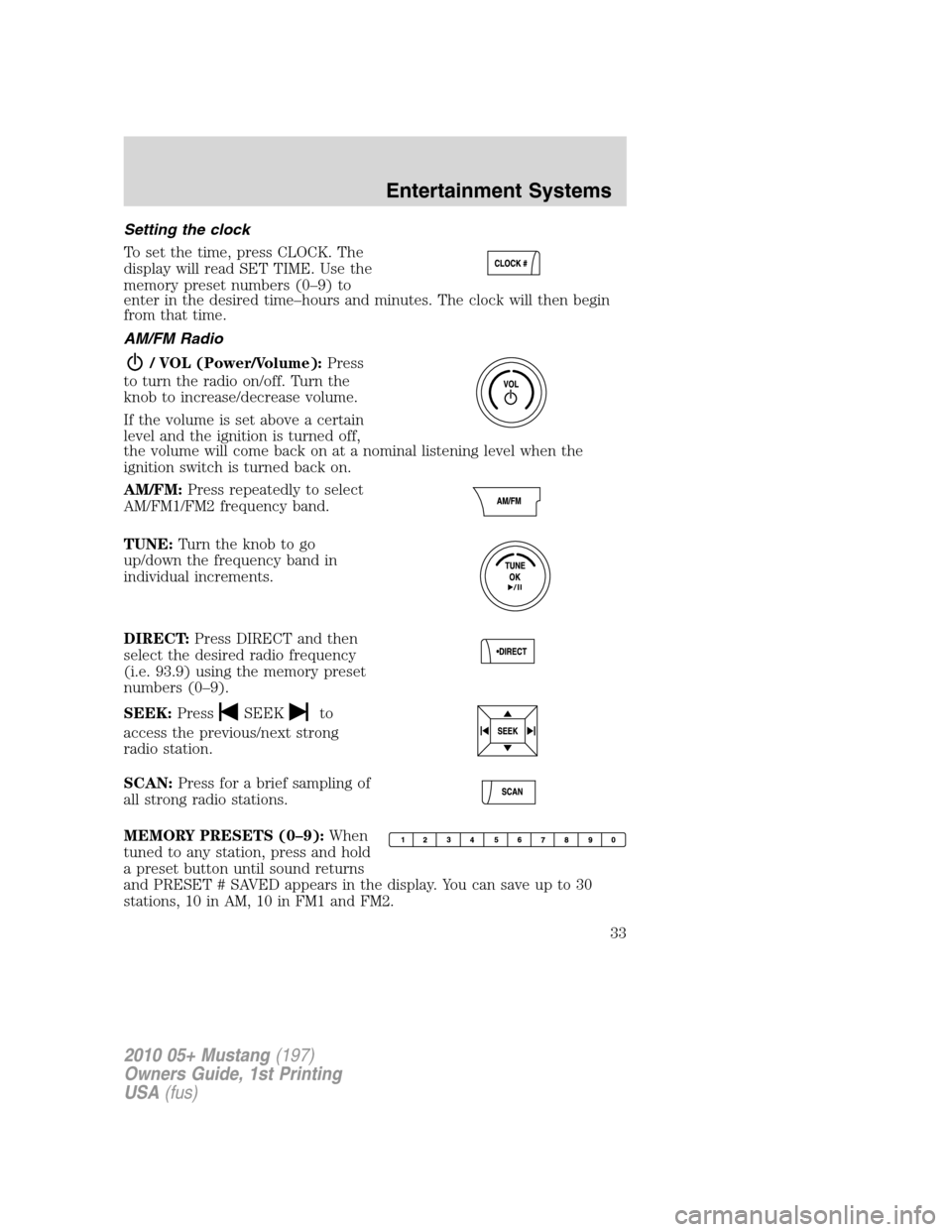
Setting the clock
To set the time, press CLOCK. The
display will read SET TIME. Use the
memory preset numbers (0–9) to
enter in the desired time–hours and minutes. The clock will then begin
from that time.
AM/FM Radio
/ VOL (Power/Volume):Press
to turn the radio on/off. Turn the
knob to increase/decrease volume.
If the volume is set above a certain
level and the ignition is turned off,
the volume will come back on at a nominal listening level when the
ignition switch is turned back on.
AM/FM:Press repeatedly to select
AM/FM1/FM2 frequency band.
TUNE:Turn the knob to go
up/down the frequency band in
individual increments.
DIRECT:Press DIRECT and then
select the desired radio frequency
(i.e. 93.9) using the memory preset
numbers (0–9).
SEEK:Press
SEEKto
access the previous/next strong
radio station.
SCAN:Press for a brief sampling of
all strong radio stations.
MEMORY PRESETS (0–9):When
tuned to any station, press and hold
a preset button until sound returns
and PRESET # SAVED appears in the display. You can save up to 30
stations, 10 in AM, 10 in FM1 and FM2.
2010 05+ Mustang(197)
Owners Guide, 1st Printing
USA(fus)
Entertainment Systems
33