Page 160 of 484
WARNING!
Do not place ashes inside the cubby bin located on
the center console on vehicle’s not equipped with the
ash receiver tray. A fire leading to bodily injury could
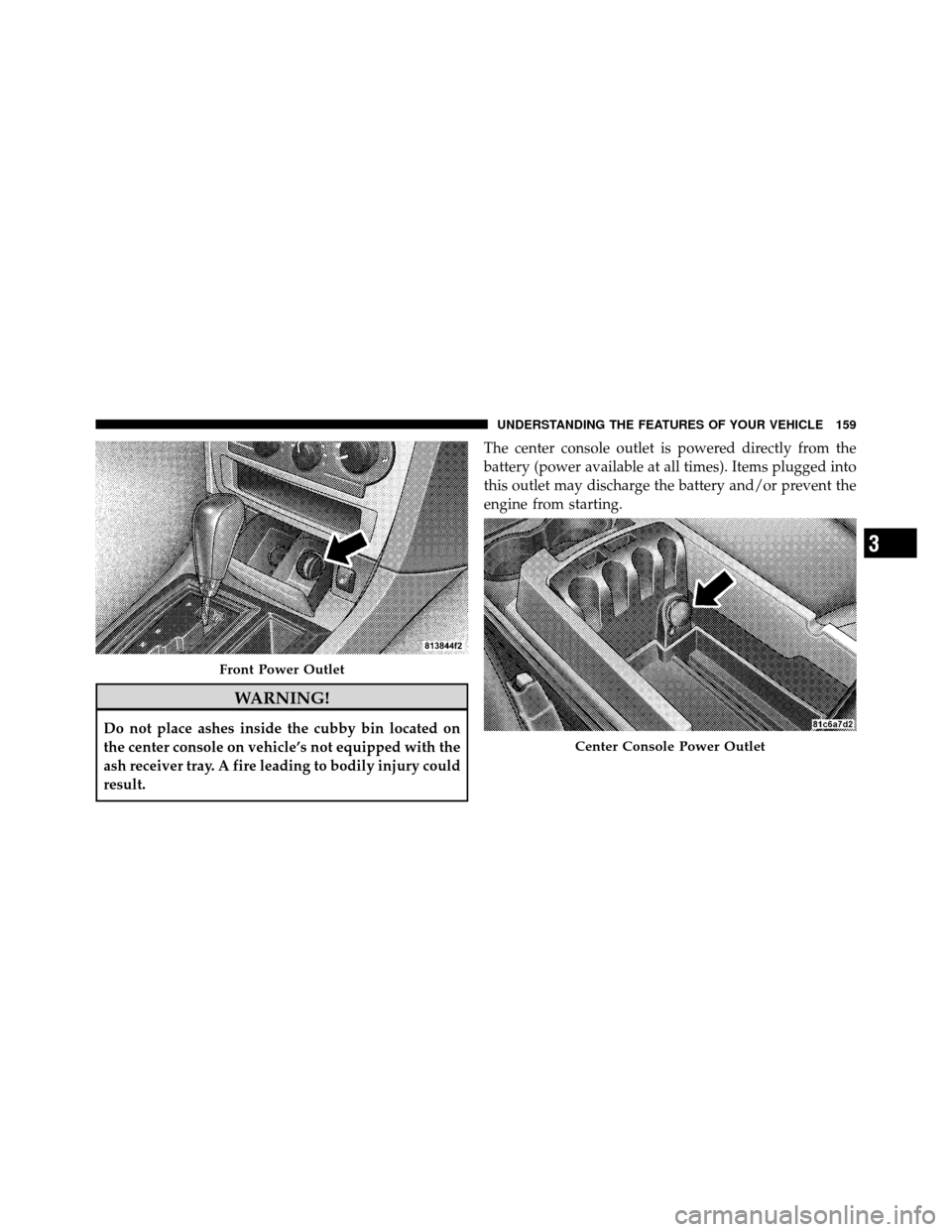
result.The center console outlet is powered directly from the
battery (power available at all times). Items plugged into
this outlet may discharge the battery and/or prevent the
engine from starting.
Front Power Outlet
Center Console Power Outlet
3
UNDERSTANDING THE FEATURES OF YOUR VEHICLE 159
Page 162 of 484
CAUTION! (Continued)
•Power outlets are designed for accessory plugs
only. Do not hang any type of accessory or acces-
sory bracket from the plug. Improper use of the
power outlet can cause damage.
CUPHOLDERS
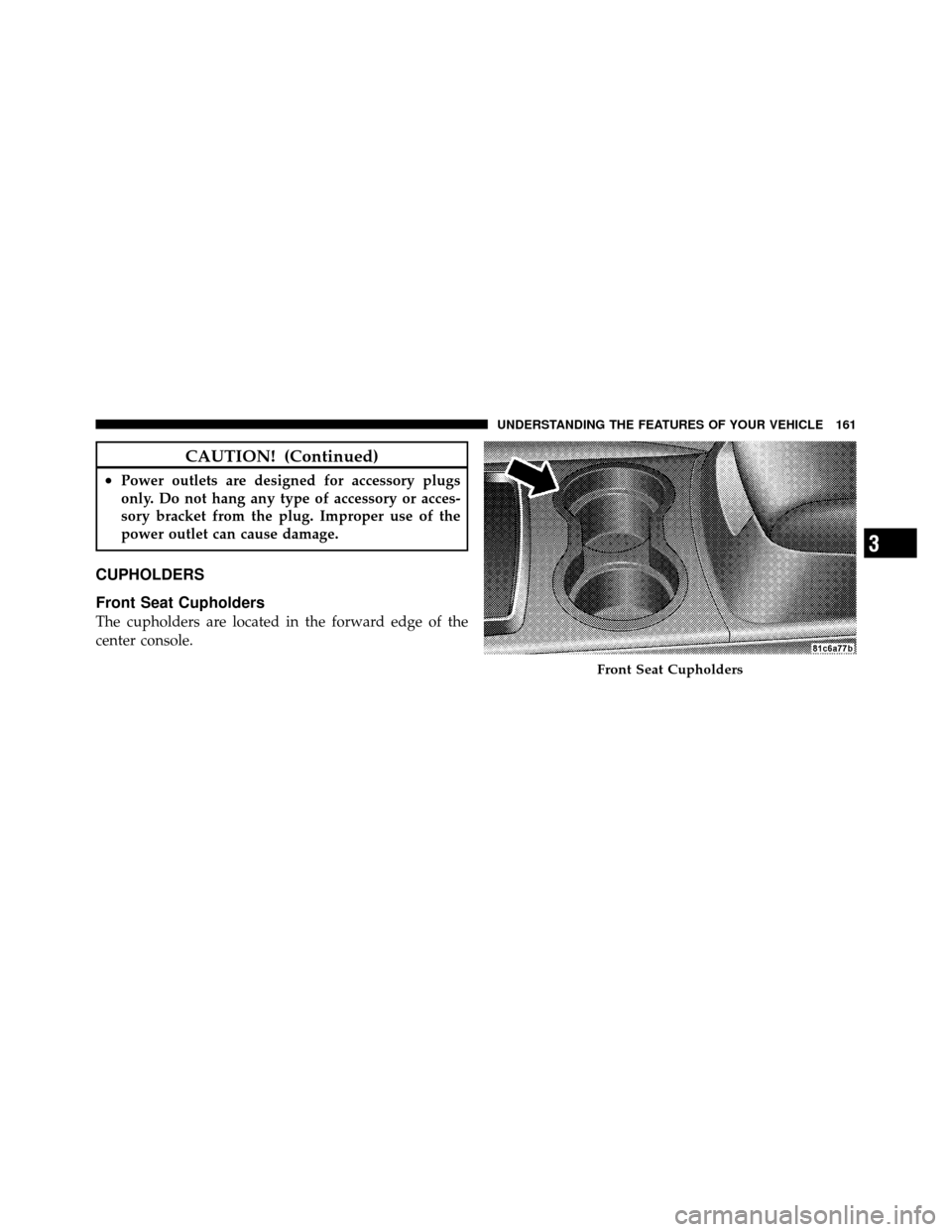
Front Seat Cupholders
The cupholders are located in the forward edge of the
center console.
Front Seat Cupholders
3
UNDERSTANDING THE FEATURES OF YOUR VEHICLE 161
Page 163 of 484
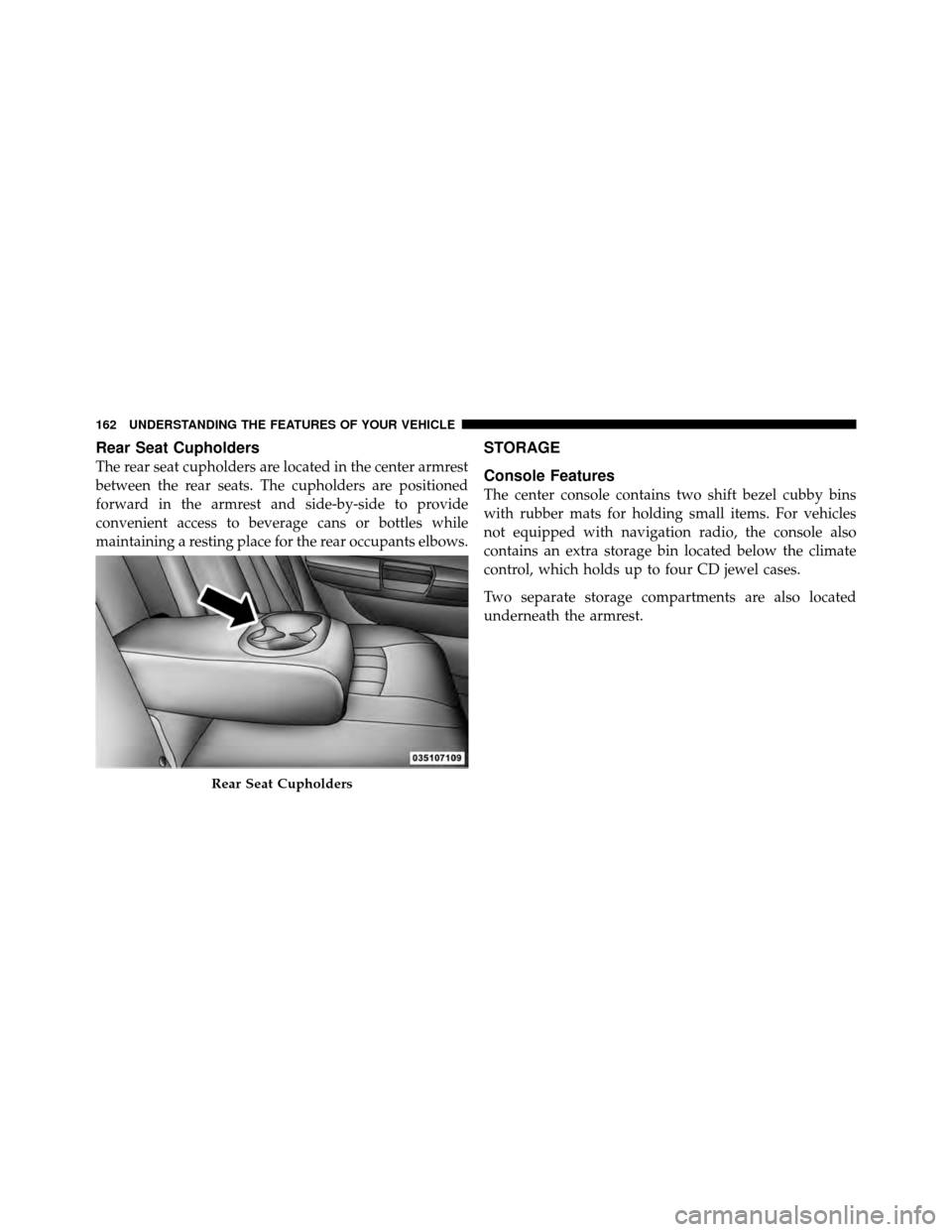
Rear Seat Cupholders
The rear seat cupholders are located in the center armrest
between the rear seats. The cupholders are positioned
forward in the armrest and side-by-side to provide
convenient access to beverage cans or bottles while
maintaining a resting place for the rear occupants elbows.
STORAGE
Console Features
The center console contains two shift bezel cubby bins
with rubber mats for holding small items. For vehicles
not equipped with navigation radio, the console also
contains an extra storage bin located below the climate
control, which holds up to four CD jewel cases.
Two separate storage compartments are also located
underneath the armrest.
Rear Seat Cupholders
162 UNDERSTANDING THE FEATURES OF YOUR VEHICLE
Page 243 of 484
VIDEO ENTERTAINMENT SYSTEM (VES)™ — IF
EQUIPPED
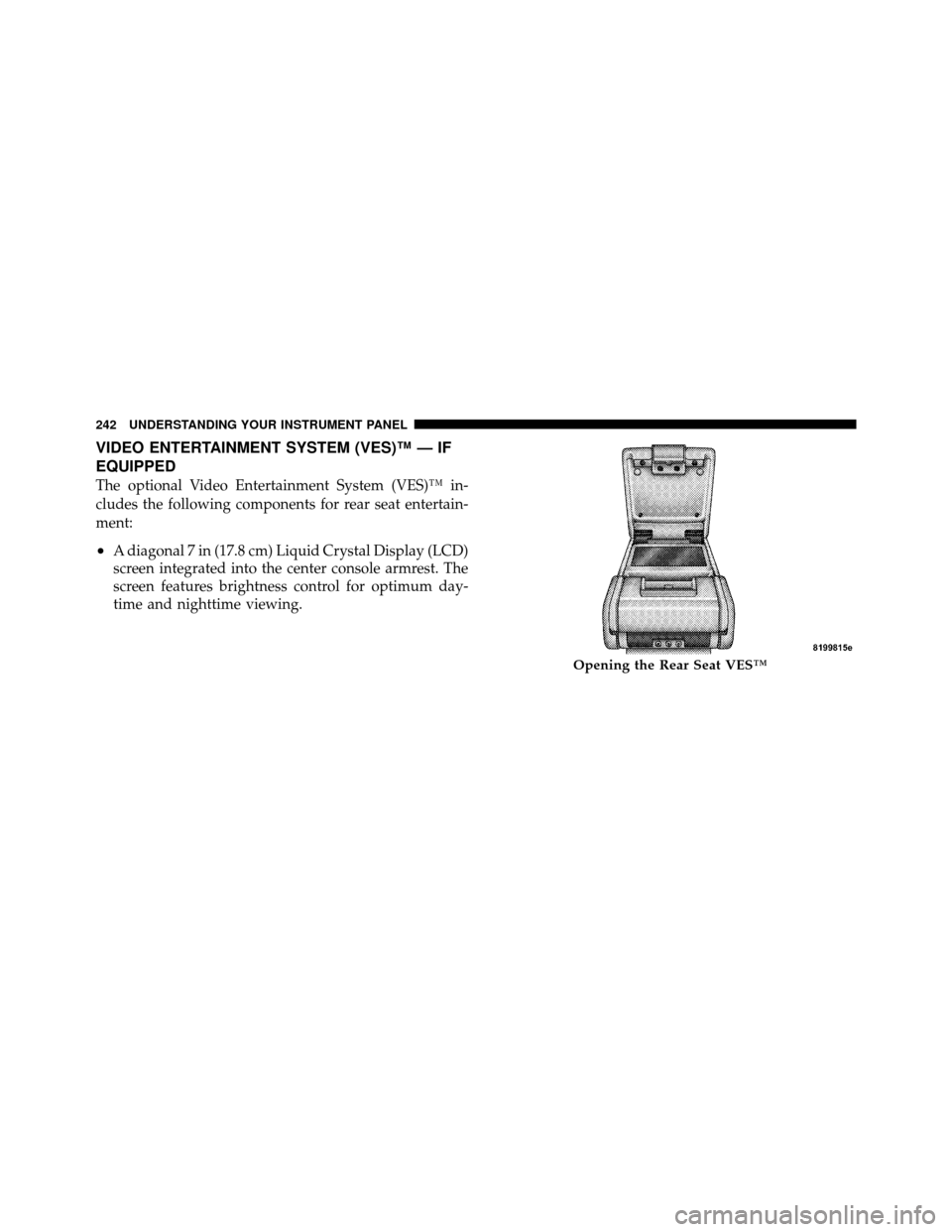
The optional Video Entertainment System (VES)™ in-
cludes the following components for rear seat entertain-
ment:
•A diagonal 7 in (17.8 cm) Liquid Crystal Display (LCD)
screen integrated into the center console armrest. The
screen features brightness control for optimum day-
time and nighttime viewing.
Opening the Rear Seat VES™
242 UNDERSTANDING YOUR INSTRUMENT PANEL
Page 244 of 484
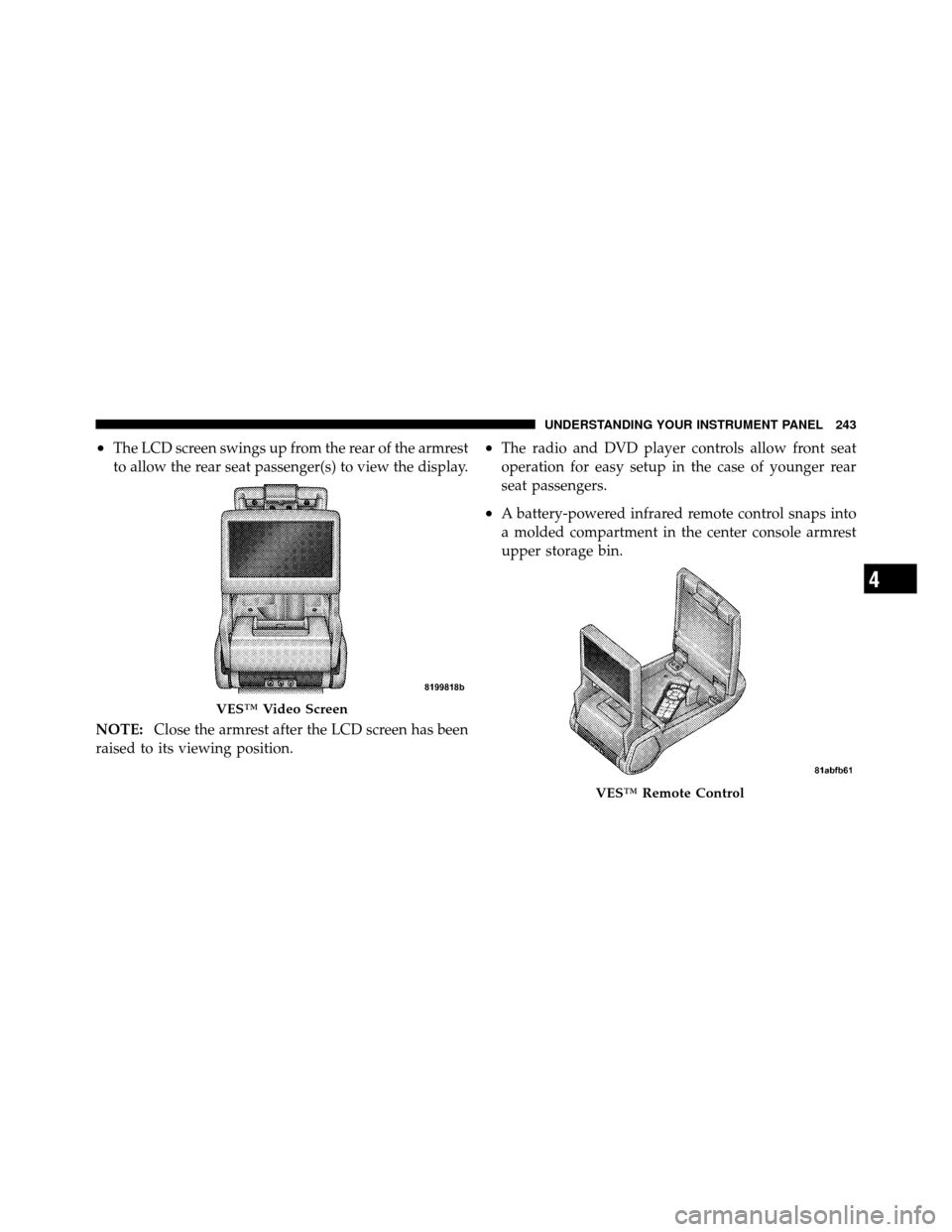
•The LCD screen swings up from the rear of the armrest
to allow the rear seat passenger(s) to view the display.
NOTE: Close the armrest after the LCD screen has been
raised to its viewing position.•The radio and DVD player controls allow front seat
operation for easy setup in the case of younger rear
seat passengers.
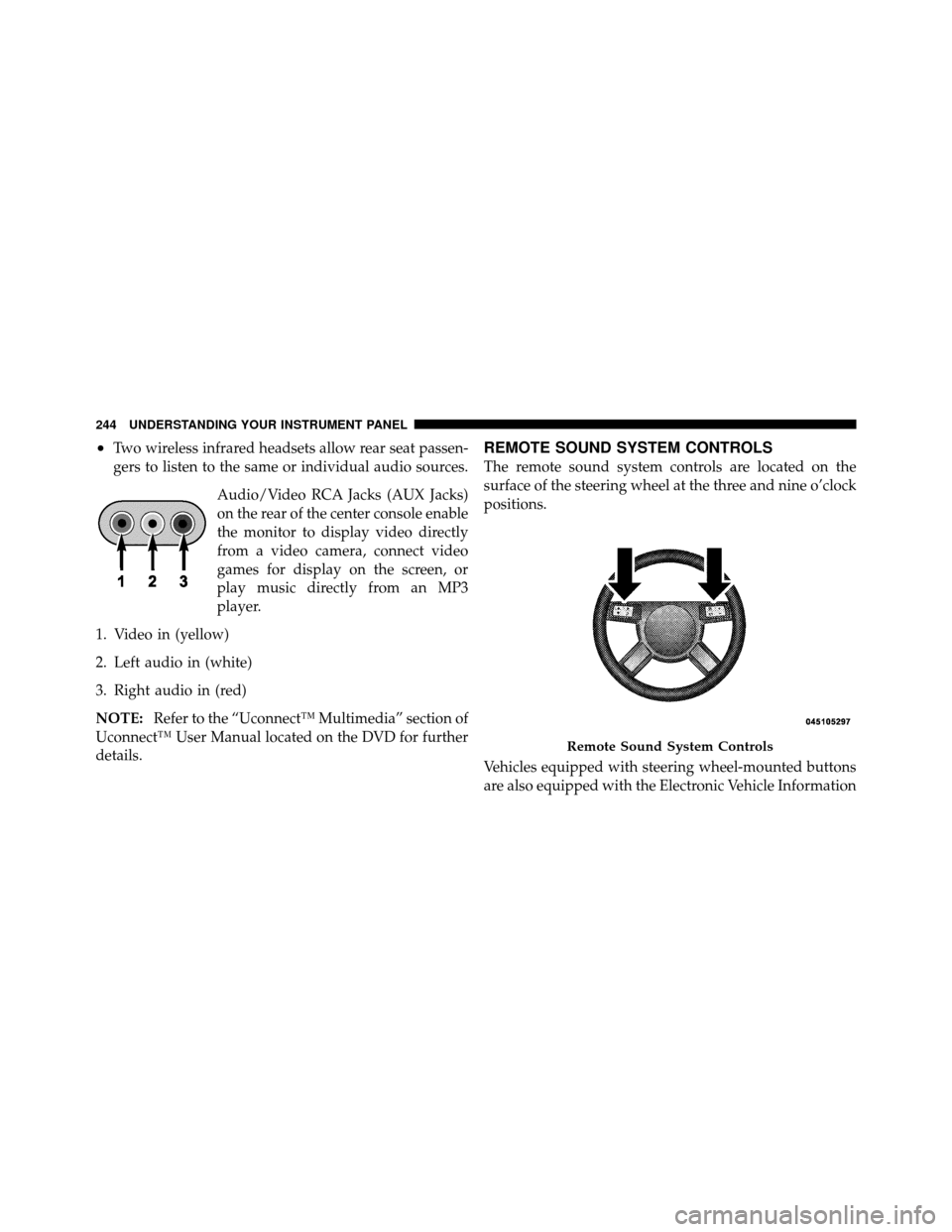
•A battery-powered infrared remote control snaps into
a molded compartment in the center console armrest
upper storage bin.
VES™ Video Screen
VES™ Remote Control
4
UNDERSTANDING YOUR INSTRUMENT PANEL 243
Page 245 of 484
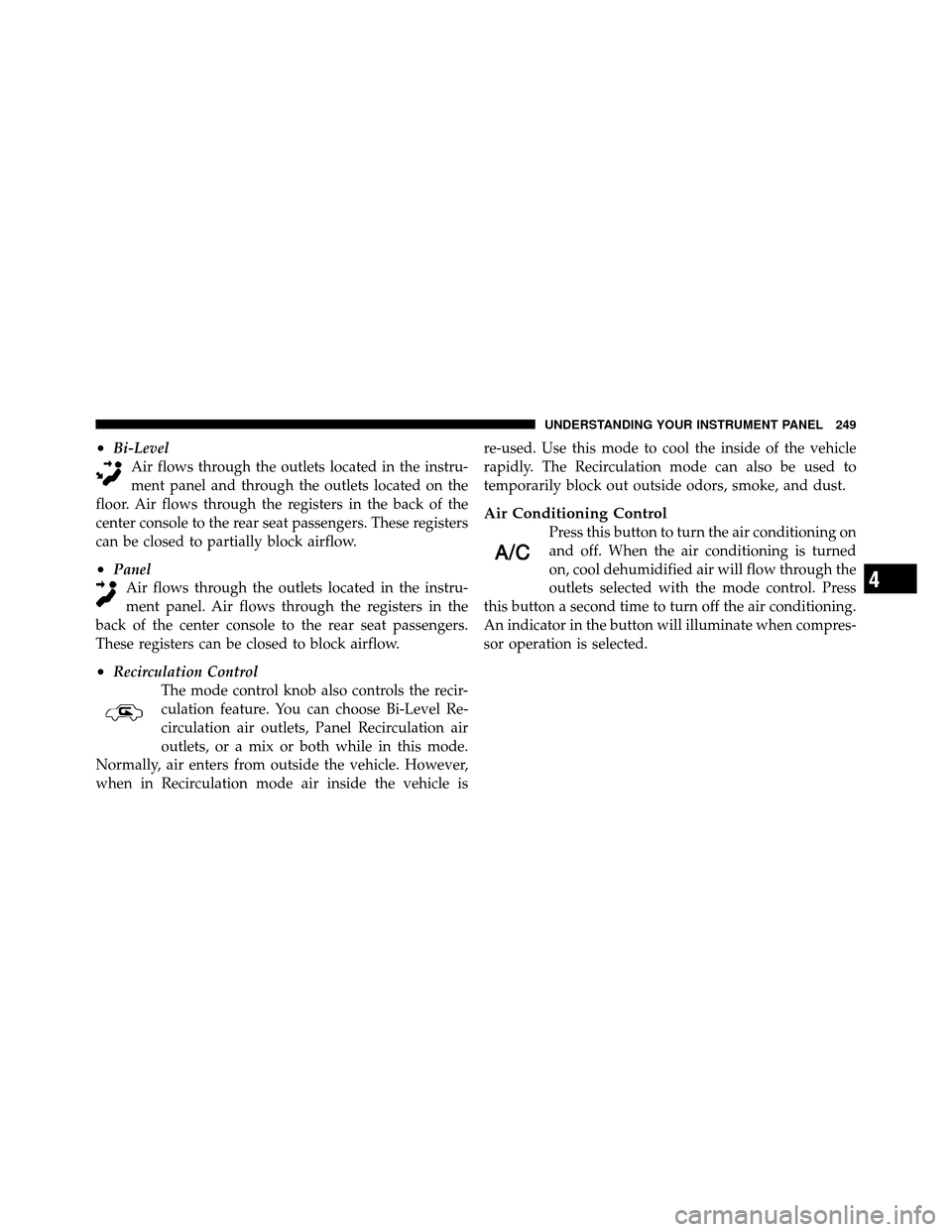
•Two wireless infrared headsets allow rear seat passen-
gers to listen to the same or individual audio sources.Audio/Video RCA Jacks (AUX Jacks)
on the rear of the center console enable
the monitor to display video directly
from a video camera, connect video
games for display on the screen, or
play music directly from an MP3
player.
1. Video in (yellow)
2. Left audio in (white)
3. Right audio in (red)
NOTE: Refer to the “Uconnect™ Multimedia” section of
Uconnect™ User Manual located on the DVD for further
details.REMOTE SOUND SYSTEM CONTROLS
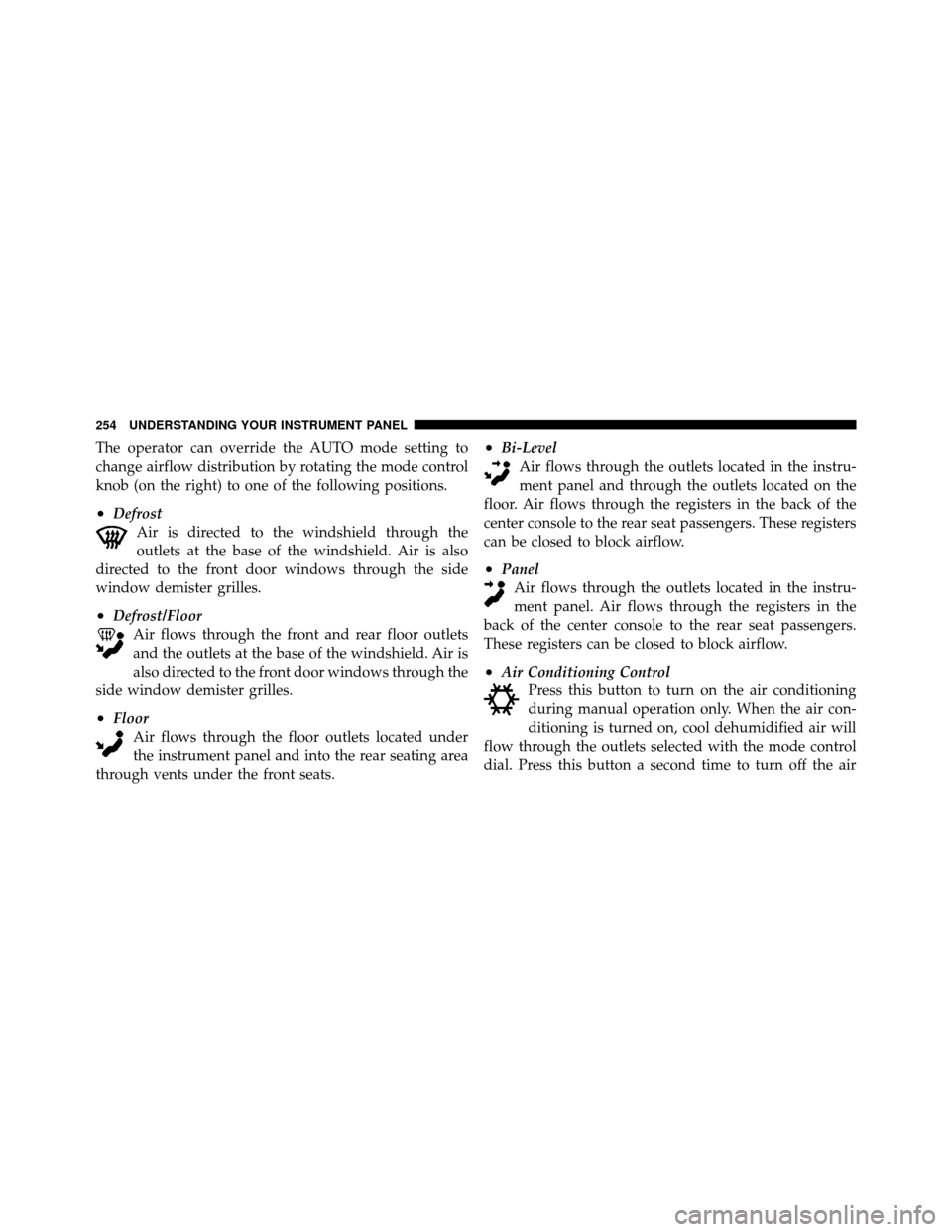
The remote sound system controls are located on the
surface of the steering wheel at the three and nine o’clock
positions.
Vehicles equipped with steering wheel-mounted buttons
are also equipped with the Electronic Vehicle Information
Remote Sound System Controls
244 UNDERSTANDING YOUR INSTRUMENT PANEL
Page 250 of 484
•Bi-LevelAir flows through the outlets located in the instru-
ment panel and through the outlets located on the
floor. Air flows through the registers in the back of the
center console to the rear seat passengers. These registers
can be closed to partially block airflow.
•Panel Air flows through the outlets located in the instru-
ment panel. Air flows through the registers in the
back of the center console to the rear seat passengers.
These registers can be closed to block airflow.
•Recirculation Control The mode control knob also controls the recir-
culation feature. You can choose Bi-Level Re-
circulation air outlets, Panel Recirculation air
outlets, or a mix or both while in this mode.
Normally, air enters from outside the vehicle. However,
when in Recirculation mode air inside the vehicle is re-used. Use this mode to cool the inside of the vehicle
rapidly. The Recirculation mode can also be used to
temporarily block out outside odors, smoke, and dust.
Air Conditioning Control
Press this button to turn the air conditioning on
and off. When the air conditioning is turned
on, cool dehumidified air will flow through the
outlets selected with the mode control. Press
this button a second time to turn off the air conditioning.
An indicator in the button will illuminate when compres-
sor operation is selected.
4
UNDERSTANDING YOUR INSTRUMENT PANEL 249
Page 255 of 484
The operator can override the AUTO mode setting to
change airflow distribution by rotating the mode control
knob (on the right) to one of the following positions.
•DefrostAir is directed to the windshield through the
outlets at the base of the windshield. Air is also
directed to the front door windows through the side
window demister grilles.
•Defrost/Floor Air flows through the front and rear floor outlets
and the outlets at the base of the windshield. Air is
also directed to the front door windows through the
side window demister grilles.
•Floor Air flows through the floor outlets located under
the instrument panel and into the rear seating area
through vents under the front seats.
•Bi-Level Air flows through the outlets located in the instru-
ment panel and through the outlets located on the
floor. Air flows through the registers in the back of the
center console to the rear seat passengers. These registers
can be closed to block airflow.
•Panel Air flows through the outlets located in the instru-
ment panel. Air flows through the registers in the
back of the center console to the rear seat passengers.
These registers can be closed to block airflow.
•Air Conditioning Control Press this button to turn on the air conditioning
during manual operation only. When the air con-
ditioning is turned on, cool dehumidified air will
flow through the outlets selected with the mode control
dial. Press this button a second time to turn off the air
254 UNDERSTANDING YOUR INSTRUMENT PANEL