Page 25 of 457

(EVIC)/Personal Settings (Customer-Programmable Fea-
tures)” in “Understanding Your Instrument Panel” for
further information.
To Lock the Doors
Press and release the LOCK button on the RKE transmit-
ter to lock both doors. The turn signal lights will flash
and the horn will chirp once to acknowledge the lock
signal.
Sound Horn with Lock
This feature will cause the horn to chirp when the doors
are locked with the RKE transmitter. This feature can be
turned on or off. To change the current setting, proceed as
follows:
•For vehicles equipped with the Electronic Vehicle
Information Center (EVIC), refer to “Electronic Vehicle
Information Center (EVIC)/Personal Settings
(Customer-Programmable Features)” in “Understand-
ing Your Instrument Panel” for further information.
•For vehicles not equipped with the EVIC, perform the
following steps:
1. Press the LOCK button on a programmed RKE trans-
mitter for at least four seconds, but not longer than
10 seconds. Then, press the PANIC button while still
holding the LOCK button.
2. Release both buttons at the same time.
3. Test the feature while outside of the vehicle, by
pressing the LOCK button on the RKE transmitter with
the ignition in the LOCK position, and the key removed.
4. Repeat these steps if you want to return this feature to
its previous setting.
NOTE: Pressing the LOCK button on the RKE transmit-
ter while you are in the vehicle will activate the Vehicle
Security Alarm. Opening a door with the Vehicle Security
Alarm activated will cause the alarm to sound. Press the
UNLOCK button to deactivate the Vehicle Security
Alarm System.
24 THINGS TO KNOW BEFORE STARTING YOUR VEHICLE
Page 26 of 457

Convertible Top Operation Button — If Equipped
Refer to “Convertible Top Operation” under “Under-
standing The Features Of Your Vehicle” for further
information.
To Unlatch the Trunk
Press the TRUNK button on the RKE transmitter two
times to unlatch the trunk.
Remote Open Window Feature — If Equipped
This feature allows you to remotely lower both door and
rear quarter windows at the same time. Lowering the
windows using the RKE is a two step operation:
1. Press the RKE transmitter UNLOCK button once.
2. Press the UNLOCK button a second time and hold the
button until the windows lower completely or the win-
dows drop to the desired level, then release the button.
Using the Panic Alarm
To turn the Panic Alarm feature on or off, press and hold
the PANIC button on the RKE transmitter for at least one
second and release. When the Panic Alarm is on, the
headlights and park lights will flash, the horn will pulse
on and off, and the Illuminated Entry system (if
equipped) will turn on.
The Panic Alarm will stay on for three minutes unless
you turn it off by pressing the PANIC button a second
time or if the vehicle speed is 5 mph (8 km/h) or greater.
NOTE:You may need to be close to the vehicle when
using the RKE transmitter to turn off the Panic Alarm due
to the Radio Frequency (RF) noises emitted by the
system.
2
THINGS TO KNOW BEFORE STARTING YOUR VEHICLE 25
Page 30 of 457

the ignition switch must be cycled to the ON position
before you can repeat the start sequence for a third cycle.
To Exit Remote Start Mode without Driving the
Vehicle
Press and release the REMOTE START button one time or
allow the engine to run for the entire 15 minute cycle.
NOTE:To avoid unintentional shut downs, the system
will disable the one-time press of the remote start button
for two seconds after receiving a valid remote start
request.
To Exit Remote Start Mode and Drive the Vehicle
Before the end of the 15 minute cycle, press and release
the UNLOCK button on the RKE transmitter to unlock
the doors and disarm the Vehicle Security Alarm (if
equipped).
NOTE: The ignition switch must be in the ON position
in order to drive the vehicle.
DOOR LOCKS
Manual Door Locks
To lock each door, push the door lock plunger on each
door trim panel downward. To unlock each door, pull the
door lock plunger on each door trim panel upward.
Manual Lock Plunger
2
THINGS TO KNOW BEFORE STARTING YOUR VEHICLE 29
Page 56 of 457
WARNING! (Continued)
•Do not mount any accessories to the knee bolster
such as alarm lights, stereos, citizen band radios,
etc.
Supplemental Seat-Mounted Side Airbags (SAB)
Supplemental Seat-Mounted Side Airbags provide en-
hanced protection to help protect an occupant during a
side impact. The Supplemental Seat-Mounted Side Air-
bag is marked with an airbag label sewn into the out-
board side of the front seats.When the airbag deploys, it opens the seam between the
front and side of the seat’s trim cover. Each airbag
deploys independently, that is a left side impact deploys
the left airbag only and a right-side impact deploys only
the right airbag.
Supplemental Seat-Mounted Side Airbag Label
2
THINGS TO KNOW BEFORE STARTING YOUR VEHICLE 55
Page 139 of 457
On steep hills, a greater speed loss or gain may occur so
it may be preferable to drive without Electronic Speed
Control.
WARNING!
Electronic Speed Control can be dangerous where the
system cannot maintain a constant speed. Your ve-
hicle could go too fast for the conditions, and you
could lose control. An accident could be the result.
Do not use Electronic Speed Control in heavy traffic
or on roads that are winding, icy, snow-covered or
slippery.
GARAGE DOOR OPENER — IF EQUIPPED
HomeLink�replaces up to three remote controls (hand-
held transmitters) that operate devices such as garage
door openers, motorized gates, lighting or home security
systems. The HomeLink� unit operates off your vehicle’s
battery. The HomeLink�
buttons that are located in the headliner
or sun visor designate the three different HomeLink�
channels.
NOTE: HomeLink� is disabled when the Vehicle Secu-
rity Alarm is active.HomeLink� Buttons
138 UNDERSTANDING THE FEATURES OF YOUR VEHICLE
Page 144 of 457

successfully accepted the frequency signal. The indica-
tor light will flash slowly and then rapidly when fully
trained.
If you unplugged the device for training, plug it back in
at this time.
Then proceed with Step 4 under “Programming
HomeLink�,” earlier in this section.
Security
It is advised to erase all channels before you sell or turn
in your vehicle.
To do this, press and hold the two outside buttons for
20 seconds until the red indicator flashes. Note that all
channels will be erased. Individual channels cannot be
erased.
The HomeLink�Universal Transceiver is disabled when
the Vehicle Security Alarm is active.
Troubleshooting Tips
If you are having trouble programming HomeLink �, here
are some of the most common solutions:
•Replace the battery in the original transmitter.
•Press the LEARN button on the Garage Door Opener
to complete the training for a Rolling Code.
•Did you unplug the device for training, and remember
to plug it back in?
If you have any problems, or require assistance, please
call toll-free 1–800–355–3515 or, on the Internet at
www.HomeLink.com for information or assistance.
General Information
This device complies with FCC rules Part 15 and Industry
Canada RSS-210. Operation is subject to the following
two conditions:
1. This device may not cause harmful interference.
3
UNDERSTANDING THE FEATURES OF YOUR VEHICLE 143
Page 167 of 457
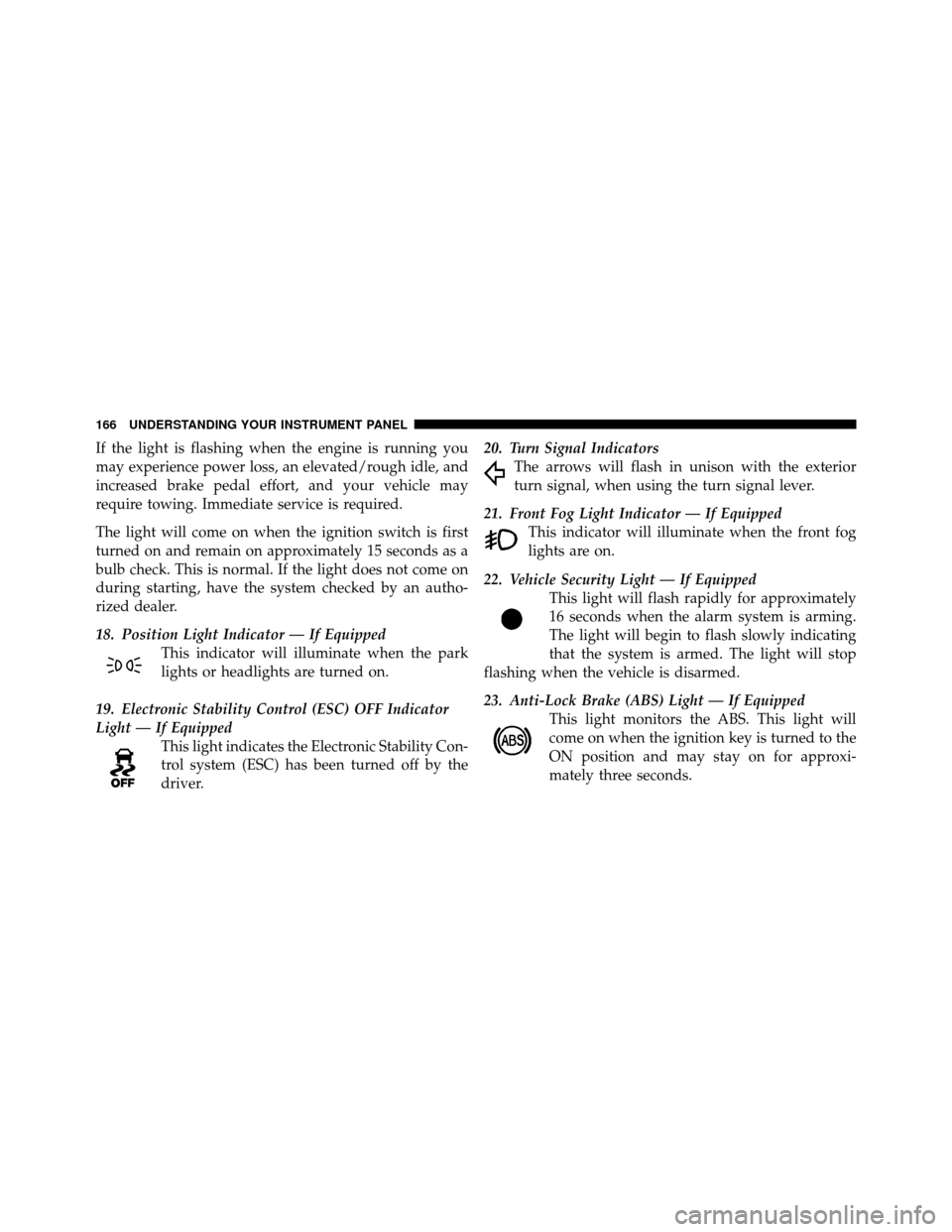
If the light is flashing when the engine is running you
may experience power loss, an elevated/rough idle, and
increased brake pedal effort, and your vehicle may
require towing. Immediate service is required.
The light will come on when the ignition switch is first
turned on and remain on approximately 15 seconds as a
bulb check. This is normal. If the light does not come on
during starting, have the system checked by an autho-
rized dealer.
18. Position Light Indicator — If EquippedThis indicator will illuminate when the park
lights or headlights are turned on.
19. Electronic Stability Control (ESC) OFF Indicator
Light — If Equipped This light indicates the Electronic Stability Con-
trol system (ESC) has been turned off by the
driver. 20. Turn Signal Indicators
The arrows will flash in unison with the exterior
turn signal, when using the turn signal lever.
21. Front Fog Light Indicator — If Equipped This indicator will illuminate when the front fog
lights are on.
22. Vehicle Security Light — If Equipped This light will flash rapidly for approximately
16 seconds when the alarm system is arming.
The light will begin to flash slowly indicating
that the system is armed. The light will stop
flashing when the vehicle is disarmed.
23. Anti-Lock Brake (ABS) Light — If Equipped This light monitors the ABS. This light will
come on when the ignition key is turned to the
ON position and may stay on for approxi-
mately three seconds.
166 UNDERSTANDING YOUR INSTRUMENT PANEL
Page 437 of 457

About Your Brakes....................... 264
ABS (Anti-Lock Brake System) .............. 267
Accessory Delay, Power .................... 12
Adding Engine Coolant (Antifreeze) .......... 370
Adding Fuel ........................... 314
Adding Washer Fluid ..................... 366
Additives, Fuel ......................... 307
Air Cleaner, Engine (Engine Air Cleaner Filter) . . . 360
Air Conditioner Maintenance ............... 362
Air Conditioning ........................ 230
Air Conditioning Controls ................. 230
Air Conditioning Filter .................241,363
Air Conditioning, Operating Tips ............ 242
Air Conditioning Refrigerant .............362,363
Air Conditioning System .............230,235,362
Air Pressure, Tires ....................... 287
Airbag ................................ 52
Airbag Deployment ....................... 61
Airbag Light ..................... 59,64,79,159Airbag Maintenance
....................... 63
Airbag, Side ........................ 55,58,60
Airbag, Window (Side Curtain) ............... 58
Alarm, Panic ............................ 25
Alarm System (Security Alarm) ............18,166
Alterations/Modifications, Vehicle ............. 7
Antenna, Satellite Radio ................... 224
Antifreeze (Engine Coolant) ..............370,403
Disposal ............................ 372
Anti-Lock Brake System (ABS) .............. 267
Anti-Lock Warning Light .................. 267
Anti-Theft Security Alarm (Theft Alarm) ........ 18
Appearance Care ........................ 379
Ashtray ............................... 147
Auto Down Power Windows ................ 33
Auto Unlock, Doors ....................... 31
Automatic Dimming Mirror ................ 109
Automatic Door Locks ..................... 31
Automatic Headlights .................... 124
436 INDEX

