2010 CHEVROLET CORVETTE headlamp
[x] Cancel search: headlampPage 180 of 472

Wiper Activated Headlamps
This feature activates the headlamps and parking
lamps after the windshield wipers have been in use for
approximately 15 seconds and deactivates and returns
to ambient lighting conditions 15 seconds after the
wipers are turned off.
If the exterior lamp control has been turned off or is in
the parking lamp position while the wiper control is
active in any position, the HEADLAMPS SUGGESTED
message appears on the Driver Information Center
(DIC). See DIC Warnings and Messages on page 4‑52.
When the ignition is turned off, the wiper-activated
headlamps will immediately turn off.
Headlamps on Reminder
A warning chime will sound if the exterior lamp control
is left on in either the headlamp or parking lamp position
and the driver's door is opened with the ignition off.
Daytime Running Lamps (DRL)
Daytime Running Lamps (DRL) can make it easier for
others to see the front of your vehicle during the day.
Fully functional daytime running lamps are required on
all vehicles first sold in Canada.
The DRL system makes the front turn signal lamps
come on when the following conditions are met:
.It is still daylight and the ignition is on.
.The exterior lamp control is in the AUTO position.
.The transmission is not in P (Park) or the parking
brake is off.
.The parking brake is off or the vehicle speed is
greater than 8 mph (13 km/h).
When DRL are on, only the front turn signal lamps will
be on. The parking lamps, taillamps, instrument panel
lights, or other exterior lamps will not be on when the
DRL are being used.
When it is dark enough outside, the front turn signal
lamps turn off and the normal low-beam headlamps
turn on.
4-12
Page 181 of 472

When it is bright enough outside, the regular lamps
go off, and the front turn signal lamps will take over.
If the vehicle is started in a dark garage, the automatic
headlamp system comes on immediately. Once the
vehicle leaves the garage, it takes approximately
one minute for the automatic headlamp system to
change to DRL if it is light outside. During that delay,
the instrument panel cluster may not be as bright as
usual. Make sure the instrument panel brightness knob
is in the full bright position. See Instrument Panel
Brightness
on page 4‑15for more information.
If it is dark enough outside and the exterior lamp control
is off, a HEADLAMPS SUGGESTED message will
display on the Driver's Information Center (DIC).
See DIC Warnings and Messages on page 4‑52.
Turning the exterior lamp control to off a second
time, or turning on the headlamps will remove the
HEADLAMPS SUGGESTED message in the DIC. If the
parking lamps or the fog lamps were turned on instead,
the HEADLAMPS SUGGESTED message will continue
to be displayed.
The regular headlamp system should be turned on
when needed. To turn off the DRL, turn the exterior lamp control to the
off position or shift into P (Park). The DRL will stay off
until the control is toggled again or the vehicle is shifted
out of P (Park).
This procedure applies only to vehicles first sold in the
United States.
Fog Lamps
Use fog lamps for better vision in foggy or misty
conditions.
The fog lamps control is located on the multifunction
lever next to the exterior lamp control.
#
(Fog Lamps) : Turning the band to this position will
turn the fog lamps on.
When you turn the fog lamps on, the fog lamp light will
appear on the instrument panel cluster to indicate that
the fog lamps and the parking lamps are on.
If you turn the high-beam headlamps on, the fog lamps
will turn off. They will turn on again when you switch to
low-beam headlamps.
The ignition must be on for the fog lamps to operate.
Some localities have laws that require the headlamps
to be on along with the fog lamps.
4-13
Page 182 of 472
Twilight Sentinel®
Twilight Sentinel®can turn the lamps on and off for you.
A light sensor on top of the instrument panel makes the
Twilight Sentinel
®work, so be sure it is not covered.
With Twilight Sentinel
®, the following will happen:
.When it is dark enough outside, the front turn
signal lamps (DRL) will go off, and the headlamps
and parking lamps will come on. The other lamps
that come on with headlamps will also come on.
.When it is bright enough outside, the headlamps
will go off, and the front turn signal lamps (DRL)
will come on, as long as the exterior lamp switch is
in the AUTO position.
If the vehicle is started in a dark garage, the automatic
headlamp system come on immediately. Once the
vehicle leaves the garage, it takes about one minute for
the automatic headlamp system to change to DRL if it
is light outside. During that delay, the instrument panel
cluster may not be as bright as usual. Make sure the
instrument panel brightness control is in full bright
position. See Instrument Panel Brightness
on
page 4‑15.
You can idle the vehicle with the lamps off, even when
it is dark outside. After starting the vehicle, turn the exterior lamp control
band on the multifunction lever to off and then release
it. The lamps will remain off until the control band is
turned to off again.
Twilight Sentinel
®also provides exterior illumination as
you leave the vehicle. If Twilight Sentinel®has turned
on the lamps when you turn off the ignition, the lamps
will remain on until:
.The exterior lamp switch is moved from off to the
parking lamp position, or
.A delay time that you select has elapsed.
See “Personal Options” underDIC Vehicle
Personalization
on page 4‑71to select the delay time
that you want. You can also select no delay time.
If you turn off the ignition with the exterior lamp switch
in the parking lamp or headlamp position, the Twilight
Sentinel
®delay will not occur. The lamps will turn off as
soon as the switch is turned off.
The regular headlamp system should be turned on
when needed.
4-14
Page 183 of 472
Exterior Lighting Battery Saver
If the manual parking lamps or headlamps have been
left on, the exterior lamps will turn off as soon as the
ignition is turned off or Retained Accessory Power
(RAP) is active. This protects against draining the
battery in case you have accidentally left the headlamps
or parking lamps on. The battery saver does not work if
the headlamps are turned on after the ignition switch is
turned to off.
If you need to leave the lamps on, use the exterior lamp
control to turn the lamps back on.
Instrument Panel Brightness
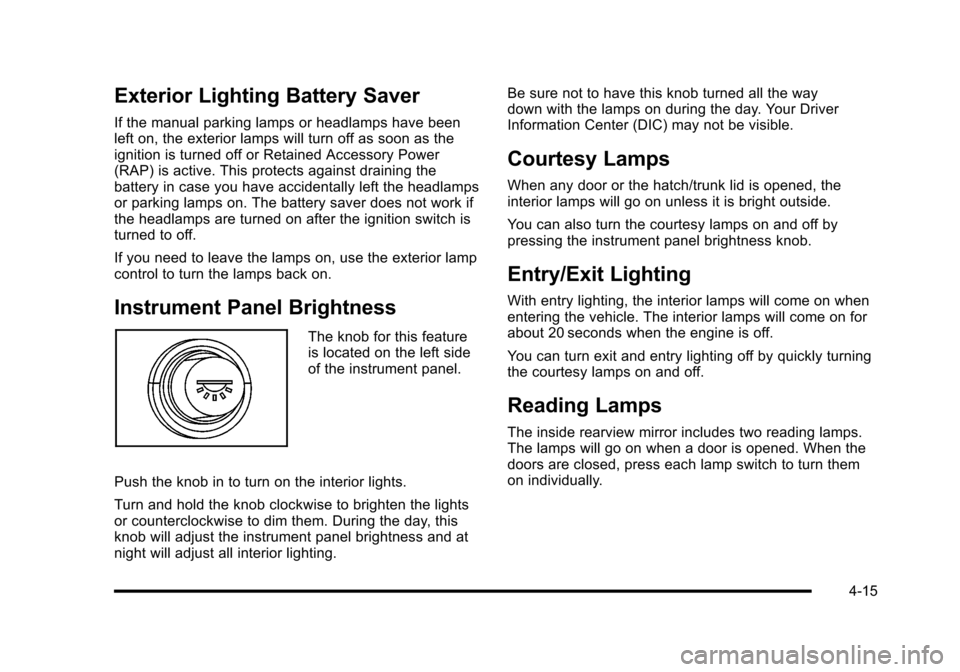
The knob for this feature
is located on the left side
of the instrument panel.
Push the knob in to turn on the interior lights.
Turn and hold the knob clockwise to brighten the lights
or counterclockwise to dim them. During the day, this
knob will adjust the instrument panel brightness and at
night will adjust all interior lighting. Be sure not to have this knob turned all the way
down with the lamps on during the day. Your Driver
Information Center (DIC) may not be visible.
Courtesy Lamps
When any door or the hatch/trunk lid is opened, the
interior lamps will go on unless it is bright outside.
You can also turn the courtesy lamps on and off by
pressing the instrument panel brightness knob.
Entry/Exit Lighting
With entry lighting, the interior lamps will come on when
entering the vehicle. The interior lamps will come on for
about 20 seconds when the engine is off.
You can turn exit and entry lighting off by quickly turning
the courtesy lamps on and off.
Reading Lamps
The inside rearview mirror includes two reading lamps.
The lamps will go on when a door is opened. When the
doors are closed, press each lamp switch to turn them
on individually.
4-15
Page 213 of 472
The engine oil pressure can also be displayed using the
GAGES button on the Driver Information Center (DIC).
See Driver Information Center (DIC) on page 4‑47.
Security Light
For information regarding
this light and the vehicle's
security system, see
Theft-Deterrent System
on page 3‑19.
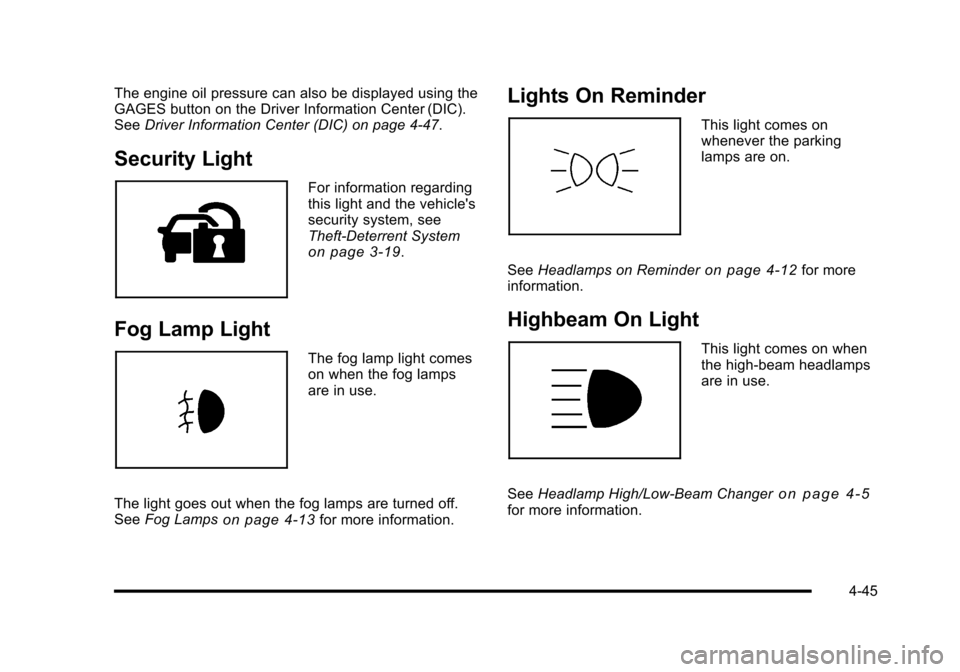
Fog Lamp Light
The fog lamp light comes
on when the fog lamps
are in use.
The light goes out when the fog lamps are turned off.
See Fog Lamps
on page 4‑13for more information.
Lights On Reminder
This light comes on
whenever the parking
lamps are on.
See Headlamps on Reminder
on page 4‑12for more
information.
Highbeam On Light
This light comes on when
the high-beam headlamps
are in use.
See Headlamp High/Low-Beam Changer
on page 4‑5for more information.
4-45
Page 225 of 472
Multiple chimes sound when this message is displayed.
This message remains displayed and active until the
issue is resolved.
HEADLAMPS SUGGESTED
This message displays if it is dark enough outside and
the headlamps and the Twilight Sentinel®controls are
off. This message informs the driver that turning on the
exterior lamps is recommended. It has become dark
enough outside to require the headlamps and/or other
exterior lamps.
HIGH TIRE PRESSURE
This message may be displayed when one or more of
the tires is over-inflated. This message also displays
LEFT FRONT, RIGHT FRONT, LEFT REAR, or
RIGHT REAR to indicate which tire is affected.
You can receive more than one tire pressure message
at a time. To read other messages that may have been
sent at the same time, press the RESET button . If a tire
pressure message appears on the DIC, stop as soon as
you can. Have the tire pressures checked and set to
those shown on the Tire Loading Information label. See
Run-Flat Tires
on page 6‑69, Loading the Vehicleon
page 5‑28, Inflation - Tire Pressureon page 6‑70, and
Tire Pressure Monitor Systemon page 6‑72. The DIC
also shows the tire pressure values. See DIC Operation
and Displays
on page 4‑47. To acknowledge the message, press the RESET button.
A message reappears every 10 minutes until the
condition is corrected.
HOT ENGINE AIR CONDITIONING OFF
This message displays when the engine coolant
becomes hotter than the normal operating temperature.
To avoid added strain on a hot engine, the air
conditioning compressor is automatically turned off.
When the coolant temperature returns to normal,
the A/C operation automatically resumes. You can
continue to drive the vehicle. If this message continues
to appear, have the system repaired by your dealer/
retailer as soon as possible to avoid compressor
damage.
ICE POSSIBLE
This message displays when the outside air
temperature is cold enough to create icy road
conditions. Adjust your driving accordingly.
LOW FUEL
This message displays when the fuel tank is less than
10 percent full and the display is turned off. A sound
will be heard when this message is displayed. Refill the
fuel tank as soon as possible. See
Fuel Gauge
on
page 4‑46.
4-57
Page 240 of 472
Entering the Personal Options Menu
To enter the personal options menu, use the following
steps: 1. If you have an automatic transmission vehicle, turn the vehicle on with the shift lever in P (Park).
If you have a manual transmission vehicle, turn the
vehicle on with the parking brake set.
To avoid excessive drain on the battery, it is
recommended that the headlamps are turned off.
2. Press the OPTION button and you will enter the PERSONAL OPTIONS menu.
The DIC will display the current driver
number (1 or 2) for a few seconds and then will
display instructions on which buttons to use for
setting the personalizations. The RESET button
is used to select a setting for a particular feature.
The OPTION button is used to move to the next
feature.
3. Press the OPTION button while the instruction screen is displayed to enter the first
personalization menu item.
4. Once you have cycled through all of the personal options, pressing the OPTION button a final time
exits the personal options menu. In addition, if no
button is pressed within 45 seconds, the DIC will
exit the personal options menu.
Personal Options
The following options are available for programming:
Display Units : This option allows you to choose the
measurement units.
Press the OPTION button until DISPLAY UNITS
appears on the display, then press the RESET button
to scroll through the following modes:
.ENGLISH (default)
.METRIC
If you choose ENGLISH, all information will be
displayed in English units.
If you choose METRIC, all information will be displayed
in metric units.
When the mode you want is selected, press the
OPTION button to set your choice and advance to the
next personal option.
Auto Memory Recall (Automatic Transmission
only) : If your automatic transmission vehicle has the
memory package, you may have this option. This option
allows the driver's seat, the telescopic steering column,
if your vehicle has this feature, and the outside rearview
mirrors to automatically move to the current driver's set
position when the engine starts.
4-72
Page 242 of 472
Approach Lights :This option briefly turns on the
parking lamps, the high-beam headlamps and the
back-up lamps during low light periods when the
keyless access transmitter is used to unlock the vehicle.
Press the OPTION button until APPROACH LIGHTS
appears on the display, then press the RESET button to
scroll through the following modes:
.OFF
.ON (default)
If you choose OFF, this option will turn off.
If you choose ON, the parking lamps, the high-beam
headlamps, and the back-up lamps will come on for
20 seconds during low light periods when all of the
following occurs:
.You press the unlock button on the keyless access
transmitter.
.Both of the doors are closed.
.The vehicle is off or in RAP.
The lamps remain on for 20 seconds or until a door
is opened, the lock button on the keyless access
transmitter is pressed or the vehicle is no longer
off or in RAP.
See Keyless Access System
on page 3‑5for more
information. When the mode you want is selected, press the
OPTION button to set your choice and advance to
the next personal option.
Twilight Delay :
This option allows you to set the
amount of time you want the parking lamps and
high-beam headlamps to remain on after you exit the
vehicle. This will occur when the vehicle is off or in
RAP and the headlamps are on due to the automatic
headlamp system. The parking lamps and high-beam
headlamps will remain on until the driver selected time
expires, the exterior lamp control is activated or the
vehicle is no longer off or in RAP.
Press the OPTION button until TWILIGHT DELAY
appears on the display, then press the RESET button to
scroll through the following modes:
.OFF
.15 S
.30 S (default)
.90 S
If you choose OFF, this option will turn off.
If you choose 15 S, the twilight delay time will be set to
15 seconds.
If you choose 30 S, the twilight delay time will be set to
30 seconds.
4-74