2010 CHEVROLET CORVETTE brakes
[x] Cancel search: brakesPage 283 of 472
Antilock Brake System (ABS)
This vehicle has the Antilock Brake System (ABS), an
advanced electronic braking system that helps prevent
a braking skid.
When the engine is started and the vehicle begins to
drive away, ABS checks itself. A momentary motor or
clicking noise might be heard while this test is going on,
and it might even be noticed that the brake pedal
moves a little. This is normal.
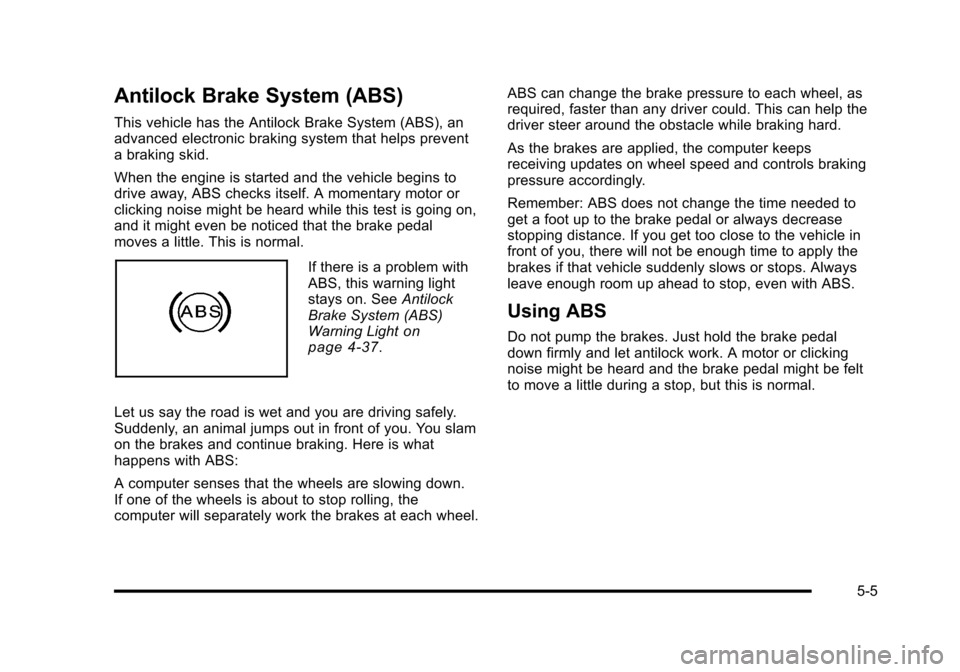
If there is a problem with
ABS, this warning light
stays on. See Antilock
Brake System (ABS)
Warning Light
on
page 4‑37.
Let us say the road is wet and you are driving safely.
Suddenly, an animal jumps out in front of you. You slam
on the brakes and continue braking. Here is what
happens with ABS:
A computer senses that the wheels are slowing down.
If one of the wheels is about to stop rolling, the
computer will separately work the brakes at each wheel. ABS can change the brake pressure to each wheel, as
required, faster than any driver could. This can help the
driver steer around the obstacle while braking hard.
As the brakes are applied, the computer keeps
receiving updates on wheel speed and controls braking
pressure accordingly.
Remember: ABS does not change the time needed to
get a foot up to the brake pedal or always decrease
stopping distance. If you get too close to the vehicle in
front of you, there will not be enough time to apply the
brakes if that vehicle suddenly slows or stops. Always
leave enough room up ahead to stop, even with ABS.
Using ABS
Do not pump the brakes. Just hold the brake pedal
down firmly and let antilock work. A motor or clicking
noise might be heard and the brake pedal might be felt
to move a little during a stop, but this is normal.
5-5
Page 284 of 472
Braking in Emergencies
ABS allows the driver to steer and brake at the same
time. In many emergencies, steering can help more
than even the very best braking.
Brake Assist
This vehicle has a brake assist feature that responds to
emergency braking by generating additional pressure
and engaging the ABS. When this happens, the brake
pedal will feel easier to push. Just hold the brake pedal
down firmly and let the system work for you. You might
feel the brakes vibrate or notice some noise, but this is
normal. The brakes will return to normal operation after
the brake pedal is released.
Brake assist cannot compensate for unsafe driving
practices and braking effectiveness, itself, depends on
the condition of the road, tires, and brakes and
vehicle mass.
Traction Control System (TCS)
The vehicle has a Traction Control System (TCS) that
limits wheel spin. This is especially useful in slippery
road conditions. The system operates only if it senses
that the rear wheels are spinning too much or are
beginning to lose traction. When this happens, the
system works the rear brakes and reduces engine
power (by closing the throttle and managing engine
spark) to limit wheel spin.
The TRACTION SYSTEM ACTIVE message displays
on the Driver Information Center (DIC) when TCS is
limiting wheel spin. See DIC Warnings and Messages
on page 4‑52. The system may be heard or felt while it
is working, but this is normal.
If cruise control is being used when TCS begins to limit
wheel spin, the cruise control will automatically
disengage. Cruise control may be reengaged when
road conditions allow. See Cruise Control on page 4‑7.
5-6
Page 286 of 472
Active Handling System
The Active Handling System is a computer controlled
system that helps the driver maintain directional control
of the vehicle in difficult driving conditions. This is
accomplished by selectively applying any one of the
vehicle's brakes.
The ACTIVE HANDLING message will come on
when the system is operating. See DIC Warnings and
Messages
on page 4‑52for more information.
The system may be heard or felt while it is working.
This is normal.
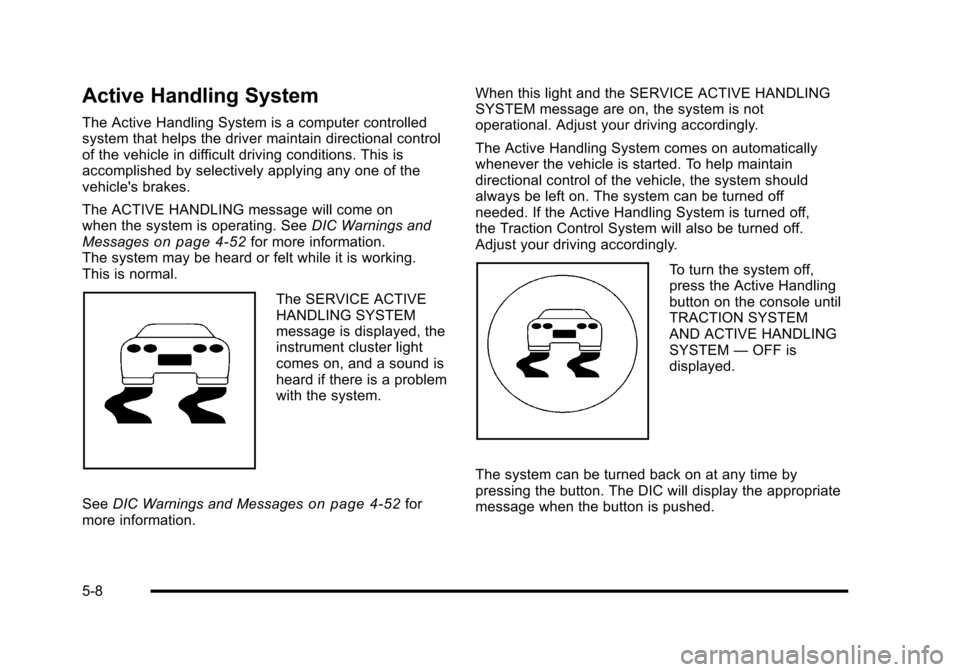
The SERVICE ACTIVE
HANDLING SYSTEM
message is displayed, the
instrument cluster light
comes on, and a sound is
heard if there is a problem
with the system.
See DIC Warnings and Messages
on page 4‑52for
more information. When this light and the SERVICE ACTIVE HANDLING
SYSTEM message are on, the system is not
operational. Adjust your driving accordingly.
The Active Handling System comes on automatically
whenever the vehicle is started. To help maintain
directional control of the vehicle, the system should
always be left on. The system can be turned off
needed. If the Active Handling System is turned off,
the Traction Control System will also be turned off.
Adjust your driving accordingly.
To turn the system off,
press the Active Handling
button on the console until
TRACTION SYSTEM
AND ACTIVE HANDLING
SYSTEM
—OFF is
displayed.
The system can be turned back on at any time by
pressing the button. The DIC will display the appropriate
message when the button is pushed.
5-8
Page 287 of 472

If the Tire Pressure Monitor (TPM) system detects a flat
tire and the Driver Information Center (DIC) displays
TIRE FLAT, or if the TPM system is malfunctioning and
the DIC displays SERVICE TIRE MONITOR, the Active
Handling System will be affected as follows:
.The Active Handling System cannot be turned off
by the driver.
.If the Active Handling System is off, it will be
turned on automatically.
.Competitive Driving Mode or Performance Traction
Management is unavailable.
.The Active Handling System will feel different in
aiding and maintaining directional control.
Competitive Driving Mode
Competitive Driving Mode, Performance Traction
Management, and Launch Control are systems
designed to allow increased performance while
accelerating and/or cornering. This is accomplished by
regulating and optimizing the engine, brakes, and
suspension performance. These modes are for use at a closed course race track and are not intended for use
on public roads. They will not compensate for a driver
’s
inexperience or lack of familiarity with the race track.
Drivers who prefer to allow the system to have more
control of the engine, brake, and suspension are
advised to turn the normal traction control and active
handling systems on. See Racing or Other Competitive
Driving
on page 5‑19for more information.
Notice: Do not attempt to shift when the drive
wheels are spinning and do not have traction. This
may cause damage to the transmission. Damage
caused by misuse of the vehicle is not covered by
the vehicle warranty. See the warranty book for
additional information.
Competitive Driving Mode (Except ZR1)
Competitive Driving Mode allows full engine power
while the Active Handling System helps maintain
directional control of the vehicle by selective brake
application. In this mode, TCS is off and Launch Control
is available. Adjust your driving style to account for the
available engine power. See Launch Control later in
this section.
5-9
Page 294 of 472
Steering
Power Steering
If power steering assist is lost because the engine stops
or the system is not functioning, the vehicle can be
steered but it will take more effort.
Magnetic Speed Variable Assist
Steering System
This system continuously adjusts the effort felt when
steering at all vehicle speeds. It provides ease when
parking, yet a firm, solid feel at highway speeds.
Steering Tips
It is important to take curves at a reasonable speed.
Traction in a curve depends on the condition of the tires
and the road surface, the angle at which the curve is
banked, and vehicle speed. While in a curve, speed is
the one factor that can be controlled.
If there is a need to reduce speed, do it before entering
the curve, while the front wheels are straight. Try to adjust the speed so you can drive through the
curve. Maintain a reasonable, steady speed. Wait to
accelerate until out of the curve, and then accelerate
gently into the straightaway.
Steering in Emergencies
There are times when steering can be more effective
than braking. For example, you come over a hill and
find a truck stopped in your lane, or a car suddenly pulls
out from nowhere, or a child darts out from between
parked cars and stops right in front of you. These
problems can be avoided by braking
—if you can stop
in time. But sometimes you cannot stop in time because
there is no room. That is the time for evasive
action —steering around the problem.
The vehicle can perform very well in emergencies
like these. First apply the brakes. See Braking
on
page 5‑4. It is better to remove as much speed as
possible from a collision. Then steer around the
problem, to the left or right depending on the
space available.
5-16
Page 296 of 472
Passing
Passing another vehicle on a two-lane road can be
dangerous. To reduce the risk of danger while passing:
.Look down the road, to the sides, and to
crossroads for situations that might affect a
successful pass. If in doubt, wait.
.Watch for traffic signs, pavement markings, and
lines that could indicate a turn or an intersection.
Never cross a solid or double‐solid line on your
side of the lane.
.Do not get too close to the vehicle you want to
pass. Doing so can reduce your visibility.
.Wait your turn to pass a slow vehicle.
.When you are being passed, ease to the right.
Loss of Control
Let us review what driving experts say about what
happens when the three control systems —brakes,
steering, and acceleration —do not have enough
friction where the tires meet the road to do what the
driver has asked.
In any emergency, do not give up. Keep trying to
steer and constantly seek an escape route or area of
less danger.
Skidding
In a skid, a driver can lose control of the vehicle.
Defensive drivers avoid most skids by taking
reasonable care suited to existing conditions, and
by not overdriving those conditions. But skids are
always possible.
The three types of skids correspond to the vehicle's
three control systems. In the braking skid, the wheels
are not rolling. In the steering or cornering skid, too
much speed or steering in a curve causes tires to slip
and lose cornering force. And in the acceleration skid,
too much throttle causes the driving wheels to spin.
Remember: Any traction control system helps avoid
only the acceleration skid. If the traction control system
is off, then an acceleration skid is best handled by
easing your foot off the accelerator pedal.
5-18
Page 297 of 472
If the vehicle starts to slide, ease your foot off the
accelerator pedal and quickly steer the way you want
the vehicle to go. If you start steering quickly enough,
the vehicle may straighten out. Always be ready for a
second skid if it occurs.
Of course, traction is reduced when water, snow, ice,
gravel, or other material is on the road. For safety, slow
down and adjust your driving to these conditions. It is
important to slow down on slippery surfaces because
stopping distance will be longer and vehicle control
more limited.
While driving on a surface with reduced traction, try
your best to avoid sudden steering, acceleration,
or braking, including reducing vehicle speed by shifting
to a lower gear. Any sudden changes could cause the
tires to slide. You may not realize the surface is slippery
until the vehicle is skidding. Learn to recognize warning
clues —such as enough water, ice, or packed snow on
the road to make a mirrored surface —and slow down
when you have any doubt.
Remember: Antilock brakes help avoid only the
braking skid.Racing or Other Competitive Driving
Racing or competitive driving may affect the vehicle
warranty. See the warranty book before using the
vehicle for racing or other competitive driving.
Notice: If you use the vehicle for racing or other
competitive driving, the engine may use more oil
than it would with normal use. Low oil levels can
damage the engine. For information on how to add
oil, see Engine Oil on page 6‑19.
Z06, ZR1, and Grand Sport Only: Be sure to check
the oil level often during racing or other competitive
driving and keep the level at or near the upper mark
that shows the proper operating range on the
engine oil dipstick.
Except Z06, ZR1, and Grand Sport: Be sure to check
the oil level often during racing or other competitive
driving and keep the level at or near 1 L (1 quart)
above the upper mark that shows the proper
operating range on the engine oil dipstick. After the
competitive driving, remove excess oil so that the
level on the dipstick is not above the upper mark
that shows the proper operating range.
Z06, ZR1, and Grand Sport Only: For racing or
competitive driving, it is recommended that the brake
fluid be replaced with a high performance brake fluid
that has a dry boiling point greater than 279°C (534°F).
5-19
Page 298 of 472
After conversion to the high performance brake fluid,
follow the brake fluid service recommendations outlined
by the fluid manufacturer. Do not use silicone or
DOT‐5 brake fluids.
If the vehicle is a Z06, ZR1, or Grand Sport model, it
has greaseable outer ends on both of the rear toe‐links.
Under normal use, lubrication should be performed as
described in the maintenance schedule. See Scheduled
Maintenance
on page 7‑3and Recommended Fluids
and Lubricantson page 7‑10. If using the vehicle for
racing, lubrication should be performed at the end of
each racing day. See your dealer/retailer for lubrication
and make sure any needed repairs are made at once.
Proper procedures for performing these services can be
found in the service manual. See Service Publications
Ordering Information on page 8‑16.
If the vehicle is used for racing or other competitive
driving, the rear axle fluid temperatures may be higher
than would occur in normal driving. We recommend that
the rear axle fluid be drained and refilled with new fluid
after every 24 hours of racing or competitive driving.
See Recommended Fluids and Lubricants
on
page 7‑10for what fluid to use.
ZR1 Brake Burnish Procedure
Notice: These procedures are specific to the ZR1
with ceramic brake rotors. These procedures should
not be run on other Corvette models as damage
may result.
Notice: The new vehicle break‐in period should be
completed before performing the brake burnish
procedure or damage may occur to the powertrain/
engine. See New Vehicle Break-In on page 3‑21.
When performed as instructed, these procedures will
not damage the brakes. During the burnishing
procedure, the brake pads will smoke and produce an
odor. The braking force and pedal travel may increase.
After the procedure is complete, the brake pads may
appear white at the rotor contact.
5-20