2010 BUICK LACROSSE traction control
[x] Cancel search: traction controlPage 223 of 414
Driving and Operating 8-1
Driving and
Operating
Driving Information
Driving for Better FuelEconomy . . . . . . . . . . . . . . . . . . . . 8-2
Defensive Driving . . . . . . . . . . . . . 8-3
Drunk Driving . . . . . . . . . . . . . . . . . 8-3
Control of a Vehicle . . . . . . . . . . . 8-4
Braking . . . . . . . . . . . . . . . . . . . . . . . 8-4
Steering . . . . . . . . . . . . . . . . . . . . . . . 8-5
Off-Road Recovery . . . . . . . . . . . . 8-6
Loss of Control . . . . . . . . . . . . . . . . 8-7
Driving on Wet Roads . . . . . . . . . 8-8
Highway Hypnosis . . . . . . . . . . . . 8-8
Hill and Mountain Roads . . . . . . 8-9
Winter Driving . . . . . . . . . . . . . . . . . 8-9
If the Vehicle is Stuck . . . . . . . . 8-11
Vehicle Load Limits . . . . . . . . . . 8-12
Starting and Operating
New Vehicle Break-In . . . . . . . . 8-17
Ignition Positions (Key Access) . . . . . . . . . . . . . . . . . . . . 8-18
Ignition Positions (Keyless Access) . . . . . . . . . . . . . . . . . . . . 8-19 Retained Accessory
Power (RAP) . . . . . . . . . . . . . . . 8-20
Starting the Engine . . . . . . . . . . 8-20
Engine Heater . . . . . . . . . . . . . . . 8-22
Shifting Into Park . . . . . . . . . . . . 8-23
Shifting Out of Park . . . . . . . . . . 8-25
Parking Over Things That Burn . . . . . . . . . . . . . . . . . . 8-25
Engine Exhaust
Engine Exhaust . . . . . . . . . . . . . . 8-26
Running the Vehicle WhileParked . . . . . . . . . . . . . . . . . . . . . 8-26
Automatic Transmission
Automatic Transmission . . . . . 8-27
Manual Mode . . . . . . . . . . . . . . . . 8-29
Drive Systems
All-Wheel Drive . . . . . . . . . . . . . . 8-30
Brakes
Antilock BrakeSystem (ABS) . . . . . . . . . . . . . . 8-31
Parking Brake . . . . . . . . . . . . . . . 8-32
Brake Assist . . . . . . . . . . . . . . . . . 8-34
Ride Control Systems
Traction Control System (TCS) . . . . . . . . . . . . . . 8-34
Electronic Stability Control (ESC) . . . . . . . . . . . . . . 8-35
Selective Ride Control . . . . . . . 8-36
Cruise Control
Cruise Control . . . . . . . . . . . . . . . 8-37
Object Detection Systems
Ultrasonic Parking Assist . . . . 8-40
Side Blind Zone
Alert (SBZA) . . . . . . . . . . . . . . . 8-43
Rear Vision Camera (RVC) . . . . . . . . . . . . . 8-46
Fuel
Fuel . . . . . . . . . . . . . . . . . . . . . . . . . 8-49
Recommended Fuel . . . . . . . . . 8-50
Gasoline Specifications . . . . . . 8-50
California FuelRequirements . . . . . . . . . . . . . . 8-51
Fuels in Foreign Countries . . . 8-51
Fuel Additives . . . . . . . . . . . . . . . 8-51
Filling the Tank . . . . . . . . . . . . . . 8-52
Filling a Portable Fuel Container . . . . . . . . . . . . . . . . . . . 8-53
Page 226 of 414
8-4 Driving and Operating
Medical research shows that
alcohol in a person's system can
make crash injuries worse,
especially injuries to the brain,
spinal cord, or heart. This means
that when anyone who has been
drinking—driver or passenger —is
in a crash, that person's chance of
being killed or permanently disabled
is higher than if the person had not
been drinking.
Control of a Vehicle
The following three systems help to
control the vehicle while
driving —brakes, steering, and
accelerator. At times, as when
driving on snow or ice, it is easy to
ask more of those control systems
than the tires and road can provide.
Meaning, you can lose control of the
vehicle. See Traction Control
System (TCS) on page 8‑34.
Adding non-dealer/non-retailer
accessories can affect vehicle
performance. See Accessories and
Modifications on page 9‑3.
Braking
See Brake System Warning Lighton page 4‑20.
Braking action involves perception
time and reaction time. Deciding to
push the brake pedal is perception
time. Actually doing it is
reaction time.
Average reaction time is about
three-fourths of a second. But that is
only an average. It might be less
with one driver and as long as two
or three seconds or more with
another. Age, physical condition,
alertness, coordination, and
eyesight all play a part. So do
alcohol, drugs, and frustration. But
even in three-fourths of a second, a
vehicle moving at 100 km/h
(60 mph) travels 20 m (66 ft). That
could be a lot of distance in an
emergency, so keeping enough
space between the vehicle and
others is important. And, of course, actual stopping
distances vary greatly with the
surface of the road, whether it is
pavement or gravel; the condition of
the road, whether it is wet, dry,
or icy; tire tread; the condition of the
brakes; the weight of the vehicle;
and the amount of brake force
applied.
Avoid needless heavy braking.
Some people drive in
spurts
—heavy acceleration
followed by heavy braking —rather
than keeping pace with traffic. This
is a mistake. The brakes might not
have time to cool between hard
stops. The brakes will wear out
much faster with a lot of heavy
braking. Keeping pace with the
traffic and allowing realistic following
distances eliminates a lot of
unnecessary braking. That means
better braking and longer brake life.
Page 227 of 414
Driving and Operating 8-5
If the engine ever stops while the
vehicle is being driven, brake
normally but do not pump the
brakes. If the brakes are pumped,
the pedal could get harder to push
down. If the engine stops, there will
still be some power brake assist but
it will be used when the brake is
applied. Once the power assist is
used up, it can take longer to stop
and the brake pedal will be harder
to push.
Adding non-dealer/non-retailer
accessories can affect vehicle
performance. SeeAccessories and
Modifications on page 9‑3.
Steering
Power Steering
If power steering assist is lost
because the engine stops or the
power steering system is not
functioning, the vehicle can be
steered but it will take more effort.
Speed Variable Assist Steering
The vehicle has a steering system
that varies the amount of effort
required to steer the vehicle in
relation to the speed of the vehicle.
The amount of steering effort
required is less at slower speeds to
make the vehicle more
maneuverable and easier to park. At
faster speeds, the steering effort
increases to provide a sport-like feel
to the steering. This provides
maximum control and stability.
If the vehicle seems harder to steer
than normal when parking or driving
slowly, there may be a problem with
the system. You will still have power
steering, but steering will be stiffer
than normal at slow speeds. See
your dealer/retailer for service.
Steering Tips
It is important to take curves at a
reasonable speed.
Traction in a curve depends on the
condition of the tires and the road
surface, the angle at which the
curve is banked, and vehicle speed.
While in a curve, speed is the one
factor that can be controlled.
If there is a need to reduce speed,
do it before entering the curve, while
the front wheels are straight.
Try to adjust the speed so you can
drive through the curve. Maintain a
reasonable, steady speed. Wait to
accelerate until out of the curve, and
then accelerate gently into the
straightaway.
Page 229 of 414
Driving and Operating 8-7
tire contacts the pavement edge.
Then turn the steering wheel to go
straight down the roadway.
Loss of Control
Let us review what driving experts
say about what happens when the
three control systems—brakes,
steering, and acceleration —do not
have enough friction where the tires
meet the road to do what the driver
has asked.
In any emergency, do not give up.
Keep trying to steer and constantly
seek an escape route or area of
less danger.
Skidding
In a skid, a driver can lose control of
the vehicle. Defensive drivers avoid
most skids by taking reasonable
care suited to existing conditions,
and by not overdriving those
conditions. But skids are always
possible. The three types of skids correspond
to the vehicle's three control
systems. In the braking skid, the
wheels are not rolling. In the
steering or cornering skid, too much
speed or steering in a curve causes
tires to slip and lose cornering force.
And in the acceleration skid, too
much throttle causes the driving
wheels to spin.
If the vehicle starts to slide, ease
your foot off the accelerator pedal
and quickly steer the way you want
the vehicle to go. If you start
steering quickly enough, the vehicle
may straighten out. Always be ready
for a second skid if it occurs.
Of course, traction is reduced when
water, snow, ice, gravel, or other
material is on the road. For safety,
slow down and adjust your driving to
these conditions. It is important to
slow down on slippery surfaces
because stopping distance is longer
and vehicle control more limited.
While driving on a surface with
reduced traction, try your best to
avoid sudden steering, acceleration,
or braking, including reducing
vehicle speed by shifting to a lower
gear. Any sudden changes could
cause the tires to slide. You might
not realize the surface is slippery
until the vehicle is skidding. Learn to
recognize warning clues
—such as
enough water, ice, or packed snow
on the road to make a mirrored
surface —and slow down when you
have any doubt.
Remember: Any Antilock Brake
System (ABS) helps avoid only the
braking skid.
Page 230 of 414

8-8 Driving and Operating
Driving on Wet Roads
Rain and wet roads can reduce
vehicle traction and affect your
ability to stop and accelerate.
Always drive slower in these types
of driving conditions and avoid
driving through large puddles and
deep-standing or flowing water.
{WARNING
Wet brakes can cause crashes.
They might not work as well in a
quick stop and could cause
pulling to one side. You could
lose control of the vehicle.
After driving through a large
puddle of water or a car/vehicle
wash, lightly apply the brake
pedal until the brakes work
normally.
Flowing or rushing water creates
strong forces. Driving through
flowing water could cause your
vehicle to be carried away. If this(Continued)
WARNING (Continued)
happens, you and other vehicle
occupants could drown. Do not
ignore police warnings and be
very cautious about trying to drive
through flowing water.
Hydroplaning
Hydroplaning is dangerous. Water
can build up under your vehicle's
tires so they actually ride on the
water. This can happen if the road is
wet enough and you are going fast
enough. When your vehicle is
hydroplaning, it has little or no
contact with the road.
There is no hard and fast rule about
hydroplaning. The best advice is to
slow down when the road is wet.
Other Rainy Weather Tips
Besides slowing down, other wet
weather driving tips include:
.Allow extra following distance.
.Pass with caution.
.Keep windshield wiping
equipment in good shape.
.Keep the windshield washer fluid
reservoir filled.
.Have good tires with proper
tread depth. SeeTireson
page 9‑46.
.Turn off cruise control.
Highway Hypnosis
Always be alert and pay attention to
your surroundings while driving.
If you become tired or sleepy, find a
safe place to park your vehicle
and rest.
Other driving tips include:
.Keep the vehicle well ventilated.
.Keep interior temperature cool.
.Keep your eyes moving —scan
the road ahead and to the sides.
.Check the rearview mirror and
vehicle instruments often.
Page 234 of 414

8-12 Driving and Operating
Rocking the Vehicle to Get
it Out
Turn the steering wheel left and
right to clear the area around the
front wheels. Turn off any traction
system. Shift back and forth
between R (Reverse) and a forward
gear, spinning the wheels as little as
possible. To prevent transmission
wear, wait until the wheels stop
spinning before shifting gears.
Release the accelerator pedal while
shifting, and press lightly on the
accelerator pedal when the
transmission is in gear. Slowly
spinning the wheels in the forward
and reverse directions causes a
rocking motion that could free the
vehicle. If that does not get the
vehicle out after a few tries, it might
need to be towed out. If the vehicle
does need to be towed out, see
Towing the Vehicle on page 9‑79.
Vehicle Load Limits
It is very important to know how
much weight the vehicle can
carry. This weight is called the
vehicle capacity weight and
includes the weight of all
occupants, cargo and all
nonfactory-installed options.
Two labels on the vehicle show
how much weight it may
properly carry, the Tire and
Loading Information label and
the Certification label.{WARNING
Do not load the vehicle any
heavier than the Gross
Vehicle Weight Rating
(GVWR), or either the
maximum front or rear Gross
Axle Weight Rating (GAWR).
If you do, parts on the vehicle
can break, and it can change
the way your vehicle handles.
These could cause you to lose
control and crash. Also,
overloading can shorten the
life of the vehicle.
Page 256 of 414
8-34 Driving and Operating
Brake Assist
This vehicle has a Brake Assist
feature designed to assist the driver
in stopping or decreasing vehicle
speed in emergency driving
conditions. This feature uses the
stability system hydraulic brake
control module to supplement the
power brake system under
conditions where the driver has
quickly and forcefully applied the
brake pedal in an attempt to quickly
stop or slow down the vehicle. The
stability system hydraulic brake
control module increases brake
pressure at each corner of the
vehicle until the ABS activates.
Minor brake pedal pulsations or
pedal movement during this time
is normal and the driver should
continue to apply the brake pedal
as the driving situation dictates.
The Brake Assist feature will
automatically disengage when the
brake pedal is released or brake
pedal pressure is quickly
decreased.
Ride Control Systems
Traction Control
System (TCS)
The vehicle has a traction control
system that limits wheel spin. This is
especially useful in slippery road
conditions. On a front-wheel-drive
vehicle, the system operates if it
senses that one or both of the front
wheels are spinning or beginning to
lose traction. On an All-Wheel-Drive
(AWD) vehicle, the system will
operate if it senses that any of the
wheels are spinning or beginning to
lose traction. When this happens,
the system brakes the spinning
wheel(s) and/or reduces engine
power to limit wheel spin.
The system may be heard or felt
while it is working, but this is
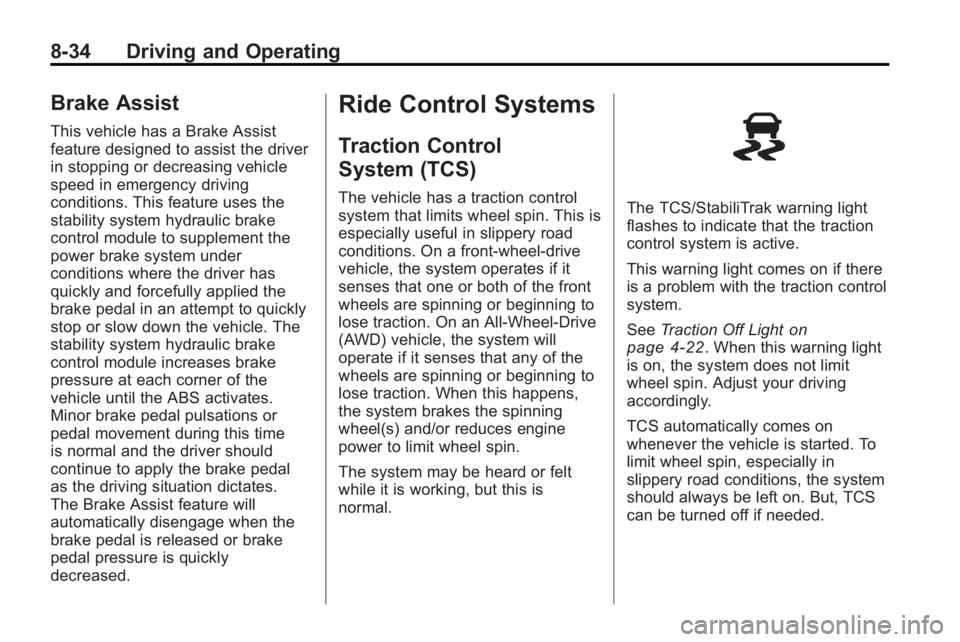
normal.The TCS/StabiliTrak warning light
flashes to indicate that the traction
control system is active.
This warning light comes on if there
is a problem with the traction control
system.
SeeTraction Off Light
on
page 4‑22. When this warning light
is on, the system does not limit
wheel spin. Adjust your driving
accordingly.
TCS automatically comes on
whenever the vehicle is started. To
limit wheel spin, especially in
slippery road conditions, the system
should always be left on. But, TCS
can be turned off if needed.
Page 257 of 414
Driving and Operating 8-35
Notice:Do not repeatedly brake
or accelerate heavily when TCS is
off. The vehicle's driveline could
be damaged.
The TCS off light comes on to
indicate that the traction control
system has been turned off.
When TCS is switched off on AWD
vehicles, the system may still make
noise. This is normal and necessary
with the AWD hardware on the
vehicle.
It might be necessary to turn the
system off if the vehicle gets stuck
in sand, mud or snow and rocking
the vehicle is required. See If the
Vehicle is Stuck
on page 8‑11for
more information. See also WinterDriving
on page 8‑9for
information on using TCS when
driving in snowy or icy conditions.
To turn the system off, pressg
located on the console to the right of
the shifter.
Press and release
gand the traction
control system turns off and the
traction control system warning light
comes on. Press
gagain to turn the
system back on. For information on
turning StabiliTrak off and on, see
StabiliTrak System following in this
section.
Adding non-GM accessories can
affect the vehicle's performance.
See Accessories and Modifications
on page 9‑3for more information.
Electronic Stability
Control (ESC)
The vehicle has a vehicle stability
enhancement system called
StabiliTrak. It is an advanced
computer controlled system that
assists with directional control of the
vehicle in difficult driving conditions.
StabiliTrak activates when the
computer senses a difference
between the intended path and the
direction the vehicle is actually
traveling. StabiliTrak selectively
applies braking pressure at any one
of the vehicle's brakes to help steer
the vehicle in the intended direction.
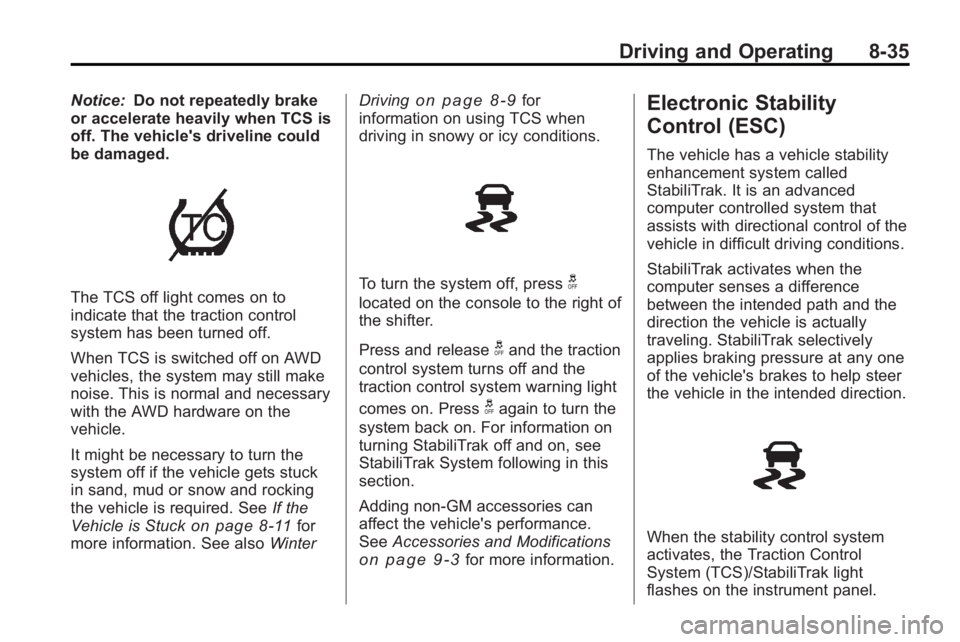
When the stability control system
activates, the Traction Control
System (TCS)/StabiliTrak light
flashes on the instrument panel.