2009 VOLVO XC60 phone
[x] Cancel search: phonePage 152 of 297
04 Comfort and driving pleasureBluetooth® hands-free connection 04
150
Ringing volume
Go to Phone settings Sounds and volume
Ring volume and adjust the volume with
the / keys on the center console.
Ringing tonesThe hands-free system’s integrated ringing
tones can be selected in Phone settings
Sounds and volume Ring signal Ring
signal 1,2,3....
NOTE The connected cell phone’s ring tone is not
switched off when one of the hands-free
system\fs ringing tones is used.
If you prefer to use the connected cell phone’s
ring tone
1
, go to Phone settings Sounds
and volume Ring signal Use mobile
phone signal More information about registering
and connecting cell phones
A maximum of 5 cell phones can be registered
in the hands-free system. Registration only
needs to be done once for each phone. After
registration, the cell phone no longer needs to
be in sight or searchable. Only one cell phone
can be connected to hands-free at a time.
Phones can be unregistered in
Bluetooth Remove telephoneAutomatic connectionWhen the hands-free system is active and the
most recently connected cell phone is within
range, it is detected automatically. When the
audio system searches for the most recently
connected phone, this phone’s name appears
in the display. To manually connect a different
cell phone, press EXIT.
Manual connectionTo connect a phone other than the one that
was most recently connected or to switch
between cell phones that are already regis-
tered in the hands-free system:
1. Put the audio system in telephone mode.
2.
Press PHONE in the center console and
select one of the phones on the list. A connection can also be established in the
menu system under Bluetooth Connect
phone or Change phone.
Phone book
In order to use the hands-free system’s phone
book (list of contacts), TELEPHONE must be
displayed at the top of the center console dis-
play and the symbol must be visible.
The audio system stores a copy of the phone
book of each registered cell phone. The phone
book is automatically copied each time a
phone is connected. This function can be acti-
vated in Phone settings Synchronise
phone book. Searches for contacts are only
made in the phone book of the currently con-
nected cell phone.
NOTE If a particular cell phone does not support
copying of the phone book,
List is empty
will be displayed when copying has been
completed. If the phone book contains information about
someone who is trying to call you, this infor-
mation will be shown in the display.
1
Not supported by all cell phones.
Page 153 of 297

04 Comfort and driving pleasure
Bluetooth® hands-free connection04
}}
151
Searching for contactsThe easiest way to search for a contact in the
phone book is to press and hold any of the
buttons 2–9 (see the illustration on page 147).
This starts a search based on the first letter on
the button that has been pressed.
The phone book can also be accessed by
pressing the navigation buttons / on the
center console or by pressing / on the
steering wheel keypad. A search can also be
made in the phone book’s search menu in
Phone book Search:
1.
Enter the first letter of the contact’s name and press ENTER or simply press ENTER.
2. Select the desired contact and press ENTER to make a call to that person.
Voice controlIf the cell phone that is currently connected
allows calls to be made via voice commands,
this function can be used by pressing and hold-
ing ENTER.
Voice mail numberThe phone number to your voice mail can be
changed in the menu Phone settings Call
options Voice mail number. If no number
has been stored, this menu can be accessed
by a prolonged press on button 1. Once a phone number has been stored, press and hold
1 to dial this number.
Call listsLists of calls in a particular cell phone are cop-
ied to the hands-free system each time that
phone is connected. These lists are then upda-
ted while the phone is connected. Press
ENTER to show the most recently dialed num-
bers. Other call lists can be found under Call
register.
NOTE
Certain cell phones display the list of the
most recently dialed numbers in reverse
order.
Entering textText is entered by using the number buttons in
the center console. Press a button once to
enter the first letter on the button, twice to enter
the second letter, etc. Continue to press the
button to display other characters.
–
Press EXIT briefly to erase a character.
– Press and hold EXIT to erase all of the
characters that have been entered.
Use the / buttons on the center console
to navigate among the characters. Button Function
Space .1-? ! , : " \f ( )
A B C 2 \b Å À Æ Ç
D E F 3 È É
G H I 4 Ì
J K L 5
M N O 6 Ñ Ö Ò Ø
P Q R S 7 ß
T U V 8 Ü Ù
W X Y Z 9
Press briefly if two characters are
to be entered in succession from
the same button.
+ 0 @ * # & $ £ / %
Shift between uppercase and
lowercase letters
Page 154 of 297
04 Comfort and driving pleasureBluetooth® hands-free connection 04
152 Bluetooth® menus
1.
Missed calls
2. Received calls
3 Dialed calls
4. Phone book
4.1.
Search
4.2. Copy fr. mobile phone
5. Bluetooth...
5.1. Change phone
5.2. Connect phone
5.3. Disconnect phone
5.4. Connect fr. mobile phone
6. Phone settings
6.1. Call options
6.1.2. Automatic answer
6.1.3. Voice mail number
6.2. Sounds and volume
6.3. IDIS
6.4. Synchronize phone book
Page 201 of 297
04 Comfort and driving pleasure
Passenger compartment convenience04
* Option/accessory, for more information, see Introduction. 199
Vanity mirror
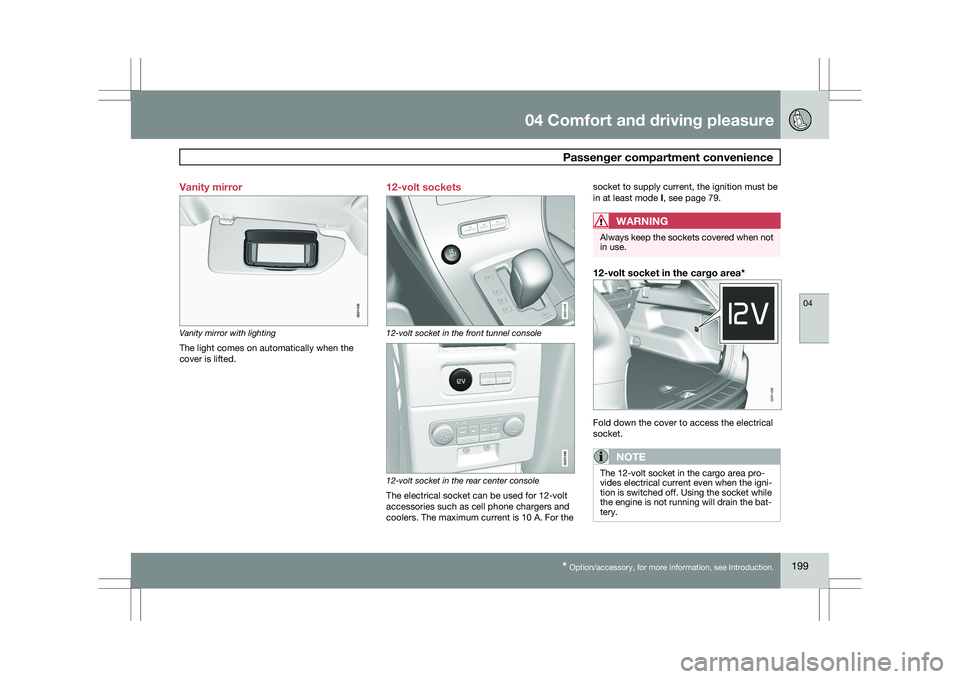
Vanity mirror with lighting
The light comes on automatically when the
cover is lifted.
12-volt sockets 12-volt socket in the front tunnel console
12-volt socket in the rear center console
The electrical socket can be used for 12-volt
accessories such as cell phone chargers and
coolers. The maximum current is 10 A. For thesocket to supply current, the ignition must be
in at least mode I, see page 79.
WARNING Always keep the sockets covered when not
in use.
12-volt socket in the cargo area*
Fold down the cover to access the electrical
socket.
NOTE
The 12-volt socket in the cargo area pro-
vides electrical current even when the igni-
tion is switched off. Using the socket while
the engine is not running will drain the bat-
tery. G021438 G031435 G021440 G031436
Page 209 of 297
05 During your trip
Refueling05
}}
207
Octane rating
Minimum octane
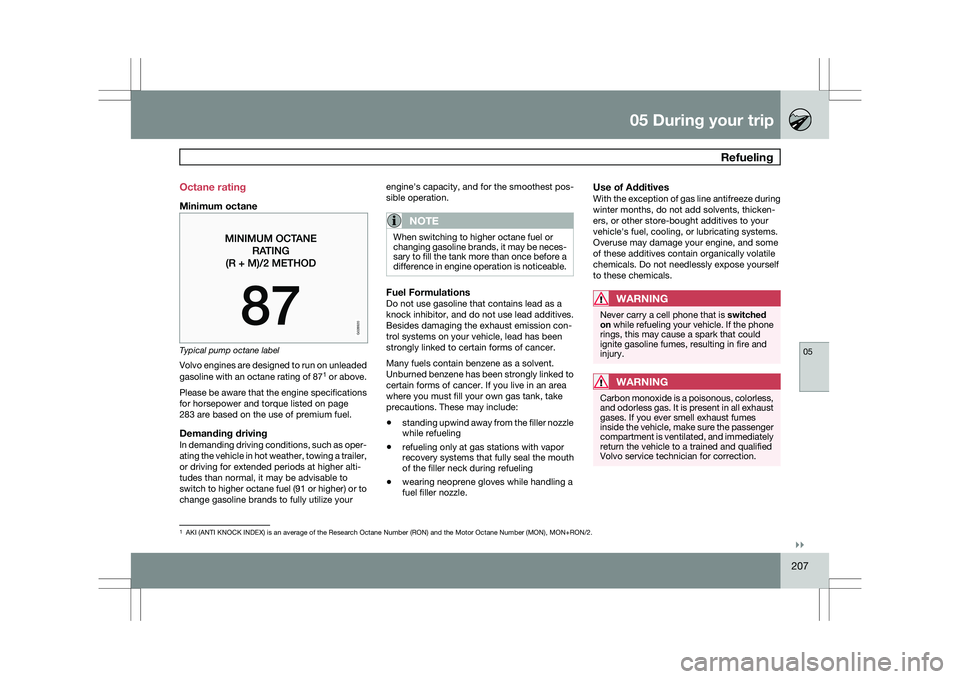
Typical pump octane label
Volvo engines are designed to run on unleaded
gasoline with an octane rating of 87
1
or above.
Please be aware that the engine specifications
for horsepower and torque listed on page
283 are based on the use of premium fuel.
Demanding drivingIn demanding driving conditions, such as oper-
ating the vehicle in hot weather, towing a trailer,
or driving for extended periods at higher alti-
tudes than normal, it may be advisable to
switch to higher octane fuel (91 or higher) or to
change gasoline brands to fully utilize your engine\fs capacity, and for the smoothest pos-
sible operation.
NOTE When switching to higher octane fuel or
changing gasoline brands, it may be neces-
sary to fill the tank more than once before a
difference in engine operation is noticeable.
Fuel FormulationsDo not use gasoline that contains lead as a
knock inhibitor, and do not use lead additives.
Besides damaging the exhaust emission con-
trol systems on your vehicle, lead has been
strongly linked to certain forms of cancer.
Many fuels contain benzene as a solvent.
Unburned benzene has been strongly linked to
certain forms of cancer. If you live in an area
where you must fill your own gas tank, take
precautions. These may include:
\b
standing upwind away from the filler nozzle
while refueling
\b refueling only at gas stations with vapor
recovery systems that fully seal the mouth
of the filler neck during refueling
\b wearing neoprene gloves while handling a
fuel filler nozzle.
Use of AdditivesWith the exception of gas line antifreeze during
winter months, do not add solvents, thicken-
ers, or other store-bought additives to your
vehicle\fs fuel, cooling, or lubricating systems.
Overuse may damage your engine, and some
of these additives contain organically volatile
chemicals. Do not needlessly expose yourself
to these chemicals.
WARNING Never carry a cell phone that is
switched
on while refueling your vehicle. If the phone
rings, this may cause a spark that could
ignite gasoline fumes, resulting in fire and
injury.
WARNING Carbon monoxide is a poisonous, colorless,
and odorless gas. It is present in all exhaust
gases. If you ever smell exhaust fumes
inside the vehicle, make sure the passenger
compartment is ventilated, and immediately
return the vehicle to a trained and qualified
Volvo service technician for correction.
1
AKI (ANTI KNOCK INDEX) is an average of the Research Octane Number (R\
ON) and the Motor Octane Number (MON), MON+RON/2.
G028920
Page 291 of 297

07 Index07
289
introduction......................................... 232
license plate lights
.............................. 237
side marker lights ............................... 235
specifications ...................................... 238
taillight ................................................ 236
C Camera, Park Assist................................
190
Capacity weight ....................................... 261
Cargo area changing bulbs ................................... 237
steel grid............................................. 213
Cargo area cover ..................................... 214
Cargo area net ......................................... 214
Catalytic converter ................................... 208
CD player/changer ...........................144, 145
Cell phone, hands-free connection .........147
Central locking system, introduction .........50
Chains ...................................................... 262
Check engine light ..................................... 74
Child restraints recalls and registration .........................44Child restraint systems
..............................35
booster cushions .................................. 41
convertible seats .................................. 39
infant seats........................................... 37
ISOFIX/LATCH anchors ........................42
top tether anchors ................................ 43
Child safety.......................................... 33, 34
booster cushions .................................. 41
child restraint systems ..........................35
convertible seats .................................. 39
infant seats........................................... 37
Child safety locks ...................................... 65
City Safety™............................................ 166
Climate system ........................................ 130
air distribution ............................. 127, 131
air vents.............................................. 127
Interior Air Quality System.................. 127
introduction
......................................... 126
passenger compartment filter ............126
refrigerant ........................................... 126
Clock, setting ............................................. 78
Cold weather driving ................................ 204
Collision warning system .........................160
Compass in rearview mirror .....................154
Conserving electrical current ...................203
Convertible seats ....................................... 39Coolant
............................................ 230, 285
Cooling system, general information .......203
Courtesy lighting .................................. 90, 91
Crash mode............................................... 32
Cruise control .................................. 158, 159
adaptive...................... 172, 173, 174, 175
Curb weight............................................. 261
Current, conserving ................................. 203
D Defroster..................................................
130
Detachable key blade................................ 55
Digital Audio Broadcasting (DAB) ............140
Dimensions .............................................. 281
Disconnecting the front passenger’s air-
bag....................................................... 22, 23
Dome lighting ....................................... 90, 91
Door mirrors ............................................... 98
Driver distraction warning ............................ 8
Driving economically
................................ 202
Driving in cold weather ............................204
Driving through water ..............................203