Page 245 of 592
245
3-1. Using the air conditioning system
and defogger
3
Interior features
CAUTION
■To prevent the windshield from fogging up
Do not set the air outlet selection dial to during cool air operation in
extremely humid weather. The difference between the temperature of the
outside air and that of the windshield can cause the outer surface of the
windshield to fog up, blocking your vision.
NOTICE
■To prevent battery discharge
Do not leave the air conditioning system on longer than necessary when the
engine is off.
Page 252 of 592
252 3-1. Using the air conditioning system and defogger
■When is selected for the air outlets used
For your driving comfort, air flowing to the feet may be warmer than air flow-
ing to the upper body depending on the temperature setting.
■ When the indicator light on
flashes
Press
and turn off the air conditioning system before turning it on
once more. There may be a problem in the air conditioning system if the indi-
cator light continues to flash. Turn the air conditioning system off and have it
inspected by your Toyota dealer.
CAUTION
■ To prevent the windshield from fogging up
Do not use during cool air operation in extremely humid weather.
The difference between the temperature of the outside air and that of the
windshield can cause the outer surface of the windshield to fog up, blocking
your vision.
NOTICE
■To prevent battery discharge
Do not leave the air conditioning system on longer than necessary when the
engine is off.
Page 255 of 592
255
3-1. Using the air conditioning system
and defogger
3
Interior features
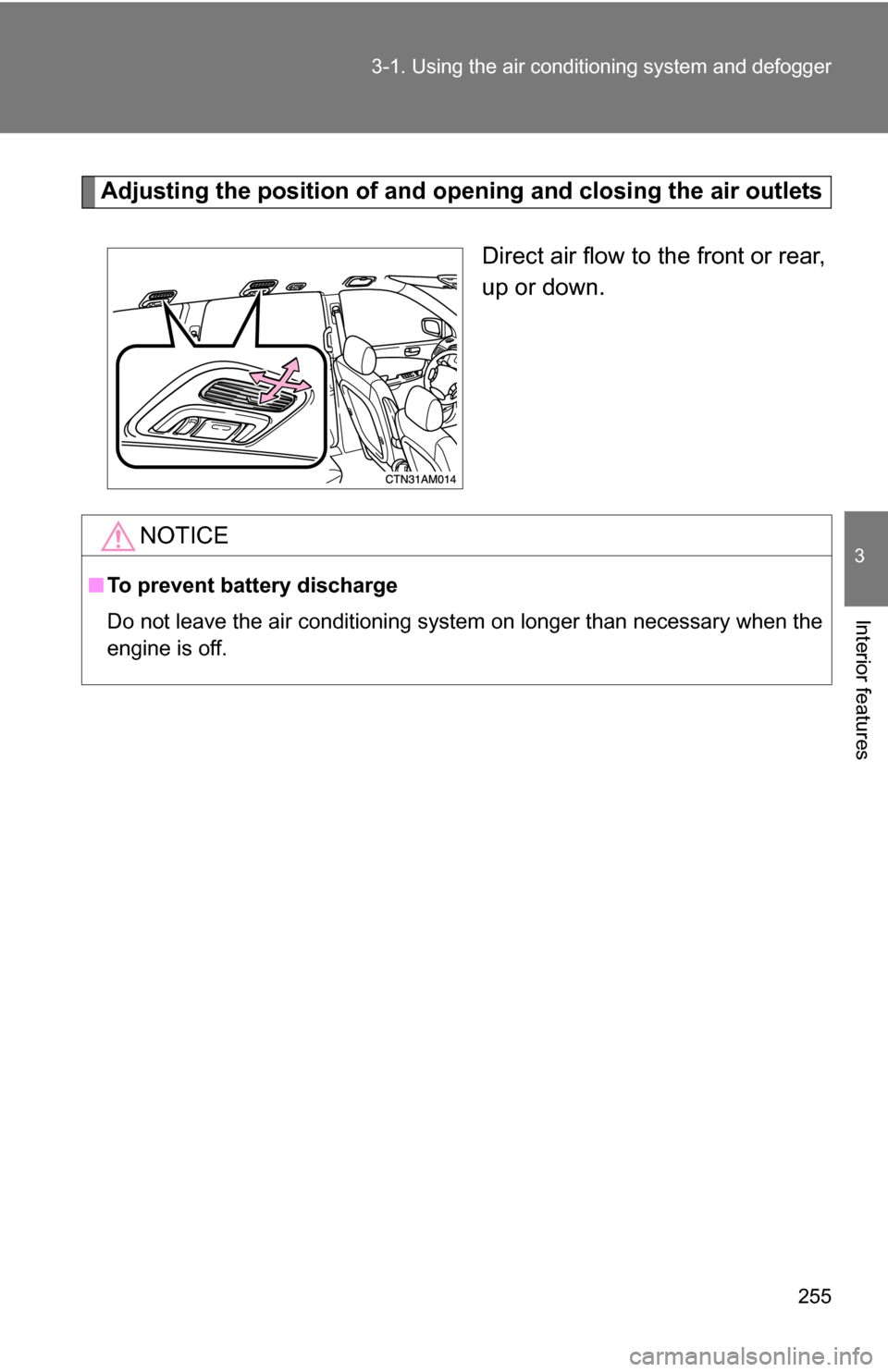
Adjusting the position of and opening and closing the air outlets
Direct air flow to the front or rear,
up or down.
NOTICE
■To prevent battery discharge
Do not leave the air conditioning system on longer than necessary when the
engine is off.
Page 259 of 592
259
3-1. Using the air conditioning system
and defogger
3
Interior features
■Temperature display
The temperature display (English/U.S. Customary System and metric units)
on the trip information display can be changed. ( P. 183)
■ When the front air conditioning system is in simultaneous mode
“SYNC” is shown on the display. The rear air conditioning system controls
will not function. ( P. 247)
NOTICE
■To prevent battery discharge
Do not leave the air conditioning system on longer than necessary when the
engine is off.
Page 260 of 592
260
3-1. Using the air conditioning system and defogger
Rear window and outside rear view mirror defoggers, and windshield wiper de-icer
■The defogger can be operated when
The engine switch is in the “ON” position.
■ Outside rear view mirror defoggers (vehicles with outside rear view
mirror defoggers)
Turning the rear window defogger on will turn the outside rear view mirror
defoggers on.
■ Windshield wiper de-icer (vehicl es with windshield wiper de-icer)
Turning the rear window defogger on will turn the windshield wiper de-icer
on.
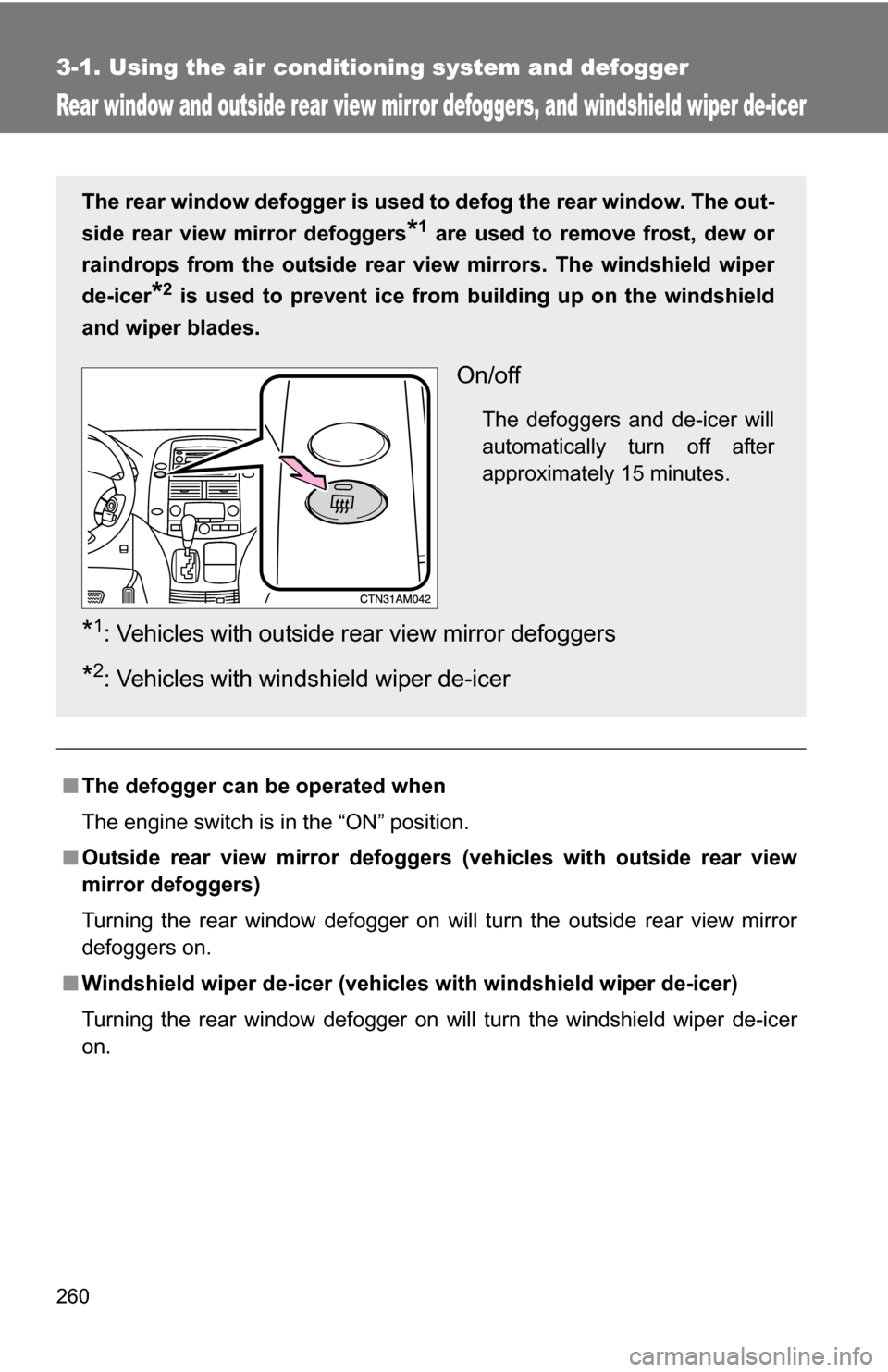
The rear window defogger is used to defog the rear window. The out-
side rear view mirror defoggers
*1 are used to remove frost, dew or
raindrops from the outside rear vi ew mirrors. The windshield wiper
de-icer
*2 is used to prevent ice from building up on the windshield
and wiper blades.
On/off
The defoggers and de-icer will
automatically turn off after
approximately 15 minutes.
*1: Vehicles with outside rear view mirror defoggers
*2: Vehicles with windshield wiper de-icer
Page 264 of 592
264 3-2. Using the audio system
CAUTION
■For vehicles sold in U.S.A. and Canada
●Part 15 of the FCC Rules
FCC Warning:
Any unauthorized changes or modifications to this equipment will void the
user’s authority to operate this device.
● Laser products
• Do not take this unit apart or attempt to make any changes yourself.
This is an intricate unit that uses a laser pickup to retrieve information
from the surface of compact discs. The laser is carefully shielded so
that its rays remain inside the cabinet. Therefore, never try to disas-
semble the player or alter any of its parts since you may be exposed to
laser rays and dangerous voltages.
• This product utilizes a laser. Use of controls or adjustments or performance of procedures other
than those specified herein may result in hazardous radiation expo-
sure.
NOTICE
■ To prevent battery discharge
Do not leave the audio system on longer than necessary when the engine is
off.
■ To avoid damaging the audio system
Take care not to spill drinks or other fluids over the audio system.
Page 289 of 592
289
3-2. Using the audio system
3
Interior features
■
Adjusting the Automatic Sound Levelizer (ASL)
ASL automatically adjusts the volume and tone quality to compen-
sate for varying noise levels while driving.
Type A and B
When “ASL” is selected, turning to the right changes the
“ASL” level in the order of “LOW”, “MID” and “HIGH”.
Turning to the left turns “ASL” off.
Type C
When “ASL” is selected, turning to the right turns “ASL” on,
and turning to the left turns “ASL” off.
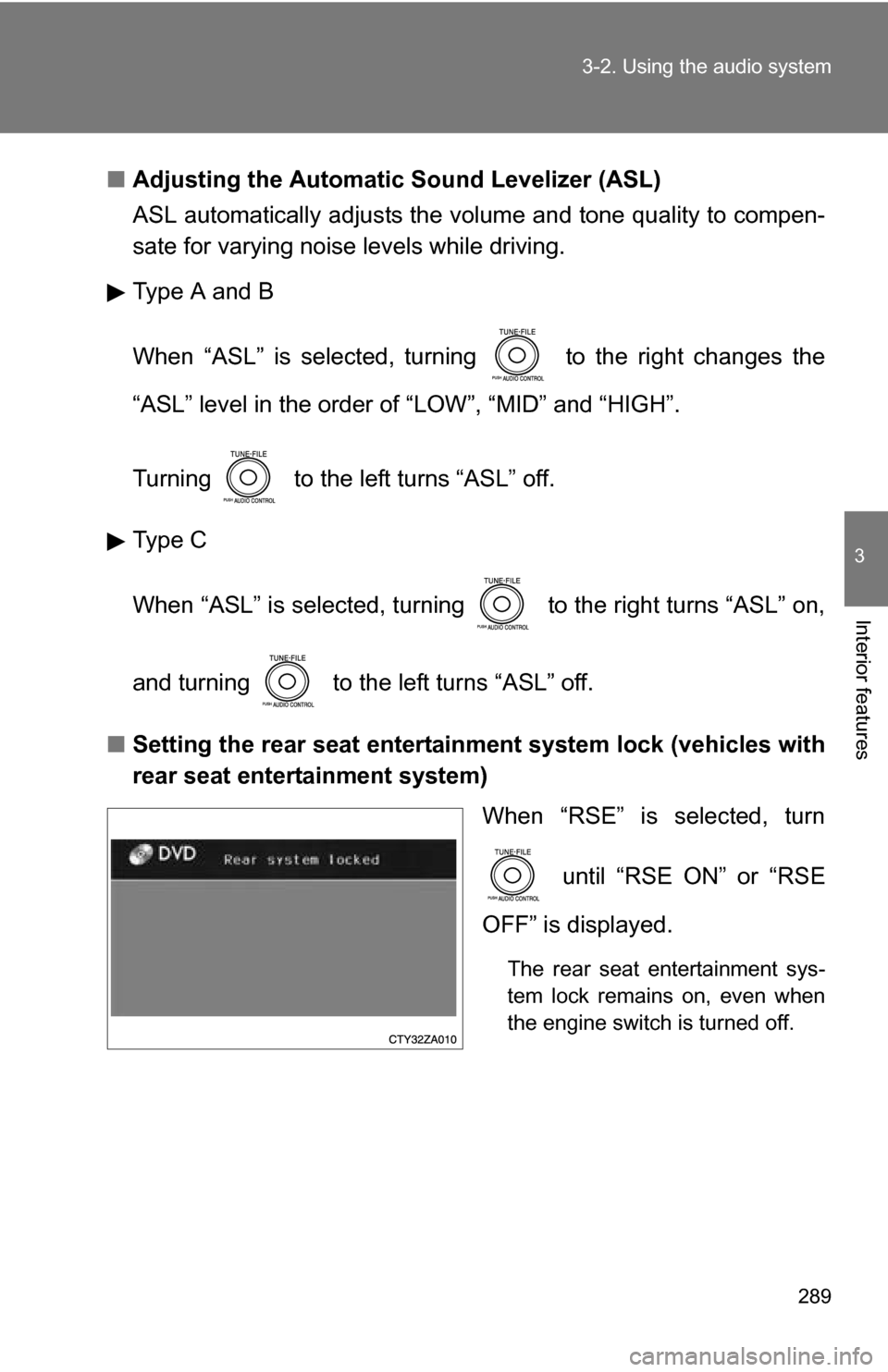
■ Setting the rear seat entertainment system lock (vehicles with
rear seat entertainment system)
When “RSE” is selected, turn
until “RSE ON” or “RSE
OFF” is displayed.
The rear seat entertainment sys-
tem lock remains on, even when
the engine switch is turned off.
Page 299 of 592
299
3-3. Using the rear audio system
3
Interior features
■
The rear seat entertainmen t system can be used when
The engine switch is in the “ACC” or “ON” position.
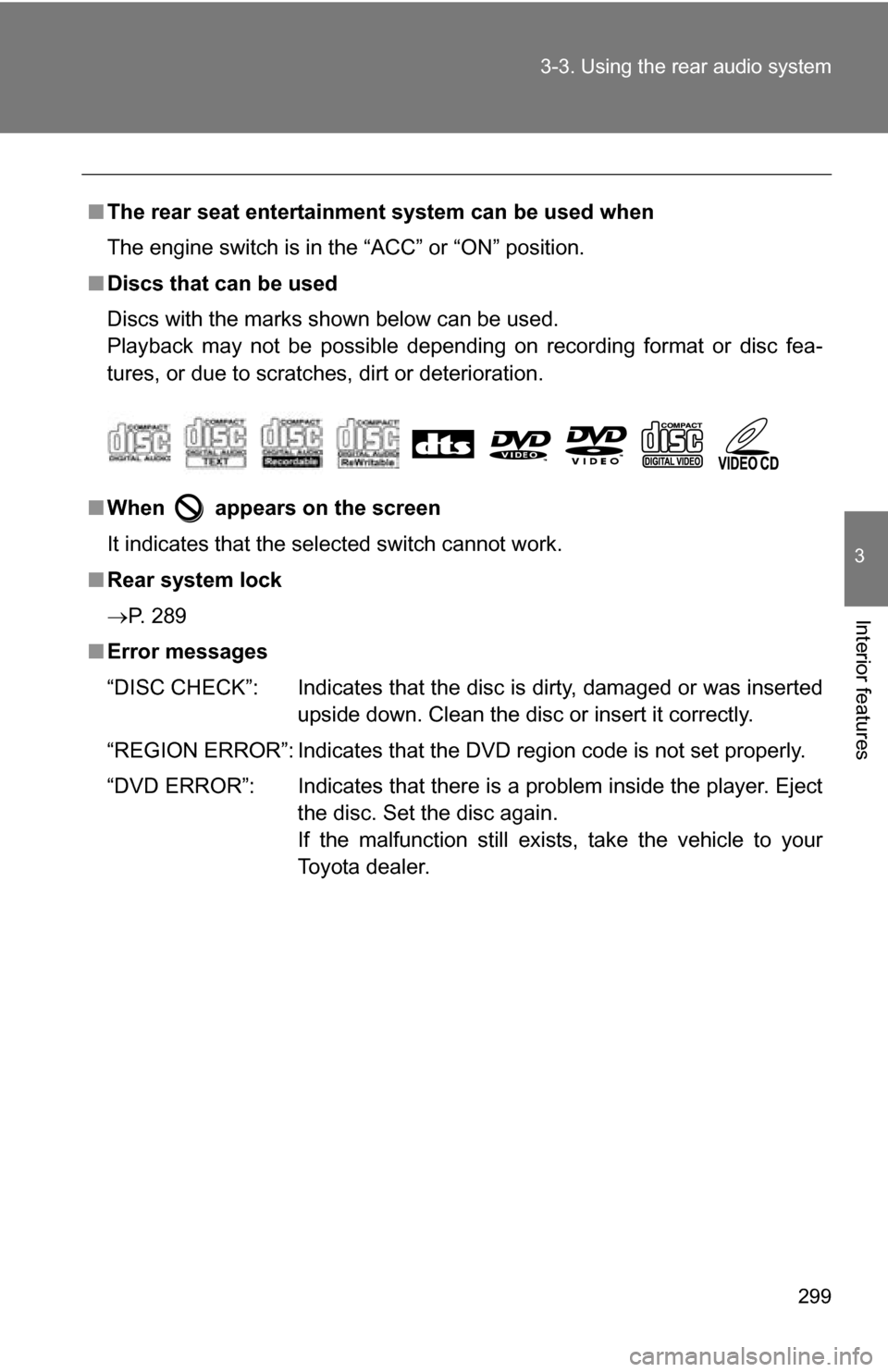
■ Discs that can be used
Discs with the marks shown below can be used.
Playback may not be possible depending on recording format or disc fea-
tures, or due to scratches, dirt or deterioration.
■ When appears on the screen
It indicates that the selected switch cannot work.
■ Rear system lock
P. 289
■ Error messages
“DISC CHECK”: Indicates that the disc is dirty, damaged or was inserted
upside down. Clean the disc or insert it correctly.
“REGION ERROR”: Indicates that the DVD region code is not set properly.
“DVD ERROR”: Indicates that there is a problem inside the player. Eject the disc. Set the disc again.
If the malfunction still exists, take the vehicle to your
Toyota dealer.