Page 255 of 612
255
2-5. Driving information
2
When driving
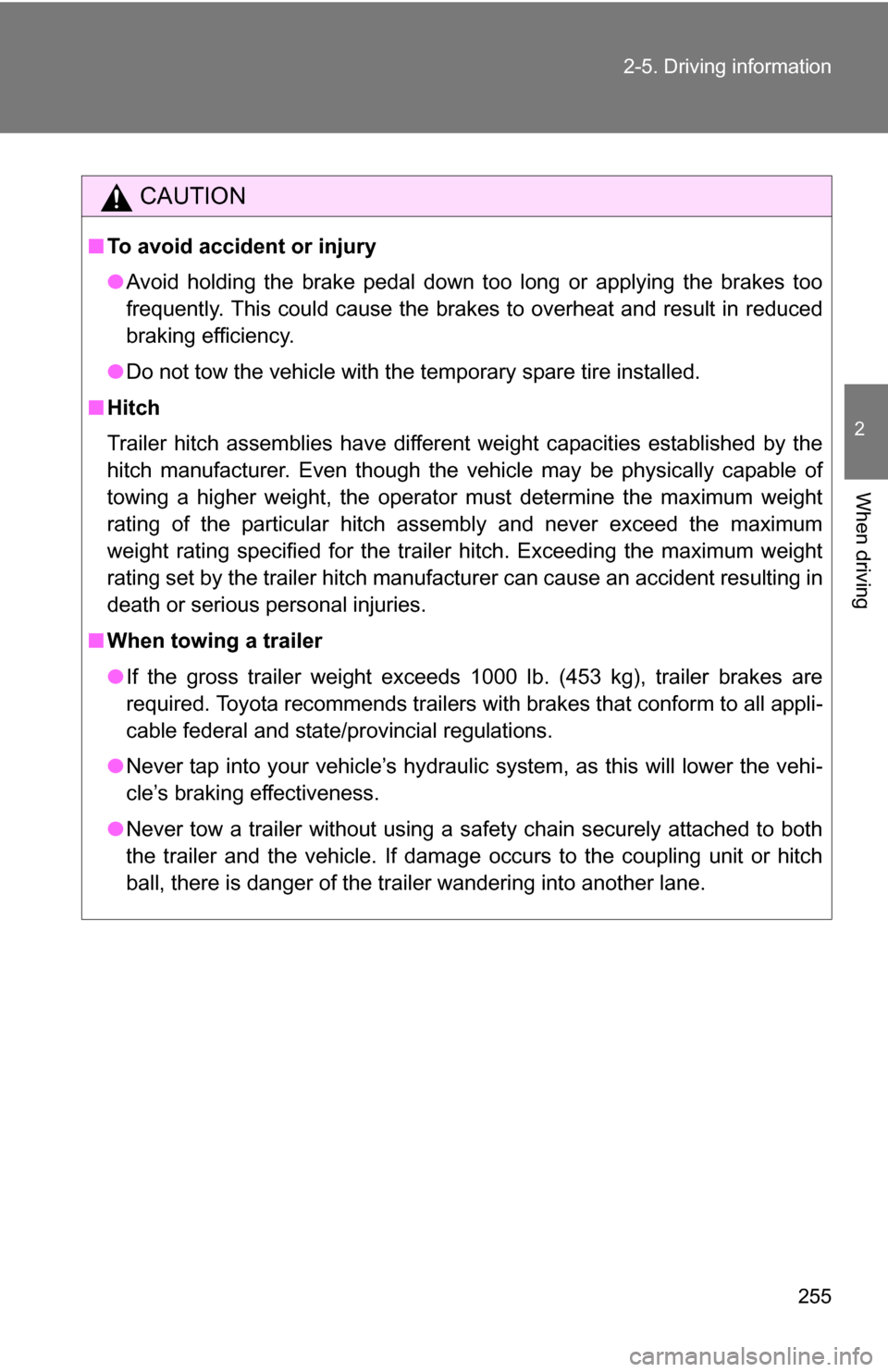
CAUTION
■
To avoid accident or injury
●Avoid holding the brake pedal down too long or applying the brakes too
frequently. This could cause the brakes to overheat and result in reduced
braking efficiency.
● Do not tow the vehicle with the temporary spare tire installed.
■ Hitch
Trailer hitch assemblies have different weight capacities established by the
hitch manufacturer. Even though the vehicle may be physically capable of
towing a higher weight, the operator must determine the maximum weight
rating of the particular hitch assembly and never exceed the maximum
weight rating specified for the trailer hitch. Exceeding the maximum wei\
ght
rating set by the trailer hitch manufacturer can cause an accident resulting in
death or serious personal injuries.
■ When towing a trailer
●If the gross trailer weight exceeds 1000 lb. (453 kg), trailer brakes are
required. Toyota recommends trailers wi th brakes that conform to all appli-
cable federal and state/provincial regulations.
● Never tap into your vehicle’s hydraulic system, as this will lower the vehi-
cle’s braking effectiveness.
● Never tow a trailer without using a safety chain securely attached to both
the trailer and the vehicle. If damage occurs to the coupling unit or hitch
ball, there is danger of the trailer wandering into another lane.
Page 258 of 612

258
3-1. Using the air conditioning system and defogger... 260
Front air conditioning system ........................... 260
Rear air conditioning system ........................... 268
Rear window and outside rear view mirror
defoggers ....................... 272
Windshield wiper de-icer ............................ 273
Using the steering wheel climate remote control
switches ......................... 274
3-2. Using the audio system .......................... 276
Audio system (without navigation system) ......... 276
Using the radio ................. 279
Using the CD player ......... 285
Playing back MP3 and WMA discs ..................... 292
Optimal use of the audio system ........................... 301
Using the AUX adapter .... 303
Using the steering wheel audio switches ............... 305 3-3. Using the rear audio/
video system ................ 307
Rear seat entertainment system ........................... 307
Using the DVD player (DVD video) ................... 314
Using the DVD player (video CD)...................... 323
Using the DVD player (audio CD/CD text) ........ 325
Using the DVD player (MP3 discs) .................... 326
Using the video mode ...... 328
Changing the Setup Menu settings ................ 330
3-4. Using the hands-free phone system
(for cellular phone) ...... 338
Hands-free phone system (for cellular phone) ......... 338
Using the hands-free phone system ................ 342
Making a phone call ......... 351
Setting a cellular phone ... 356
Security and system setup .............................. 361
Using the phone book ...... 364
Interior features3
Page 283 of 612
283
3-2. Using the audio system
3
Interior features
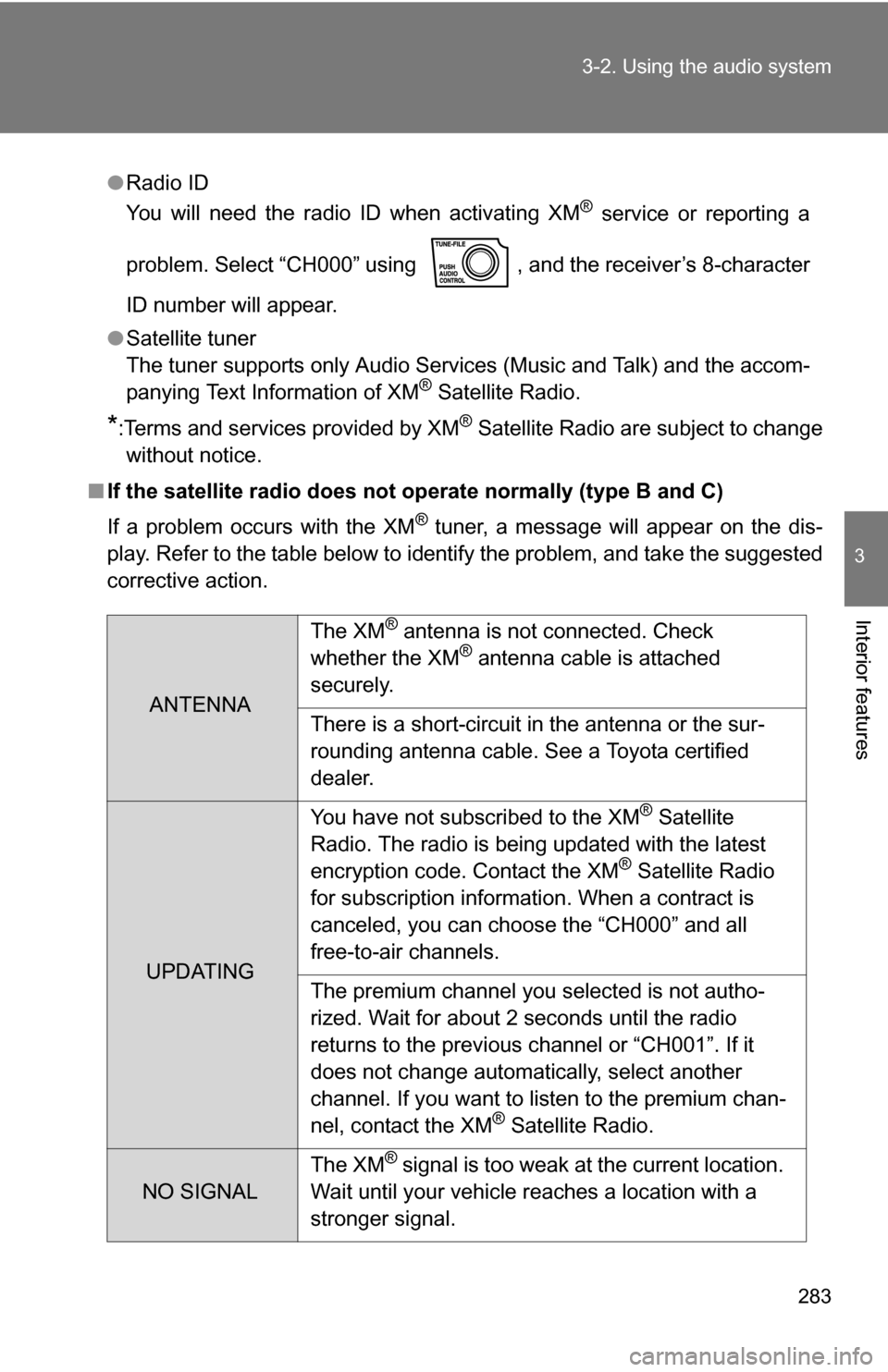
●
Radio ID
You will need the radio ID when activating XM® service or reporting a
problem. Select “CH000” using , and the receiver’s 8-character
ID number will appear.
● Satellite tuner
The tuner supports only Audio Services (Music and Talk) and the accom-
panying Text Information of XM
® Satellite Radio.
*:Terms and services provided by XM® Satellite Radio are subject to change
without notice.
■ If the satellite radio does not operate normally (type B and C)
If a problem occurs with the XM
® tuner, a message will appear on the dis-
play. Refer to the table below to identify the problem, and take the suggested
corrective action.
ANTENNA The XM
® antenna is not connected. Check
whether the XM® antenna cable is attached
securely.
There is a short-circuit in the antenna or the sur-
rounding antenna cable. See a Toyota certified
dealer.
UPDATING You have not subscribed to the XM
® Satellite
Radio. The radio is being updated with the latest
encryption code. Contact the XM
® Satellite Radio
for subscription information. When a contract is
canceled, you can choose the “CH000” and all
free-to-air channels.
The premium channel you selected is not autho-
rized. Wait for about 2 seconds until the radio
returns to the previous channel or “CH001”. If it
does not change automatically, select another
channel. If you want to listen to the premium chan-
nel, contact the XM
® Satellite Radio.
NO SIGNAL The XM
® signal is too weak at the current location.
Wait until your vehicle reaches a location with a
stronger signal.
Page 338 of 612

338
3-4. Using the hands-free phone system (for cellular phone)
Hands-free phone system (for cellular phone) (if equipped)
■When using the hands-free system
●The audio system and voice guidance are muted when making a call.
● If both parties speak at the same time it may be difficult to hear.
● If the received call volume is overly loud, an echo may be heard.
● Try to face toward the microphone as much as possible when speaking.
● In the following circumstances it may be difficult to hear the other party:
• If driving on unpaved roads
• If driving at high speeds
• If a window is open
• If the air conditioning is blowing directly on the microphone
• If the air conditioning fan speed is set to high
This system supports Bluetooth®, which allows you connect a cellu-
lar phone without using cables a nd to make or receive calls without
operating the cellular phone buttons.
Owners of models equipped with a navigation system should refer to
the “Navigation System Owner’s Manual”.
TitlePage
Using the hands-free phone system P. 342
Making a phone call P. 351
Setting a cellular phone P. 356
Security and system setup P. 361
Using the phone book P. 364
Page 348 of 612
348 3-4. Using the hands-free phone system (for cellular phone)
Setup
(SETUP)Security
(SECU-
RITY)
Set PIN
(SET PIN)
Setting a PIN
Phone book
lock
(PHBK
LOCK) Locking the phone book
Phone book
unlock
(PHBK
UNLOCK) Unlocking the phone book
Phone
setup
(PHONE
SETUP) Pair phone
(PAIR
PHONE)
Registering a cellular
phone to be used
Select phone
(SELECT
PHONE) Selecting a cellular phone
to be used
Change name
(CHANGE
NAME) Changing a registered
name of a cellular phone
List phones
(LIST
PHONES) Listing the registered cellu-
lar phones
Set passkey
(SET
PASSKEY) Changing the passkey
Delete
(DELETE) Deleting a registered cellu-
lar phone
(SYSTEM
SETUP) (GUIDANCE
VOL)
Setting voice guidance vol-
ume
(INITIALIZE) Initialization
First menuSecond menuThird menuOperation detail
Page 361 of 612
361
3-4. Using the hands-free phone system (for cellular phone)
3
Interior features
Security and system setup
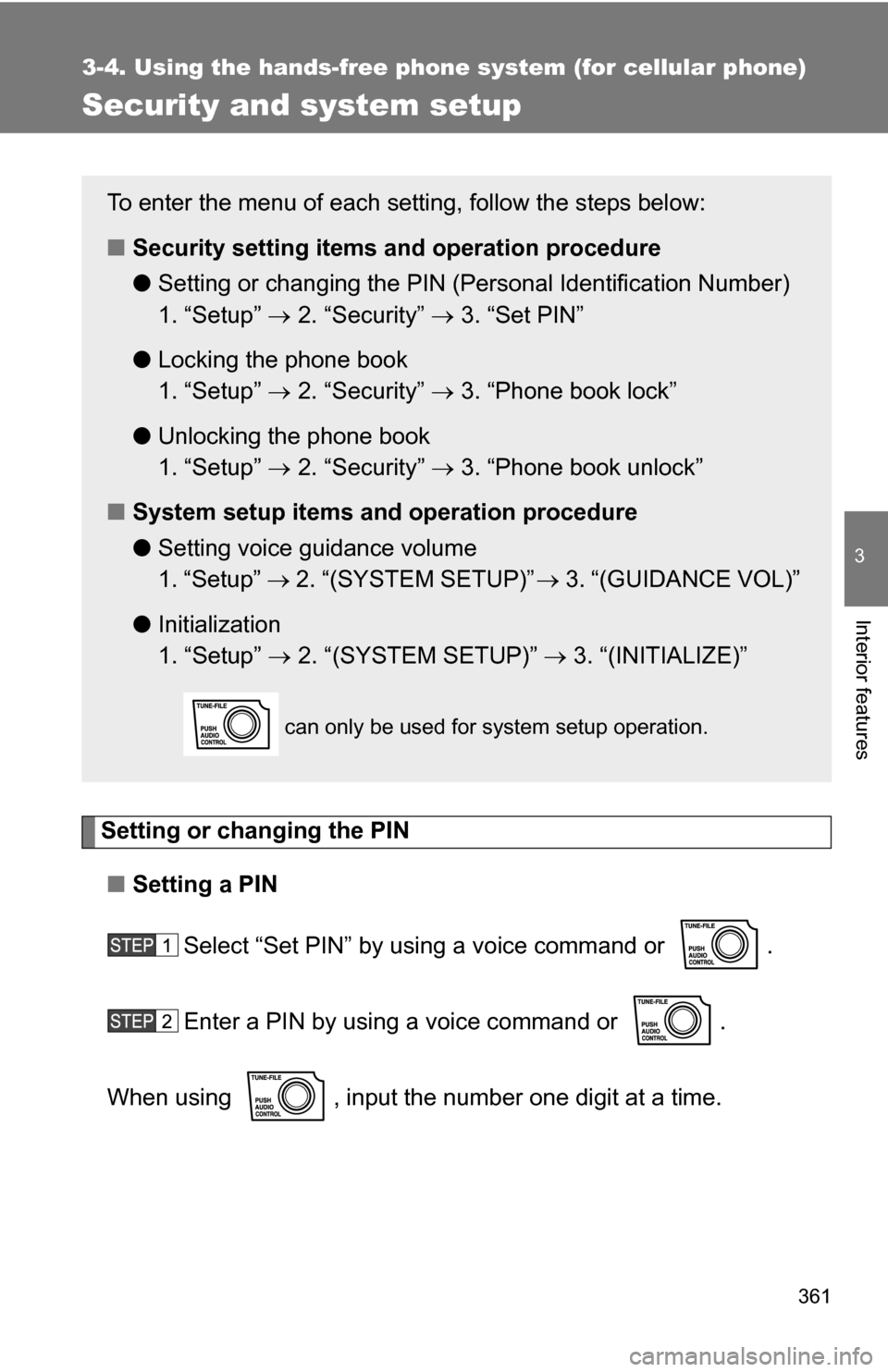
Setting or changing the PIN■ Setting a PIN
Select “Set PIN” by using a voice command or .
Enter a PIN by using a voice command or .
When using , input the number one digit at a time.
To enter the menu of each setting, follow the steps below:
■ Security setting items and operation procedure
● Setting or changing t he PIN (Personal Identification Number)
1. “Setup” 2. “Security” 3. “Set PIN”
● Locking the phone book
1. “Setup” 2. “Security” 3. “Phone book lock”
● Unlocking the phone book
1. “Setup” 2. “Security” 3. “Phone book unlock”
■ System setup items and operation procedure
●Setting voice guidance volume
1. “Setup” 2. “(SYSTEM SETUP)” 3. “(GUIDANCE VOL)”
● Initialization
1. “Setup” 2. “(SYSTEM SETUP)” 3. “(INITIALIZE)”
can only be used for system setup operation.
Page 405 of 612

405
3-7. Other interior features
3
Interior features
■
The power outlet can be used when
12V
The engine switch is in the ACC or ON position.
115V AC
The engine switch is in the ON position.
CAUTION
■Using a power outlet
Observe the following precautions to reduce the risk of injury.
●Use of the power outlet when it is wet with drinking water or snow may
result in electrical shocks and is extremely dangerous. The power outlet
must be thoroughly dried before use.
● Do not allow children to use or play with the power outlet.
● Be careful not to get any part of your body caught in the power outlet lid.
● When using electrical appliances, strictly follow any cautions and notices
written on their labels and in the manufacturers’ instruction manuals.
● Do not modify, disassemble or repair the power outlet or its inverter, in any
way. Doing so may result in unexpected malfunctions or accidents, which
could cause serious damage or injuries. Contact a Toyota dealer for any
necessary repairs.
■ To prevent injuries and accidents, secu rely fix all electric appliances
before use and do not use any app liances that may do any of the fol-
lowing:
● Distract the driver while driving, or hamper safe driving.
● Result in a fire or burn injuries due to the appliance rolling, falling or over-
heating while driving.
● Emit steam, while the windows of the cabin are closed.
Page 407 of 612
407
3-7. Other interior features
3
Interior features
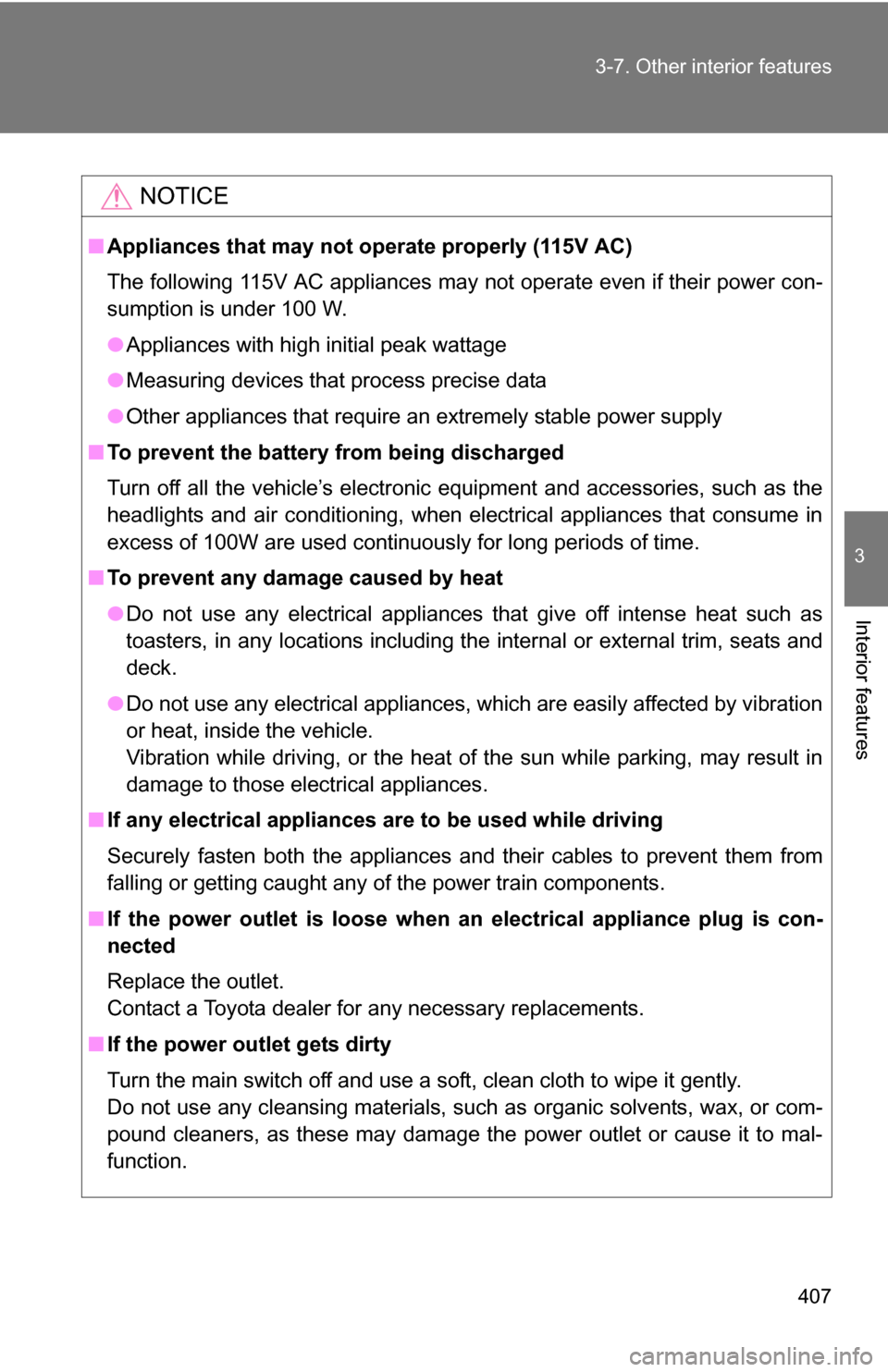
NOTICE
■
Appliances that may not ope rate properly (115V AC)
The following 115V AC appliances may not operate even if their power con-
sumption is under 100 W.
● Appliances with high initial peak wattage
● Measuring devices that process precise data
● Other appliances that require an extremely stable power supply
■ To prevent the battery from being discharged
Turn off all the vehicle’s electronic equipment and accessories, such as the
headlights and air conditioning, when electrical appliances that consume in
excess of 100W are used continuously for long periods of time.
■ To prevent any damage caused by heat
●Do not use any electrical appliances that give off intense heat such as
toasters, in any locations including the internal or external trim, seats and
deck.
● Do not use any electrical appliances, which are easily affected by vibration
or heat, inside the vehicle.
Vibration while driving, or the heat of the sun while parking, may result in
damage to those electrical appliances.
■ If any electrical appliances ar e to be used while driving
Securely fasten both the appliances and their cables to prevent them from
falling or getting caught any of the power train components.
■ If the power outlet is loose when an electrical appliance plug is con-
nected
Replace the outlet.
Contact a Toyota dealer for any necessary replacements.
■ If the power outlet gets dirty
Turn the main switch off and use a soft, clean cloth to wipe it gently.
Do not use any cleansing materials, such as organic solvents, wax, or com-
pound cleaners, as these may damage the power outlet or cause it to mal-
function.