Page 29 of 508
29
1-1. Hybrid system
1
Before driving
PRIUS_U_(OM47614U)
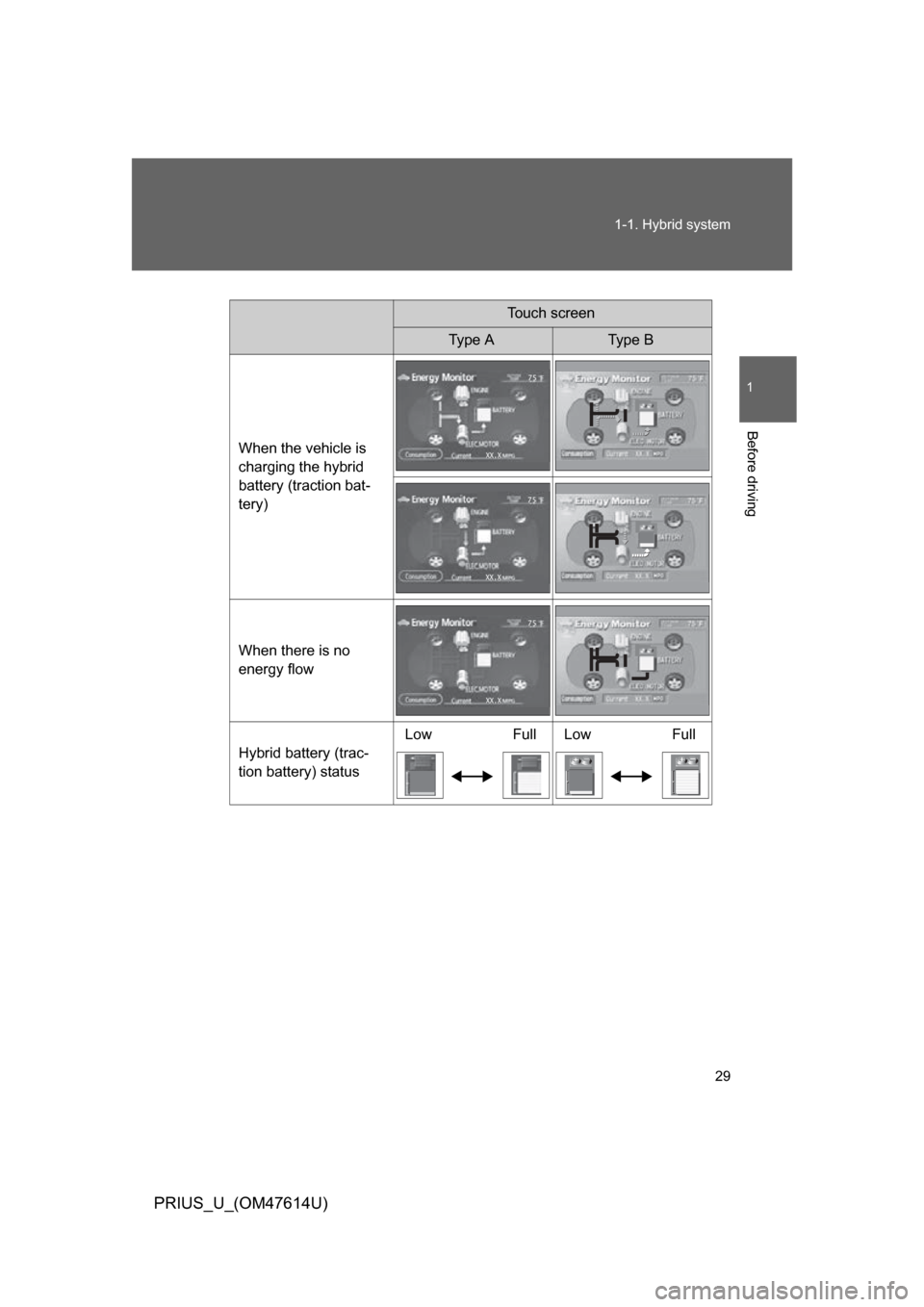
Touch screen
Type AType B
When the vehicle is
charging the hybrid
battery (traction bat-
tery)
When there is no
energy flow
Hybrid battery (trac-
tion battery) status Low Full Low Full
Page 31 of 508
31
1-1. Hybrid system
1
Before driving
PRIUS_U_(OM47614U)
Hybrid warning message
A message is automatically displa yed when a malfunction occurs in
the hybrid system or an impr oper operation is attempted.
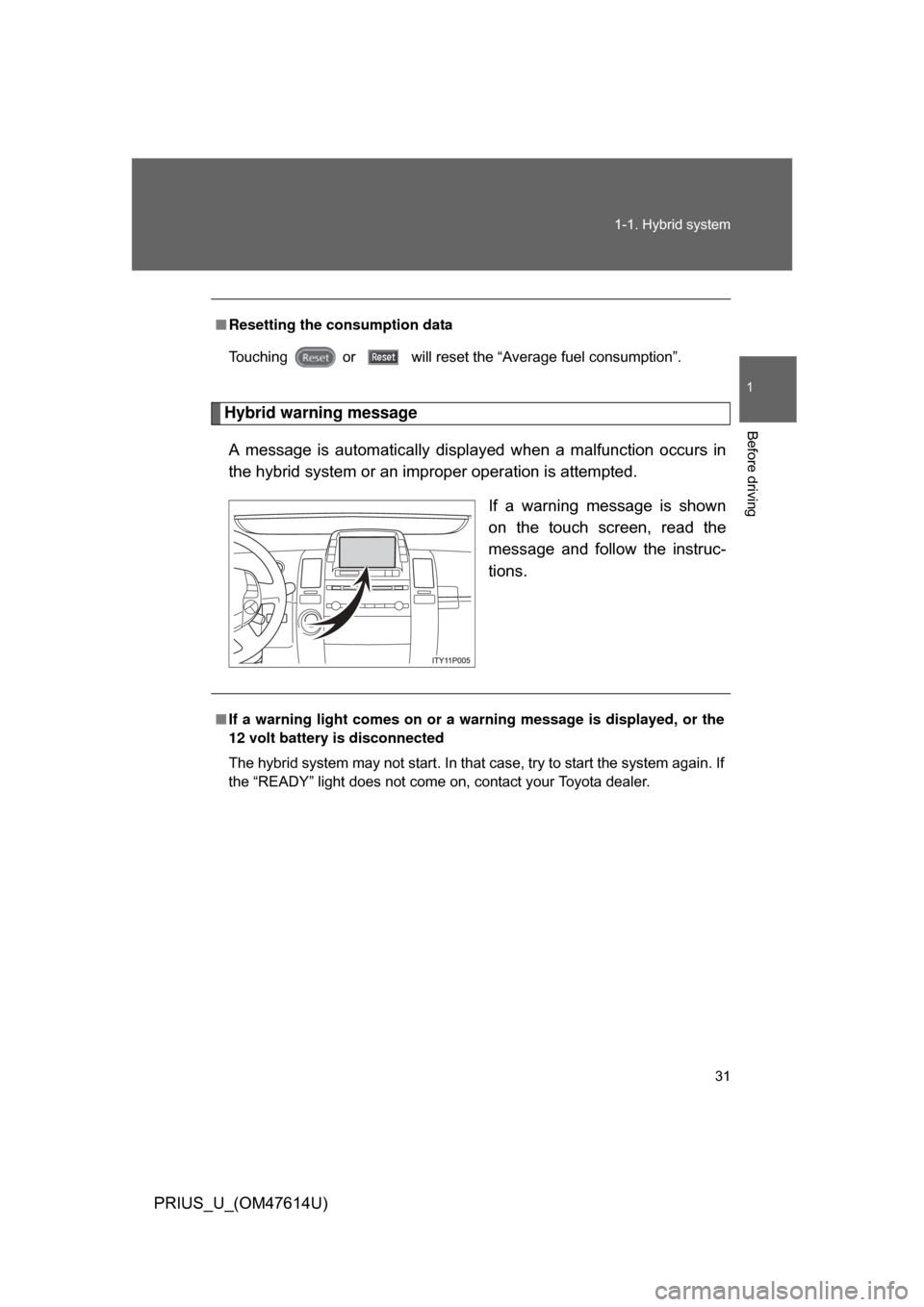
If a warning message is shown
on the touch screen, read the
message and follow the instruc-
tions.
■Resetting the consumption data
Touching or
will reset the “Average fuel consumption”.
■If a warning light comes on or a wa rning message is displayed, or the
12 volt battery is disconnected
The hybrid system may not start. In that case, try to start the system again. If
the “READY” light does not come on, contact your Toyota dealer.
Page 32 of 508

32 1-1. Hybrid system
PRIUS_U_(OM47614U)
CAUTION
■High voltage precautions
The vehicle has high voltage DC and AC systems as well as a 12 volt sys-
tem. DC and AC high voltage is very dangerous and can cause severe burns
and electric shock that may result in death or serious injury.
● Never touch, disassemble, remove or replace the high voltage parts,
cables and their connectors.
● The hybrid system will become hot after starting as the system uses high
voltage. Be careful of both the high voltage and the high temperature, and
always obey the caution labels attached to the vehicle.
● Never try to open the service plug access hole located in the luggage com-
partment. The service plug is used only when the vehicle is serviced and is
subject to high voltage.
■ Nickel-metal hydride battery
Your vehicle contains a sealed nicke l-metal hydride battery. If disposed of
improperly, it is hazardous to the environment and there is a risk of severe
burns and electrical shock that may result in death or serious injury.
■ Emergency shut off system
● Carefully check to see if there are exposed high voltage parts or cables.
Never touch the parts or cables. (
P. 26)
● Carefully inspect the ground under the vehicle. If you find that liquid has
leaked onto the ground, the fuel system may have been damaged. Leave
the vehicle as soon as possible.
Page 33 of 508
33
1-1. Hybrid system
1
Before driving
PRIUS_U_(OM47614U)
CAUTION
■
Road accident cautions
Observe the following precautions to reduce the risk of injury.
● Pull your vehicle off the road, put the shift lever in “P”, apply the parking
brake, turn the hybrid system off.
● Do not touch the high voltage parts, cables and connectors.
● If electric wires are exposed inside or outside your vehicle, an electric
shock may occur. Never touch exposed electric wires.
● If a fluid leak occurs, do not touch it as it may be strong alkaline electrolyte
from the hybrid battery (traction battery). If it comes into contact with your
skin or eyes, wash it off immediately with a large amount of water or if pos-
sible, boric acid solution. Seek immediate medical attention.
● If a fire occurs in the hybrid vehicle, leave the vehicle as soon as possible.
Never use a fire extinguisher that is not meant for electric fires. Using even
a small amount of water may be dangerous.
● If your vehicle needs to be towed, do so with the front wheels raised. If the
wheels with the electric motor (traction motor) are on the ground when
towing, the motor may continue to generate electricity. This may cause an
electricity leakage leading to a fire. (
P. 413)
NOTICE
■Hybrid battery air vent
● Do not put foreign objects over the air vent. The hybrid battery (traction
battery) may overheat and be damaged.
● Clean the air vent regularly to prevent the hybrid battery (traction battery)
from overheating.
● Do not wet the air vent. It may cause a short circuit and damage the hybrid
battery (traction battery).
● Do not load a large amount of water such as an aquarium into the vehicle.
If water spills over the hybrid battery (traction battery), the battery may be
damaged.
Page 34 of 508
34
PRIUS_U_(OM47614U)
1-2. Key information
Keys
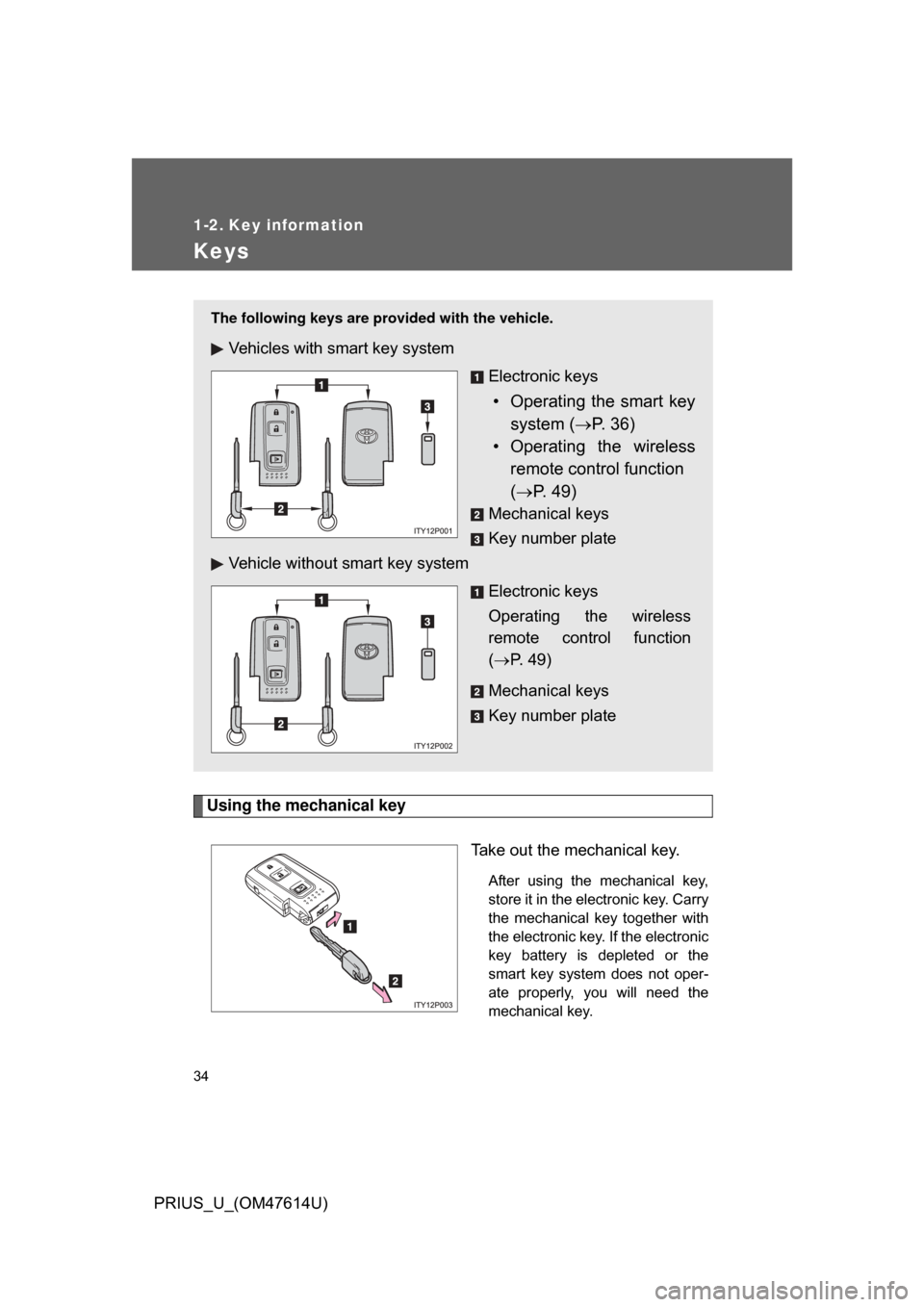
Using the mechanical keyTake out the mechanical key.
After using the mechanical key,
store it in the electronic key. Carry
the mechanical key together with
the electronic key. If the electronic
key battery is depleted or the
smart key system does not oper-
ate properly, you will need the
mechanical key.
The following keys are provided with the vehicle.
Vehicles with smart key system
Electronic keys
• Operating the smart keysystem ( P. 36)
• Operating the wireless
remote control function
( P. 49)
Mechanical keys
Key number plate
Vehicle without smart key system
Electronic keys
Operating the wireless
remote control function
( P. 49)
Mechanical keys
Key number plate
Page 42 of 508

42 1-3. Opening, closing and locking the doors and back door
PRIUS_U_(OM47614U)
■Operation signals
A buzzer sounds and the emergency flashers flash to indicate that the doors
have been locked/unlocked. (Locked: Once; Unlocked: Twice)
■ Conditions affecting operation
The smart key system uses weak radio waves. In the following situations,
the communication between the electronic key and the vehicle may be
affected, preventing the smart key system and wireless remote control from
operating properly. (Way of coping: P. 448)
● When the electronic key battery is depleted
● Near a TV tower, electric power plant, gas station, radio station, large dis-
play, airport or other facility that generates strong radio waves or electri-
cal noise
● When carrying a portable radio, ce llular phone, cordless phone or other
wireless communication devices
● When the electronic key has come into contact with, or is covered by a
metallic object
● When multiple electronic keys are in the vicinity
● When carrying or using the electronic key together with the following
devices that emit radio waves
• Another vehicle’s electronic key
• A wireless key that emits radio waves
• Personal computer
● If window tint with a metallic content or metallic objects are attached to
the rear window
Page 44 of 508

44 1-3. Opening, closing and locking the doors and back door
PRIUS_U_(OM47614U)
■Battery-saving function
In the following circumstances, the entry function is disabled in order to pre-
vent the vehicle and electronic key batteries from discharging.
● When the entry function has not been used for 2 weeks or more
● When the electronic key has been left within approximately 3 ft. (1 m) of
the vehicle for 10 minutes or more
The system will resume operation when...
● The vehicle is locked using the door handle lock switch
● The vehicle is locked/unlocked using the wireless remote control function
(P. 49) or the mechanical key ( P. 448)
■ Electronic key battery depletion
● The standard battery life is 1 to 3 years. (The battery becomes depleted
even if the electronic key is not used.) If the smart key system or the
wireless remote control function does not operate, or the detection area
becomes smaller, the battery may be depleted. Replace the battery when
necessary. ( P. 392)
● To avoid serious deterioration, do not leave the electronic key within 3 ft.
(1 m) of the following electrical appliance that produce a magnetic field.
•TVs
• Personal computers
• Recharging cellular phones or cordless phones
• Table lamps
■ To operate the system properly
Make sure to carry the electronic key when operating the system. Do not get
the electronic key too close to the vehicle when operating the system from
the outside of the vehicle.
Depending on the position and holding condition of the electronic key, the
key may not be detected correctly and the system may not operate properly.
(The alarm may go off accidentally, or the door lock prevention may not func-
tion.)
Page 46 of 508

46 1-3. Opening, closing and locking the doors and back door
PRIUS_U_(OM47614U)
■Alarms and warning indicators
A combination of exterior and interior alarms are used to prevent theft of the
vehicle and unforeseeable accidents resulting from erroneous operation.
Take appropriate measures according to which warning light comes on.
(P. 423)
● When any warning lights come on.
Take appropriate measures according to which warning light comes on.
(P. 423)
The following table describes circumstances and correction procedures
when only alarms are sounded.
*: Follow the warning message displayed on the touch screen.
AlarmSituationCorrection procedure
Interior alarm:
One beep
(sounds continu-
ously)
Touch screen:
Warning mes-
sage
*
The hybrid system was not
turned off and the trans-
mission was in a position
other than “P”, and the
driver’s door is open. Pressing the “P” posi-
tion switch.
Interior alarm:
Beeps
(sound intermit-
tently) The driver’s door is
opened while the hybrid
system is in ACCESSORY
mode and the shift lever is
in the “P” position.
Turn the hybrid sys-
tem OFF and close
the driver’s door.
Exterior alarm:
One beep
(sounds for 2
seconds) The lock button has been
pressed while the hybrid
system is OFF and the
smart key is still in the
vehicle.
Take the smart key
from the vehicle and
lock the vehicle again.
Interior alarm:
One beep The battery charge of the
smart key is low. Replace the battery of
the smart key.
Exterior alarm:
One beep
(sound for 10
seconds) The lock button is pressed
when the hybrid system is
OFF and one of the doors
is half open.
Close all the doors
then lock the vehicle
again.