Page 65 of 313
Hands-
Free Phone System (if so equipped)
4. Driver supplemental air bag/Horn
5. Meters/gauges6. Cruise control main/set switch
(if so equipped)
7. Trip computer mode/setting switch
8. Wiper/washer switch
9. Center ventilator
10. Passenger supplemental air bag11. Side ventilator
12. Soft top operating switch (for Roadster
models)
13. VDC (Vehicle dynamic control) OFF switch
(if so equipped) or TCS (Traction control
system) OFF switch (if so equipped)
14. Fuel-filler door opener switch
15. Hood lock release handle
16. Fuse box
17. Tilting steering wheel lock lever
18. Ignition switch/steering lock
19. Navigation system display* or Instrument
pocket
20. Audio system/Clock
21. Rear window and outside mirror defroster
switch
22. Hazard warning flasher switch
23. Cup holder
24. Heated seat switch (if so equipped)
25. Heater/air conditioner control
26. Power outlet
*: Refer to the separate Navigation System
Owner’s Manual.
SIC3266
INSTRUMENT PANEL2-2
Instruments and controls
Page 73 of 313
After 100 hours, the time will start from the reset
display again.Even if the display is switched to the other mode
while the time is starting, the stopwatch contin-
ues to advance until you stop the time in the
stopwatch mode. When the ignition switch is
turned to the OFF position, the time is reset.
Up-shift indicator setting (rpm) (for
manual transmission models)The up-shift indicator setting mode is used to
set the desired engine speed (rpm) for the
up-shift indicator (situated in the tachometer) to
illuminate. When the engine speed approaches
or reaches the set figure, the up-shift indicator
will flash or illuminate to show the driver the
timing for shifting into a higher gear. See “Driving
the vehicle” in the “5. Starting and driving”
section for the use of the up-shift indicator.
When the up-shift indicator setting mode is
selected, the rpm indicator blinks and the engine
speed currently set is displayed. (The initial
factory setting is 7,500 rpm.) The figure can be
changed between 2,000 and 9,000 rpm by
pushing trip computer setting switch
�B. Press-
ing the switch for less than approximately 1
second will add the figure by 100 rpm. If pushing
for more than approximately 1 second, the figure
will increase by 500 rpm.
If the battery cable is disconnected, the set
engine speed will be returned to the initial figure
(7,500 rpm).
Display priorityIf a low outside air temperature warning,
low dte (distance to empty) range warning
and low tire pressure warning occur simul-
taneously, other display modes switch au-
tomatically to the outside air temperature
display.
When trip computer mode switch
�A
is
pressed, the display switches to the mode
chosen before the warning display, but the
ICY indicator will continue blinking.
2-10
Instruments and controls
Page 74 of 313
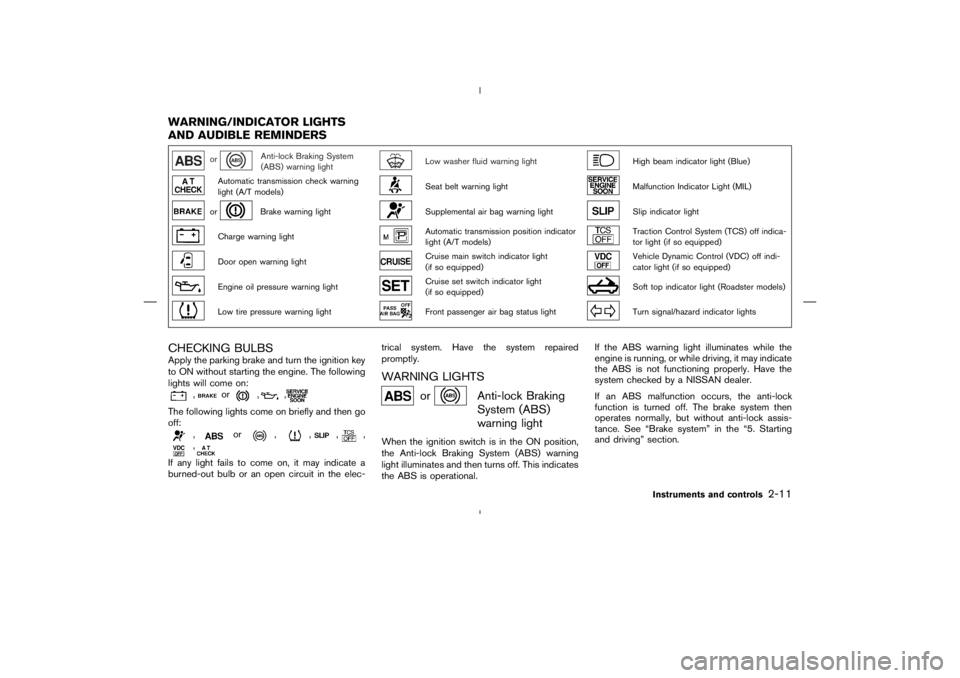
Anti-lock Braking System
(ABS) warning light
Low washer fluid warning light
High beam indicator light (Blue)
Automatic transmission check warning
light (A/T models)
Seat belt warning light
Malfunction Indicator Light (MIL)
or
Brake warning light
Supplemental air bag warning light
Slip indicator light
Charge warning light
Automatic transmission position indicator
light (A/T models)
Traction Control System (TCS) off indica-
tor light (if so equipped)
Door open warning light
Cruise main switch indicator light
(if so equipped)
Vehicle Dynamic Control (VDC) off indi-
cator light (if so equipped)
Engine oil pressure warning light
Cruise set switch indicator light
(if so equipped)
Soft top indicator light (Roadster models)
Low tire pressure warning light
Front passenger air bag status light
Turn signal/hazard indicator lights
CHECKING BULBSApply the parking brake and turn the ignition key
to ON without starting the engine. The following
lights will come on:
,
or
,
,
The following lights come on briefly and then go
off:
,
or
,
,
,
,
,
If any light fails to come on, it may indicate a
burned-out bulb or an open circuit in the elec-trical system. Have the system repaired
promptly.
WARNING LIGHTS
or
Anti-lock Braking
System (ABS)
warning light
When the ignition switch is in the ON position,
the Anti-lock Braking System (ABS) warning
light illuminates and then turns off. This indicates
the ABS is operational.If the ABS warning light illuminates while the
engine is running, or while driving, it may indicate
the ABS is not functioning properly. Have the
system checked by a NISSAN dealer.
If an ABS malfunction occurs, the anti-lock
function is turned off. The brake system then
operates normally, but without anti-lock assis-
tance. See “Brake system” in the “5. Starting
and driving” section.
WARNING/INDICATOR LIGHTS
AND AUDIBLE REMINDERS
Instruments and controls
2-11
Page 75 of 313
or
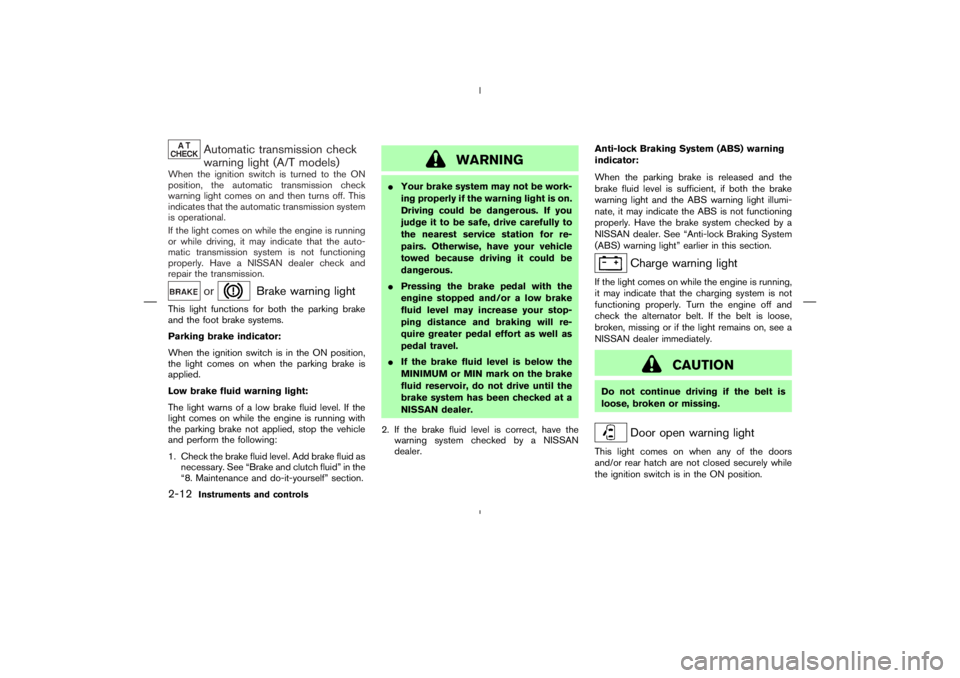
Brake warning light
This light functions for both the parking brake
and the foot brake systems.
Parking brake indicator:
When the ignition switch is in the ON position,
the light comes on when the parking brake is
applied.
Low brake fluid warning light:
The light warns of a low brake fluid level. If the
light comes on while the engine is running with
the parking brake not applied, stop the vehicle
and perform the following:
1. Check the brake fluid level. Add brake fluid as
necessary. See “Brake and clutch fluid” in the
“8. Maintenance and do-it-yourself” section.
Charge warning light
If the light comes on while the engine is running,
it may indicate that the charging system is not
functioning properly. Turn the engine off and
check the alternator belt. If the belt is loose,
broken, missing or if the light remains on, see a
NISSAN dealer immediately.
Page 77 of 313

CAUTION
�The TPMS is not a substitute for the
regular tire pressure check. Be sure
to check the tire pressure regularly.
�If the vehicle is being driven at
speeds of less than 16 MPH (25
km/h), the TPMS may not operate
correctly.
�Be sure to install the specified size of
tires to the front and rear.
Seat belt warning light
The seat belt warning light and chime remind you
to fasten seat belts. The light illuminates when-
ever the ignition key is turned to ON, and will
remain illuminated until the driver’s seat belt is
fastened.
The seat belt warning light may also illuminate ifthe front passenger’s seat belt is not fastened
when the front passenger’s seat is occupied. For
5 seconds after the ignition switch is in the ON
position, the system does not activate the warn-
ing light for the front passenger.
See “Seat belts” in the “1. Safety — Seats, seat
belts and supplemental restraint system” section
for precautions on seat belt usage.
Supplemental air bag warning
light
After turning the ignition key to the ON position,
the supplemental air bag warning light will illu-
minate. The supplemental air bag warning light
will turn off after about 7 seconds if the system is
operational.
If any of the following conditions occur, the front
air bag, side air bag (if so equipped) and curtain
air bag (if so equipped), and pretensioner sys-
tems need servicing and your vehicle must be
taken to a NISSAN dealer.
�The supplemental air bag warning light re-
mains on after approximately 7 seconds.
�The supplemental air bag warning light
flashes intermittently.
�The supplemental air bag warning light does
not come on at all.
2-14
Instruments and controls
Page 80 of 313
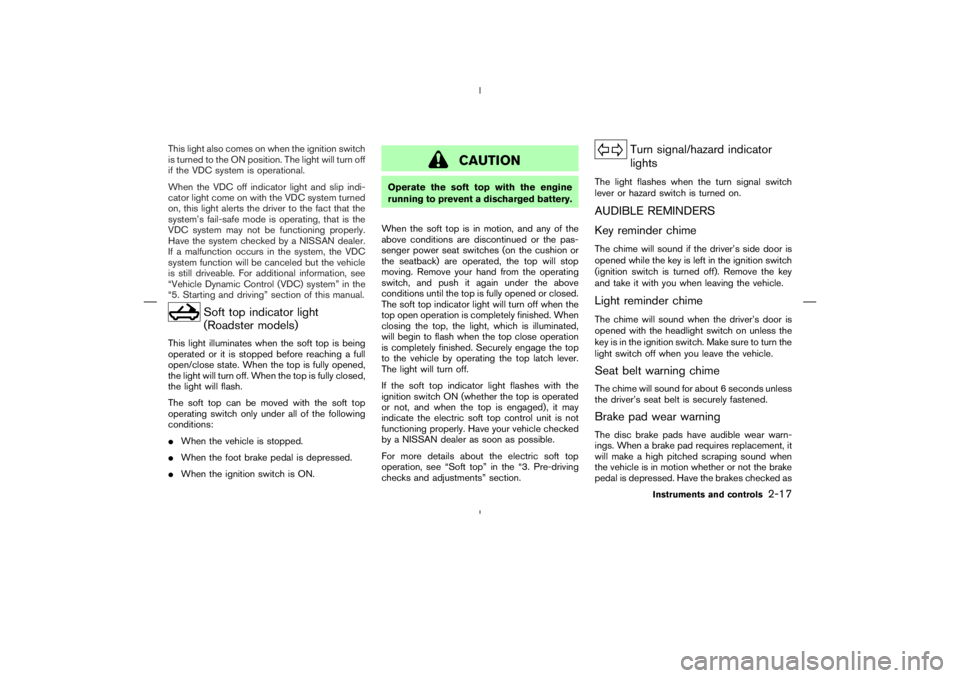
Soft top indicator light
(Roadster models)
This light illuminates when the soft top is being
operated or it is stopped before reaching a full
open/close state. When the top is fully opened,
the light will turn off. When the top is fully closed,
the light will flash.
The soft top can be moved with the soft top
operating switch only under all of the following
conditions:
�When the vehicle is stopped.
�When the foot brake pedal is depressed.
�When the ignition switch is ON.
Turn signal/hazard indicator
lights
The light flashes when the turn signal switch
lever or hazard switch is turned on.AUDIBLE REMINDERS
Key reminder chimeThe chime will sound if the driver’s side door is
opened while the key is left in the ignition switch
(ignition switch is turned off). Remove the key
and take it with you when leaving the vehicle.Light reminder chimeThe chime will sound when the driver’s door is
opened with the headlight switch on unless the
key is in the ignition switch. Make sure to turn the
light switch off when you leave the vehicle.Seat belt warning chimeThe chime will sound for about 6 seconds unless
the driver’s seat belt is securely fastened.Brake pad wear warningThe disc brake pads have audible wear warn-
ings. When a brake pad requires replacement, it
will make a high pitched scraping sound when
the vehicle is in motion whether or not the brake
pedal is depressed. Have the brakes checked as
Instruments and controls
2-17
Page 90 of 313
WARNING
�If stopping for an emergency, be sure
to move the vehicle well off the road.�Do not use the hazard warning flash-
ers while moving on the highway un-
less unusual circumstances force you
to drive so slowly that your vehicle
might become a hazard to other traf-
fic.
�Turn signals do not work when the
hazard warning flasher lights are on.
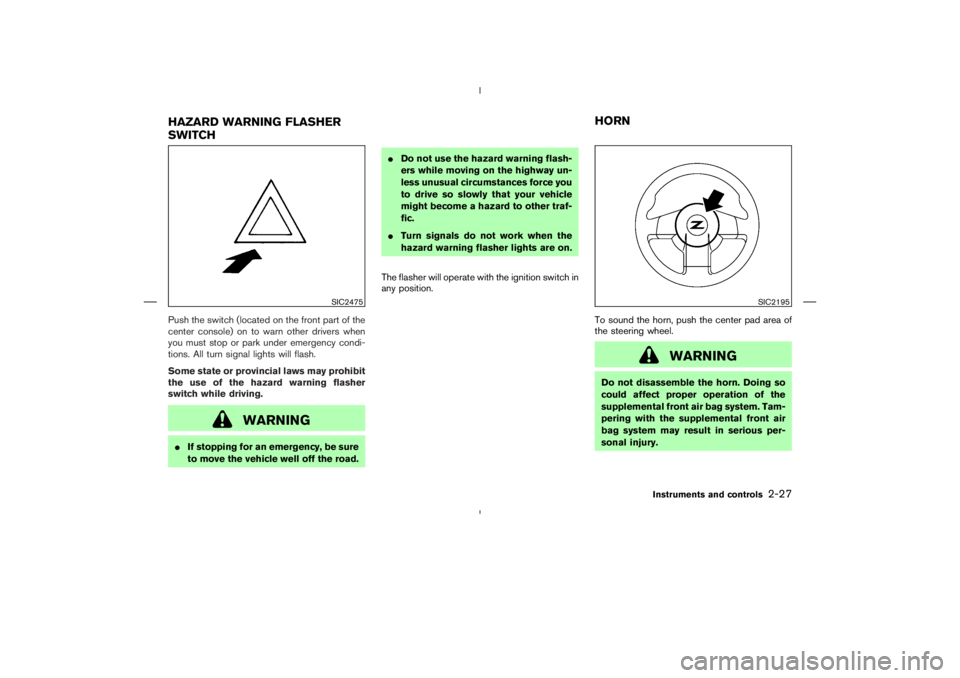
The flasher will operate with the ignition switch in
any position.
To sound the horn, push the center pad area of
the steering wheel.
SIC2195
HAZARD WARNING FLASHER
SWITCHHORN
Instruments and controls
2-27
Page 103 of 313
WARNING
There are some small distances imme-
diately before the closed position which
cannot be detected. Make sure that all
passengers have their hands, etc., in-
side the vehicle before closing the win-
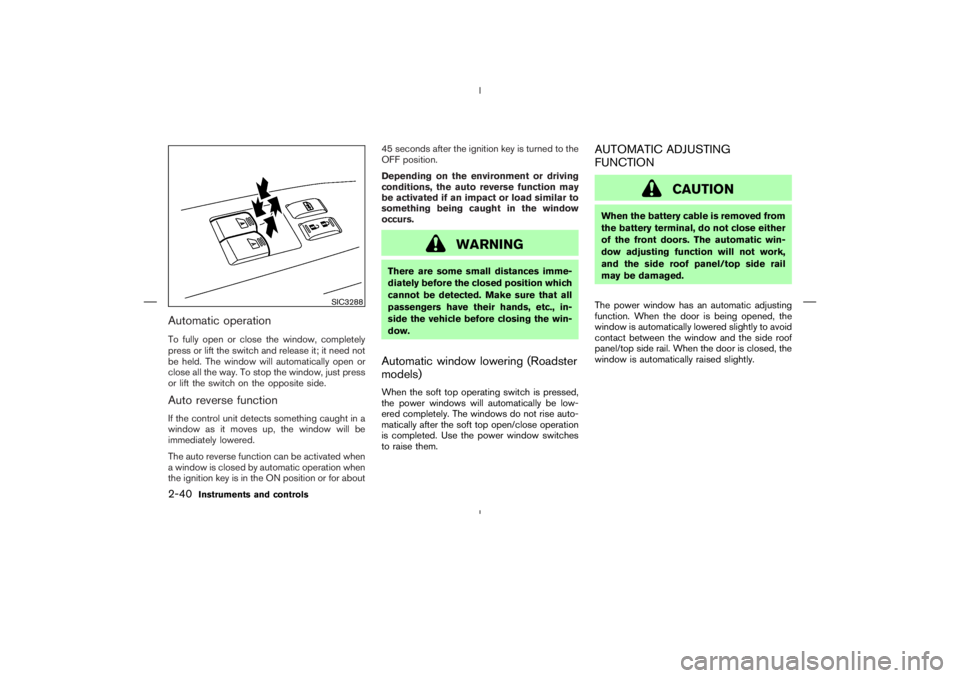
dow.Automatic window lowering (Roadster
models)When the soft top operating switch is pressed,
the power windows will automatically be low-
ered completely. The windows do not rise auto-
matically after the soft top open/close operation
is completed. Use the power window switches
to raise them.
AUTOMATIC ADJUSTING
FUNCTION
SIC3288
2-40
Instruments and controls