Page 94 of 371

385
1
2
3
4
5
6
7
8
9
Knowing your vehicle
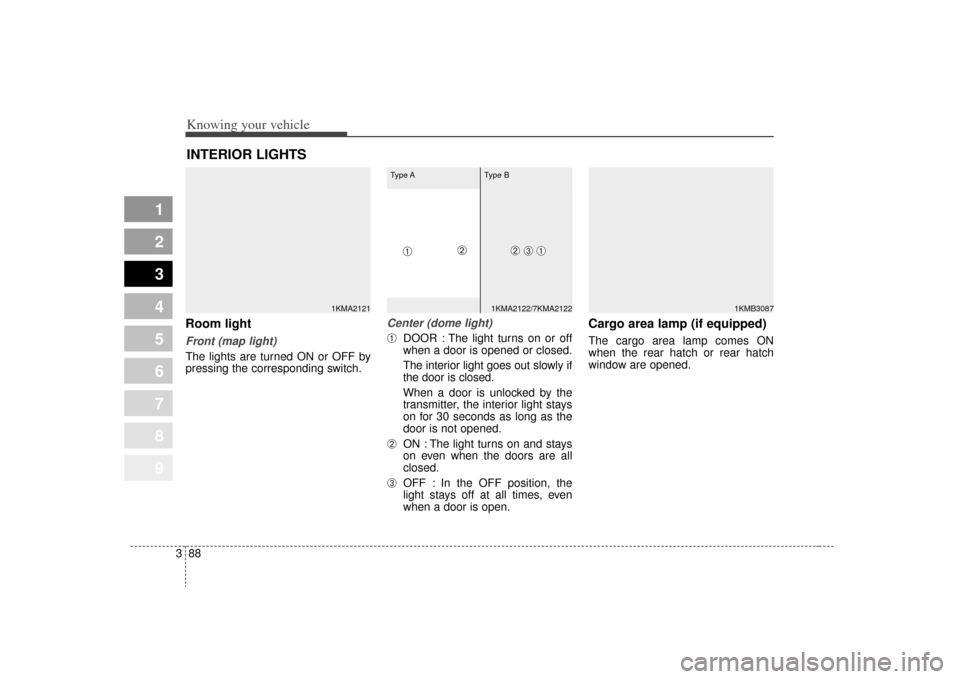
Electric remote control (if equipped)The electric remote control mirror
switch allows you to adjust the posi-
tion of the left and right outside
rearview mirrors. To adjust the posi-
tion of either mirror, move the lever
(➀) to R or L to select the right side
mirror or the left side mirror, then
press a corresponding point ( ) on
the mirror adjustment control to posi-
tion the selected mirror up, down, left
or right.
After adjustment, put the lever into
neutral position to prevent the inad-
vertent adjustment.
✽ ✽ NOTICE• The mirrors stop moving when
they reach the maximum adjust-
ing angles, but the motor contin-
ues to operate while the switch is
depressed. Do not depress the
switch longer than necessary, the
motor may be damaged.
• Do not attempt to adjust the out- side rearview mirror by hand.
Doing so may damage the parts.
Folding the outside rearview
mirrorTo fold outside rearview mirror, grasp
the housing of mirror and then fold it
toward the rear of the vehicle.
1KMB2092➀
1KMA2093
Page 97 of 371
Knowing your vehicle88
3
1
2
3
4
5
6
7
8
9
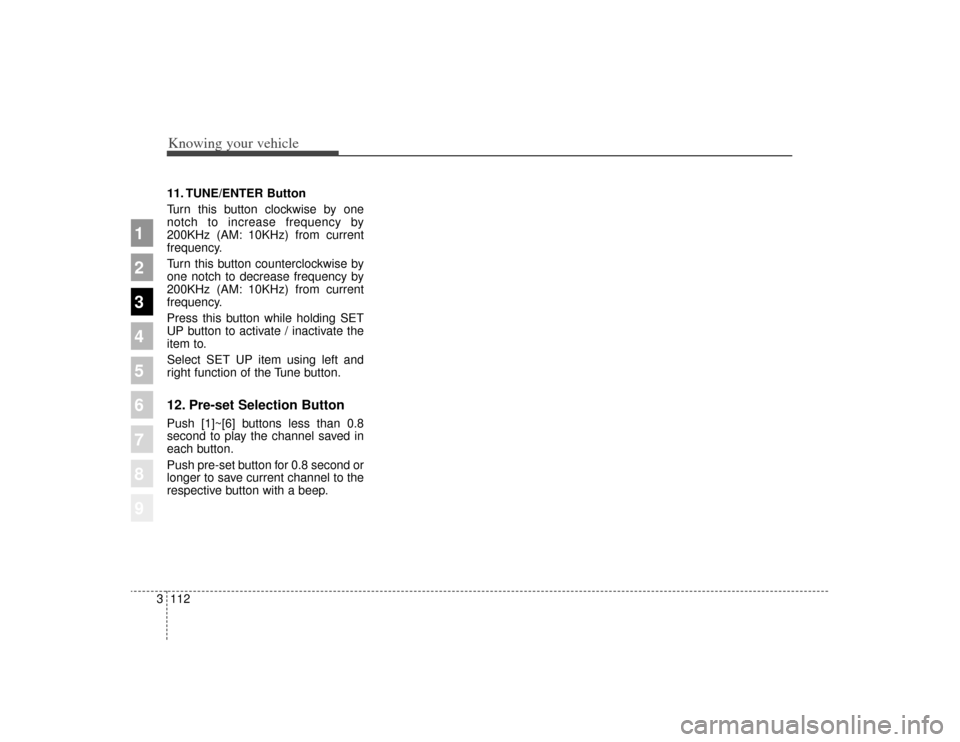
Room lightFront (map light)The lights are turned ON or OFF by
pressing the corresponding switch.
Center (dome light)➀
DOOR : The light turns on or off
when a door is opened or closed.
The interior light goes out slowly if
the door is closed.
When a door is unlocked by the
transmitter, the interior light stays
on for 30 seconds as long as the
door is not opened.
➁
ON : The light turns on and stays
on even when the doors are all
closed.
➂
OFF : In the OFF position, the
light stays off at all times, even
when a door is open.
Cargo area lamp (if equipped)The cargo area lamp comes ON
when the rear hatch or rear hatch
window are opened.
INTERIOR LIGHTS
1KMA2121
1KMB3087
1KMA2122/7KMA2122
➀
➂
➁
Type A Type B
➀
➁
Page 114 of 371
3 105
1
2
3
4
5
6
7
8
9
Knowing your vehicle
If the vehicle has a roof rack, you can
load things on top of your vehicle.
Crossrails and fixing components to
adapt the roof rack on your vehicle
may be obtained from an authorized
Kia dealer.✽ ✽NOTICEIf the vehicle is equipped with a sun-
roof, be sure not to position cargo
onto the roof rack in such a way that
it could interfere with sunroof oper-
ation.ROOF RACK (IF EQUIPPED)
1KMA2177
CAUTION
When carrying cargo on the
roof rack, take the necessaryprecautions to make sure thecargo does not damage theroof of the vehicle.
When carrying large objects on the roof rack, make surethey do not exceed the overallroof length or width.
WARNING
The following specification is the maximum weight that can
be loaded onto the roof rack.
Distribute the load as evenly as
possible across the roof rack
and secure the load firmly.
Loading cargo or luggage
above specification on the roof
rack may damage your vehicle.
(Continued)
(Continued)
The vehicle center of gravitywill be higher when items are
loaded onto the roof rack.
Avoid sudden starts, braking,
sharp turns, abrupt maneuvers
or high speeds that may result
in loss of vehicle control or
rollover causing an accident.
Always drive slowly and turn corners carefully when carrying
items on the roof rack. Severe
wind updrafts, caused by pass-
ing vehicles or natural causes,
can cause sudden upward
pressure on items loaded on
the roof rack. This is especially
true when carrying large, flat
items such as wood panels or
mattresses. This could cause
the items to fall off the roof rack
and cause damage to your vehi-
cle or others around you.
To prevent damage or loss of cargo while driving, check fre-
quently before or while driving
to make sure the items on the
roof rack are securely fastened.
ROOF 45 kg (100 lbs.)
RACK EVENLY DISTRIBUTED
Page 121 of 371
Knowing your vehicle112
3
1
2
3
4
5
6
7
8
9
11. TUNE/ENTER Button
Turn this button clockwise by one
notch to increase frequency by
200KHz (AM: 10KHz) from current
frequency.
Turn this button counterclockwise by
one notch to decrease frequency by
200KHz (AM: 10KHz) from current
frequency.
Press this button while holding SET
UP button to activate / inactivate the
item to.
Select SET UP item using left and
right function of the Tune button.12. Pre-set Selection ButtonPush [1]~[6] buttons less than 0.8
second to play the channel saved in
each button.
Push pre-set button for 0.8 second or
longer to save current channel to the
respective button with a beep.
Page 134 of 371
3125
Knowing your vehicle
1
2
3
4
5
6
7
8
9
11. TUNE/ENTER Button
Turn this button clockwise by one
notch to increase frequency by
200kHz (AM: 10KHz) from current
frequency.
Turn this button counterclockwise by
one notch to decrease frequency by
200kHz (AM:10KHz) from current
frequency.
Press this button while holding SET
UP button to activate / inactivate the
item to.
Select SET UP item using left and
right function of the Tune button.12. Pre-set Selection ButtonPush [1]~[6] buttons less than 0.8 sec-
ond to play the channel saved in each
button.
Push pre-set button for 0.8 second or
longer to save current channel to the
respective button with a beep.
Page 147 of 371
Knowing your vehicle138
3
1
2
3
4
5
6
7
8
9
6. INFO Selection ButtonDisplays the information of the chan-
nel currently played by in the order of
CATEGORY NAME
➟ARTIST NAME
➟COMPOSER NAME
➟CHANNEL
NAME
➟...(CAT /CH Selection)
Displays the information of the chan-
nel currently played in the order of
SONG TITLE
➟ARTIST NAME
➟
COMPOSER NAME
➟... (CH/TITLE
Selection) (If there is no information
of COMPOSER NAME, it returns to
main display.)
7. SETUP Selection ButtonPress this button to adjust to the
SCROLL, SDVC, SIRIUS and adjust-
ment modes.
If no action is taken for 5 seconds
after pressing the button, it will return
to the play mode. (After entering SET
UP mode, move between items
using the left, right and PUSH func-
tions of the TUNE button.)
The set up item changes from
SCROLL
➟ SDVC
➟SIRIUS
➟SCROLL
➟...
8. CAT/FOLDER ButtonPress this button to turn to the
Category search mode. Turn the tune
knob to see available categories.
Press the tune button to go to the
desired category.9. TUNE knob /ENTER ButtonTurn this button clockwise by one
notch to increase the channel.
Turn this button counterclockwise by
one notch to decrease the channel.
Press this button while holding SET
UP button to activate / inactivate the
item to.
Select SET UP item using left and
right function of the Tune button.10. Preset Selection ButtonPush [1]~[6] buttons less than 0.8
second to play the channel saved in
each button.
Hold down the preset button for 0.8
second or longer to save current
channel to the respective button with
a beep.
Troubleshooting1. Antenna Error
If this message is displayed, the
antenna or antenna cable is broken
or unplugged. Please consult with
your Kia dealership.
2. Acquiring Signal
If this message is displayed, it
means that the antenna is covered
and that the SIRIUS Satellite Radio
signal is not available. Ensure the
antenna is uncovered and has a
clear view of the sky.
Page 155 of 371
Driving your vehicle84
1
2
3
4
5
6
7
8
9
Transaxle rangesP (park)Always come to a complete stop
before shifting into P. This position
locks the transaxle and prevents the
front wheels from rotating.
✽ ✽
NOTICEThe transaxle may be damaged if
you shift into P (Park) while the
vehicle is in motion.(Continued)
Before leaving the driver’s
seat, always make sure the
shift lever is in the P (PARK)
position. Set the parking
brake fully, shut the engine off
and take the key with you.
Unexpected and sudden vehi-
cle movement can occur if you
do not follow these precau-
tions in the order specified.
Never leave a child unattend- ed in a vehicle.
WARNING
- Automatic
transaxle
Shifting into P (Park) while the vehicle is in motion will cause
the drive wheels to lock which
will cause you to lose control
of the vehicle.
Do not use the P (Park) posi- tion in place of the parking
brake. Always make sure the
shift lever is latched in the P
(Park) position so that it can-
not be moved unless the lock
release button is pushed in,
AND set the parking brake
fully.
(Continued)
Page 159 of 371
Driving your vehicle12
4
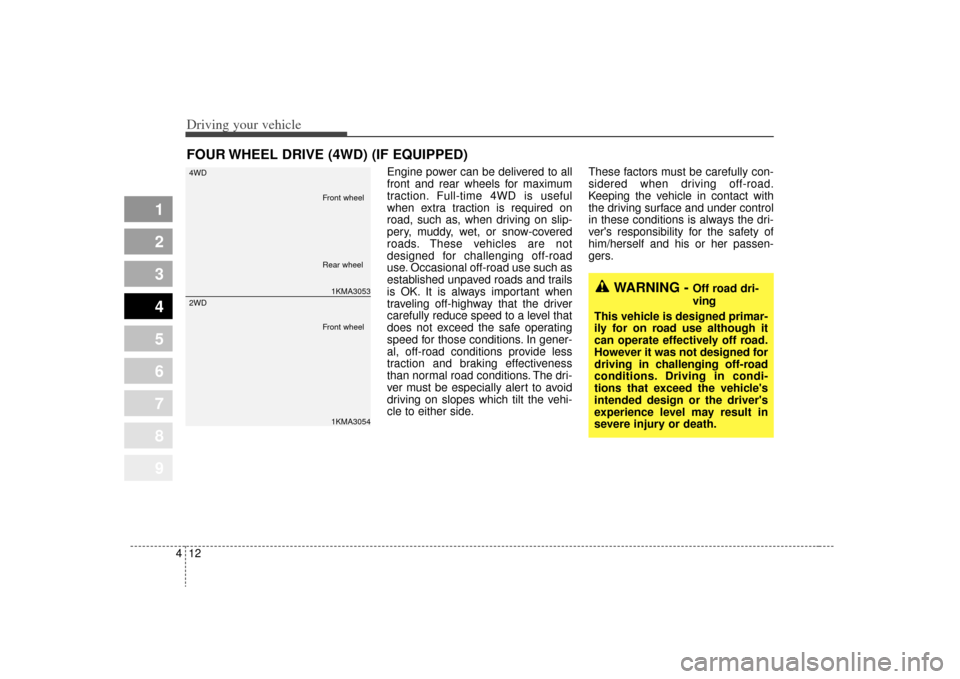
Engine power can be delivered to all
front and rear wheels for maximum
traction. Full-time 4WD is useful
when extra traction is required on
road, such as, when driving on slip-
pery, muddy, wet, or snow-covered
roads. These vehicles are not
designed for challenging off-road
use. Occasional off-road use such as
established unpaved roads and trails
is OK. It is always important when
traveling off-highway that the driver
carefully reduce speed to a level that
does not exceed the safe operating
speed for those conditions. In gener-
al, off-road conditions provide less
traction and braking effectiveness
than normal road conditions. The dri-
ver must be especially alert to avoid
driving on slopes which tilt the vehi-
cle to either side. These factors must be carefully con-
sidered when driving off-road.
Keeping the vehicle in contact with
the driving surface and under control
in these conditions is always the dri-
ver's responsibility for the safety of
him/herself and his or her passen-
gers.
FOUR WHEEL DRIVE (4WD) (IF EQUIPPED)
1
2
3
4
5
6
7
8
9
WARNING -
Off road dri-
ving
This vehicle is designed primar-
ily for on road use although it
can operate effectively off road.
However it was not designed for
driving in challenging off-road
conditions. Driving in condi-
tions that exceed the vehicle's
intended design or the driver's
experience level may result in
severe injury or death.
1KMA3053
4WD1KMA3054
2WD
Front wheel
Front wheel Rear wheel