Page 167 of 425

Features of your vehicle90
4
D230104AHMFan speed controlThe ignition switch must be in the ON
position for fan operation.
The fan speed switch allows you to con-
trol the fan speed of the air flow from the
ventilation system. To change the fan
speed, pull up ( ▲ ) the switch for higher
speed (+), or push down ( ▼ ) the switch
for lower speed (-). To turn the fan speed
control off, press the front blower
ON/OFF button (the indicator light is not
illuminated).
D230105AHMAir conditioning (if equipped)Press the A/C button to turn the air con-
ditioning system on (indicator light will
illuminate). Press the button again to turn
the air conditioning system off.
WARNING
Continued use of the climate con- trol system in the recirculated air
position may allow humidity to
increase inside the vehicle which
may fog the glass and obscure
visibility.
Do not sleep in a vehicle with the air conditioning or heating sys-
tem on. It may cause serious
harm or death due to a drop in the
oxygen level and/or body temper-
ature.
Continued use of the climate con- trol system in the recirculated air
position can cause drowsiness or
sleepiness, and loss of vehicle
control. Set the air intake control
to the outside (fresh) air position
as much as possible while driv-
ing.
OHM048095
OHM048096N
Page 168 of 425
491
Features of your vehicle
D230200AHM-EERear heating and air conditioning
(if equipped)
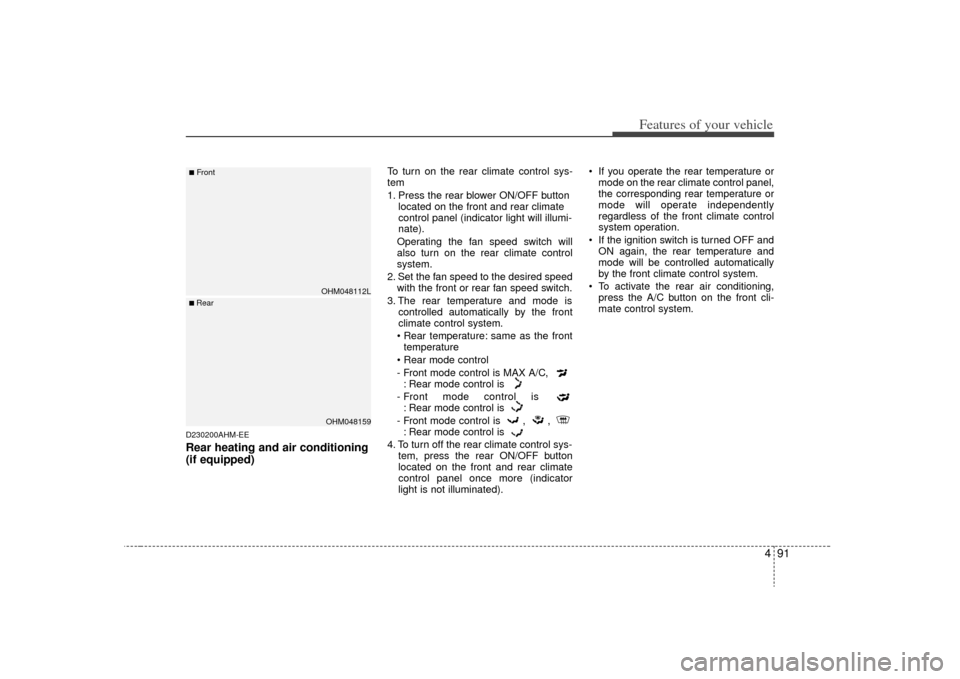
To turn on the rear climate control sys-
tem
1. Press the rear blower ON/OFF buttonlocated on the front and rear climate
control panel (indicator light will illumi-
nate).
Operating the fan speed switch will
also turn on the rear climate control
system.
2. Set the fan speed to the desired speed with the front or rear fan speed switch.
3. The rear temperature and mode is controlled automatically by the front
climate control system.
• Rear temperature: same as the front temperature
- Front mode control is MAX A/C, : Rear mode control is
- Front mode control is : Rear mode control is
- Front mode control is , , : Rear mode control is
4. To turn off the rear climate control sys- tem, press the rear ON/OFF button
located on the front and rear climate
control panel once more (indicator
light is not illuminated). If you operate the rear temperature or
mode on the rear climate control panel,
the corresponding rear temperature or
mode will operate independently
regardless of the front climate control
system operation.
If the ignition switch is turned OFF and ON again, the rear temperature and
mode will be controlled automatically
by the front climate control system.
To activate the rear air conditioning, press the A/C button on the front cli-
mate control system.
OHM048112LOHM048159
■Front■ Rear
Page 170 of 425
493
Features of your vehicle
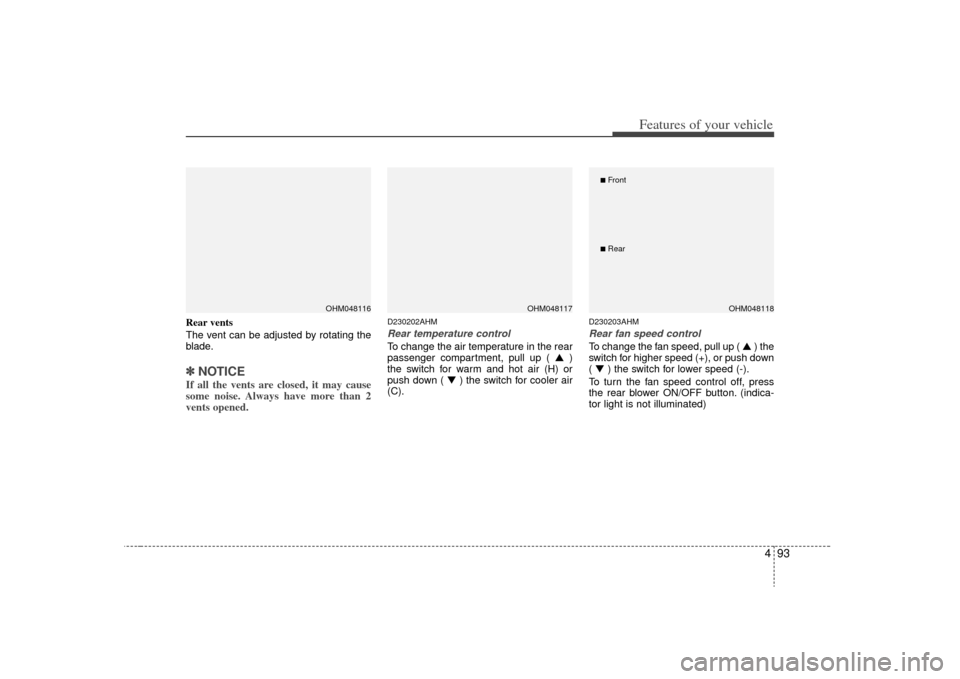
Rear vents
The vent can be adjusted by rotating the
blade.✽ ✽NOTICEIf all the vents are closed, it may cause
some noise. Always have more than 2
vents opened.
D230202AHMRear temperature controlTo change the air temperature in the rear
passenger compartment, pull up ( ▲)
the switch for warm and hot air (H) or
push down ( ▼ ) the switch for cooler air
(C).
D230203AHMRear fan speed controlTo change the fan speed, pull up ( ▲ ) the
switch for higher speed (+), or push down
( ▼ ) the switch for lower speed (-).
To turn the fan speed control off, press
the rear blower ON/OFF button. (indica-
tor light is not illuminated)
OHM048116
OHM048117
OHM048118
■Front■Rear
Page 172 of 425

495
Features of your vehicle
✽
✽NOTICE• When using the air conditioning sys-
tem, monitor the temperature gauge
closely while driving up hills or in
heavy traffic when outside tempera-
tures are high. Air conditioning sys-
tem operation may cause engine over-
heating. Continue to use the blower
fan but turn the air conditioning sys-
tem off if the temperature gauge indi-
cates engine overheating.
• When opening the windows in humid weather air conditioning may create
water droplets inside the vehicle.
Since excessive water droplets may
cause damage to electrical equipment,
air conditioning should only be used
with the windows closed.
Air conditioning system operation tips
If the vehicle has been parked in direct
sunlight during hot weather, open the
windows for a short time to let the hot
air inside the vehicle escape.
To help reduce moisture inside of the windows on rainy or humid days,
decrease the humidity inside the vehi-
cle by operating the air conditioning
system.
During air conditioning system opera- tion, you may occasionally notice a
slight change in engine speed as the
air conditioning compressor cycles.
This is a normal system operation
characteristic.
Use the air conditioning system every month only for a few minutes to ensure
maximum system performance. When using the air conditioning sys-
tem, you may notice clear water drip-
ping (or even puddling) on the ground
under the passenger side of the vehi-
cle. This is a normal system operation
characteristic.
Operating the air conditioning system in the recirculated air position provides
maximum cooling, however, continual
operation in this mode may cause the
air inside the vehicle to become stale.
During cooling operation, you may occasionally notice a misty air flow
because of rapid cooling and humid air
intake. This is a normal system opera-
tion characteristic.
Page 181 of 425
Features of your vehicle104
4D240205AHMFan speed controlThe fan speed can be set to the desired
speed by operating the fan speed control
switch.
To change the fan speed, pull up ( ▲ ) the
switch for higher speed ( ), or push
down ( ▼ ) the switch for lower speed
( ). To turn the fan speed control off,
press the front blower OFF button.
D240206AUNAir conditioningPress the A/C button to turn the air con-
ditioning system on (indicator light will
illuminate).
Press the button again to turn the air
conditioning system off.
D240208AHM-EEOFF modePress the front blower OFF button to turn
off the front air climate control system.
However, you can still operate the mode
and air intake buttons as long as the igni-
tion switch is in the ON position.
OHM048109
OHM048110
OHM048108
Page 182 of 425

4 105
Features of your vehicle
D240300AHM-EERear heating and air conditioning
(if equipped)
To turn on the rear climate control sys-
tem
1. Press the rear blower ON/OFF buttonlocated on the front and rear climate
control panel (indicator light will illumi-
nate).
Operating the fan speed switch will
also turn on the rear climate control
system.
2. Set the fan speed to the desired speed with the front or rear fan speed switch.
3. The rear temperature and mode is controlled automatically by the front
climate control system.
same as the front temperature
- Front mode control is : Rear mode control is
- Front mode control is : Rear mode control is
- Front mode control is , , : Rear mode control is
4. To turn off the rear climate control sys- tem, press the rear blower ON/OFF
button located on the front and rear cli-
mate control panel once more (indica-
tor light is not illuminated). If you operate the rear temperature or
mode on the rear climate control panel,
the corresponding rear temperature or
mode will operate independently
regardless of the front climate control
system operation.
If the ignition switch is turned OFF and ON again, the rear temperature and
mode will be controlled automatically
by the front climate control system.
To activate the rear air conditioning, press the A/C button on the front cli-
mate control system.
OHM048112OHM048159
■Front■ Rear
Page 184 of 425
4 107
Features of your vehicle
Rear vents
The vent can be adjusted by rotating the
blade.✽ ✽NOTICEIf all the vents are closed, it may cause
some noise. Always have more than 2
vents opened.
D240302AHMRear temperature controlTo change the air temperature in the rear
passenger compartment, pull up ( ▲)
the switch for warm and hot air (H) or
push down ( ▼ ) the switch for cooler air
(C).
D240303AHMRear fan speed controlTo change the fan speed, pull up ( ▲ ) the
switch for higher speed (+), or push down
( ▼ ) the switch for lower speed (-).
To turn the fan speed control off, press
the rear blower ON/OFF button. (indica-
tor light is not illuminated)D240500AHM❈ For information on “Climate control air
filter”, etc., refer to “Manual climate
control system” in this section.
OHM048117
OHM048116
OHM048118
■Front■Rear
Page 187 of 425

Features of your vehicle110
4D250300AHMDefogging logicTo reduce the probability of fogging up
the inside of the windshield, the air intake
or air conditioning are controlled auto-
matically according to certain conditions
such as or position. To cancel or
return to the defogging logic, do the fol-
lowing.
D250301AHM-EEManual climate control system1. Turn the ignition switch to the ON posi-
tion.
2. Turn the mode selection knob to the defrost position ( ).
3. Press the air intake control button at least 5 times within 3 seconds.
The indicator light in the air intake control
button will blink 3 times with 0.5 second
of interval. It indicates that the defogging
logic is canceled or returned to the pro-
grammed status.
If the battery has been discharged or dis-
connected, it resets to the defog logic
status.
D250302AHM-EEAutomatic climate control system1. Turn the ignition switch to the ON posi- tion.
2. Select the defroster position pressing the defroster button ( ).
3. While pressing the air conditioning button (A/C), press the air intake con-
trol button at least 5 times within 3 sec-
onds.
The A/C display blinks 3 times with 0.5
second of interval. It indicates that the
defogging logic is canceled or returned to
the programmed status.
If the battery has been discharged or
disconnected, it resets to the defog logic
status.
OHM048123L
OHM048124L