Page 138 of 321
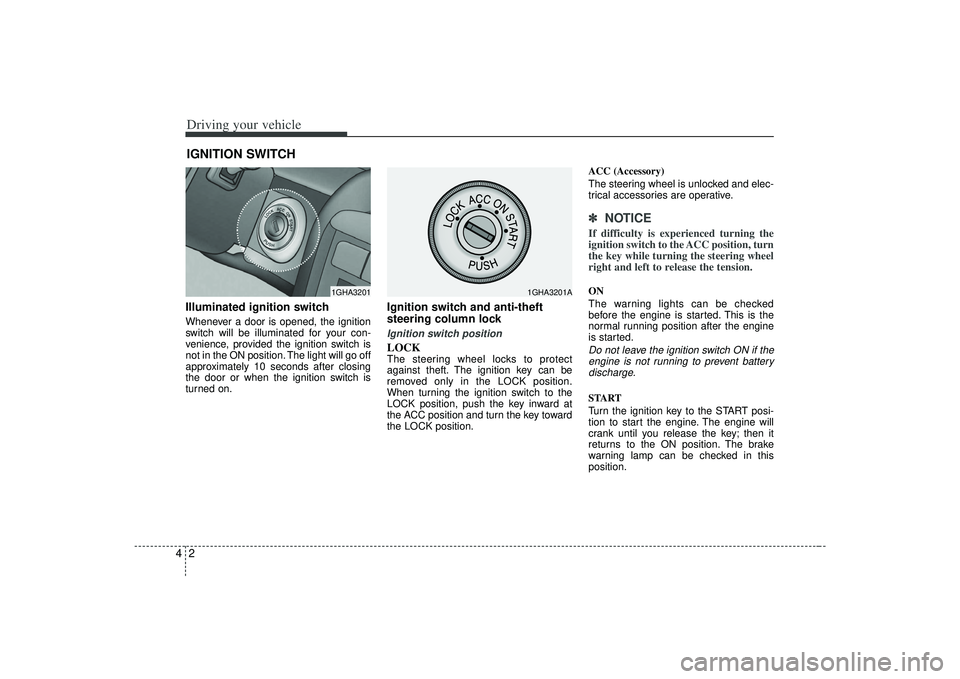
Driving your vehicle24Illuminated ignition switchWhenever a door is opened, the ignition
switch will be illuminated for your con-
venience, provided the ignition switch is
not in the ON position. The light will go off
approximately 10 seconds after closing
the door or when the ignition switch is
turned on.
Ignition switch and anti-theft
steering column lock Ignition switch positionLOCKThe steering wheel locks to protect
against theft. The ignition key can be
removed only in the LOCK position.
When turning the ignition switch to the
LOCK position, push the key inward at
the ACC position and turn the key toward
the LOCK position.ACC (Accessory)
The steering wheel is unlocked and elec-
trical accessories are operative.
✽ ✽
NOTICEIf difficulty is experienced turning the
ignition switch to the ACC position, turn
the key while turning the steering wheel
right and left to release the tension.ON
The warning lights can be checked
before the engine is started. This is the
normal running position after the engine
is started.Do not leave the ignition switch ON if the
engine is not running to prevent batterydischarge.START
Turn the ignition key to the START posi-
tion to start the engine. The engine will
crank until you release the key; then it
returns to the ON position. The brake
warning lamp can be checked in this
position.
IGNITION SWITCH
1GHA3201
1GHA3201A
Page 139 of 321
43
Driving your vehicle
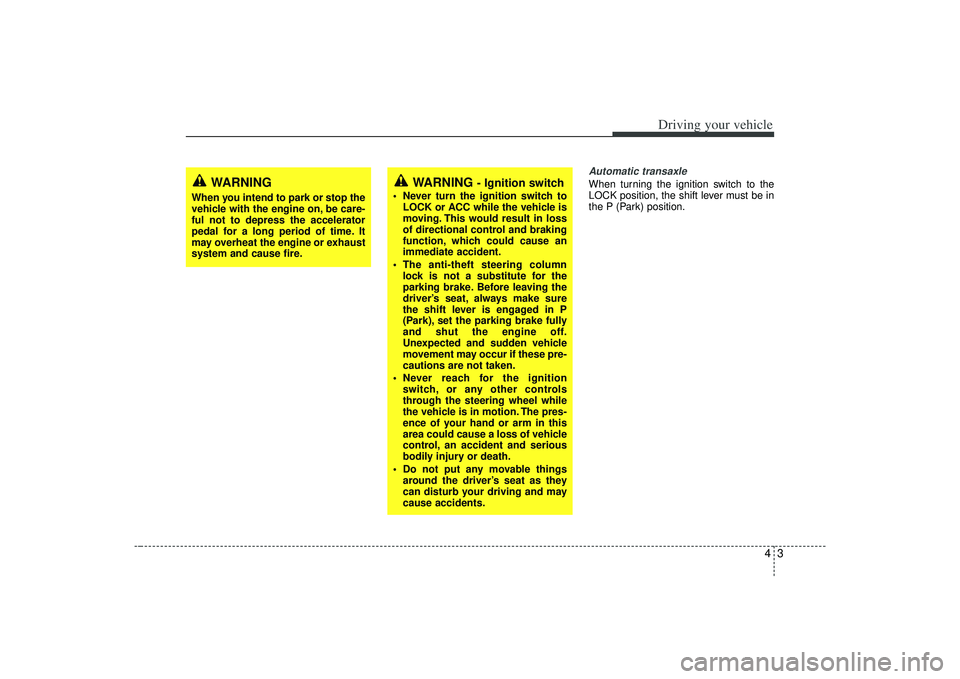
Automatic transaxleWhen turning the ignition switch to the
LOCK position, the shift lever must be in
the P (Park) position.
WARNING
- Ignition switch
• Never turn the ignition switch toLOCK or ACC while the vehicle is
moving. This would result in loss
of directional control and braking
function, which could cause an
immediate accident.
The anti-theft steering column lock is not a substitute for the
parking brake. Before leaving the
driver’s seat, always make sure
the shift lever is engaged in P
(Park), set the parking brake fully
and shut the engine off.
Unexpected and sudden vehicle
movement may occur if these pre-
cautions are not taken.
Never reach for the ignition switch, or any other controls
through the steering wheel while
the vehicle is in motion. The pres-
ence of your hand or arm in this
area could cause a loss of vehicle
control, an accident and serious
bodily injury or death.
Do not put any movable things around the driver’s seat as they
can disturb your driving and may
cause accidents.
WARNING
When you intend to park or stop the
vehicle with the engine on, be care-
ful not to depress the accelerator
pedal for a long period of time. It
may overheat the engine or exhaust
system and cause fire.
Page 140 of 321
Driving your vehicle441. Make sure the parking brake isapplied.
2. Place the transaxle shift lever in P (Park). Depress the brake pedal fully.
You can also start the engine when the shift lever is in the N (Neutral)
position.
3. Turn the ignition switch to START and hold it there until the engine starts (a
maximum of 10 seconds), then
release the key.
4. In extremely cold weather (below -18°C / 0°F) or after the vehicle has
not been operated for several days, let
the engine warm up without depress-
ing the accelerator.Whether the engine is cold or warm, itshould be started without depressingthe accelerator.STARTING THE ENGINE
CAUTION
If the engine stalls while you are inmotion, do not attempt to move the shift lever to the P (Park) position. Iftraffic and road conditions permit,you may put the shift lever in the N(Neutral) position while the vehicleis still moving and turn the ignition switch to the START position in anattempt to restart the engine.
WARNING
Always wear appropriate shoes
when operating your vehicle.
Unsuitable shoes (high heels, ski
boots,etc.) may interfere with your
ability to use the brake and acceler-
ator pedal.
Page 145 of 321

49
Driving your vehicle
Moving up a steep grade from a
standing startTo move up a steep grade from a stand-
ing start, depress the brake pedal, shift
the shift lever to D (Drive). Select the
appropriate gear depending on load
weight and steepness of the grade, and
release the parking brake. Depress the
accelerator gradually while releasing the
service brakes.
When accelerating from a stop on a
steep hill, the vehicle may have a ten-
dency to roll backwards. Shifting the
shift lever into 2 (Second Gear) while
in Sport mode will help prevent the
vehicle from rolling backwards.Ignition key inter lock systemThe ignition key cannot be removed
unless the shift lever is in the P (Park)
position. If the ignition switch is in any
other position, the key cannot be
removed.
Shift lock systemFor your safety, the Automatic Transaxle
has a shift lock system which prevents
shifting the transaxle out of P (Park)
unless the brake pedal is depressed.
To shift the transaxle out of P (Park):
1. Depress and hold the brake pedal.
2. Start the engine or turn the ignition tothe ON position.
3. Move the shift lever.
If the brake pedal is repeatedly
depressed and released with the shift
lever in the P (Park) position, a chattering
sound near the shift lever may be heard.
This is a normal condition.
Shift-lock overrideIf the shift lever should fail to move from
the P (Park) position with the brake pedal
depressed, continue depressing the
brake, then do the following:
1. Carefully remove the cap covering the S/Lock override access hole which is
located on the right side of the shift
lever.
2. Insert the screwdriver or key into the access hole and press down on the
key.
3. Depress the lock release button and move the shift lever.
4. Have your vehicle inspected by an authorized Kia dealership immediately.
OMG045061
Page 148 of 321
Driving your vehicle12
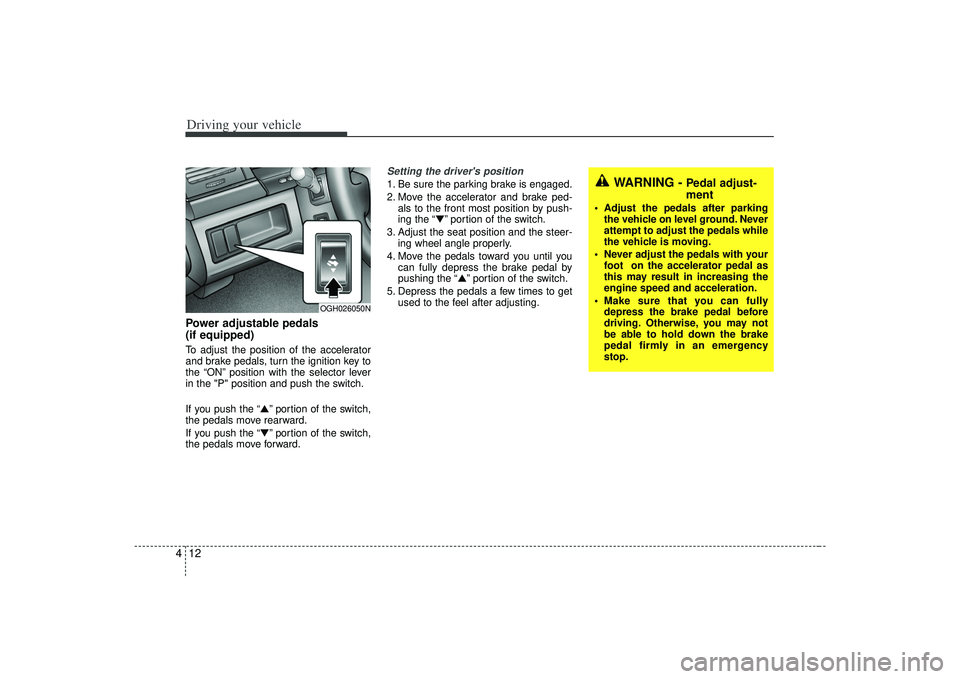
4Power adjustable pedals
(if equipped)To adjust the position of the accelerator
and brake pedals, turn the ignition key to
the “ON” position with the selector lever
in the "P" position and push the switch.
If you push the “▲” portion of the switch,
the pedals move rearward.
If you push the “▼” portion of the switch,
the pedals move forward.
Setting the driver's position1. Be sure the parking brake is engaged.
2. Move the accelerator and brake ped- als to the front most position by push-
ing the “▼” portion of the switch.
3. Adjust the seat position and the steer- ing wheel angle properly.
4. Move the pedals toward you until you can fully depress the brake pedal by
pushing the “▲” portion of the switch.
5. Depress the pedals a few times to get used to the feel after adjusting.
OGH026050N
WARNING -
Pedal adjust-
ment
Adjust the pedals after parkingthe vehicle on level ground. Never
attempt to adjust the pedals while
the vehicle is moving.
Never adjust the pedals with your foot on the accelerator pedal as
this may result in increasing the
engine speed and acceleration.
Make sure that you can fully depress the brake pedal before
driving. Otherwise, you may not
be able to hold down the brake
pedal firmly in an emergency
stop.
Page 150 of 321
Driving your vehicle14
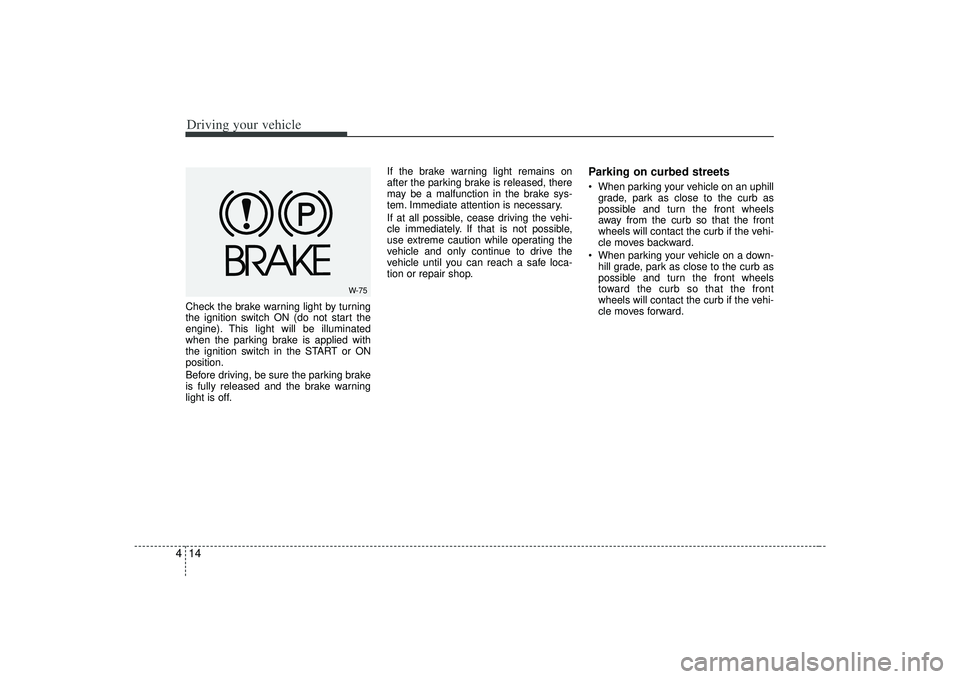
4Check the brake warning light by turning
the ignition switch ON (do not start the
engine). This light will be illuminated
when the parking brake is applied with
the ignition switch in the START or ON
position.
Before driving, be sure the parking brake
is fully released and the brake warning
light is off. If the brake warning light remains on
after the parking brake is released, there
may be a malfunction in the brake sys-
tem. Immediate attention is necessary.
If at all possible, cease driving the vehi-
cle immediately. If that is not possible,
use extreme caution while operating the
vehicle and only continue to drive the
vehicle until you can reach a safe loca-
tion or repair shop.
Parking on curbed streets When parking your vehicle on an uphill
grade, park as close to the curb as
possible and turn the front wheels
away from the curb so that the front
wheels will contact the curb if the vehi-
cle moves backward.
When parking your vehicle on a down- hill grade, park as close to the curb as
possible and turn the front wheels
toward the curb so that the front
wheels will contact the curb if the vehi-
cle moves forward.
W-75
Page 152 of 321
Driving your vehicle16
4✽
✽
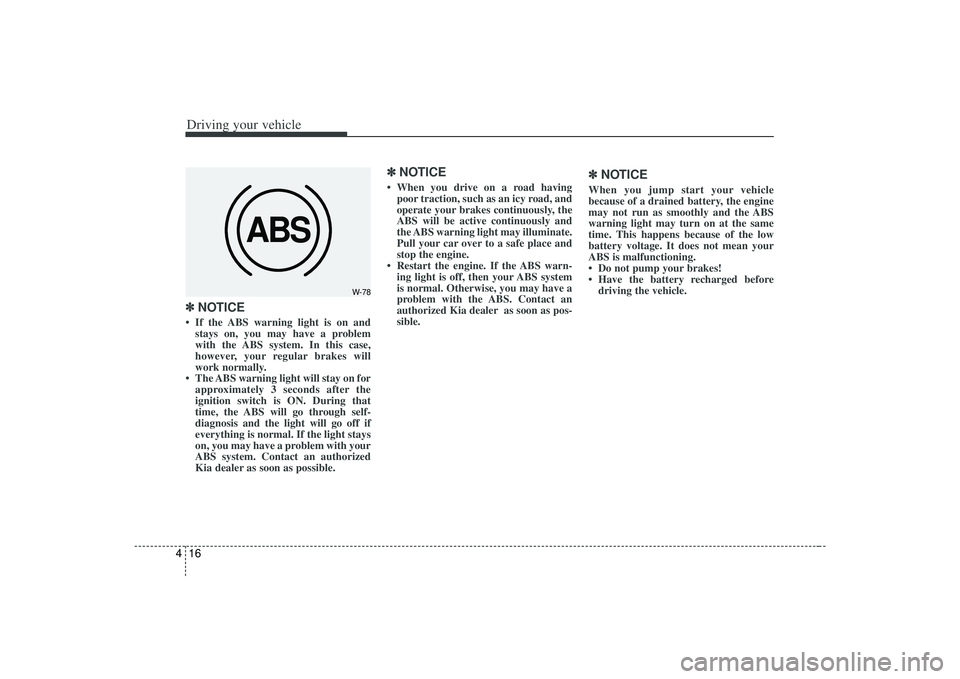
NOTICE• If the ABS warning light is on and
stays on, you may have a problem
with the ABS system. In this case,
however, your regular brakes will
work normally.
• The ABS warning light will stay on for approximately 3 seconds after the
ignition switch is ON. During that
time, the ABS will go through self-
diagnosis and the light will go off if
everything is normal. If the light stays
on, you may have a problem with your
ABS system. Contact an authorized
Kia dealer as soon as possible.
✽ ✽ NOTICE• When you drive on a road having
poor traction, such as an icy road, and
operate your brakes continuously, the
ABS will be active continuously and
the ABS warning light may illuminate.
Pull your car over to a safe place and
stop the engine.
• Restart the engine. If the ABS warn- ing light is off, then your ABS system
is normal. Otherwise, you may have a
problem with the ABS. Contact an
authorized Kia dealer as soon as pos-
sible.
✽ ✽ NOTICEWhen you jump start your vehicle
because of a drained battery, the engine
may not run as smoothly and the ABS
warning light may turn on at the same
time. This happens because of the low
battery voltage. It does not mean your
ABS is malfunctioning.
• Do not pump your brakes!
• Have the battery recharged before
driving the vehicle.
ABS
W-78
Page 156 of 321
Driving your vehicle20
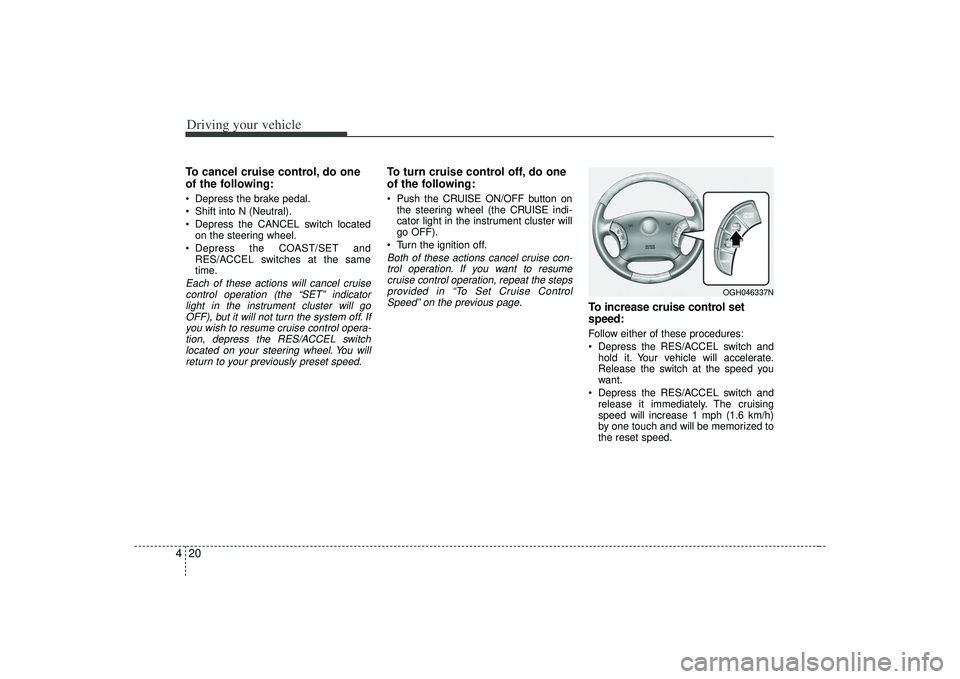
4To cancel cruise control, do one
of the following: Depress the brake pedal.
Shift into N (Neutral).
Depress the CANCEL switch located
on the steering wheel.
Depress the COAST/SET and RES/ACCEL switches at the same
time.Each of these actions will cancel cruisecontrol operation (the “SET” indicator light in the instrument cluster will goOFF), but it will not turn the system off. Ifyou wish to resume cruise control opera-tion, depress the RES/ACCEL switch located on your steering wheel. You willreturn to your previously preset speed.
To turn cruise control off, do one
of the following: Push the CRUISE ON/OFF button on the steering wheel (the CRUISE indi-
cator light in the instrument cluster will
go OFF).
Turn the ignition off.Both of these actions cancel cruise con- trol operation. If you want to resumecruise control operation, repeat the stepsprovided in “To Set Cruise ControlSpeed” on the previous page.
To increase cruise control set
speed:Follow either of these procedures:
Depress the RES/ACCEL switch and hold it. Your vehicle will accelerate.
Release the switch at the speed you
want.
Depress the RES/ACCEL switch and release it immediately. The cruising
speed will increase 1 mph (1.6 km/h)
by one touch and will be memorized to
the reset speed.
OGH046337N