Page 35 of 521
Resetting the Auto Up Feature
Should the Auto Up feature stop working, the window
probably needs to be reset. To reset Auto Up:
Pull the window switch up and close the window com-
pletely, then pull and hold the switch for one second.
Window Lockout Switch
The window lockout switch on the driver’s door allows
you to disable the window controls on the other doors. To
disable the window controls on the other doors, press the
window lockout button. To enable the window controls,
press the window lockout button again.
Wind Buffeting
Wind buffeting can be described as the perception of
pressure on the ears or a helicopter-type sound in the
ears. Your vehicle may exhibit wind buffeting with the
windows down, or the sunroof (if equipped) in certain
Window Lockout Switch
THINGS TO KNOW BEFORE STARTING YOUR VEHICLE 33
2
Page 63 of 521
designed to keep the lap portion tight around the child
restraint so that it is not necessary to use a locking clip.
If the seat belt has a cinching latch plate, pulling up on
the shoulder portion of the lap/shoulder belt will
tighten the belt (the cinching latch plate will keep the
belt tight, however, any seat belt system will loosen
with time, so check the belt occasionally and pull it
tight if necessary). For the second row center seat belt
with the automatic locking retractor, pull the belt from
the retractor until there is enough allowance to pass it
through the child restraint and slide the latch plate
into the buckle. Then, pull the belt until it is fully
extended from the retractor. Allow the belt to return
into the retractor, pulling on the excess webbing to
tighten the lap portion about the child restraint. For
additional information, refer to�Automatic Locking
Mode�earlier in this section.
•In the rear seat, you may have trouble tightening the
lap/shoulder belt on the child restraint because thebuckle or latch plate is too close to the belt path
opening on the restraint. Disconnect the latch plate
from the buckle and twist the short buckle-end belt
several times to shorten it. Insert the latch plate into
the buckle with the release button facing out.
•If the belt still cannot be tightened, or if pulling and
pushing on the restraint loosens the belt, disconnect
the latch plate from the buckle, turn the buckle
around, and insert the latch plate into the buckle
again. If you still cannot make the child restraint
secure, try a different seating position.
•Buckle the child into the restraint exactly as the
manufacturer’s instructions tell you.
•When your child restraint is not in use, secure it in the
vehicle with the seat belt or remove it from the vehicle.
Do not leave it loose in the vehicle. In a sudden stop or
collision, it could strike the occupants or seatbacks and
cause serious personal injury.
THINGS TO KNOW BEFORE STARTING YOUR VEHICLE 61
2
Page 175 of 521
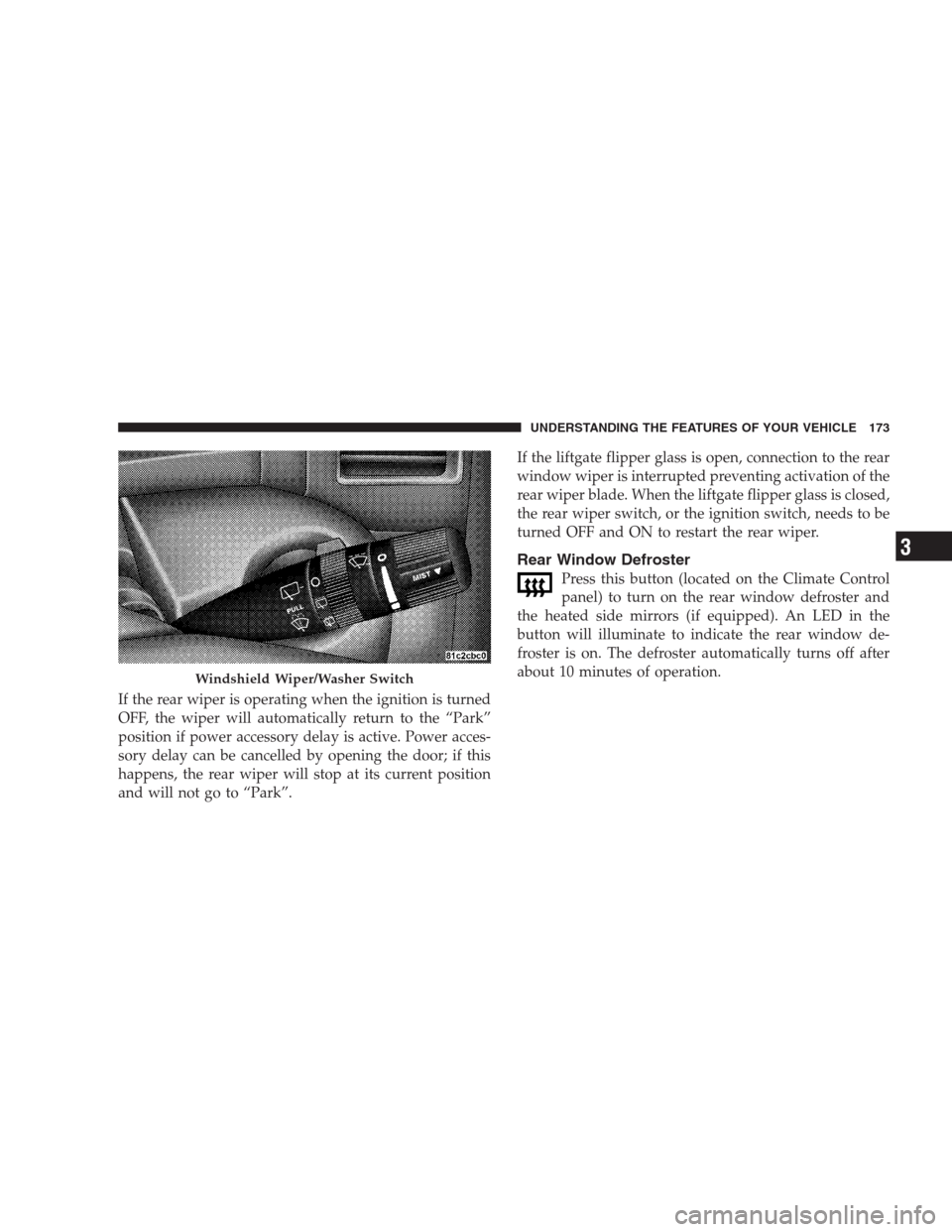
If the rear wiper is operating when the ignition is turned
OFF, the wiper will automatically return to the “Park”
position if power accessory delay is active. Power acces-
sory delay can be cancelled by opening the door; if this
happens, the rear wiper will stop at its current position
and will not go to “Park”.If the liftgate flipper glass is open, connection to the rear
window wiper is interrupted preventing activation of the
rear wiper blade. When the liftgate flipper glass is closed,
the rear wiper switch, or the ignition switch, needs to be
turned OFF and ON to restart the rear wiper.
Rear Window Defroster
Press this button (located on the Climate Control
panel) to turn on the rear window defroster and
the heated side mirrors (if equipped). An LED in the
button will illuminate to indicate the rear window de-
froster is on. The defroster automatically turns off after
about 10 minutes of operation.
Windshield Wiper/Washer Switch
UNDERSTANDING THE FEATURES OF YOUR VEHICLE 173
3
Page 252 of 521
•While a track is playing, press theINFObutton to see
the associated metadata (Artist, track title, album, etc.)
for that track. Pressing theINFObutton again jumps
to the next screen of data for that track. Once you have
seen all screens, the lastINFObutton press will take
you back to the play mode screen on the radio.
•Pressing theREPEATbutton will change the iPod�
mode to repeat the current playing track.
•Press theSCANbutton to use iPod�scan mode, which
will play the first five seconds of each track in the
current list and then forward to the next song. To stop
SCAN mode and start playing the desired track, when
it is playing the track, press theSCANbutton again.
During Scan mode you can also press the <
andSEEK>> buttons to select the previous and next
tracks.
•RNDbutton (available on sales code RES radio only):
Pressing this button toggles between Shuffle ON andShuffle OFF modes for the iPod�.IftheRNDicon is
showing on the radio display, then the shuffle mode is
ON.
List Or Browse Mode
During Play mode, pressing any of the buttons described
below, takes you to List mode. List mode enables you to
scroll through the list of menus and tracks on the iPod�.
•TUNEcontrol knob: TheTUNEcontrol knob functions
in a similar manner as the scroll wheel on the iPod�.
•Turning it clockwise (forward) and counterclock-
wise (backward) scrolls through the lists, displaying
the track detail on the radio display. Once you have
the track to be played highlighted on the radio
display, press theTUNEcontrol knob to select and
start playing the track. Turning theTUNEcontrol
knob fast will scroll through the list faster. During
fast scroll, you may notice a slight delay in updating
the information on the radio display.
250 UNDERSTANDING YOUR INSTRUMENT PANEL
