Page 104 of 449
system Voice Training feature may be used. To enter this
training mode, follow one of the two following proce-
dures:
From outside the UConnecttmode (e.g., from radio
mode):
²Press and hold the ªVoice Recognitionº button for five
seconds until the session begins, or,
²Press the ªVoice Recognitionº button and say the
9Setup, Voice Training9command.
Repeat the words and phrases when prompted by the
UConnecttsystem. For best results, the Voice Training
session should be completed when the vehicle is parked
with the engine running, all windows closed, and the
blower fan switched OFF.
This procedure may be repeated with a new user. The
system will adapt to the last trained voice only.To restore the Voice Recognition system to factory default
settings, enter the Voice Training session via the above
procedure and follow the prompts.
Voice Recognition (VR)
²
For best performance, adjust the rearview mirror to
provide at least1¤2in (1 cm) gap between the overhead
console (if equipped) and the mirror.
²Always wait for the beep before speaking.
²Speak normally, without pausing, just as you would
speak to a person sitting a few feet/meters away from
you.
²Make sure that no one other than you is speaking
during a voice recognition period.
²Performance is maximized under:
²low-to-medium blower setting,
102 UNDERSTANDING THE FEATURES OF YOUR VEHICLE
Page 106 of 449
²smooth road surface,
²fully closed windows,
²dry weather conditions, and
²operation from the driver's seat.
²Performance, such as audio clarity, echo, and loudness
to a large degree rely on the phone and network, and
not the UConnecttsystem.
²Echo at the far end can sometimes be reduced by
lowering the in-vehicle audio volume.
²In a convertible vehicle, system performance may be
compromised with the convertible top down.
BluetoothtCommunication Link
Cellular phones have been found to lose connection to
the UConnecttsystem. When this happens, the connec-
tion can generally be re-established by switching the
phone off/on. Your cell phone is recommended to remain
in BluetoothtON mode.
Power-Up
After switching the ignition key from OFF to either ON
or ACC position, or after a language change, you must
wait at least five seconds prior to using the system.
104 UNDERSTANDING THE FEATURES OF YOUR VEHICLE
Page 114 of 449
Commands
The Voice Recognition System understands two types of
commands. Universal commands are available at all
times. Local commands are available if the supported
radio mode is active.
Changing the Volume
1. Start a dialogue by pressing the VR hard-key.
2. Say a command (e.g., HELP).
3. Use the ON/OFF VOLUME rotary knob to adjust the
volume to a comfortable level while the voice recognition
system is speaking. Please note the volume setting for VR
is different then the audio system.
Main Menu
Start a dialogue by pressing the VR hard-key. You may
say MAIN MENU to switch to the main menu.
In this mode, you can say the following commands:
²RADIO (to switch to the radio mode)
²DISC (to switch to the disc mode)
²MEMO (to switch to the memo recorder)
²SYSTEM SETUP (to switch to system setup)
Radio AM (or Radio Long Wave or Radio Medium
Wave - if equipped)
To switch to the AM band say AM or RADIO AM. In this
mode, you may say the following commands:
²FREQUENCY (to change the frequency)
²NEXT STATION (to select the next station)
²PREVIOUS STATION (to select the previous station)
²RADIO MENU (to switch to the radio menu)
²MAIN MENU (to switch to the main menu)
112 UNDERSTANDING THE FEATURES OF YOUR VEHICLE
Page 116 of 449
Memo
To switch to the voice recorder mode say MEMO. In this
mode, you may say the following commands:
²NEW MEMO (to record a new memo) Ð During the
recording you may press the VR hard-key to stop
recording. You proceed by saying one of the following
commands:
þSAVE (to save the memo)
þCONTINUE (to continue recording)
þDELETE (to delete the recording)
²PLAY MEMOS (to play previously recorded memos)
Ð During the playback you may press the VR hard-
key to stop playing memos. You proceed by saying one
of the following commands:
þREPEAT (to repeat a memo)
þNEXT (to play the next memo)
þPREVIOUS (to play the previous memo)
þDELETE (to delete a memo)
²DELETE ALL (to delete all memos)
System Setup
To switch to system setup say ªSetupº. In this mode, you
may say the following commands:
²Language English
²Language French
²Language Spanish
²Tutorial
²Voice Training
NOTE:Keep in mind that you have to press the VR
hard-key first and wait for the beep, before speaking the
ªbarge inº commands.
114 UNDERSTANDING THE FEATURES OF YOUR VEHICLE
Page 125 of 449
LIGHTS
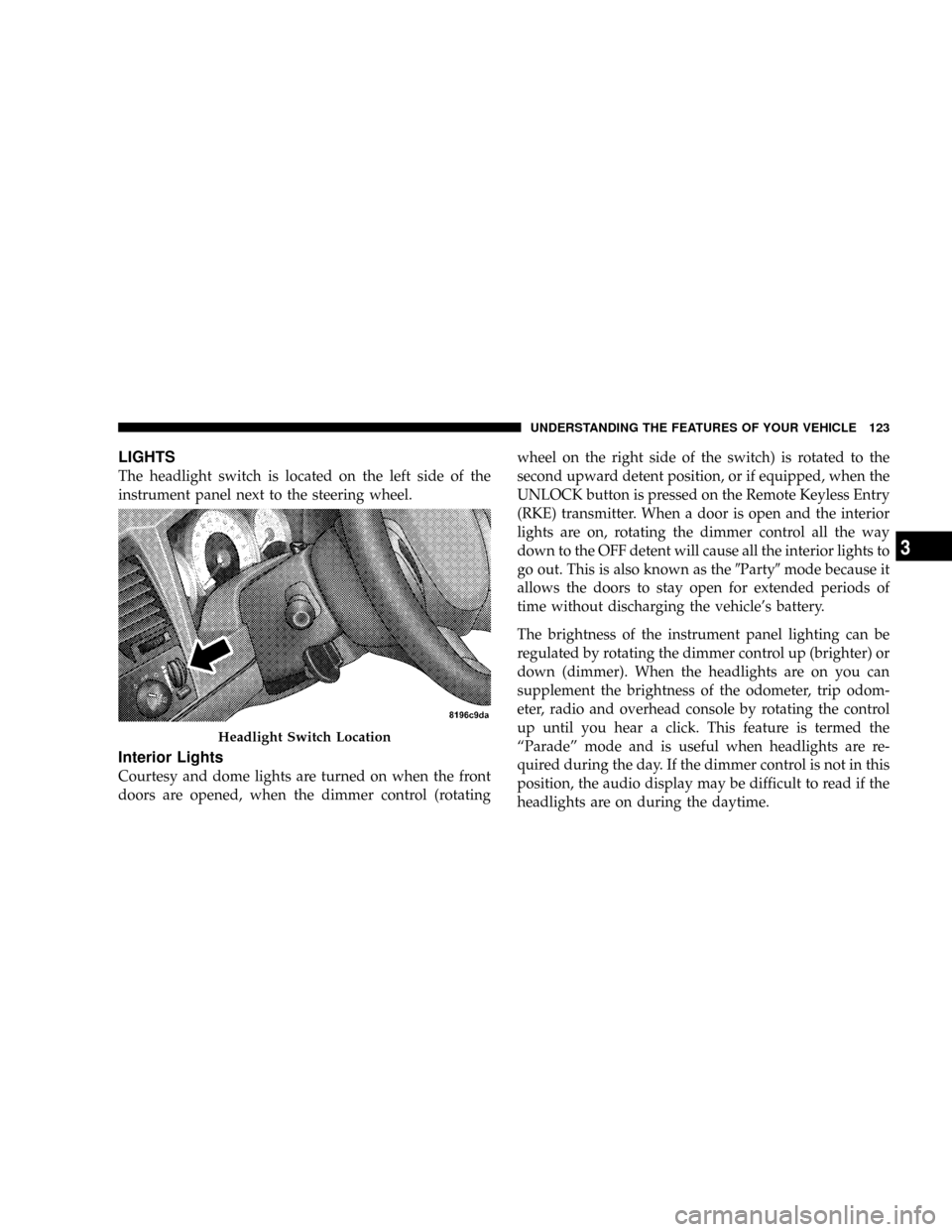
The headlight switch is located on the left side of the
instrument panel next to the steering wheel.
Interior Lights
Courtesy and dome lights are turned on when the front
doors are opened, when the dimmer control (rotatingwheel on the right side of the switch) is rotated to the
second upward detent position, or if equipped, when the
UNLOCK button is pressed on the Remote Keyless Entry
(RKE) transmitter. When a door is open and the interior
lights are on, rotating the dimmer control all the way
down to the OFF detent will cause all the interior lights to
go out. This is also known as the9Party9mode because it
allows the doors to stay open for extended periods of
time without discharging the vehicle's battery.
The brightness of the instrument panel lighting can be
regulated by rotating the dimmer control up (brighter) or
down (dimmer). When the headlights are on you can
supplement the brightness of the odometer, trip odom-
eter, radio and overhead console by rotating the control
up until you hear a click. This feature is termed the
ªParadeº mode and is useful when headlights are re-
quired during the day. If the dimmer control is not in this
position, the audio display may be difficult to read if the
headlights are on during the daytime.
Headlight Switch Location
UNDERSTANDING THE FEATURES OF YOUR VEHICLE 123
3
Page 159 of 449
prior to the time-out. The Rear Window Defroster will
turn off automatically after 15 minutes from the first
activation, and 10 minutes after the second activation, all
within the same ignition cycle. To prevent excessive
battery drain, use the rear defroster only when the engine
is running.
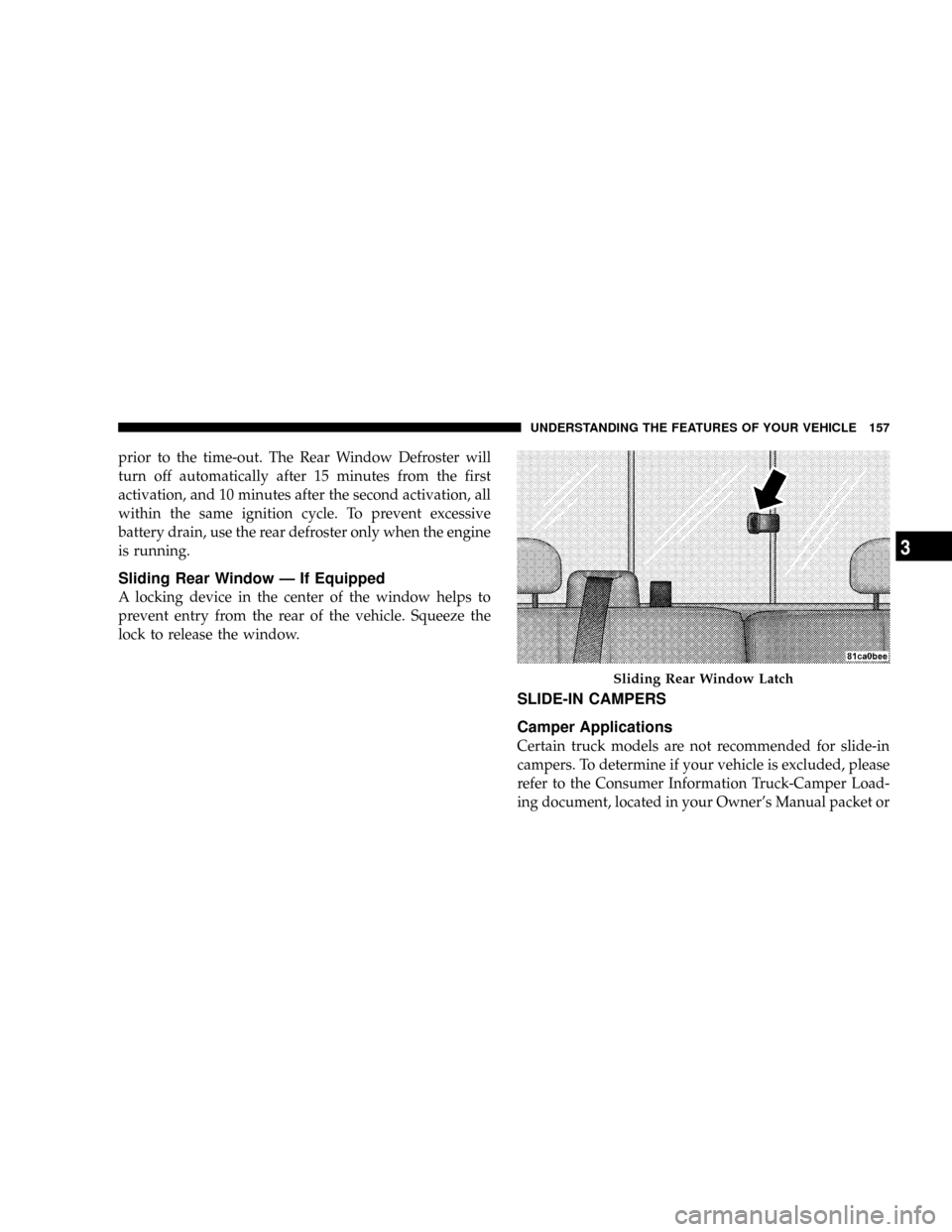
Sliding Rear Window Ð If Equipped
A locking device in the center of the window helps to
prevent entry from the rear of the vehicle. Squeeze the
lock to release the window.
SLIDE-IN CAMPERS
Camper Applications
Certain truck models are not recommended for slide-in
campers. To determine if your vehicle is excluded, please
refer to the Consumer Information Truck-Camper Load-
ing document, located in your Owner's Manual packet or
Sliding Rear Window Latch
UNDERSTANDING THE FEATURES OF YOUR VEHICLE 157
3
Page 165 of 449
UNDERSTANDING YOUR INSTRUMENT PANEL
CONTENTS
mInstruments And Controls................ 166
mInstrument Cluster..................... 167
mInstrument Cluster Description............ 168
mElectronic Digital Clock................. 179
NClock Setting Procedure................ 179
mSales Code REQ Ð AM/FM Stereo Radio And
6±Disc CD/DVD Changer (MP3/WMA AUX
Jack)................................ 180
NOperating Instructions - Radio Mode....... 180NOperation Instructions - (Disc Mode For CD
And MP3/WMA Audio Play, DVD-Video) . . . 189
NNotes On Playing MP3/WMA Files........ 191
NList Button (Disc Mode For MP3/WMA
Play)............................. 193
NInfo Button (Disc Mode For MP3/WMA
Play)............................. 193
mAM/FM/CD/DVD Multimedia System Radio
(RER/REN) ± If Equipped................ 196
NOperating Instructions Ð Voice Recognition
System (VR) Ð If Equipped............. 1964
Page 182 of 449
3. After the hours are adjusted, push the TUNE/AUDIO
control knob to set the minutes.
4. Adjust the minutes by turning the TUNE/AUDIO
control knob.
5. To exit, press any button/knob, or wait approximately
five seconds.
SALES CODE REQ Ð AM/FM STEREO RADIO
AND 6±DISC CD/DVD CHANGER (MP3/WMA AUX
JACK)
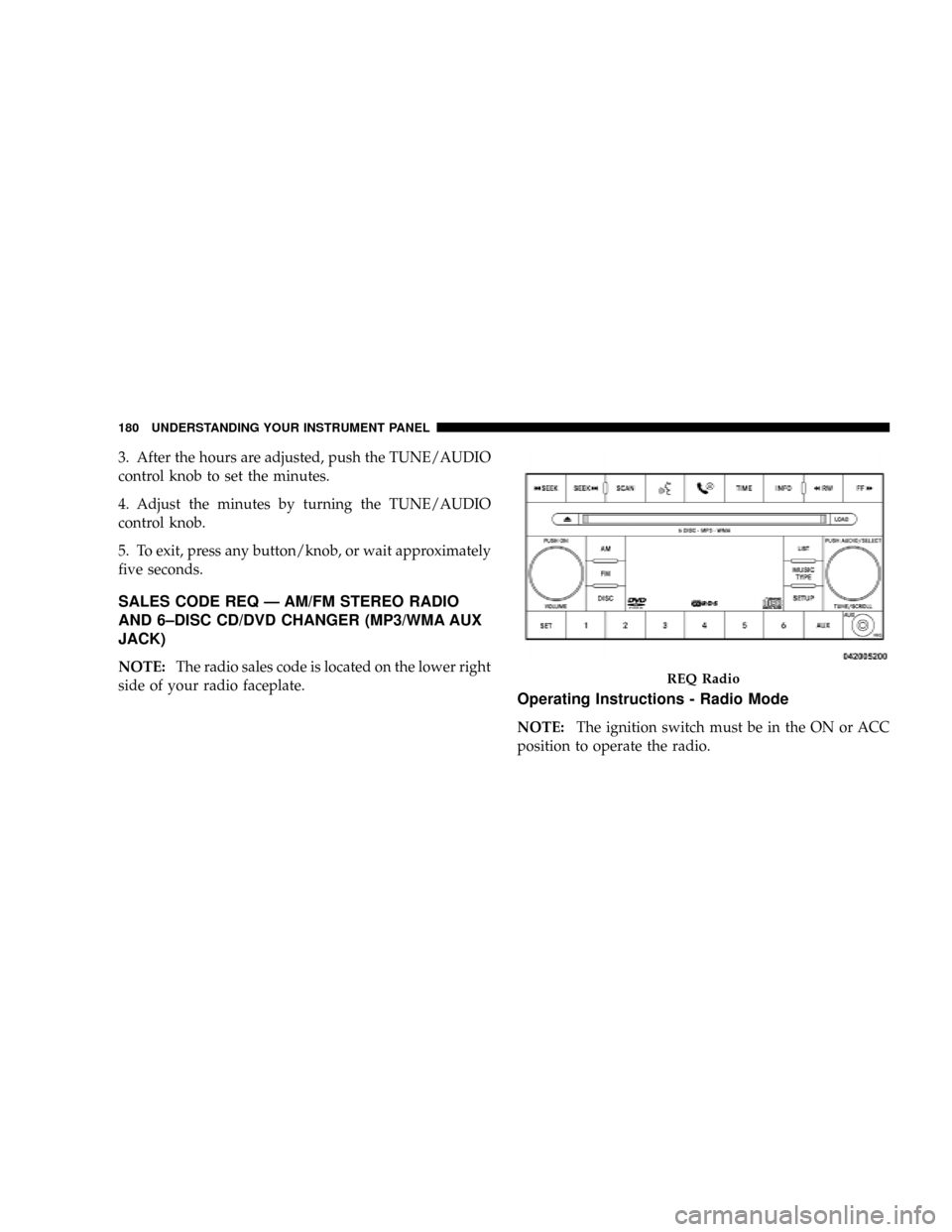
NOTE:The radio sales code is located on the lower right
side of your radio faceplate.
Operating Instructions - Radio Mode
NOTE:The ignition switch must be in the ON or ACC
position to operate the radio.
REQ Radio
180 UNDERSTANDING YOUR INSTRUMENT PANEL