Page 164 of 526
•The ACC system maintains set speed when driving up
hill and down hill. However, a slight speed change on
moderate hills is normal. In addition, downshifting
may occur while climbing uphill or descending down-
hill. This is normal operation and necessary to main-
tain set speed.
Setting the Following Distance in ACC
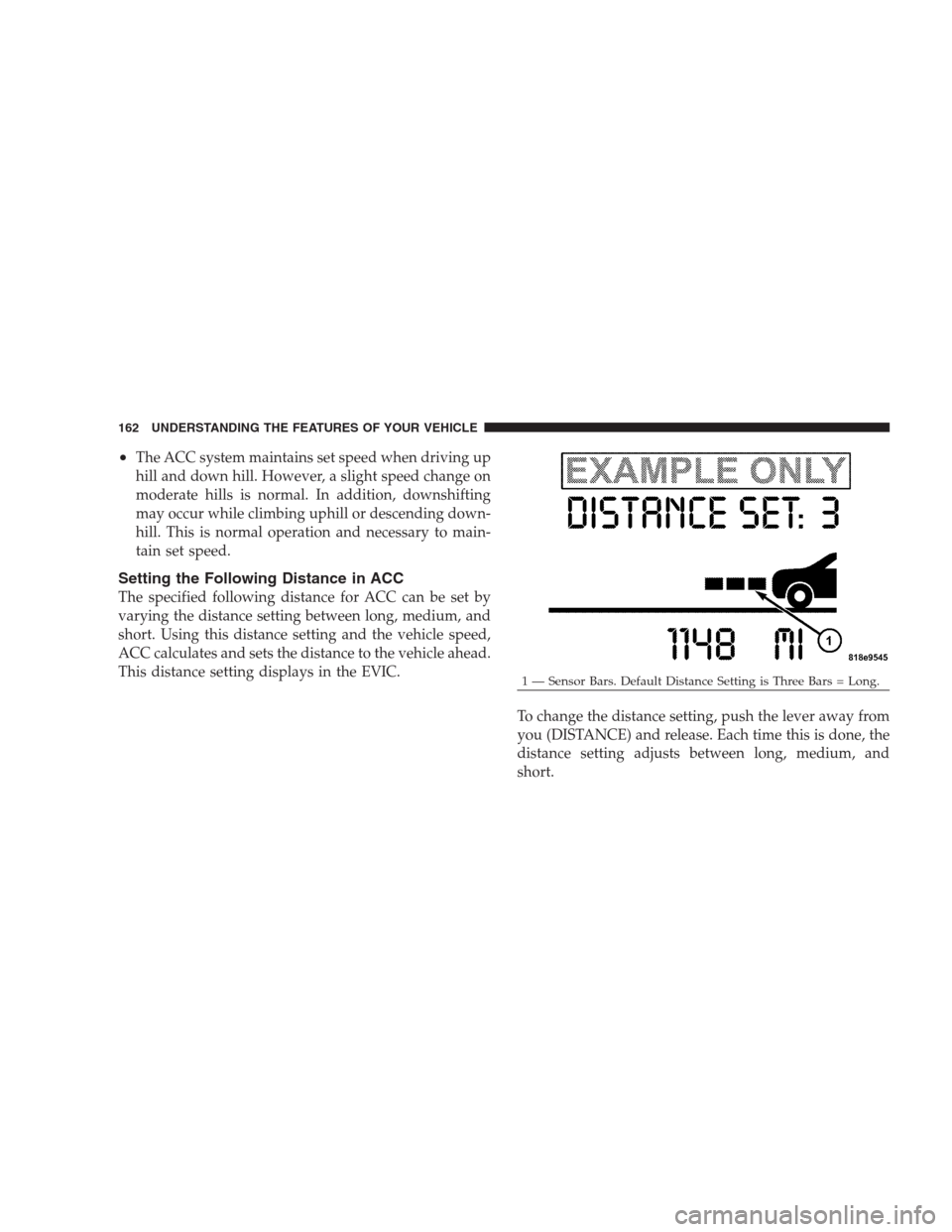
The specified following distance for ACC can be set by
varying the distance setting between long, medium, and
short. Using this distance setting and the vehicle speed,
ACC calculates and sets the distance to the vehicle ahead.
This distance setting displays in the EVIC.
To change the distance setting, push the lever away from
you (DISTANCE) and release. Each time this is done, the
distance setting adjusts between long, medium, and
short.
1 — Sensor Bars. Default Distance Setting is Three Bars = Long. 162 UNDERSTANDING THE FEATURES OF YOUR VEHICLE
Page 165 of 526

If there is no vehicle ahead, the vehicle will maintain the
set speed. If a slower moving vehicle is detected in the
same lane, the EVIC displays the “Sensed Vehicle Indi-
cator” icon, and the system adjusts vehicle speed auto-
matically to maintain the distance setting, regardless of
the set speed.
The vehicle will then maintain the set distance until:
•The vehicle ahead accelerates to a speed above the set
speed.
•The vehicle ahead moves out of your lane or view of
the sensor.
•The vehicle ahead slows to a speed below 15 mph
(24 km/h) and the system automatically disengages
itself.
•The distance setting is changed.
•The system disengages. (Refer to the information on
ACC Activation).
The maximum braking applied by ACC is limited; how-
ever, the driver can always apply the brakes manually, if
necessary.
NOTE:The brake lights will illuminate whenever the
ACC system applies the brakes.
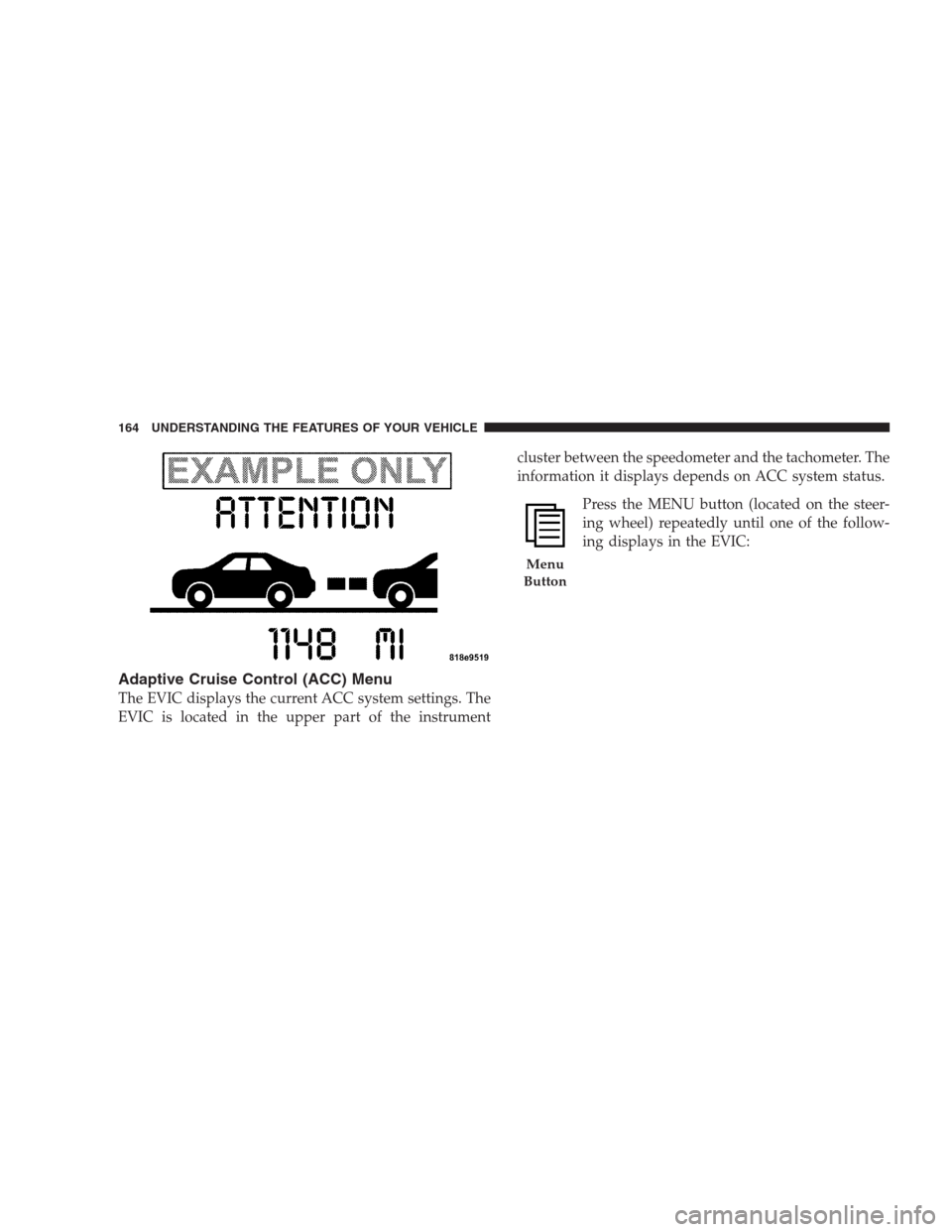
A Proximity Warning will alert the driver if ACC predicts
that its maximum braking level is not sufficient to
maintain the set distance. If this occurs, a visual alert
“ATTENTION” will flash in the EVIC and a chime will
sound while ACC continues to apply its maximum
braking capacity. When this occurs, you should immedi-
ately apply the brakes as needed to maintain a safe
distance from the vehicle ahead.
UNDERSTANDING THE FEATURES OF YOUR VEHICLE 163
3
Page 166 of 526
Adaptive Cruise Control (ACC) Menu
The EVIC displays the current ACC system settings. The
EVIC is located in the upper part of the instrumentcluster between the speedometer and the tachometer. The
information it displays depends on ACC system status.
Press the MENU button (located on the steer-
ing wheel) repeatedly until one of the follow-
ing displays in the EVIC:
Menu
Button
164 UNDERSTANDING THE FEATURES OF YOUR VEHICLE
Page 167 of 526
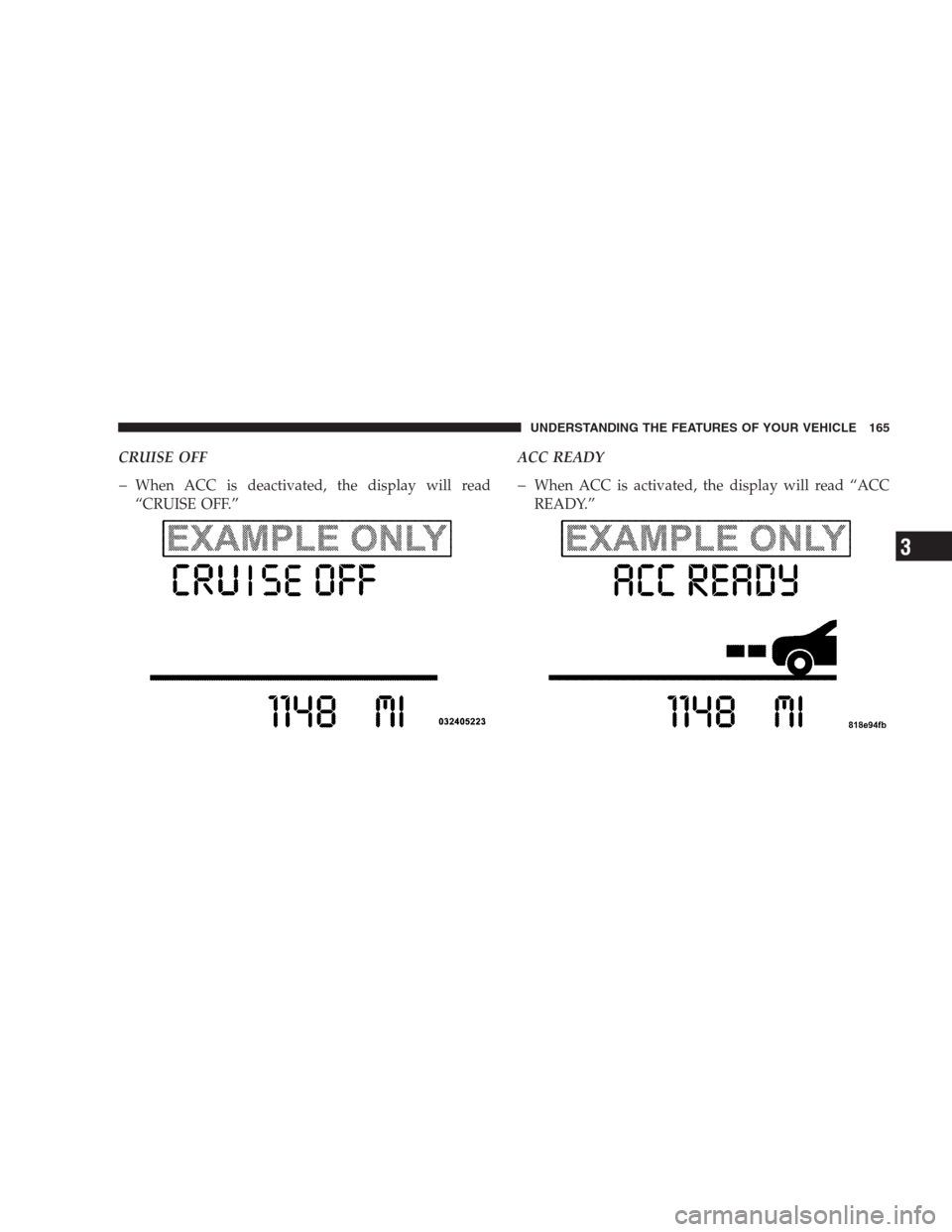
CRUISE OFF
When ACC is deactivated, the display will read
“CRUISE OFF.”ACC READYWhen ACC is activated, the display will read “ACC
READY.”
UNDERSTANDING THE FEATURES OF YOUR VEHICLE 165
3
Page 168 of 526
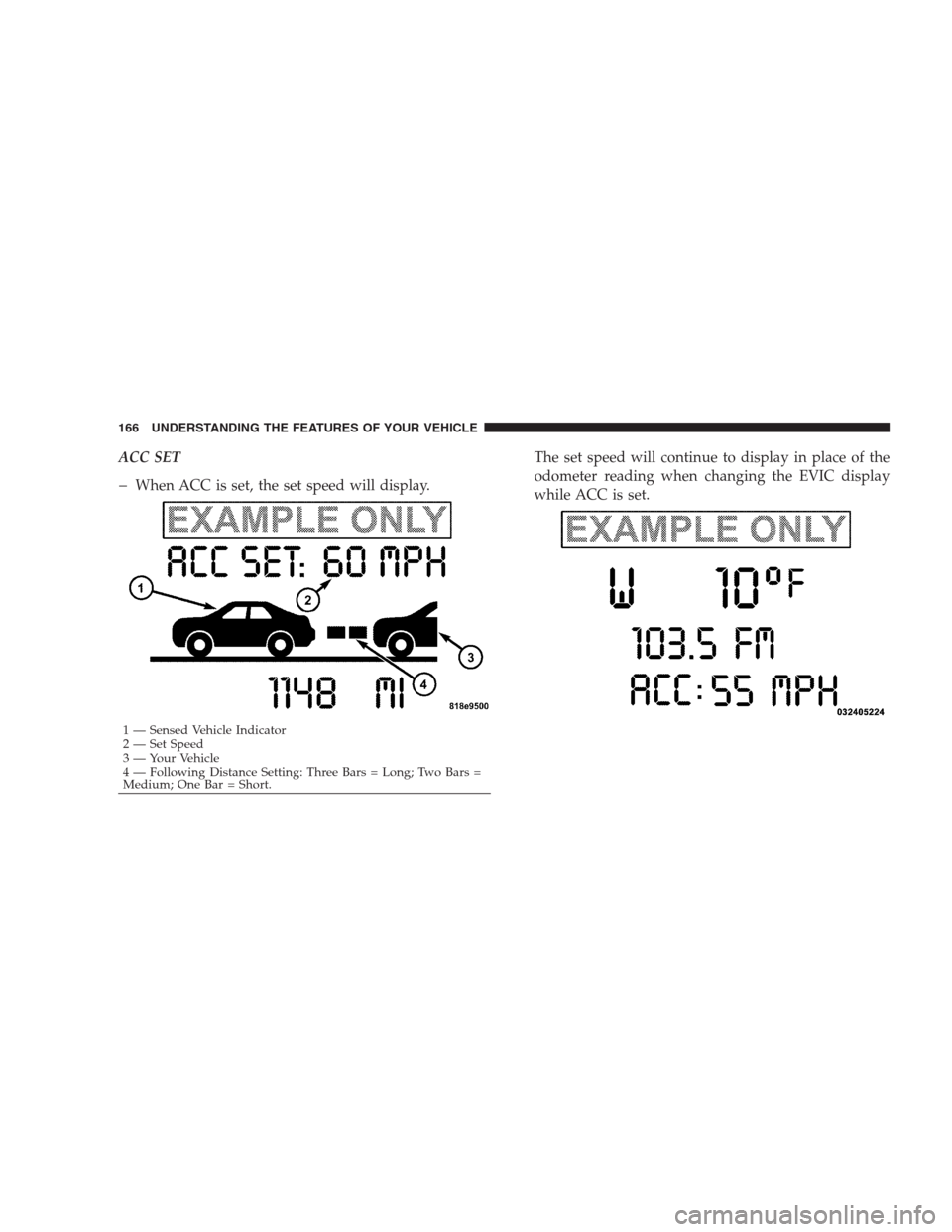
ACC SET
When ACC is set, the set speed will display.The set speed will continue to display in place of the
odometer reading when changing the EVIC display
while ACC is set.
1 — Sensed Vehicle Indicator
2 — Set Speed
3 — Your Vehicle
4 — Following Distance Setting: Three Bars = Long; Two Bars =
Medium; One Bar = Short.
166 UNDERSTANDING THE FEATURES OF YOUR VEHICLE
Page 169 of 526
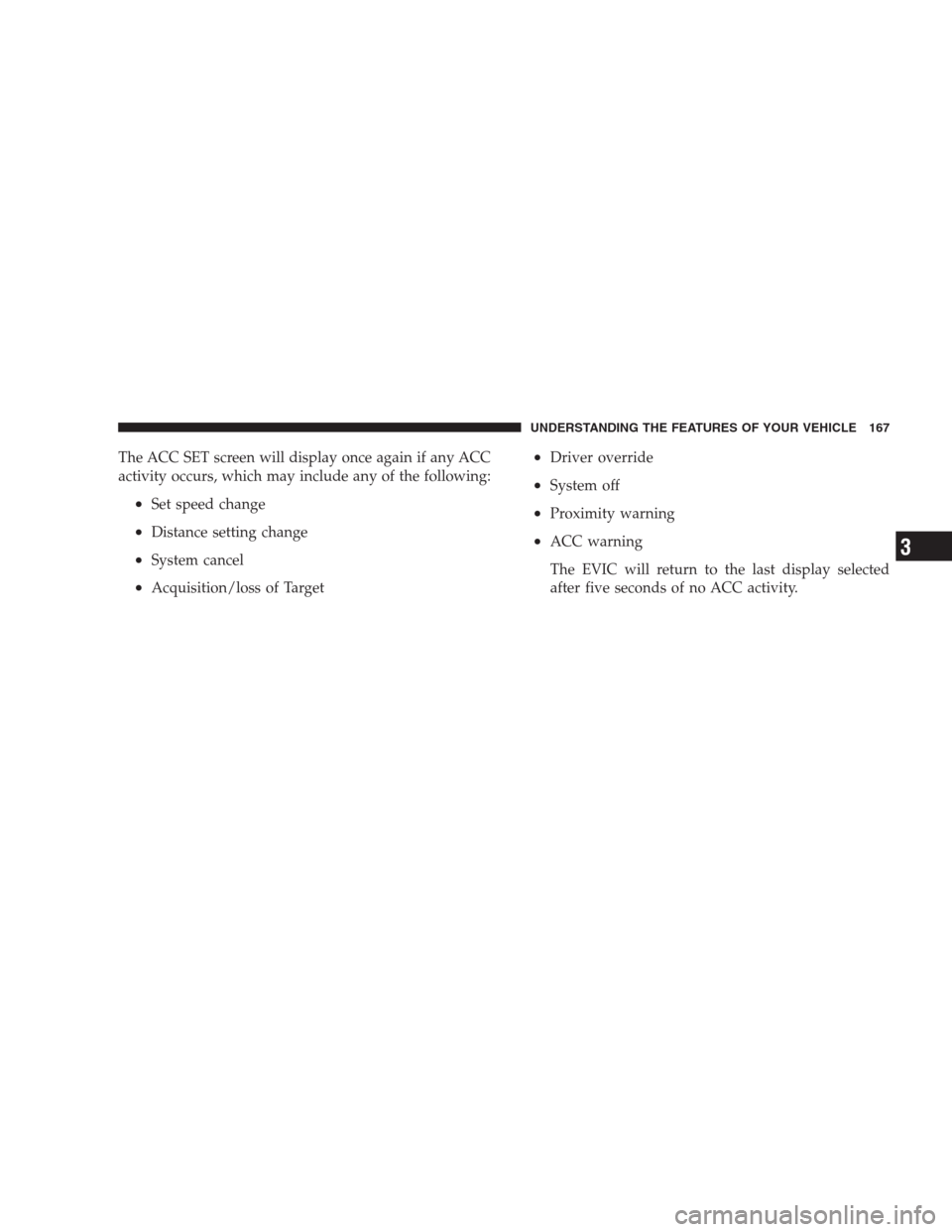
The ACC SET screen will display once again if any ACC
activity occurs, which may include any of the following:
•Set speed change
•Distance setting change
•System cancel
•Acquisition/loss of Target
•Driver override
•System off
•Proximity warning
•ACC warning
The EVIC will return to the last display selected
after five seconds of no ACC activity.
UNDERSTANDING THE FEATURES OF YOUR VEHICLE 167
3
Page 170 of 526
Display Warnings and Maintenance
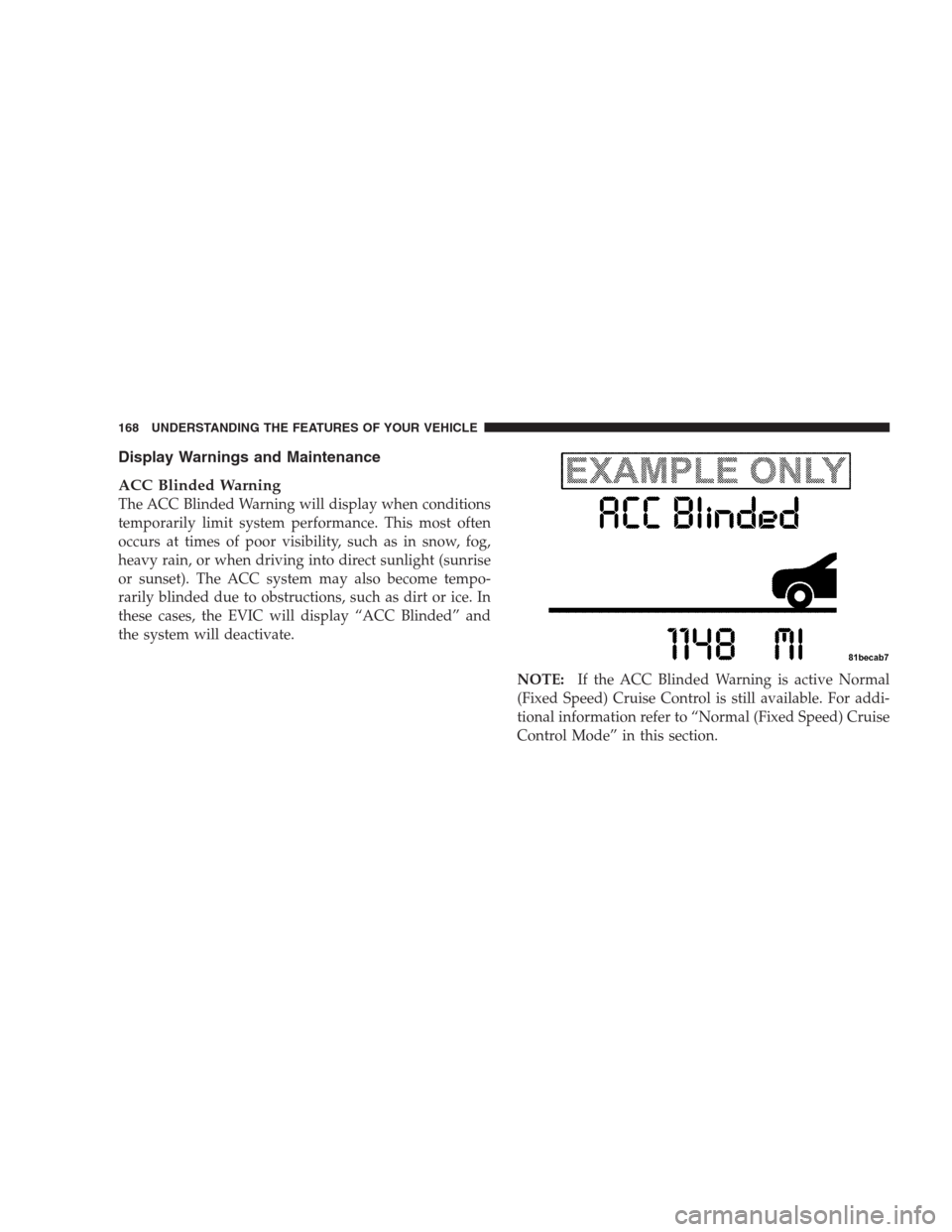
ACC Blinded Warning
The ACC Blinded Warning will display when conditions
temporarily limit system performance. This most often
occurs at times of poor visibility, such as in snow, fog,
heavy rain, or when driving into direct sunlight (sunrise
or sunset). The ACC system may also become tempo-
rarily blinded due to obstructions, such as dirt or ice. In
these cases, the EVIC will display “ACC Blinded” and
the system will deactivate.
NOTE:If the ACC Blinded Warning is active Normal
(Fixed Speed) Cruise Control is still available. For addi-
tional information refer to “Normal (Fixed Speed) Cruise
Control Mode” in this section.
168 UNDERSTANDING THE FEATURES OF YOUR VEHICLE
Page 172 of 526
NOTE:Installing a vehicle front-end protector or an
aftermarket grille or modifying the grille is not recom-
mended. Doing so may block the sensor and inhibit ACC
operation.
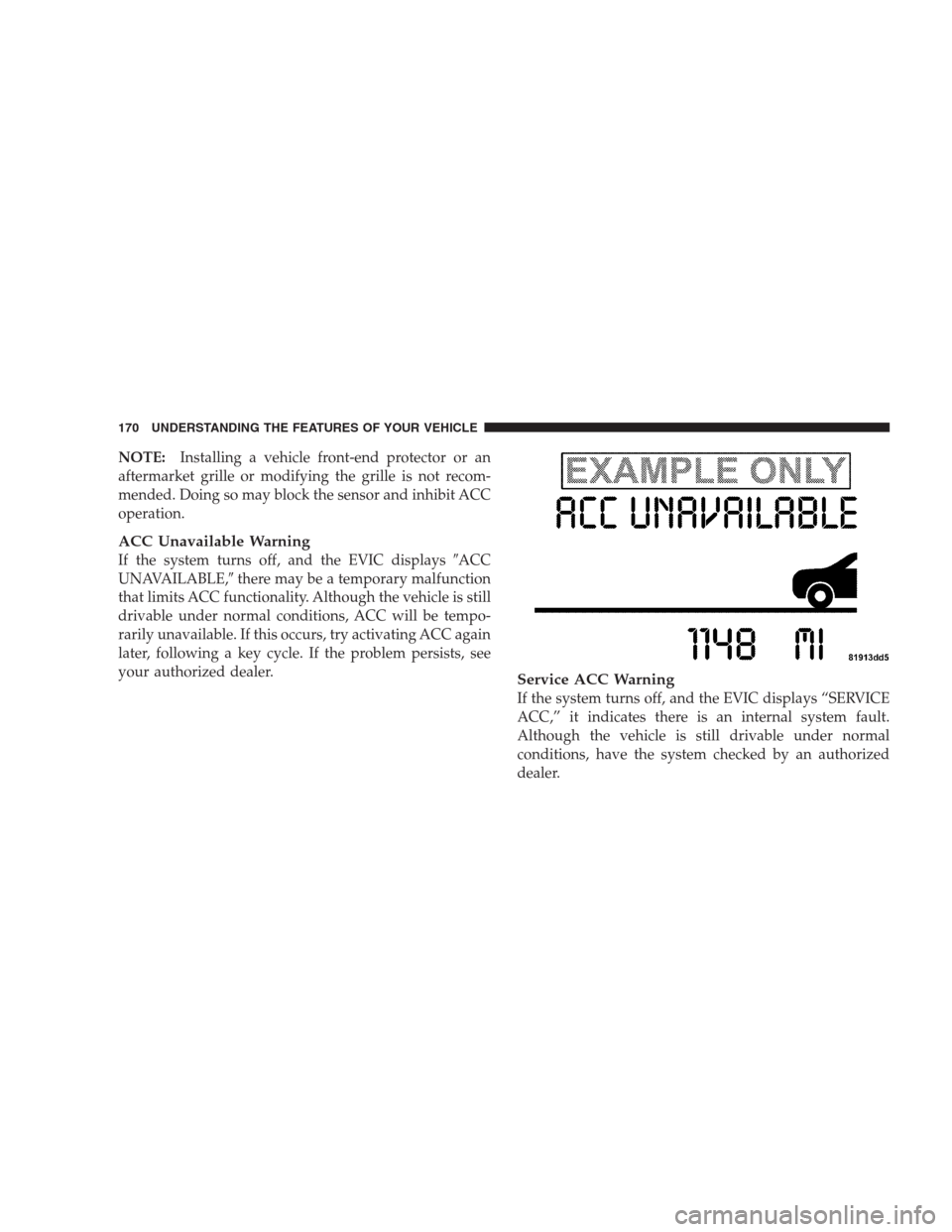
ACC Unavailable Warning
If the system turns off, and the EVIC displays�ACC
UNAVAILABLE,�there may be a temporary malfunction
that limits ACC functionality. Although the vehicle is still
drivable under normal conditions, ACC will be tempo-
rarily unavailable. If this occurs, try activating ACC again
later, following a key cycle. If the problem persists, see
your authorized dealer.
Service ACC Warning
If the system turns off, and the EVIC displays “SERVICE
ACC,” it indicates there is an internal system fault.
Although the vehicle is still drivable under normal
conditions, have the system checked by an authorized
dealer.
170 UNDERSTANDING THE FEATURES OF YOUR VEHICLE