2009 CHEVROLET UPLANDER tow
[x] Cancel search: towPage 172 of 464

Reducing Speed While Using Cruise
Control
There are two ways to reduce the vehicle’s speed while
using cruise control:
Push the lever toward theRSET —until a lower
speed is reached, then release it.
To slow down in very small amounts, push the lever
toward
RSET —briey. Each time this is done,
the vehicle goes about 1 mph (1.6 km/h) slower.
Passing Another Vehicle While Using
Cruise Control
Use the accelerator pedal to increase the vehicle speed.
When you take your foot off the pedal, the vehicle
slows down to the cruise control speed set earlier.
Using Cruise Control on Hills
The cruise control performance will vary depending
upon the vehicle speed, load, and the steepness of the
hills. When going up steep hills, you might have to
step on the accelerator pedal to maintain the vehicle
speed. When going downhill, you might have to brake or
shift to a lower gear to keep the vehicle speed down.
This turns off the cruise control.
Ending Cruise Control
Pull the cruise control lever forward or step lightly on
the brake pedal, to disengage the cruise control. The set
speed will be retained in memory.
Push
Iat the end of the lever to turn the cruise
control system off.
Erasing Speed Memory
The cruise control set speed memory is erased when
the cruise control or the ignition is turned off.
3-12
Page 183 of 464
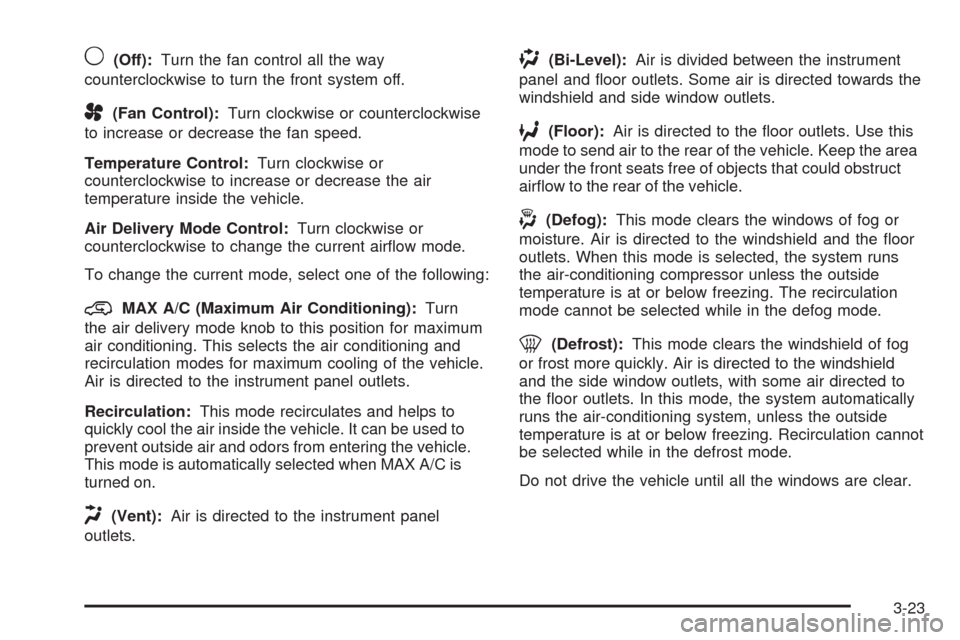
9(Off):Turn the fan control all the way
counterclockwise to turn the front system off.
A(Fan Control):Turn clockwise or counterclockwise
to increase or decrease the fan speed.
Temperature Control:Turn clockwise or
counterclockwise to increase or decrease the air
temperature inside the vehicle.
Air Delivery Mode Control:Turn clockwise or
counterclockwise to change the current airow mode.
To change the current mode, select one of the following:
@MAX A/C (Maximum Air Conditioning):Turn
the air delivery mode knob to this position for maximum
air conditioning. This selects the air conditioning and
recirculation modes for maximum cooling of the vehicle.
Air is directed to the instrument panel outlets.
Recirculation:This mode recirculates and helps to
quickly cool the air inside the vehicle. It can be used to
prevent outside air and odors from entering the vehicle.
This mode is automatically selected when MAX A/C is
turned on.
H(Vent):Air is directed to the instrument panel
outlets.
)(Bi-Level):Air is divided between the instrument
panel and oor outlets. Some air is directed towards the
windshield and side window outlets.
6(Floor):Air is directed to the oor outlets. Use this
mode to send air to the rear of the vehicle. Keep the area
under the front seats free of objects that could obstruct
airow to the rear of the vehicle.
-(Defog):This mode clears the windows of fog or
moisture. Air is directed to the windshield and the oor
outlets. When this mode is selected, the system runs
the air-conditioning compressor unless the outside
temperature is at or below freezing. The recirculation
mode cannot be selected while in the defog mode.
0(Defrost):This mode clears the windshield of fog
or frost more quickly. Air is directed to the windshield
and the side window outlets, with some air directed to
the oor outlets. In this mode, the system automatically
runs the air-conditioning system, unless the outside
temperature is at or below freezing. Recirculation cannot
be selected while in the defrost mode.
Do not drive the vehicle until all the windows are clear.
3-23
Page 186 of 464
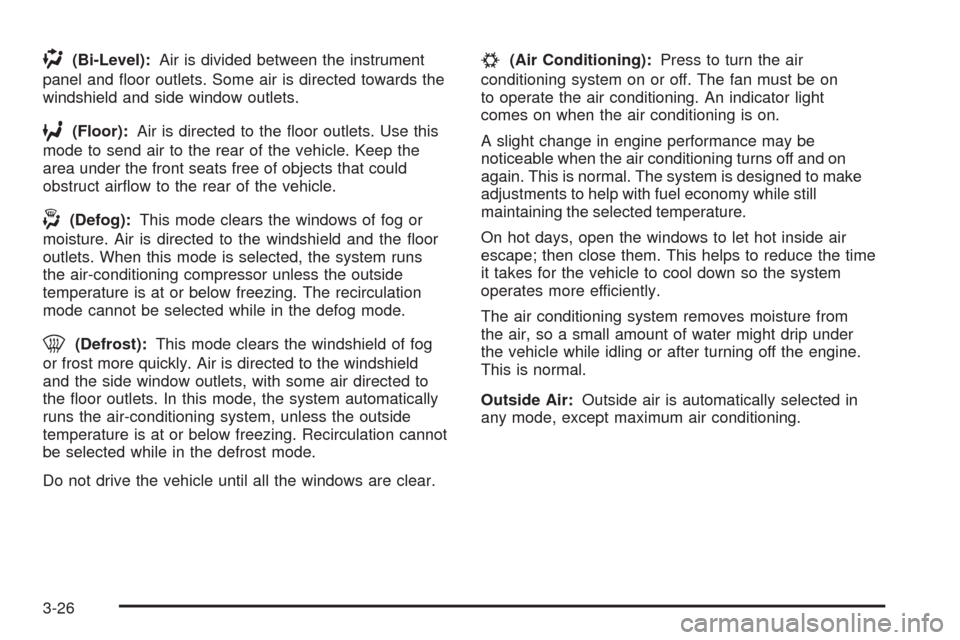
)(Bi-Level):Air is divided between the instrument
panel and oor outlets. Some air is directed towards the
windshield and side window outlets.
6(Floor):Air is directed to the oor outlets. Use this
mode to send air to the rear of the vehicle. Keep the
area under the front seats free of objects that could
obstruct airow to the rear of the vehicle.
-(Defog):This mode clears the windows of fog or
moisture. Air is directed to the windshield and the oor
outlets. When this mode is selected, the system runs
the air-conditioning compressor unless the outside
temperature is at or below freezing. The recirculation
mode cannot be selected while in the defog mode.
0(Defrost):This mode clears the windshield of fog
or frost more quickly. Air is directed to the windshield
and the side window outlets, with some air directed to
the oor outlets. In this mode, the system automatically
runs the air-conditioning system, unless the outside
temperature is at or below freezing. Recirculation cannot
be selected while in the defrost mode.
Do not drive the vehicle until all the windows are clear.
#(Air Conditioning):Press to turn the air
conditioning system on or off. The fan must be on
to operate the air conditioning. An indicator light
comes on when the air conditioning is on.
A slight change in engine performance may be
noticeable when the air conditioning turns off and on
again. This is normal. The system is designed to make
adjustments to help with fuel economy while still
maintaining the selected temperature.
On hot days, open the windows to let hot inside air
escape; then close them. This helps to reduce the time
it takes for the vehicle to cool down so the system
operates more efficiently.
The air conditioning system removes moisture from
the air, so a small amount of water might drip under
the vehicle while idling or after turning off the engine.
This is normal.
Outside Air:Outside air is automatically selected in
any mode, except maximum air conditioning.
3-26
Page 190 of 464

2. Push the tab, located on the left of the inner access
panel, to the right.
3. The rst air lter will pull straight out. To remove
the second, reach in and slide it toward the
opening. Pull the second lter out.
4. Replace the lters by reversing Step 3. Make sure
the lters are inserted so that the sealing foam is
angled in the same direction on both lters. See
Maintenance Replacement Parts on page 6-13for
the type of lter needed.5. Close the inner access door, while squeezing the
tab. Be sure it is tightly closed.
6. Snap the outer access panel into the back of the
glove box.
Warning Lights, Gages, and
Indicators
Warning lights and gages can signal that something
is wrong before it becomes serious enough to cause
an expensive repair or replacement. Paying attention
to the warning lights and gages could prevent injury.
Warning lights come on when there may be or is a
problem with one of the vehicle’s functions. Some
warning lights come on briey when the engine is
started to indicate they are working.
Gages can indicate when there may be or is a problem
with one of the vehicle’s functions. Often gages and
warning lights work together to indicate a problem with
the vehicle.
When one of the warning lights comes on and stays on
while driving, or when one of the gages shows there may
be a problem, check the section that explains what to do.
Follow this manual’s advice. Waiting to do repairs can be
costly and even dangerous.
3-30
Page 196 of 464

If the light comes on while you are driving, pull off the
road and stop carefully. You may notice that the pedal is
harder to push or the pedal may go closer to the
oor. It may take longer to stop. If the light is still on,
have the vehicle towed for service. SeeAntilock Brake
System (ABS) Warning Light on page 3-36and
Towing Your Vehicle on page 4-24.
{CAUTION:
The brake system might not be working properly if
the brake system warning light is on. Driving with
the brake system warning light on can lead to a
crash. If the light is still on after the vehicle has
been pulled off the road and carefully stopped,
have the vehicle towed for service.
Antilock Brake System (ABS)
Warning Light
For vehicles with the
Antilock Brake System
(ABS), this light comes on
briey when the engine is
started.
If it does not, have the vehicle serviced by your
dealer/retailer. If the system is working normally the
indicator light then goes off.
If the ABS light stays on, turn the ignition off. If the light
comes on while driving, stop as soon as it is safely
possible and turn the ignition off. Then start the engine
again to reset the system. If the ABS light stays on, or
comes on again while driving, the vehicle needs service.
If the regular brake system warning light is not on, the
vehicle still has brakes, but not antilock brakes. If the
regular brake system warning light is also on, the vehicle
does not have antilock brakes and there is a problem with
the regular brakes. SeeBrake System Warning Light on
page 3-35.
For vehicles with a Driver Information Center (DIC),
seeDIC Warnings and Messages on page 3-51
for all brake related DIC messages.
3-36
Page 199 of 464

If the check engine light comes on and stays on, while
the engine is running, this indicates that there is an
OBD II problem and service is required.
Malfunctions often are indicated by the system before
any problem is apparent. Being aware of the light
can prevent more serious damage to the vehicle. This
system assists the service technician in correctly
diagnosing any malfunction.
Notice:If the vehicle is continually driven with this
light on, after a while, the emission controls
might not work as well, the vehicle’s fuel economy
might not be as good, and the engine might not
run as smoothly. This could lead to costly repairs
that might not be covered by the vehicle warranty.
Notice:Modications made to the engine,
transmission, exhaust, intake, or fuel system of the
vehicle or the replacement of the original tires
with other than those of the same Tire Performance
Criteria (TPC) can affect the vehicle’s emission
controls and can cause this light to come on.
Modications to these systems could lead to costly
repairs not covered by the vehicle warranty. This
could also result in a failure to pass a required
Emission Inspection/Maintenance test. See
Accessories and Modifications on page 5-3.This light comes on during a malfunction in one of
two ways:
Light Flashing:A misre condition has been detected.
A misre increases vehicle emissions and could
damage the emission control system on the vehicle.
Diagnosis and service might be required.
To prevent more serious damage to the vehicle:
Reduce vehicle speed.
Avoid hard accelerations.
Avoid steep uphill grades.
If towing a trailer, reduce the amount of cargo being
hauled as soon as it is possible.
If the light continues to ash, when it is safe to do so,
stop the vehicle. Find a safe place to park the vehicle.
Turn the key off, wait at least 10 seconds, and restart
the engine. If the light is still ashing, follow the previous
steps and see your dealer/retailer for service as soon
as possible.
Light On Steady:An emission control system
malfunction has been detected on the vehicle.
Diagnosis and service might be required.
3-39
Page 240 of 464

Setting the Tone (Bass/Treble)
O
/e(Bass/Treble):Press to select BASS or
TREBLE. Turn to increase or to decrease. If a station is
weak or has static, decrease the treble.
To adjust the bass and treble to the middle position,
press and hold when the tone control is on the display.
The level changes to the middle position.
To adjust all tone and speaker controls to the middle
position, press and hold when no tone or speaker control
displays. AUDIO SETTINGS CENTERED displays.
AUTO EQ (Automatic Equalization):Press to select
customized equalization settings designed for country,
custom, classical, pop, rock, jazz, and talk. Selecting
CUSTOM or changing bass or treble, returns the EQ to
the manual bass and treble settings.
The radio saves separate AUTO EQ settings for each
preset and source.
Adjusting the Speakers (Balance/Fade)
O
/e(Balance/Fade):To adjust the balance
between the right and the left speakers, press until
BALANCE displays. Turn to move the sound toward the
right or the left speakers.
To adjust the fade between the front and the rear
speakers, press until FADE displays. Turn to move the
sound toward the front or the rear speakers.
To adjust the balance and fade to the middle position,
press and hold when the speaker control displays.
The level changes to the middle position.
To adjust all tone and speaker controls to the middle
position, press and hold when no tone or speaker control
displays. AUDIO SETTINGS CENTERED displays.
3-80
Page 266 of 464
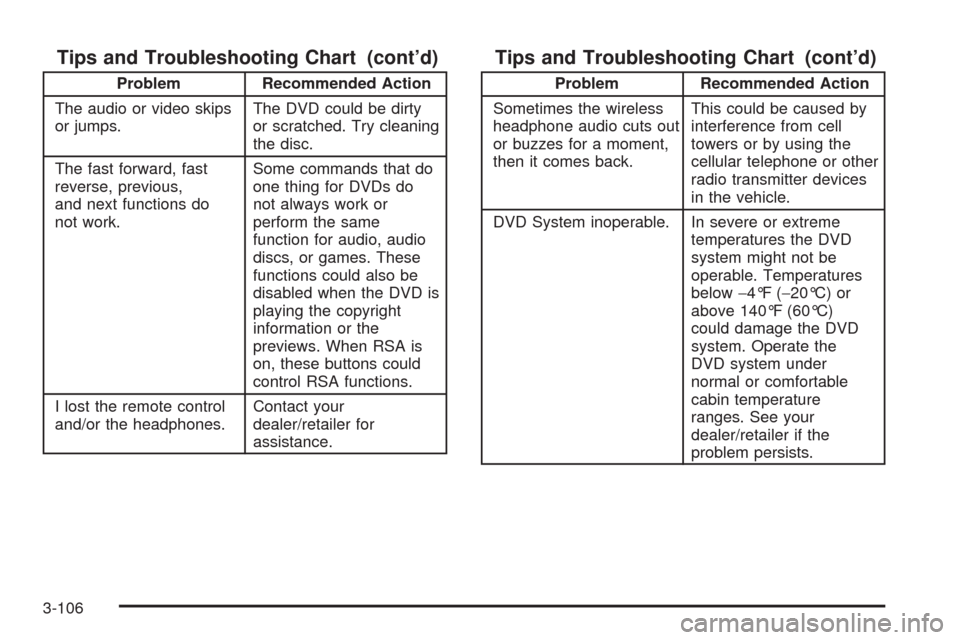
Tips and Troubleshooting Chart (cont’d)
Problem Recommended Action
The audio or video skips
or jumps.The DVD could be dirty
or scratched. Try cleaning
the disc.
The fast forward, fast
reverse, previous,
and next functions do
not work.Some commands that do
one thing for DVDs do
not always work or
perform the same
function for audio, audio
discs, or games. These
functions could also be
disabled when the DVD is
playing the copyright
information or the
previews. When RSA is
on, these buttons could
control RSA functions.
I lost the remote control
and/or the headphones.Contact your
dealer/retailer for
assistance.
Tips and Troubleshooting Chart (cont’d)
Problem Recommended Action
Sometimes the wireless
headphone audio cuts out
or buzzes for a moment,
then it comes back.This could be caused by
interference from cell
towers or by using the
cellular telephone or other
radio transmitter devices
in the vehicle.
DVD System inoperable. In severe or extreme
temperatures the DVD
system might not be
operable. Temperatures
below−4°F (−20°C) or
above 140°F (60°C)
could damage the DVD
system. Operate the
DVD system under
normal or comfortable
cabin temperature
ranges. See your
dealer/retailer if the
problem persists.
3-106