Page 150 of 484
Fog Lamps
For vehicles with fog lamps, the button is located on the
instrument panel to the right of the exterior lamps knob.
Use the fog lamps for better vision in foggy or misty
conditions.
The ignition must be in ON/RUN for the fog lamps
to work.
#:Press to turn the fog lamps on or off. An indicator
light turns on near the button while the fog lamps are on.
Fog lamps turn off whenever the high-beam headlamps
are on.
Some localities have laws that require the headlamps to
be on along with the fog lamps.
Instrument Panel Brightness
Press the knob located
next to the exterior lamps
knob to extend it.
Turn the knob to adjust the instrument panel lights.
Turn the knob all the way up to turn on the interior
lamps. Press the knob back into its stored position
when you are not using it.
3-16
Page 154 of 484

Climate Controls
Dual Climate Control System
With this system the heating, cooling, and ventilation
can be controlled for the vehicle.
A.B. Fan Control
C. Driver and Passenger
Temperature Controls
D. Air Delivery Mode
ControlE. Recirculation
F. Air Conditioning
G. Rear Window
Defogger
Driver’s Side Temperature Lever:Raise or lower
the lever to increase or decrease the temperature
on the driver’s side of the vehicle.Passenger Side Temperature Lever:Raise or lower
the lever to increase or decrease the temperature on
the passenger side of the vehicle. This right lever
also adjusts the temperature to the rear seat outlets.
When the temperature outside is 0°F (-18°C) or lower,
use the engine coolant heater, if the vehicle has one,
to provide warmer air faster to the vehicle.
9(Fan Control):Turn clockwise or counterclockwise
to increase or decrease the fan speed. If the knob is in off
mode, outside air still enters the vehicle, and is directed
based on the position of the air delivery mode knob.
The temperature can still be adjusted using the
temperature knob.
Air Delivery Mode Control:Turn clockwise or
counterclockwise to change the airow direction
inside the vehicle.
To change the current mode, select one of the following:
H(Vent):Air is directed to the instrument panel
outlets.
)(Bi-Level):Air is divided between the instrument
panel and oor outlets. Some air is directed toward the
windshield and the side window outlets. Cooler air is
directed to the upper vents and warmer air to the oor
outlets.
3-20
Page 158 of 484

Passenger Side Temperature Knob:Turn clockwise
or counterclockwise to increase or decrease the
temperature on the passenger side of the vehicle. The
display will show the temperature setting decreasing or
increasing and an arrow pointing toward the passenger.
The passenger temperature setting can be set to match
and link to the driver’s temperature setting by pressing
and holding the AUTO button for three seconds. When
adjusting the driver side temperature setting, the
passenger side temperature setting will follow and both
arrows will appear on the display. The passenger side
temperature setting also resets and re-links to the driver
side temperature setting if the vehicle has been off for
more than three hours.
w9x(Fan Control):Press the arrows to increase
or decrease the fan speed. The display shows the
selected fan speed and the driver side temperature
setting for ve seconds.
C(Air Delivery Mode Control):Press to change the
direction of the airow in the vehicle. The air delivery
modes will appear on the display as it is being adjusted.
The display shows the selected air delivery mode and
the driver temperature setting for ve seconds.To change the current air delivery mode, select one of
the following:
H(Vent):Air is directed to the instrument panel
outlets.
)(Bi-Level):Air is divided between the instrument
panel and oor outlets. Some air is directed toward
the windshield and side window outlets. Cooler air is
directed to the upper outlets and warmer air to the
oor outlets.
6(Floor):Air is directed to the oor outlets. Some
air also comes out of the defroster and side window
outlets. The recirculation button cannot be selected
in oor mode.
-(Defog):This mode clears the windows of fog or
moisture. Air is directed to the oor and windshield
outlets.
0(Front Defrost):Press the front defrost button
to clear the windows of fog or frost more quickly. The
system automatically controls the fan speed if defrost is
selected from AUTO mode. If the outside temperature is
40°F (4°C) or warmer, the air conditioning compressor
runs automatically to help dehumidify the air and dry the
windshield.
Do not drive the vehicle until all the windows are clear.
3-24
Page 160 of 484

Rear Window Defogger
The rear window defogger uses a warming grid to
remove fog from the rear window.
<(Rear):Press to turn the rear window defogger on
or off.
An indicator light comes on to show that the rear
window defogger is on.
The rear window defogger will turn off approximately
10 minutes after the button is pressed. If additional
warming time is needed, press the button again.
The heated mirrors will also come on when the rear
window defogger is turned on. SeeOutside Heated
Mirrors on page 2-44.
Notice:Do not use a razor blade or sharp object to
clear the inside rear window. Do not adhere anything
to the defogger grid lines in the rear glass. These
actions may damage the rear defogger. Repairs
would not be covered by your warranty.
Outlet Adjustment
Use the air outlets located in the center and on the side
of the instrument panel to direct the airow. Use the
thumbwheels near the air outlets to open or close off
the airow.
Operation Tips
Clear away any ice, snow, or leaves from air inlets
at the base of the windshield that could block the
ow of air into the vehicle.
Keep the path under the front seats clear of objects
to help circulate the air inside of the vehicle more
effectively.
Use of non-GM approved hood deectors can
adversely affect the performance of the system.
Check with your dealer/retailer before adding
equipment to the outside of the vehicle.
3-26
Page 163 of 484
Instrument Panel Cluster
Your instrument panel cluster is designed to let you know at a glance how your vehicle is running. You will know
how fast you are going, about how much fuel you have used, and many other things you will need to know to drive
safely and economically.
United States Uplevel version shown, Canada, Base and SS Model similar
3-29
Page 164 of 484
Speedometer and Odometer
The speedometer the vehicle speed in both miles per
hour (mph) and kilometers per hour (km/h).
The odometer shows how far the vehicle has been
driven, in either miles (used in the United States)
or kilometers (used in Canada).
The odometer mileage can be checked without the
vehicle running. Press the trip stem located on
the instrument panel cluster.
If the vehicle needs a new odometer installed, the new
one will be set to the correct mileage total of the old
odometer.
Trip Odometer
The trip odometer can tell you how far your vehicle has
been driven since you last set the trip odometer to zero.
The odometer works together with the Driver Information
Center (DIC). You can set a Trip A and Trip B odometer.
See “Trip Information” underDIC Operation and Displays
on page 3-48.
The odometer mileage can be checked without the
vehicle running. Press the trip stem on the instrument
panel cluster.
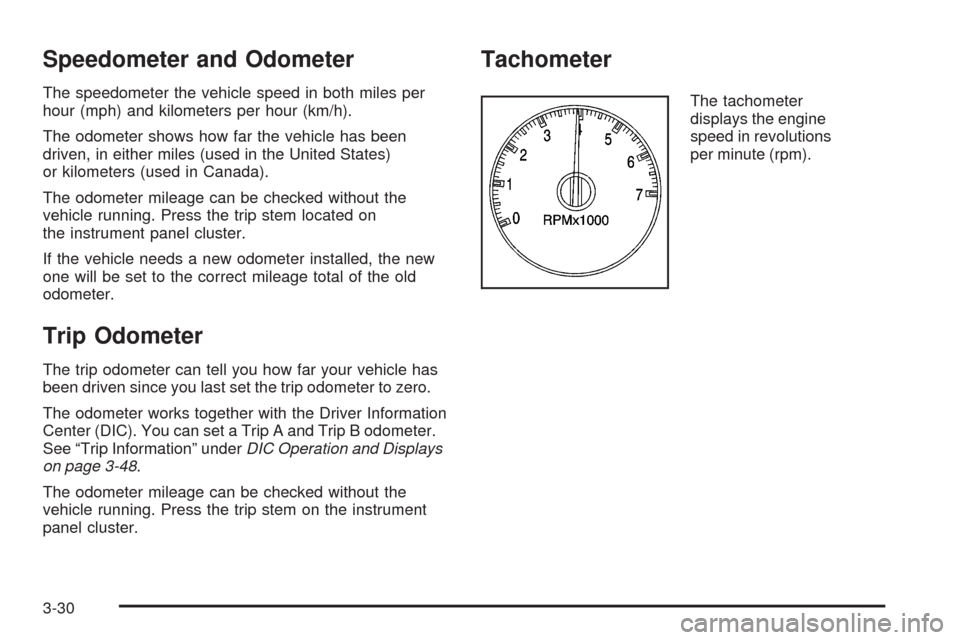
Tachometer
The tachometer
displays the engine
speed in revolutions
per minute (rpm).
3-30
Page 165 of 484
Safety Belt Reminders
Safety Belt Reminder Light
When the engine is started, a chime sounds for several
seconds to remind a driver to fasten the safety belt,
unless the driver safety belt is already buckled.
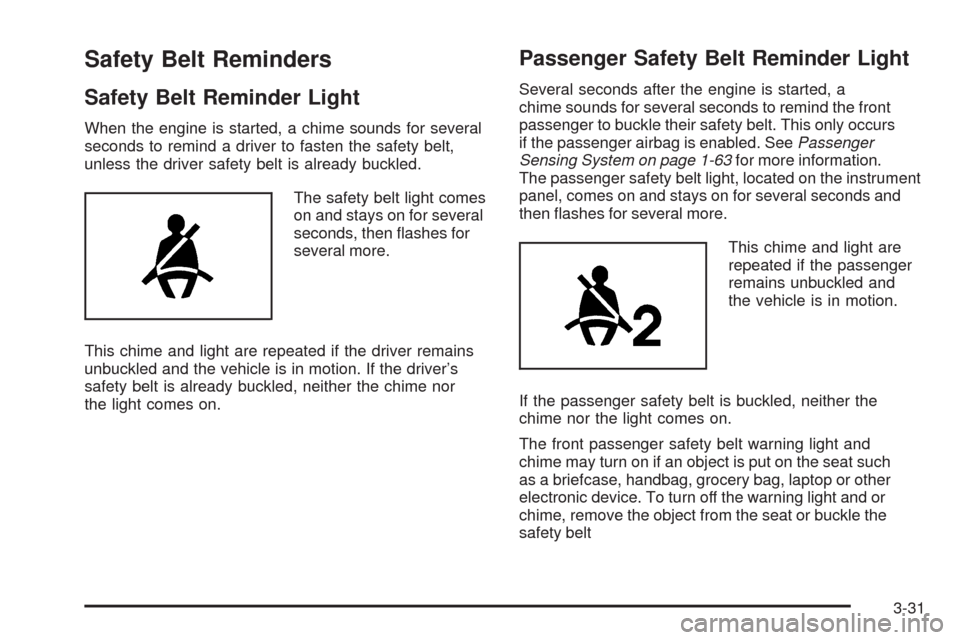
The safety belt light comes
on and stays on for several
seconds, then ashes for
several more.
This chime and light are repeated if the driver remains
unbuckled and the vehicle is in motion. If the driver’s
safety belt is already buckled, neither the chime nor
the light comes on.
Passenger Safety Belt Reminder Light
Several seconds after the engine is started, a
chime sounds for several seconds to remind the front
passenger to buckle their safety belt. This only occurs
if the passenger airbag is enabled. SeePassenger
Sensing System on page 1-63for more information.
The passenger safety belt light, located on the instrument
panel, comes on and stays on for several seconds and
then ashes for several more.
This chime and light are
repeated if the passenger
remains unbuckled and
the vehicle is in motion.
If the passenger safety belt is buckled, neither the
chime nor the light comes on.
The front passenger safety belt warning light and
chime may turn on if an object is put on the seat such
as a briefcase, handbag, grocery bag, laptop or other
electronic device. To turn off the warning light and or
chime, remove the object from the seat or buckle the
safety belt
3-31
Page 181 of 484

Low Fuel Warning Light
The light next to the fuel gage will come on briey when
you are starting the engine.
This light comes on when the fuel tank is low on fuel.
To turn it off, add fuel to the fuel tank.
Check Gas Cap Light
If your vehicle has this
light, it will come on if your
gas cap is not securely
fastened.
SeeMalfunction Indicator Lamp on page 3-39for more
information.
Driver Information Center (DIC)
Your vehicle may have this feature. The Driver
Information Center (DIC) display is located on the
instrument panel cluster, below the speedometer.
If your vehicle has DIC buttons, they are located on
the steering wheel. The DIC can display information
such as the trip odometer, fuel economy, customization
features, and warning/status messages.
If your vehicle does not have DIC steering wheel
buttons, you will not have all of the features listed.
Scroll through the odometer and trip odometer by
pressing the trip odometer reset stem located on the
instrument panel cluster. Turn off, or acknowledge, DIC
messages by pressing the trip odometer reset stem.
SeeSpeedometer and Odometer on page 3-30for
information on features for vehicles without DIC buttons.
3-47

