2009 CHEVROLET HHR warning
[x] Cancel search: warningPage 244 of 450
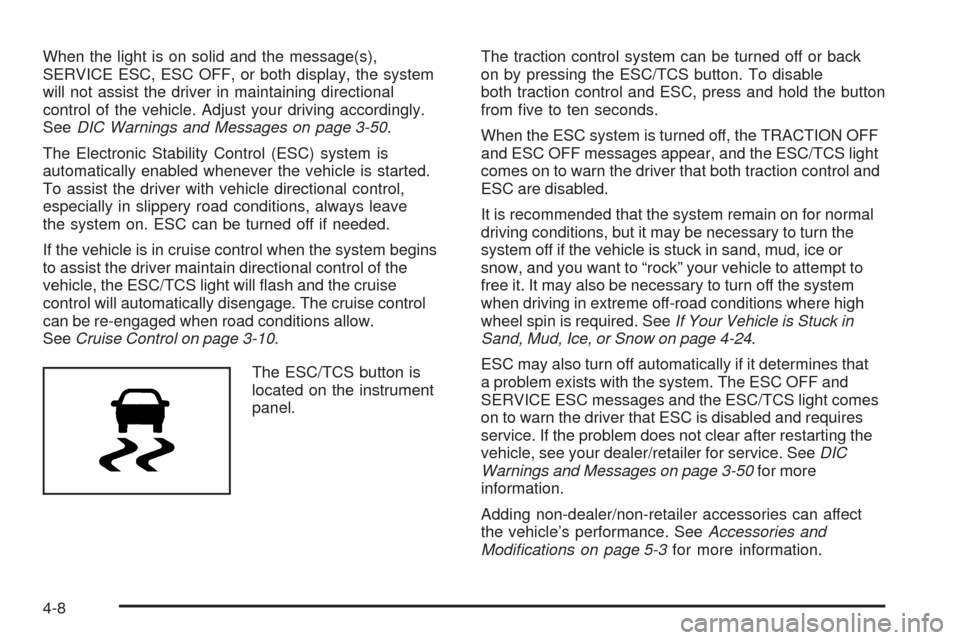
When the light is on solid and the message(s),
SERVICE ESC, ESC OFF, or both display, the system
will not assist the driver in maintaining directional
control of the vehicle. Adjust your driving accordingly.
SeeDIC Warnings and Messages on page 3-50.
The Electronic Stability Control (ESC) system is
automatically enabled whenever the vehicle is started.
To assist the driver with vehicle directional control,
especially in slippery road conditions, always leave
the system on. ESC can be turned off if needed.
If the vehicle is in cruise control when the system begins
to assist the driver maintain directional control of the
vehicle, the ESC/TCS light will ash and the cruise
control will automatically disengage. The cruise control
can be re-engaged when road conditions allow.
SeeCruise Control on page 3-10.
The ESC/TCS button is
located on the instrument
panel.The traction control system can be turned off or back
on by pressing the ESC/TCS button. To disable
both traction control and ESC, press and hold the button
from ve to ten seconds.
When the ESC system is turned off, the TRACTION OFF
and ESC OFF messages appear, and the ESC/TCS light
comes on to warn the driver that both traction control and
ESC are disabled.
It is recommended that the system remain on for normal
driving conditions, but it may be necessary to turn the
system off if the vehicle is stuck in sand, mud, ice or
snow, and you want to “rock” your vehicle to attempt to
free it. It may also be necessary to turn off the system
when driving in extreme off-road conditions where high
wheel spin is required. SeeIf Your Vehicle is Stuck in
Sand, Mud, Ice, or Snow on page 4-24.
ESC may also turn off automatically if it determines that
a problem exists with the system. The ESC OFF and
SERVICE ESC messages and the ESC/TCS light comes
on to warn the driver that ESC is disabled and requires
service. If the problem does not clear after restarting the
vehicle, see your dealer/retailer for service. SeeDIC
Warnings and Messages on page 3-50for more
information.
Adding non-dealer/non-retailer accessories can affect
the vehicle’s performance. SeeAccessories and
Modifications on page 5-3for more information.
4-8
Page 245 of 450
Competitive Driving Mode
(SS Models Only)
The driver can select this optional handling mode by
pressing the ESC/TCS button on the console two times
quickly. COMPETITIVE MODE will be displayed in the
DIC. SeeDIC Warnings and Messages on page 3-50.
Competitive Driving Mode allows the driver to have full
control of the front wheels while the ESC system helps
maintain directional control of the vehicle by selective
brake application. The ESC/TCS light will be on and the
traction control system will not be operating. Adjust your
driving accordingly. This electronic stability control mode
is recommended only for use during closed track events
and competitive driving venues.
When the ESC button is pressed again, or the vehicle is
restarted, the ESC and TCS will be turned back on.
Notice:When traction control is turned off, or
Competitive Driving Mode is active, it is possible to
lose traction. If you attempt to shift with the front
wheels spinning with a loss of traction, it is possible
to cause damage to the transmission. Do not attempt
to shift when the front wheels do not have traction.
Damage caused by misuse of the vehicle is not
covered. See your warranty book for additional
information.
Launch Control (SS Models Only)
Launch Control is a form of traction control, to control
tire spin while launching the vehicle during closed track
events and competitive driving. The feature is activated
when the vehicle is at rest while in Competitive Mode.
At rest, if the accelerator pedal is pressed to the oor
with the clutch engaged, the RPM is limited to a
predetermined level. A smooth, quick release of the
clutch while keeping the accelerator pedal on the oor will
provide controlled wheel spin for consistent acceleration.
If the vehicle is equipped with a manual transmission,
complete shifts as described inManual Transmission
Operation on page 2-30.
LAUNCH CONTROL displays in the DIC after the
COMPETITIVE MODE message, when the vehicle is
stopped. The system will exit to COMPETITIVE MODE
after the vehicle is launched. See “Competitive Driving
Mode” earlier in this section. The normal Traction
Control System (TCS) will not be operating while in the
Competitive Driving mode and the TCS light on the
instrument panel cluster comes on. Adjust your driving
accordingly. SeeDIC Warnings and Messages on
page 3-50for more information.
4-9
Page 246 of 450
Traction Control System (TCS)
The vehicle has a Traction Control System (TCS) that
limits wheel spin. This is especially useful in slippery road
conditions. The system operates only if it senses that the
front wheels are spinning too much or are beginning to
lose traction. When this happens, the system works the
front brakes and reduces engine power by closing the
throttle and managing engine spark to limit wheel spin.
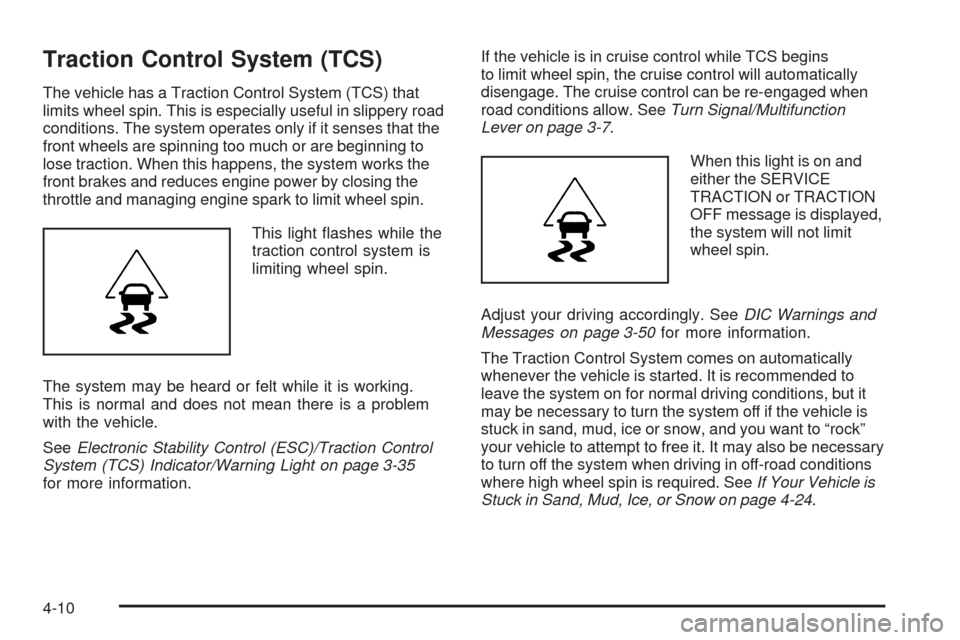
This light ashes while the
traction control system is
limiting wheel spin.
The system may be heard or felt while it is working.
This is normal and does not mean there is a problem
with the vehicle.
SeeElectronic Stability Control (ESC)/Traction Control
System (TCS) Indicator/Warning Light on page 3-35
for more information.If the vehicle is in cruise control while TCS begins
to limit wheel spin, the cruise control will automatically
disengage. The cruise control can be re-engaged when
road conditions allow. SeeTurn Signal/Multifunction
Lever on page 3-7.
When this light is on and
either the SERVICE
TRACTION or TRACTION
OFF message is displayed,
the system will not limit
wheel spin.
Adjust your driving accordingly. SeeDIC Warnings and
Messages on page 3-50for more information.
The Traction Control System comes on automatically
whenever the vehicle is started. It is recommended to
leave the system on for normal driving conditions, but it
may be necessary to turn the system off if the vehicle is
stuck in sand, mud, ice or snow, and you want to “rock”
your vehicle to attempt to free it. It may also be necessary
to turn off the system when driving in off-road conditions
where high wheel spin is required. SeeIf Your Vehicle is
Stuck in Sand, Mud, Ice, or Snow on page 4-24.
4-10
Page 247 of 450
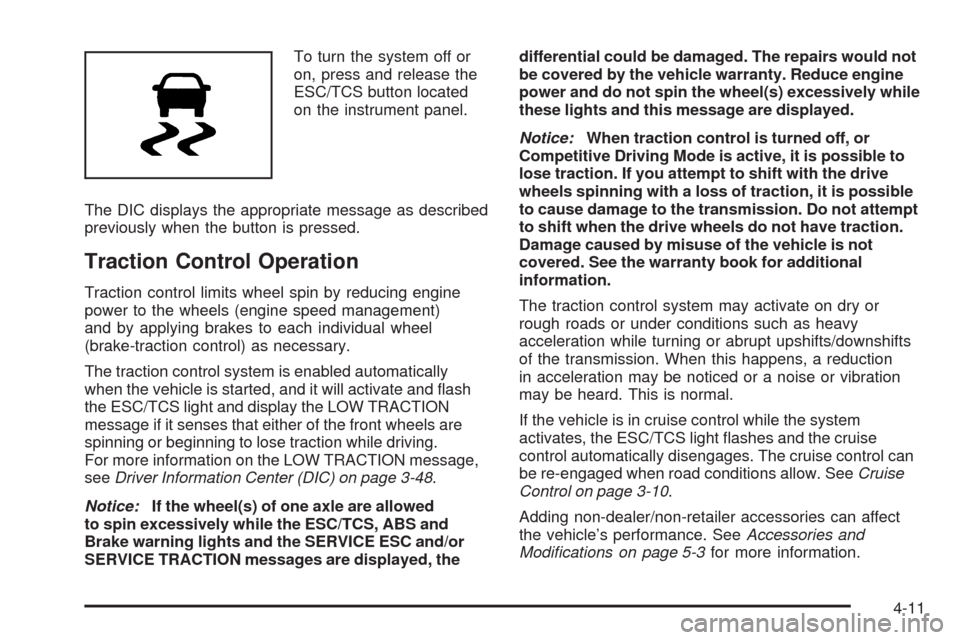
To turn the system off or
on, press and release the
ESC/TCS button located
on the instrument panel.
The DIC displays the appropriate message as described
previously when the button is pressed.
Traction Control Operation
Traction control limits wheel spin by reducing engine
power to the wheels (engine speed management)
and by applying brakes to each individual wheel
(brake-traction control) as necessary.
The traction control system is enabled automatically
when the vehicle is started, and it will activate and ash
the ESC/TCS light and display the LOW TRACTION
message if it senses that either of the front wheels are
spinning or beginning to lose traction while driving.
For more information on the LOW TRACTION message,
seeDriver Information Center (DIC) on page 3-48.
Notice:If the wheel(s) of one axle are allowed
to spin excessively while the ESC/TCS, ABS and
Brake warning lights and the SERVICE ESC and/or
SERVICE TRACTION messages are displayed, thedifferential could be damaged. The repairs would not
be covered by the vehicle warranty. Reduce engine
power and do not spin the wheel(s) excessively while
these lights and this message are displayed.
Notice:When traction control is turned off, or
Competitive Driving Mode is active, it is possible to
lose traction. If you attempt to shift with the drive
wheels spinning with a loss of traction, it is possible
to cause damage to the transmission. Do not attempt
to shift when the drive wheels do not have traction.
Damage caused by misuse of the vehicle is not
covered. See the warranty book for additional
information.
The traction control system may activate on dry or
rough roads or under conditions such as heavy
acceleration while turning or abrupt upshifts/downshifts
of the transmission. When this happens, a reduction
in acceleration may be noticed or a noise or vibration
may be heard. This is normal.
If the vehicle is in cruise control while the system
activates, the ESC/TCS light ashes and the cruise
control automatically disengages. The cruise control can
be re-engaged when road conditions allow. SeeCruise
Control on page 3-10.
Adding non-dealer/non-retailer accessories can affect
the vehicle’s performance. SeeAccessories and
Modifications on page 5-3for more information.
4-11
Page 248 of 450
Enhanced Traction System (ETS)
The vehicle may have an Enhanced Traction System
(ETS) that limits wheel spin. This is especially useful in
slippery road conditions. The system operates only if it
senses that one or both of the front wheels are spinning
or beginning to lose traction. When this happens, the
system reduces engine power and may also upshift the
transmission to limit wheel spin.
If the vehicle has ETS, there is not an ESC/TCS button
on the instrument panel. To turn the system off, shift
to L (Low) or R (Reverse). There is more information
about how to turn the system off later in this section.
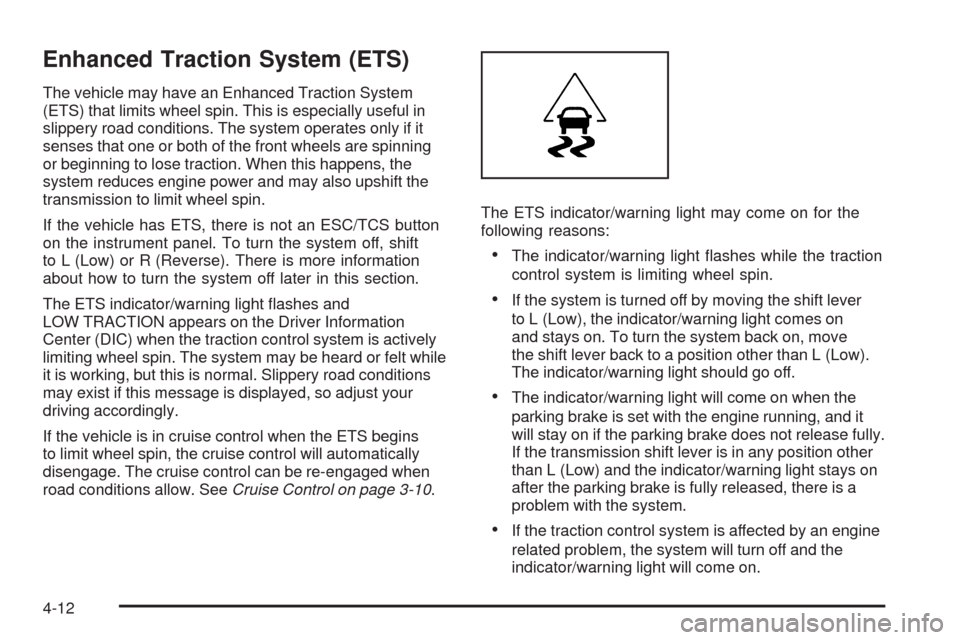
The ETS indicator/warning light ashes and
LOW TRACTION appears on the Driver Information
Center (DIC) when the traction control system is actively
limiting wheel spin. The system may be heard or felt while
it is working, but this is normal. Slippery road conditions
may exist if this message is displayed, so adjust your
driving accordingly.
If the vehicle is in cruise control when the ETS begins
to limit wheel spin, the cruise control will automatically
disengage. The cruise control can be re-engaged when
road conditions allow. SeeCruise Control on page 3-10.The ETS indicator/warning light may come on for the
following reasons:
The indicator/warning light ashes while the traction
control system is limiting wheel spin.
If the system is turned off by moving the shift lever
to L (Low), the indicator/warning light comes on
and stays on. To turn the system back on, move
the shift lever back to a position other than L (Low).
The indicator/warning light should go off.
The indicator/warning light will come on when the
parking brake is set with the engine running, and it
will stay on if the parking brake does not release fully.
If the transmission shift lever is in any position other
than L (Low) and the indicator/warning light stays on
after the parking brake is fully released, there is a
problem with the system.
If the traction control system is affected by an engine
related problem, the system will turn off and the
indicator/warning light will come on.
4-12
Page 249 of 450
If the ETS indicator/warning light comes on and stays on
for an extended period of time when the transmission
shift lever is in any position other than L (Low), the
vehicle may need service.
When this light is on solid, the system will not limit
wheel spin. Adjust your driving accordingly.
Check the DIC messaging to determine whether it is
because of the driver turning off the system, or that the
system may not be working properly and the vehicle
requires service. When this light is turned on, either the
SERVICE TRACTION or TRACTION OFF message
will be displayed.
SeeDIC Warnings and Messages on page 3-50for
more information on the messages associated with
this light.
To limit wheel spin, especially in slippery road
conditions, ETS should always be left on. But the
system can be turned off if needed.
To turn the system off, shift to L (Low) or R (Reverse).
When the system is turned off, the ETS indicator/warning
light will come on and stay on and the TRACTION OFF
message will be displayed when the gear shift is in
L (Low). The indicator/warning light and message will
not come on when the gear shift is in R (Reverse).If the ETS is limiting wheel spin when the transmission is
shifted to L (Low) or R (Reverse) to turn the system off,
the indicator/warning light and TRACTION OFF will come
on in L (Low). But the system will not turn off right away.
It will wait until there is no longer a current need to limit
wheel spin. SeeDIC Warnings and Messages on
page 3-50for more information on the messages
associated with this light.
The system can be turned back on at any time by
shifting to D (Automatic Overdive) or I (Intermediate).
The ETS indicator/warning light should go off.
Adding non-dealer/non-retailer accessories can affect
the vehicle’s performance. SeeAccessories and
Modifications on page 5-3for more information.
Limited-Slip Differential
Vehicles with a limited-slip differential can give more
traction on snow, mud, ice, sand or gravel. It works like
a standard axle most of the time, but when traction
is low, this feature allows the drive wheel with the most
traction to move the vehicle. The limited slip design
has minimal impact to the steering feel, but boosts the
traction performance under all conditions.
4-13
Page 250 of 450
Steering
Electric Power Steering
If the engine stalls while driving, the power steering
assist system will continue to operate until you are able
to stop the vehicle. If power steering assist is lost
because the electric power steering system is not
functioning, the vehicle can be steered but it will take
more effort.
If you turn the steering wheel in either direction several
times until it stops, or hold the steering wheel in the
stopped position for an extended amount of time,
you may notice a reduced amount of power steering
assist. The normal amount of power steering assist
should return shortly after a few normal steering
movements.The electric power steering system does not require
regular maintenance. If you suspect steering system
problems and/or the POWER STEERING message
comes on, contact your dealer/retailer for service
repairs. SeeDIC Warnings and Messages on page 3-50.
Steering Tips
It is important to take curves at a reasonable speed.
Traction in a curve depends on the condition of the tires
and the road surface, the angle at which the curve is
banked, and vehicle speed. While in a curve, speed is
the one factor that can be controlled.
If there is a need to reduce speed, do it before entering
the curve, while the front wheels are straight.
Try to adjust the speed so you can drive through the
curve. Maintain a reasonable, steady speed. Wait to
accelerate until out of the curve, and then accelerate
gently into the straightaway.
4-14
Page 253 of 450
Skidding
In a skid, a driver can lose control of the vehicle.
Defensive drivers avoid most skids by taking reasonable
care suited to existing conditions, and by not overdriving
those conditions. But skids are always possible.
The three types of skids correspond to the vehicle’s three
control systems. In the braking skid, the wheels are not
rolling. In the steering or cornering skid, too much speed
or steering in a curve causes tires to slip and lose
cornering force. And in the acceleration skid, too much
throttle causes the driving wheels to spin.
If the vehicle has the Traction Control System (TCS) or
the Enhanced Traction System (ETS), remember: It helps
to avoid only the acceleration skid. SeeTraction Control
System (TCS) on page 4-10orEnhanced Traction
System (ETS) on page 4-12. If the vehicle does not have
TCS or ETS, or if the system is off, then an acceleration
skid is best handled by easing your foot off the
accelerator pedal.
If the vehicle starts to slide, ease your foot off the
accelerator pedal and quickly steer the way you want
the vehicle to go. If you start steering quickly enough,
the vehicle may straighten out. Always be ready for
a second skid if it occurs.If the vehicle has Electronic Stability Control (ESC), the
ESC might activate. SeeElectronic Stability Control
(ESC) on page 4-7.
Of course, traction is reduced when water, snow, ice,
gravel, or other material is on the road. For safety, slow
down and adjust your driving to these conditions. It is
important to slow down on slippery surfaces because
stopping distance will be longer and vehicle control
more limited.
While driving on a surface with reduced traction, try
your best to avoid sudden steering, acceleration, or
braking, including reducing vehicle speed by shifting
to a lower gear. Any sudden changes could cause the
tires to slide. You may not realize the surface is slippery
until the vehicle is skidding. Learn to recognize warning
clues — such as enough water, ice, or packed snow on
the road to make a mirrored surface — and slow down
when you have any doubt.
If the vehicle has the Antilock Brake System (ABS),
remember: It helps avoid only the braking skid. If the
vehicle does not have ABS, then in a braking skid,
where the wheels are no longer rolling, release enough
pressure on the brakes to get the wheels rolling again.
This restores steering control. Push the brake pedal down
steadily when you have to stop suddenly. As long as the
wheels are rolling, you will have steering control.
4-17