2009 CHEVROLET EQUINOX service
[x] Cancel search: servicePage 120 of 442

How OnStar Service Works
The OnStar system can record and transmit vehicle
information. This information is automatically sent to an
OnStar Call Center when the OnStar button is pressed,
the emergency button is pressed, or if the airbags or
AACN system deploy. This information usually includes
the vehicle’s GPS location and, in the event of a crash,
additional information regarding the crash that the vehicle
was involved in (e.g. the direction from which the vehicle
was hit). When the Virtual Advisor feature of OnStar
Hands-Free Calling is used, the vehicle also sends
OnStar the vehicle’s GPS location so they can provide
services where it is located.
OnStar service cannot work unless the vehicle is in a
place where OnStar has an agreement with a wireless
service provider for service in that area. OnStar
service also cannot work unless the vehicle is in a place
where the wireless service provider OnStar has hired
for that area has coverage, network capacity and
reception when the service is needed, and technology
that is compatible with the OnStar service. Not all
services are available everywhere, particularly in remote
or enclosed areas, or at all times.Location information about the vehicle is only available
if the GPS satellite signals are unobstructed and
available.
The vehicle must have a working electrical system,
including adequate battery power, for the OnStar
equipment to operate. There are other problems OnStar
cannot control that may prevent OnStar from providing
OnStar service at any particular time or place. Some
examples are damage to important parts of the vehicle
in a crash, hills, tall buildings, tunnels, weather or
wireless phone network congestion.
Your Responsibility
Increase the volume of the radio if the OnStar advisor
cannot be heard. If the light next to the OnStar buttons
is red, the system may not be functioning properly.
Press the OnStar button and request a vehicle
diagnostic. If the light appears clear (no light is
appearing), your OnStar subscription has expired and
all services have been deactivated. Press the OnStar
button to conrm that the OnStar equipment is active.
2-40
Page 130 of 442
Highbeam On Light.......................................3-38
Service All-Wheel Drive Light.........................3-39
All-Wheel Drive Disabled Light........................3-39
Gate Ajar Light.............................................3-40
Door Ajar Light.............................................3-40
Service Vehicle Soon Light............................3-40
Fuel Gage...................................................3-40
Low Fuel Warning Light.................................3-41
Driver Information Center (DIC).......................3-42
DIC Operation and Displays...........................3-42
DIC Compass..............................................3-47
DIC Warnings and Messages.........................3-49
DIC Vehicle Personalization............................3-57Audio System(s).............................................3-64
Setting the Clock..........................................3-64
Radio(s)......................................................3-67
Using an MP3 (Radio with CD or
Six-Disc CD Player)...................................3-86
Using an MP3 (Radio with CD and
DVD Player).............................................3-91
XM Radio Messages.....................................3-96
Navigation/Radio System...............................3-97
Bluetooth
®...................................................3-97
Rear Seat Entertainment (RSE) System.........3-107
Theft-Deterrent Feature................................3-116
Audio Steering Wheel Controls......................3-116
Radio Reception.........................................3-117
Multi-Band Antenna.....................................3-118
Section 3 Instrument Panel
3-2
Page 155 of 442

Airbag Readiness Light
There is an airbag readiness light on the instrument
panel cluster, which shows the airbag symbol.
The system checks the airbag’s electrical system for
malfunctions. The light tells you if there is an electrical
problem. The system check includes the airbag
sensor, the pretensioners, the airbag modules, the
wiring and the crash sensing and diagnostic module.
For more information on the airbag system, seeAirbag
System on page 1-58.
If the airbag readiness light stays on after you start
the vehicle or comes on when you are driving,
your airbag system may not work properly. Have your
vehicle serviced right away.{CAUTION:
If the airbag readiness light stays on after the
vehicle is started or comes on while driving, it
means the airbag system might not be working
properly. The airbags in the vehicle might not
inate in a crash, or they could even inate
without a crash. To help avoid injury, have the
vehicle serviced right away.
The airbag readiness light should ash for a few seconds
when you start the engine. If the light does not come on
then, have it xed immediately. If there is a problem with
the airbag system, an airbag Driver Information Center
(DIC) message may also come on. SeeDIC Warnings
and Messages on page 3-49for more information.
3-27
Page 156 of 442
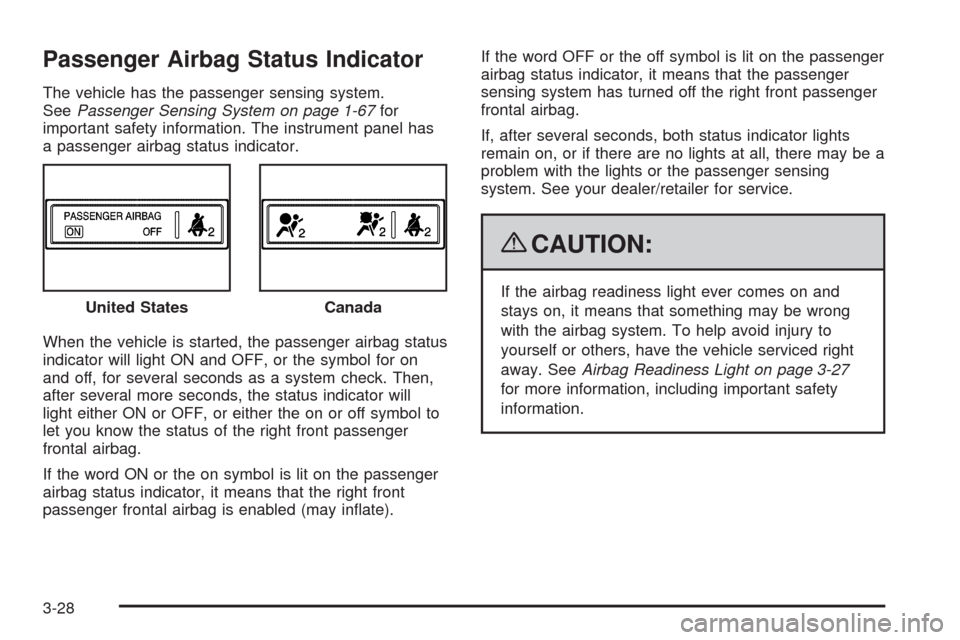
Passenger Airbag Status Indicator
The vehicle has the passenger sensing system.
SeePassenger Sensing System on page 1-67for
important safety information. The instrument panel has
a passenger airbag status indicator.
When the vehicle is started, the passenger airbag status
indicator will light ON and OFF, or the symbol for on
and off, for several seconds as a system check. Then,
after several more seconds, the status indicator will
light either ON or OFF, or either the on or off symbol to
let you know the status of the right front passenger
frontal airbag.
If the word ON or the on symbol is lit on the passenger
airbag status indicator, it means that the right front
passenger frontal airbag is enabled (may inate).If the word OFF or the off symbol is lit on the passenger
airbag status indicator, it means that the passenger
sensing system has turned off the right front passenger
frontal airbag.
If, after several seconds, both status indicator lights
remain on, or if there are no lights at all, there may be a
problem with the lights or the passenger sensing
system. See your dealer/retailer for service.
{CAUTION:
If the airbag readiness light ever comes on and
stays on, it means that something may be wrong
with the airbag system. To help avoid injury to
yourself or others, have the vehicle serviced right
away. SeeAirbag Readiness Light on page 3-27
for more information, including important safety
information. United StatesCanada
3-28
Page 158 of 442
When the ignition is on, the brake light will come on
when you set your parking brake. The light will stay on
if your parking brake does not release fully. A chime
will also sound if the parking brake is not fully released
and the vehicle is moving. If it stays on after your
parking brake is fully released, it means you have a
brake problem.
The brake light will also come on to indicate a low brake
uid level. SeeBrakes on page 5-33for more information.
If the light comes on while you are driving, pull off the
road and stop carefully. You may notice that the pedal is
harder to push or the pedal may go closer to the oor.
It may take longer to stop. If the light is still on, have
the vehicle towed for service. SeeTowing Your Vehicle
on page 4-26.
{CAUTION:
The brake system might not be working properly if
the brake system warning light is on. Driving with
the brake system warning light on can lead to a
crash. If the light is still on after the vehicle has
been pulled off the road and carefully stopped,
have the vehicle towed for service.
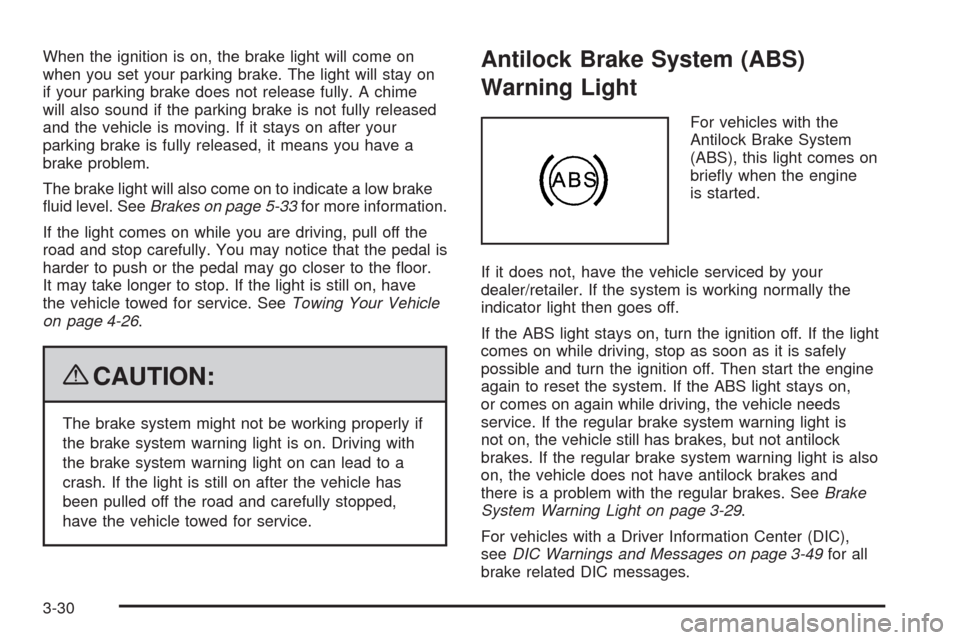
Antilock Brake System (ABS)
Warning Light
For vehicles with the
Antilock Brake System
(ABS), this light comes on
briey when the engine
is started.
If it does not, have the vehicle serviced by your
dealer/retailer. If the system is working normally the
indicator light then goes off.
If the ABS light stays on, turn the ignition off. If the light
comes on while driving, stop as soon as it is safely
possible and turn the ignition off. Then start the engine
again to reset the system. If the ABS light stays on,
or comes on again while driving, the vehicle needs
service. If the regular brake system warning light is
not on, the vehicle still has brakes, but not antilock
brakes. If the regular brake system warning light is also
on, the vehicle does not have antilock brakes and
there is a problem with the regular brakes. SeeBrake
System Warning Light on page 3-29.
For vehicles with a Driver Information Center (DIC),
seeDIC Warnings and Messages on page 3-49for all
brake related DIC messages.
3-30
Page 159 of 442
Traction Control System (TCS)
Warning Light
Your vehicle has a
Traction Control System
(TCS) and StabiliTrak
®
warning light.
When the traction control is activated the light will ash
when the TCS is limiting wheel spin or when the
StabiliTrak
®system is active. You may feel or hear the
system working, but this is normal. This light may
also come on after extended heavy braking indicating
the brakes have become too hot to limit wheel spin.
This light will come on and stay on if the TCS is turned
off using the traction control on/off button, located
next to the gear shift lever.
If the TCS warning light comes on and stays on for an
extended period of time when the system is turned
on, your vehicle needs service. SeeTraction Control
System (TCS) on page 4-7andStabiliTrak
®System on
page 4-6for more information.
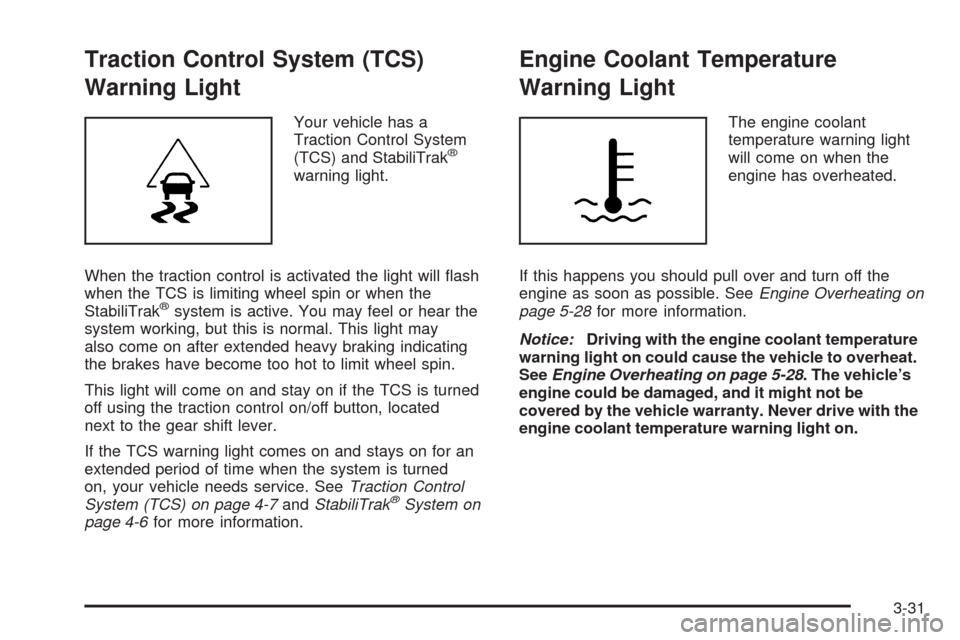
Engine Coolant Temperature
Warning Light
The engine coolant
temperature warning light
will come on when the
engine has overheated.
If this happens you should pull over and turn off the
engine as soon as possible. SeeEngine Overheating on
page 5-28for more information.
Notice:Driving with the engine coolant temperature
warning light on could cause the vehicle to overheat.
SeeEngine Overheating on page 5-28. The vehicle’s
engine could be damaged, and it might not be
covered by the vehicle warranty. Never drive with the
engine coolant temperature warning light on.
3-31
Page 161 of 442

Malfunction Indicator Lamp
Check Engine Light
A computer system called OBD II (On-Board
Diagnostics-Second Generation) monitors operation
of the fuel, ignition, and emission control systems.
It ensures that emissions are at acceptable levels for
the life of the vehicle, helping to produce a cleaner
environment.
This light should come on
when the ignition is on, but
the engine is not running,
as a check to show it
is working. If it does not,
have the vehicle serviced
by your dealer/retailer.
If the check engine light comes on and stays on, while
the engine is running, this indicates that there is an
OBD II problem and service is required.Malfunctions often are indicated by the system before
any problem is apparent. Being aware of the light
can prevent more serious damage to the vehicle.
This system assists the service technician in correctly
diagnosing any malfunction.
Notice:If the vehicle is continually driven with this
light on, after a while, the emission controls might
not work as well, the vehicle’s fuel economy might
not be as good, and the engine might not run as
smoothly. This could lead to costly repairs that
might not be covered by the vehicle warranty.
Notice:Modications made to the engine,
transmission, exhaust, intake, or fuel system of the
vehicle or the replacement of the original tires with
other than those of the same Tire Performance
Criteria (TPC) can affect the vehicle’s emission
controls and can cause this light to come on.
Modications to these systems could lead to
costly repairs not covered by the vehicle warranty.
This could also result in a failure to pass a required
Emission Inspection/Maintenance test. See
Accessories and Modifications on page 5-3.
3-33
Page 162 of 442
This light comes on during a malfunction in one of
two ways:
Light Flashing:A misre condition has been detected.
A misre increases vehicle emissions and could
damage the emission control system on the vehicle.
Diagnosis and service might be required.
To prevent more serious damage to the vehicle:
Reduce vehicle speed.
Avoid hard accelerations.
Avoid steep uphill grades.
If towing a trailer, reduce the amount of cargo being
hauled as soon as it is possible.
If the light continues to ash, when it is safe to do so,
stop the vehicle. Find a safe place to park the vehicle.
Turn the key off, wait at least 10 seconds, and restart
the engine. If the light is still ashing, follow the previous
steps and see your dealer/retailer for service as soon
as possible.Light On Steady:An emission control system
malfunction has been detected on the vehicle.
Diagnosis and service might be required.
An emission system malfunction might be corrected by
doing the following:
Make sure the fuel cap is fully installed. SeeFilling
the Tank on page 5-8. The diagnostic system can
determine if the fuel cap has been left off or
improperly installed. A loose or missing fuel cap
allows fuel to evaporate into the atmosphere.
A few driving trips with the cap properly installed
should turn the light off.
If the vehicle has been driven through a deep
puddle of water, the vehicle’s electrical system
might be wet. The condition is usually corrected
when the electrical system dries out. A few driving
trips should turn the light off.
3-34