Page 271 of 596
271
3-2. Using the audio system
3
Interior features
■
Setting XM® Satellite Radio channel presets
Select the desired channel. Press and hold the button (from
or to or ) that the channel is to be set to until
you hear a beep.
■ Changing the channel category
Press “
”or “ ” on the .
■ Scanning XM
® Satellite Radio channels
● Scanning channels in the current category
Press .
When the desired channel is reached, press againto stop scanning.
● Scanning preset channels
Press and hold until you hear a beep.
When the desired channel is reached, press againto stop scanning.
■ Displaying text information
Press .
The display will show up to 10 characters.
Page 272 of 596

272 3-2. Using the audio system
The display changes as follows each time the button is pressed.
●CH NAME
● TITLE (SONG/PROGRAM TITLE)
● NAME (ARTIST NAME/FEATURE)
● CH NUMBER
■When the battery is disconnected
Stations presets are erased.
■ Reception sensitivity
●Maintaining stable radio reception at all times is difficult due to the contin-
ually changing position of the antenna and differences in signal strength
and surrounding objects, such as trains, transmitters, etc.
● The radio antenna is mounted inside the rear quarter windows. To main-
tain clear radio reception, do not attach metallic window tinting or other
metallic objects to the antenna wire mounted inside the rear quarter win-
dows.
■ XM
® Satellite Radio
The optional Toyota genuine satellite radio tuner and antenna allows you to
receive and play XM
® Satellite Radio broadcasts. (Subscription is required.
Not available in Hawaii and Alaska.)
*
● XM® subscriptions
For detailed information about XM® Satellite Radio or to subscribe, visit
XM® on the web at www.xmradio.com or call 1-800-967-2346.
● Radio ID
You will need the radio ID when activating XM
® service or reporting a
problem. Select “CH000” using , and the receiver's 8-character
ID number will appear.
● Satellite tuner
The tuner supports only Audio Services (Music and Talk) and the accom-
panying Text Information of XM
® Satellite Radio.
*: Terms and services provided by XM® Satellite Radio are subject to change
without notice.
Page 297 of 596
297
3-2. Using the audio system
3
Interior features
Adjusting the volume
Press “+” on to increase the volume and “–” to decrease the
volume.
Press and hold “+” or “–” on to continue increasing or decreasing
the volume.
Selecting a radio station Press to select the radio mode.
Press “” or “ ” on to select a preset station.
To scan for receivable stations, press and hold the switch until you
hear a beep.
Selecting a track/file
Press to select the CD mode.
Press “” or “ ” on to select the desired track/file.
Selecting a disc in the CD player (CD player with changer only)
Press to select the CD mode.
Press and hold “ ” or “ ” on until you want to listen to is
set.
CAUTION
■ To reduce the risk of an accident
Exercise care when operating the audio switches on the steering wheel.
Page 344 of 596
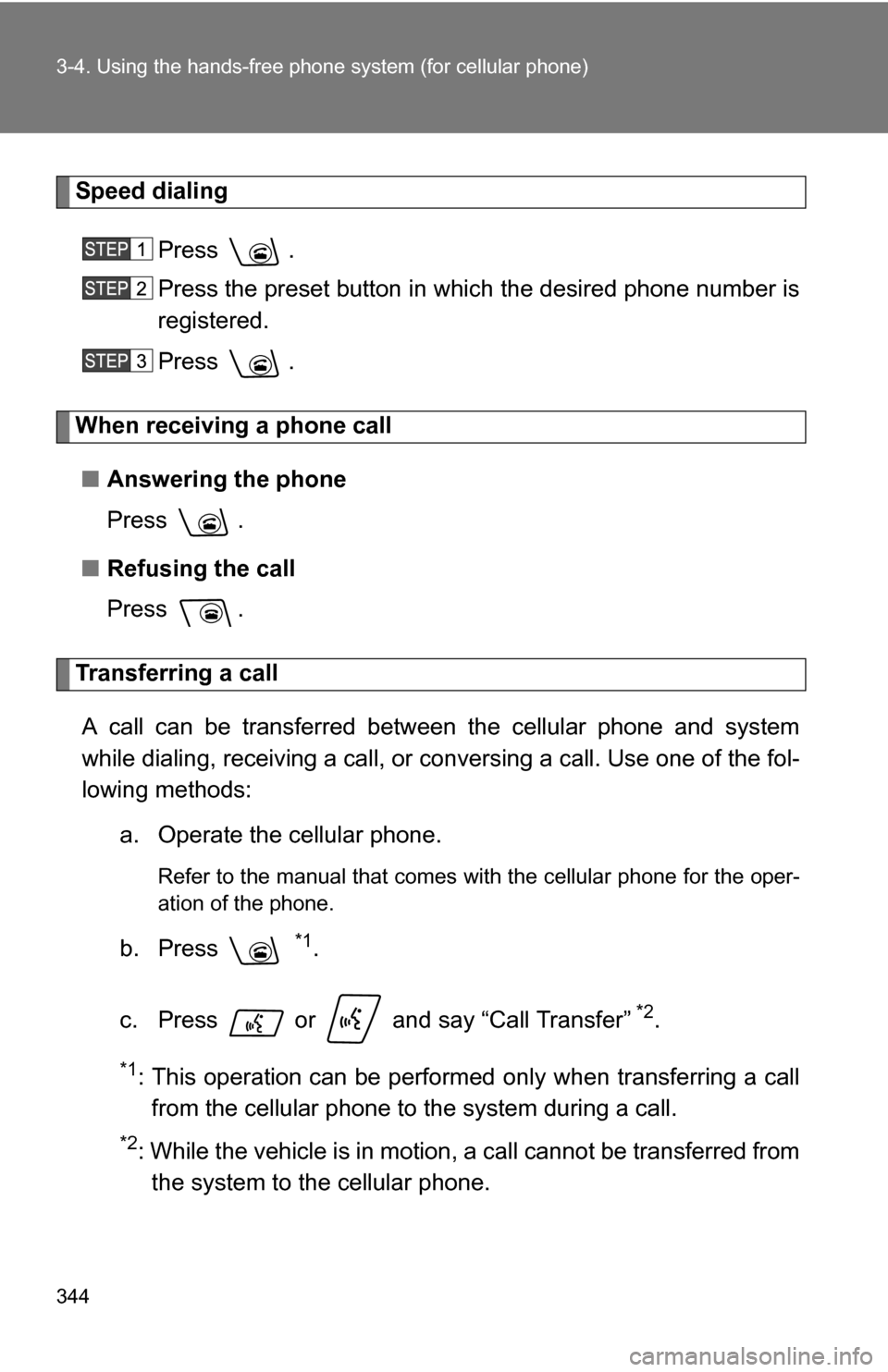
344 3-4. Using the hands-free phone system (for cellular phone)
Speed dialing
Press .
Press the preset button in which the desired phone number is
registered.
Press .
When receiving a phone call■ Answering the phone
Press .
■ Refusing the call
Press .
Transferring a call
A call can be transferred between the cellular phone and system
while dialing, receiving a call, or conversing a call. Use one of the fol-
lowing methods: a. Operate the cellular phone.
Refer to the manual that comes with the cellular phone for the oper-
ation of the phone.
b. Press *1.
c. Press or and say “Call Transfer”
*2.
*1: This operation can be performed only when transferring a call from the cellular phone to the system during a call.
*2: While the vehicle is in motion, a call cannot be transferred fromthe system to the cellular phone.
Page 359 of 596
359
3-4. Using the hand
s-free phone system (for cellular phone)
3
Interior features
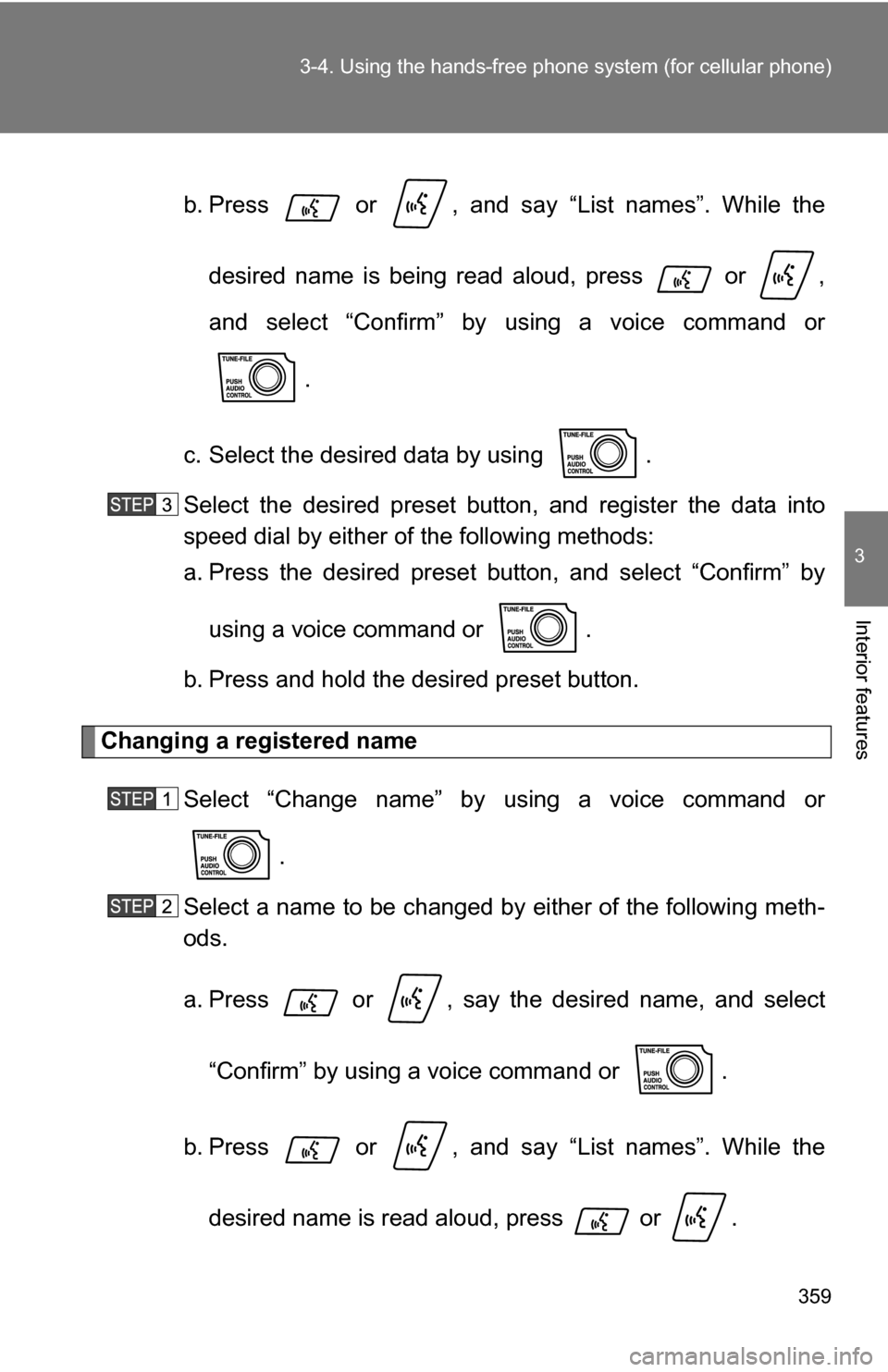
b. Press or , and say “List names”. While the
desired name is being read aloud, press or ,
and select “Confirm” by using a voice command or
.
c. Select the desired data by using .
Select the desired preset butt on, and register the data into
speed dial by either of the following methods:
a. Press the desired preset button, and select “Confirm” by
using a voice command or .
b. Press and hold the desired preset button.
Changing a registered name
Select “Change name” by using a voice command or .
Select a name to be changed by either of the following meth-
ods.
a. Press or , say the desired name, and select
“Confirm” by using a voice command or .
b. Press or , and say “List names”. While the desired name is read aloud, press or .
Page 361 of 596
361
3-4. Using the hand
s-free phone system (for cellular phone)
3
Interior features
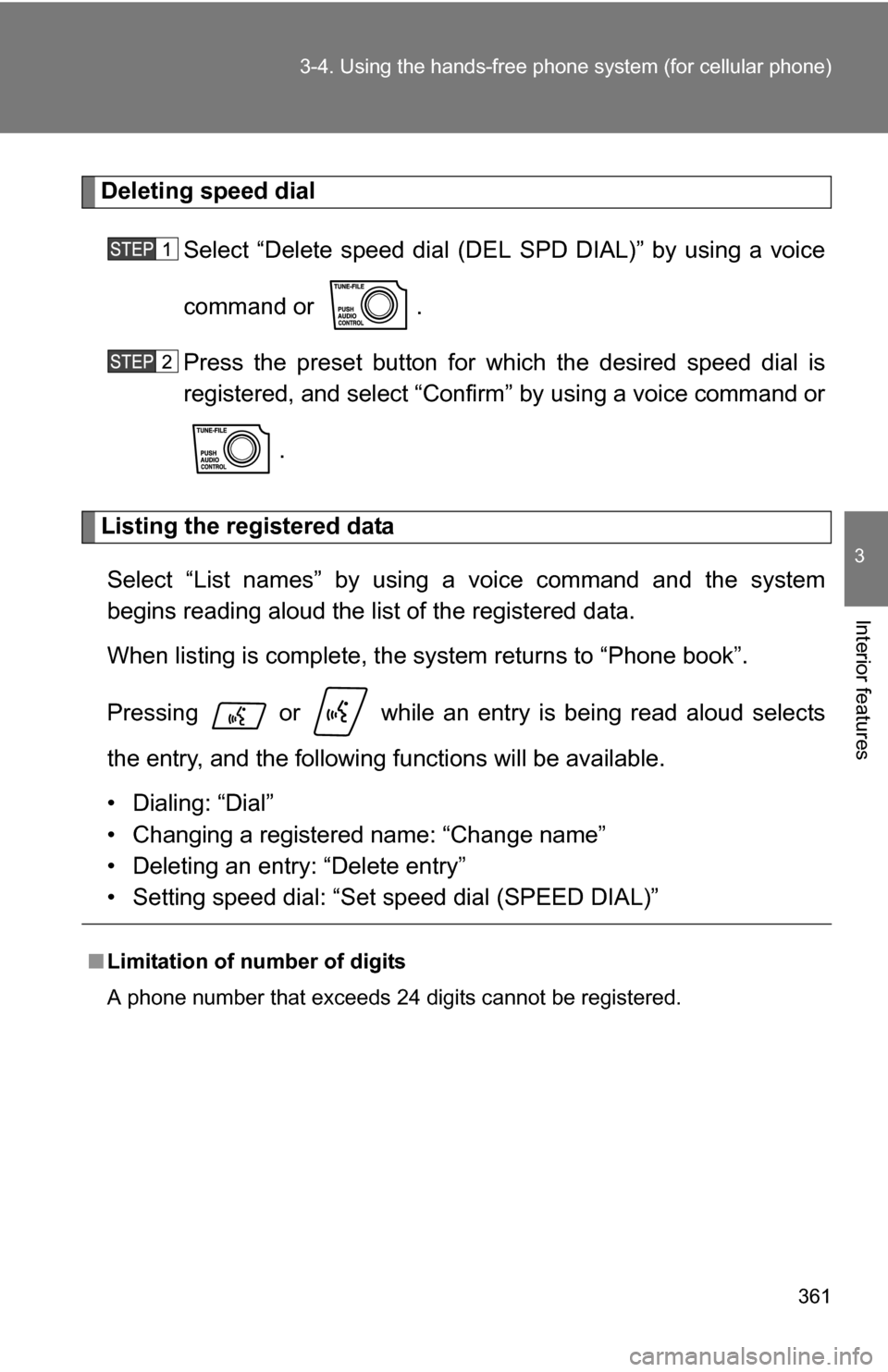
Deleting speed dial
Select “Delete speed dial (DEL SPD DIAL)” by using a voice
command or .
Press the preset button for wh ich the desired speed dial is
registered, and select “Confirm” by using a voice command or
.
Listing the registered dataSelect “List names” by using a voice command and the system
begins reading aloud the list of the registered data.
When listing is complete, the system returns to “Phone book”.
Pressing or while an entry is being read aloud selects
the entry, and the following fu nctions will be available.
• Dialing: “Dial”
• Changing a registered name: “Change name”
• Deleting an entry: “Delete entry”
• Setting speed dial: “Set speed dial (SPEED DIAL)”
■Limitation of number of digits
A phone number that exceeds 24 digits cannot be registered.
Page 443 of 596

443
4-3. Do-it-yourself maintenance
4
Maintenance and care
■
How to read oil container labels
Some oil containers are labeled with ILSAC certification marks that
help you to select the proper oil.
■Engine oil consumption
●The amount of engine oil consumed depends on the oil viscosity, the
quality of the oil and the way the vehicle is driven.
● More oil is consumed under driving conditions such as high speeds and
frequent acceleration and deceleration.
● A new engine consumes more oil.
● When judging the amount of oil consumption, keep in mind that the oil
may have become diluted, making it difficult to judge the true level accu-
rately.
■ Changing the engine oil (U.S.A. only)
To reset the oil change system, follow the procedure below:
1. Turn the engine switch off with the trip meter A reading shown.
2. While pressing the trip meter reset button ( P. 157), turn the engine
switch on.
Without multi-information display
3. Continue to press and hold the button until the trip meter displays 000000.
With multi-information display
3. Continue to press and hold the button until “MAINT REQD RESET MODE COMPLETE” appears on the multi-information display.
Page 456 of 596
456 4-3. Do-it-yourself maintenance
Push and hold the tire pressure
warning reset switch until the tire
pressure warning light blinks
slowly three times.
Wait for several minutes with the engine switch on, and then
turn the engine switch to the ACC or LOCK position.
Registering ID codes
The tire pressure warning valve and transmitter is equipped with a
unique ID code. When replacing a tire pressure warning valve and
transmitter, it is necessary to regi ster the ID code of tire pressure
warning valve and transmitter. Have the ID code registered by your
Toyota dealer.
■When to replace your vehicle’s tires
Tires should by replaced if:
●You have tire damage such as cuts, splits, cracks deep enough to
expose the fabric or bulges indicating internal damage
●A tire goes flat repeatedly or c annot be properly repaired due to the
size or location of a cut or other damage
If you are not sure, consult with your Toyota dealer.