2008 SUBARU OUTBACK ESP
[x] Cancel search: ESPPage 152 of 444

properly. If there is no problem and all tires
are properly inflated, the light will go out.
Each tire, including the spare (if provided),
should be checked monthly when cold
and inflated to the inflation pressure
recommended by the vehicle manufac-
turer on the vehicle placard or tire inflation
pressure label. (If your vehicle has tires of
a different size than the size indicated on
the vehicle placard or tire inflation pres-
sure label, you should determine the
proper inflation pressure for those tires.)
As an added safety feature, your vehicle
has been equipped with a tire pressure
monitoring system (TPMS) that illuminates
a low tire pressure telltale when one or
more of your tires is significantly under-
inflated. Accordingly, when the low tire
pressure telltale illuminates, you should
stop and check your tires as soon as
possible, and inflate them to the proper
pressure. Driving on a significantly under-
inflated tire causes the tire to overheat and
can lead to tire failure. Under-inflation also
reduces fuel efficiency and tire tread life,
and may affect the vehicle’s handling and
stopping ability.
Please note that the TPMS is not a
substitute for proper tire maintenance,
and it is the driver ’s responsibility to
maintain correct tire pressure, even if
under-inflation has not reached the level to trigger illumination of the TPMS low tire
pressure telltale.
Your vehicle has also been equipped with
a TPMS malfunction indicator to indicate
when the system is not operating properly.
The TPMS malfunction indicator is com-
bined with the low tire pressure telltale.
When the system detects a malfunction,
the telltale will flash for approximately one
minute and then remain continuously
illuminated. This sequence will continue
upon subsequent vehicle start-ups as long
as the malfunction exists. When the
malfunction indicator is illuminated, the
system may not be able to detect or signal
low tire pressure as intended. TPMS
malfunctions may occur for a variety of
reasons, including the installation of re-
placement or alternate tires or wheels on
the vehicle that prevent the TPMS from
functioning properly. Always check the
TPMS malfunction telltale after replacing
one or more tires or wheels on your
vehicle to ensure that the replacement or
alternate tires and wheels allow the TPMS
to continue to function properly.
Should the warning light illuminate stea-
dily after blinking for approximately one
minute, have the system inspected by
your nearest SUBARU dealer as soon aspossible.WARNING
If this light does not come on briefly
after the ignition switch is turned ON
or the light illuminates steadily after
blinking for approximately one min-
ute, you should have your Tire
Pressure Monitoring System
checked at a SUBARU dealer as
soon as possible.
If this light comes on while driving,
never brake suddenly and keep
driving straight ahead while gradu-
ally reducing speed. Then slowly
pull off the road to a safe place.
Otherwise an accident involving
serious vehicle damage and serious
personal injury could occur.
If this light still comes on while
driving after adjusting the tire pres-
sure, a tire may have significant
damage and a fast leak that causes
the tire to lose air rapidly. If you have
a flat tire, replace it with a spare tire
as soon as possible.
When a spare tire is mounted or a
wheel rim is replaced without the
original pressure sensor/transmitter
being transferred, the Low tire pres-
sure warning light will illuminates
steadily after blinking for approxi-
mately one minute. This indicates Instruments and controls
3-33
– CONTINUED –
Page 155 of 444
3-36Instruments and controls
NOTE
This light does not go out unless the
tank is replenished up to an internal
fuel quantity of approximately 3.7 US
gal (14 liters, 3.1 Imp gal).
CAUTION
Promptly put fuel in the tank when-
ever the low fuel warning light
comes on. Engine misfires as a
result of an empty tank could cause
damage to the engine.
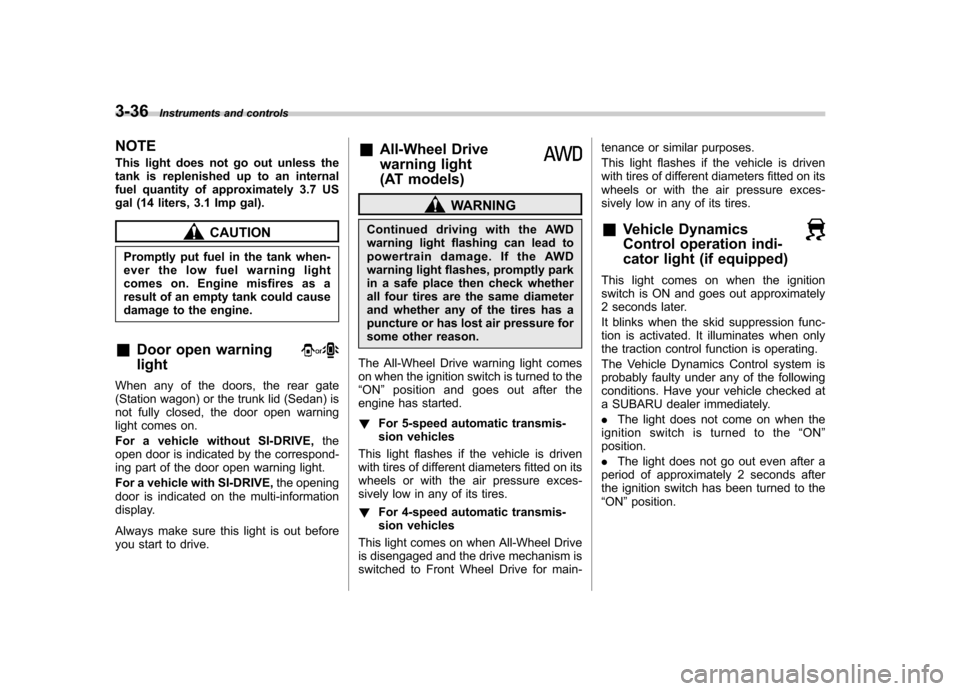
& Door open warning light
When any of the doors, the rear gate
(Station wagon) or the trunk lid (Sedan) is
not fully closed, the door open warning
light comes on.
For a vehicle without SI-DRIVE, the
open door is indicated by the correspond-
ing part of the door open warning light.
For a vehicle with SI-DRIVE, the opening
door is indicated on the multi-information
display.
Always make sure this light is out before
you start to drive. &
All-Wheel Drive
warning light
(AT models)
WARNING
Continued driving with the AWD
warning light flashing can lead to
powertrain damage. If the AWD
warning light flashes, promptly park
in a safe place then check whether
all four tires are the same diameter
and whether any of the tires has a
puncture or has lost air pressure for
some other reason.
The All-Wheel Drive warning light comes
on when the ignition switch is turned to the“ ON ”position and goes out after the
engine has started. ! For 5-speed automatic transmis-
sion vehicles
This light flashes if the vehicle is driven
with tires of different diameters fitted on its
wheels or with the air pressure exces-
sively low in any of its tires. ! For 4-speed automatic transmis-
sion vehicles
This light comes on when All-Wheel Drive
is disengaged and the drive mechanism is
switched to Front Wheel Drive for main- tenance or similar purposes.
This light flashes if the vehicle is driven
with tires of different diameters fitted on its
wheels or with the air pressure exces-
sively low in any of its tires.
& Vehicle Dynamics
Control operation indi-
cator light (if equipped)
This light comes on when the ignition
switch is ON and goes out approximately
2 seconds later.
It blinks when the skid suppression func-
tion is activated. It illuminates when only
the traction control function is operating.
The Vehicle Dynamics Control system is
probably faulty under any of the following
conditions. Have your vehicle checked at
a SUBARU dealer immediately. .The light does not come on when the
ignition switch is turned to the “ON ”
position. . The light does not go out even after a
period of approximately 2 seconds after
the ignition switch has been turned to the“ ON ”position.
Page 156 of 444
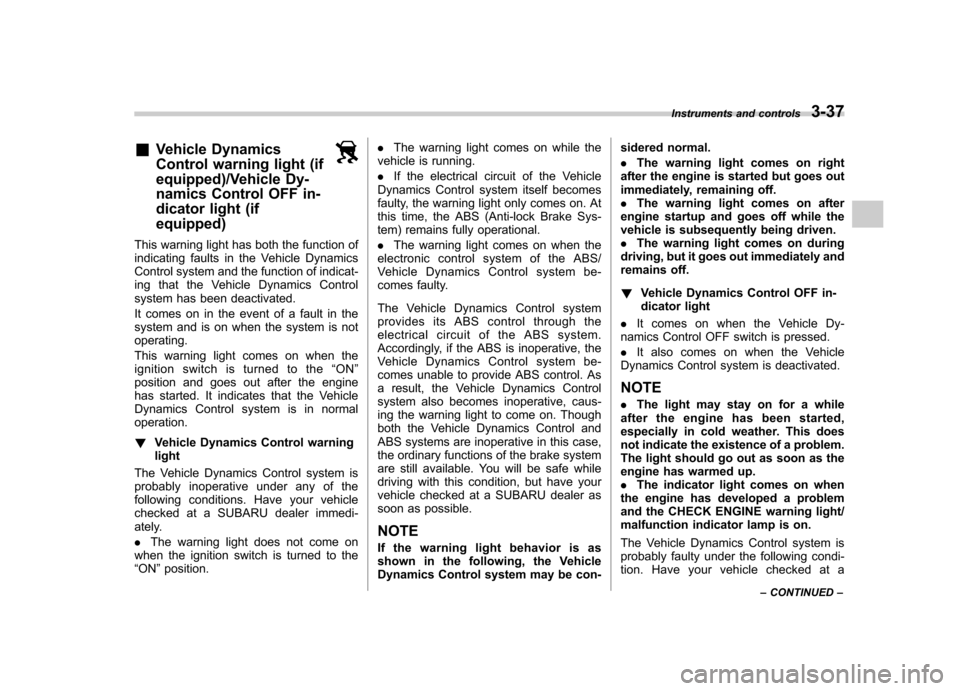
&Vehicle Dynamics
Control warning light (if
equipped)/Vehicle Dy-
namics Control OFF in-
dicator light (if equipped)
This warning light has both the function of
indicating faults in the Vehicle Dynamics
Control system and the function of indicat-
ing that the Vehicle Dynamics Control
system has been deactivated.
It comes on in the event of a fault in the
system and is on when the system is notoperating.
This warning light comes on when the
ignition switch is turned to the “ON ”
position and goes out after the engine
has started. It indicates that the Vehicle
Dynamics Control system is in normaloperation. ! Vehicle Dynamics Control warning light
The Vehicle Dynamics Control system is
probably inoperative under any of the
following conditions. Have your vehicle
checked at a SUBARU dealer immedi-
ately. . The warning light does not come on
when the ignition switch is turned to the “ ON ”position. .
The warning light comes on while the
vehicle is running. . If the electrical circuit of the Vehicle
Dynamics Control system itself becomes
faulty, the warning light only comes on. At
this time, the ABS (Anti-lock Brake Sys-
tem) remains fully operational. . The warning light comes on when the
electronic control system of the ABS/
Vehicle Dynamics Control system be-
comes faulty.
The Vehicle Dynamics Control system
provides its ABS control through the
electrical circuit of the ABS system.
Accordingly, if the ABS is inoperative, the
Vehicle Dynamics Control system be-
comes unable to provide ABS control. As
a result, the Vehicle Dynamics Control
system also becomes inoperative, caus-
ing the warning light to come on. Though
both the Vehicle Dynamics Control and
ABS systems are inoperative in this case,
the ordinary functions of the brake system
are still available. You will be safe while
driving with this condition, but have your
vehicle checked at a SUBARU dealer as
soon as possible. NOTE
If the warning light behavior is as
shown in the following, the Vehicle
Dynamics Control system may be con- sidered normal. .
The warning light comes on right
after the engine is started but goes out
immediately, remaining off.. The warning light comes on after
engine startup and goes off while the
vehicle is subsequently being driven.. The warning light comes on during
driving, but it goes out immediately and
remains off. ! Vehicle Dynamics Control OFF in-
dicator light
. It comes on when the Vehicle Dy-
namics Control OFF switch is pressed. . It also comes on when the Vehicle
Dynamics Control system is deactivated. NOTE . The light may stay on for a while
after the engine has been started,
especially in cold weather. This does
not indicate the existence of a problem.
The light should go out as soon as the
engine has warmed up.. The indicator light comes on when
the engine has developed a problem
and the CHECK ENGINE warning light/
malfunction indicator lamp is on.
The Vehicle Dynamics Control system is
probably faulty under the following condi-
tion. Have your vehicle checked at a Instruments and controls
3-37
– CONTINUED –
Page 162 of 444
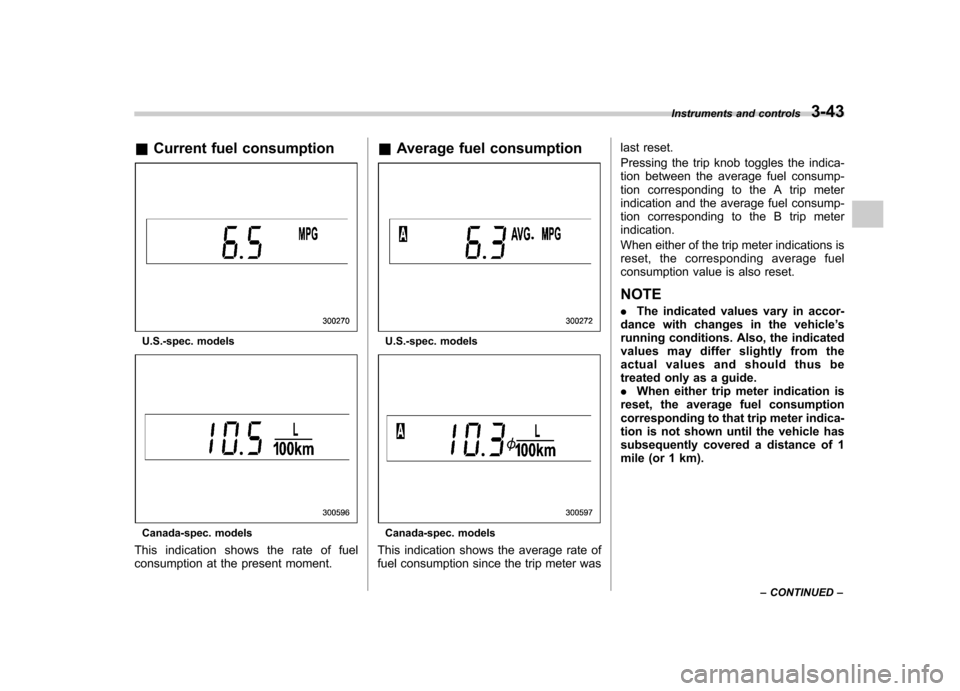
&Current fuel consumption
U.S.-spec. models
Canada-spec. models
This indication shows the rate of fuel
consumption at the present moment. &
Average fuel consumption
U.S.-spec. models
Canada-spec. models
This indication shows the average rate of
fuel consumption since the trip meter was last reset.
Pressing the trip knob toggles the indica-
tion between the average fuel consump-
tion corresponding to the A trip meter
indication and the average fuel consump-
tion corresponding to the B trip meterindication.
When either of the trip meter indications is
reset, the corresponding average fuel
consumption value is also reset. NOTE .
The indicated values vary in accor-
dance with changes in the vehicle ’s
running conditions. Also, the indicated
values may differ slightly from the
actual values and should thus be
treated only as a guide.. When either trip meter indication is
reset, the average fuel consumption
corresponding to that trip meter indica-
tion is not shown until the vehicle has
subsequently covered a distance of 1
mile (or 1 km). Instruments and controls
3-43
– CONTINUED –
Page 171 of 444

3-52Instruments and controls
When the wiper switch is in the “
”
position, turn the dial to adjust the operat-
ing interval of the wiper.
The operating interval can be adjusted
continuously from the shortest interval to
the longest.
Two click stop positions of the dial may
help you to aim at your desired interval.
The operating interval can be adjusted in
nine steps. ! Washer
Station wagon
Sedan
To wash the windshield, push the washer
button at the end of the wiper control lever.
The washer fluid sprays until you release
the washer button. The wipers operate
while you push the button. &
Rear window wiper and
washer switch (Station wa- gon)
: Washer (accompanied by wiper operation)
ON: Continuous
INT: Intermittent
OFF: Park
: Washer
! Rear wiper
To turn the rear wiper on, turn the knob on
the end of the wiper control lever upward
to the “INT ”or “ON ”position.
To turn the wiper off, return the knob on
the end of the lever to the “OFF ”position.
With the switch turned to the “INT ”
position, the rear wiper will operate inter-
mittently at intervals corresponding to the
vehicle speed (longer when the vehicle
Page 184 of 444
4-6Climate control
on. At the same time, the air inlet
selection is automatically set to “out-
side air ”mode.
In this state, you cannot select “recir-
culation ”mode by manually pressing
the air inlet selection button.
Also, you cannot stop the air condi-
tioner compressor by pressing the air
conditioner button.. Warm air also comes out from the
right and left air outlets. To stop warm
air flow from these outlets, turn the
corresponding wheel to the “
”posi-
tion. ! Heating and defrosting
To direct warm air toward the floor and the windshield:
1. Set the air inlet selection lever to the “ OFF ”position.
2. Set the air flow control dial to the “
”
position.
3. Set the temperature control dial to the
most comfortable level.
4. Set the fan speed control dial to the
desired speed.
NOTE . In a vehicle equipped with an air
conditioner, when the dial is placed in the “
”position or “”position the air conditioner compressor automati-
cally operates to quickly defog the
windshield. However the indicator on
the air conditioner button will not come
on. At the same time, the air inlet
selection is automatically set to
“out-
side air ”mode.
In this state, you cannot select “recir-
culation ”mode by manually pressing
the air inlet selection button.
Also, you cannot stop the air condi-
tioner compressor by pressing the air
conditioner button.. Warm air also comes out from the
right and left air outlets. To stop warm
air flow from these outlets, turn the
corresponding wheel to the “
”posi-
tion. ! Heating
To direct warm air toward the floor:
1. Set the air inlet selection button to the
OFF position.
2. Set the air flow control dial to the “
”
position.
3. Set the temperature control dial to the
most comfortable level.
4. Set the fan speed control dial to the
desired speed. NOTE
Warm air also comes out from the right
and left air outlets. To stop warm air
flow from these outlets, turn the corre-
sponding wheel to the
“
”position.
! Bi-level heating
This setting allows you to direct air of
different temperatures from the instrument
panel and foot outlets. The air from the
foot outlets is slightly warmer than from
the instrument panel outlets.
1. Set the air inlet selection button to the
OFF position.
2. Set the air flow control dial to the “
”
position.
3. Set the temperature control dial to the
desired temperature level.
4. Set the fan speed control dial to the
desired speed.
Setting the temperature control dial fully
turned to the red area or blue area
decreases the temperature difference
between the air from the instrument panel
outlets and the air from the foot outlets. ! Ventilation
To force outside air through the instrument
panel outlets:
1. Set the air inlet selection button to the
OFF position.
Page 207 of 444
5-16Audio
no idle position in the magazine.
2. When the “LOAD ”indicator flashes,
insert the disc. Once you have inserted
the disc, the “LOAD ”indicator will go off.
The disc will then be automatically drawn
in, and the player will begin to play back
the first track of the disc. . To insert more discs in succession,
repeat Steps 1 and 2. The magazine will
be loaded with discs in the ascending
order of position number.
If you do not insert any disc in 15 seconds
after you have pressed the “LOAD ”button,
the player will begin to play back the first
track of the last disc you have inserted. . The disc indicator steadily lights up if a
disc is already inserted in the correspond-
ing position of the magazine. . While the player is in the loading mode,
if you press “FM AM ”, “SAT ”or “AUX ”
button, the player will enter the standby
mode. Press the “CD ”button to start
playback. !
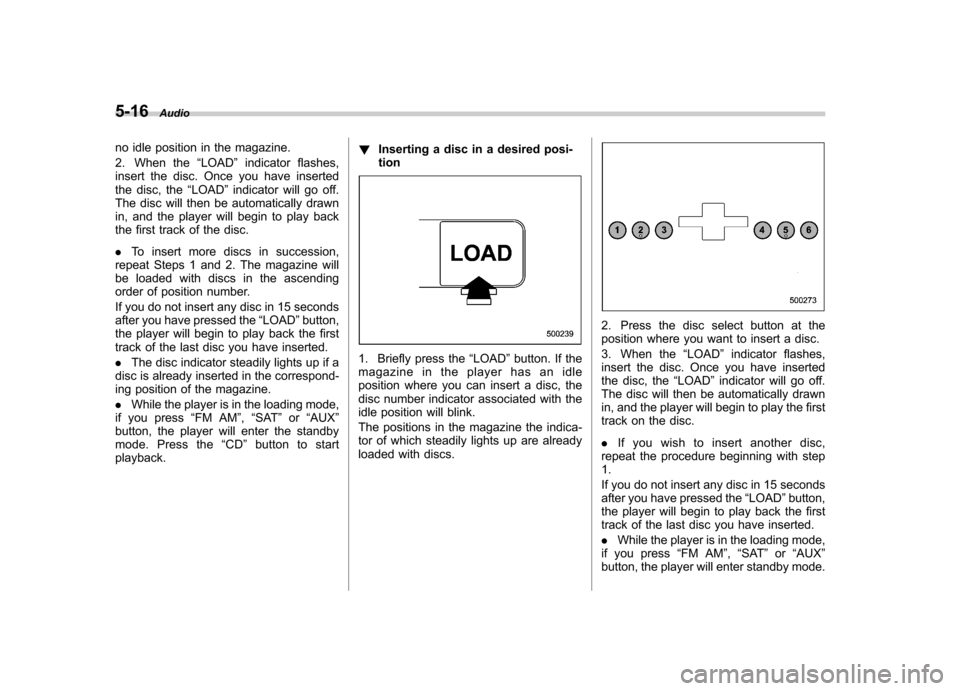
Inserting a disc in a desired posi-tion
1. Briefly press the “LOAD ”button. If the
magazine in the player has an idle
position where you can insert a disc, the
disc number indicator associated with the
idle position will blink.
The positions in the magazine the indica-
tor of which steadily lights up are already
loaded with discs.
2. Press the disc select button at the
position where you want to insert a disc.
3. When the “LOAD ”indicator flashes,
insert the disc. Once you have inserted
the disc, the “LOAD ”indicator will go off.
The disc will then be automatically drawn
in, and the player will begin to play the first
track on the disc. . If you wish to insert another disc,
repeat the procedure beginning with step 1.
If you do not insert any disc in 15 seconds
after you have pressed the “LOAD ”button,
the player will begin to play back the first
track of the last disc you have inserted. . While the player is in the loading mode,
if you press “FM AM ”, “SAT ”or “AUX ”
button, the player will enter standby mode.
Page 210 of 444
!Fast-reversing
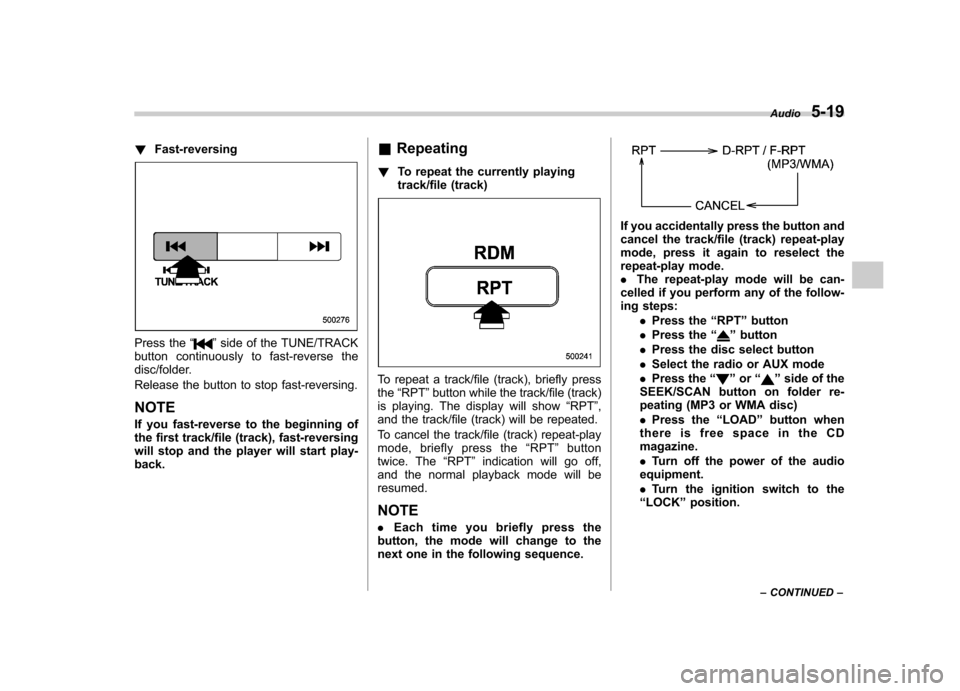
Press the “”side of the TUNE/TRACK
button continuously to fast-reverse the
disc/folder.
Release the button to stop fast-reversing.
NOTE
If you fast-reverse to the beginning of
the first track/file (track), fast-reversing
will stop and the player will start play-back. &
Repeating
! To repeat the currently playing
track/file (track)
To repeat a track/file (track), briefly press the“RPT ”button while the track/file (track)
is playing. The display will show “RPT ”,
and the track/file (track) will be repeated.
To cancel the track/file (track) repeat-play
mode, briefly press the “RPT ”button
twice. The “RPT ”indication will go off,
and the normal playback mode will beresumed.
NOTE . Each time you briefly press the
button, the mode will change to the
next one in the following sequence.
If you accidentally press the button and
cancel the track/file (track) repeat-play
mode, press it again to reselect the
repeat-play mode.. The repeat-play mode will be can-
celled if you perform any of the follow-
ing steps:
.Press the “RPT ”button
. Press the “
”button
. Press the disc select button
. Select the radio or AUX mode
. Press the “
”or “”side of the
SEEK/SCAN button on folder re-
peating (MP3 or WMA disc) . Press the “LOAD ”button when
thereisfreespaceintheCD magazine. . Turn off the power of the audio
equipment.. Turn the ignition switch to the
“ LOCK ”position. Audio
5-19
– CONTINUED –