2
1
86
Audio equipment
CD
The MP3 format, an abbreviation of MPEG 1.2 & 2.5 A
udio
Layer 3, is an audio compression standard which per mits the
recording of several tens of music files on a singl e disc.
MP3
In order to be able to play a recorded CDR or CDRW, when
recording it is preferable to select standards ISO 9660
level 1.2 or Joliet.
If the disc is recorded in another format, it may n ot be played
correctly.
It is recommended that the same recording standard is
always used for an individual disc, with as low a s peed as
possible (4x maximum) for optimum sound quality.
In the particular case of a multi-session CD, the J oliet
standard is recommended.
The audio equipment will only play files with the e xtension
".mp3" with a sampling rate of 22.05 KHz or 44.1 KH z.
No other type of file (.wma, .mp4, m3u...) can be p layed.
It is advisable to restrict file names to 20 charac ters without
using special characters (e.g.: " " ? ; ù) to avoid any playing
or displaying problems.
PLAYING A CD OR AN MP3 COMPILATION
Insert circular compact discs only.
Some anti-pirating systems, on original
discs or CDs copied using a personal
recorder, may cause faults which are no
reflection on the quality of the original player.
Insert a CD or an MP3 compilation in the player, pl ay begins
automatically.
If the player already contains a disc,
press the source SRC button several
times in succession and select CD.
Press one of the buttons to select a
track on the CD.
KEY
Indicates that a maintained press is required to start the action described.
Voice mode Press the control to start the voice recognition, a n audible signal confirms that the function has bee n activated, do not speak until
you hear this signal.
For further information regarding the voice command s, say "Help" or refer to the tables at the end of this document.
INTRODUCTION
This equipment chiefly enables you to:
- connect your Bluetooth® mobile telephone to your vehicle leaving your hands free,
- play audio sources (mp3, wma, wav) from a portabl e player,
- use the voice commands.
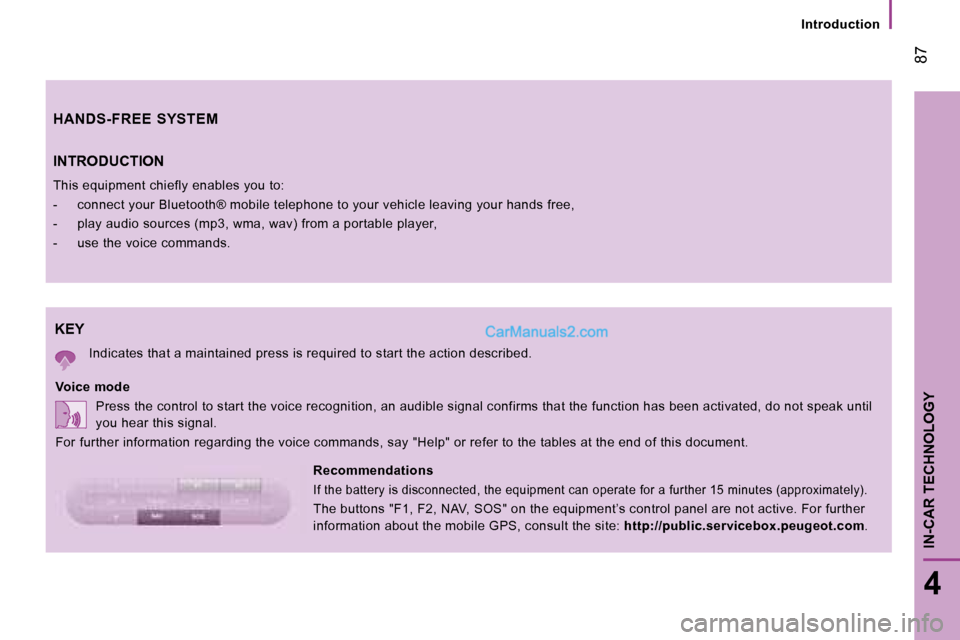
Recommendations
If the battery is disconnected, the equipment can o perate for a further 15 minutes (approximately).
The buttons "F1, F2, NAV, SOS" on the equipment’s c ontrol panel are not active. For further
information about the mobile GPS, consult the site: http://public.servicebox.peugeot.com .
HANDS-FREE SYSTEM
87
4
IN-CAR TECHNOLOGY
Introduction