2008 NISSAN ARMADA steering
[x] Cancel search: steeringPage 84 of 456

1. Vents (P. 4-37)
2. Headlight/fog light (if so equipped)/turn
signal switch (P. 2-32)
3. Instrument brightness control (P. 2-35)
4. Steering wheel switch for audio
control/hands-free bluetoothTphone
(P. 4-75)
5. Driver supplemental air bag/horn
(P. 1-48, P. 2-36)
6. Meters, gauges and warning/indicator
lights (P. 2-4, 2-13)
7. Cruise control main/set switches
(P. 5-17)
8. Windshield wiper/washer switch and
rear window wiper/washer switch
(P. 2-30, P. 2-31)
9. Ignition switch (P. 5-8)
10. Display screen/Display screen with
navigation system* (if so equipped)
(P. 4-2, P. 4-17)
11. Navigation system* controls
(if so equipped) (P. 4-17)
12. Audio system controls (P. 4-41)
13. Front passenger supplemental air bag
(P. 1-48)
14. Glove box (P. 2-44)
15. Hazard lights (P. 2-36)
WIC1256
INSTRUMENT PANEL
2-2Instruments and controls
ZREVIEW COPYÐ2008 Armada(wzw)
Owners ManualÐUSA_English(nna)
03/05/07Ðarosenma
X
Page 85 of 456

16. Climate controls (P. 4-38)
17. Power outlet/cigarette lighter
(accessory) (P. 2-40/P. 2-41)
18. Heated seat switch (if so equipped)
(P. 2-37)
19. Vehicle dynamic control (VDC) off
switch (P. 2-38)
20. Tow mode switch (P. 2-40)
21. Shift selector lever (P. 5-12)
22. Heated steering wheel (if so equipped)
(P. 2-37)
23. Center stack storage (P. 2-42)
24. Power outlet (P. 2-40)
25. Front passenger air bag status light
(P. 1-57)
26. Auxiliary jack (P. 4-55)
27. 4WD shift switch (if so equipped)
(P. 5-20)
28. Tilt steering wheel control (P. 3-27)
29. Rear or front and rear sonar system off
switch (if so equipped) (P. 2-38)
30. Pedal position adjustment switch
(if so equipped) (P. 3-27)
31. Power vent window (if so equipped)
(P. 2-55)
32. Lift gate open/close switch
(if so equipped) (P. 3-20)*: Refer to the separate Navigation System
Owner’s Manual (if so equipped) .
See the page number indicated in paren-
theses for operating details.
Instruments and controls2-3
ZREVIEW COPYÐ2008 Armada(wzw)
Owners ManualÐUSA_English(nna)
03/05/07Ðarosenma
X
Page 99 of 456
TPMS and turn off the low tire pressure warning
light. Use a tire pressure gauge to check the tire
pressure.
For additional information, see “Tire Pressure
Monitoring System (TPMS)” in the “Starting and
driving” section and in the “In case of emergency”
section.
TPMS malfunction:
If the TPMS is not functioning properly, the low
tire pressure warning light will flash for approxi-
mately 1 minute when the ignition switch is
placed in the ON position. The light will remain on
after the 1 minute. Have the system checked by a
NISSAN dealer.
For additional information, see “Tire Pressure
Monitoring System (TPMS)” in the “Starting and
driving” section.
WARNING
cIf the light does illuminate with the ig-
nition switch in the ON position, have
the vehicle checked by a NISSAN dealer
as soon as possible.cIf the light illuminates while driving,
avoid sudden steering maneuvers or
abrupt braking, reduce vehicle speed,
pull off the road to a safe location and
stop the vehicle as soon as possible.
Driving with under-inflated tires may
permanently damage the tires and in-
crease the likelihood of tire failure. Se-
rious vehicle damage could occur and
may lead to an accident and could re-
sult in serious personal injury. Check
the tire pressure for all four tires. Adjust
the tire pressure to the recommended
COLD tire pressure shown on the Tire
and Loading Information label to turn
the low tire pressure warning light OFF.
If the light still comes on while driving
after adjusting the tire pressure, a tire
may be flat. If you have a flat tire, re-
place it with a spare tire as soon as
possible.
cWhen a spare tire is mounted or a wheel
is replaced, tire pressure will not be
indicated, the TPMS will not function
and the low tire pressure warning light
will flash for approximately 1 minute.
The light will remain on after 1 minute.
Contact your NISSAN dealer as soon as
possible for tire replacement and/or
system resetting.cReplacing tires with those not originally
specified by NISSAN could affect the
proper operation of the TPMS.
CAUTION
cThe TPMS is not a substitute for the
regular tire pressure check. Be sure to
check the tire pressure regularly.
cIf the vehicle is being driven at speeds
of less than 16 MPH (25 km/h) , the
TPMS may not operate correctly.
cBe sure to install the specified size of
tires to the 4 wheels correctly.
Master warning light
This light comes on when various vehicle infor-
mation display warnings appear.
Seat belt warning light and
chime
The light and chime remind you to fasten your
seat belts. The light illuminates whenever the
ignition key is turned to the ON or START position
and remains illuminated until the driver’s seat belt
is fastened. At the same time, the chime sounds
for about 6 seconds unless the driver’s seat belt
is securely fastened.
Instruments and controls2-17
ZREVIEW COPYÐ2008 Armada(wzw)
Owners ManualÐUSA_English(nna)
03/05/07Ðarosenma
X
Page 118 of 456
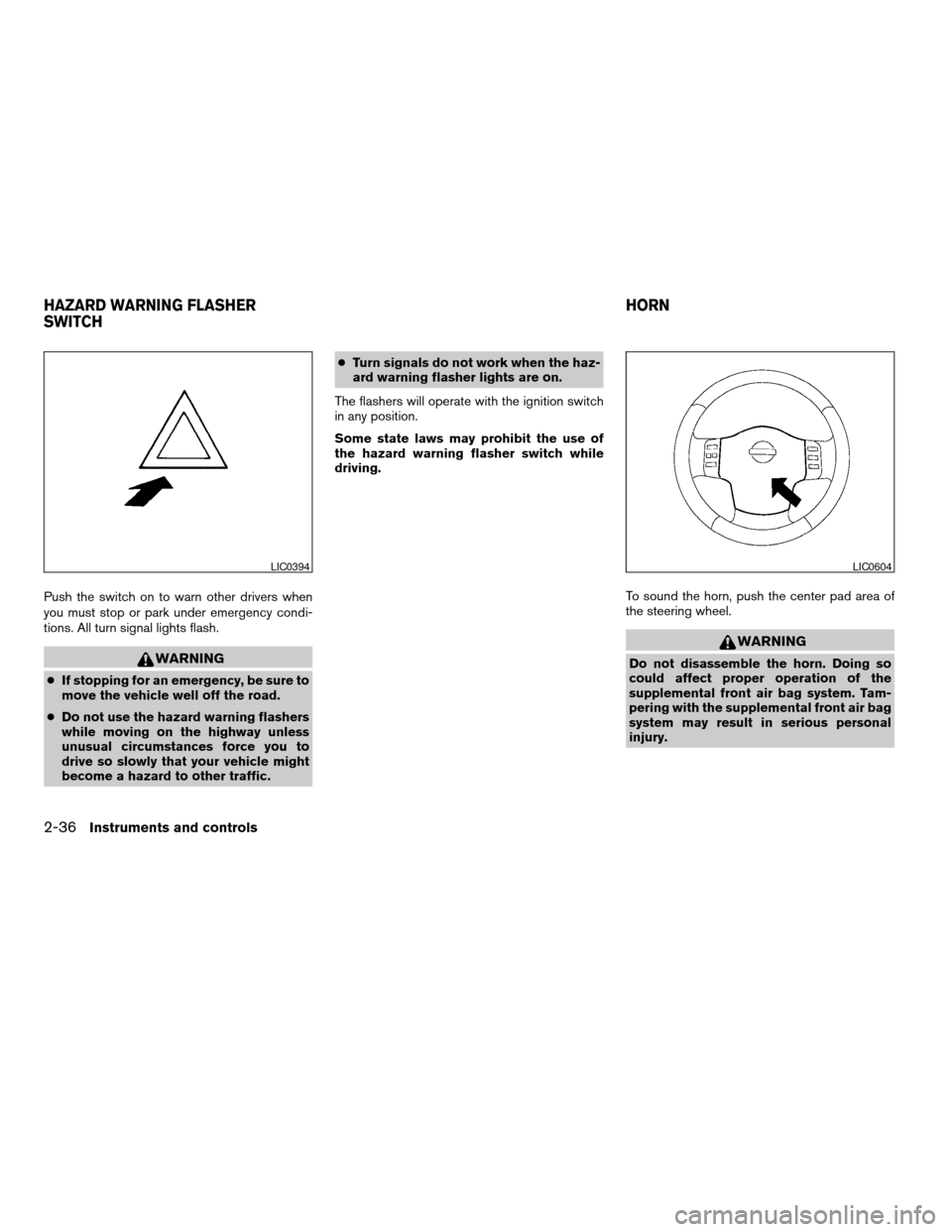
Push the switch on to warn other drivers when
you must stop or park under emergency condi-
tions. All turn signal lights flash.
WARNING
cIf stopping for an emergency, be sure to
move the vehicle well off the road.
cDo not use the hazard warning flashers
while moving on the highway unless
unusual circumstances force you to
drive so slowly that your vehicle might
become a hazard to other traffic.cTurn signals do not work when the haz-
ard warning flasher lights are on.
The flashers will operate with the ignition switch
in any position.
Some state laws may prohibit the use of
the hazard warning flasher switch while
driving.
To sound the horn, push the center pad area of
the steering wheel.
WARNING
Do not disassemble the horn. Doing so
could affect proper operation of the
supplemental front air bag system. Tam-
pering with the supplemental front air bag
system may result in serious personal
injury.
LIC0394LIC0604
HAZARD WARNING FLASHER
SWITCHHORN
2-36Instruments and controls
ZREVIEW COPYÐ2008 Armada(wzw)
Owners ManualÐUSA_English(nna)
03/05/07Ðarosenma
X
Page 119 of 456
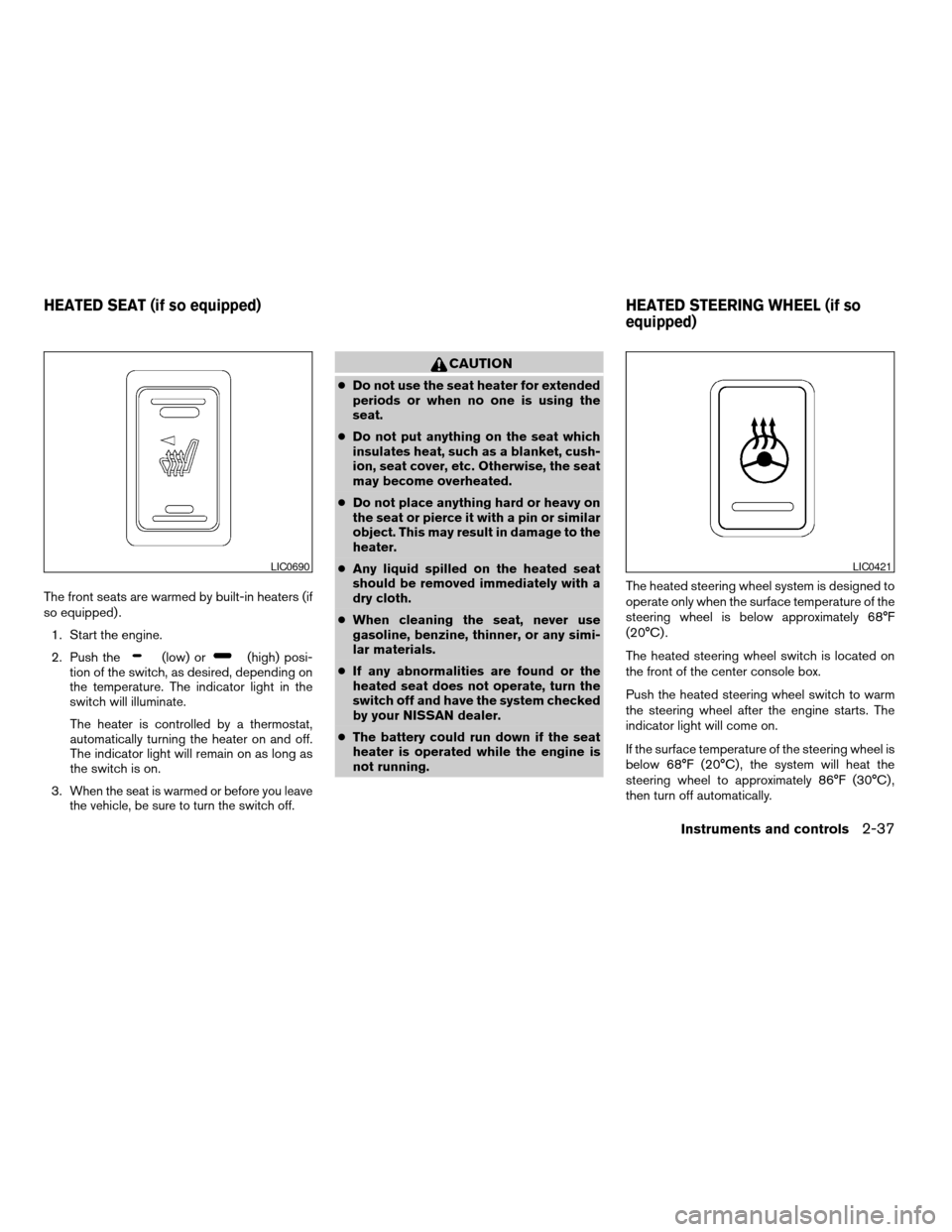
The front seats are warmed by built-in heaters (if
so equipped) .
1. Start the engine.
2. Push the
(low) or(high) posi-
tion of the switch, as desired, depending on
the temperature. The indicator light in the
switch will illuminate.
The heater is controlled by a thermostat,
automatically turning the heater on and off.
The indicator light will remain on as long as
the switch is on.
3.
When the seat is warmed or before you leave
the vehicle, be sure to turn the switch off.
CAUTION
cDo not use the seat heater for extended
periods or when no one is using the
seat.
cDo not put anything on the seat which
insulates heat, such as a blanket, cush-
ion, seat cover, etc. Otherwise, the seat
may become overheated.
cDo not place anything hard or heavy on
the seat or pierce it with a pin or similar
object. This may result in damage to the
heater.
cAny liquid spilled on the heated seat
should be removed immediately with a
dry cloth.
cWhen cleaning the seat, never use
gasoline, benzine, thinner, or any simi-
lar materials.
cIf any abnormalities are found or the
heated seat does not operate, turn the
switch off and have the system checked
by your NISSAN dealer.
cThe battery could run down if the seat
heater is operated while the engine is
not running.The heated steering wheel system is designed to
operate only when the surface temperature of the
steering wheel is below approximately 68°F
(20°C) .
The heated steering wheel switch is located on
the front of the center console box.
Push the heated steering wheel switch to warm
the steering wheel after the engine starts. The
indicator light will come on.
If the surface temperature of the steering wheel is
below 68°F (20°C) , the system will heat the
steering wheel to approximately 86°F (30°C) ,
then turn off automatically.
LIC0690LIC0421
HEATED SEAT (if so equipped) HEATED STEERING WHEEL (if so
equipped)
Instruments and controls2-37
ZREVIEW COPYÐ2008 Armada(wzw)
Owners ManualÐUSA_English(nna)
03/05/07Ðarosenma
X
Page 120 of 456
Push the switch again to turn the heated steering
wheel off manually. The indicator light will go off.
NOTE:
The heated steering wheel switch is
equipped with a 30 minute timer. After the
switch has been activate for 30 minutes,
the system will automatically turn off.If the
surface temperature of the steering wheel
is above 68°F (20°C) when the switch is
turned on, the system will not heat the
steering wheel. This is not a malfunction.
The vehicle should be driven with the Vehicle
Dynamic Control (VDC) system on for most driv-
ing conditions.
If the vehicle is stuck in mud or snow, the VDC
system reduces the engine output to reduce
wheel spin. The engine speed will be reduced
even if the accelerator is depressed to the floor. If
maximum engine power is needed to free a stuck
vehicle, turn the VDC system off.
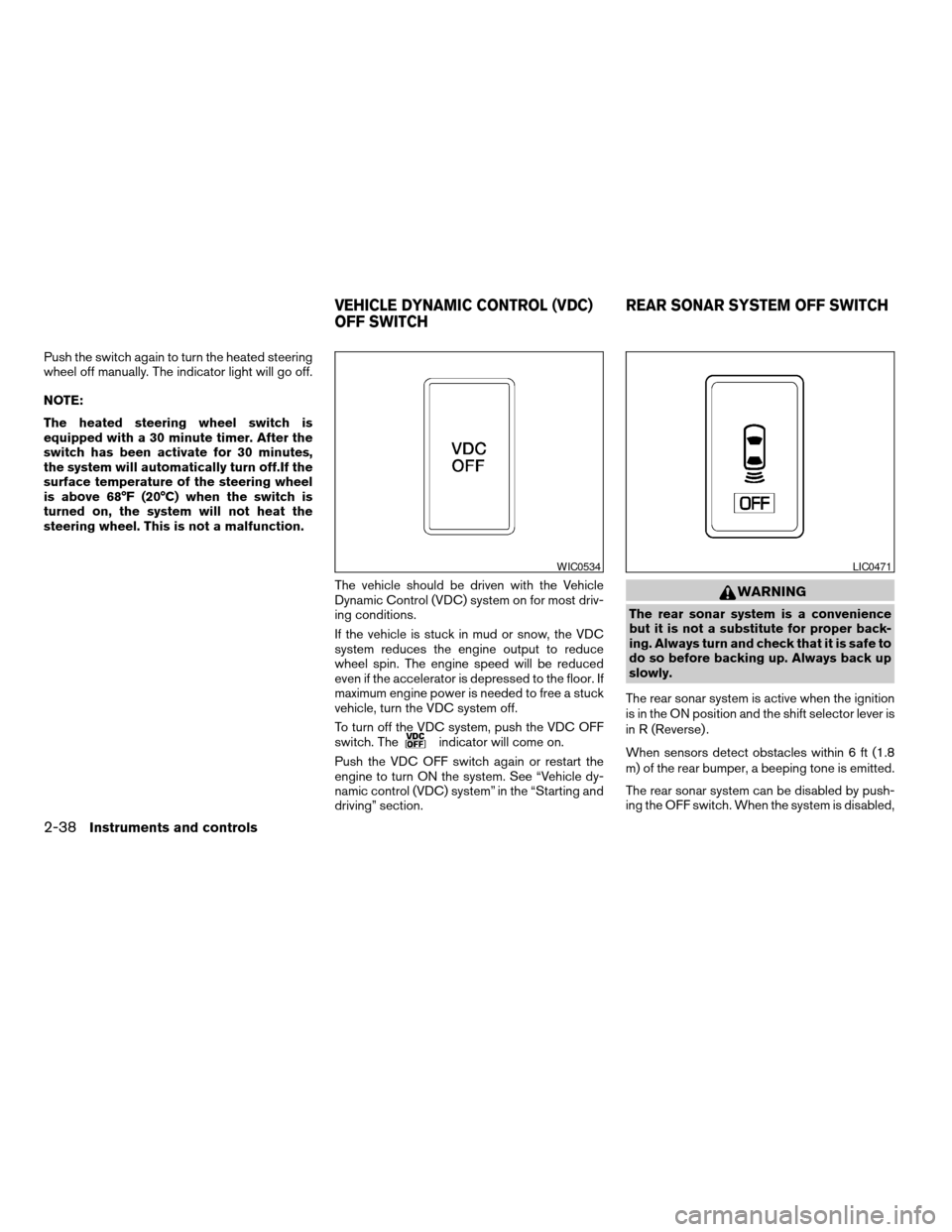
To turn off the VDC system, push the VDC OFF
switch. The
indicator will come on.
Push the VDC OFF switch again or restart the
engine to turn ON the system. See “Vehicle dy-
namic control (VDC) system” in the “Starting and
driving” section.
WARNING
The rear sonar system is a convenience
but it is not a substitute for proper back-
ing. Always turn and check that it is safe to
do so before backing up. Always back up
slowly.
The rear sonar system is active when the ignition
is in the ON position and the shift selector lever is
in R (Reverse) .
When sensors detect obstacles within 6 ft (1.8
m) of the rear bumper, a beeping tone is emitted.
The rear sonar system can be disabled by push-
ing the OFF switch. When the system is disabled,
WIC0534LIC0471
VEHICLE DYNAMIC CONTROL (VDC)
OFF SWITCHREAR SONAR SYSTEM OFF SWITCH
2-38Instruments and controls
ZREVIEW COPYÐ2008 Armada(wzw)
Owners ManualÐUSA_English(nna)
03/05/07Ðarosenma
X
Page 147 of 456

3 Pre-driving checks and adjustments
Keys .............................................3-2
Intelligent keys (if so equipped)..................3-2
NISSAN vehicle immobilizer system keys..........3-3
Doors............................................3-4
Locking with key................................3-4
Locking with inside lock knob....................3-5
Locking with power door lock switch.............3-5
Child safety rear door lock.......................3-6
Remote keyless entry system.......................3-6
How to use remote keyless entry system..........3-7
Intelligent Key system (if so equipped)..............3-10
Operating range...............................3-12
Door locks/unlocks precaution..................3-12
Intelligent Key operation........................3-13
How to use the remote keyless entry
function......................................3-16
Warning signals...............................3-18
Troubleshooting guide.........................3-18
Hood...........................................3-20
Lift gate.........................................3-20Operating the manual lift gate...................3-21
Operating the power lift gate
(if so equipped)...............................3-21
Cancel switch.................................3-23
Lift gate release...............................3-23
Glass hatch......................................3-25
Fuel-filler door...................................3-25
Fuel-filler cap.................................3-25
Steering wheel...................................3-27
Tilt operation..................................3-27
Pedal position adjustment.........................3-27
Sun visors.......................................3-28
Vanity mirrors.................................3-28
Mirrors..........................................3-29
Automatic anti-glare rearview mirror.............3-29
Outside mirrors...............................3-29
Automatic drive positioner (if so equipped)..........3-31
Memory storage function.......................3-31
Entry/exit function.............................3-33
System operation..............................3-33
ZREVIEW COPYÐ2008 Armada(wzw)
Owners ManualÐUSA_English(nna)
03/05/07Ðarosenma
X
Page 157 of 456
Since the Intelligent Key is continuously receiving
radio waves, if the key is left near equipment
which transmits strong radio waves, such as sig-
nals from a TV and personal computer, the bat-
tery life may become shorter.
For information regarding replacement of a bat-
tery, see “Battery” in the “Maintenance and do-it-
yourself” section.
Because the steering wheel is locked electrically,
unlocking the steering wheel with the ignition
switch in the LOCK position is impossible when
the vehicle battery is completely discharged. Un-
locking the steering wheel is impossible even if
the Intelligent Key is inserted into the ignition
switch. Pay special attention that the vehicle bat-
tery is not completely discharged.
As many as 4 Intelligent Keys can be registered
and used with one vehicle. For information about
the purchase and use of additional Intelligent
Keys, contact a NISSAN dealer.
CAUTION
cDo not allow the Intelligent Key, which
contains electrical components, to
come into contact with water or salt
water. This could affect the system
function.
cDo not drop the Intelligent Key.cDo not strike the Intelligent Key sharply
against another object.
cDo not change or modify the Intelligent
Key.
cWetting may damage the Intelligent
Key. If the Intelligent Key gets wet, im-
mediately wipe until it is completely dry.
cDo not place the Intelligent Key for an
extended period in an area where tem-
peratures exceed 140°F (60°C) .
cDo not attach the Intelligent Key with a
key holder that contains a magnet.
cDo not place the Intelligent Key near
equipment that produces a magnetic
field, such as a TV, audio equipment and
personal computers.
If an Intelligent Key is lost or stolen, NISSAN
recommends erasing the ID code of that Intelli-
gent Key from the vehicle. This may prevent the
unauthorized use of the Intelligent Key to operate
the vehicle. For information regarding the erasing
procedure, contact a NISSAN dealer.
Pre-driving checks and adjustments3-11
ZREVIEW COPYÐ2008 Armada(wzw)
Owners ManualÐUSA_English(nna)
03/05/07Ðarosenma
X