Page 121 of 438
Then move the safety catch located under the front edge
of the hood, near the center and raise the hood.
Lift the hood prop rod, clipped to the right side (left side
facing hood) of the engine compartment, to secure the
hood in the open position. Place the hood prop at the
location stamped into the inner hood surface.To prevent possible damage, do not slam the hood to
close it. Lower the hood until it is open approximately 8
in (20 cm) and then drop it. This should secure both
latches. Never drive your vehicle unless the hood is fully
closed, with both latches engaged.
WARNING!
If the hood is not fully latched it could fly up when
the vehicle is moving and block your forward vision.
You could have a collision. Be sure all hood latches
are fully latched before driving.
Secondary Hood Latch
UNDERSTANDING THE FEATURES OF YOUR VEHICLE 119
3
Page 130 of 438
Intermittent Wiper System
Use the intermittent wiper when weather conditions
make a single wiping cycle, with a variable pause be-
tween cycles, desirable. Select the delay interval by
turning the end of the lever. Rotate the knob upward
(clockwise) to decrease the delay time and downward
(counterclockwise) to increase the delay time. The delay
can be regulated from a maximum of approximately 18
seconds between cycles, to a cycle every second.
Windshield Washers
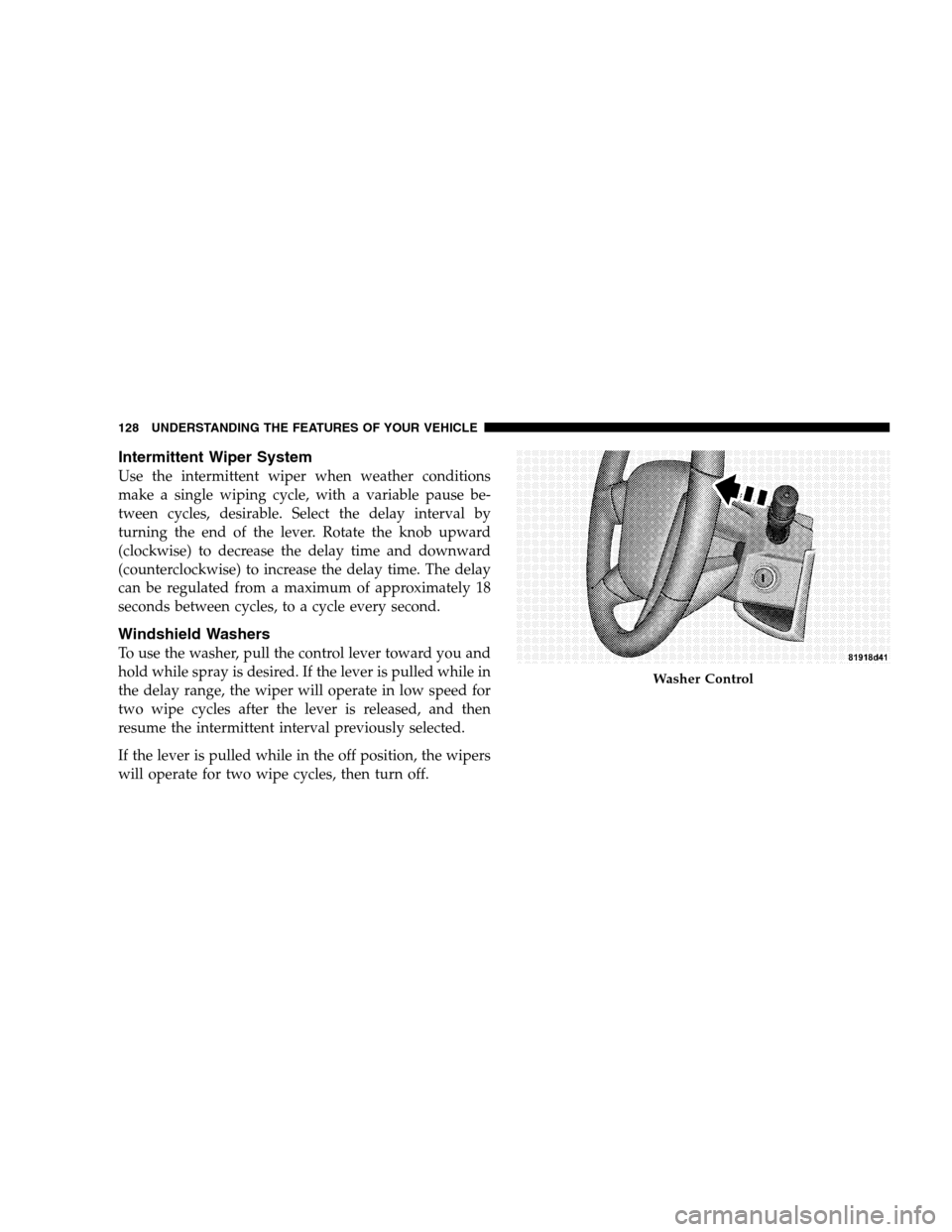
To use the washer, pull the control lever toward you and
hold while spray is desired. If the lever is pulled while in
the delay range, the wiper will operate in low speed for
two wipe cycles after the lever is released, and then
resume the intermittent interval previously selected.
If the lever is pulled while in the off position, the wipers
will operate for two wipe cycles, then turn off.
Washer Control
128 UNDERSTANDING THE FEATURES OF YOUR VEHICLE
Page 132 of 438
TILT STEERING COLUMN
To tilt the steering column, push down on the lever below
the turn signal control lever. With one hand firmly on the
wheel, move the steering column up or down as desired.
Push the lever back up to lock the column firmly in place.WARNING!
Tilting the steering column while the vehicle is
moving is dangerous. Without a stable steering col-
umn, you could lose control of the vehicle and have
an accident. Adjust the column only while the ve-
hicle is stopped. Be sure it is locked before driving.
ELECTRONIC SPEED CONTROL — IF EQUIPPED
When engaged, this device takes over accelerator opera-
tion at speeds greater than 25 mph (40 km/h). The speed
control lever is located on the right side of the steering
wheel.
Tilting Steering Column Control
130 UNDERSTANDING THE FEATURES OF YOUR VEHICLE
Page 135 of 438

WARNING!
Speed Control can be dangerous where the system
can’t maintain a constant speed. Your vehicle could
go too fast for the conditions, and you could lose
control. An accident could be the result. Don’t use
Speed Control in heavy traffic or on roads that are
winding, icy, snow-covered, or slippery.
To Accelerate For Passing
Depress the accelerator as you would normally. When the
pedal is released, the vehicle will return to the set speed.
Using Speed Control On Hills
NOTE:The speed control system maintains speed up
and down hills. A slight speed change on moderate hills
is normal.
On steep hills a greater speed loss or gain may occur so
it may be preferable to drive without speed control.
ANTI-LOCK BRAKE SYSTEM (ABS) — IF
EQUIPPED
This system aids the driver in maintaining vehicle control
under adverse braking conditions. The system controls
hydraulic brake pressure to prevent wheel lockup and
help avoid skidding on slippery surfaces during braking.
UNDERSTANDING THE FEATURES OF YOUR VEHICLE 133
3
Page 136 of 438
WARNING!
•The Anti-Lock Brake System (ABS) cannot prevent
the natural laws of physics from acting on the
vehicle, nor can it increase the traction afforded by
prevailing road conditions.
•The ABS cannot prevent accidents, including
those resulting from excessive speed in turns,
driving on very slippery surfaces, or hydroplan-
ing. Only a safe, attentive, and skillful driver can
prevent accidents.
•The capabilities of an ABS equipped vehicle must
never be exploited in a reckless or dangerous
manner which could jeopardize the user’s safety
or the safety of others.
ELECTRONIC BRAKE CONTROL SYSTEM
Your vehicle may be equipped with an optional ad-
vanced electronic brake control system that includes
Anti-Lock Brake System (ABS), Brake Assist System
(BAS), Traction Control System (TCS), Electronic Roll
Mitigation (ERM), Hill Decent Control (HDC) and Elec-
tronic Stability Program (ESP). All systems work together
to enhance vehicle stability and control in various driving
conditions and are commonly referred to as ESP.
Anti-Lock Brake System (ABS)
This system aids the driver in maintaining vehicle control
under adverse braking conditions. The system controls
hydraulic brake pressure to prevent wheel lockup and
help avoid skidding on slippery surfaces during braking.
Refer to “Anti-Lock Brake System” in this Section of the
manual for more information about ABS.
134 UNDERSTANDING THE FEATURES OF YOUR VEHICLE
Page 137 of 438
Brake Assist System (BAS)
The BAS is designed to optimize the vehicle’s braking
capability during emergency braking maneuvers. The
system detects an emergency braking situation by sens-
ing the rate and amount of brake application and then
applies optimum pressure to the brakes. This can help
reduce braking distances. The BAS complements the
Anti-Lock Brake System (ABS). Applying the brakes very
quickly results in the best BAS assistance. To receive the
benefit of the system, you must applycontinuousbrak-
ing pressure during the stopping sequence (do not
“pump” the brakes). Do not reduce brake pedal pressure
unless braking is no longer desired. Once the brake pedal
is released, the BAS is deactivated.WARNING!
•The Brake Assist System (BAS) cannot prevent the
natural laws of physics from acting on the vehicle,
nor can it increase the traction afforded by prevail-
ing road conditions.
•The BAS cannot prevent accidents, including
those resulting from excessive speed in turns,
driving on very slippery surfaces, or hydroplan-
ing. Only a safe, attentive, and skillful driver can
prevent accidents.
•The capabilities of a BAS-equipped vehicle must
never be exploited in a reckless or dangerous
manner which could jeopardize the user ’s safety
or the safety of others.
UNDERSTANDING THE FEATURES OF YOUR VEHICLE 135
3
Page 149 of 438
Gate Operator/Canadian Programming
Canadian radio-frequency laws require transmitter sig-
nals to “time-out” (or quit) after several seconds of
transmission – which may not be long enough for
HomeLink�to pick up the signal during programming.
Similar to this Canadian law, some U.S. gate operators are
designed to “time-out” in the same manner.
It may be helpful to unplug the device during the cycling
process to prevent possible overheating of the garage
door or gate motor.
If you are having difficulties programming a garage door
opener or a gate operator, replace “Programming
HomeLink�” Step 3 with the following:
3. Continue to press and hold the HomeLink�button
while you press and release - every two seconds
(“cycle”) your hand-held transmitter until HomeLink�has successfully accepted the frequency signal. The
indicator light will flash slowly and then rapidly when
fully trained.
If you unplugged the device for training, plug it back in
at this time.
Then proceed with Step 4 under “Programming
HomeLink�” earlier in this section.
Using HomeLink�
To operate, simply press and release the programmed
HomeLink�button. Activation will now occur for the
trained device (i.e., garage door opener, gate operator,
Security system, entry door lock, home/office lighting,
etc. The hand-held transmitter of the device may also be
used at any time.
UNDERSTANDING THE FEATURES OF YOUR VEHICLE 147
3
Page 170 of 438
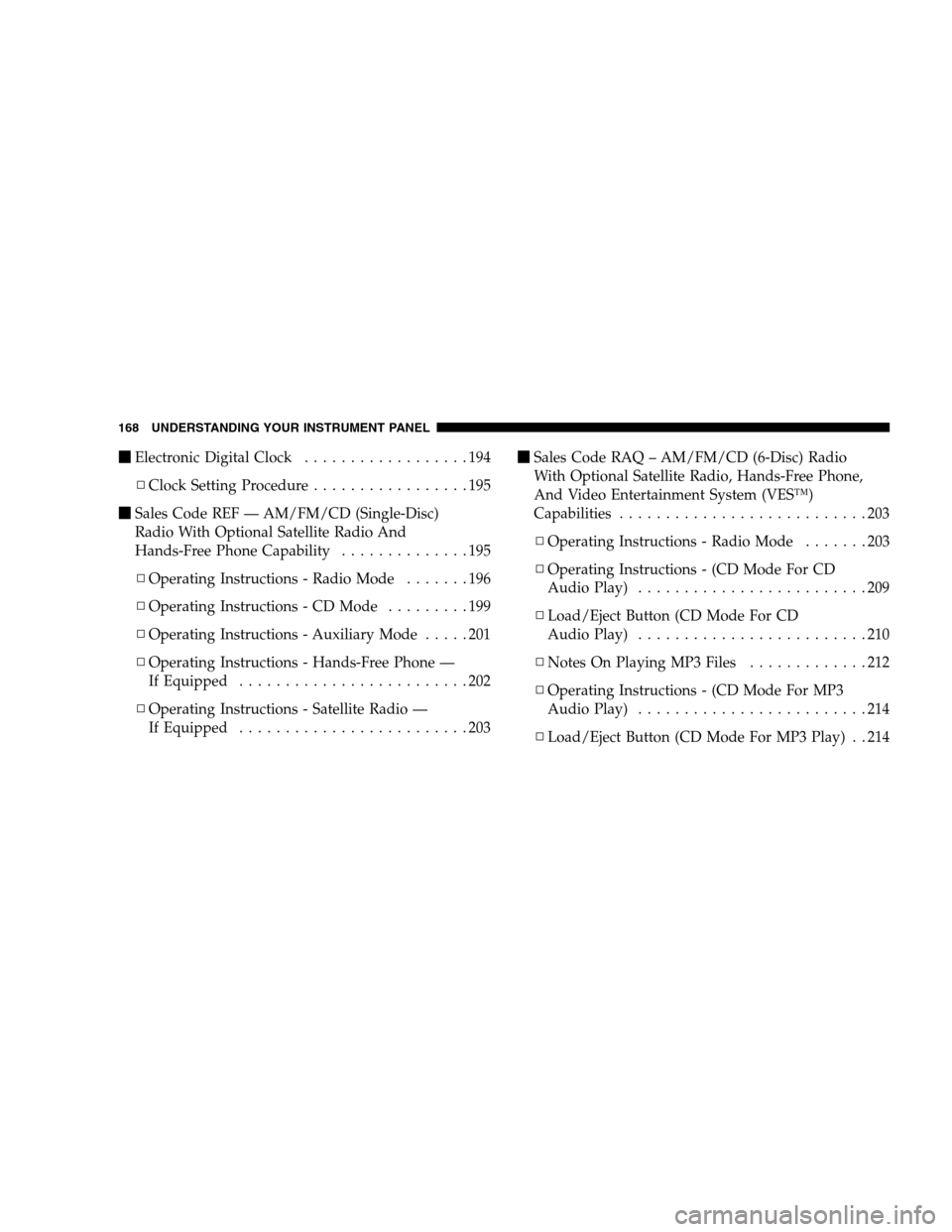
�Electronic Digital Clock..................194
▫Clock Setting Procedure.................195
�Sales Code REF — AM/FM/CD (Single-Disc)
Radio With Optional Satellite Radio And
Hands-Free Phone Capability..............195
▫Operating Instructions - Radio Mode.......196
▫Operating Instructions - CD Mode.........199
▫Operating Instructions - Auxiliary Mode.....201
▫Operating Instructions - Hands-Free Phone —
If Equipped.........................202
▫Operating Instructions - Satellite Radio —
If Equipped.........................203�Sales Code RAQ – AM/FM/CD (6-Disc) Radio
With Optional Satellite Radio, Hands-Free Phone,
And Video Entertainment System (VES™)
Capabilities...........................203
▫Operating Instructions - Radio Mode.......203
▫Operating Instructions - (CD Mode For CD
Audio Play).........................209
▫Load/Eject Button (CD Mode For CD
Audio Play).........................210
▫NotesOnPlayingMP3Files .............212
▫Operating Instructions - (CD Mode For MP3
Audio Play).........................214
▫Load/Eject Button (CD Mode For MP3 Play) . . 214
168 UNDERSTANDING YOUR INSTRUMENT PANEL