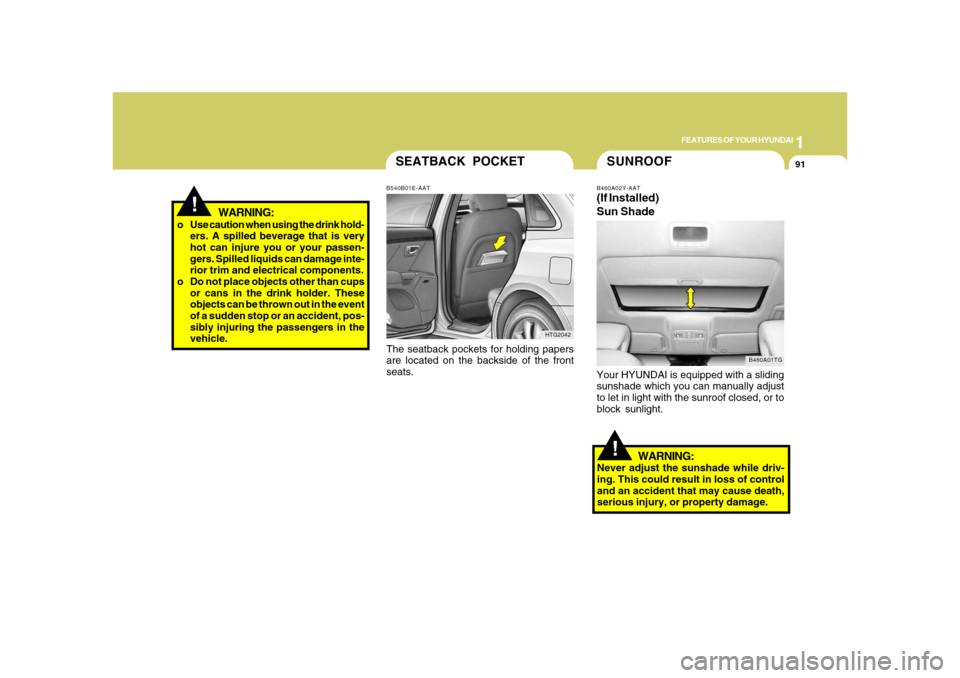
Page 98 of 345

1FEATURES OF YOUR HYUNDAI84
B350B01TG-GATAuto Wiper Operation
(If Installed)
When the windshield wiper switch is placed
in the "AUTO" position, the rain sensor
located on the upper end of windshield
glass senses the amount of rainfall and
controls for the appropriate length of the
intervals between wipes appropriately.
If the ignition switch is turned "ON" when
the wiper switch is set in "AUTO" mode, or
wiper switch is set in "AUTO" mode when
the ignition switch is "ON", or the speed
control knob is turned toward the "c" po-
sition when the wiper switch is in "AUTO"
mode, wiper will operate once to perform
a self-check of the system. Set the wiper to
"OFF" position when the wiper is not in use.NOTE:If there is heavy accumulation of snow or
ice on the windshield glass, there will be
a 10 minute waiting period prior to the
operation of the windshield wipers. A) Intermittent wiper operation
B) Low-speed operation
C)High-speed operation
NOTE:To prevent damage to the wiper system,
do not attempt to wipe away heavy accu-
mulations of snow or ice. Accumulated
snow and ice should be removed manu-
ally. If there is only a light layer of snow
or ice, operate the heater in the defrost
mode to melt the snow or ice before
using the wiper.
B350A05TG-A
Type A
B350A07TG-A
Type B
1
Page 101 of 345
1
FEATURES OF YOUR HYUNDAI
87
FRONT/REAR WINDOW
DEFROSTER SWITCH
B380A02TG-A B380A02HP-AAT
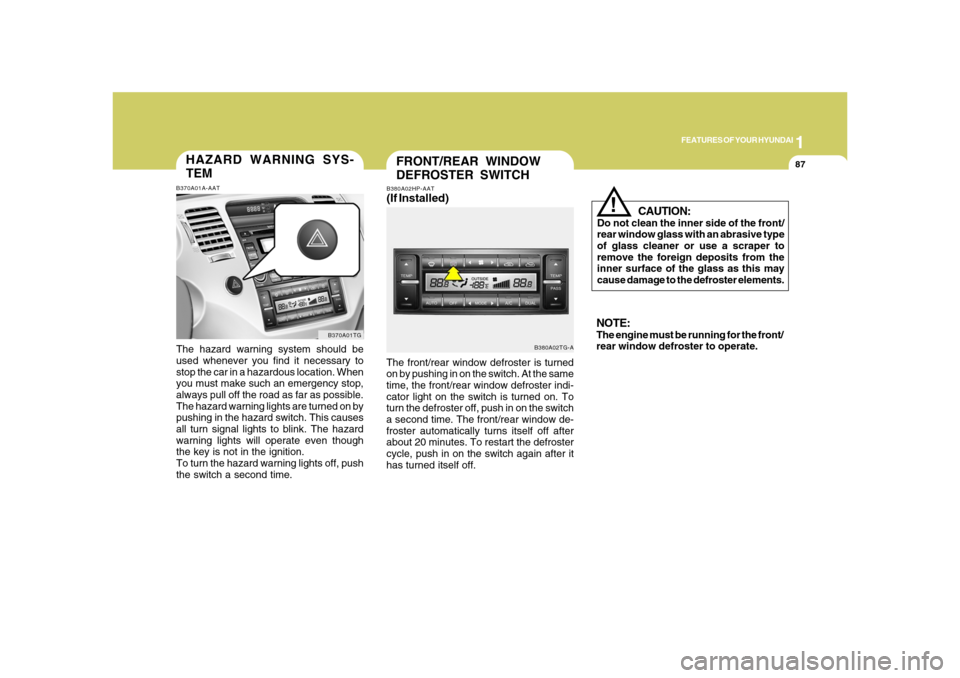
(If Installed)The front/rear window defroster is turned
on by pushing in on the switch. At the same
time, the front/rear window defroster indi-
cator light on the switch is turned on. To
turn the defroster off, push in on the switch
a second time. The front/rear window de-
froster automatically turns itself off after
about 20 minutes. To restart the defroster
cycle, push in on the switch again after it
has turned itself off.
CAUTION:
Do not clean the inner side of the front/
rear window glass with an abrasive type
of glass cleaner or use a scraper to
remove the foreign deposits from the
inner surface of the glass as this may
cause damage to the defroster elements.
!
NOTE:The engine must be running for the front/
rear window defroster to operate.
HAZARD WARNING SYS-
TEMB370A01A-AATThe hazard warning system should be
used whenever you find it necessary to
stop the car in a hazardous location. When
you must make such an emergency stop,
always pull off the road as far as possible.
The hazard warning lights are turned on by
pushing in the hazard switch. This causes
all turn signal lights to blink. The hazard
warning lights will operate even though
the key is not in the ignition.
To turn the hazard warning lights off, push
the switch a second time.
B370A01TG
Page 102 of 345
1FEATURES OF YOUR HYUNDAI88
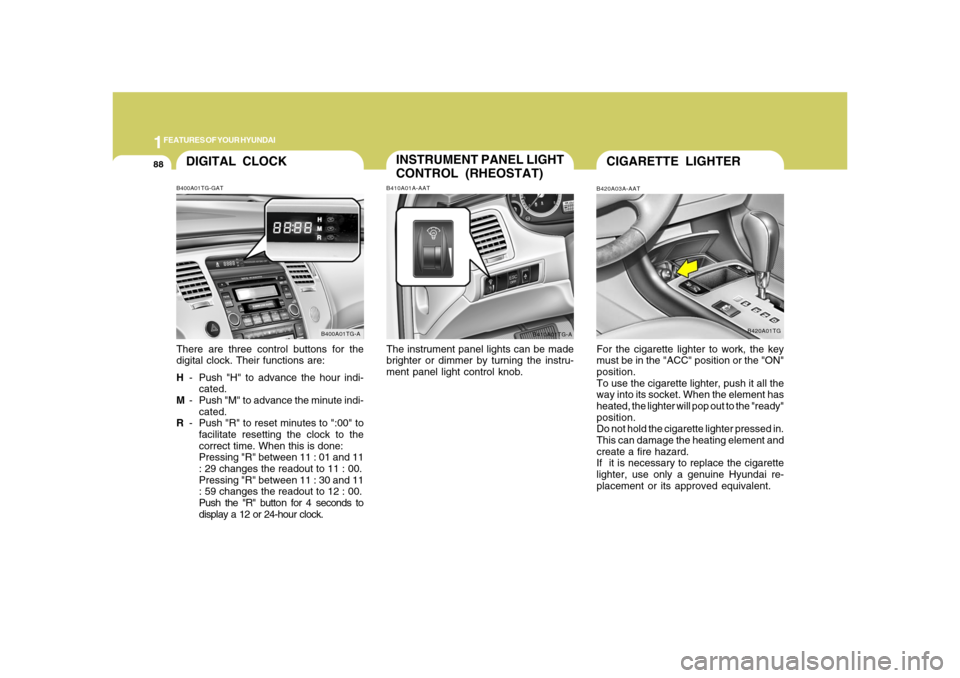
DIGITAL CLOCKB400A01TG-GATThere are three control buttons for the
digital clock. Their functions are:
H- Push "H" to advance the hour indi-
cated.
M- Push "M" to advance the minute indi-
cated.
R- Push "R" to reset minutes to ":00" to
facilitate resetting the clock to the
correct time. When this is done:
Pressing "R" between 11 : 01 and 11
: 29 changes the readout to 11 : 00.
Pressing "R" between 11 : 30 and 11
: 59 changes the readout to 12 : 00.
Push the "R" button for 4 seconds to
display a 12 or 24-hour clock.
B400A01TG-A
INSTRUMENT PANEL LIGHT
CONTROL (RHEOSTAT)B410A01A-AATThe instrument panel lights can be made
brighter or dimmer by turning the instru-
ment panel light control knob.
B410A01TG-A
CIGARETTE LIGHTERB420A03A-AATFor the cigarette lighter to work, the key
must be in the "ACC" position or the "ON"
position.
To use the cigarette lighter, push it all the
way into its socket. When the element has
heated, the lighter will pop out to the "ready"
position.
Do not hold the cigarette lighter pressed in.
This can damage the heating element and
create a fire hazard.
If it is necessary to replace the cigarette
lighter, use only a genuine Hyundai re-
placement or its approved equivalent.
B420A01TG
Page 105 of 345
1
FEATURES OF YOUR HYUNDAI
91
!
WARNING:
o Use caution when using the drink hold-
ers. A spilled beverage that is very
hot can injure you or your passen-
gers. Spilled liquids can damage inte-
rior trim and electrical components.
o Do not place objects other than cups
or cans in the drink holder. These
objects can be thrown out in the event
of a sudden stop or an accident, pos-
sibly injuring the passengers in the
vehicle.
SEATBACK POCKETB540B01E-AAT
HTG2042The seatback pockets for holding papers
are located on the backside of the front
seats.
!SUNROOFB460A02Y-AAT(If Installed)
Sun Shade
B460A01TG
Your HYUNDAI is equipped with a sliding
sunshade which you can manually adjust
to let in light with the sunroof closed, or to
block sunlight.
WARNING:
Never adjust the sunshade while driv-
ing. This could result in loss of control
and an accident that may cause death,
serious injury, or property damage.
Page 114 of 345
1FEATURES OF YOUR HYUNDAI
100
!
CAUTION:
o Do not operate the switch continu-
ously for an unnecessary length of
time.
o Scraping ice from the mirror face could
cause permanent damage. To remove
any ice, use a sponge, soft cloth or
approved de-icer.
!
WARNING:
Be careful when judging the size or dis-
tance of any object seen in the passen-
ger side rearview mirror. It is a convex
mirror with a curved surface, and any
objects seen in this mirror are closer
than they appear.
B510C01TG-AATFOLDING THE OUTSIDE REARVIEW
MIRRORS (Manual Type)To fold the outside rearview mirrors, push
them towards the rear.
The outside rearview mirrors can be folded
rearward for parking in narrow areas.
B510C01TG-A
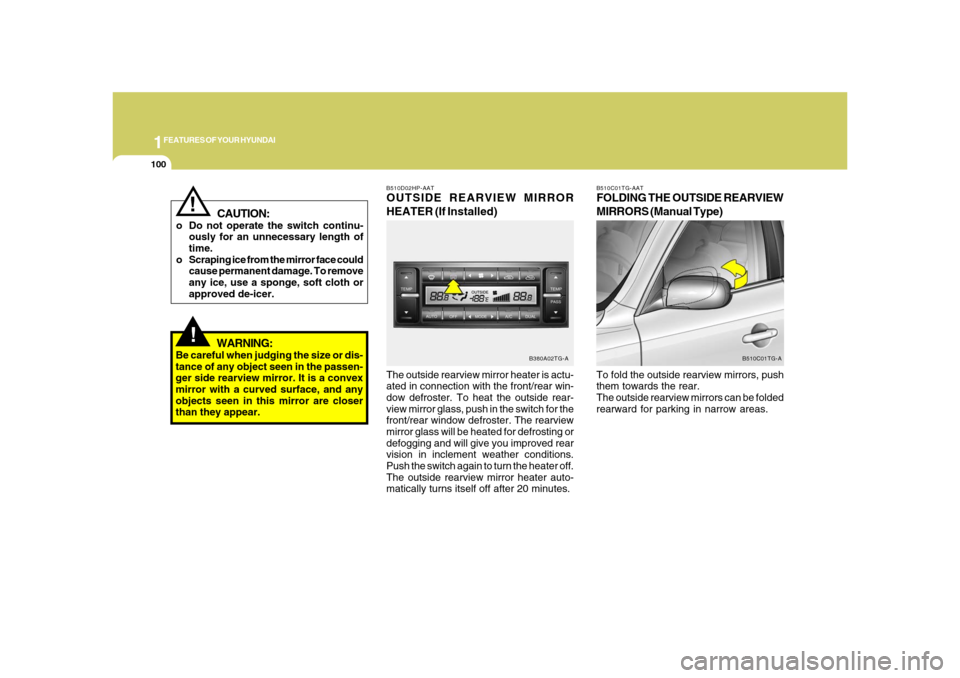
The outside rearview mirror heater is actu-
ated in connection with the front/rear win-
dow defroster. To heat the outside rear-
view mirror glass, push in the switch for the
front/rear window defroster. The rearview
mirror glass will be heated for defrosting or
defogging and will give you improved rear
vision in inclement weather conditions.
Push the switch again to turn the heater off.
The outside rearview mirror heater auto-
matically turns itself off after 20 minutes.B510D02HP-AATOUTSIDE REARVIEW MIRROR
HEATER (If Installed)
B380A02TG-A
Page 115 of 345
1
FEATURES OF YOUR HYUNDAI
101
!
WARNING:
Do not adjust or fold the outside rearview
mirrors while the vehicle is moving. This
could result in loss of control, and an
accident causing death, serious injury
or property damage.
CAUTION:
If the mirror is jammed with ice, do not
adjust the mirror by force. Use an ap-
proved spray de-icer (not radiator anti-
freeze) to release the frozen mecha-
nism or move the vehicle to a warm
place and allow the ice to melt.
!
!
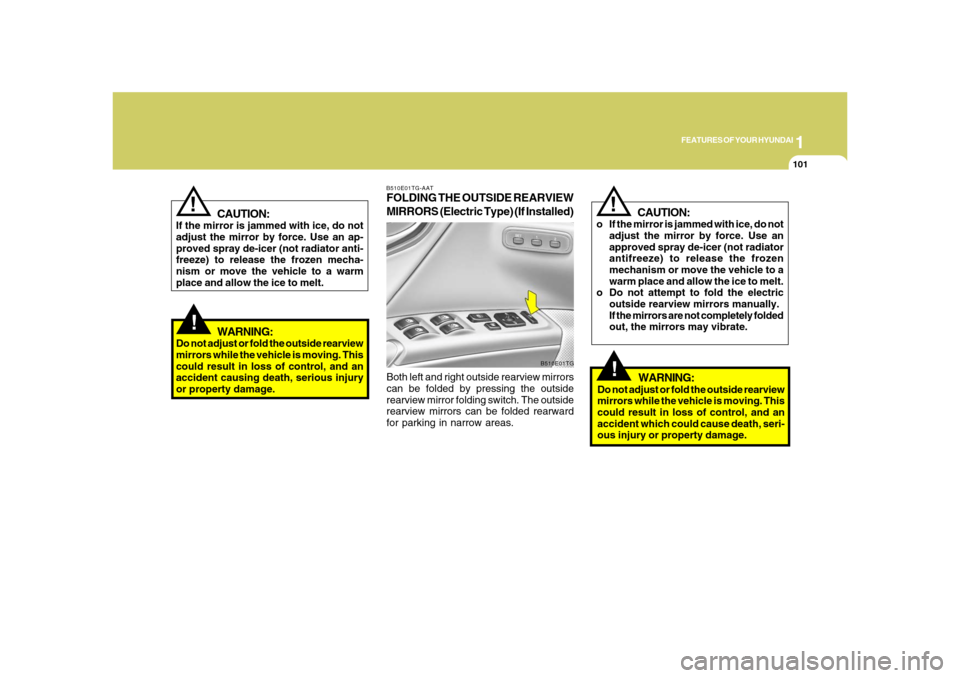
B510E01TG-AATFOLDING THE OUTSIDE REARVIEW
MIRRORS (Electric Type) (If Installed)Both left and right outside rearview mirrors
can be folded by pressing the outside
rearview mirror folding switch. The outside
rearview mirrors can be folded rearward
for parking in narrow areas.
B510E01TG
CAUTION:
o If the mirror is jammed with ice, do not
adjust the mirror by force. Use an
approved spray de-icer (not radiator
antifreeze) to release the frozen
mechanism or move the vehicle to a
warm place and allow the ice to melt.
o Do not attempt to fold the electric
outside rearview mirrors manually.
If the mirrors are not completely folded
out, the mirrors may vibrate.
!
WARNING:
Do not adjust or fold the outside rearview
mirrors while the vehicle is moving. This
could result in loss of control, and an
accident which could cause death, seri-
ous injury or property damage.
Page 118 of 345
1FEATURES OF YOUR HYUNDAI
104
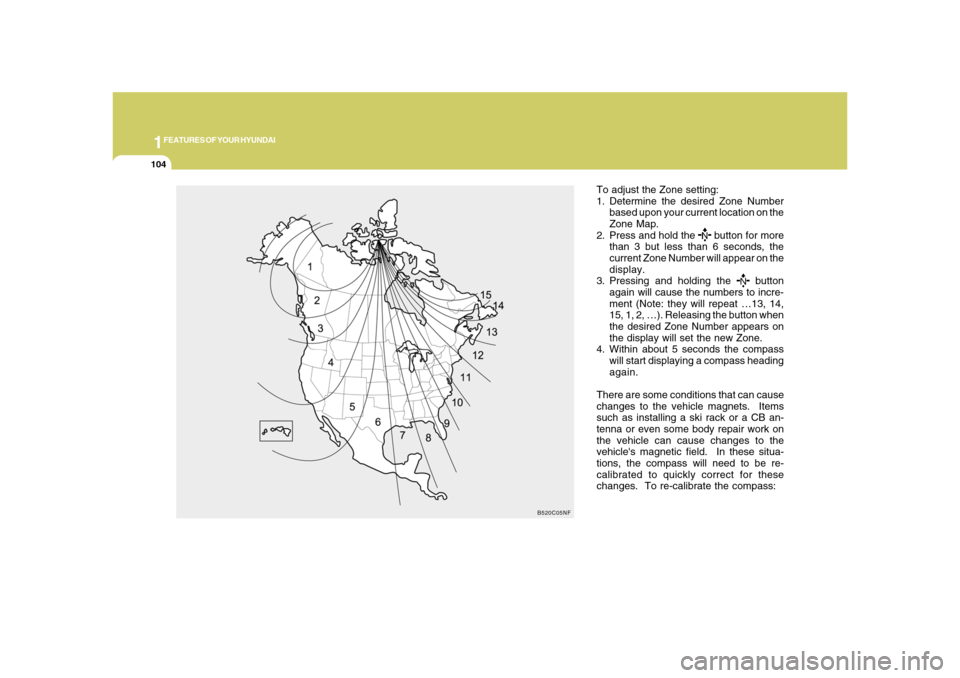
To adjust the Zone setting:
1. Determine the desired Zone Number
based upon your current location on the
Zone Map.
2. Press and hold the
button for more
than 3 but less than 6 seconds, the
current Zone Number will appear on the
display.
3. Pressing and holding the
button
again will cause the numbers to incre-
ment (Note: they will repeat …13, 14,
15, 1, 2, …). Releasing the button when
the desired Zone Number appears on
the display will set the new Zone.
4. Within about 5 seconds the compass
will start displaying a compass heading
again.
There are some conditions that can cause
changes to the vehicle magnets. Items
such as installing a ski rack or a CB an-
tenna or even some body repair work on
the vehicle can cause changes to the
vehicle's magnetic field. In these situa-
tions, the compass will need to be re-
calibrated to quickly correct for these
changes. To re-calibrate the compass:
B520C05NF
Page 120 of 345
1FEATURES OF YOUR HYUNDAI
106
Standard Programming
To train most devices, follow these instruc-
tions:
1. For first-time programming, press and
hold the two outside buttons, HomeLink
®
Channel 1 and Channel 3 Buttons, until
the indicator light begins to flash (after
20 seconds). Release both buttons. Do
not hold the buttons for longer than 30
seconds.
2. Position the end of your hand-held trans-
mitter 1-3 inches (5-14 cm) away from
the HomeLink
® buttons while keeping
the indicator light in view.
3. Simultaneously press and hold both
the HomeLink® and hand-held trans-
mitter button. DO NOT release the but-
tons until step 4 has been completed.
4. While continuing to hold the buttons the
red Indicator Status LED will flash slowly
and then rapidly after HomeLink
® suc-
cessfully trains to the frequency signal
from the hand-held transmitter. Release
both buttons.5. Press and hold the just-trained
HomeLink
® button and observe the red
Status Indicator LED. If the indicator
light stays on constantly, programming
is complete and your device should
activate when the HomeLink
® button is
pressed and released.
6. To program the remaining two
HomeLink
® buttons, follow steps 2
through 5.
Rolling Code Programming
Rolling code devices which are "code-
protected" and manufactured after 1996
may be determined by the following:
o Reference the device owner's manual
for verification.
o The handheld transmitter appears to
program the HomeLink Universal Trans-
ceiver but does not activate the device.
o Press and hold the trained HomeLink
button. The device has the rolling code
feature if the indicator light flashes rap-
idly and then turns solid after 2 seconds.To train rolling code devices, follow these
instructions:
1. At the garage door opener receiver
(motor-head unit) in the garage, locate
the "learn" or "smart" button. This can
usually be found where the hanging
antenna wire is attached to the motor-
head unit. Exact location and color of
the button may vary by garage door
opener brand. If there is difficulty locat-
ing the training button, reference the
device owner's manual or please visit
our Web site at www.homelink.com.
2. Firmly press and release the "learn" or
"smart" button (which activates the "train-
ing light").
NOTE:There are 30 seconds in which to initiate
step3.
3. Return to the vehicle and firmly press,
hold for two seconds and then release
the desired HomeLink
® button. Repeat
the "press/hold/release" sequence a
second time to complete the program-
ming. (Some devices may require you
to repeat this sequence a third time to
complete the programming.)