Page 53 of 531
²If the power liftgate encounters multiple obstructions
within the same cycle, the system will automatically
stop and must be opened or closed manually.
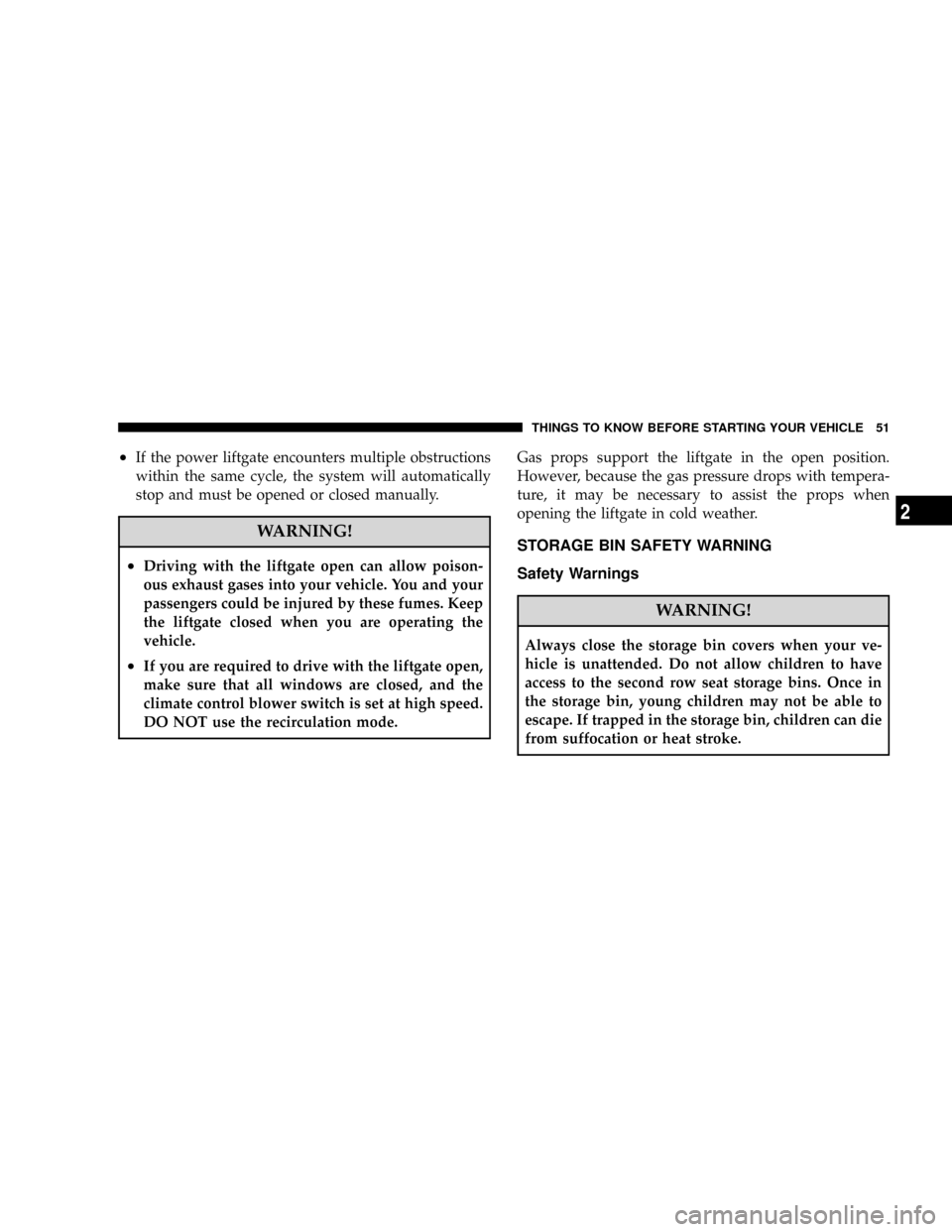
WARNING!
²Driving with the liftgate open can allow poison-
ous exhaust gases into your vehicle. You and your
passengers could be injured by these fumes. Keep
the liftgate closed when you are operating the
vehicle.
²If you are required to drive with the liftgate open,
make sure that all windows are closed, and the
climate control blower switch is set at high speed.
DO NOT use the recirculation mode.Gas props support the liftgate in the open position.
However, because the gas pressure drops with tempera-
ture, it may be necessary to assist the props when
opening the liftgate in cold weather.
STORAGE BIN SAFETY WARNING
Safety Warnings
WARNING!
Always close the storage bin covers when your ve-
hicle is unattended. Do not allow children to have
access to the second row seat storage bins. Once in
the storage bin, young children may not be able to
escape. If trapped in the storage bin, children can die
from suffocation or heat stroke.
THINGS TO KNOW BEFORE STARTING YOUR VEHICLE 51
2
Page 97 of 531
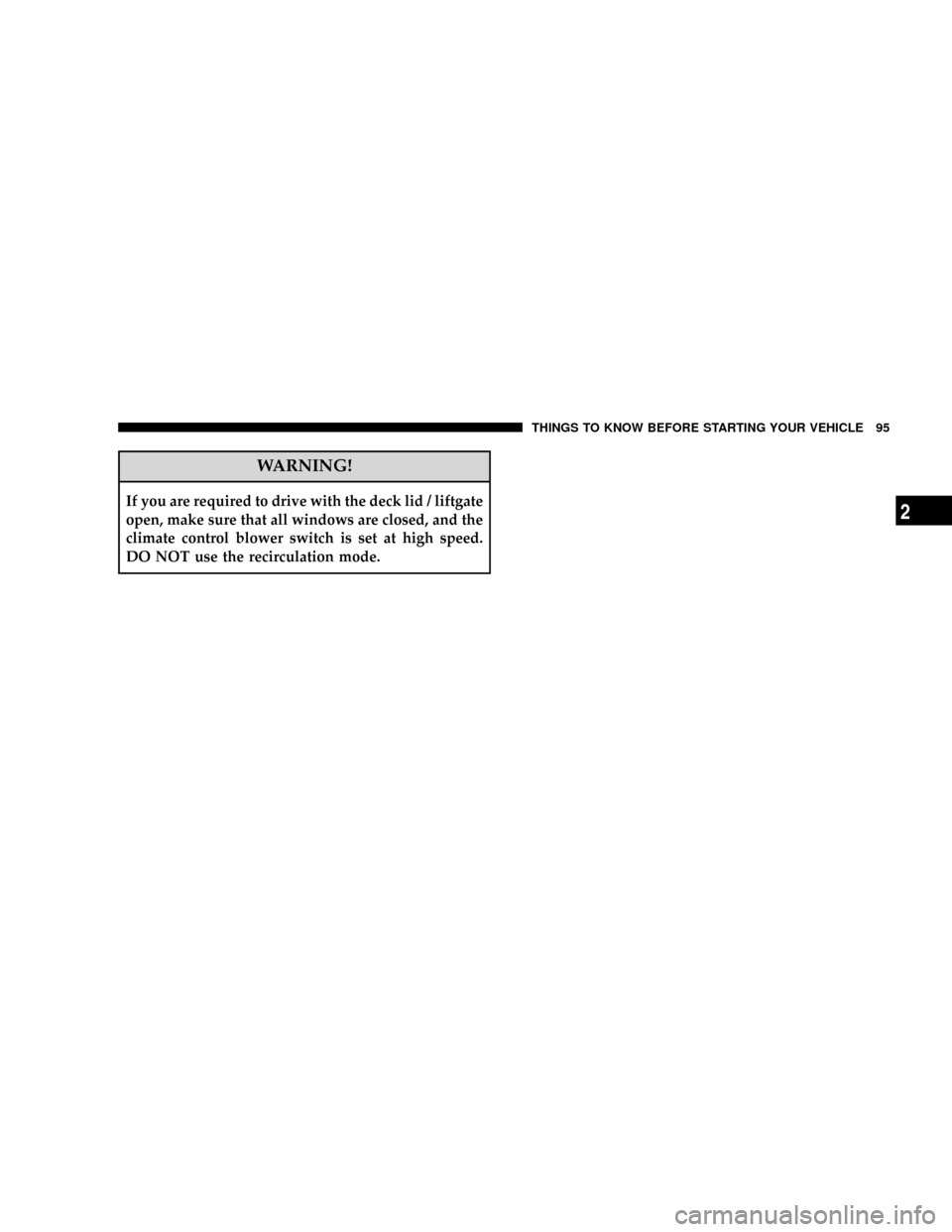
WARNING!
If you are required to drive with the deck lid / liftgate
open, make sure that all windows are closed, and the
climate control blower switch is set at high speed.
DO NOT use the recirculation mode.
THINGS TO KNOW BEFORE STARTING YOUR VEHICLE 95
2
Page 224 of 531
mRadio Operation And Cellular Phones........300
mRemote Sound System Controls Ð If Equipped . . 300
NRadio Operation......................301
NCD Player..........................301
mCD/DVD Maintenance...................301
mClimate Controls.......................302
NManual Heating, Ventilation And Air
Conditioning (HVAC) System.............302
NRear Manual Climate Control Zone Ð
If Equipped.........................308
NAutomatic Temperature Control (ATC) Ð
If Equipped.........................311NSummer Operation....................319
NWinter Operation.....................319
NVacation/Storage.....................320
NWindow Fogging.....................320
NOutside Air Intake....................320
NOperating Tips.......................321
NA/C Air Filter Ð If Equipped............321
mElectric Rear Window Defroster Ð
If Equipped...........................321
222 UNDERSTANDING YOUR INSTRUMENT PANEL
Page 225 of 531
INSTRUMENT PANELS AND CONTROLS
1 - Air Vents 6 - Upper Glove Compartment 11 - Storage Bin 16 - Head Light Switch
2 - Instrument Cluster 7 - Lower Glove Compartment 12 - Power Supply 12V 17 - Power Inverter Switch
3 - Gear Selector Lever 8 - Climate Controls 13 - Hazard Switch
4 - Radio 9 - Storage or DVDÐ If Equipped 14 - Ignition Switch
5 - Analog Clock 10 - Cup Holders 15 - Dimmer Switch
UNDERSTANDING YOUR INSTRUMENT PANEL 223
4
Page 304 of 531
2. If a disc is stained, clean the surface with a soft cloth,
wiping from center to edge.
3. Do not apply paper, paper CD labels, or tape to the
disc; avoid scratching a disc.
4. Do not use solvents such as benzine, thinner, cleaners,
or antistatic sprays.
5. Store a disc in its case after playing.
6. Do not expose a disc to direct sunlight.
7. Do not store a disc where temperatures may become
too high.
8. Do not play discs that are small in size or have
irregular shapes.CLIMATE CONTROLS
The Climate Control System allows you to regulate the
temperature, amount, and direction of air circulating
throughout the vehicle. The controls are located on the
instrument panel, below the radio.
MANUAL HEATING, VENTILATION AND AIR
CONDITIONING (HVAC) SYSTEM
The controls for the manual HVAC system in this vehicle
consist of a series of outer rotary dials inner push knobs.
These comfort controls can be set to obtain desired
interior conditions.
302 UNDERSTANDING YOUR INSTRUMENT PANEL
Page 310 of 531
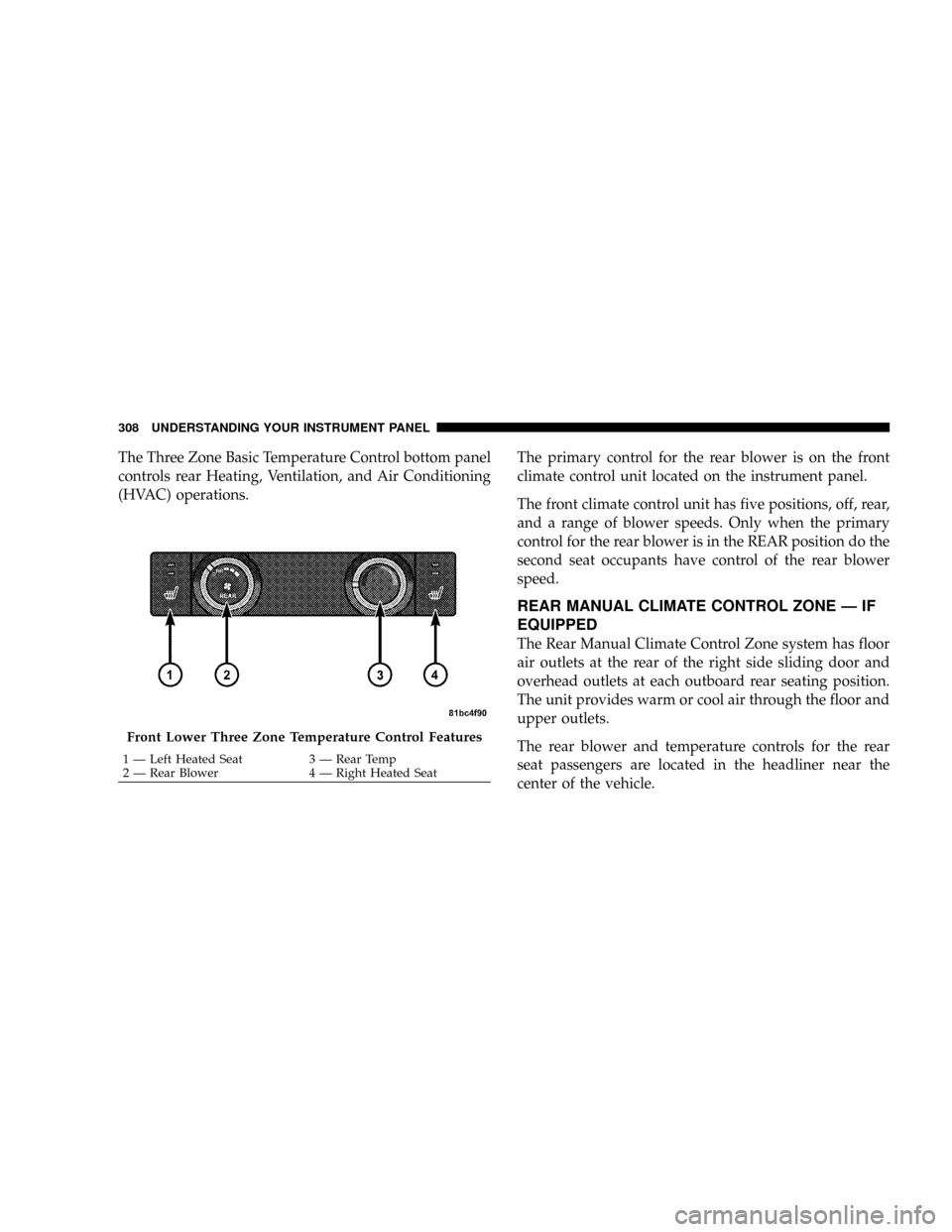
The Three Zone Basic Temperature Control bottom panel
controls rear Heating, Ventilation, and Air Conditioning
(HVAC) operations.The primary control for the rear blower is on the front
climate control unit located on the instrument panel.
The front climate control unit has five positions, off, rear,
and a range of blower speeds. Only when the primary
control for the rear blower is in the REAR position do the
second seat occupants have control of the rear blower
speed.
REAR MANUAL CLIMATE CONTROL ZONE Ð IF
EQUIPPED
The Rear Manual Climate Control Zone system has floor
air outlets at the rear of the right side sliding door and
overhead outlets at each outboard rear seating position.
The unit provides warm or cool air through the floor and
upper outlets.
The rear blower and temperature controls for the rear
seat passengers are located in the headliner near the
center of the vehicle.
Front Lower Three Zone Temperature Control Features
1 Ð Left Heated Seat 3 Ð Rear Temp
2 Ð Rear Blower 4 Ð Right Heated Seat 308 UNDERSTANDING YOUR INSTRUMENT PANEL
Page 311 of 531
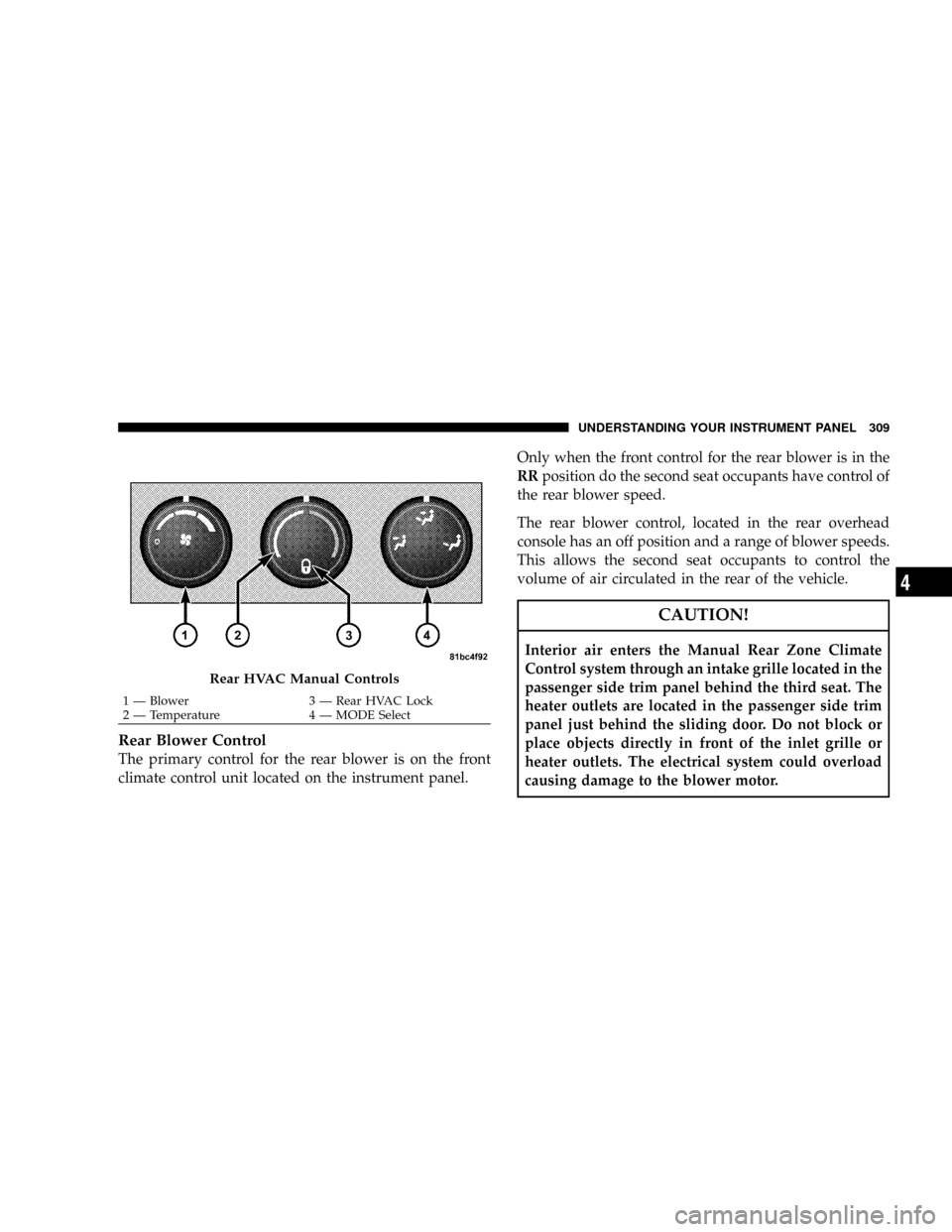
Rear Blower Control
The primary control for the rear blower is on the front
climate control unit located on the instrument panel.Only when the front control for the rear blower is in the
RRposition do the second seat occupants have control of
the rear blower speed.
The rear blower control, located in the rear overhead
console has an off position and a range of blower speeds.
This allows the second seat occupants to control the
volume of air circulated in the rear of the vehicle.
CAUTION!
Interior air enters the Manual Rear Zone Climate
Control system through an intake grille located in the
passenger side trim panel behind the third seat. The
heater outlets are located in the passenger side trim
panel just behind the sliding door. Do not block or
place objects directly in front of the inlet grille or
heater outlets. The electrical system could overload
causing damage to the blower motor.
Rear HVAC Manual Controls
1 Ð Blower 3 Ð Rear HVAC Lock
2 Ð Temperature 4 Ð MODE SelectUNDERSTANDING YOUR INSTRUMENT PANEL 309
4
Page 312 of 531
Rear Temperature Control
When the blower knob on the front climate control unit is
set to any position other thanRR, the rear temperature
selection follows the setting of the rear temperature
control knob on the front climate control unit. The rear
mode selection follows the setting of the rear mode
control knob.
To change the temperature in the rear of the vehicle,
rotate the temperature control knob counterclockwise for
cold and clockwise for heated air.
When rear controls are locked by the front system, the
lock symbol on the temperature knob is illuminated and
the rear overhead adjustments are ignored.
The rear airflow modes will mirror the front unit opera-
tion. Rear PANEL mode is automatically selected when
the front control is in the PANEL mode. When the front
unit is in BI-LEVEL mode, airflow will be emitted from
both the upper and lower rear outlets. When the frontcontrol is in FLOOR, DEFROST, or MIX modes, airflow
will be directed out of the rear floor outlets.
Rear Mode Control
FLOOR Mode
Air comes from the floor outlets.
BI-LEVEL Mode
Air comes from both the headliner outlets and the
floor outlets.
NOTE:In many temperature positions, the BI-LEVEL
mode is designed to provide cooler air out of the head-
liner outlets and warmer air from the floor outlets.
HEADLINER Mode
Air comes from the outlets in the headliner. Each of
these outlets can be individually adjusted to direct
the flow of air. Moving the air vanes of the outlets to one
side will shut off the airflow.
310 UNDERSTANDING YOUR INSTRUMENT PANEL