Page 112 of 412
Second or Third Gear Start Feature
When accelerating your vehicle from a stop in snowy
and icy conditions, you may want to shift the gear select
tap switch into Second or Third gear. A higher gear
allows you to gain more traction on slippery surfaces.
With the DSC feature, the vehicle can be set to pull
away in Second or Third gear.
1. Move the shift lever from DRIVE (D) into the
MANUAL MODE (M).
2. With the vehicle stopped, press (+) end of the button
to select Second or Third gear. The vehicle will start
from a stop position in Second or Third gear.
3. Once moving select the desired drive gear.
Parking Brake
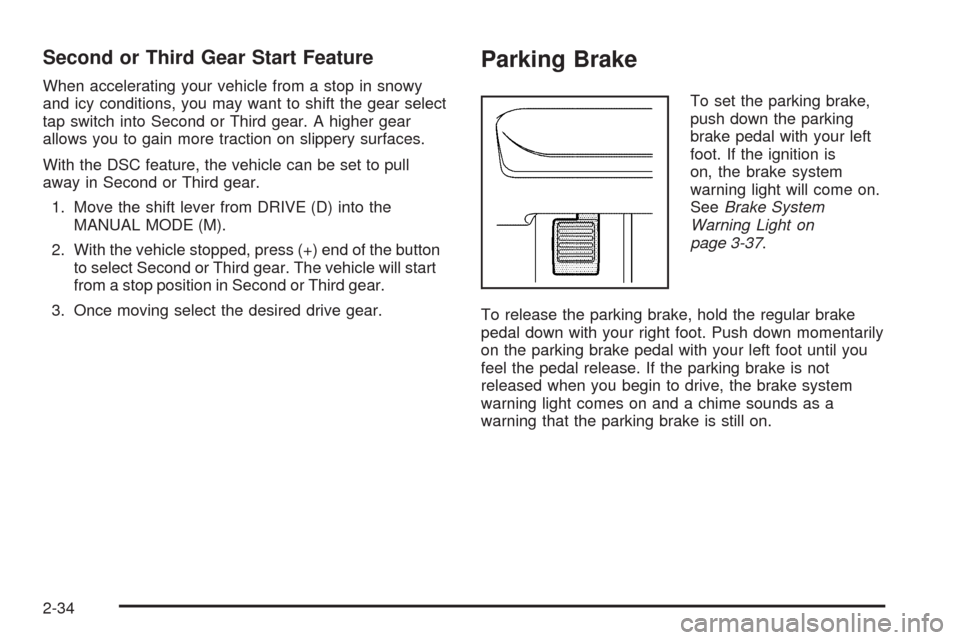
To set the parking brake,
push down the parking
brake pedal with your left
foot. If the ignition is
on, the brake system
warning light will come on.
SeeBrake System
Warning Light on
page 3-37.
To release the parking brake, hold the regular brake
pedal down with your right foot. Push down momentarily
on the parking brake pedal with your left foot until you
feel the pedal release. If the parking brake is not
released when you begin to drive, the brake system
warning light comes on and a chime sounds as a
warning that the parking brake is still on.
2-34
Page 113 of 412
The PUSH PARK PEDAL message will also display in
the Driver Information Center (DIC) as a reminder
to release the parking brake. SeeDIC Warnings and
Messages on page 3-48.
Notice:Driving with the parking brake on can
overheat the brake system and cause premature
wear or damage to brake system parts. Make sure
that the parking brake is fully released and the brake
warning light is off before driving.
If you are towing a trailer and are parking on a hill, see
Towing a Trailer on page 4-30.
Shifting Into Park
{CAUTION:
It can be dangerous to get out of the vehicle if
the shift lever is not fully in P (Park) with the
parking brake rmly set. The vehicle can roll. If
you have left the engine running, the vehicle
CAUTION: (Continued)
CAUTION: (Continued)
can move suddenly. You or others could be
injured. To be sure the vehicle will not
move,even when you are on fairly level
ground, use the steps that follow. If you are
pulling a trailer, seeTowing a Trailer on
page 4-30.
1. Hold the brake pedal down with your right foot and
set the parking brake. SeeParking Brake on
page 2-34for more information.
2. Move the shift lever into PARK (P) by holding in the
button on the shift lever and pushing the shift lever
all the way toward the front of the vehicle.
3. Turn the ignition key to LOCK/OFF.
4. Remove the key and take it with you. If you can
leave your vehicle with the ignition key in your
hand, your vehicle is in PARK (P).
2-35
Page 118 of 412
Compass Operation
Press the on/off button once to turn the compass
on or off.
When the ignition and the compass feature are on,
the compass will show two character boxes for a
few seconds. After a few seconds, the mirror will
display the current compass direction.
Compass Calibration
If after a few seconds the display does not show a
compass direction, (N for North for example), there may
be a strong magnetic eld interfering with the compass.
Such interference may be caused by a magnetic
antenna mount, note pad holder, or similar object.
If the letter C appears in the compass window,
the compass may need to be reset or calibrated.The mirror can be calibrated by driving the vehicle
in circles at 5 mph (8 km/h) or less until the display
reads a direction.
Compass Variance
Compass variance is the difference between earth’s
magnetic north and true geographic north. If the mirror
is not adjusted for compass variance, the compass
could give false readings.
The mirror is set in zone eight upon leaving the factory.
It will be necessary to adjust the compass to
compensate for compass variance if the vehicle is
driven outside zone eight. Under certain circumstances,
such as a long distance, cross-country trip, it will be
necessary to adjust the compass variance.
2-40
Page 131 of 412
Driver Storage Compartment
The driver’s storage compartment is located near the
left side of the steering column on the bottom of
the instrument panel. Pull the cover down to open.
It can be used to store small items. The entire bin can
be removed for cleaning.
Convenience Net
The vehicle may have a convenience net in the rear.
Store small loads as far forward as possible. The
net should not be used to store heavy loads.
Sunroof
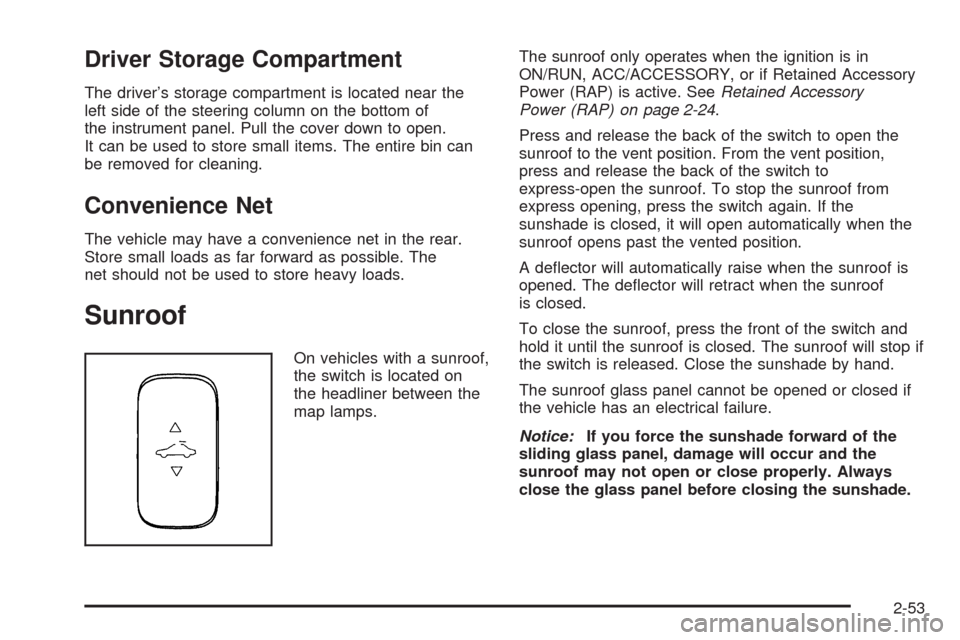
On vehicles with a sunroof,
the switch is located on
the headliner between the
map lamps.The sunroof only operates when the ignition is in
ON/RUN, ACC/ACCESSORY, or if Retained Accessory
Power (RAP) is active. SeeRetained Accessory
Power (RAP) on page 2-24.
Press and release the back of the switch to open the
sunroof to the vent position. From the vent position,
press and release the back of the switch to
express-open the sunroof. To stop the sunroof from
express opening, press the switch again. If the
sunshade is closed, it will open automatically when the
sunroof opens past the vented position.
A deector will automatically raise when the sunroof is
opened. The deector will retract when the sunroof
is closed.
To close the sunroof, press the front of the switch and
hold it until the sunroof is closed. The sunroof will stop if
the switch is released. Close the sunshade by hand.
The sunroof glass panel cannot be opened or closed if
the vehicle has an electrical failure.
Notice:If you force the sunshade forward of the
sliding glass panel, damage will occur and the
sunroof may not open or close properly. Always
close the glass panel before closing the sunshade.
2-53
Page 137 of 412
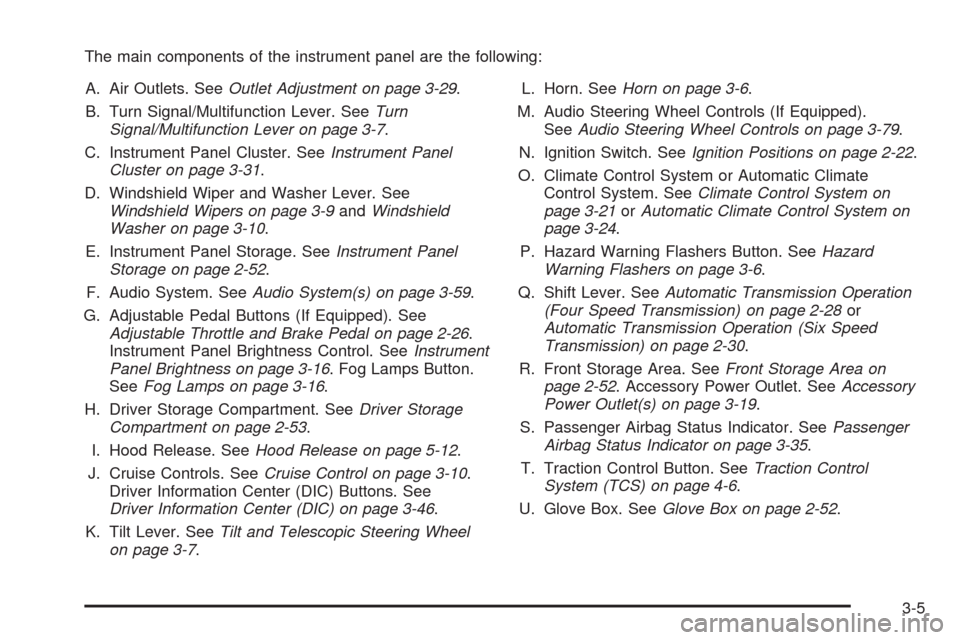
The main components of the instrument panel are the following:
A. Air Outlets. SeeOutlet Adjustment on page 3-29.
B. Turn Signal/Multifunction Lever. SeeTurn
Signal/Multifunction Lever on page 3-7.
C. Instrument Panel Cluster. SeeInstrument Panel
Cluster on page 3-31.
D. Windshield Wiper and Washer Lever. See
Windshield Wipers on page 3-9andWindshield
Washer on page 3-10.
E. Instrument Panel Storage. SeeInstrument Panel
Storage on page 2-52.
F. Audio System. SeeAudio System(s) on page 3-59.
G. Adjustable Pedal Buttons (If Equipped). See
Adjustable Throttle and Brake Pedal on page 2-26.
Instrument Panel Brightness Control. SeeInstrument
Panel Brightness on page 3-16. Fog Lamps Button.
SeeFog Lamps on page 3-16.
H. Driver Storage Compartment. SeeDriver Storage
Compartment on page 2-53.
I. Hood Release. SeeHood Release on page 5-12.
J. Cruise Controls. SeeCruise Control on page 3-10.
Driver Information Center (DIC) Buttons. See
Driver Information Center (DIC) on page 3-46.
K. Tilt Lever. SeeTilt and Telescopic Steering Wheel
on page 3-7.L. Horn. SeeHorn on page 3-6.
M. Audio Steering Wheel Controls (If Equipped).
SeeAudio Steering Wheel Controls on page 3-79.
N. Ignition Switch. SeeIgnition Positions on page 2-22.
O. Climate Control System or Automatic Climate
Control System. SeeClimate Control System on
page 3-21orAutomatic Climate Control System on
page 3-24.
P. Hazard Warning Flashers Button. SeeHazard
Warning Flashers on page 3-6.
Q. Shift Lever. SeeAutomatic Transmission Operation
(Four Speed Transmission) on page 2-28or
Automatic Transmission Operation (Six Speed
Transmission) on page 2-30.
R. Front Storage Area. SeeFront Storage Area on
page 2-52. Accessory Power Outlet. SeeAccessory
Power Outlet(s) on page 3-19.
S. Passenger Airbag Status Indicator. SeePassenger
Airbag Status Indicator on page 3-35.
T. Traction Control Button. SeeTraction Control
System (TCS) on page 4-6.
U. Glove Box. SeeGlove Box on page 2-52.
3-5
Page 138 of 412
Hazard Warning Flashers
The hazard warning ashers let you warn the police and
others that you have a problem. The front and rear
turn signal lamps will ash on and off.
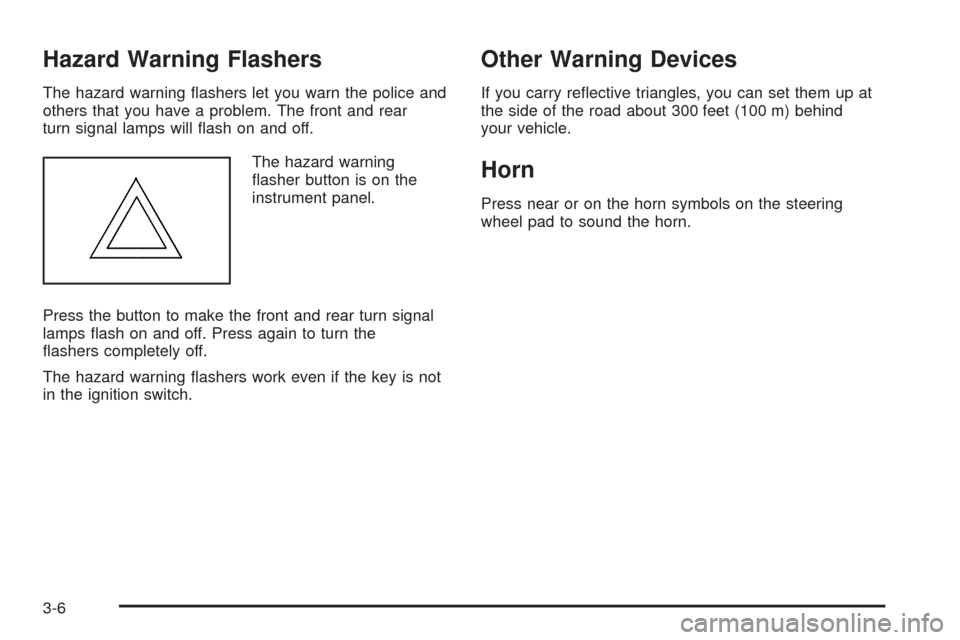
The hazard warning
asher button is on the
instrument panel.
Press the button to make the front and rear turn signal
lamps ash on and off. Press again to turn the
ashers completely off.
The hazard warning ashers work even if the key is not
in the ignition switch.
Other Warning Devices
If you carry reective triangles, you can set them up at
the side of the road about 300 feet (100 m) behind
your vehicle.
Horn
Press near or on the horn symbols on the steering
wheel pad to sound the horn.
3-6
Page 140 of 412
Turn and Lane-Change Signals
The turn signal has two upward (for right) and two
downward (for left) positions. These positions let you
signal a turn or a lane change.
To signal a turn, move the lever all the way up or down.
When the turn is nished, the lever returns automatically
to the normal position.
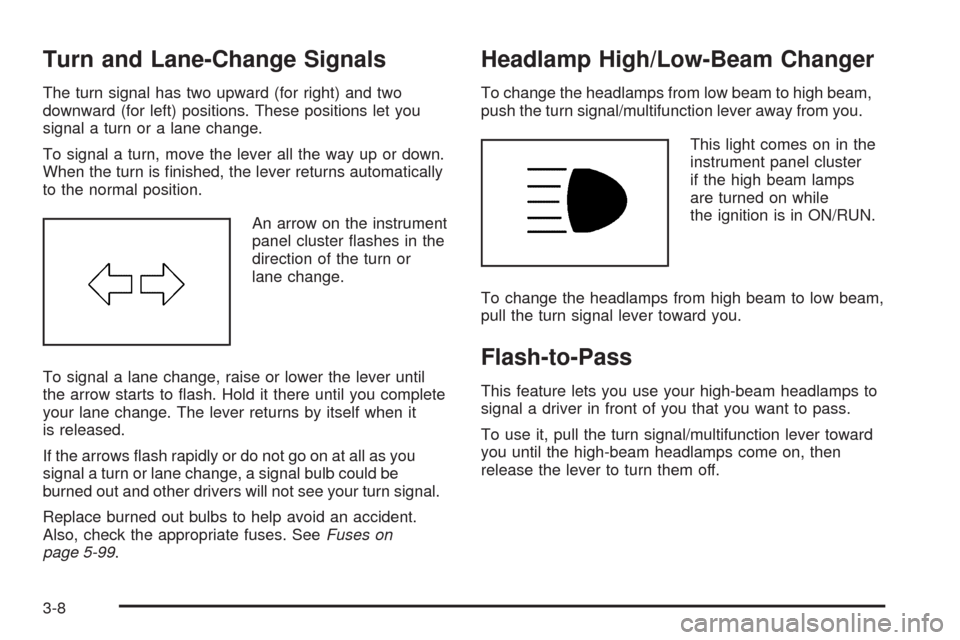
An arrow on the instrument
panel cluster ashes in the
direction of the turn or
lane change.
To signal a lane change, raise or lower the lever until
the arrow starts to ash. Hold it there until you complete
your lane change. The lever returns by itself when it
is released.
If the arrows ash rapidly or do not go on at all as you
signal a turn or lane change, a signal bulb could be
burned out and other drivers will not see your turn signal.
Replace burned out bulbs to help avoid an accident.
Also, check the appropriate fuses. SeeFuses on
page 5-99.
Headlamp High/Low-Beam Changer
To change the headlamps from low beam to high beam,
push the turn signal/multifunction lever away from you.
This light comes on in the
instrument panel cluster
if the high beam lamps
are turned on while
the ignition is in ON/RUN.
To change the headlamps from high beam to low beam,
pull the turn signal lever toward you.
Flash-to-Pass
This feature lets you use your high-beam headlamps to
signal a driver in front of you that you want to pass.
To use it, pull the turn signal/multifunction lever toward
you until the high-beam headlamps come on, then
release the lever to turn them off.
3-8
Page 145 of 412
Ending Cruise Control
There are two ways to disengage the cruise control:
Step lightly on the brake pedal to disengage
the cruise control.
Press the on/off button, to turn off the cruise
control.
Erasing Speed Memory
The cruise control set speed memory is erased when
the cruise control or the ignition are turned off.
Headlamps
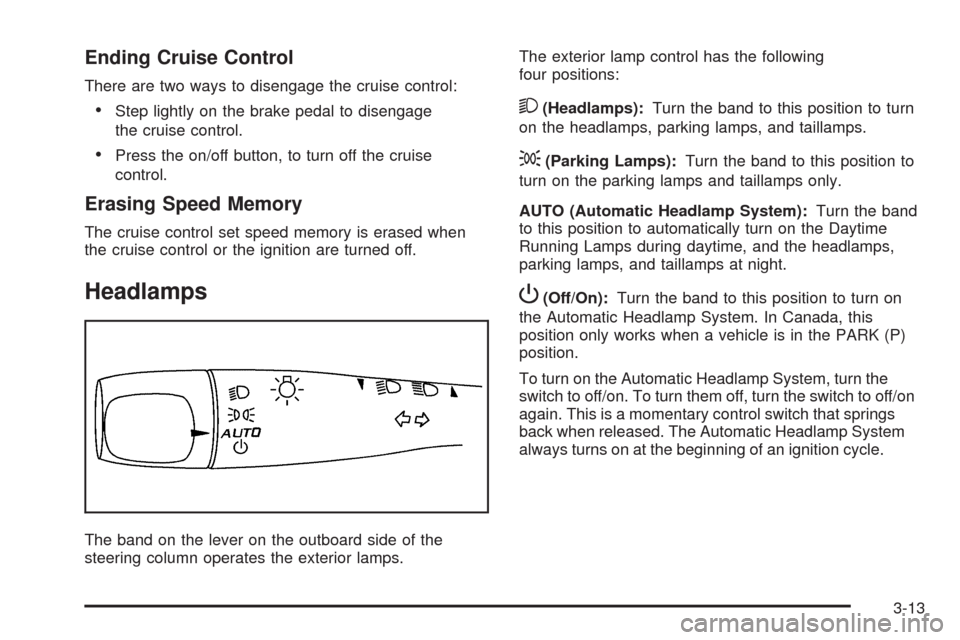
The band on the lever on the outboard side of the
steering column operates the exterior lamps.The exterior lamp control has the following
four positions:
2(Headlamps):Turn the band to this position to turn
on the headlamps, parking lamps, and taillamps.
;(Parking Lamps):Turn the band to this position to
turn on the parking lamps and taillamps only.
AUTO (Automatic Headlamp System):Turn the band
to this position to automatically turn on the Daytime
Running Lamps during daytime, and the headlamps,
parking lamps, and taillamps at night.
P(Off/On):Turn the band to this position to turn on
the Automatic Headlamp System. In Canada, this
position only works when a vehicle is in the PARK (P)
position.
To turn on the Automatic Headlamp System, turn the
switch to off/on. To turn them off, turn the switch to off/on
again. This is a momentary control switch that springs
back when released. The Automatic Headlamp System
always turns on at the beginning of an ignition cycle.
3-13