2008 CHEVROLET AVEO ignition
[x] Cancel search: ignitionPage 162 of 384
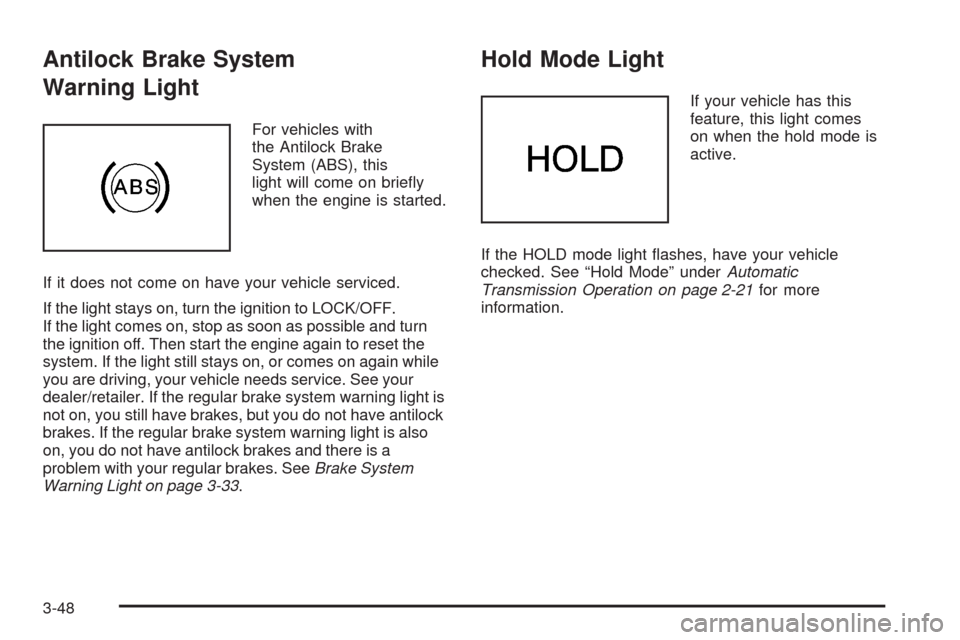
Antilock Brake System
Warning Light
For vehicles with
the Antilock Brake
System (ABS), this
light will come on briefly
when the engine is started.
If it does not come on have your vehicle serviced.
If the light stays on, turn the ignition to LOCK/OFF.
If the light comes on, stop as soon as possible and turn
the ignition off. Then start the engine again to reset the
system. If the light still stays on, or comes on again while
you are driving, your vehicle needs service. See your
dealer/retailer. If the regular brake system warning light is
not on, you still have brakes, but you do not have antilock
brakes. If the regular brake system warning light is also
on, you do not have antilock brakes and there is a
problem with your regular brakes. SeeBrake System
Warning Light on page 3-33.
Hold Mode Light
If your vehicle has this
feature, this light comes
on when the hold mode is
active.
If the HOLD mode light flashes, have your vehicle
checked. See “Hold Mode” underAutomatic
Transmission Operation on page 2-21for more
information.
3-48
Page 163 of 384
Malfunction Indicator Lamp
Check Engine Light
A computer system called OBD II (On-Board
Diagnostics-Second Generation) monitors operation of
the fuel, ignition, and emission control systems. It makes
sure that emissions are at acceptable levels for the life of
the vehicle, helping to produce a cleaner environment.
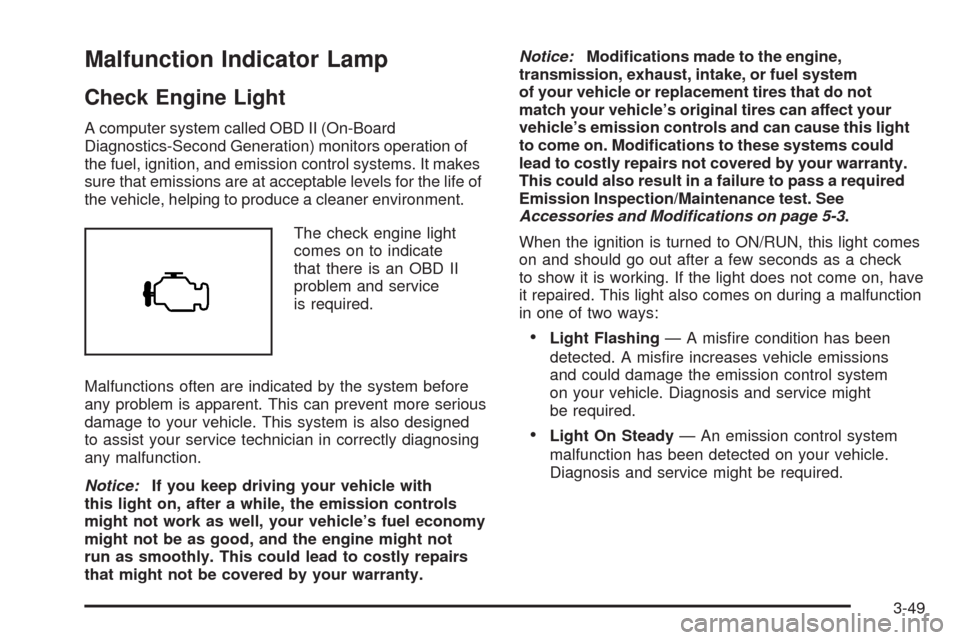
The check engine light
comes on to indicate
that there is an OBD II
problem and service
is required.
Malfunctions often are indicated by the system before
any problem is apparent. This can prevent more serious
damage to your vehicle. This system is also designed
to assist your service technician in correctly diagnosing
any malfunction.
Notice:If you keep driving your vehicle with
this light on, after a while, the emission controls
might not work as well, your vehicle’s fuel economy
might not be as good, and the engine might not
run as smoothly. This could lead to costly repairs
that might not be covered by your warranty.Notice:Modications made to the engine,
transmission, exhaust, intake, or fuel system
of your vehicle or replacement tires that do not
match your vehicle’s original tires can affect your
vehicle’s emission controls and can cause this light
to come on. Modications to these systems could
lead to costly repairs not covered by your warranty.
This could also result in a failure to pass a required
Emission Inspection/Maintenance test. See
Accessories and Modifications on page 5-3.
When the ignition is turned to ON/RUN, this light comes
on and should go out after a few seconds as a check
to show it is working. If the light does not come on, have
it repaired. This light also comes on during a malfunction
in one of two ways:
•Light Flashing— A misfire condition has been
detected. A misfire increases vehicle emissions
and could damage the emission control system
on your vehicle. Diagnosis and service might
be required.
•Light On Steady— An emission control system
malfunction has been detected on your vehicle.
Diagnosis and service might be required.
3-49
Page 166 of 384
Oil Pressure Light
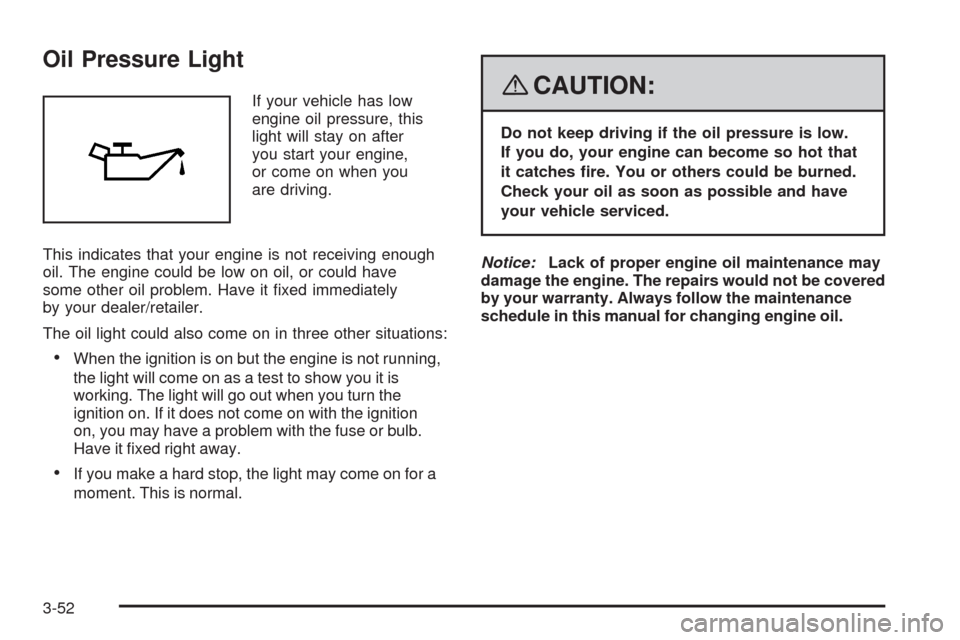
If your vehicle has low
engine oil pressure, this
light will stay on after
you start your engine,
or come on when you
are driving.
This indicates that your engine is not receiving enough
oil. The engine could be low on oil, or could have
some other oil problem. Have it fixed immediately
by your dealer/retailer.
The oil light could also come on in three other situations:
•When the ignition is on but the engine is not running,
the light will come on as a test to show you it is
working. The light will go out when you turn the
ignition on. If it does not come on with the ignition
on, you may have a problem with the fuse or bulb.
Have it fixed right away.
•If you make a hard stop, the light may come on for a
moment. This is normal.
{CAUTION:
Do not keep driving if the oil pressure is low.
If you do, your engine can become so hot that
it catches re. You or others could be burned.
Check your oil as soon as possible and have
your vehicle serviced.
Notice:Lack of proper engine oil maintenance may
damage the engine. The repairs would not be covered
by your warranty. Always follow the maintenance
schedule in this manual for changing engine oil.
3-52
Page 167 of 384
Fog Lamp Light
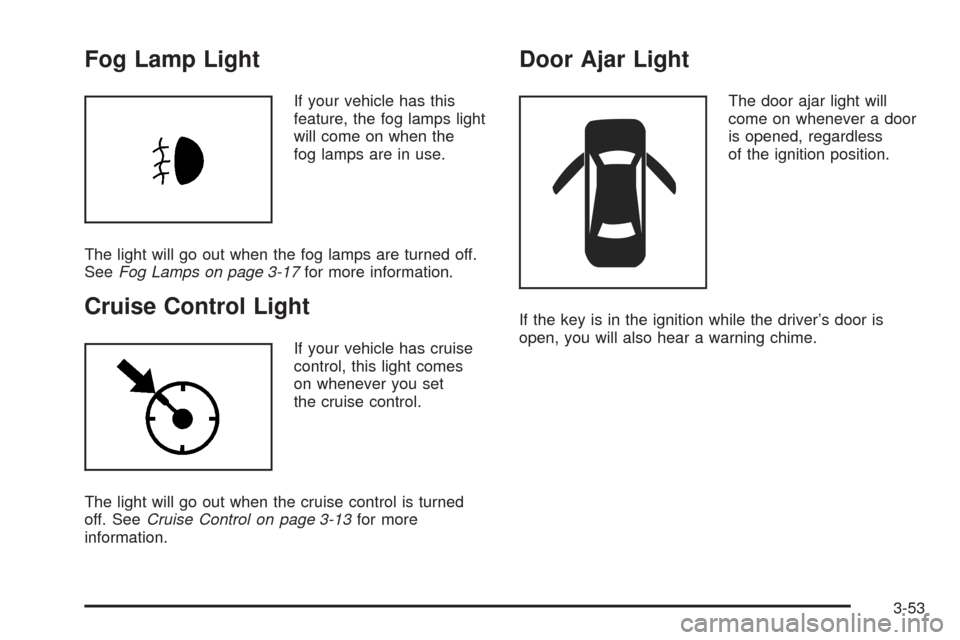
If your vehicle has this
feature, the fog lamps light
will come on when the
fog lamps are in use.
The light will go out when the fog lamps are turned off.
SeeFog Lamps on page 3-17for more information.
Cruise Control Light
If your vehicle has cruise
control, this light comes
on whenever you set
the cruise control.
The light will go out when the cruise control is turned
off. SeeCruise Control on page 3-13for more
information.
Door Ajar Light
The door ajar light will
come on whenever a door
is opened, regardless
of the ignition position.
If the key is in the ignition while the driver’s door is
open, you will also hear a warning chime.
3-53
Page 176 of 384
Adjusting the Speakers (Balance/Fade)
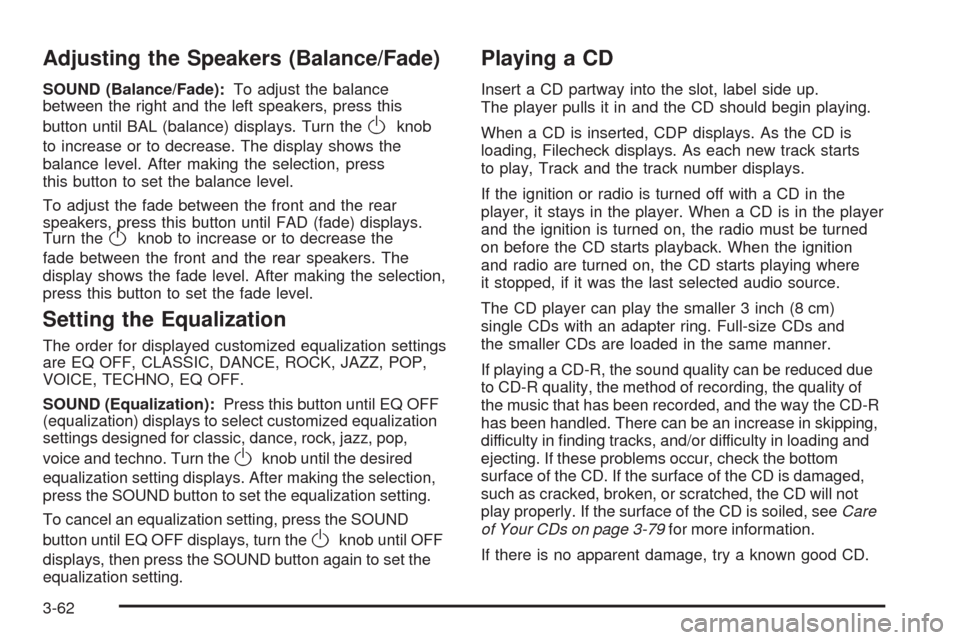
SOUND (Balance/Fade):To adjust the balance
between the right and the left speakers, press this
button until BAL (balance) displays. Turn the
Oknob
to increase or to decrease. The display shows the
balance level. After making the selection, press
this button to set the balance level.
To adjust the fade between the front and the rear
speakers, press this button until FAD (fade) displays.
Turn the
Oknob to increase or to decrease the
fade between the front and the rear speakers. The
display shows the fade level. After making the selection,
press this button to set the fade level.
Setting the Equalization
The order for displayed customized equalization settings
are EQ OFF, CLASSIC, DANCE, ROCK, JAZZ, POP,
VOICE, TECHNO, EQ OFF.
SOUND (Equalization):Press this button until EQ OFF
(equalization) displays to select customized equalization
settings designed for classic, dance, rock, jazz, pop,
voice and techno. Turn the
Oknob until the desired
equalization setting displays. After making the selection,
press the SOUND button to set the equalization setting.
To cancel an equalization setting, press the SOUND
button until EQ OFF displays, turn the
Oknob until OFF
displays, then press the SOUND button again to set the
equalization setting.
Playing a CD
Insert a CD partway into the slot, label side up.
The player pulls it in and the CD should begin playing.
When a CD is inserted, CDP displays. As the CD is
loading, Filecheck displays. As each new track starts
to play, Track and the track number displays.
If the ignition or radio is turned off with a CD in the
player, it stays in the player. When a CD is in the player
and the ignition is turned on, the radio must be turned
on before the CD starts playback. When the ignition
and radio are turned on, the CD starts playing where
it stopped, if it was the last selected audio source.
The CD player can play the smaller 3 inch (8 cm)
single CDs with an adapter ring. Full-size CDs and
the smaller CDs are loaded in the same manner.
If playing a CD-R, the sound quality can be reduced due
to CD-R quality, the method of recording, the quality of
the music that has been recorded, and the way the CD-R
has been handled. There can be an increase in skipping,
difficulty in finding tracks, and/or difficulty in loading and
ejecting. If these problems occur, check the bottom
surface of the CD. If the surface of the CD is damaged,
such as cracked, broken, or scratched, the CD will not
play properly. If the surface of the CD is soiled, seeCare
of Your CDs on page 3-79for more information.
If there is no apparent damage, try a known good CD.
3-62
Page 177 of 384
Do not add any label to a CD, it could get caught in the
CD player. If a CD is recorded on a personal computer
and a description label is needed, try labeling the top of
the recorded CD with a marking pen.
Notice:If a label is added to a CD, or more than
one CD is inserted into the slot at a time, or an
attempt is made to play scratched or damaged CDs,
the CD player could be damaged. While using the
CD player, use only CDs in good condition without
any label, load one CD at a time, and keep the
CD player and the loading slot free of foreign
materials, liquids, and debris.
If an error displays, see “CD Messages” later in this
section.
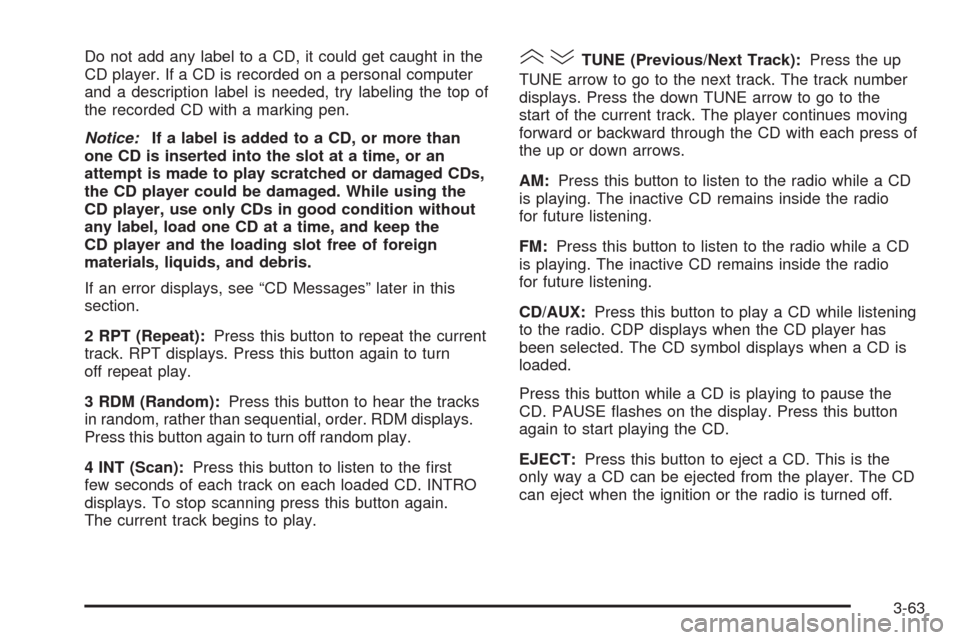
2 RPT (Repeat):Press this button to repeat the current
track. RPT displays. Press this button again to turn
off repeat play.
3 RDM (Random):Press this button to hear the tracks
in random, rather than sequential, order. RDM displays.
Press this button again to turn off random play.
4 INT (Scan):Press this button to listen to the first
few seconds of each track on each loaded CD. INTRO
displays. To stop scanning press this button again.
The current track begins to play.()TUNE (Previous/Next Track):Press the up
TUNE arrow to go to the next track. The track number
displays. Press the down TUNE arrow to go to the
start of the current track. The player continues moving
forward or backward through the CD with each press of
the up or down arrows.
AM:Press this button to listen to the radio while a CD
is playing. The inactive CD remains inside the radio
for future listening.
FM:Press this button to listen to the radio while a CD
is playing. The inactive CD remains inside the radio
for future listening.
CD/AUX:Press this button to play a CD while listening
to the radio. CDP displays when the CD player has
been selected. The CD symbol displays when a CD is
loaded.
Press this button while a CD is playing to pause the
CD. PAUSE flashes on the display. Press this button
again to start playing the CD.
EJECT:Press this button to eject a CD. This is the
only way a CD can be ejected from the player. The CD
can eject when the ignition or the radio is turned off.
3-63
Page 183 of 384
Once playback begins, the track and track number
displays.
If the ignition or radio is turned off with a CD in the
player, it stays in the player. While a CD is in the player
and the ignition is turned on, the radio must be turned on
before the current CD starts playback. When the ignition
and radio are turned on, the CD starts playing where it
stopped, if it was the last selected audio source.
The CD player can play the smaller 3 inch (8 cm)
single CDs with an adapter ring. Full-size CDs and
the smaller CDs are loaded in the same manner.
If playing a CD-R, the sound quality can be reduced due
to CD-R quality, the method of recording, the quality of
the music that has been recorded, and the way the CD-R
has been handled. There can be an increase in skipping,
difficulty in finding tracks, and/or difficulty in loading and
ejecting. If these problems occur, check the bottom
surface of the CD. If the surface of the CD is damaged,
such as cracked, broken, or scratched, the CD does not
play properly. If the surface of the CD is soiled, seeCare
of Your CDs on page 3-79for more information.
If there is no apparent damage, try a known good CD.
Do not add any label to a CD, it could get caught in the
CD player. If a CD is recorded on a personal computer
and a description label is needed, try labeling the top
of the recorded CD with a marking pen.Notice:If a label is added to a CD, or more than
one CD is inserted into the slot at a time, or an
attempt is made to play scratched or damaged CDs,
the CD player could be damaged. While using the
CD player, use only CDs in good condition without
any label, load one CD at a time, and keep the
CD player and the loading slot free of foreign
materials, liquids, and debris.
If an error displays, see “CD Messages” later in this
section.
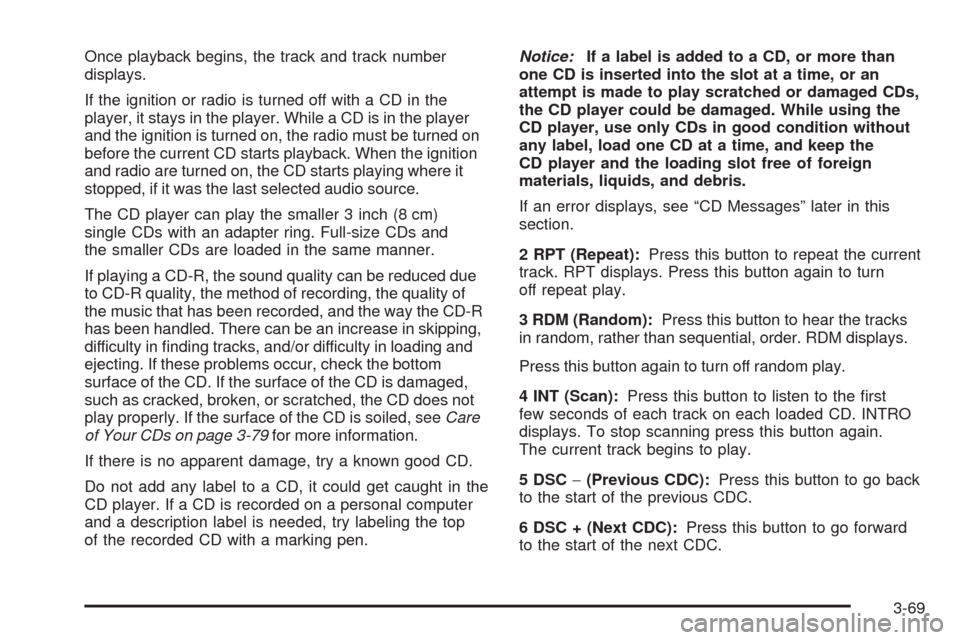
2 RPT (Repeat):Press this button to repeat the current
track. RPT displays. Press this button again to turn
off repeat play.
3 RDM (Random):Press this button to hear the tracks
in random, rather than sequential, order. RDM displays.
Press this button again to turn off random play.
4 INT (Scan):Press this button to listen to the first
few seconds of each track on each loaded CD. INTRO
displays. To stop scanning press this button again.
The current track begins to play.
5 DSC−(Previous CDC):Press this button to go back
to the start of the previous CDC.
6 DSC + (Next CDC):Press this button to go forward
to the start of the next CDC.
3-69
Page 184 of 384
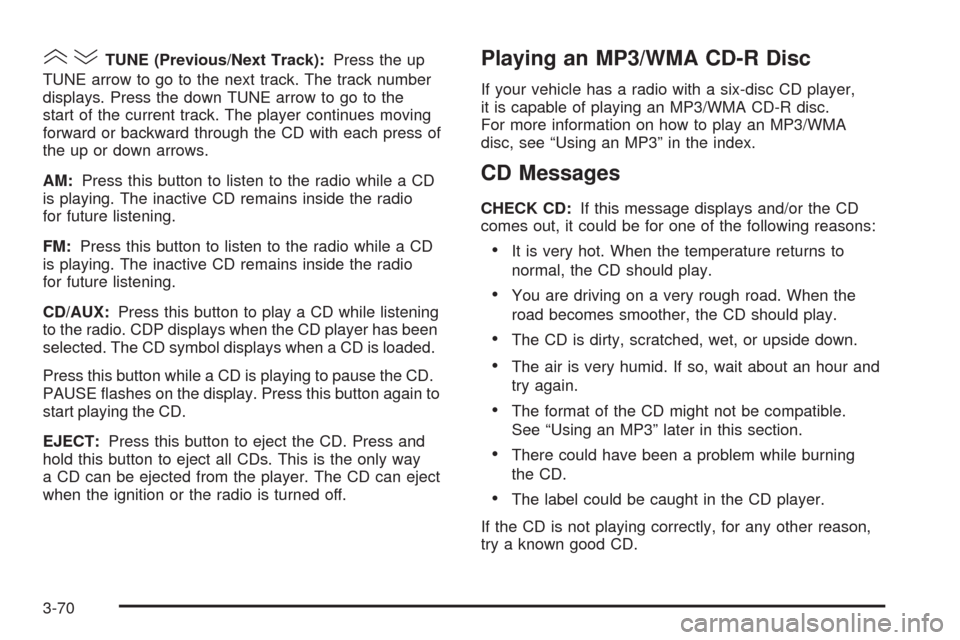
()TUNE (Previous/Next Track):Press the up
TUNE arrow to go to the next track. The track number
displays. Press the down TUNE arrow to go to the
start of the current track. The player continues moving
forward or backward through the CD with each press of
the up or down arrows.
AM:Press this button to listen to the radio while a CD
is playing. The inactive CD remains inside the radio
for future listening.
FM:Press this button to listen to the radio while a CD
is playing. The inactive CD remains inside the radio
for future listening.
CD/AUX:Press this button to play a CD while listening
to the radio. CDP displays when the CD player has been
selected. The CD symbol displays when a CD is loaded.
Press this button while a CD is playing to pause the CD.
PAUSE flashes on the display. Press this button again to
start playing the CD.
EJECT:Press this button to eject the CD. Press and
hold this button to eject all CDs. This is the only way
a CD can be ejected from the player. The CD can eject
when the ignition or the radio is turned off.Playing an MP3/WMA CD-R Disc
If your vehicle has a radio with a six-disc CD player,
it is capable of playing an MP3/WMA CD-R disc.
For more information on how to play an MP3/WMA
disc, see “Using an MP3” in the index.
CD Messages
CHECK CD:If this message displays and/or the CD
comes out, it could be for one of the following reasons:
•It is very hot. When the temperature returns to
normal, the CD should play.
•You are driving on a very rough road. When the
road becomes smoother, the CD should play.
•The CD is dirty, scratched, wet, or upside down.
•The air is very humid. If so, wait about an hour and
try again.
•The format of the CD might not be compatible.
See “Using an MP3” later in this section.
•There could have been a problem while burning
the CD.
•The label could be caught in the CD player.
If the CD is not playing correctly, for any other reason,
try a known good CD.
3-70