Page 184 of 554
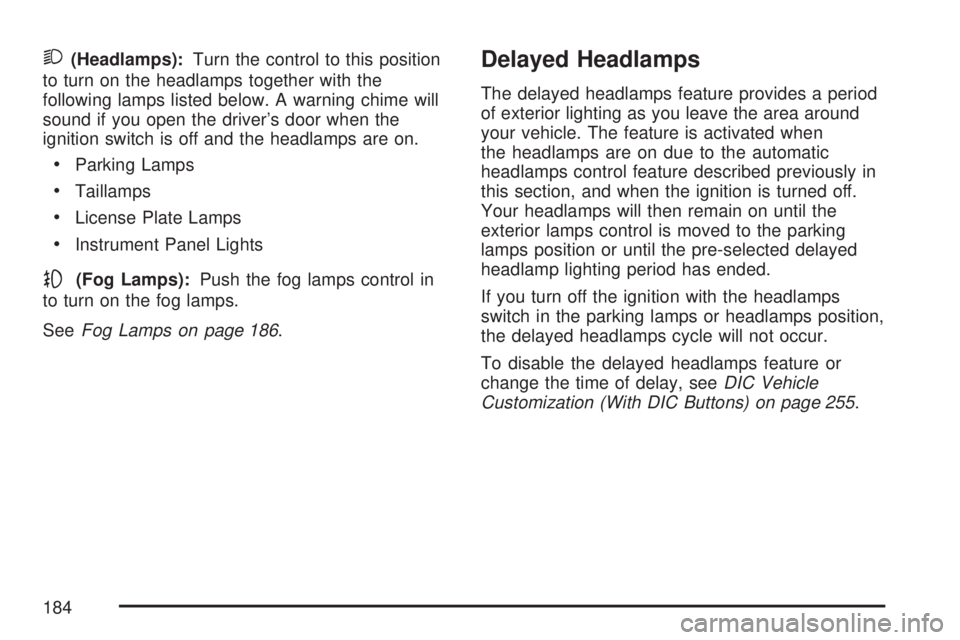
2(Headlamps):Turn the control to this position
to turn on the headlamps together with the
following lamps listed below. A warning chime will
sound if you open the driver’s door when the
ignition switch is off and the headlamps are on.
Parking Lamps
Taillamps
License Plate Lamps
Instrument Panel Lights
-(Fog Lamps):Push the fog lamps control in
to turn on the fog lamps.
SeeFog Lamps on page 186.
Delayed Headlamps
The delayed headlamps feature provides a period
of exterior lighting as you leave the area around
your vehicle. The feature is activated when
the headlamps are on due to the automatic
headlamps control feature described previously in
this section, and when the ignition is turned off.
Your headlamps will then remain on until the
exterior lamps control is moved to the parking
lamps position or until the pre-selected delayed
headlamp lighting period has ended.
If you turn off the ignition with the headlamps
switch in the parking lamps or headlamps position,
the delayed headlamps cycle will not occur.
To disable the delayed headlamps feature or
change the time of delay, seeDIC Vehicle
Customization (With DIC Buttons) on page 255.
184
Page 189 of 554
A high electrical load occurs when several of the
following loads are on: headlamps, high beams,
fog lamps, rear window defogger, climate
control fan at high speed, heated seats, engine
cooling fans, trailer loads, and loads plugged
into accessory power outlets.
EPM works to prevent excessive discharge of
the battery. It does this by balancing the
generator’s output and the vehicle’s electrical
needs. It can increase engine idle speed to
generate more power, whenever needed.
It can temporarily reduce the power demands
of some accessories.
Normally, these actions occur in steps or levels,
without being noticeable. In rare cases at the
highest levels of corrective action, this action
may be noticeable to the driver. If so, a Driver
Information Center (DIC) message might be
displayed, such as Battery Saver Active or Service
Battery Charging System. If this message is
displayed, it is recommended that the driver
reduce the electrical loads as much as possible.
SeeDIC Warnings and Messages on page 244.Battery Run-Down Protection
This vehicle has a feature to help prevent the
battery from being drained, if the interior courtesy
lamps, reading/map lamps, visor vanity lamps
or trunk lamp are accidentally left on. If any
of these lamps are left on, they will automatically
turn off after 10 minutes, if the ignition is off.
The lamps will not come back on again until
one of the following occurs:
The ignition is turned on.
The exterior lamps control is turned off,
then on again.
The headlamps will timeout after 10 minutes,
if they are manually turned on before the
ignition is off.
189
Page 191 of 554

The HUD information appears as an image
focused out toward the front of the vehicle.
When the ignition key is turned to RUN, the HUD
will display an introductory message for a short
time, until the HUD is ready.
The following indicator lights come on the
instrument panel when activated and will also
appear on the HUD:
Turn Signal Indicators
High-Beam Indicator SymbolThe HUD will temporarily display CHECK GAGES
and ICE POSSIBLE when there are messages
on the DIC trip computer.
The HUD will also display the following messages
when these systems are active:
TRACTION CONTROL ACTIVE
STABILITRAK ACTIVE
Notice:If you try to use the HUD image as a
parking aid, you may misjudge the distance
and damage your vehicle. Do not use the
HUD image as a parking aid.
When the HUD is on, the speedometer reading
will continually be displayed. The current radio
station or CD track number will display for a short
period of time after the radio or CD track status
changes. This will happen whenever radio
information is changed. The speedometer size
will be reduced when radio, CD information,
warnings, or turn-by-turn navigation information
are displayed on the HUD.
191
Page 195 of 554

{CAUTION:
The Ultrasonic Rear Park Assist (URPA)
system does not replace driver vision.
URPA does not:
Operate above speeds of
5 mph (8 km/h).
Detect objects more than 8 feet
(2.5 meters) behind the vehicle. This
distance may be less during warmer
or humid weather.
Detect objects that are below the
bumper, underneath the vehicle, or
that are very close to the vehicle.
Detect children, pedestrians,
bicyclists, or pets.
So if you do not use proper care before
backing up, you could hit a vehicle, child,
pedestrian, bicyclist, or pet, resulting in
vehicle damage, injury, or death. Even
though the vehicle has the URPA system,
always check carefully before backing up
by checking behind your vehicle.The URPA display is
located in the headliner
and can be seen by
looking over your right
shoulder.
The URPA display has three color-coded lights.
The lights are used to provide distance and system
information, along with beeps that will be heard
through the speakers.
The red light in the URPA display will be lit if the
vehicle is in REVERSE (R). If the vehicle has a
Driver Information Center (DIC), PARK ASSIST
OFF will display on the DIC when the vehicle has
been started and shifted out of PARK (P). SeeDIC
Warnings and Messages on page 244for more
information.
How the System Works
When the shift lever is moved into REVERSE (R),
the rear display will briey come on to let you
know the display is operating correctly. URPA
comes on automatically when the shift lever
is moved into REVERSE (R).
195
Page 214 of 554

Warning Lights, Gages,
and Indicators
This part describes the warning lights and
gages on your vehicle. The pictures help to
locate them.
Warning lights and gages can signal that
something is wrong before it becomes serious
enough to cause an expensive repair or
replacement. Paying attention to the warning
lights and gages could also save you or others
from injury.
Warning lights come on when there may be or
is a problem with one of your vehicle’s functions.
As the details show on the next few pages,
some warning lights come on briey when you
start the engine just to let you know they are
working. If you are familiar with this section, you
should not be alarmed when this happens.Gages can indicate when there may be or is a
problem with one of your vehicle’s functions.
Often gages and warning lights work together
to let you know when there is a problem with
your vehicle.
When one of the warning lights comes on and
stays on as you are driving, or when one of
the gages shows there may be a problem, check
the section that tells you what to do about it.
Please follow this manual’s advice. Waiting to
do repairs can be costly and even dangerous.
So please get to know your vehicle’s warning
lights and gages. They can be a big help.
214
Page 220 of 554

If, after several seconds, both status indicator
lights remain on, or if there are no lights at
all, there may be a problem with the lights
or the passenger sensing system. See your
dealer/retailer for service.
{CAUTION:
If the airbag readiness light in the
instrument panel cluster ever comes on
and stays on, it means that something may
be wrong with the airbag system. If this
ever happens, have the vehicle serviced
promptly, because an adult-size person
sitting in the right front passenger’s
seat may not have the protection of the
airbag(s). SeeAirbag Readiness Light
on page 217for more on this, including
important safety information.
Charging System Light
The charging system
light will come on briey
when you turn on the
ignition, but the engine is
not running, as a check
to show you it is working.
It should go out once the engine is running. If it
stays on, or comes on while you are driving, you
may have a problem with the charging system.
It could indicate that you have problems with a
generator drive belt, or another electrical problem.
Have it checked right away. Driving while this light
is on could drain your battery.
When this light comes on, the Driver Information
Center (DIC) will also display the SERVICE
BATTERY CHARGING SYSTEM message. See
DIC Warnings and Messages on page 244for more
information.
If you must drive a short distance with the light on,
be certain to turn off all your accessories, such as
the radio and air conditioner.
220
Page 221 of 554

Voltmeter Gage
When the engine is
not running, but the
ignition is turned to ON,
this gage shows the
battery’s state of charge
in DC volts.
When the engine is running, this gage shows the
condition of the charging system. The vehicle’s
charging system regulates voltage based on
the state of charge of the battery. The voltmeter
may uctuate. This is normal. Readings between
the low and high warning zones indicate the
normal operating range.Readings in the low warning zone may occur
when a large number of electrical accessories
are operating in the vehicle and the engine is
left idling for an extended period.
If there is a problem with the battery charging
system, a SERVICE BATTERY CHARGING
SYSTEM message will appear in the Driver
Information Center (DIC) and/or the charging
system light will come on. SeeDIC Warnings and
Messages on page 244andCharging System
Light on page 220for more information.
However, readings in either warning zone may
indicate a possible problem in the electrical
system. Have the vehicle serviced as soon
as possible.
221
Page 222 of 554
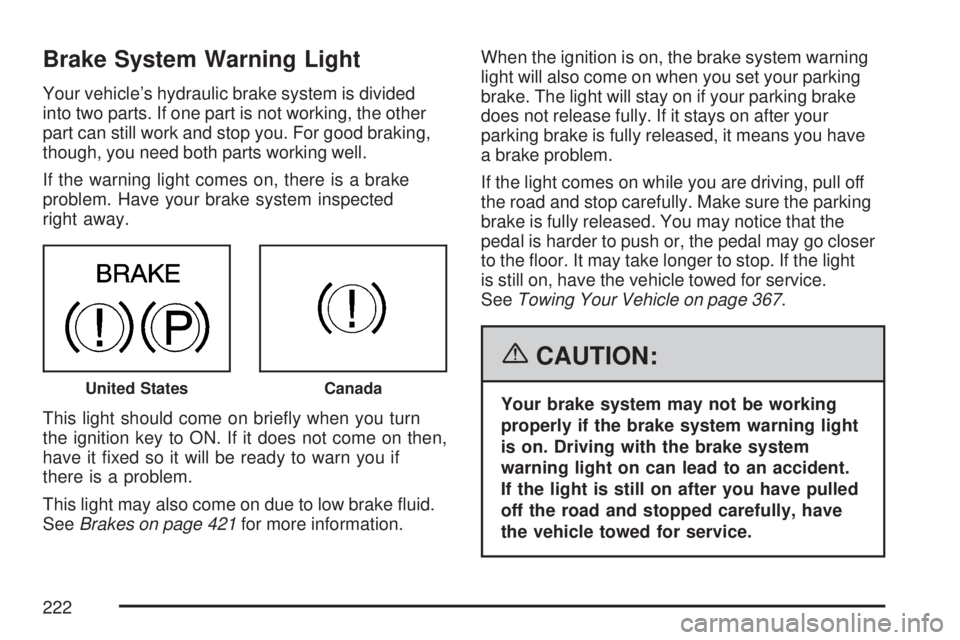
Brake System Warning Light
Your vehicle’s hydraulic brake system is divided
into two parts. If one part is not working, the other
part can still work and stop you. For good braking,
though, you need both parts working well.
If the warning light comes on, there is a brake
problem. Have your brake system inspected
right away.
This light should come on briey when you turn
the ignition key to ON. If it does not come on then,
have it xed so it will be ready to warn you if
there is a problem.
This light may also come on due to low brake uid.
SeeBrakes on page 421for more information.When the ignition is on, the brake system warning
light will also come on when you set your parking
brake. The light will stay on if your parking brake
does not release fully. If it stays on after your
parking brake is fully released, it means you have
a brake problem.
If the light comes on while you are driving, pull off
the road and stop carefully. Make sure the parking
brake is fully released. You may notice that the
pedal is harder to push or, the pedal may go closer
to the oor. It may take longer to stop. If the light
is still on, have the vehicle towed for service.
SeeTowing Your Vehicle on page 367.
{CAUTION:
Your brake system may not be working
properly if the brake system warning light
is on. Driving with the brake system
warning light on can lead to an accident.
If the light is still on after you have pulled
off the road and stopped carefully, have
the vehicle towed for service.United StatesCanada
222