2007 CHRYSLER PACIFICA service
[x] Cancel search: servicePage 181 of 464

WARNING!
A hot engine cooling system is dangerous. You or
others could be badly burned by steam or boiling
coolant. You may want to call a service center if your
vehicle overheats. If you decide to look under the
hood yourself, see Section 7 of this manual. Follow
the warnings under the Cooling System Pressure
Cap paragraph.
3. Fuel Gauge
The pointer shows the level of fuel in the fuel tank when
the ignition switch is in the ON position.
The Low Fuel Light will turn on when the fuel level
reaches approximately 2 to 4 gallons (7 to 15 liters)
this light will remain on until fuel is added.4. Turn Signal Indicators
The arrow will flash with the exterior turn signal
when the turn signal lever is operated.
If the vehicle electronics sense that the vehicle has
traveled about one mile with the turn signals on, a chime
will sound to alert you to turn the signals off. If either
indicator flashes at a rapid rate, check for a defective
outside light bulb.
5. Speedometer
Indicates vehicle speed.
6. Anti-Lock Light
This light monitors the Anti-Lock Brake Sys-
tem. The light will turn on when the ignition
switch is turned to the ON position and may
stay on for as long as four seconds.
If the ABS light remains on or turns on while driving, it
indicates that the Anti-Lock portion of the brake system
UNDERSTANDING YOUR INSTRUMENT PANEL 181
4
Page 182 of 464

is not functioning and that service is required. However,
the conventional brake system will continue to operate
normally if the BRAKE warning light is not on.
If the ABS light is on, the brake system should be serviced
as soon as possible to restore the benefits of Anti-Lock
brakes. If the ABS light does not turn on when the
Ignition switch is turned to the ON position, have the
light inspected by an authorized dealer.
7. Brake System Warning Light
This light monitors various brake functions,
including brake fluid level and parking brake
application. If the brake light turns on, it may
indicate that the parking brake is applied, there
is a low brake fluid level or there is a problem with the
anit-lock brake system.
The dual brake system provides a reserve braking capac-
ity in the event of a failure to a portion of the hydraulic
system. Failure of either half of the dual brake system isindicated by the Brake Warning Light which will turn on
when the brake fluid level in the master cylinder has
dropped below a specified level.
The light will remain on until the cause is corrected.
NOTE:The light may flash momentarily during sharp
cornering maneuvers which change fluid level condi-
tions. The vehicle should have service performed.
If brake failure is indicated, immediate repair is neces-
sary.
WARNING!
Driving a vehicle with the brake light on is danger-
ous. Part of the brake system may have failed. It will
take longer to stop the vehicle. You could have an
accident. Have the vehicle checked immediately.
182 UNDERSTANDING YOUR INSTRUMENT PANEL
Page 184 of 464

disabled for about 4 minutes until the brakes have
cooled. The system will automatically reactivate and turn
off the Traction Control Light.
9. Tachometer
The red segments indicate the maximum permissible
engine revolutions-per-minute (rpm. x 1000) for each
gear range. Before reaching the red area, ease up on the
accelerator.
10. Trip Odometer Button
Press this button to change the display from odometer to
either of the two trip odometer settings. The word TRIP
and either “A” or “B” will appear when in the trip
odometer mode. Push in and hold the button for two
seconds to reset the trip odometer to 0 miles or kilome-
ters. The odometer must be in trip mode to reset.
11. Transmission Range Indicator
This display indicator shows the automatic transmission
gear selection.12. AutoStick Light
This display indicator illuminates when the gearshift
lever is moved to the AutoStick position.
13. Odometer/Trip Odometer
The odometer shows the total distance the vehicle has
been driven.
U.S. federal regulations require that upon transfer of vehicle
ownership, the seller certify to the purchaser the correct
mileage that the vehicle has been driven. Therefore, if the
odometer reading is changed during repair or replacement,
be sure to keep a record of the reading before and after the
service so that the correct mileage can be determined.
The two trip odometers show individual trip mileage. To
switch from odometer to trip odometers, press and
release the Trip Odometer button. To reset a trip odom-
eter, display the desired trip odometer to be reset then
push and hold the button until the display resets (ap-
proximately 2 seconds).
184 UNDERSTANDING YOUR INSTRUMENT PANEL
Page 185 of 464

Loose Fuel Filler Cap
If the vehicle diagnostic system determines that the fuel
filler cap is loose, improperly installed, or damaged,
GASCAP will be displayed in the instrument cluster
odometer. Tighten the fuel filler cap properly and press
the odometer reset button to turn the GASCAP message
off. If the problem continues, the message will appear the
next time the vehicle is started. See Section 7 of this
manual for more information.
14. Cruise Indicator
This display indicator shows that the Speed Control
System is ON.
15. Malfunction Indicator Light
This light is part of an onboard diagnostic system
called OBD that monitors engine and automatic
transmission control systems. The light will illu-
minate when the key is in the ON position before enginestart. If the bulb does not come on when turning the key
from OFF to ON, have the condition checked promptly.
Certain conditions such as a loose or missing gas cap,
poor fuel quality, etc. may illuminate the light after
engine start. The vehicle should be serviced if the light
stays on through several of your typical driving cycles. In
most situations the vehicle will drive normally and will
not require towing.
The Malfunction Indicator Light flashes to alert you to
serious conditions that could lead to immediate loss of
power or severe catalytic converter damage. The vehicle
should be serviced as soon as possible if this occurs.
16. High Beam Light
This light shows that the headlights are on high
beam. Pull the Multi-Function lever towards the
steering wheel to switch the headlights from high or low
beam.
UNDERSTANDING YOUR INSTRUMENT PANEL 185
4
Page 188 of 464

CAUTION!
The Tire Pressure Monitoring System (TPMS) has
been optimized for the original equipment tires and
wheels. TPMS pressures and warning have been
established for the tire size equipped on your ve-
hicle. Undesirable system operation or sensor dam-
age may result when using replacement equipment
that is not of the same size, type, and / or style.
Aftermarket wheels can cause sensor damage. Do
not use tire sealant from a can, or balance beads if
your vehicle is equipped with a TPMS, as damage to
the sensors may result.
22. Airbag Light
This light turns on and remains on for 6 to 8
seconds as a bulb check when the ignition
switch is first turned ON. If the light is not on
during starting, stays on, or turns on while
driving, have the system inspected by an authorized
dealer as soon as possible.
23. Electronic Vehicle Information Center Display — If
Equipped
When the appropriate conditions exist, this display
shows the Electronic Vehicle Information Center (EVIC)
messages.
24. Engine Temperature Warning Light
This light warns of an overheated engine condi-
tion. If this light is accompanied by a continuous
chime, the engine temperature is critically hot, and
the vehicle should be turned off immediately. The vehicle
should be serviced as soon as possible.
188 UNDERSTANDING YOUR INSTRUMENT PANEL
Page 190 of 464

— The ESP Control System will make buzzing or clicking
sounds when it is active. This is normal; the sounds will
stop when ESP becomes inactive following the maneuver
that caused the ESP activation.
29. Electronic Throttle Control (ETC.) Light
This light informs you of a problem with the
Electronic Throttle Control system. If a prob-
lem is detected the light will come on while the
engine is running. Cycle the ignition key when
the vehicle has completely stopped and the gear selector
is placed in the PARK position. The light should turn off.
If the light remains lit with the engine running your
vehicle will usually be drivable, however, see your dealer
for service as soon as possible. If the light is flashing
when the engine is running, immediate service is re-
quired and you may experience reduced performance, an
elevated/rough idle or engine stall and your vehicle may
require towing. The light will come on when the ignitionis first turned on and remain on briefly as a bulb check.
If the light does not come on during starting, have the
system checked by an authorized dealer.
30. All-Wheel-Drive Failure Indicator Light — If AWD
equipped
This light monitors the All-Wheel-Drive
(AWD) system.
When lit solid:There is an AWD system fault. AWD
performance will be at a reduced level. Service the AWD
system soon.
When blinking:The AWD system is temporarily dis-
abled due to overload condition.
190 UNDERSTANDING YOUR INSTRUMENT PANEL
Page 191 of 464

ELECTRONIC VEHICLE INFORMATION CENTER
(EVIC) — IF EQUIPPED
The Electronic Vehicle Information Center (EVIC) con-
sists of the following:
•Vehicle information warning message displays
•Tire Pressure Monitor System — If Equipped
•Customer programmable features
•Compass display
•Mini-Trip functions
Pressing the MENU button will change the displayed
programming features. Pressing the STEP button will
display the available choices. Pressing the MENU button
a second time accepts a selected choice.
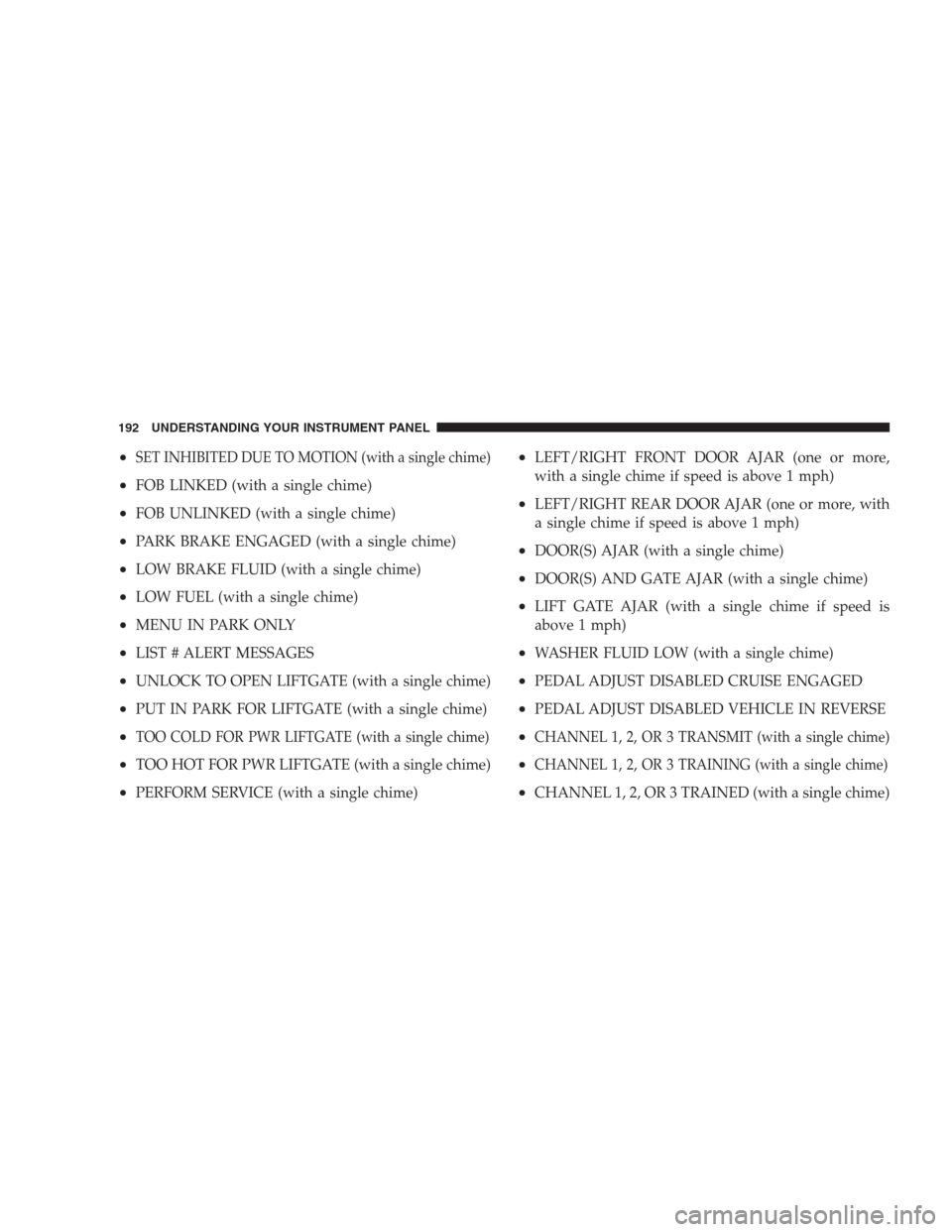
When the appropriate conditions exist, the Electronic
Vehicle Information Center (EVIC) displays the following
messages.
•LEFT/RIGHT TURN SIGNAL ON (with a continuous
warning chime)
•INVALID KEY & FOB (with a single chime)
•PARK ASSIST DISABLED
•SERVICE PARK ASSIST SYSTEM
•SERVICE IMMOBILIZER (with a single chime)
•KEY FOB BATTERY LOW (with a single chime)
•KEY & FOB PROGRAMMED (with a single chime)
•PROGRAM KEY & FOB
•MEMORY #1/#2 POSITION SET (with a single chime)
•MEMORY #1/#2 POS SELECTED
•MEMORY SYSTEM DISABLED VEHICLE NOT IN
PARK (with a single chime)
UNDERSTANDING YOUR INSTRUMENT PANEL 191
4
Page 192 of 464
•SET INHIBITED DUE TO MOTION (with a single chime)
•FOB LINKED (with a single chime)
•FOB UNLINKED (with a single chime)
•PARK BRAKE ENGAGED (with a single chime)
•LOW BRAKE FLUID (with a single chime)
•LOW FUEL (with a single chime)
•MENU IN PARK ONLY
•LIST # ALERT MESSAGES
•UNLOCK TO OPEN LIFTGATE (with a single chime)
•PUT IN PARK FOR LIFTGATE (with a single chime)
•TOO COLD FOR PWR LIFTGATE (with a single chime)
•TOO HOT FOR PWR LIFTGATE (with a single chime)
•PERFORM SERVICE (with a single chime)
•LEFT/RIGHT FRONT DOOR AJAR (one or more,
with a single chime if speed is above 1 mph)
•LEFT/RIGHT REAR DOOR AJAR (one or more, with
a single chime if speed is above 1 mph)
•DOOR(S) AJAR (with a single chime)
•DOOR(S) AND GATE AJAR (with a single chime)
•LIFT GATE AJAR (with a single chime if speed is
above 1 mph)
•WASHER FLUID LOW (with a single chime)
•PEDAL ADJUST DISABLED CRUISE ENGAGED
•PEDAL ADJUST DISABLED VEHICLE IN REVERSE
•CHANNEL 1, 2, OR 3 TRANSMIT (with a single chime)
•CHANNEL 1, 2, OR 3 TRAINING (with a single chime)
•CHANNEL 1, 2, OR 3 TRAINED (with a single chime)
192 UNDERSTANDING YOUR INSTRUMENT PANEL