2007 CHEVROLET TRAIL BLAZER light
[x] Cancel search: lightPage 294 of 574
y(Main DVD Menu):Press theybutton to
access the DVD menu. The DVD menu is different
on every DVD. Use the
n,q,p,onavigation
arrows to move the cursor around the DVD menu.
After making a selection press the
rbutton.
This button only operates when playing a DVD.
r(Enter):Press therbutton to select the
choices that are highlighted in any menu.
q(Return):Press theqbutton to exit the
current active menu and return to the previous
menu. This button operates only when a DVD is
playing and a menu is active.
|(Camera Angle):Press the|button to
change camera angles on DVDs that have
this feature when a DVD is playing. The format
and content of this function varies for each disc.
{(Subtitle):Press the{button to turn on
subtitles and to move through subtitle options
when a DVD is playing. The format and content
of this function varies for each disc.
[(Fast Forward):Press the[button to fast
forward the DVD or CD. To stop fast forwarding,
press the
[button again. This button might
not work when the DVD is playing the copyright
information or the previews.
s(Play/Pause):Press thesbutton to start
play of a DVD or CD. Press the
sbutton while
a DVD or CD is playing to pause it. Press this
button again to continue the play of the DVD or CD.
When the DVD is playing, press the
s(pause)
button then press the
[button. The DVD continues
playing in a slow play mode. To cancel slow play
mode, press the
sbutton.
u(Next Track/Chapter):Press theubutton
to advance to the beginning of the next track
or chapter. This button might not work when the
DVD is playing the copyright information or
the previews.
294
Page 295 of 574
Battery Replacement
To change the batteries, do the following:
1. Remove the battery compartment door located
on the bottom of the remote control.
2. Replace the two AA batteries in the
compartment. Make sure that they are
installed correctly, using the diagram on
the inside of the battery compartment.
3. Close the battery door securely.
If the remote control is to be stored for a long
period of time, remove the batteries and keep
them in a cool, dry place.
Problem Recommended Action
No power. The ignition might not
be in on or accessory.
The parental control
button might have been
turned on. The power
indicator light ashes.
Disc will not play. The system might be off.
The parental control
button might have been
turned on. The power
indicator light ashes.
The system might be in
auxiliary mode.
The disc is upside down
or is not compatible.
The picture does not ll
the screen. There are
black borders on the
top and bottom or on
both sides or it looks
stretched out.Check the display
mode settings in the
display menu.
The disc was ejected,
but it was pulled back
into the DVD player.The disc is being stored
in the DVD player. Press
the eject button again to
eject the disc.
295
Page 296 of 574
Problem Recommended Action
In auxiliary mode, the
picture moves or scrolls.Check the auxiliary
input connections at
both devices.
Change the Video Format
to PAL or NTSC. See
“Stereo RCA Jacks”
previously for how to
change the video format.
The language in the
audio or on the screen
is wrong.Check the audio or
language selection in
the main DVD menu.
The remote control
does not work.Check to make sure
there is no obstruction
between the remote
control and the
transmitter window.
Check the batteries
to make sure they are
not dead or installed
incorrectly.
The parental control
button might have been
turned on. The power
indicator light ashes.Problem Recommended Action
After stopping the player,
I push Play but
sometimes the DVD
starts where I left off
and sometimes at the
beginning.If the stop button was
pressed one time, the
DVD player resumes
playing where the DVD
was stopped. If the stop
button was pressed
two times the DVD player
begins to play from the
beginning of the DVD.
The auxiliary source is
running but there is no
picture or sound.Check that the DVD
player is in the auxiliary
source mode.
Check the auxiliary
input connections at
both devices.
My disc is stuck in the
player. The Load/Eject
button does not work.Turn the DVD power off,
then on, then press the
load/eject button on the
DVD player.
Do not attempt to forcibly
remove the disc from the
DVD player. This could
permanently damage the
disc and DVD player.
296
Page 300 of 574
Theft-Deterrent Feature
THEFTLOCK®is designed to discourage theft
of your vehicle’s radio. The feature works
automatically by learning a portion of the
Vehicle Identication Number (VIN). If the
radio is moved to a different vehicle, it does
not operate and LOCKED displays.
When the radio and vehicle are turned off, the
blinking red light indicates that THEFTLOCK
®
is armed.
With THEFTLOCK
®activated, the radio does
not operate if stolen.
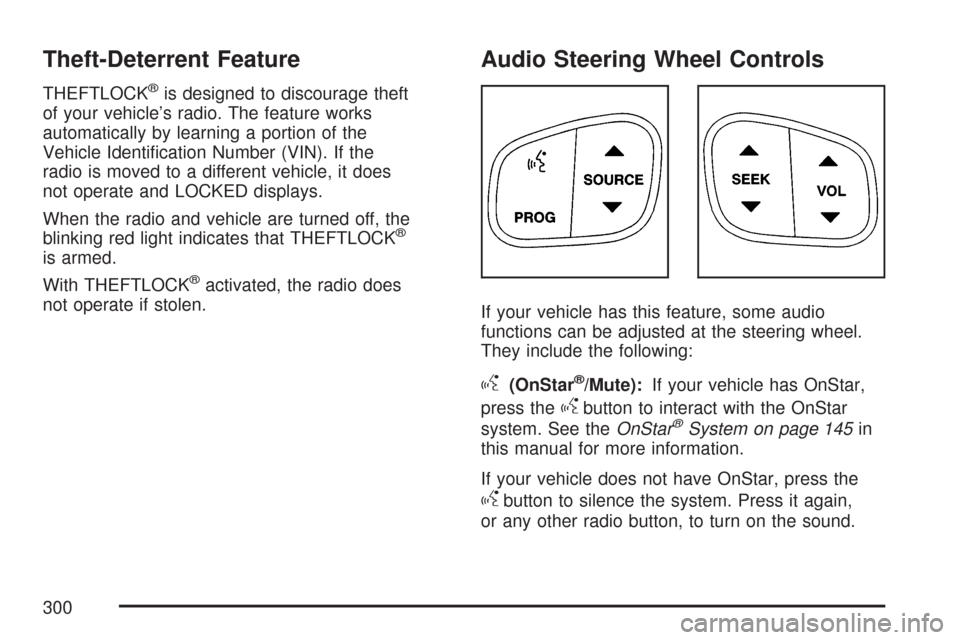
Audio Steering Wheel Controls
If your vehicle has this feature, some audio
functions can be adjusted at the steering wheel.
They include the following:
g(OnStar®/Mute):If your vehicle has OnStar,
press the
gbutton to interact with the OnStar
system. See theOnStar®System on page 145in
this manual for more information.
If your vehicle does not have OnStar, press the
gbutton to silence the system. Press it again,
or any other radio button, to turn on the sound.
300
Page 302 of 574
FM Stereo
FM stereo gives the best sound, but FM signals
reach about 10 to 40 miles (16 to 65 km). Tall
buildings or hills can interfere with FM signals,
causing the sound to fade in and out.
XM™ Satellite Radio Service
XM™ Satellite Radio Service gives digital radio
reception from coast-to-coast in the 48 contiguous
United States, and in Canada. Just as with FM,
tall buildings or hills can interfere with satellite
radio signals, causing the sound to fade in and out.
In addition, traveling or standing under heavy
foliage, bridges, garages, or tunnels can cause
loss of the XM™ signal for a period of time.
The radio could display NO XM SIGNAL to
indicate interference.
Care of Your CDs and DVDs
Handle CDs carefully. Store them in their original
cases or other protective cases and away from
direct sunlight and dust. The CD player scans
the bottom surface of the disc. If the surface of
a CD is damaged, such as cracked, broken,
or scratched, the CD does not play properly or
not at all. If the surface of a CD is soiled, take
a soft, lint free cloth or dampen a clean, soft cloth
in a mild, neutral detergent solution mixed with
water, and clean it. Make sure the wiping process
starts from the center to the edge.
Do not touch the bottom side of a CD while
handling it; this could damage the surface.
Pick up CDs by grasping the outer edges or
the edge of the hole and the outer edge.
Care of the CD and DVD Player
The use of CD lens cleaners for CDs is not
advised, due to the risk of contaminating the lens
of the CD optics with lubricants internal to the
CD mechanism.
302
Page 303 of 574
Fixed Mast Antenna
The xed mast antenna can withstand most car
washes without being damaged. If the mast should
ever become slightly bent, straighten it out by
hand. If the mast is badly bent, replace it.
Check occasionally to make sure the mast is
still tightened to the fender. If tightening is
required, tighten by hand, then with a wrench
one quarter turn.
XM™ Satellite Radio Antenna
System
The XM™ Satellite Radio antenna is located on
the roof of your vehicle. Keep this antenna clear
of snow and ice build up for clear radio reception.
A vehicle with a sunroof might not get the best
performance from the XM™ system if the sunroof
is open.
Loading items onto the roof of your vehicle can
interfere with the performance of the XM™ system.
Make sure the XM™ Satellite Radio antenna is
not obstructed.
Chime Level Adjustment
The radio is used to adjust the vehicle’s chime
level. To change the volume level of the chime,
press and hold pushbutton 6 with the ignition
on and the radio power off. The volume level
will change from the normal level to loud,
and LOUD CHIME will appear on the radio display.
To change back to the default or normal setting,
press and hold pushbutton 6 again. The volume
level will change from the loud level to normal,
and NORMAL CHIME will appear on the
radio display. Removing the radio and not
replacing it with a factory radio or chime module
will disable vehicle chimes.
303
Page 310 of 574
Control of a Vehicle
You have three systems that make your vehicle go
where you want it to go. They are the brakes, the
steering, and the accelerator. All three systems
have to do their work at the places where the tires
meet the road.
Sometimes, as when you are driving on snow or
ice, it is easy to ask more of those control systems
than the tires and road can provide. That means
you can lose control of your vehicle.
Adding non-GM accessories can affect your
vehicle’s performance. SeeAccessories and
Modications on page 386.
Braking
SeeBrake System Warning Light on page 208.
Braking action involves perception time and
reaction time.
First, you have to decide to push on the brake
pedal. That is perception time. Then you have to
bring up your foot and do it. That is reaction time.Average reaction time is about three-fourths of a
second. But that is only an average. It might be less
with one driver and as long as two or three seconds
or more with another. Age, physical condition,
alertness, coordination, and eyesight all play a part.
So do alcohol, drugs, and frustration. But even in
three-fourths of a second, a vehicle moving at
60 mph (100 km/h) travels 66 feet (20 m). That
could be a lot of distance in an emergency, so
keeping enough space between your vehicle and
others is important.
And, of course, actual stopping distances vary
greatly with the surface of the road, whether it is
pavement or gravel; the condition of the road,
whether it is wet, dry, or icy; tire tread; the
condition of the brakes; the weight of the vehicle;
and the amount of brake force applied.
Avoid needless heavy braking. Some people drive
in spurts — heavy acceleration followed by heavy
braking — rather than keeping pace with traffic.
This is a mistake. The brakes may not have time
to cool between hard stops. The brakes will wear
out much faster if you do a lot of heavy braking.
310
Page 311 of 574
If you keep pace with the traffic and allow realistic
following distances, you will eliminate a lot of
unnecessary braking. That means better braking
and longer brake life.
If your vehicle’s engine ever stops while you are
driving, brake normally but do not pump the
brakes. If you do, the pedal may get harder to
push down. If the engine stops, you will still have
some power brake assist. But you will use it
when you brake. Once the power assist is used
up, it may take longer to stop and the brake pedal
will be harder to push.
Adding non-GM accessories can affect your
vehicle’s performance. SeeAccessories and
Modications on page 386.Anti-Lock Brake System (ABS)
Your vehicle has the Anti-Lock Brake
System (ABS), an advanced electronic braking
system that will help prevent a braking skid.
When you start the engine and begin to drive
away, ABS will check itself. You might hear
a momentary motor or clicking noise while this
test is going on. This is normal.
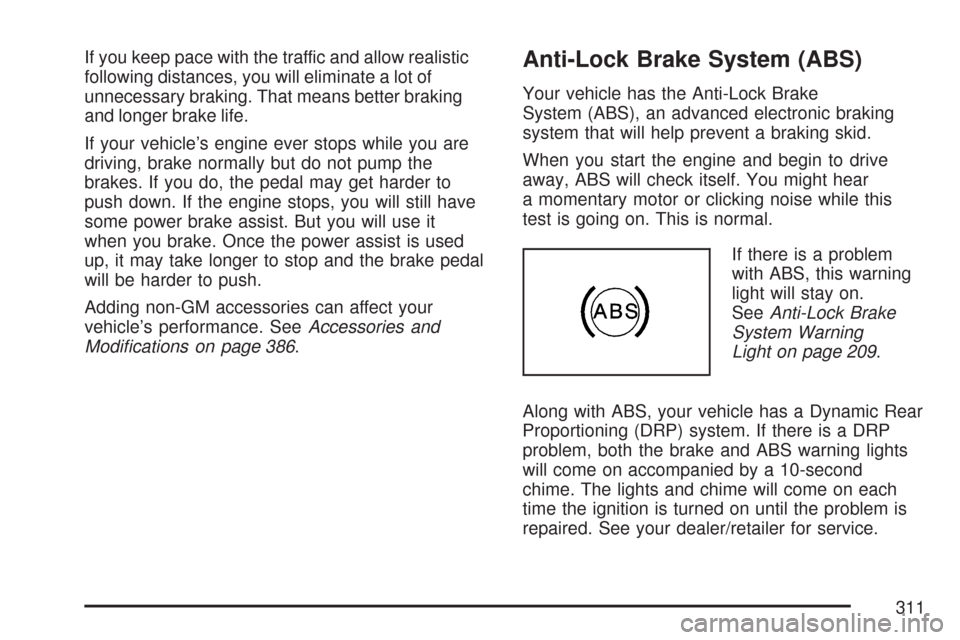
If there is a problem
with ABS, this warning
light will stay on.
SeeAnti-Lock Brake
System Warning
Light on page 209.
Along with ABS, your vehicle has a Dynamic Rear
Proportioning (DRP) system. If there is a DRP
problem, both the brake and ABS warning lights
will come on accompanied by a 10-second
chime. The lights and chime will come on each
time the ignition is turned on until the problem is
repaired. See your dealer/retailer for service.
311