2007 CHEVROLET MALIBU lock
[x] Cancel search: lockPage 184 of 510
Fog Lamps
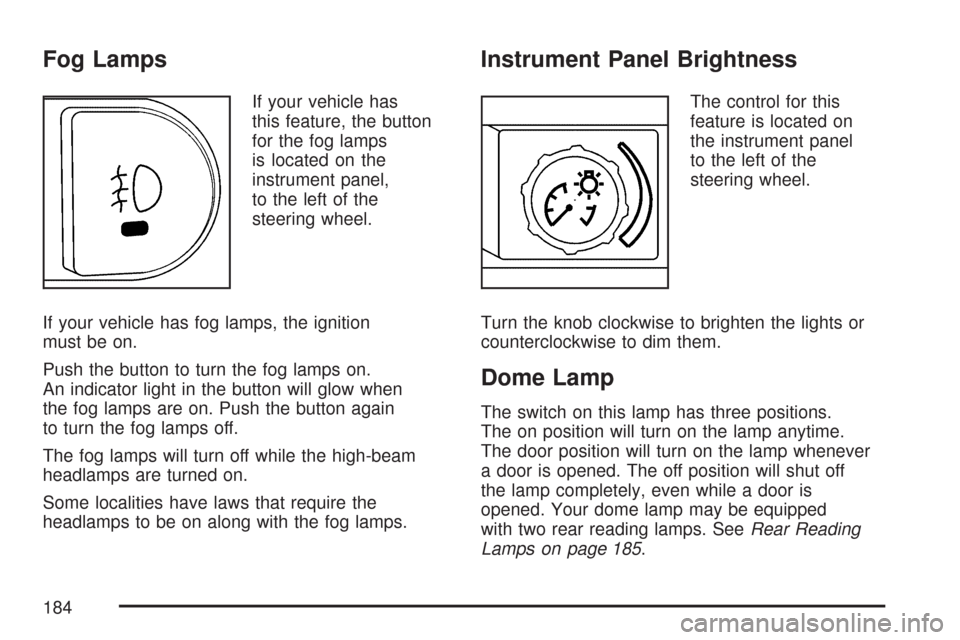
If your vehicle has
this feature, the button
for the fog lamps
is located on the
instrument panel,
to the left of the
steering wheel.
If your vehicle has fog lamps, the ignition
must be on.
Push the button to turn the fog lamps on.
An indicator light in the button will glow when
the fog lamps are on. Push the button again
to turn the fog lamps off.
The fog lamps will turn off while the high-beam
headlamps are turned on.
Some localities have laws that require the
headlamps to be on along with the fog lamps.
Instrument Panel Brightness
The control for this
feature is located on
the instrument panel
to the left of the
steering wheel.
Turn the knob clockwise to brighten the lights or
counterclockwise to dim them.
Dome Lamp
The switch on this lamp has three positions.
The on position will turn on the lamp anytime.
The door position will turn on the lamp whenever
a door is opened. The off position will shut off
the lamp completely, even while a door is
opened. Your dome lamp may be equipped
with two rear reading lamps. SeeRear Reading
Lamps on page 185.
184
Page 185 of 510

Entry/Exit Lighting
When you open any door, the lamps inside of
your vehicle will go on. These lamps will fade
out 20 seconds after the last door is closed,
or when the ignition is turned on after all doors
have been closed. These lamps will also go
on when you press the trunk release button,
the unlock button or the panic button on the
remote keyless entry transmitter.
The lamps inside of your vehicle will turn on
for about 10 seconds after your key is removed
from the ignition to provide an illuminated exit.
Parade Dimming
Parade dimming is a separate lighting mode
of operation that is activated if the park lamps
are turned on during the day. Usually when
the park lamps are turned on during the day,
the display’s illumination and LEDs become lower
and the backlighting is activated. To avoid this
condition, backlighting is turned off, and the
displays and LEDs are set to a high predetermined
intensity when daylight conditions are detected
to enhance the display’s visibility during daytime.
Front Reading Lamps
Push the lens to turn the reading lamps on and
off. The reading lamps will turn on when the door
is open if the dome lamp is in the door position.
The reading lamps will also turn on with the
dome lamp switch in the on position. The lamps
will not turn on if the door is open and the
dome lamp is in the off position.
Rear Reading Lamps
The vehicle’s dome lamp may have two reading
lamps. The reading lamps turn on and off by
pushing on the lens.
Trunk Lamp
The trunk lamp comes on when you open
your trunk.
185
Page 186 of 510
Cargo Lamp
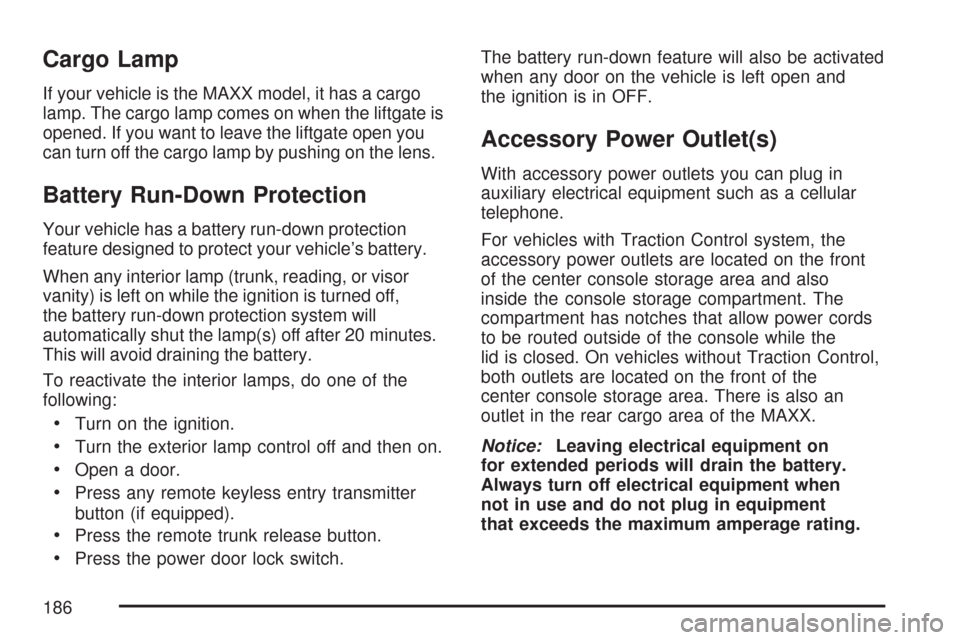
If your vehicle is the MAXX model, it has a cargo
lamp. The cargo lamp comes on when the liftgate is
opened. If you want to leave the liftgate open you
can turn off the cargo lamp by pushing on the lens.
Battery Run-Down Protection
Your vehicle has a battery run-down protection
feature designed to protect your vehicle’s battery.
When any interior lamp (trunk, reading, or visor
vanity) is left on while the ignition is turned off,
the battery run-down protection system will
automatically shut the lamp(s) off after 20 minutes.
This will avoid draining the battery.
To reactivate the interior lamps, do one of the
following:
Turn on the ignition.
Turn the exterior lamp control off and then on.
Open a door.
Press any remote keyless entry transmitter
button (if equipped).
Press the remote trunk release button.
Press the power door lock switch.The battery run-down feature will also be activated
when any door on the vehicle is left open and
the ignition is in OFF.
Accessory Power Outlet(s)
With accessory power outlets you can plug in
auxiliary electrical equipment such as a cellular
telephone.
For vehicles with Traction Control system, the
accessory power outlets are located on the front
of the center console storage area and also
inside the console storage compartment. The
compartment has notches that allow power cords
to be routed outside of the console while the
lid is closed. On vehicles without Traction Control,
both outlets are located on the front of the
center console storage area. There is also an
outlet in the rear cargo area of the MAXX.
Notice:Leaving electrical equipment on
for extended periods will drain the battery.
Always turn off electrical equipment when
not in use and do not plug in equipment
that exceeds the maximum amperage rating.
186
Page 188 of 510
Climate Controls
Climate Control System
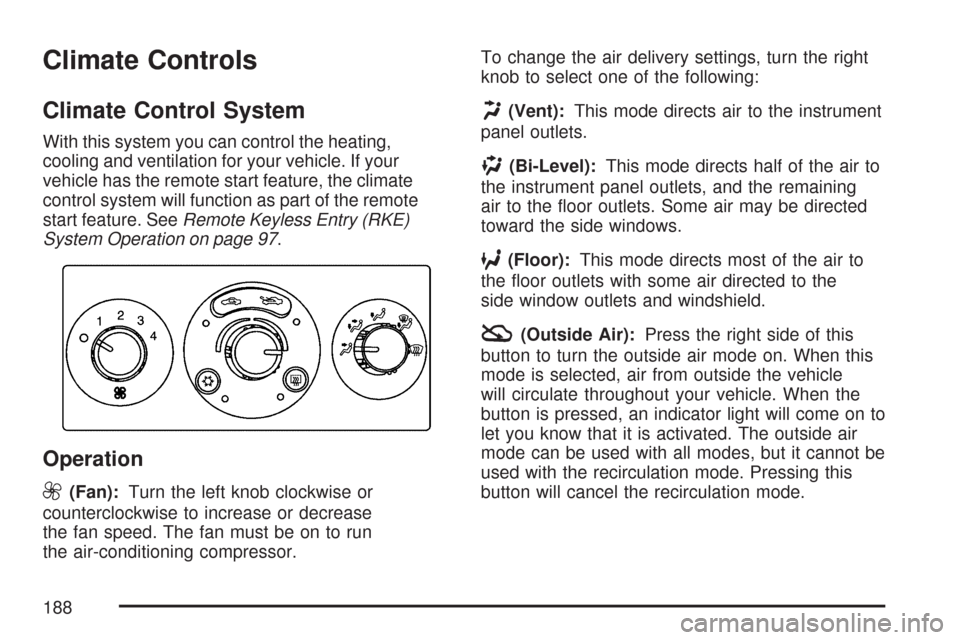
With this system you can control the heating,
cooling and ventilation for your vehicle. If your
vehicle has the remote start feature, the climate
control system will function as part of the remote
start feature. SeeRemote Keyless Entry (RKE)
System Operation on page 97.
Operation
9
(Fan):Turn the left knob clockwise or
counterclockwise to increase or decrease
the fan speed. The fan must be on to run
the air-conditioning compressor.To change the air delivery settings, turn the right
knob to select one of the following:
H(Vent):This mode directs air to the instrument
panel outlets.
)(Bi-Level):This mode directs half of the air to
the instrument panel outlets, and the remaining
air to the oor outlets. Some air may be directed
toward the side windows.
6(Floor):This mode directs most of the air to
the oor outlets with some air directed to the
side window outlets and windshield.
:(Outside Air):Press the right side of this
button to turn the outside air mode on. When this
mode is selected, air from outside the vehicle
will circulate throughout your vehicle. When the
button is pressed, an indicator light will come on to
let you know that it is activated. The outside air
mode can be used with all modes, but it cannot be
used with the recirculation mode. Pressing this
button will cancel the recirculation mode.
188
Page 189 of 510
?(Recirculation):Press the left side of
the button to turn the recirculation mode on. When
recirculation mode is selected, the air inside the
vehicle will be recirculated through the climate
control system and the vehicle, not from outside
your vehicle. This mode is helpful when you
are trying to limit odors from entering your vehicle
and for maximum air conditioning performance
in hot weather. When the button is pressed,
an indicator light above the button will come on to
let you know that it is activated. The recirculation
indicator light will blink three times if you try to
use recirculation in a mode that it can not be
used in. Only use this mode when it is needed for
comfort, since window fogging will rapidly occur
if the air conditioning compressor is not engaged.
Pressing this button will cancel the outside air
mode. When you switch to the defog or defrost
modes the system will automatically move
from recirculation to outside air. When the vehicle
or fan is turned off and back on, the system
will default to outside air automatically. Only use
recirculation mode when it is needed for comfort,
since window fogging may occur.Temperature Control:Turn the center knob
clockwise or counterclockwise to increase
or decrease the temperature inside your vehicle.
When it’s cold outside 0°F (−18°C) or lower,
use the engine coolant heater, if equipped,
to provide warmer air faster to your vehicle.
An engine coolant heater warms the coolant
that the engine uses to provide heat to warm
the inside of your vehicle. For more information,
seeEngine Coolant Heater on page 122.
#(Air Conditioning):Press this button to turn
the air conditioning system on or off. When the
air conditioning button is pressed, an indicator light
will come on to let you know that air conditioning
is activated.
The air-conditioning system removes moisture
from the air, so you may sometimes notice a
small amount of water dripping underneath
your vehicle while idling or after turning off the
engine. This is normal.
189
Page 197 of 510
Notice:Do not use a razor blade or sharp
object to clear the inside rear window. Do not
adhere anything to the defogger grid lines
in the rear glass. These actions may damage
the rear defogger. Repairs would not be
covered by your warranty.
Outlet Adjustment
Use the thumbwheels on the air outlets, located
on the center and on the sides of the instrument
panel, to change the horizontal direction of
the airow. Use the tabs on the outlet vanes
to change the vertical direction of the airow.
Use the tabs on the outlet vanes to shut off
airow to the outlets.
The two upper outlets in the center of the
instrument panel are dedicated to the rear seats.
These outlets are xed to aim airow into the
rear seats to help cool the rear occupants in
hot weather. Airow can be shut off at the
upper outlets by turning the vertical thumbwheel.
The louvers are xed, do not attempt to move
them or they may break.
Operation Tips
Clear away any ice, snow or leaves from the
air inlets at the base of the windshield that
may block the ow of air into your vehicle.
Use of non-GM approved hood deectors may
adversely affect performance of the system.
Keep the path under the front seats clear
of objects to help circulate the air inside
of your vehicle more effectively.
When an objectionable odor outside the
vehicle is encountered, use the recirculation
mode, with the temperature knob at a
comfortable setting to prevent the odor from
entering the vehicle through the ventilation
system. This can be helpful when driving
through a long tunnel with poor ventilation.
However, extended usage of this mode in cold
or cool weather can cause window fogging.
197
Page 208 of 510
Anti-Lock Brake System
Warning Light
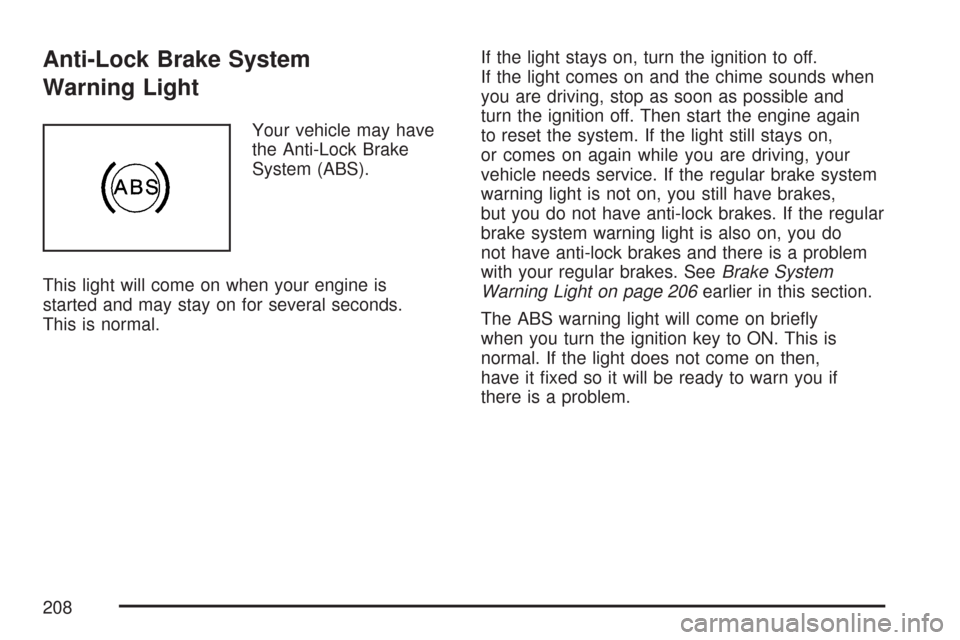
Your vehicle may have
the Anti-Lock Brake
System (ABS).
This light will come on when your engine is
started and may stay on for several seconds.
This is normal.If the light stays on, turn the ignition to off.
If the light comes on and the chime sounds when
you are driving, stop as soon as possible and
turn the ignition off. Then start the engine again
to reset the system. If the light still stays on,
or comes on again while you are driving, your
vehicle needs service. If the regular brake system
warning light is not on, you still have brakes,
but you do not have anti-lock brakes. If the regular
brake system warning light is also on, you do
not have anti-lock brakes and there is a problem
with your regular brakes. SeeBrake System
Warning Light on page 206earlier in this section.
The ABS warning light will come on briey
when you turn the ignition key to ON. This is
normal. If the light does not come on then,
have it xed so it will be ready to warn you if
there is a problem.
208
Page 220 of 510
AV (Average) SPEED:Press the information
button until AV SPEED is displayed. This shows
the vehicle’s average speed in miles per hour (mph)
or kilometers per hour (km/h).
Press and hold the enter button while AV SPEED
is displayed to reset the average vehicle speed.
OIL LIFE:Press the information button until
OIL LIFE is displayed. The engine oil life system
shows an estimate of the oil’s remaining useful life.
It shows 100% when the system is reset after
an oil change. It will alert you to change the oil on
a schedule consistent with your driving conditions.
Always reset the engine oil life system after
an oil change. SeeEngine Oil Life System
on page 362.
In addition to the engine oil life system monitoring
the oil life, additional maintenance is recommended
in the Maintenance Schedule in this manual.
SeeScheduled Maintenance on page 460and
Engine Oil on page 359.Personalization
MENU:Press this button while the ignition is ON
to scroll through each of the personalization options
in the following order. To avoid excessive drain on
the battery, it is recommended that the headlamps
are turned off. If the vehicle is moving faster than
2 mph (3 km/h), the personalization menu options
are not available, except for the UNITS option.
All of the personalization options may not be
available on your vehicle. Only the options
available display on the DIC.
Oil Life Reset
Units Selection (English/Metric)
Remote Start Capability
Horn Chirp During Remote Keyless
Entry Locking
Horn Chirp During Remote Keyless
Entry Unlocking
220