Page 292 of 510
Control of a Vehicle
You have three systems that make your vehicle
go where you want it to go. They are the brakes,
the steering, and the accelerator. All three
systems have to do their work at the places
where the tires meet the road.
Sometimes, as when you are driving on snow or
ice, it is easy to ask more of those control systems
than the tires and road can provide. That means
you can lose control of your vehicle.
Adding non-GM accessories can affect your
vehicle’s performance. SeeAccessories and
Modications on page 344.
Braking
SeeBrake System Warning Light on page 206.
Braking action involves perception time and
reaction time.
First, you have to decide to push on the brake
pedal. That is perception time. Then you have to
bring up your foot and do it. That is reaction time.Average reaction time is about three-fourths
of a second. But that is only an average. It might
be less with one driver and as long as two or
three seconds or more with another. Age, physical
condition, alertness, coordination, and eyesight all
play a part. So do alcohol, drugs, and frustration.
But even in three-fourths of a second, a vehicle
moving at 60 mph (100 km/h) travels 66 feet
(20 m). That could be a lot of distance in an
emergency, so keeping enough space between
your vehicle and others is important.
And, of course, actual stopping distances vary
greatly with the surface of the road, whether it is
pavement or gravel; the condition of the road,
whether it is wet, dry, or icy; tire tread; the condition
of the brakes; the weight of the vehicle; and the
amount of brake force applied.
Avoid needless heavy braking. Some people drive
in spurts — heavy acceleration followed by heavy
braking — rather than keeping pace with traffic.
This is a mistake. The brakes may not have time to
cool between hard stops. The brakes will wear out
much faster if you do a lot of heavy braking. If you
keep pace with the traffic and allow realistic
following distances, you will eliminate a lot of
unnecessary braking. That means better braking
and longer brake life.
292
Page 293 of 510
If your vehicle’s engine ever stops while you are
driving, brake normally but do not pump the
brakes. If you do, the pedal may get harder to
push down. If the engine stops, you will still have
some power brake assist. But you will use it
when you brake. Once the power assist is used
up, it may take longer to stop and the brake pedal
will be harder to push.
Adding non-GM accessories can affect your
vehicle’s performance. SeeAccessories and
Modications on page 344.
Anti-Lock Brake System (ABS)
Your vehicle might have the Anti-Lock Brake
System (ABS), an advanced electronic braking
system that will help prevent a braking skid.
If your vehicle has
ABS, this warning
light on the instrument
panel will come on
briey when you start
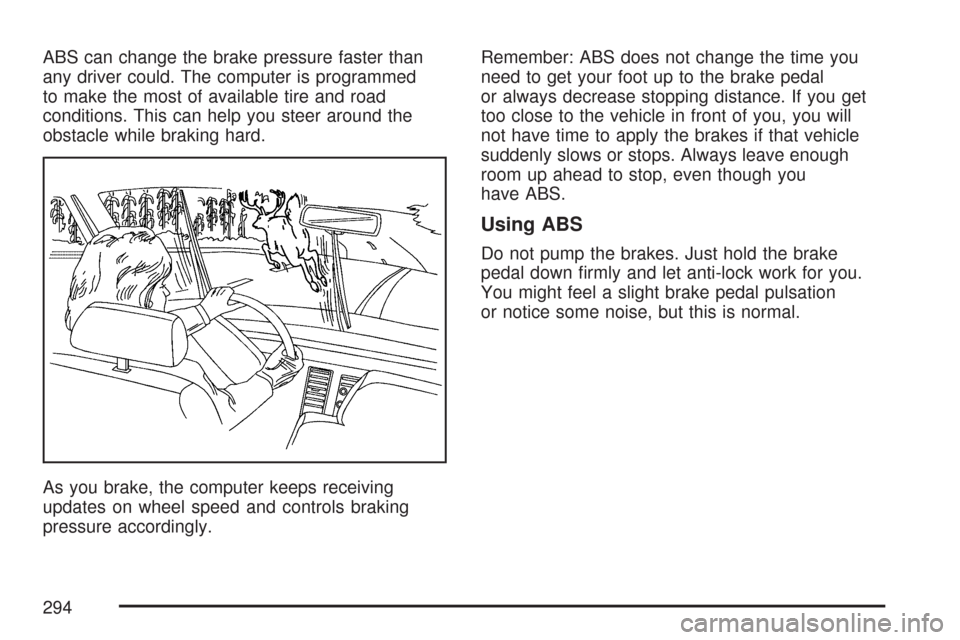
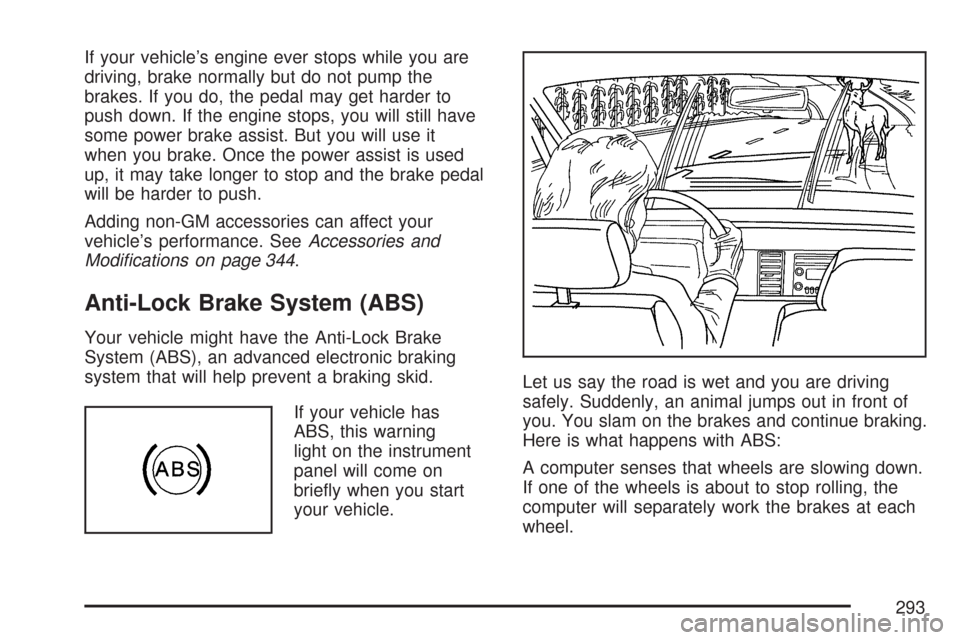
your vehicle.Let us say the road is wet and you are driving
safely. Suddenly, an animal jumps out in front of
you. You slam on the brakes and continue braking.
Here is what happens with ABS:
A computer senses that wheels are slowing down.
If one of the wheels is about to stop rolling, the
computer will separately work the brakes at each
wheel.
293
Page 294 of 510
ABS can change the brake pressure faster than
any driver could. The computer is programmed
to make the most of available tire and road
conditions. This can help you steer around the
obstacle while braking hard.
As you brake, the computer keeps receiving
updates on wheel speed and controls braking
pressure accordingly.Remember: ABS does not change the time you
need to get your foot up to the brake pedal
or always decrease stopping distance. If you get
too close to the vehicle in front of you, you will
not have time to apply the brakes if that vehicle
suddenly slows or stops. Always leave enough
room up ahead to stop, even though you
have ABS.
Using ABS
Do not pump the brakes. Just hold the brake
pedal down rmly and let anti-lock work for you.
You might feel a slight brake pedal pulsation
or notice some noise, but this is normal.
294
Page 296 of 510
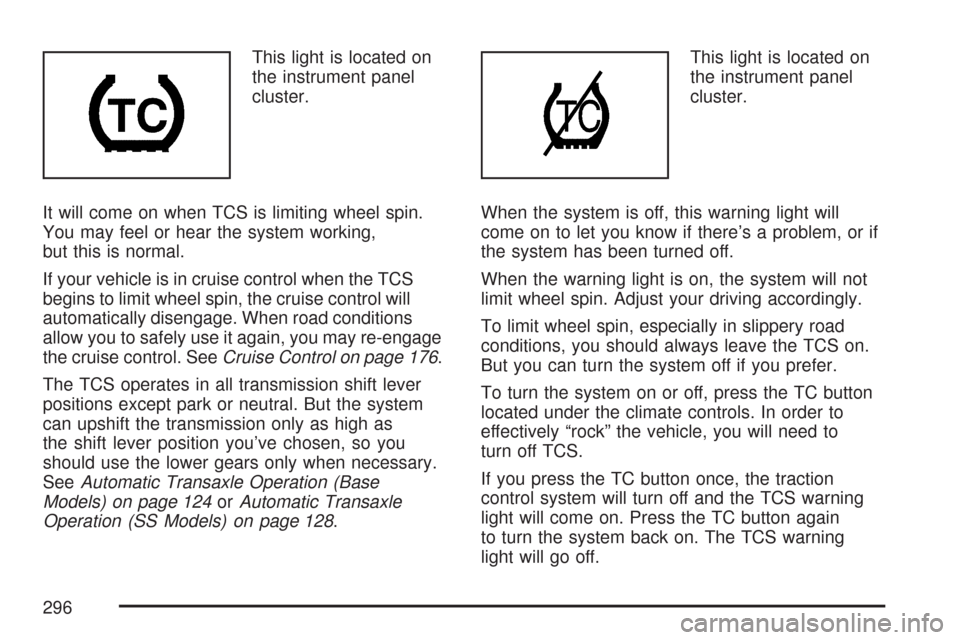
This light is located on
the instrument panel
cluster.
It will come on when TCS is limiting wheel spin.
You may feel or hear the system working,
but this is normal.
If your vehicle is in cruise control when the TCS
begins to limit wheel spin, the cruise control will
automatically disengage. When road conditions
allow you to safely use it again, you may re-engage
the cruise control. SeeCruise Control on page 176.
The TCS operates in all transmission shift lever
positions except park or neutral. But the system
can upshift the transmission only as high as
the shift lever position you’ve chosen, so you
should use the lower gears only when necessary.
SeeAutomatic Transaxle Operation (Base
Models) on page 124orAutomatic Transaxle
Operation (SS Models) on page 128.This light is located on
the instrument panel
cluster.
When the system is off, this warning light will
come on to let you know if there’s a problem, or if
the system has been turned off.
When the warning light is on, the system will not
limit wheel spin. Adjust your driving accordingly.
To limit wheel spin, especially in slippery road
conditions, you should always leave the TCS on.
But you can turn the system off if you prefer.
To turn the system on or off, press the TC button
located under the climate controls. In order to
effectively “rock” the vehicle, you will need to
turn off TCS.
If you press the TC button once, the traction
control system will turn off and the TCS warning
light will come on. Press the TC button again
to turn the system back on. The TCS warning
light will go off.
296
Page 297 of 510
When you turn the system off, the TCS warning
light will come on and stay on. If the TCS is
limiting wheel spin when you press the button to
turn the system off, the warning light will come
on – but the system won’t turn off right away.
It will wait until there’s no longer a current need
to limit wheel spin.
Adding non-dealer/non-retailer accessories can
affect your vehicle’s performance. SeeAccessories
and Modications on page 344for more
information.
Enhanced Traction System (ETS)
Your vehicle may have an Enhanced Traction
System (ETS) that limits wheel spin. This is
especially useful in slippery road conditions. The
system operates only if it senses that one or
both of the front wheels are spinning or beginning
to lose traction. When this happens, the system
reduces engine power and may also upshift
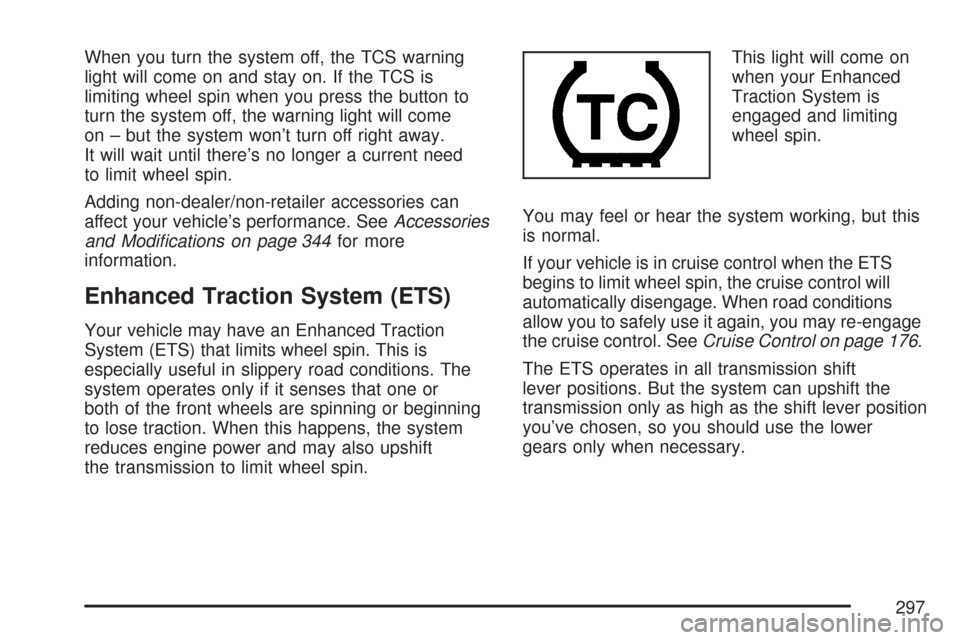
the transmission to limit wheel spin.This light will come on
when your Enhanced
Traction System is
engaged and limiting
wheel spin.
You may feel or hear the system working, but this
is normal.
If your vehicle is in cruise control when the ETS
begins to limit wheel spin, the cruise control will
automatically disengage. When road conditions
allow you to safely use it again, you may re-engage
the cruise control. SeeCruise Control on page 176.
The ETS operates in all transmission shift
lever positions. But the system can upshift the
transmission only as high as the shift lever position
you’ve chosen, so you should use the lower
gears only when necessary.
297
Page 298 of 510
When the system is on,
this warning light will
come on to let you know
there’s a problem.
When this warning light is on, the system will not
limit wheel spin. Adjust your driving accordingly.
To limit wheel spin, especially in slippery road
conditions, you should always leave the ETS on.
But you can turn the system off if you prefer.To turn the system on
or off, press the traction
control button located
on the center console
under the climate
control system.
When you turn the system off, the ETS warning
light will come on and stay on. If the ETS is limiting
wheel spin when you press the button to turn
the system off, the warning light will come on – but
the system won’t turn off right away. It will wait
until there’s no longer a current need to limit
wheel spin.
You can turn the system back on at any time by
pressing the button again. The traction control
system warning light should go off.
298
Page 302 of 510
Off-Road Recovery
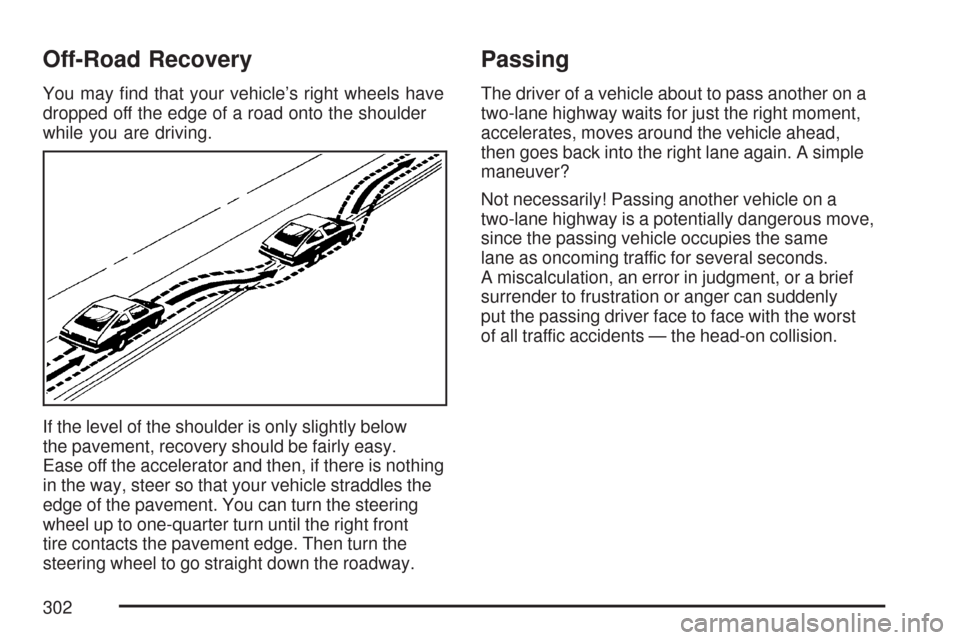
You may nd that your vehicle’s right wheels have
dropped off the edge of a road onto the shoulder
while you are driving.
If the level of the shoulder is only slightly below
the pavement, recovery should be fairly easy.
Ease off the accelerator and then, if there is nothing
in the way, steer so that your vehicle straddles the
edge of the pavement. You can turn the steering
wheel up to one-quarter turn until the right front
tire contacts the pavement edge. Then turn the
steering wheel to go straight down the roadway.
Passing
The driver of a vehicle about to pass another on a
two-lane highway waits for just the right moment,
accelerates, moves around the vehicle ahead,
then goes back into the right lane again. A simple
maneuver?
Not necessarily! Passing another vehicle on a
two-lane highway is a potentially dangerous move,
since the passing vehicle occupies the same
lane as oncoming traffic for several seconds.
A miscalculation, an error in judgment, or a brief
surrender to frustration or anger can suddenly
put the passing driver face to face with the worst
of all traffic accidents — the head-on collision.
302
Page 306 of 510
Driving at Night
Night driving is more dangerous than day driving.
One reason is that some drivers are likely to
be impaired — by alcohol or drugs, with night
vision problems, or by fatigue.
Here are some tips on night driving.
Drive defensively.
Do not drink and drive.
Adjust the inside rearview mirror to reduce
the glare from headlamps behind you.
Since you cannot see as well, you may need
to slow down and keep more space between
you and other vehicles.
Slow down, especially on higher speed roads.
Your vehicle’s headlamps can light up only
so much road ahead.
In remote areas, watch for animals.
If you are tired, pull off the road in a safe
place and rest.No one can see as well at night as in the daytime.
But as we get older these differences increase.
A 50-year-old driver may require at least twice as
much light to see the same thing at night as a
20-year-old.
What you do in the daytime can also affect your
night vision. For example, if you spend the
day in bright sunshine you are wise to wear
sunglasses. Your eyes will have less trouble
adjusting to night. But if you are driving, do not
wear sunglasses at night. They may cut down on
glare from headlamps, but they also make a
lot of things invisible.
You can be temporarily blinded by approaching
headlamps. It can take a second or two, or
even several seconds, for your eyes to re-adjust
to the dark. When you are faced with severe glare,
as from a driver who does not lower the high
beams, or a vehicle with misaimed headlamps,
slow down a little. Avoid staring directly into
the approaching headlamps.
306